-
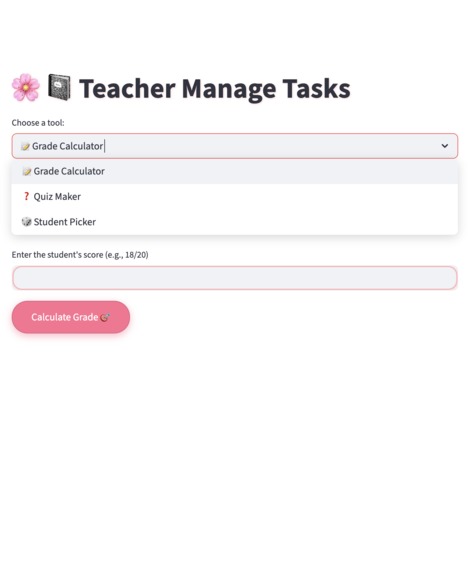
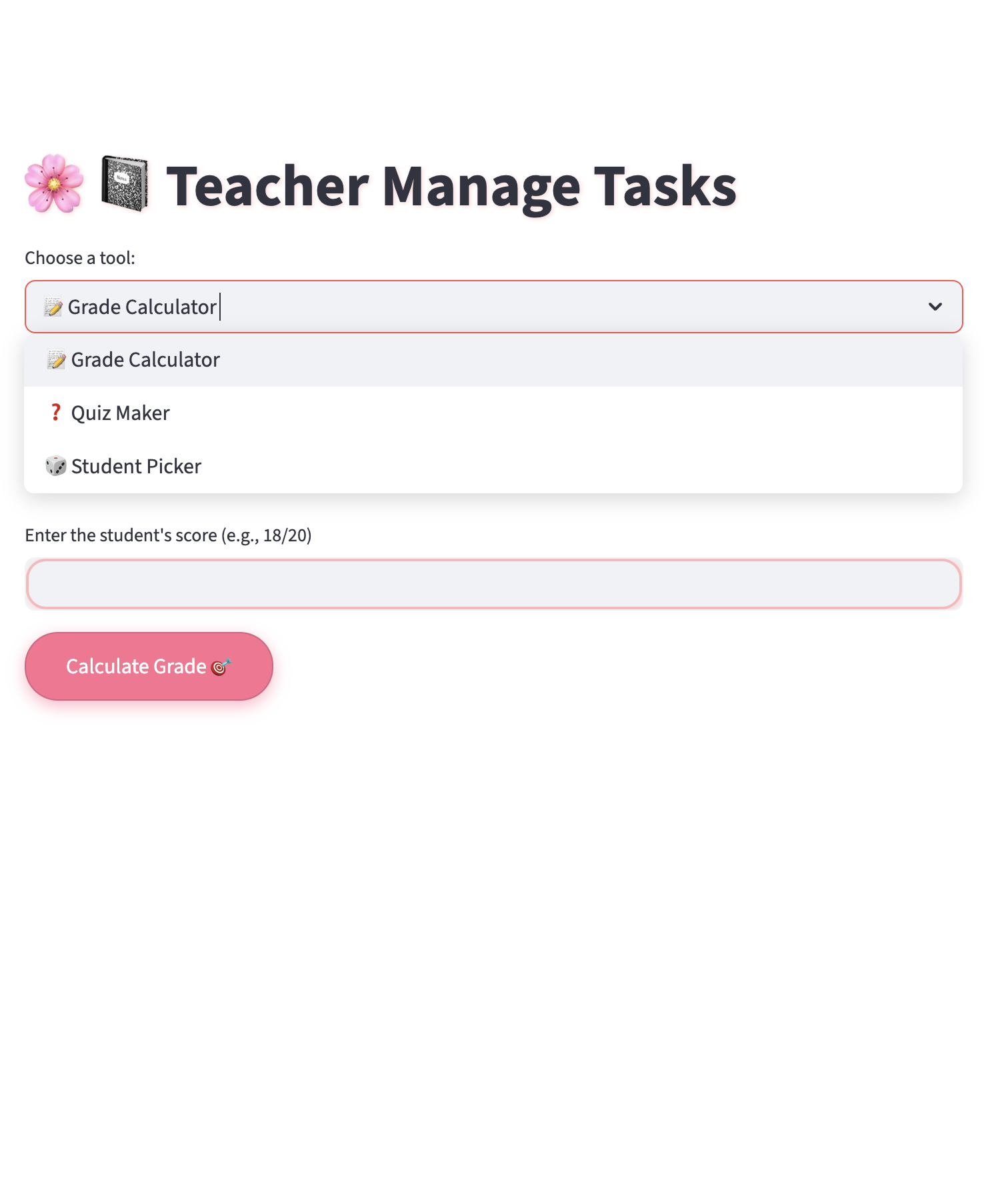
Main dashboard with easy tool selection
-
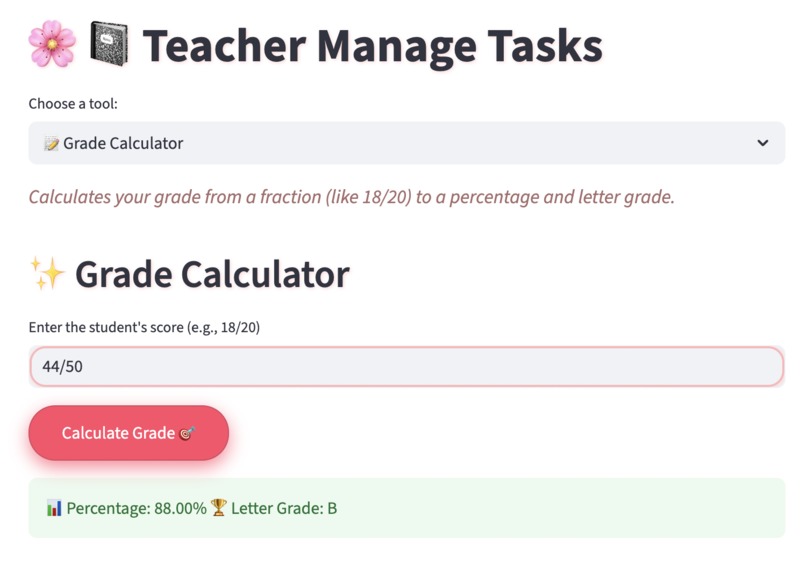
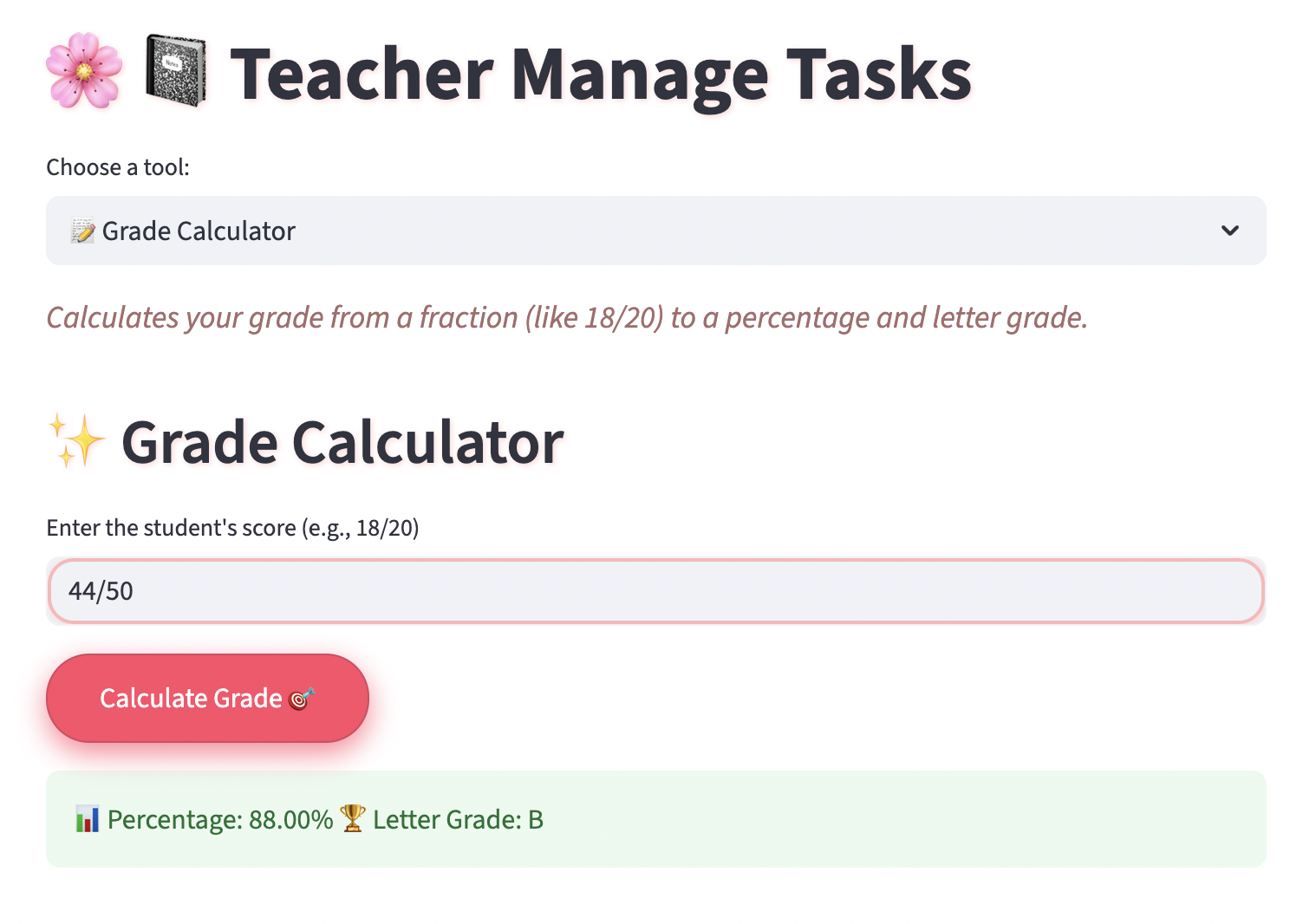
Calculate grades instantly from scores
-
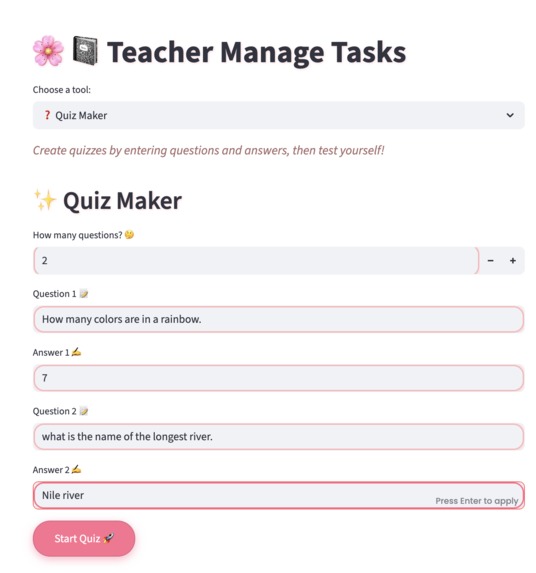
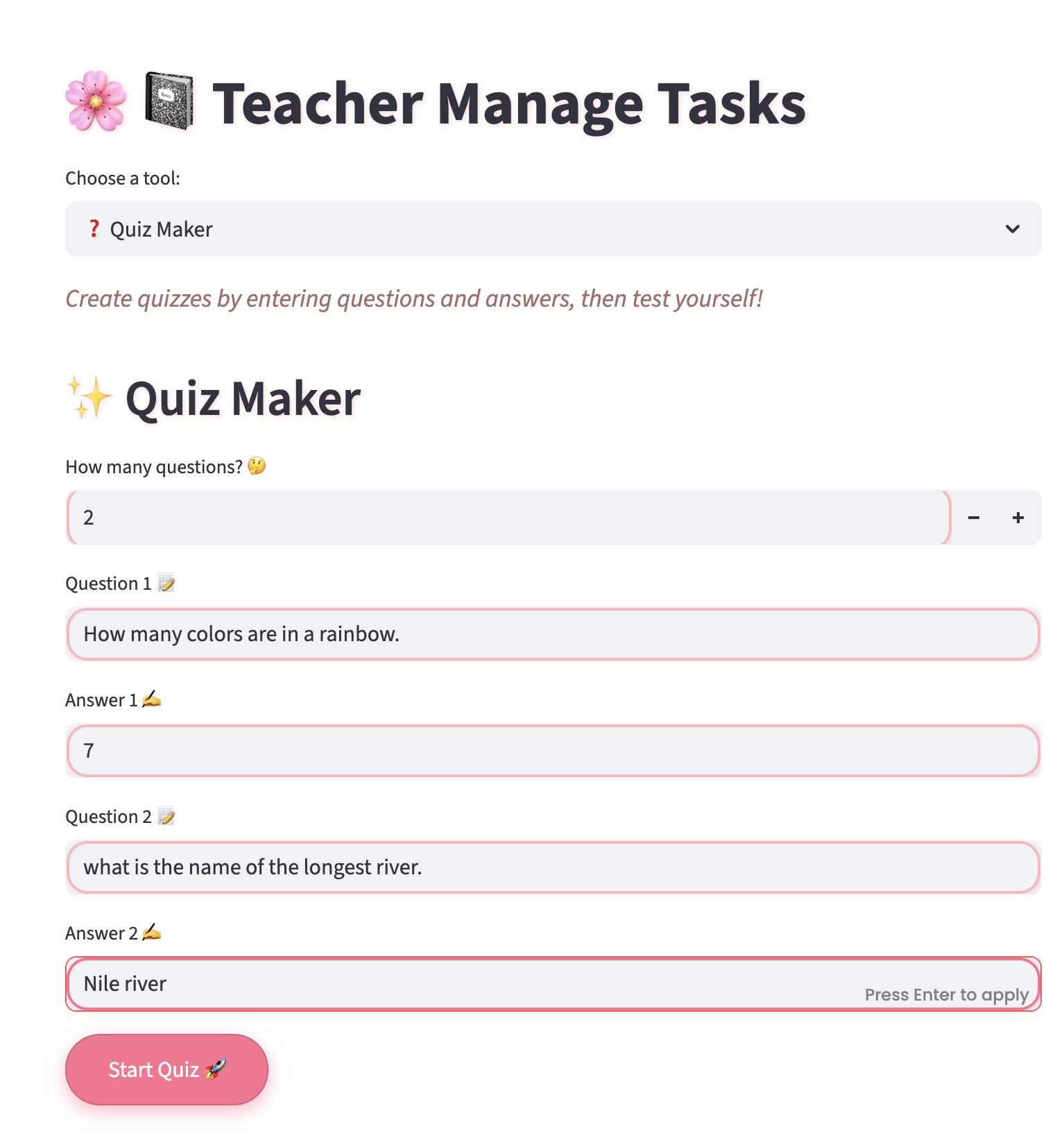
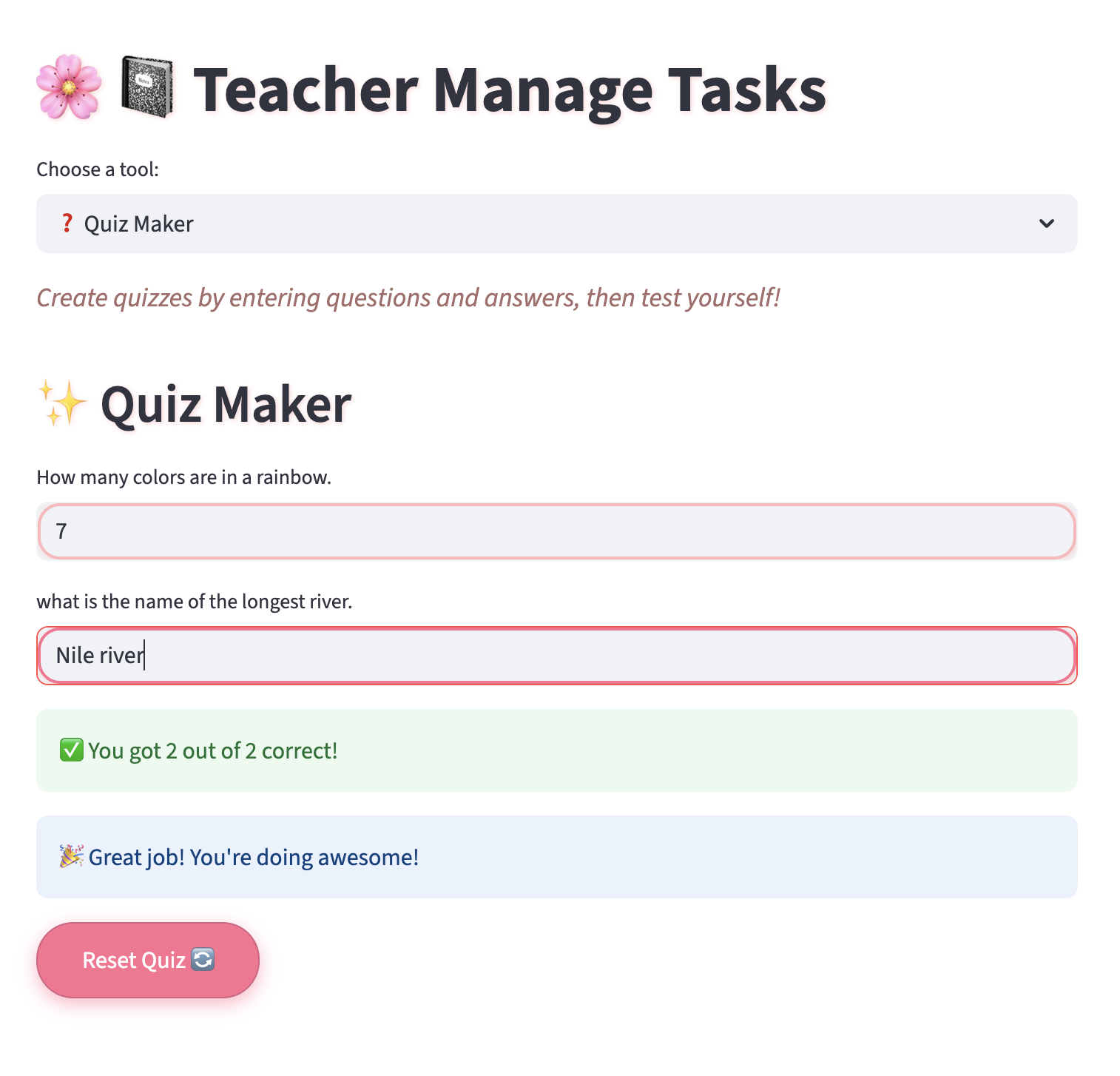
Create fun quizzes by entering questions & answers
-
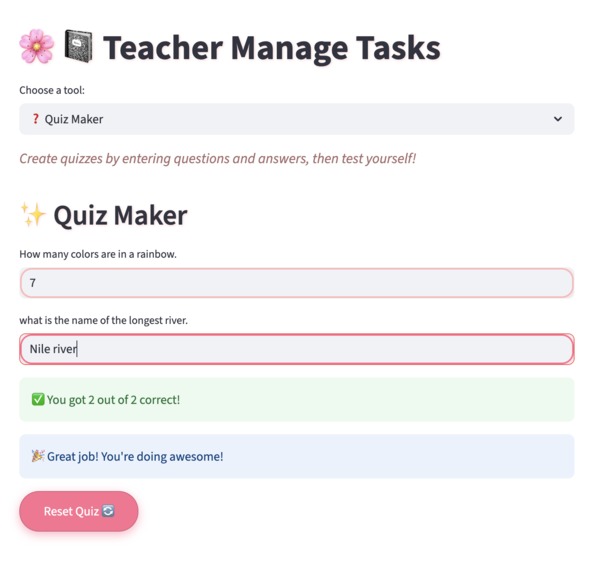
Test and see the results in real-time
-
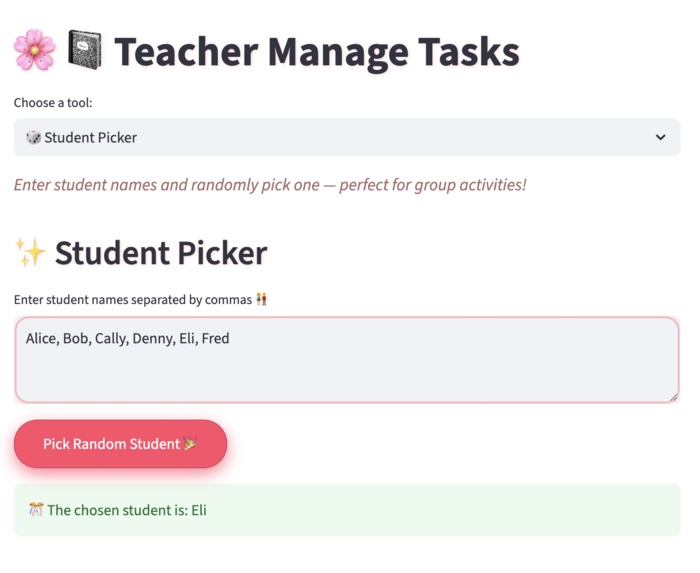
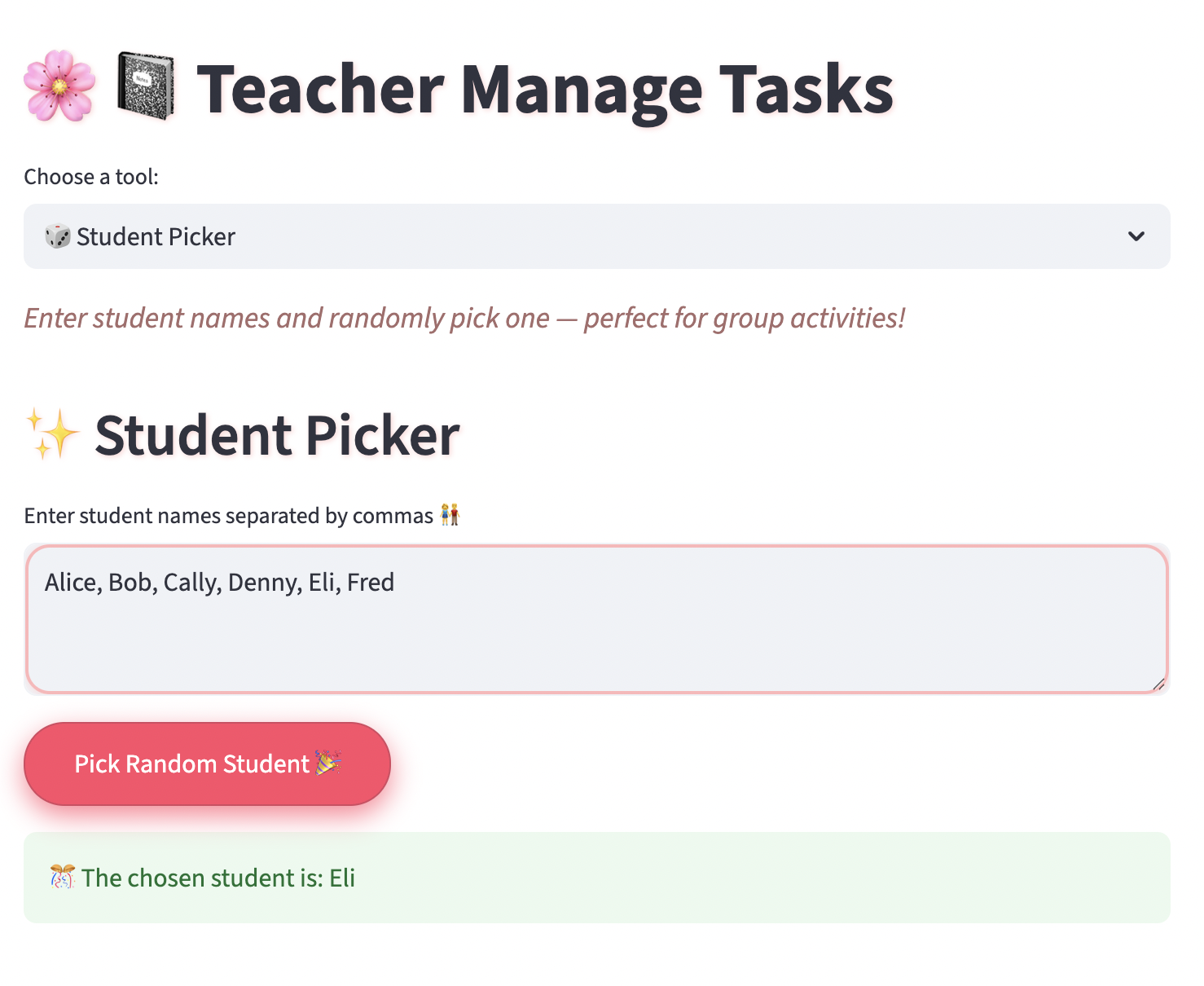
Randomly select students for activities
About the Project
Teachers Manage Tasks (TMT) is a cute, easy-to-use app I built to help teachers manage important classroom tasks all in one place.
Inspiration
I created this because teachers are super busy! They need quick ways to calculate grades, make quizzes, and pick students for activities. I wanted to build a friendly app that makes these things simple and fun.
What it Does
TMT is like a helpful assistant for teachers. It lets you:
- Calculate student grades from scores to letter grades
- Create and take quizzes with instant scoring and encouragement
- Randomly pick a student’s name for classroom activities
All these tools are available in a simple menu with cute pastel colors and emojis to keep things fun and easy.
How I Built It
I built TMT using Python and Streamlit for the interface. Each feature is organized clearly:
- The Grade Calculator converts fraction scores into percentages and letter grades.
- The Quiz Maker lets teachers enter questions and answers, then take the quiz with instant feedback.
- The Student Picker randomly selects a student from a list you enter.
I used Streamlit’s session_state to keep inputs saved and to manage quiz progress smoothly. I also added pastel gradients, rounded inputs, and emojis for a cute, friendly look.
Challenges I Ran Into
- Making sure the Quiz Maker inputs stay saved between interactions without losing data.
- Designing a simple but clear menu that includes all tools.
- Fixing bugs related to user input and rerunning the app.
- Styling the app nicely without using complicated CSS or background images.
Accomplishments I’m Proud Of
I built a fully functional, cute app that combines multiple teacher tools in one place. It’s easy to use, saves time, and makes teaching tasks more fun with emojis and pastel colors. The quiz feature especially works well with instant scoring and friendly messages.
What I Learned
I learned how to manage app state with Streamlit, design user-friendly forms, handle inputs and outputs cleanly, and style an app with custom fonts and CSS. Also, how to debug issues that come up during development and improve user experience.
What’s Next for TMT
In the future, I want to:
- Add user login so teachers can save their data securely.
- Expand quiz features with multiple choice questions.
- Add more classroom tools like attendance tracking or homework reminders.
- Possibly deploy the app on the web for easy access anywhere.
Built With
- css
- googlefonts
- html
- javascript
- python
- streamlit

Log in or sign up for Devpost to join the conversation.