


🎓 TeacherForge AI - Project Story
📖 About the Project
💡 Inspiration
The inspiration for TeacherForge AI came from a simple observation: teachers are overwhelmed. Studies show that educators spend over 50% of their time on administrative tasks rather than actual teaching. This leads to burnout, reduced quality of education, and less personalized attention for students.
We asked ourselves: What if AI could handle the repetitive work, giving teachers their time back?
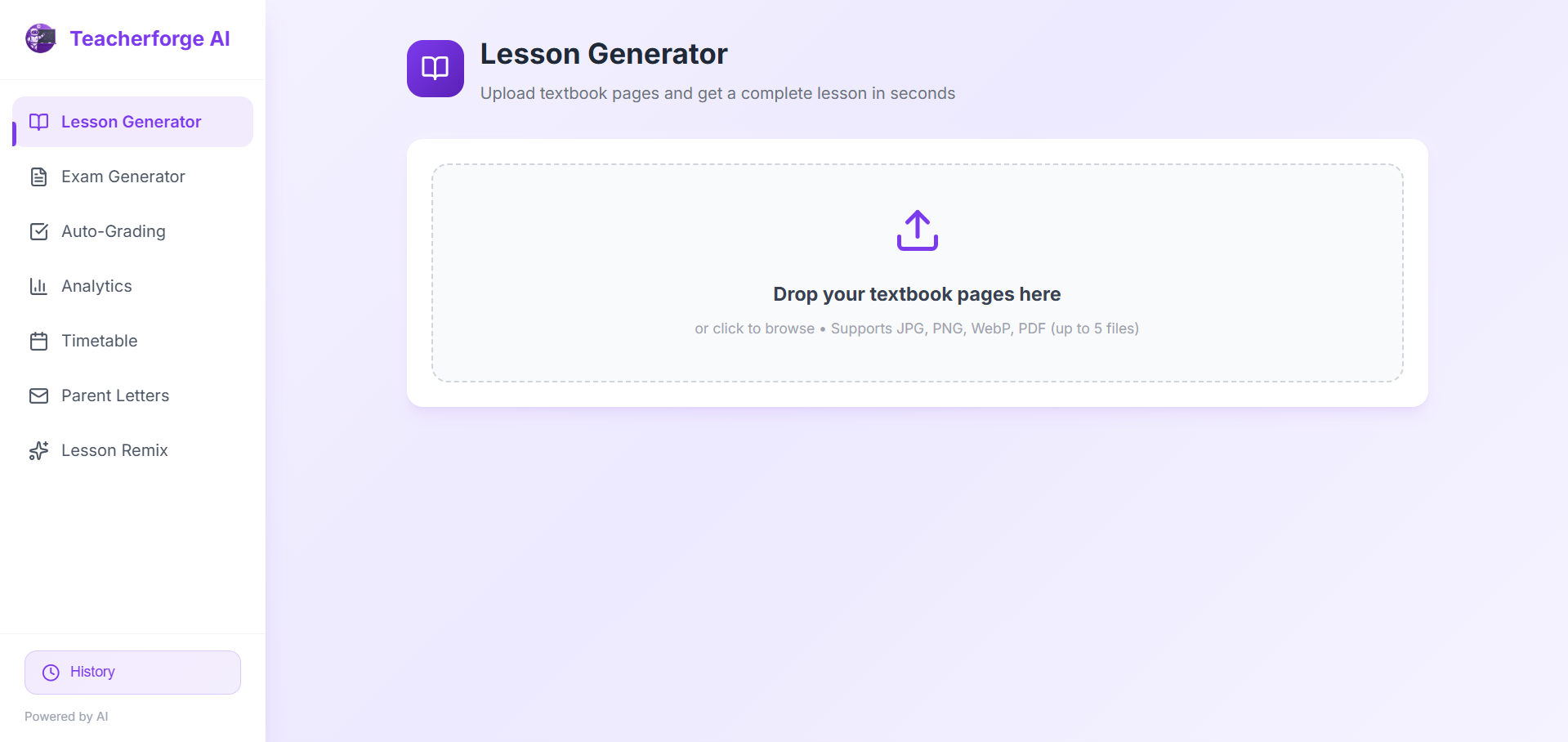
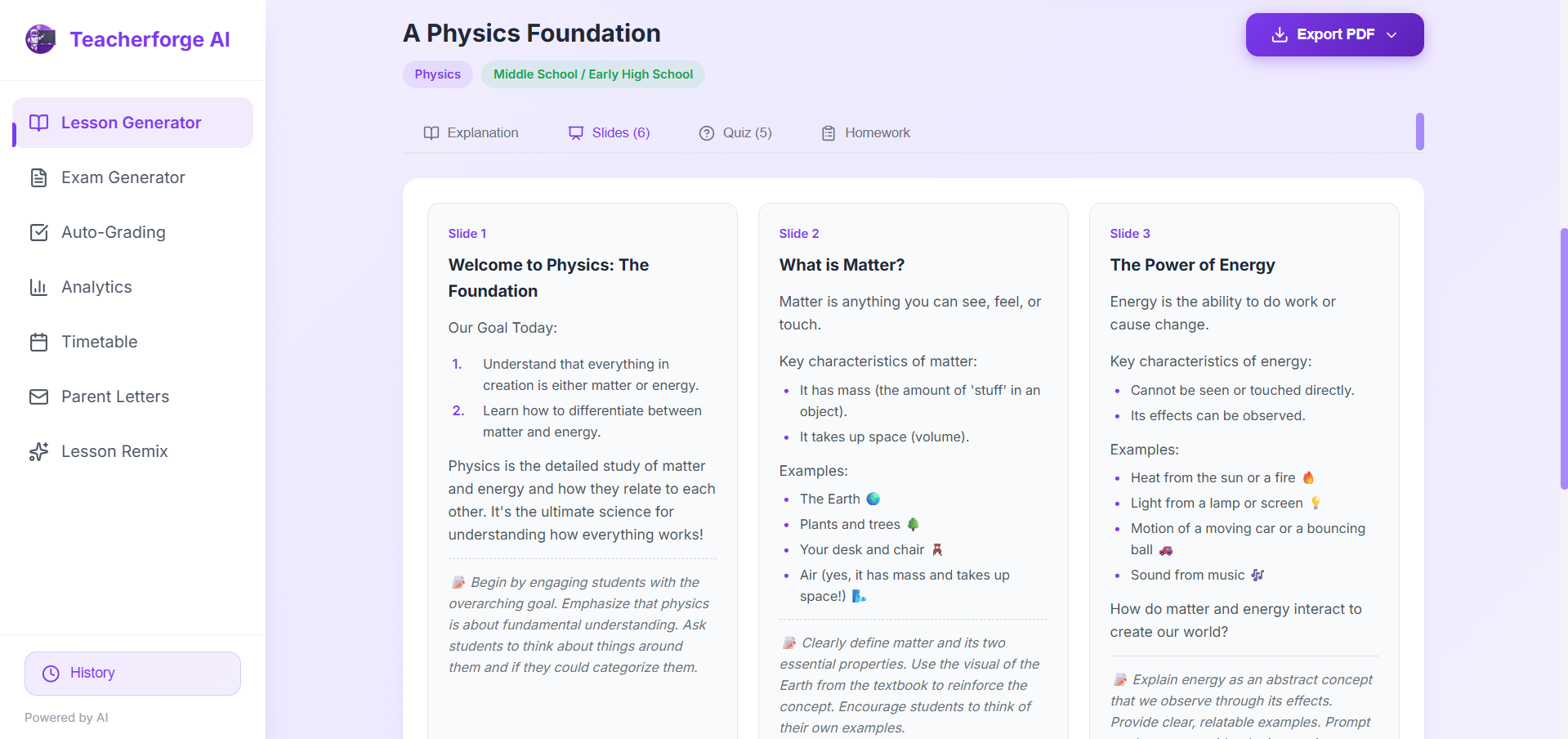
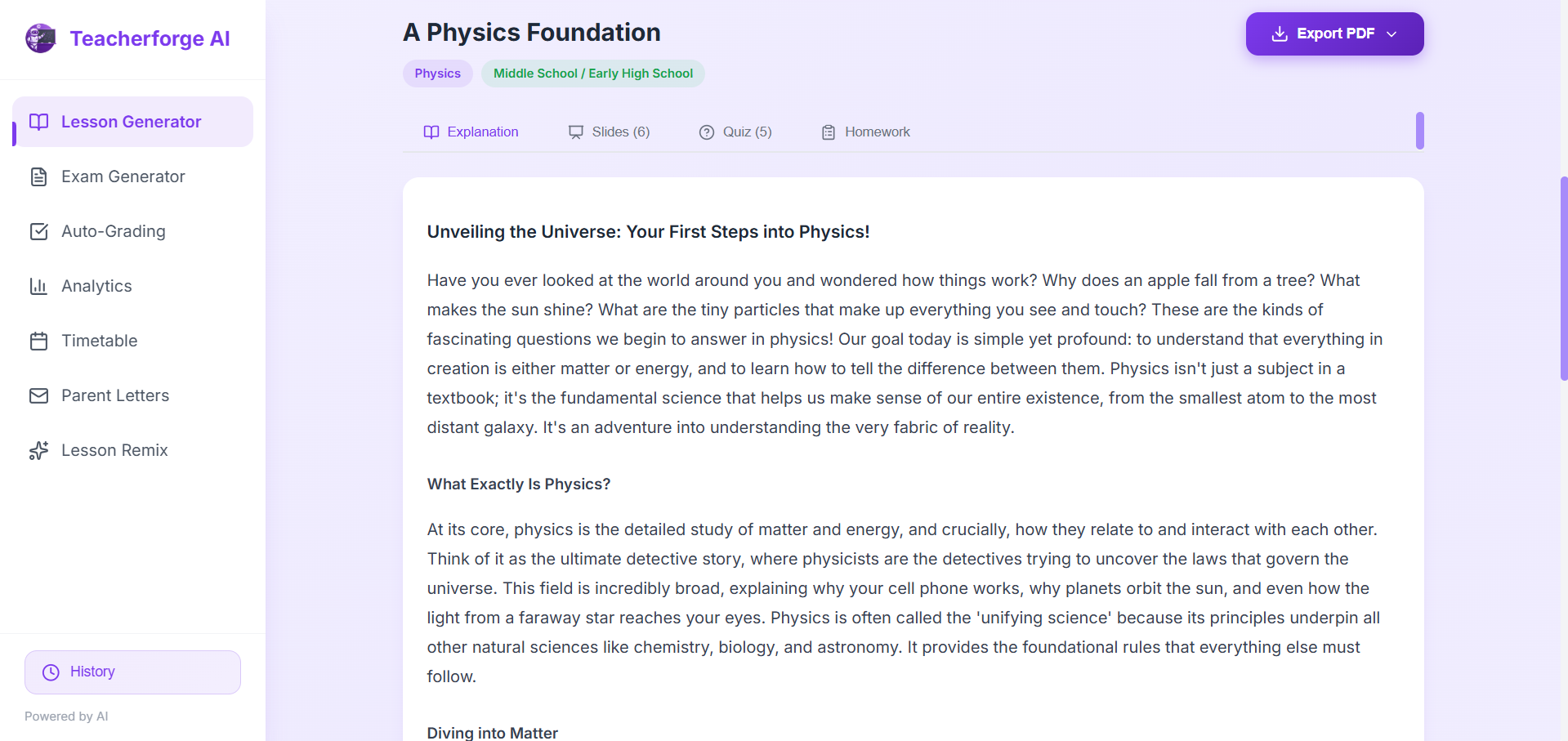
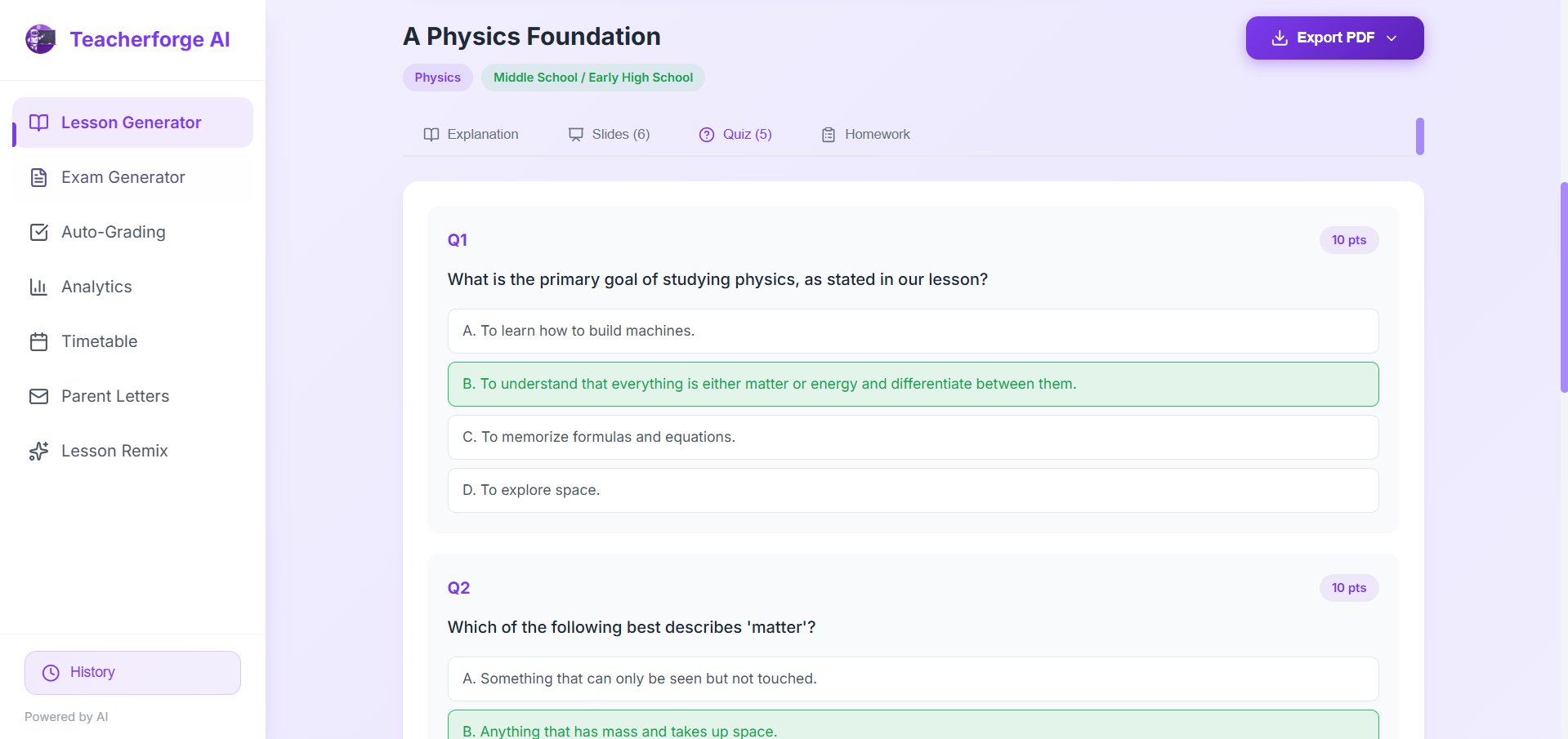
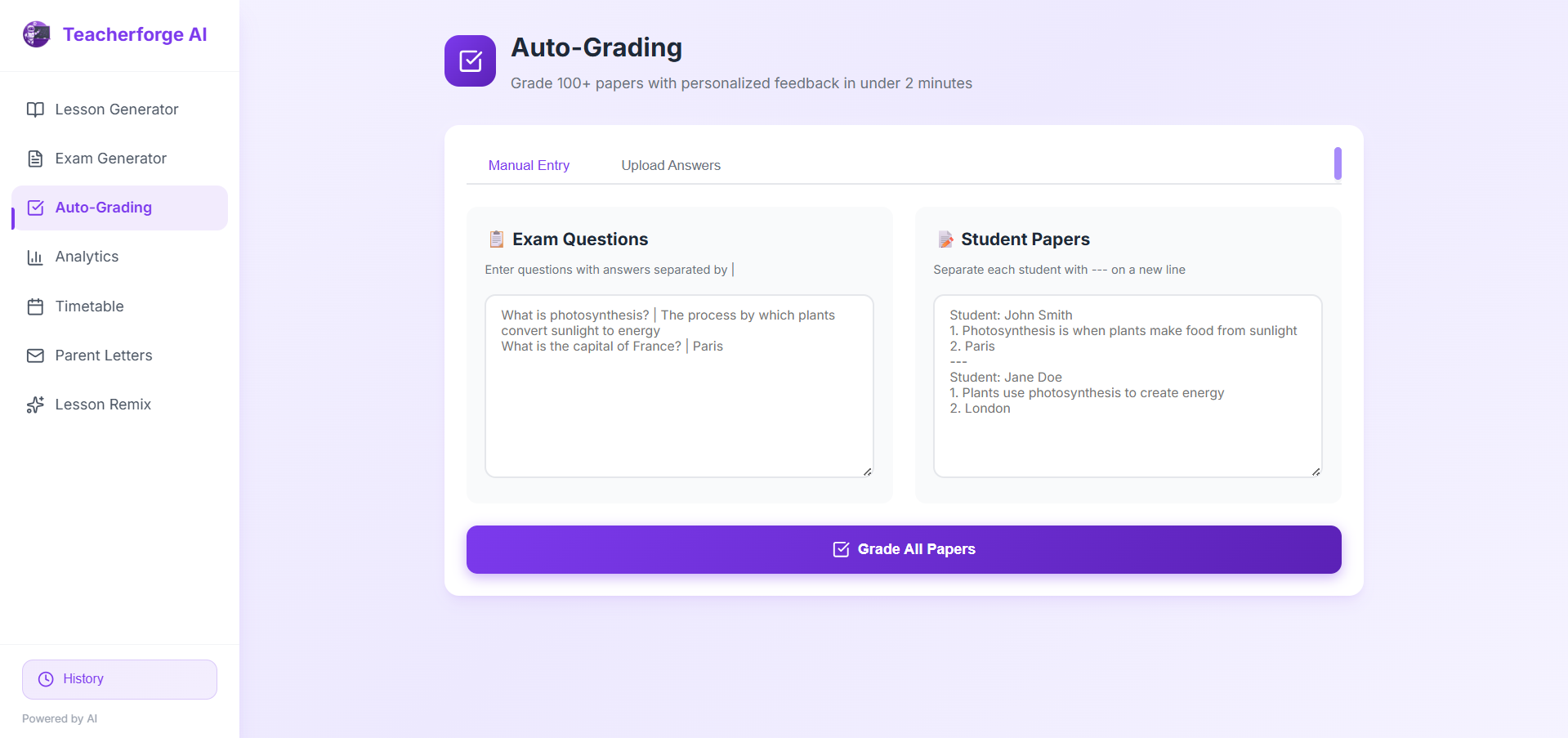
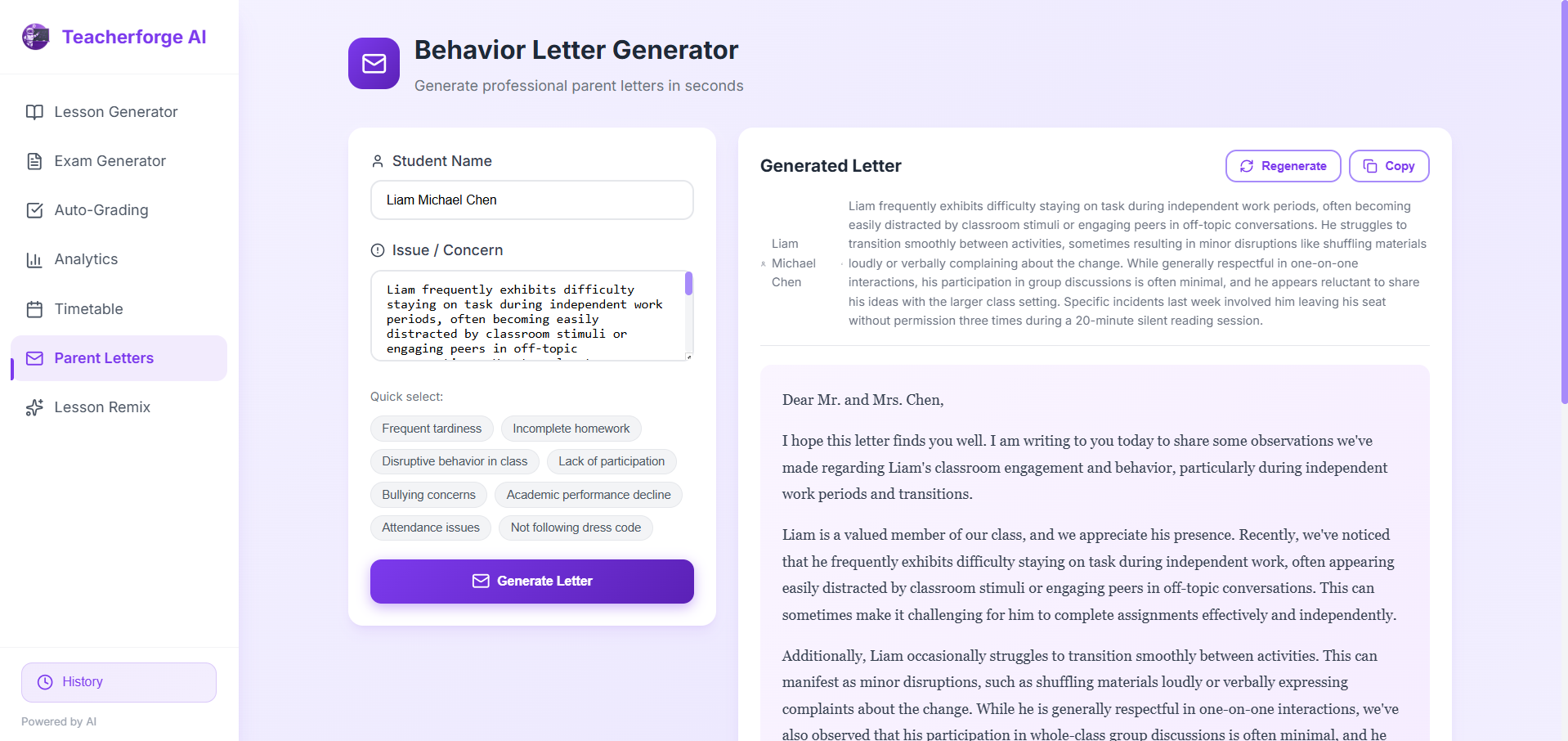
The goal was to create a tool that doesn't replace teachers but empowers them — automating lesson creation, exam generation, grading, and parent communication so educators can focus on what truly matters: inspiring students.
📚 What I Learned
Building TeacherForge AI was a journey of discovery:
- AI Integration: Learned how to effectively leverage Google's Gemini API for educational content generation, including prompt engineering for consistent, high-quality outputs.
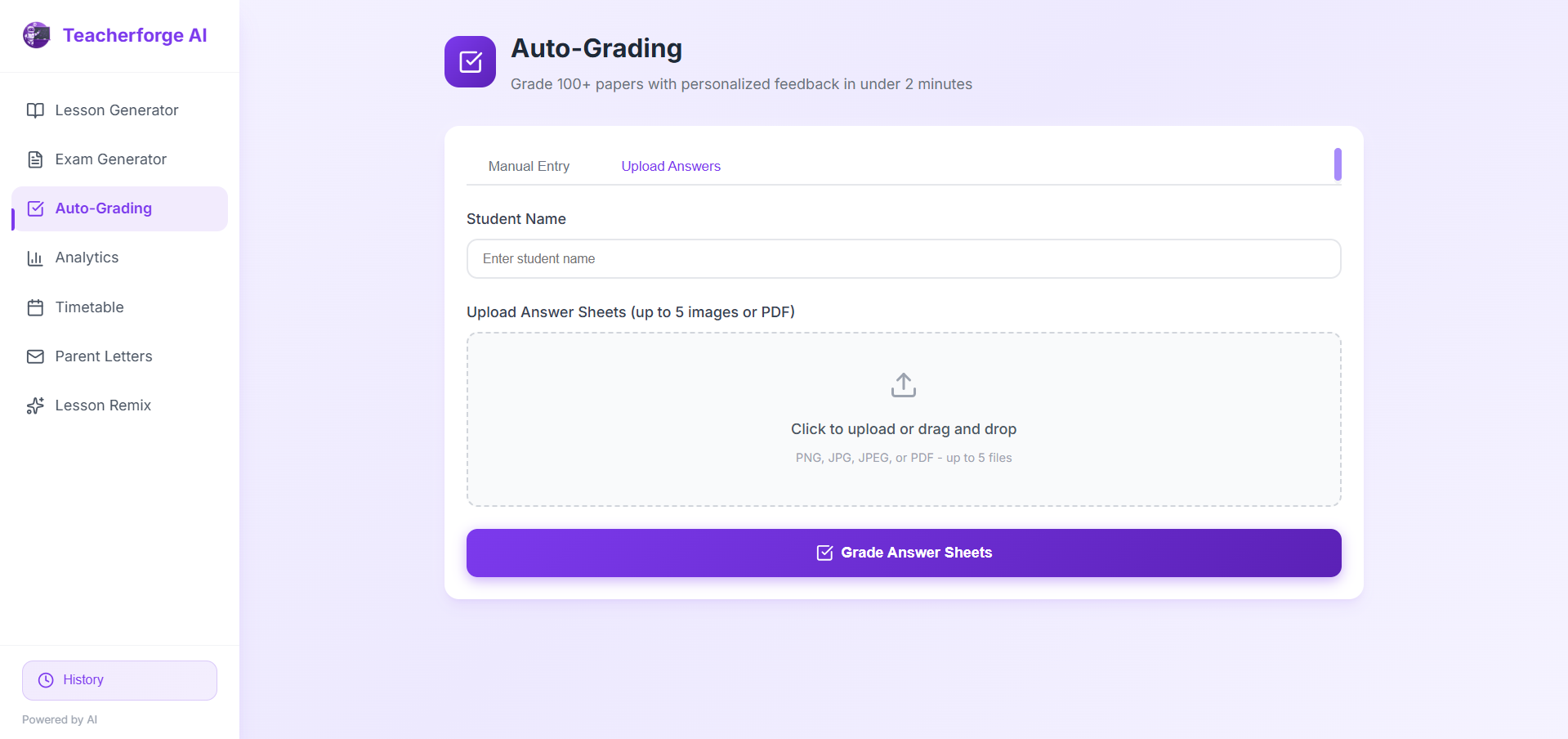
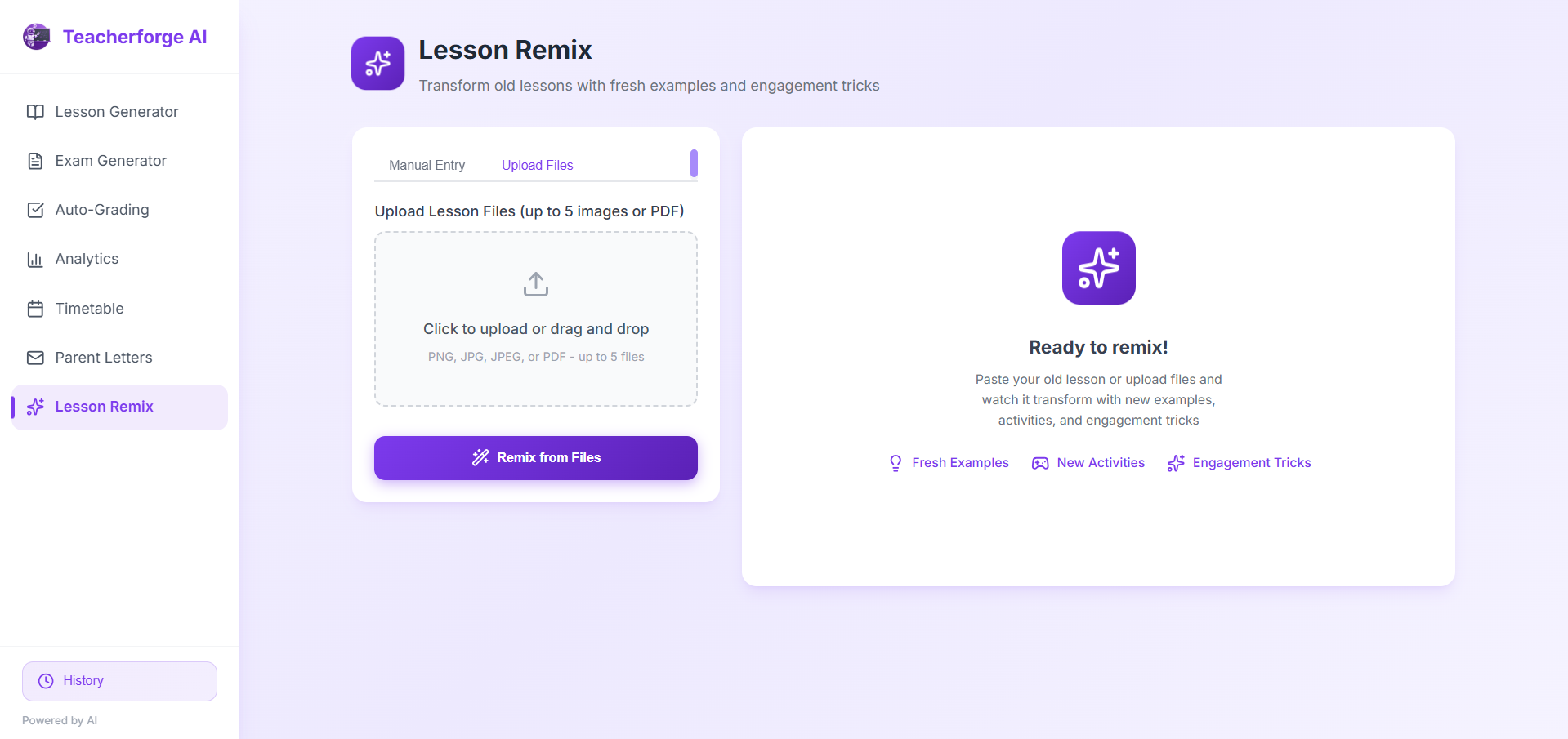
- File Processing: Mastered handling various file types (images, PDFs) and converting them for AI analysis.
- User Experience: Understood the importance of designing intuitive interfaces for non-technical users (teachers).
- Performance Optimization: Learned techniques to process large batches (100+ papers) efficiently.
Mathematically, the time savings can be expressed as:
$$ \text{Time Saved} = \sum_{i=1}^{n} (T_{\text{manual}i} - T{\text{AI}_i}) $$
Where \( T_{\text{manual}} \) is the time for manual task completion and \( T_{\text{AI}} \) is the AI-assisted time.
🔨 How I Built It
The development process followed these key phases:
- Research & Planning: Interviewed teachers to understand pain points and prioritize features.
- Architecture Design: Chose React + TypeScript for type safety and maintainability, with Vite for fast development.
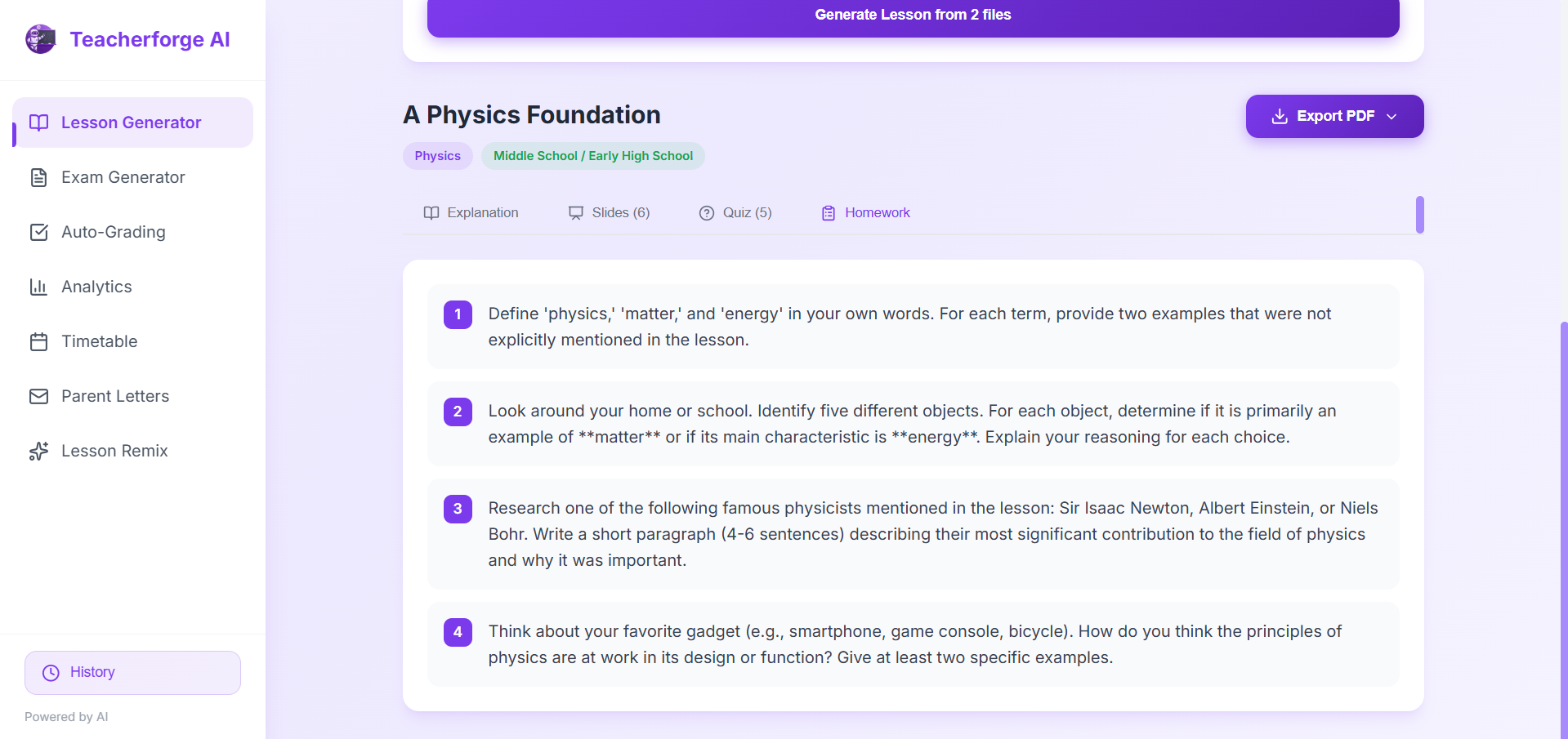
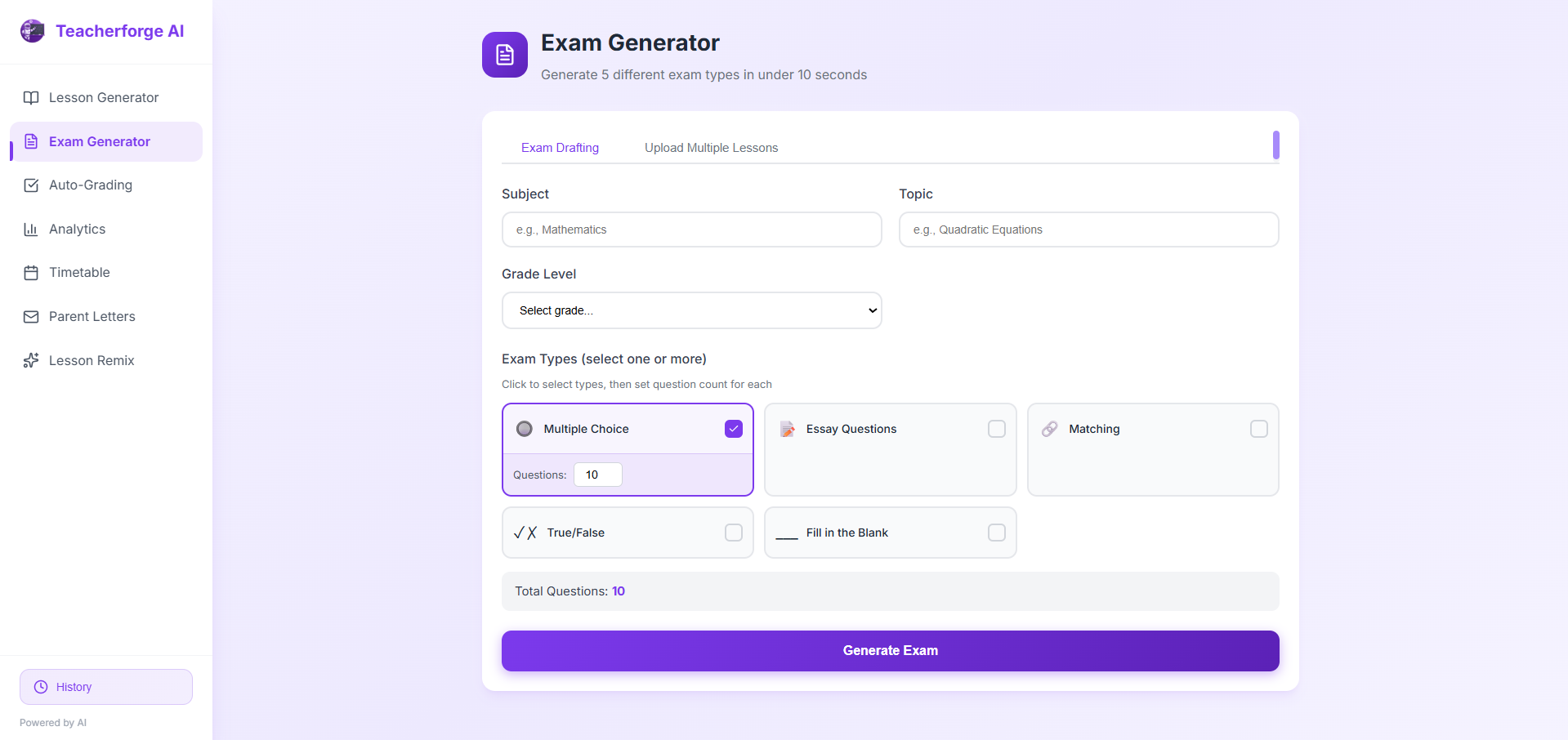
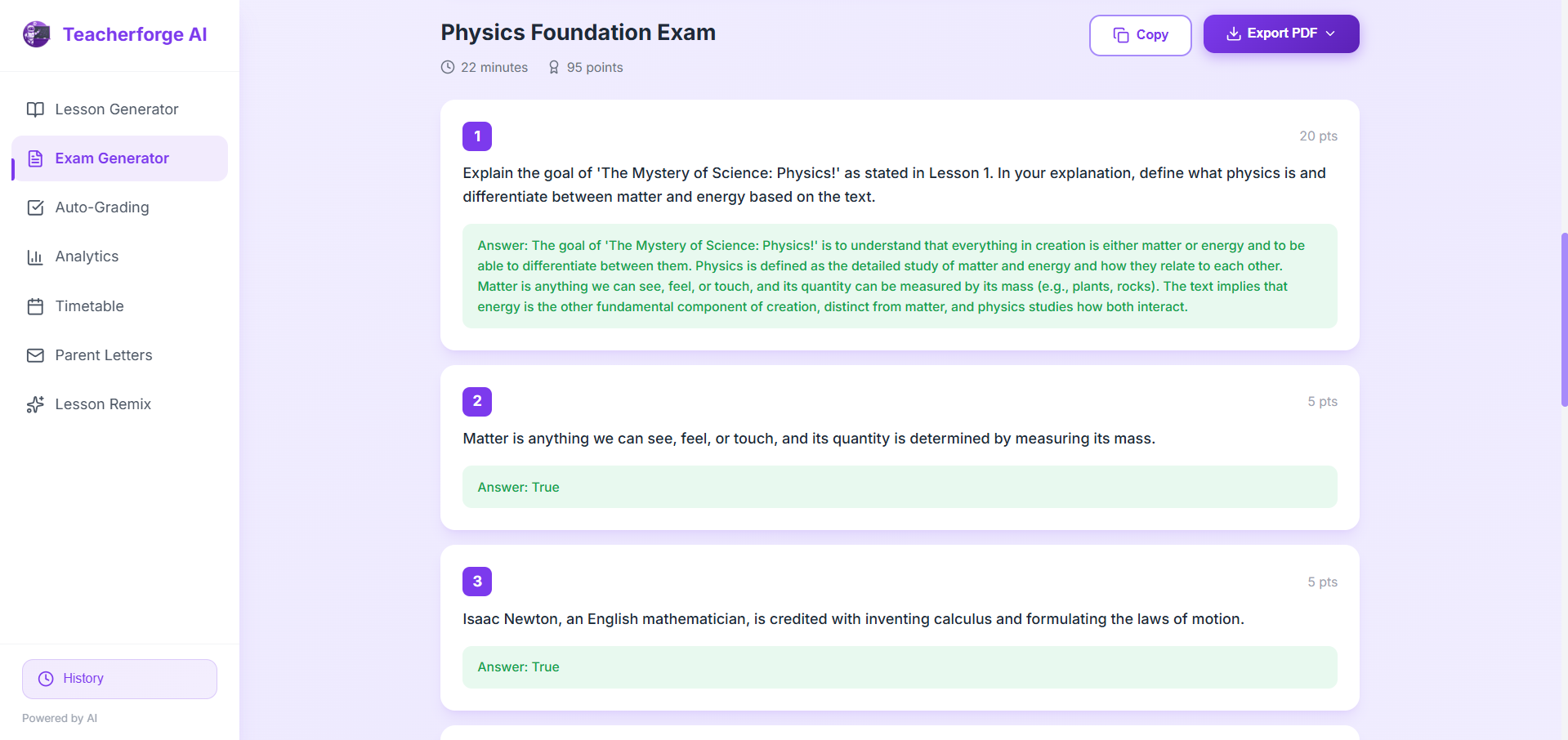
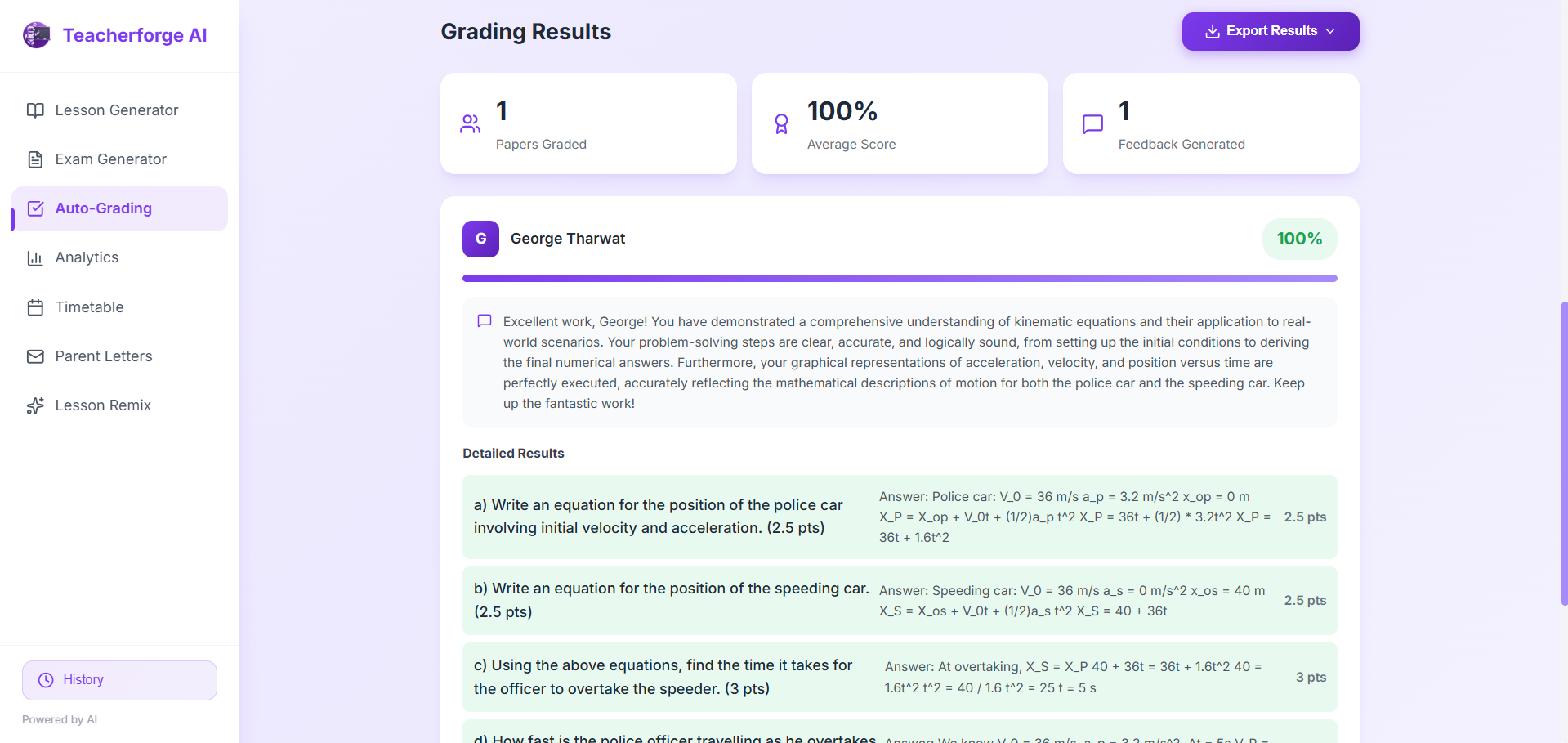
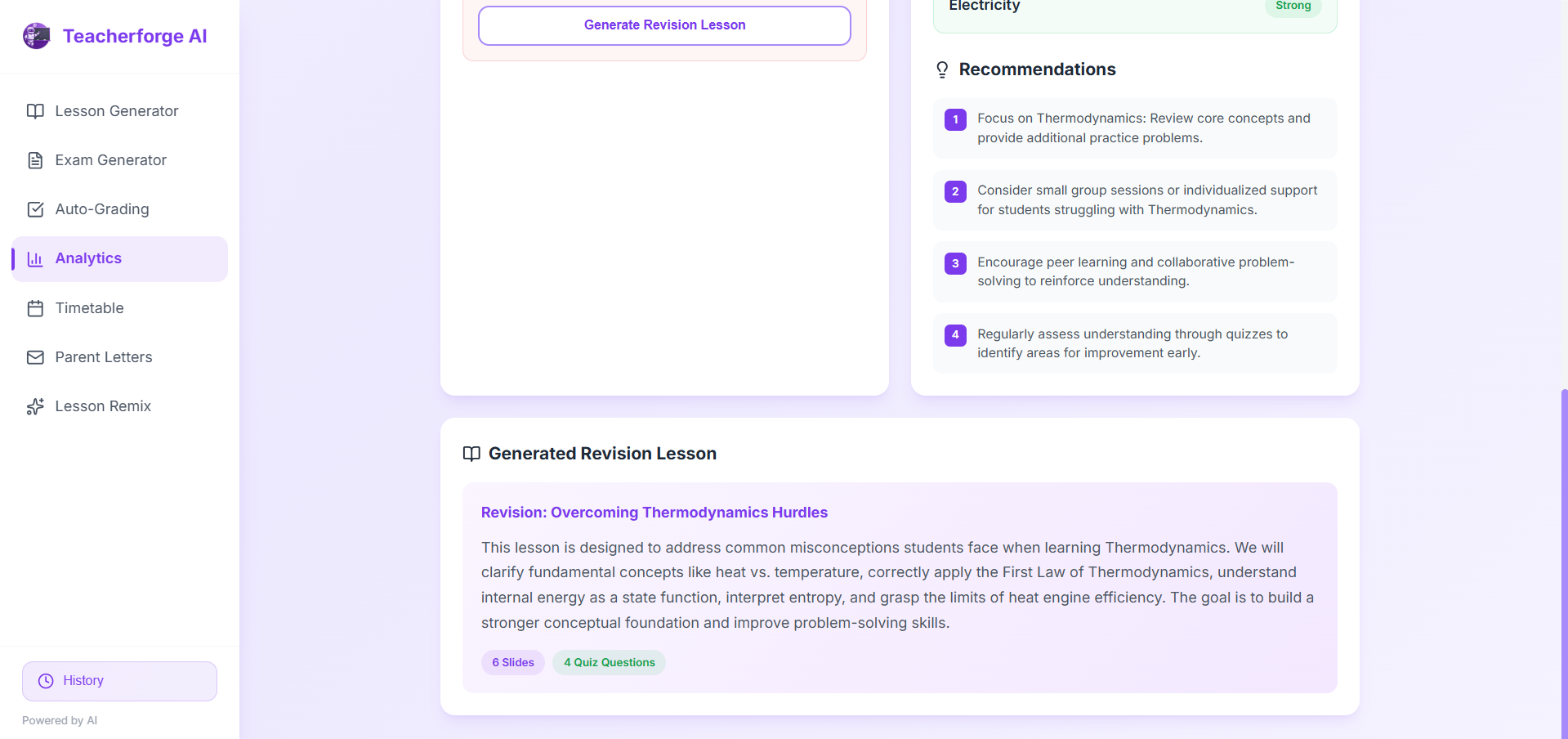
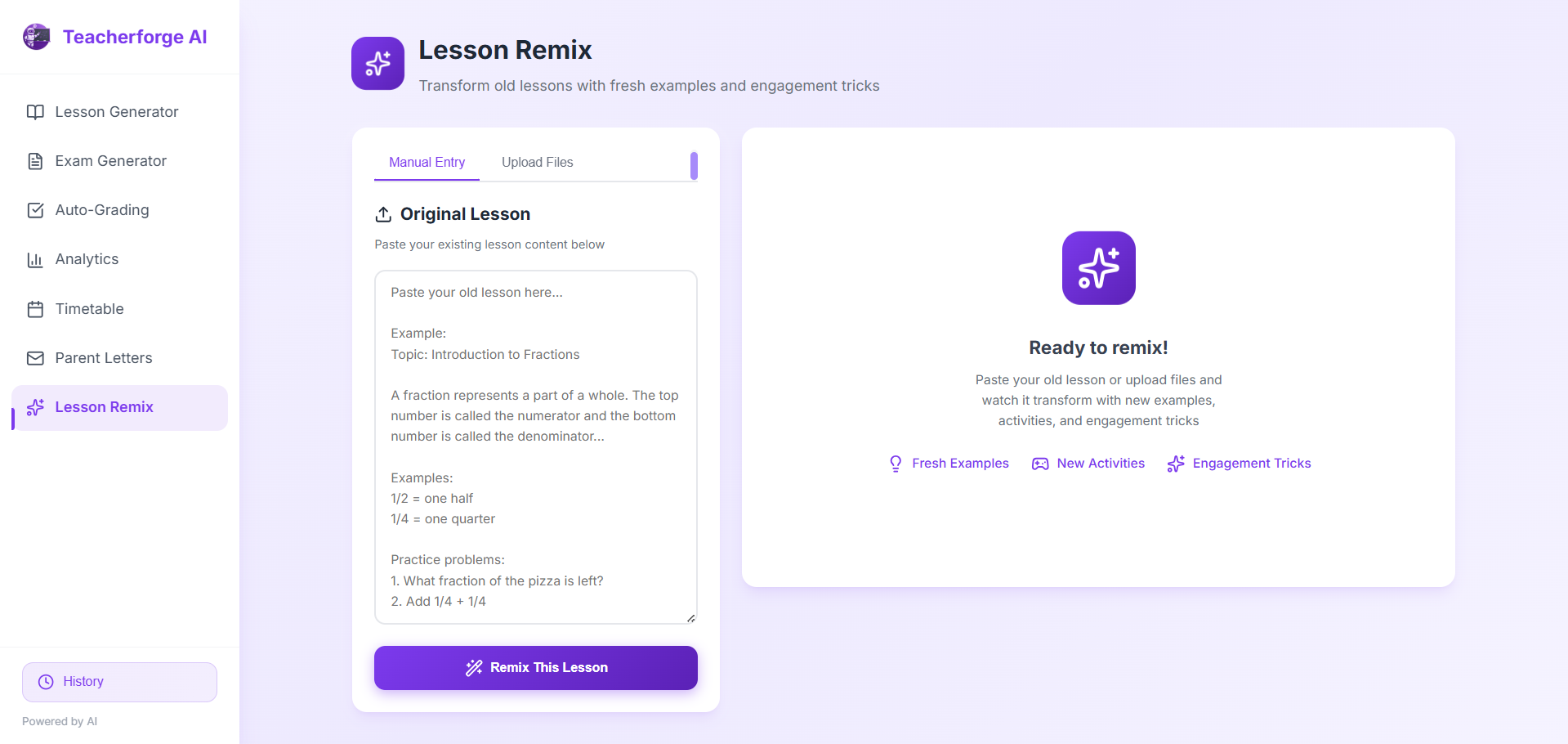
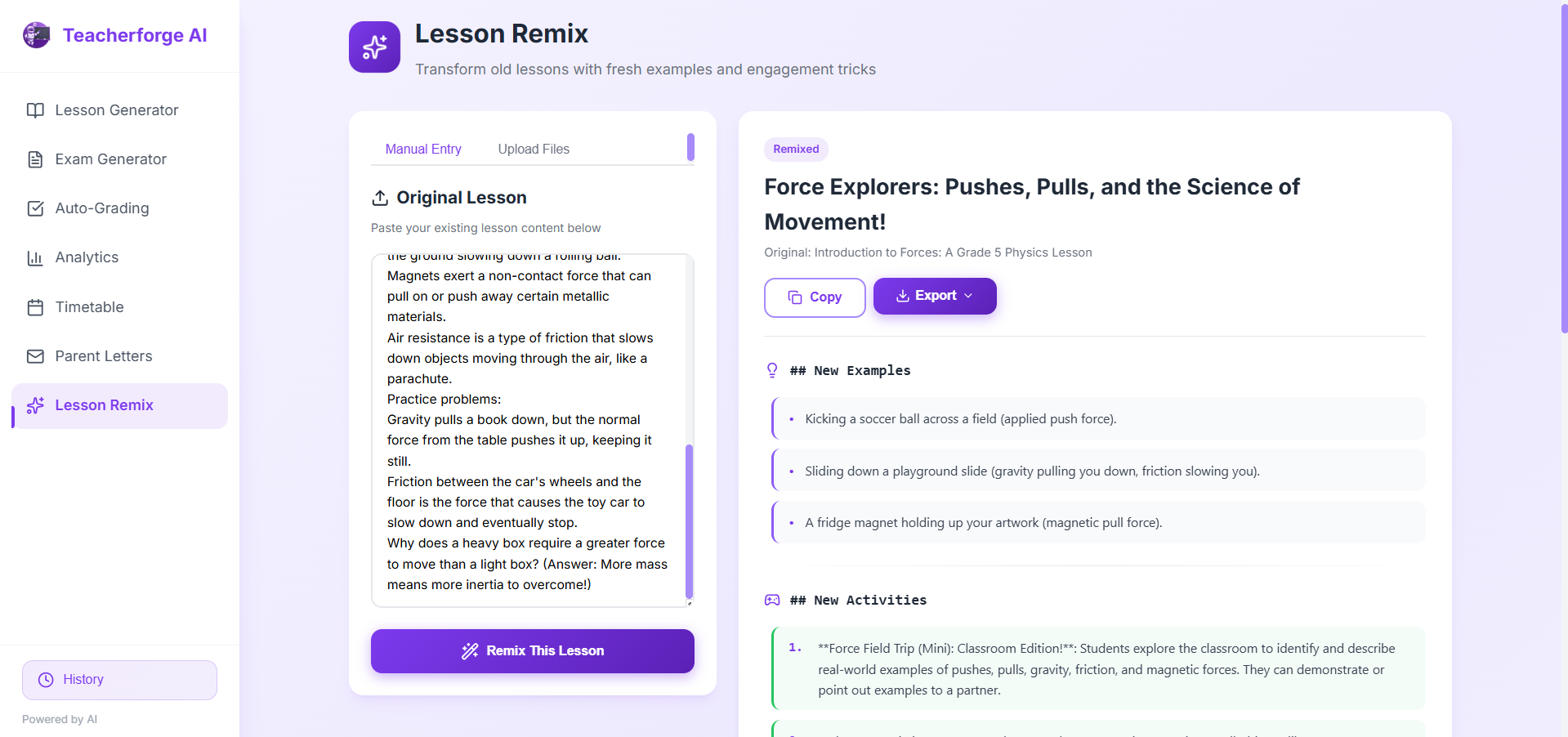
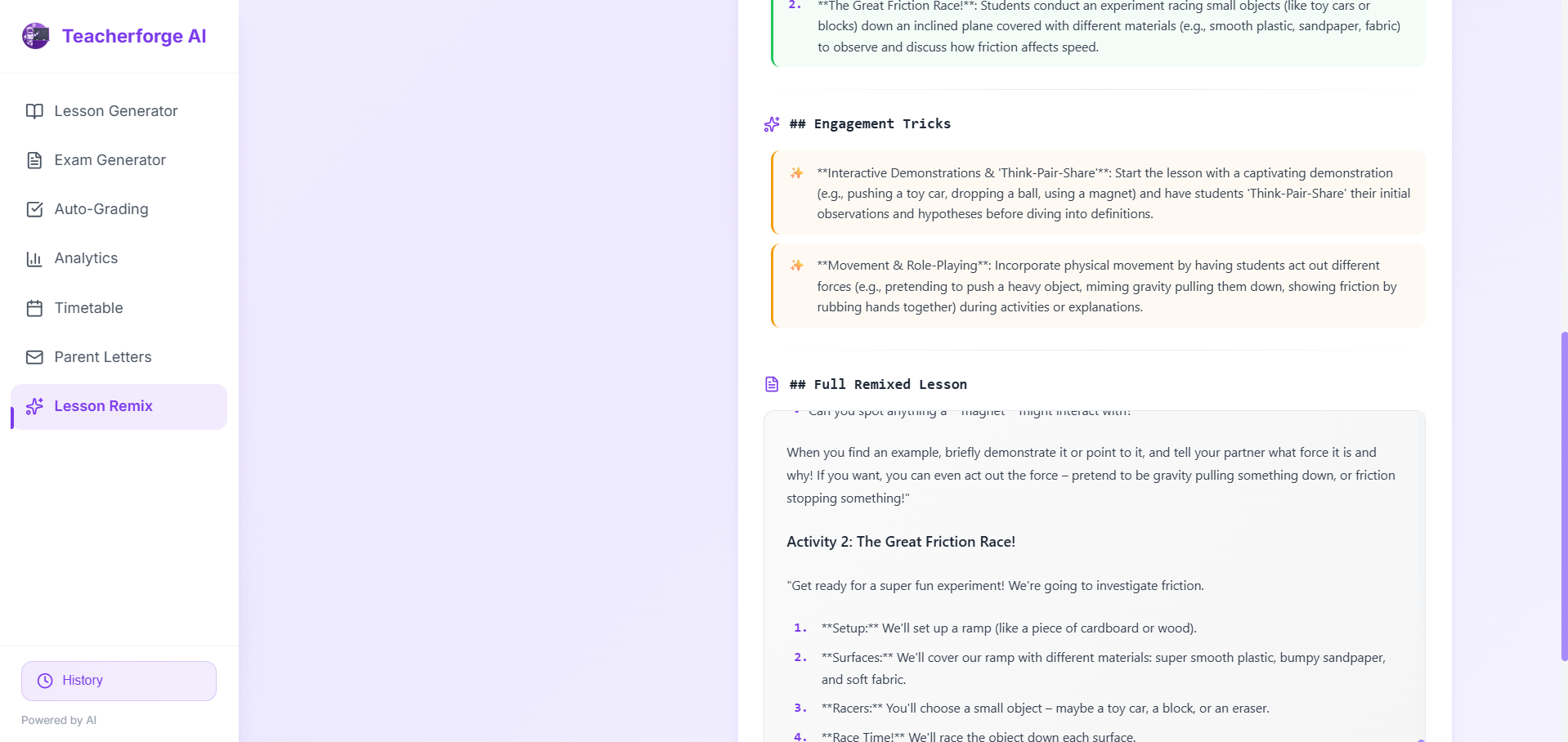
- AI Integration: Implemented Gemini API calls with carefully crafted prompts for each feature (lessons, exams, grading).
- UI/UX Development: Built responsive, accessible interfaces with Framer Motion for smooth animations.
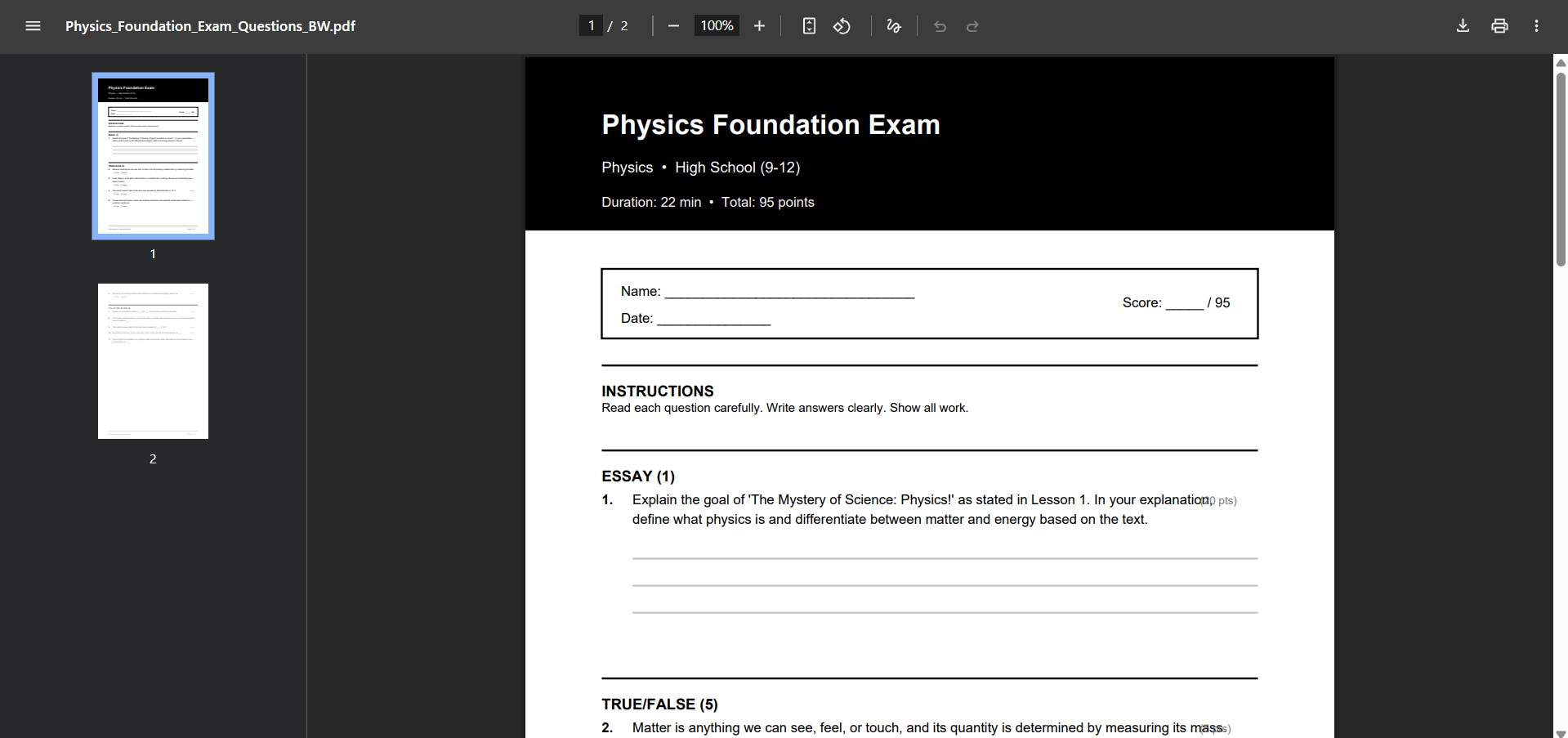
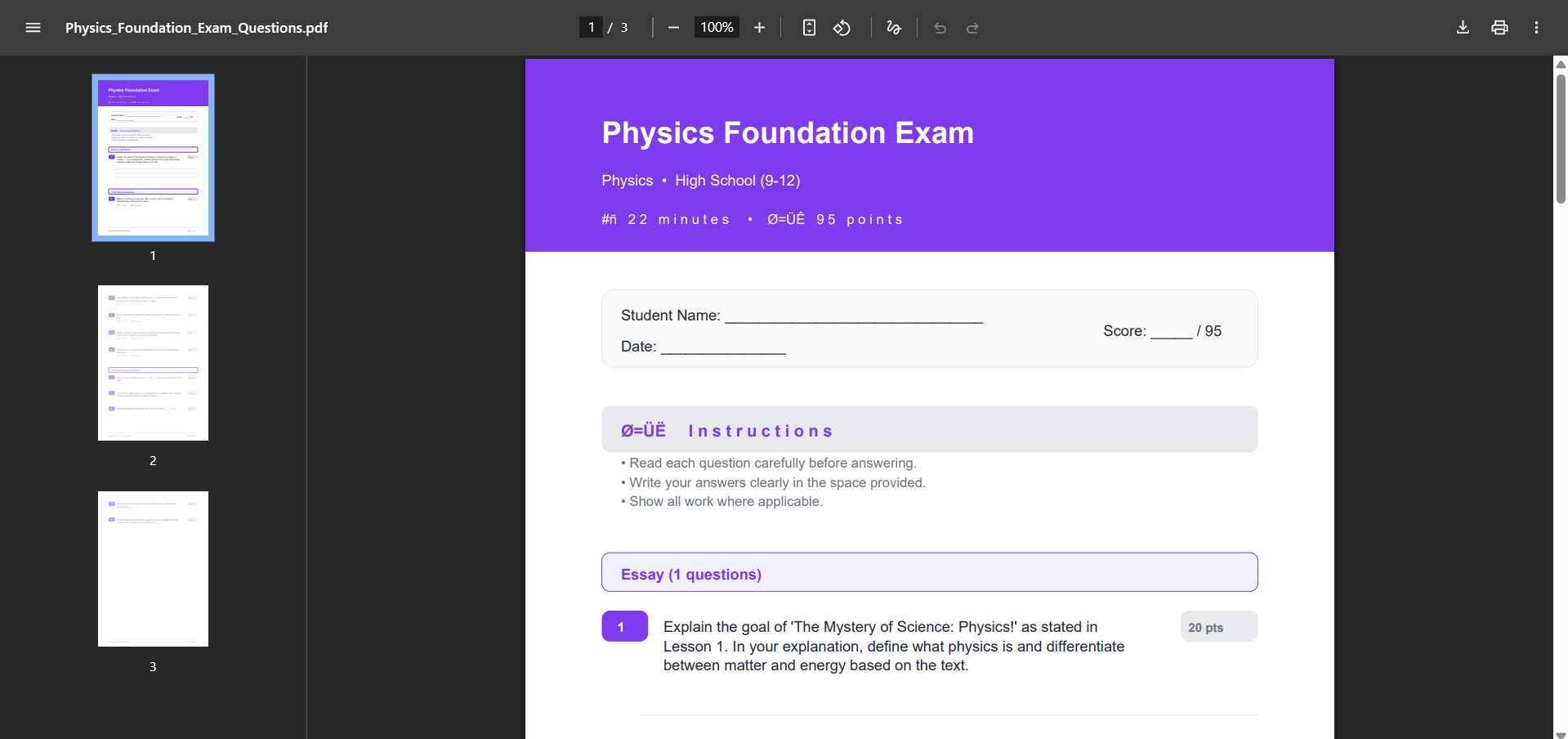
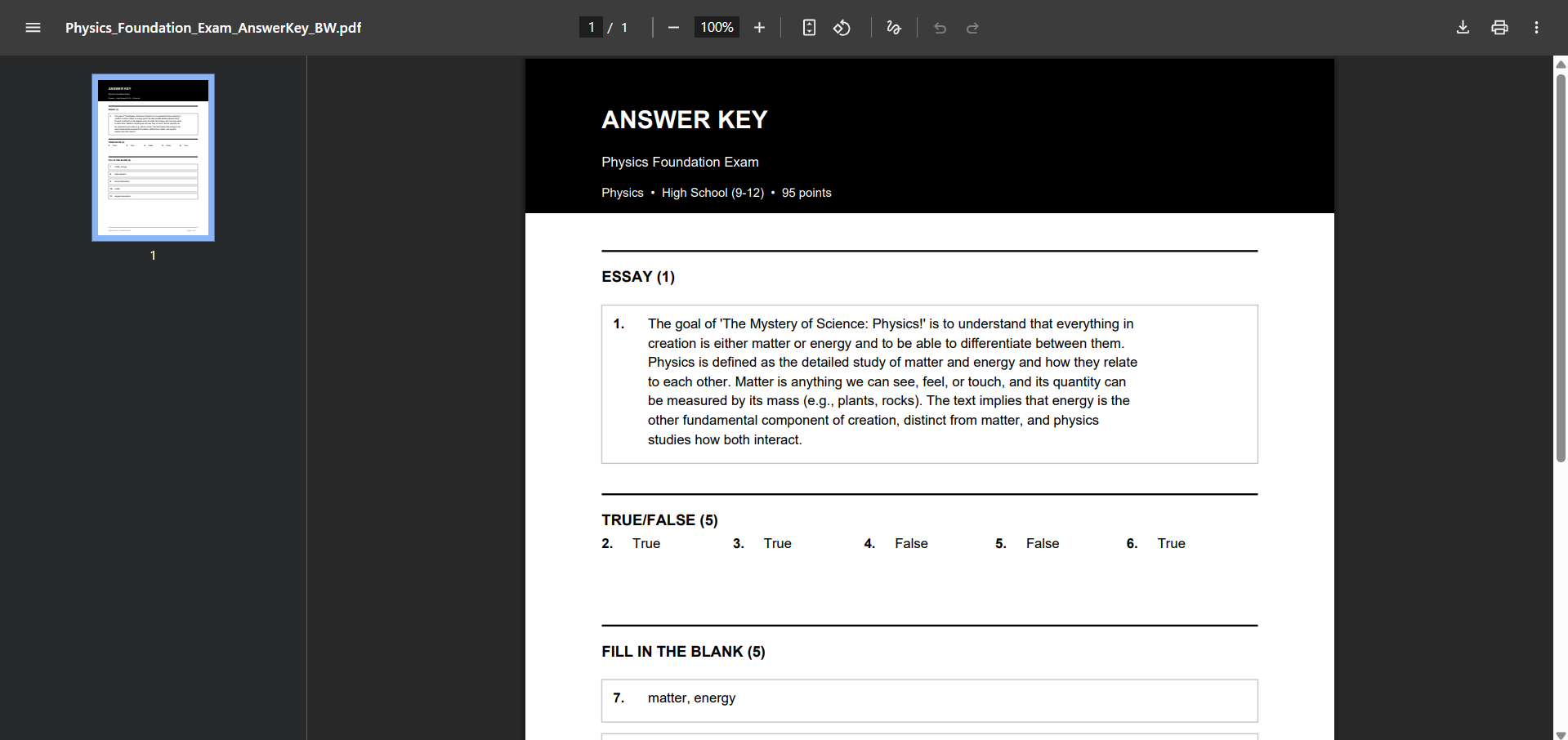
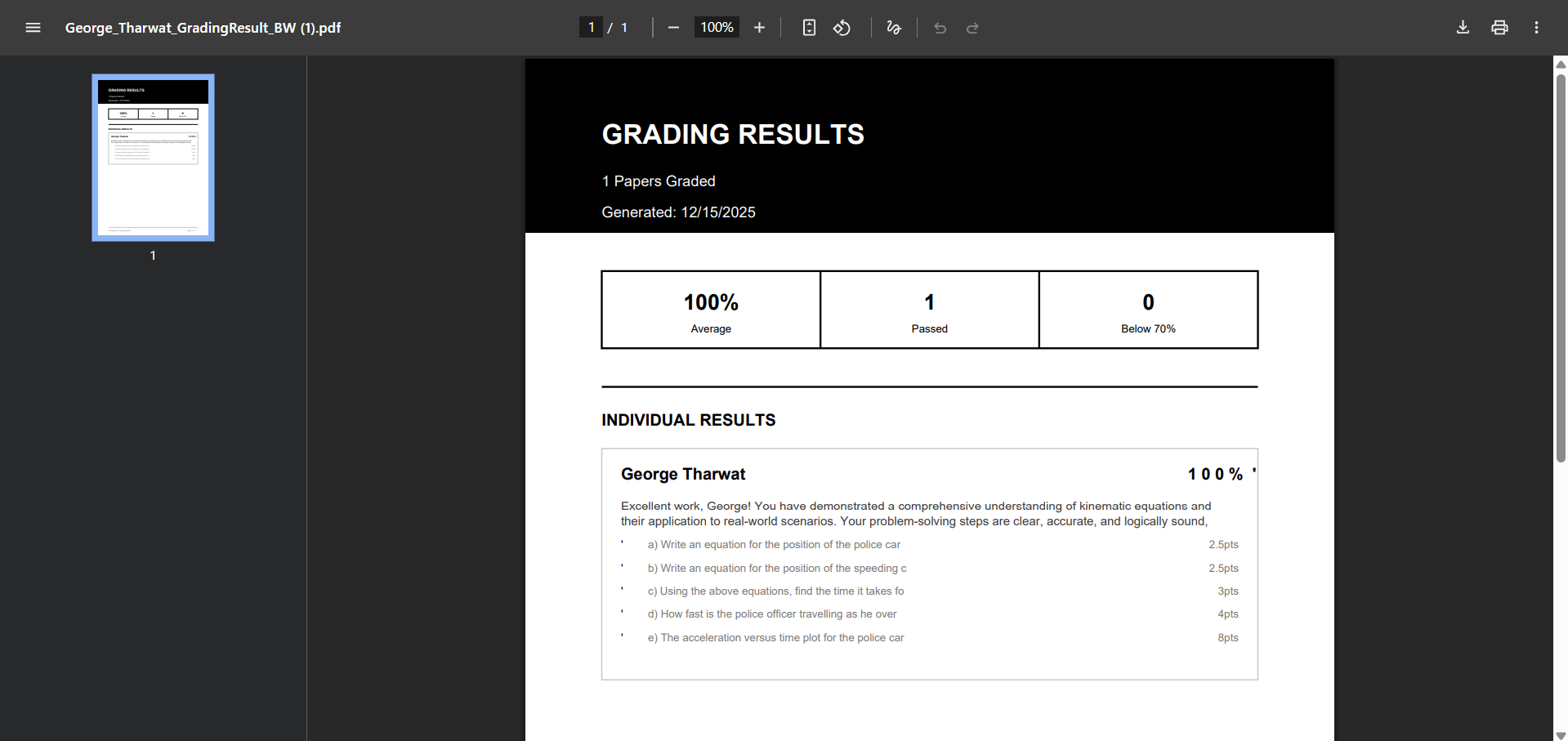
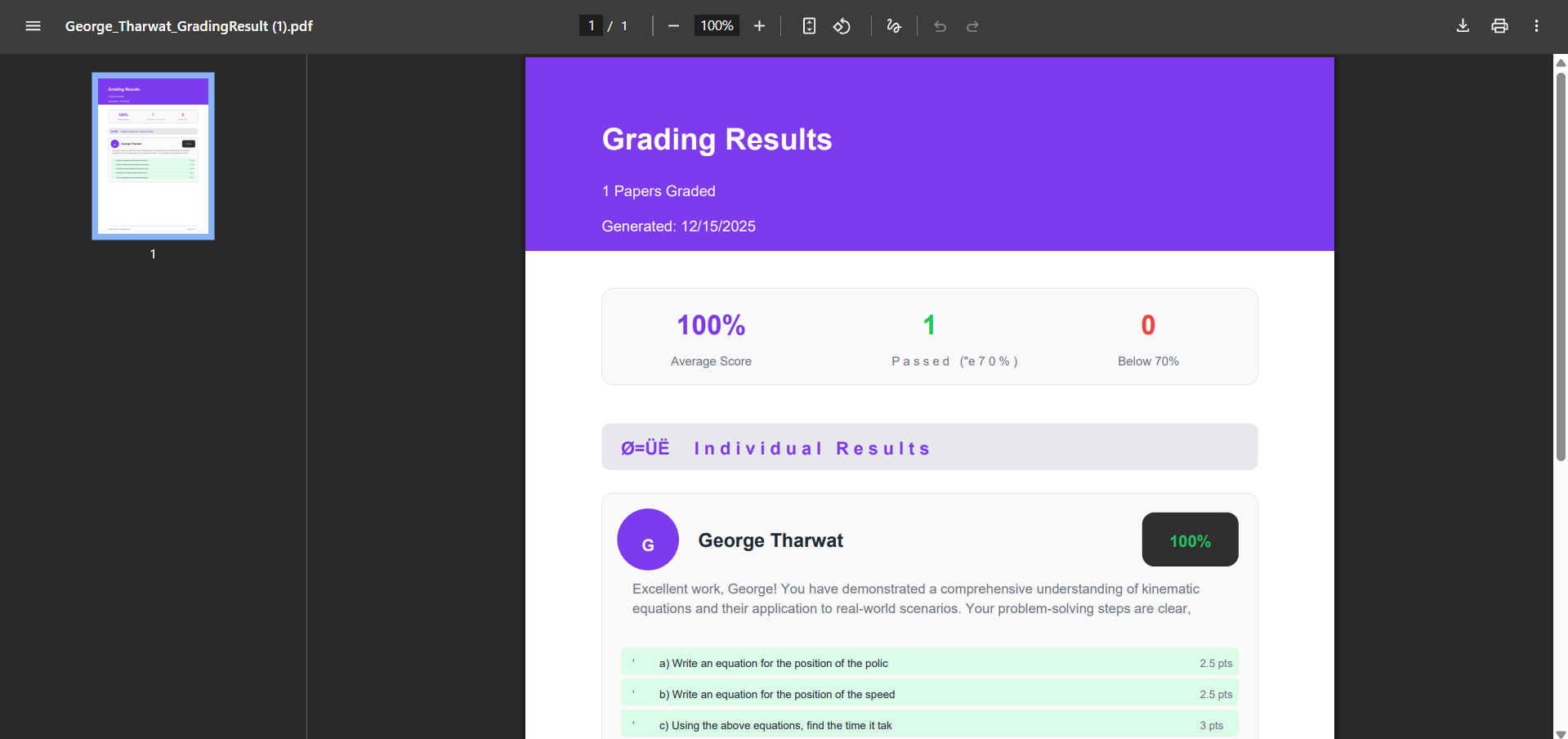
- Export Functionality: Added PDF export with jsPDF for offline access and printing.
- Testing & Iteration: Refined based on educator feedback.
🚧 Challenges Faced
- Prompt Engineering: Getting consistent, high-quality AI outputs required extensive prompt refinement. Different question types needed different approaches.
- File Handling: Processing various image formats and PDFs while maintaining quality for AI analysis was tricky.
- Batch Processing: Grading 100+ papers efficiently without timeouts required implementing smart batching and progress tracking.
- Balancing Automation & Control: Teachers wanted AI assistance but also needed to maintain control over the final output.


Log in or sign up for Devpost to join the conversation.