-
-
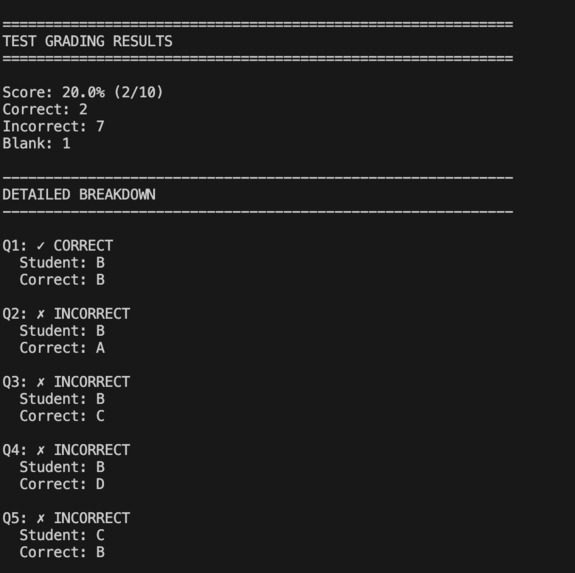
Example output (cut off)
Inspiration
The main inspiration that I gained for this was the constant complaints from teachers about working outside of class grading. I've been genuinely hearing this since middle school and I always felt bad as they always seemed like they've been overworked and it didn't really seem fair.
What it does
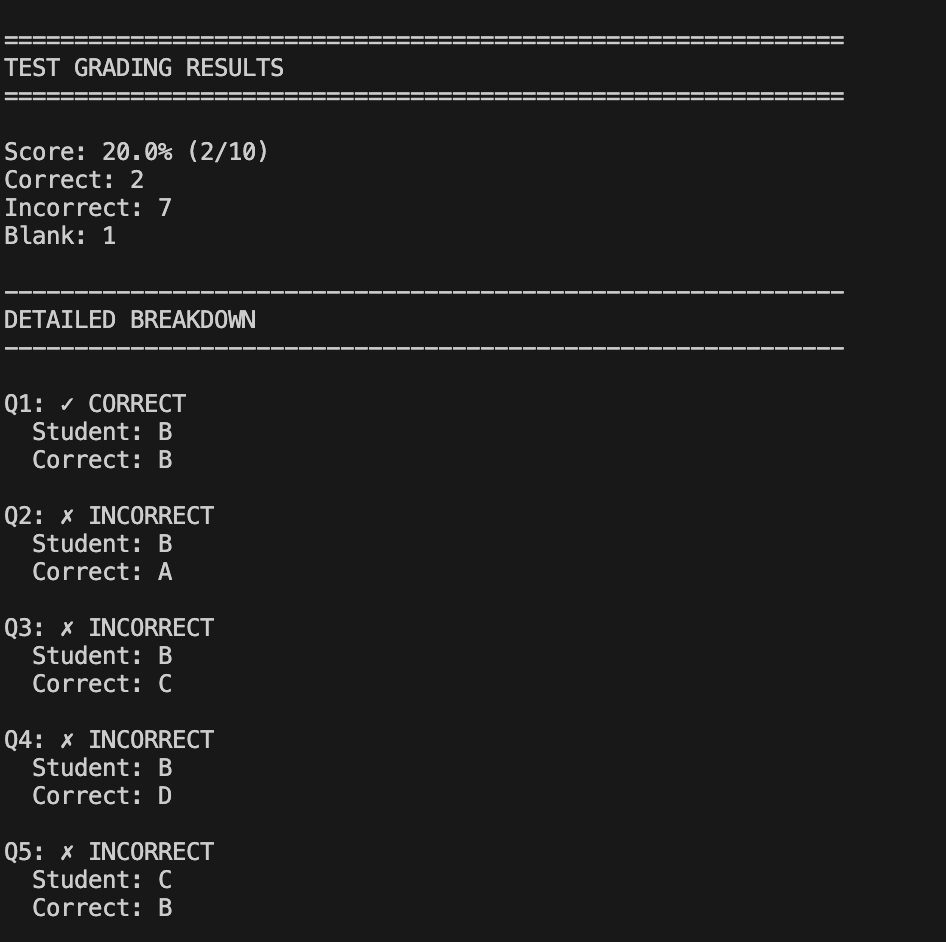
It allows the teacher to take a picture of the student's test or homework( has to be answers in letter format a,b,c,d) then the image will be scanned through Gemini's-2.5-flash model which scans the image and compares it to the teachers self inputed test answer keys which compares the questions then gives out the correct and incorrect answers both to the output and to a JSON file.
How I built it
The program uses a TestGrader class with four methods. The initialization configures the Google Gemini API and loads the vision model. The extract_answers method sends a test image and structured prompt to the AI, which returns student answers as a JSON dictionary. The grade_test method compares these answers against a teacher-provided answer key using normalized string matching, categorizing each response as correct, incorrect, or blank while calculating the overall score. The print_results method formats and displays the grading data. The main execution creates a grader instance, defines an answer key, extracts answers from an image, grades them, and outputs results to both console and JSON file.
Challenges I ran into
The main challenges were image processing and model selection. Test images vary in handwriting legibility, lighting, orientation, and answer positioning, which affects extraction accuracy. The second issue was finding a working AI model. OpenAI's GPT-4 Vision required paid credits despite having a free account, necessitating a switch to Google Gemini. Initial model names returned 404 errors, requiring manual enumeration of available models to identify gemini-2.5-flash as a functional free-tier option that supported vision and content generation.
Accomplishments that I'm proud of
The main accomplishment is the optimization of the model which allows it to read bad handwriting. This was one of the problems that I brainstormed would be hard to solve, but in reality it never was really a problem. The model was actually really good at reading bad handwriting which was tested with 5 different samples.
What I learned
The main thing was incorporating the images and feeding it into the model. First the PIL library opens the image file and loads it as an Image object. This object and a text prompt are passed together as a list to the model's generate_content method. The Gemini API internally encodes and sends both to Google's servers, where the vision model processes the image pixels and text instructions simultaneously, then returns the extracted answers as formatted text.
What's next for Snap-Grade
Whats next is definitely incorporating this into a website or a more beginner friendly format. And I think this could generally help teachers with one of the biggest problems that they have currently. That way they have more time to create better lessons and generally plan for a better teaching environment.


Log in or sign up for Devpost to join the conversation.