
Inspiration
It all started with a desire to be useful. A few days ago, I was watching an animated YouTube video explaining AI algorithms using diagrams of neural networks and nodes. Maybe because I had been thinking about creating something meaningful for a while—and had worked on different projects throughout the year—the idea suddenly clicked.
While watching the video and struggling to understand some parts, I thought: what if AI could explain this in a more dynamic and interactive way? What if I could ask questions freely, clear any doubt, and dive into the smallest details without feeling like I was bothering someone? Learning could be personalized and easy, tailored to my own pace and style.
That’s when the idea of Teacher AI was born—a personalized AI tutor designed to adapt to each individual’s unique learning style.
What it does
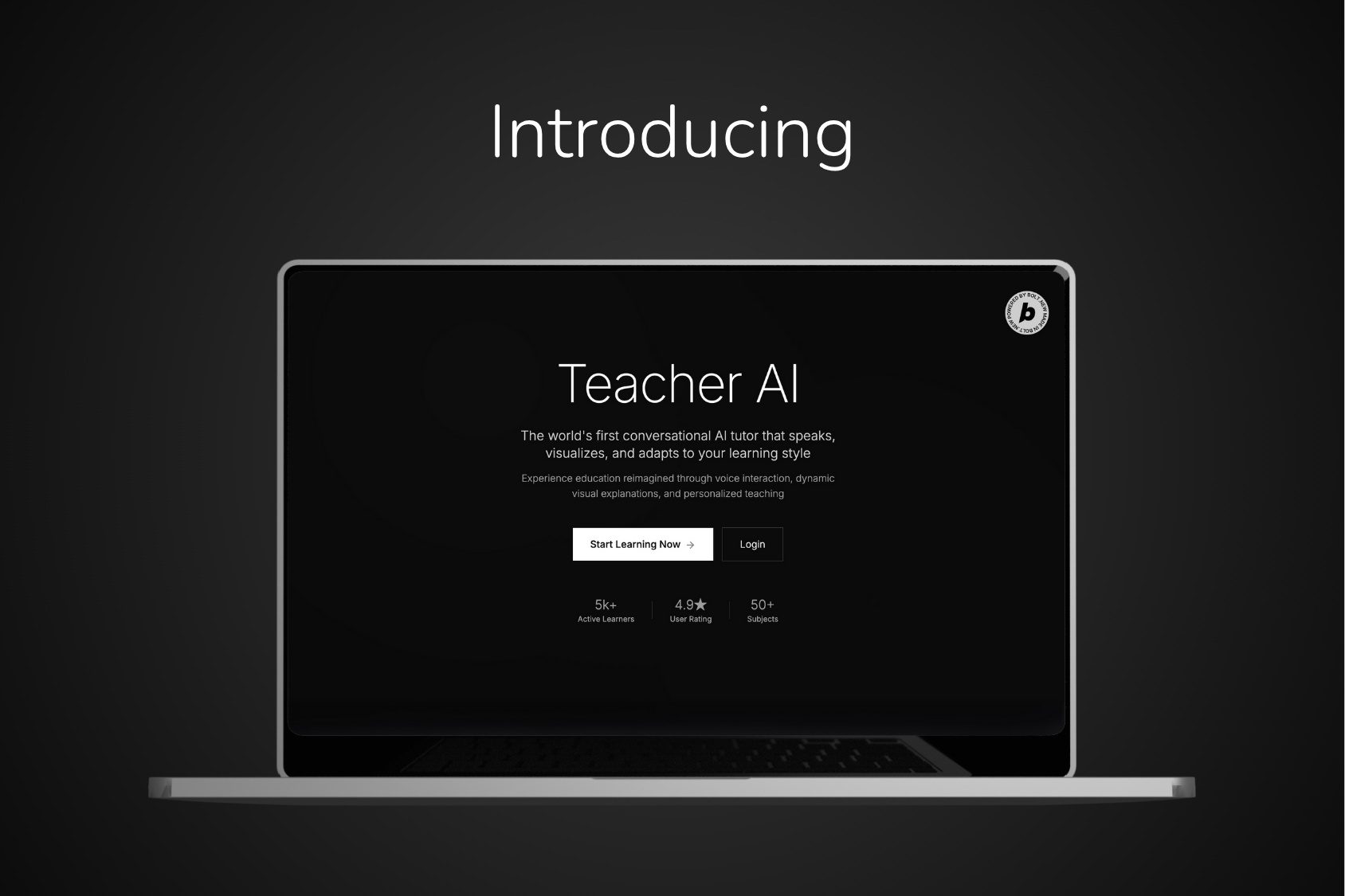
Teacher AI is the world’s first truly interactive AI teacher that can speak, listen, reply naturally, draw diagrams, and adapt to each student’s unique learning style.
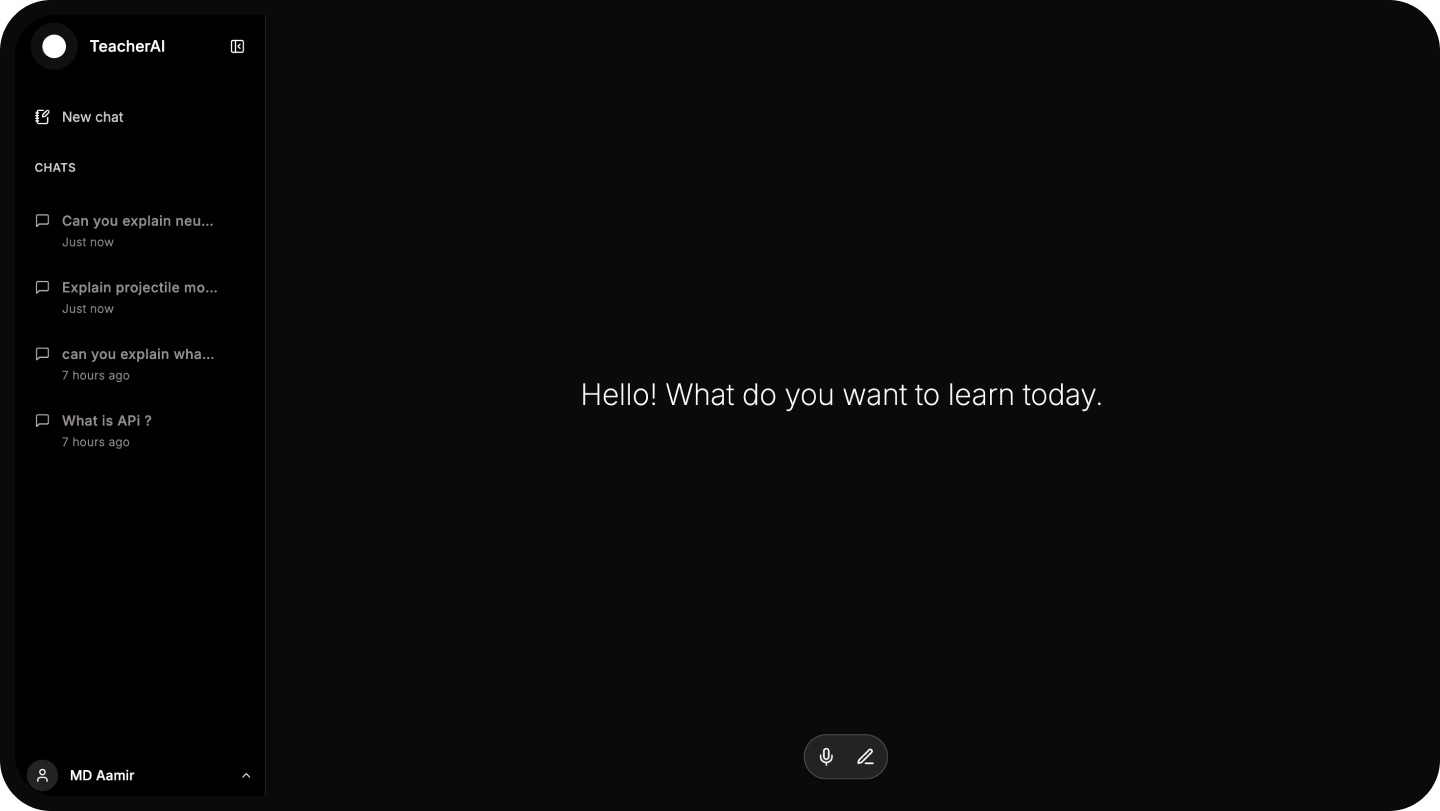
Students can start a conversation by speaking or typing—whichever feels comfortable. Once a question is asked, Teacher AI analyzes the topic, breaks it down into simple parts, and explains one concept at a time.
What makes it unique:
It speaks like a real teacher, with natural and clear explanations.
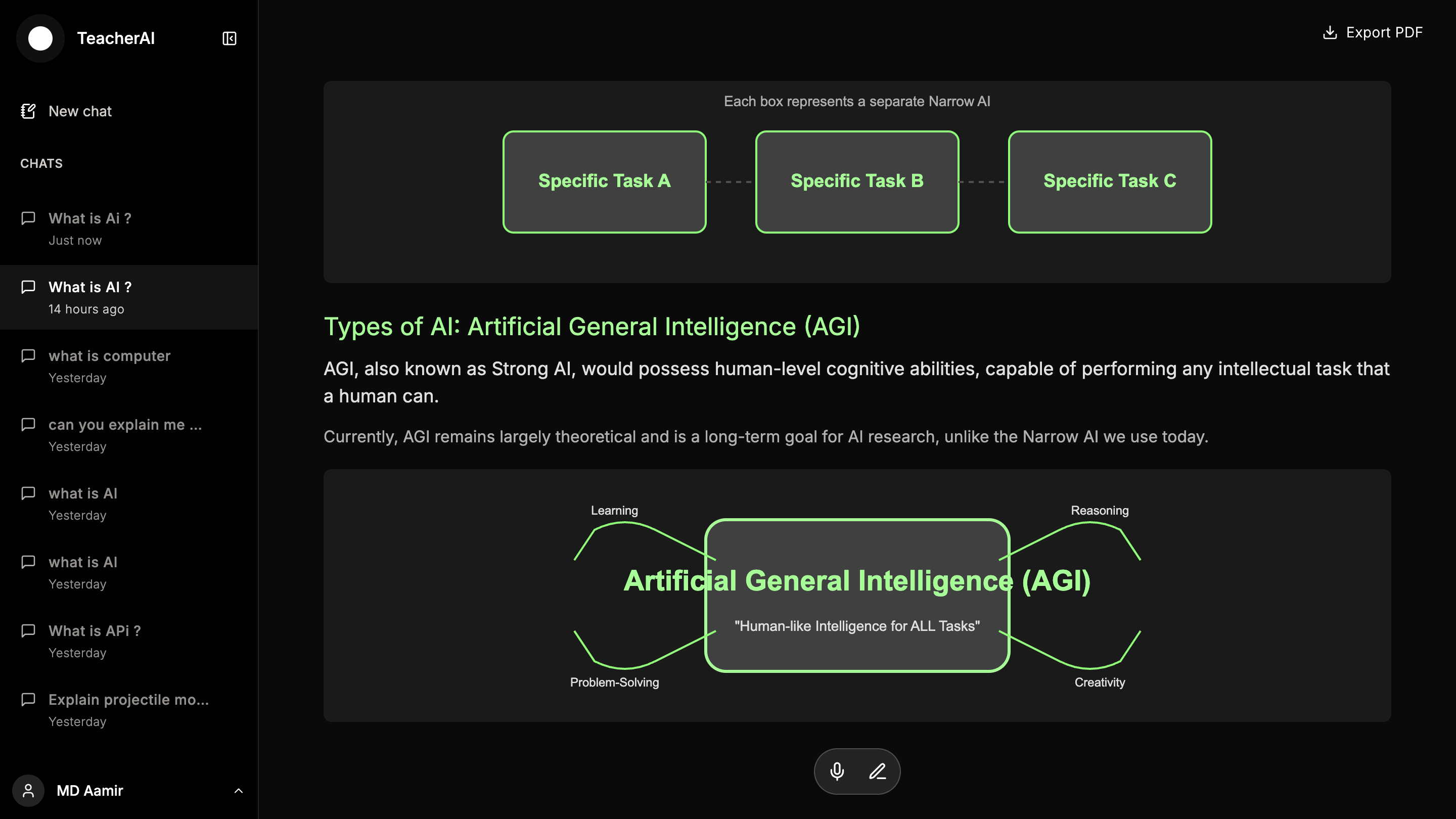
It draws diagrams and visuals to support understanding.
Students can interrupt at any point with questions, and it will respond in real-time.
It checks in regularly: “Is it clear now?”—and only moves forward when the student is ready.
It’s not just an assistant—it’s a conversational, visual, and adaptive tutor designed to make learning effortless. This ability to speak, listen, explain, and draw together is what we call Whiteboard v1.
How we built it
The journey began with a simple question: Is this even possible?
I discussed the idea with AI assistants, and after getting a green signal, I started testing it using pure HTML—just to see if the concept could work.
Surprisingly, the initial results were shockingly good.
From there, I moved to bolt.new and officially kicked off the project.
Knowing this would be a large and complex build, I made a strategic decision:
Rather than overwhelming Bolt with the entire scope at once, I built it feature by feature.
Step 1: Authentication
I started with user authentication. I asked the AI to build the frontend UI first, then simply said:
“Use Supabase to make authentication work.”
It generated a fully functional login/signup system using Supabase.
Step 2: Core Logic & Teaching Flow
Next, I focused on the core teaching experience:
AI listening to the user
Understanding the topic
Explaining with voice
Drawing diagrams in real time
I guided the AI step by step through each feature.
I also used Claude at times for support (permitted under the rules).
Step 3: Chat Room System
After the core flow was done, I asked the AI to build a chat room system using Supabase—and it worked smoothly.
Step 4: Landing Page & UI Polish
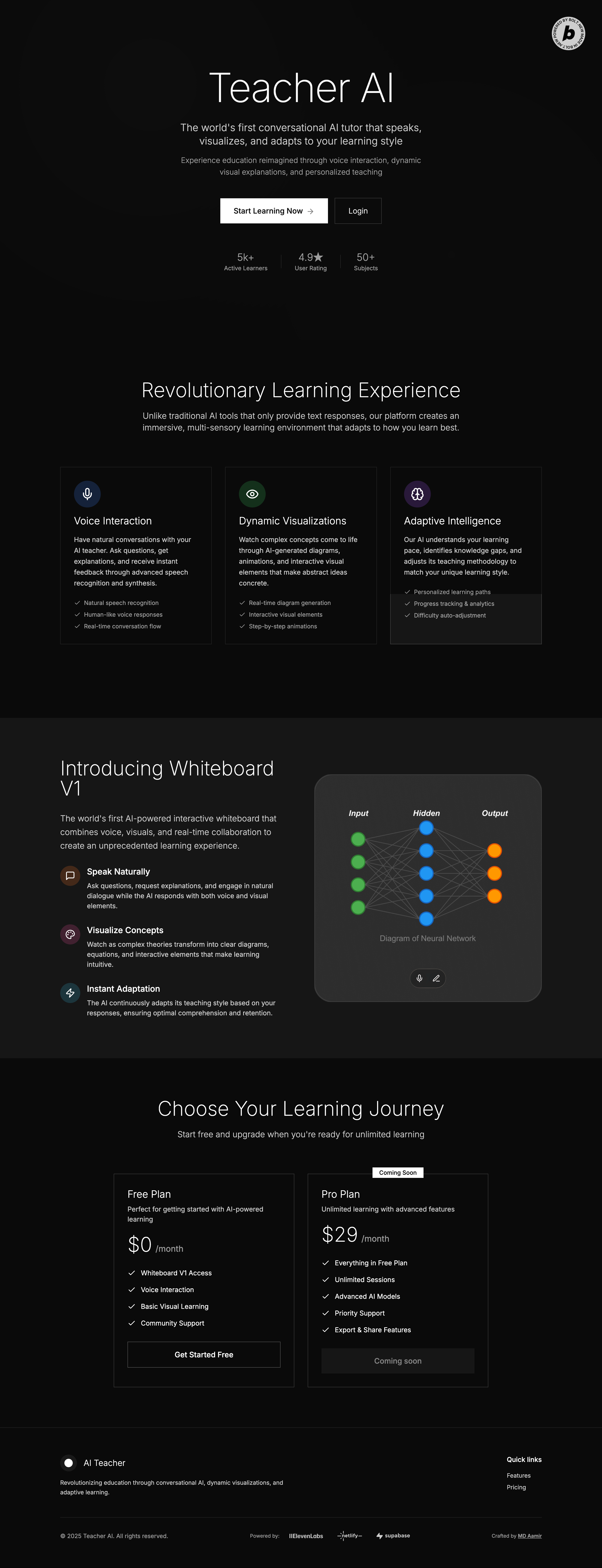
Finally, I gave a clear prompt to generate a beautiful landing page.
With some UI polishing, the project was complete.
That’s how Teacher AI came to life—with the help of Bolt.new.
Challenges we ran into
While building this project, I faced several challenges — some small, some quite complex. Here are a few key ones:
1. Challenge with Supabase Setup
The first issue came during the authentication setup.
After Bolt generated the logic, it asked me to click the "Integrations" button to connect Supabase. But the option was marked unavailable. The tooltip said: "It is unavailable for Next.js projects."
So, I had to manually configure the Supabase integration.
2. Challenge with ElevenLabs Conversational AI
I initially used ElevenLabs Conversational AI for real-time conversations.
But after setting up the logic, I ran into two problems:
It wasn’t calling the tools/functions I provided.
There was a noticeable delay in responses, likely due to the free Gemini API or an issue on ElevenLabs’ side.
On top of that, the limited conversational minutes in the Builder Pack made testing and fine-tuning difficult.
At that point, I felt stuck—this was supposed to be a highlight feature.
So I changed my approach:
Removed ElevenLabs' conversational logic
Handled the logic and flow manually
Kept ElevenLabs only for text-to-speech
This gave me full control and allowed progress without further blockers.
3. Challenge with Bolt's Deployment Process
Once the build was ready, I clicked "Deploy" in Bolt. It built successfully, but showed this error:
Error: "No directory found"
There was no clear explanation of what went wrong.
After some research, I found it was likely due to Next.js. I tried deploying via CLI, but the Netlify terminal tool wasn't available.
As a workaround:
I clicked "Export Code"
Downloaded the project locally
Installed the Netlify CLI
And deployed manually from my desktop
Accomplishments that we're proud of
Despite the challenges, I was able to complete the entire project in just 8 days—making it the fastest project I’ve ever built from scratch.
Credit goes to Bolt.new and the power of AI assistants, which made rapid development possible.
After deployment, I tested it in real-time with a few student friends. They were genuinely impressed by how helpful and interactive the AI teacher was.
One of them even asked to be the first subscriber, saying:
"This is one of the most helpful AI tools for learning I've ever seen!"
That moment made all the effort completely worth it.
What we learned
Throughout the process of building this system entirely from scratch using Bolt.new, I learned a lot—not just about tools, but also about strategy.
One of the biggest one was realizing the true potential of AI. I discovered that:
You get much better results by building step by step, instead of trying to add everything at once.
This incremental approach kept things focused, avoided confusion, and made it easier to guide the AI—resulting in a smoother, faster development process.
What's next for Teacher AI
I believe Teacher AI has the potential to become a leading AI-powered learning platform. While the current version is fully functional, there’s still so much more to build. Here are a few upcoming updates:
Whiteboard v2 – Smarter Visual Learning
The current version of speaking, writing, and drawing together is what I call Whiteboard v1. Next, I plan to enhance it with:
Integration of ElevenLabs Conversational AI
A custom fine-tuned AI model for better explanations
Use of premium LLMs like Claude Sonnet 4 for handling complex topics
This will lead to smarter visuals, faster interactions, and deeper understanding.
Knowledge Base System
For students with a fixed syllabus (like school or college), I’m planning a Knowledge Base feature:
Focused learning aligned with their own curriculum
Teacher AI becomes more like a personal subject teacher
Multiple Plan Tiers
Right now, the platform is completely free.
In the future:
A free tier with basic access will stay
Premium plans will offer advanced features and extended usage
This will help sustain the platform while keeping it open for everyone.
The journey has just begun, and I’m excited to keep building Teacher AI into something truly transformational for learners everywhere.
Built With
- gemini-api
- netlify
- nextjs
- node.js
- supabase


Log in or sign up for Devpost to join the conversation.