Inspiration
(Your words: why did this idea matter to you? Have you ever shipped or used AI-written code you couldn't fully explain? 2–3 sentences.)
What it does
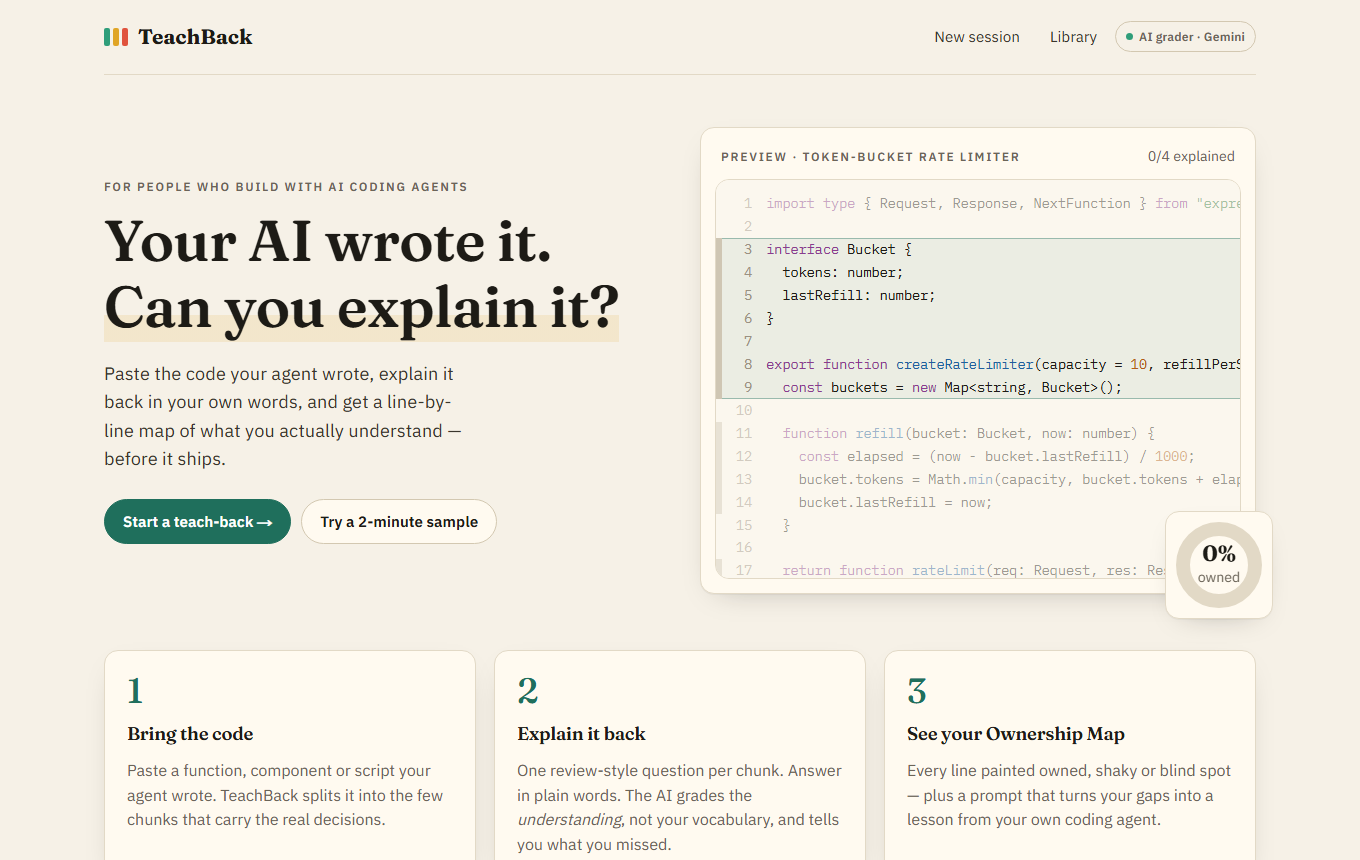
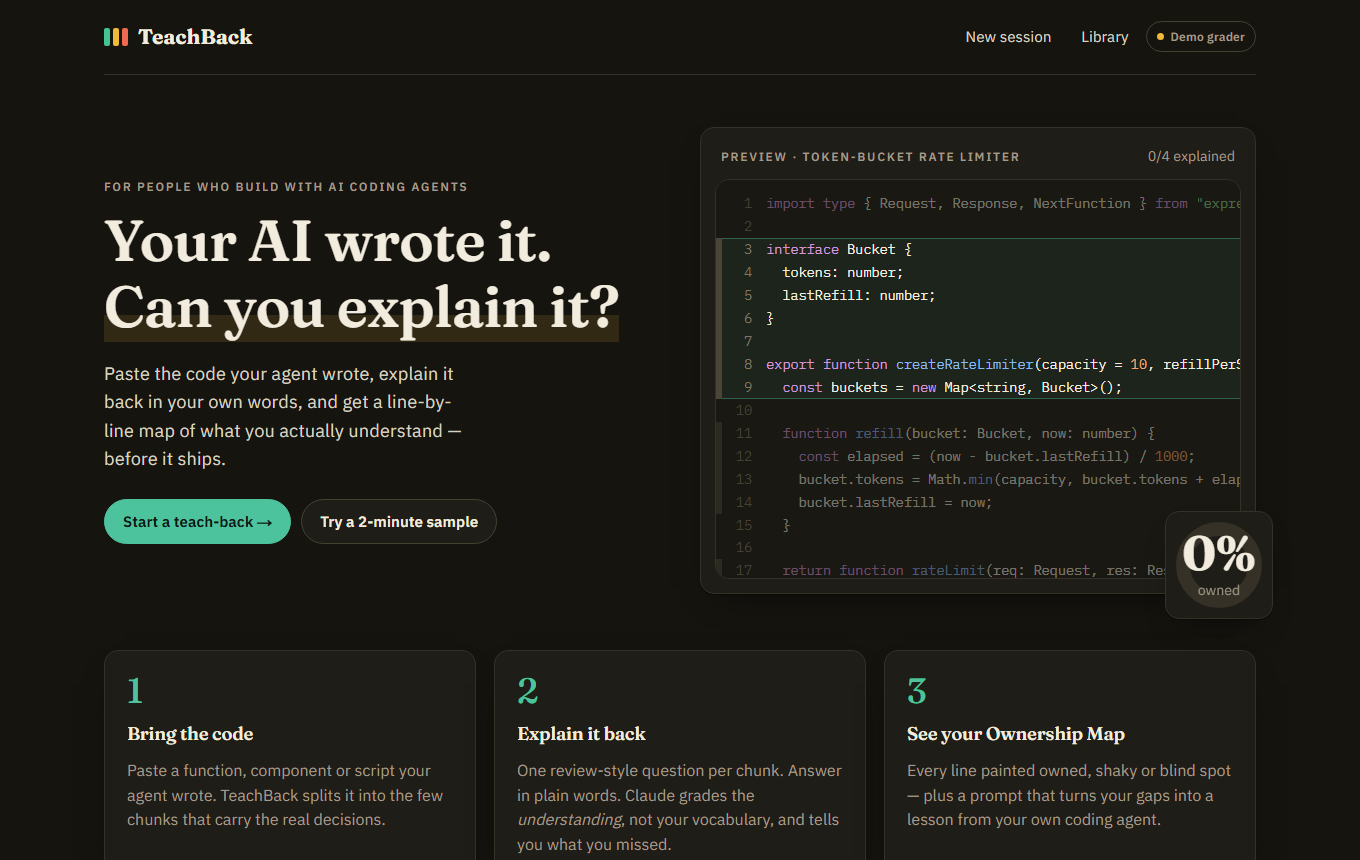
TeachBack checks whether you actually understand code an AI coding agent wrote for you.
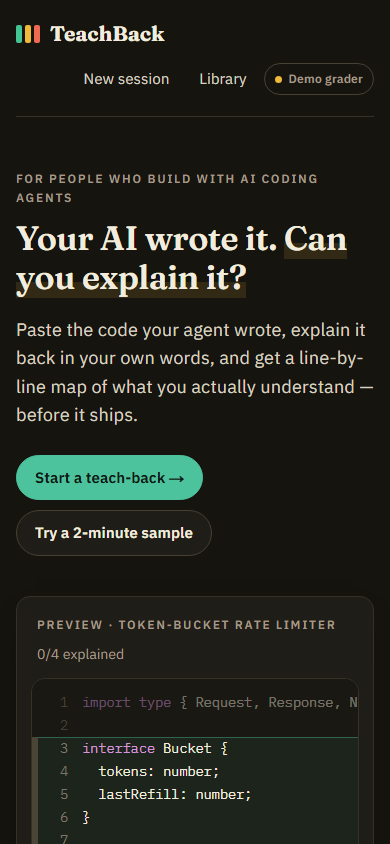
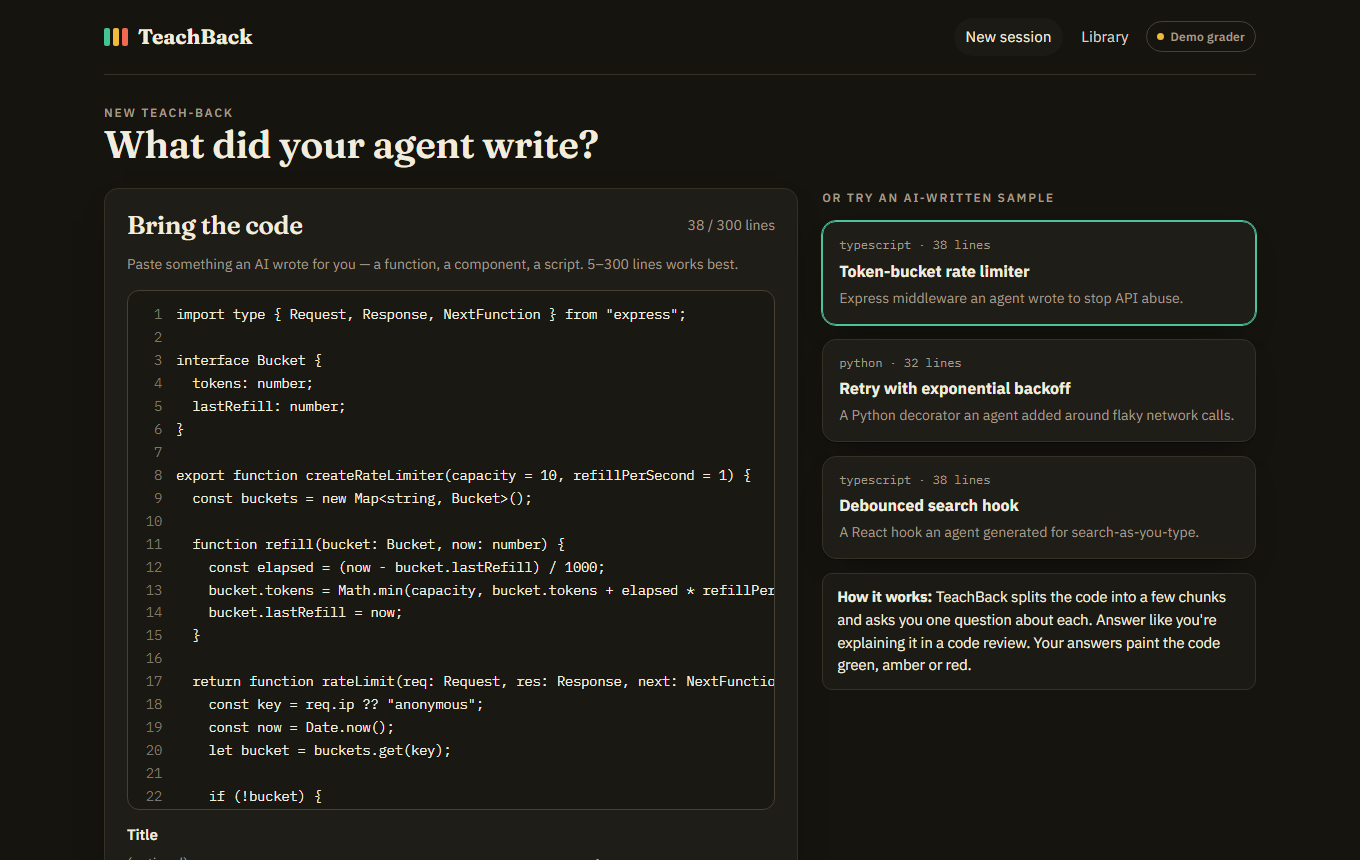
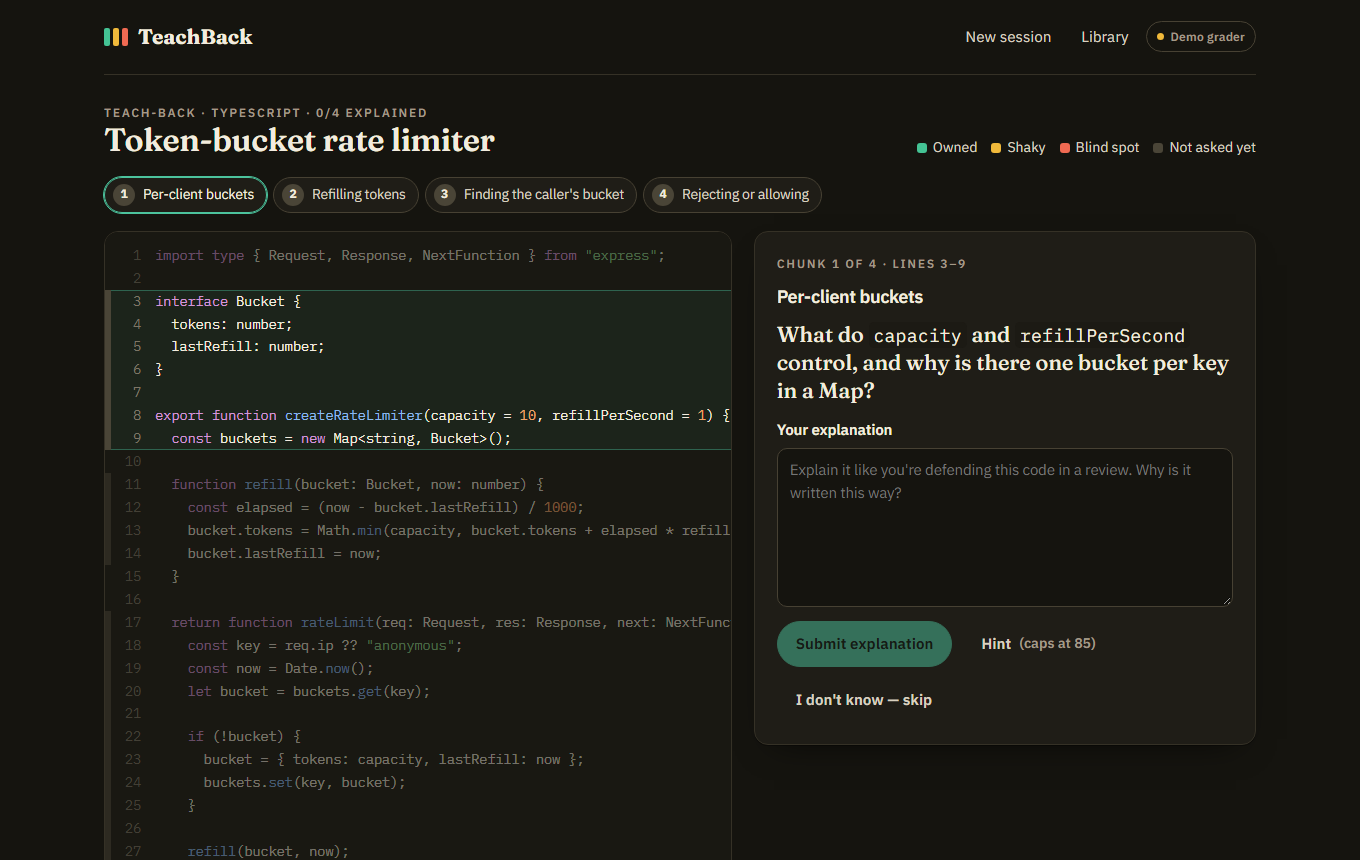
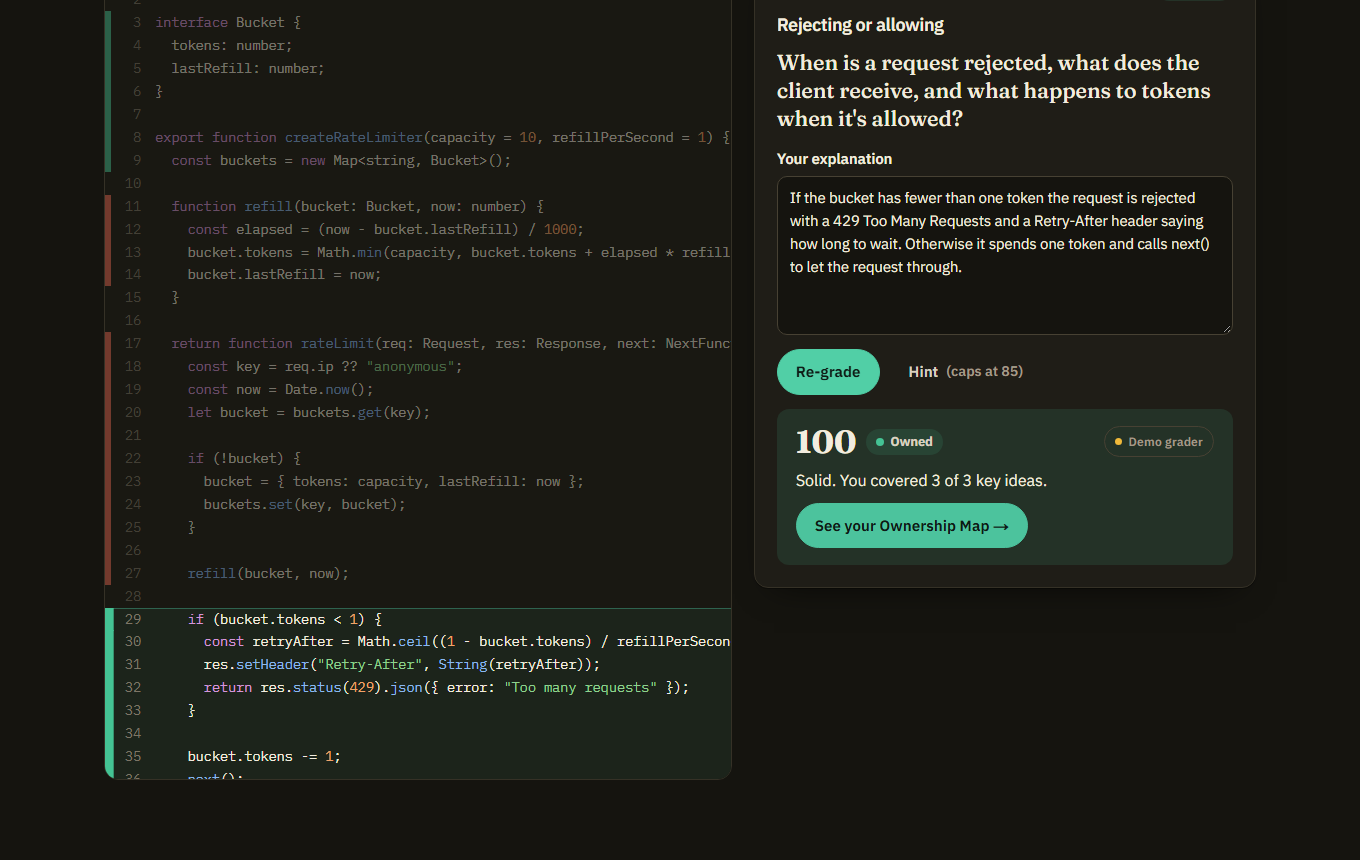
- Bring the code. Paste a snippet (or pick one of three AI-written samples). The AI splits it into 3–6 chunks that carry the real decisions and writes one "why/how" question per chunk.
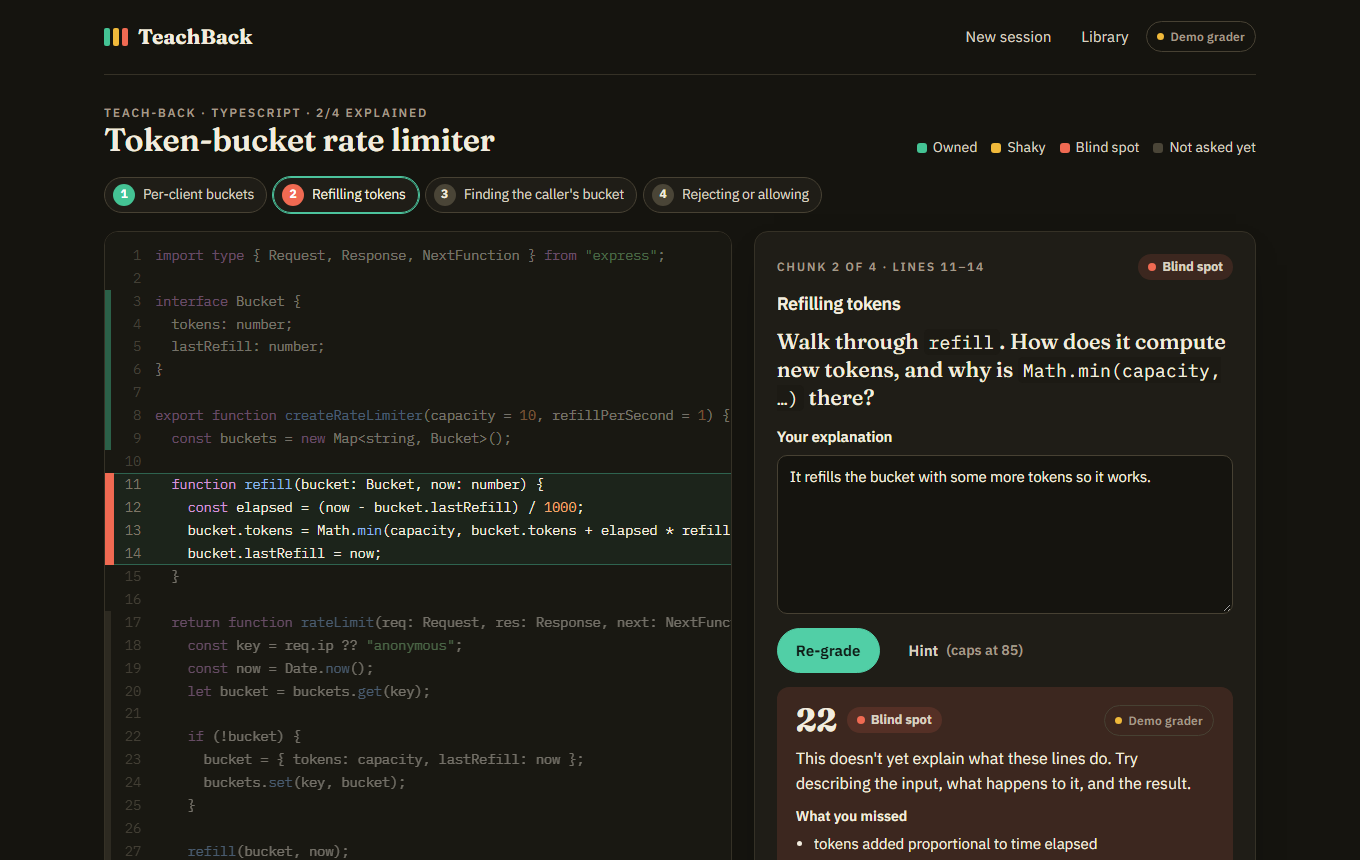
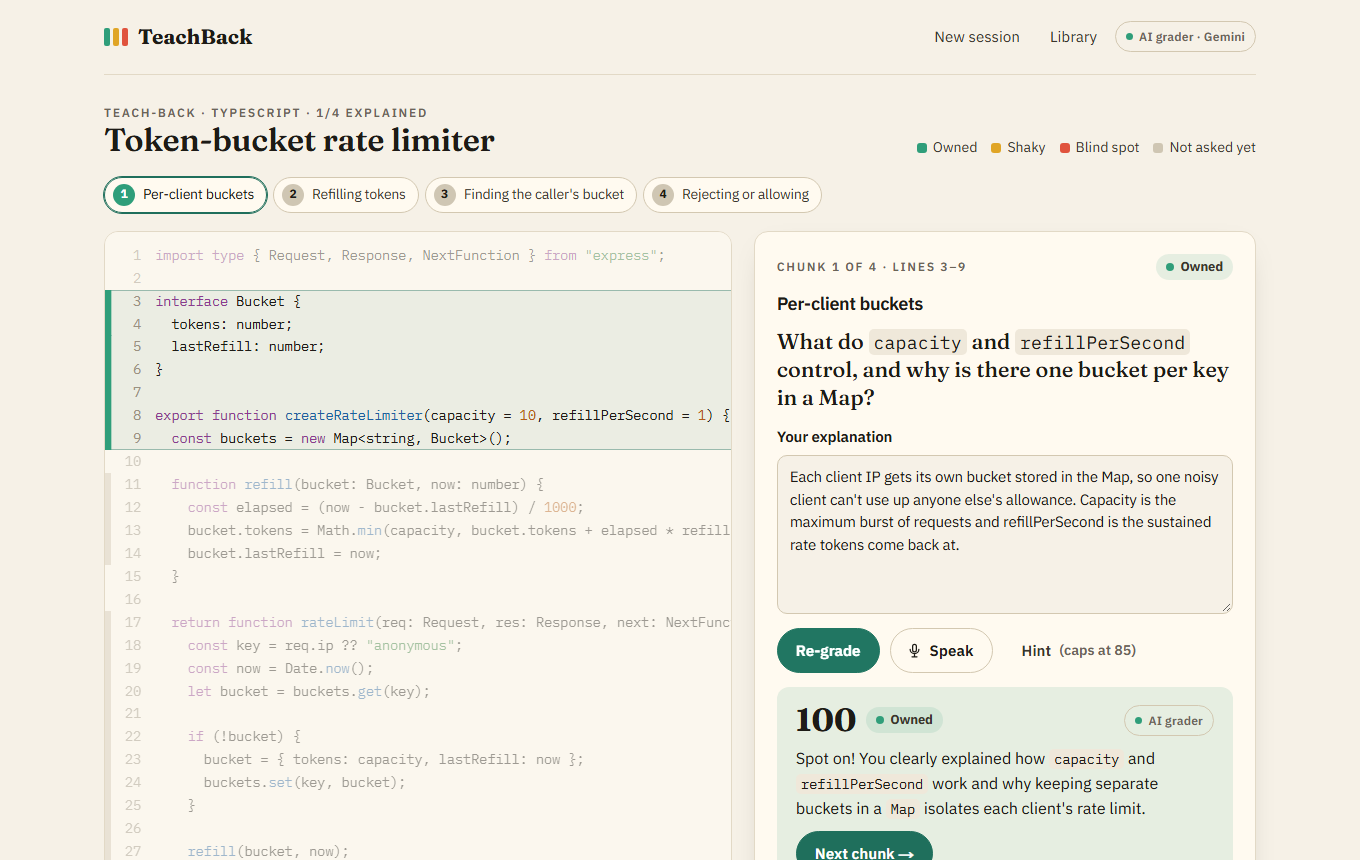
- Explain it back. Answer each question in your own words, by typing or by pressing Speak and saying it out loud. Hints are available (score capped at 85), or you can honestly skip.
- Get graded. The AI judges understanding, not vocabulary: a 0–100 score, a verdict (Owned, Shaky or Blind spot), coaching feedback, and the concepts you missed. The lines change colour immediately.
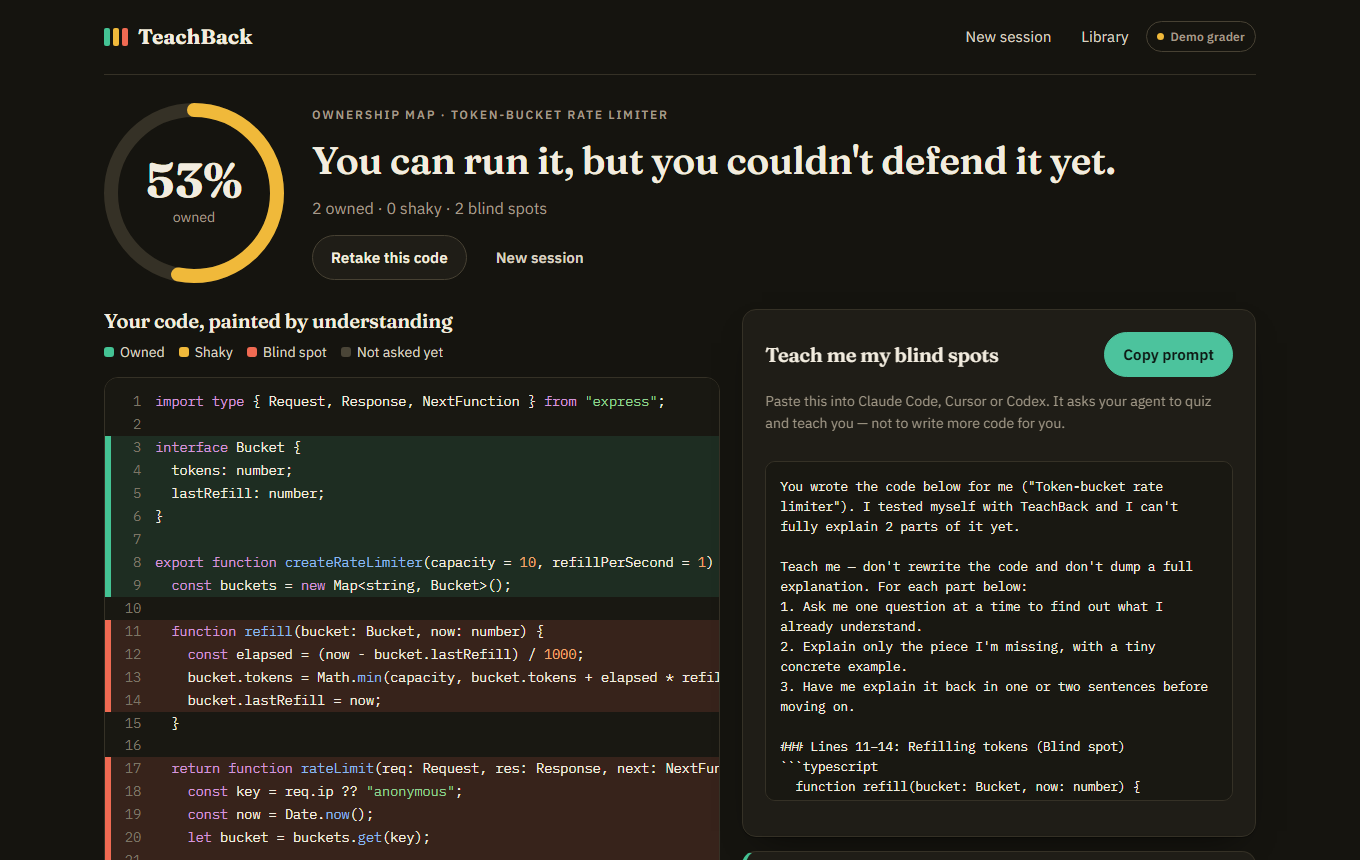
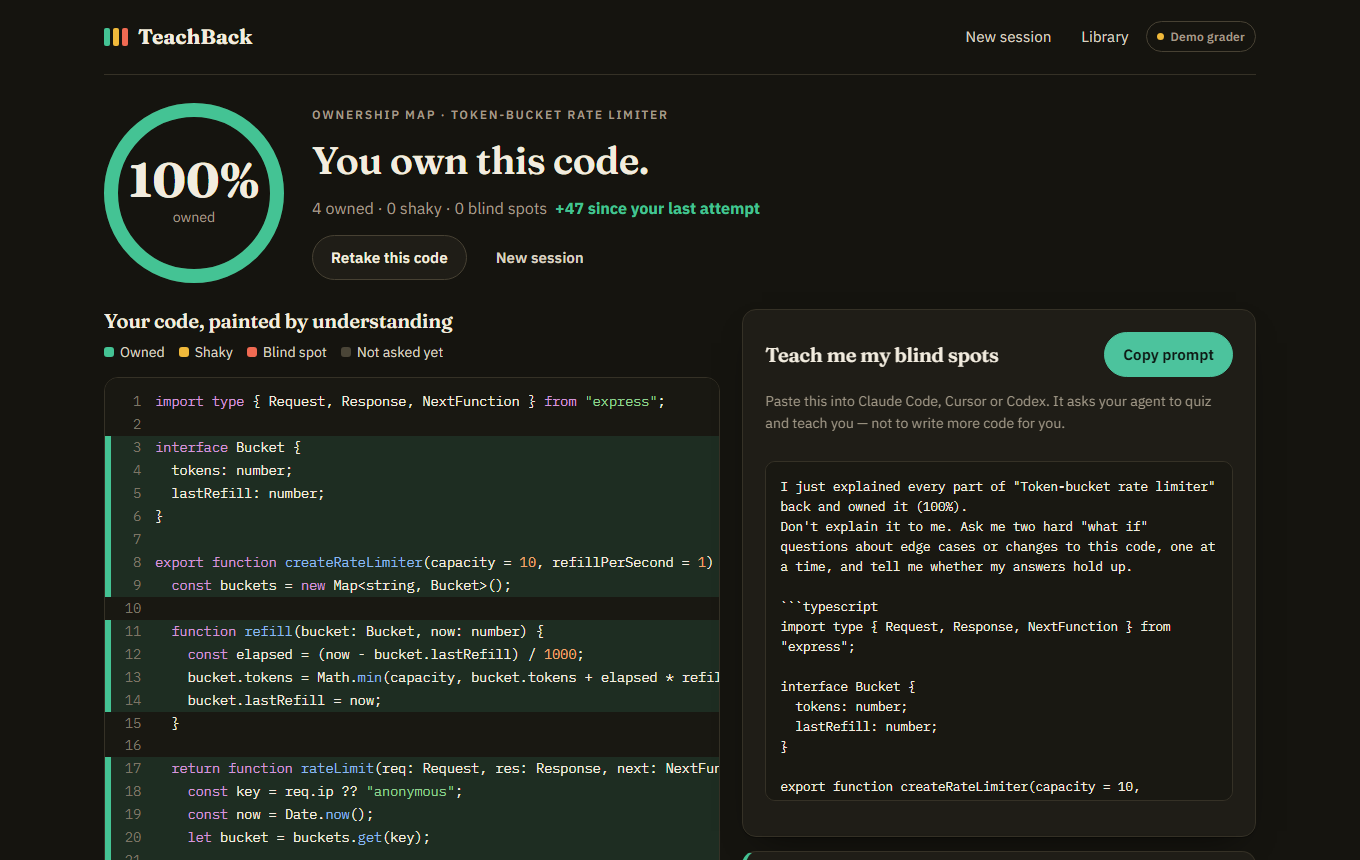
- See your Ownership Map. Every line is painted by how well you understood it, with an overall score weighted by chunk size.
- Turn gaps into a lesson. A "Teach me my blind spots" prompt lists your weak chunks and asks your coding agent to quiz and teach you instead of writing more code.
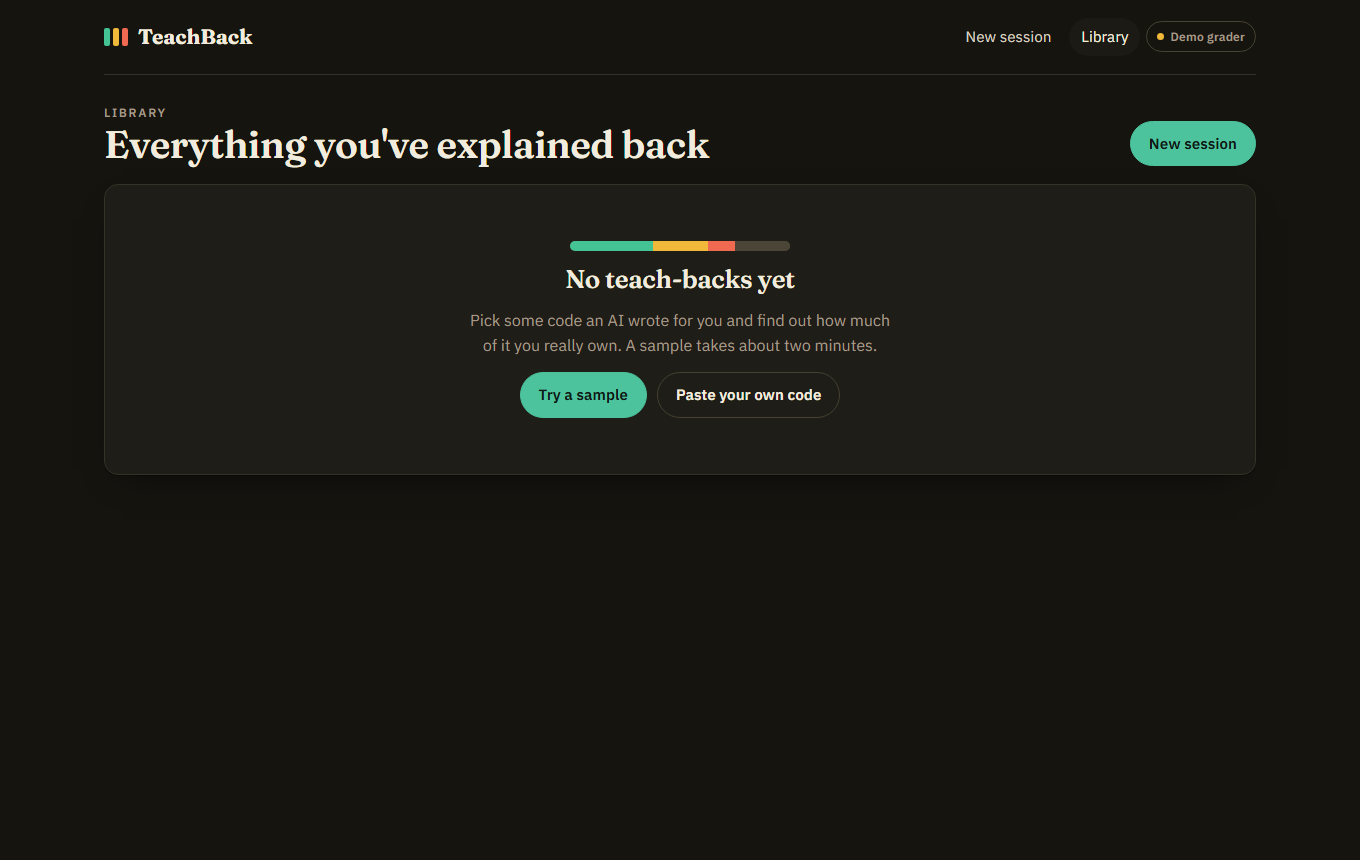
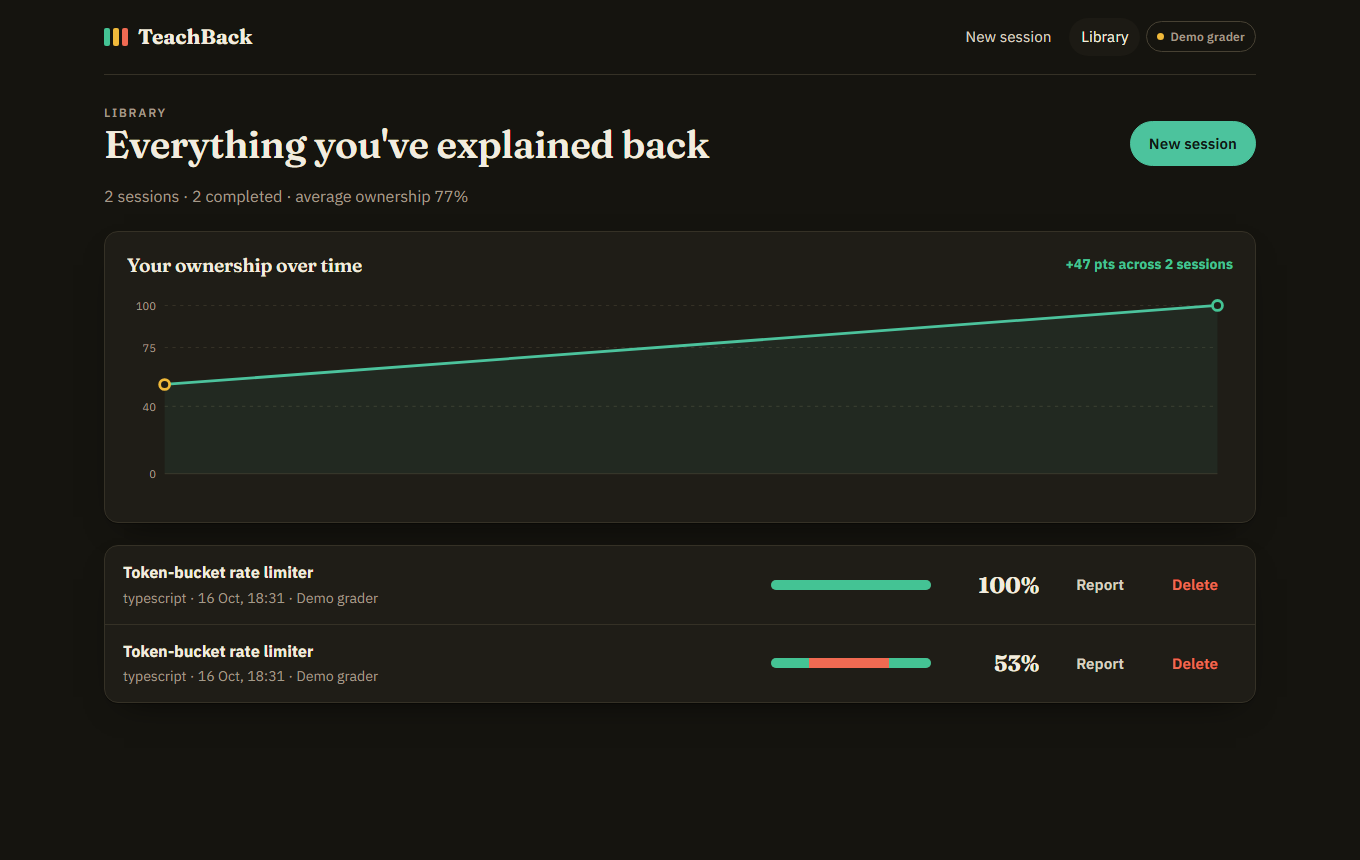
- Track progress. A library keeps every session with a score trend over time, and you can retake any code.
How I built it
I built TeachBack with an AI coding agent (Claude Code), following the Devpost Learn Skill Pack: scope → PRD → spec → a sliced build plan, all committed in devpost/ before and during the build.
- Next.js 16 (App Router), React 19 and TypeScript. Five pages: Home, New Session, Teach-back Session, Ownership Map report and Library.
- Google Gemini (free tier) via
@google/genai, using structured JSON output: a zod schema is sent as the response schema, then the reply is validated again on the server. - Web Speech API for voice answers: free, built into the browser, no extra key.
- localStorage for sessions, so there are no accounts and no database.
- An offline demo grader, clearly labelled, so the app works end to end without an API key.
- Tests: unit tests with
node:test, API smoke tests, and Playwright end-to-end runs, including a simulated microphone for voice.
Challenges I ran into
- Free-tier overload. Gemini's larger Flash models often returned "high demand" (503) or rate-limit (429) errors, and the SDK's automatic retries pushed grading to about 17 seconds. I added a fallback chain across models, remembered the last model that worked, and turned off the SDK retries. Grading dropped to about 6 seconds.
- Trusting AI output in the UI. The model's chunk line ranges could overlap or run past the end of the file, so the server clamps, orders and de-overlaps them, with a unit test for the messy case.
- Switching providers mid-build. I didn't have a paid Anthropic account, so I moved the AI layer to Gemini's free tier behind a small provider interface.
- Testing voice without a microphone. Headless browsers have no mic, so the end-to-end test injects a fake speech recognizer to check live transcription, the answer box and grading.
What I learned
(Your words: what will you do differently next time you build with an AI agent? What did planning first (scope/PRD/spec) change for you? 2–4 sentences.)
What's next
- A Socratic follow-up question that lets a "Shaky" answer recover to "Owned"
- A focused retake of only the red and amber chunks
- Importing code from a GitHub URL or a git diff
Built With
- claude
- devpost
- express.js
- gemini
- google-ai-studio
- html5
- javascript
- nextjs
- node.js
- react
- typescript
- zod


Log in or sign up for Devpost to join the conversation.