-
-
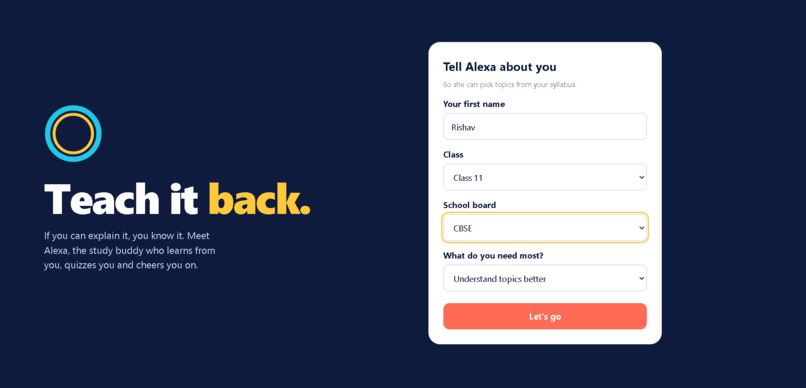
intro page
-
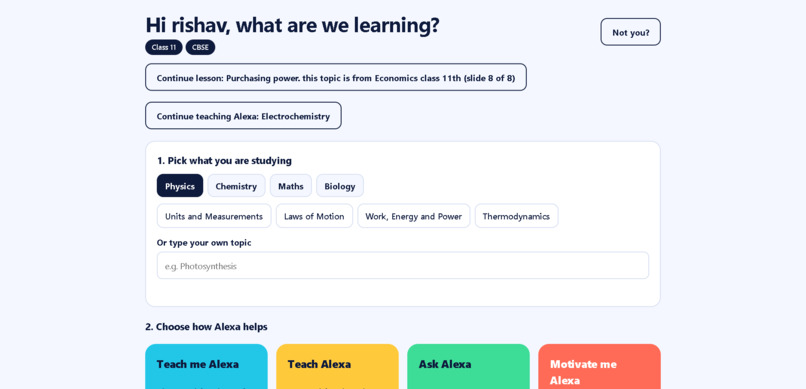
index page
-
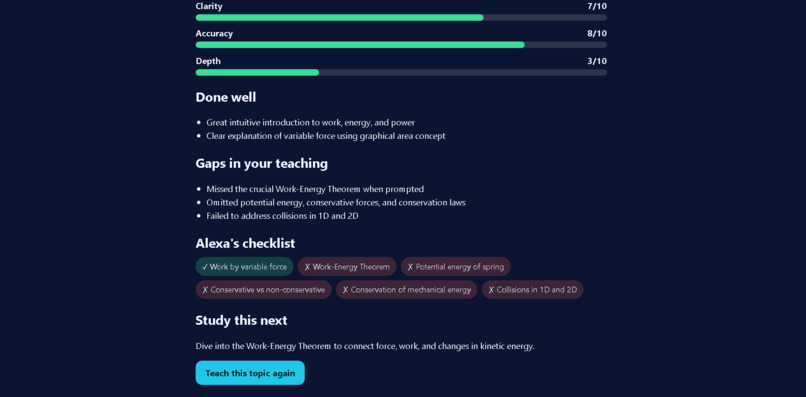
teach alexa page
-
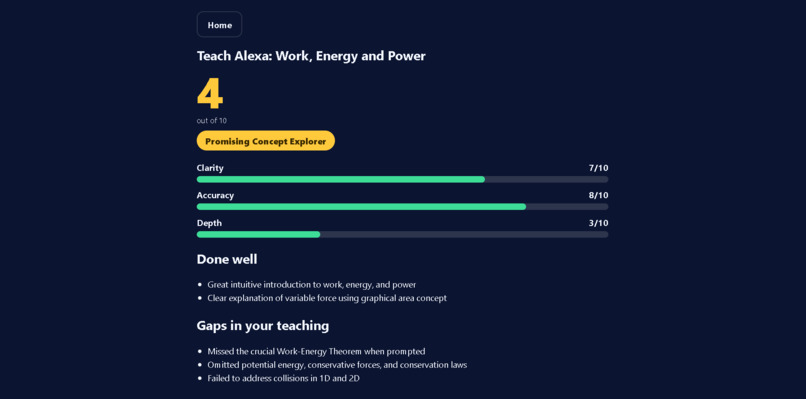
teach alexa page
-
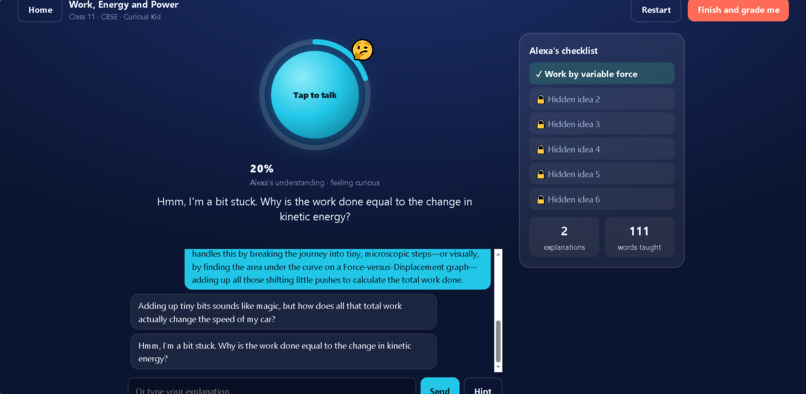
teach alexa page
-
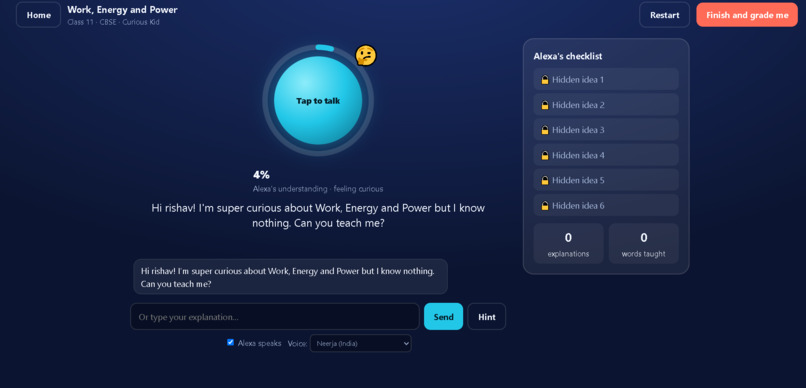
teach alexa page
-
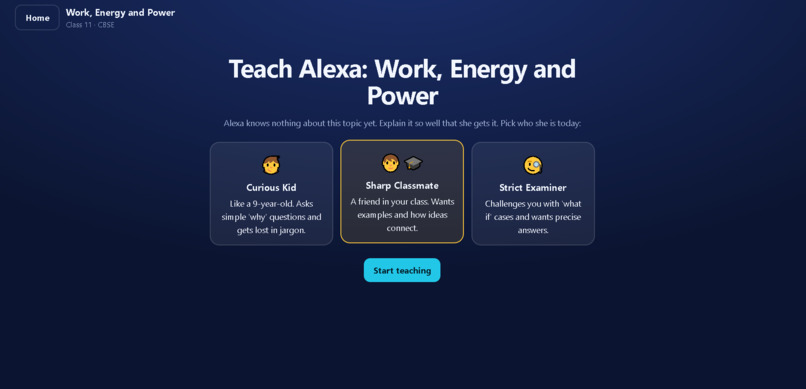
teach alexa page
-
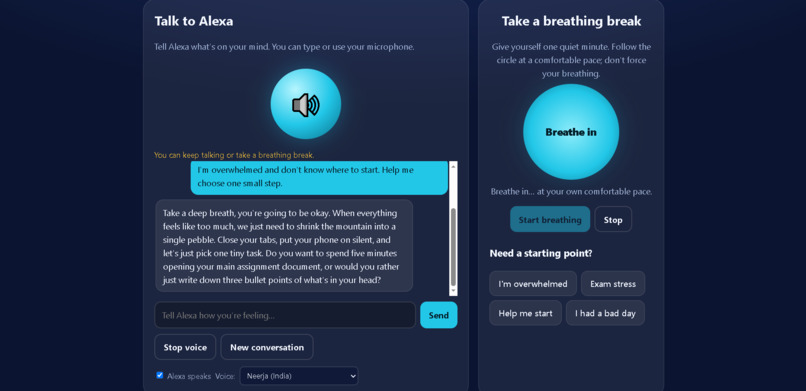
motivate page
-
motivate page
-
ask alexa page
-
ask alexa page
-
teach me page
-
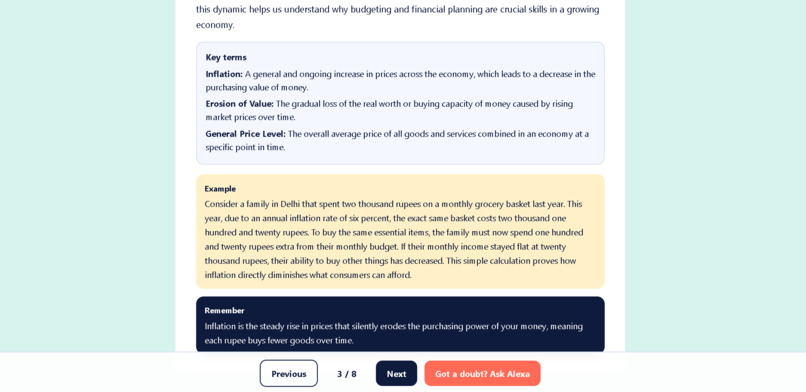
teach me page
-
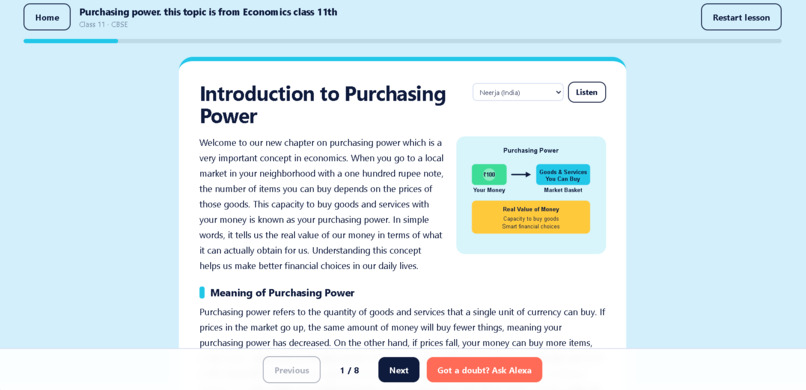
teach me page
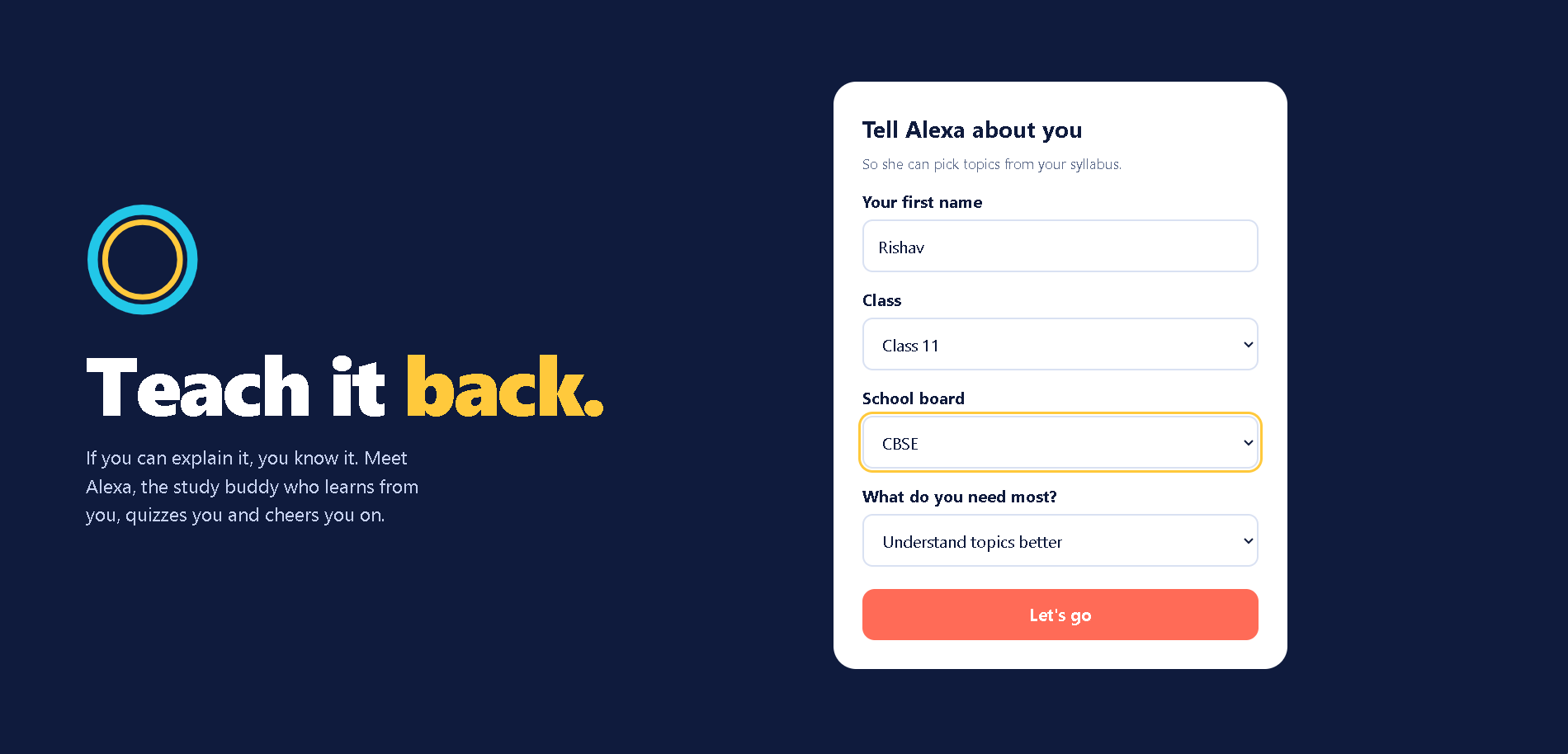
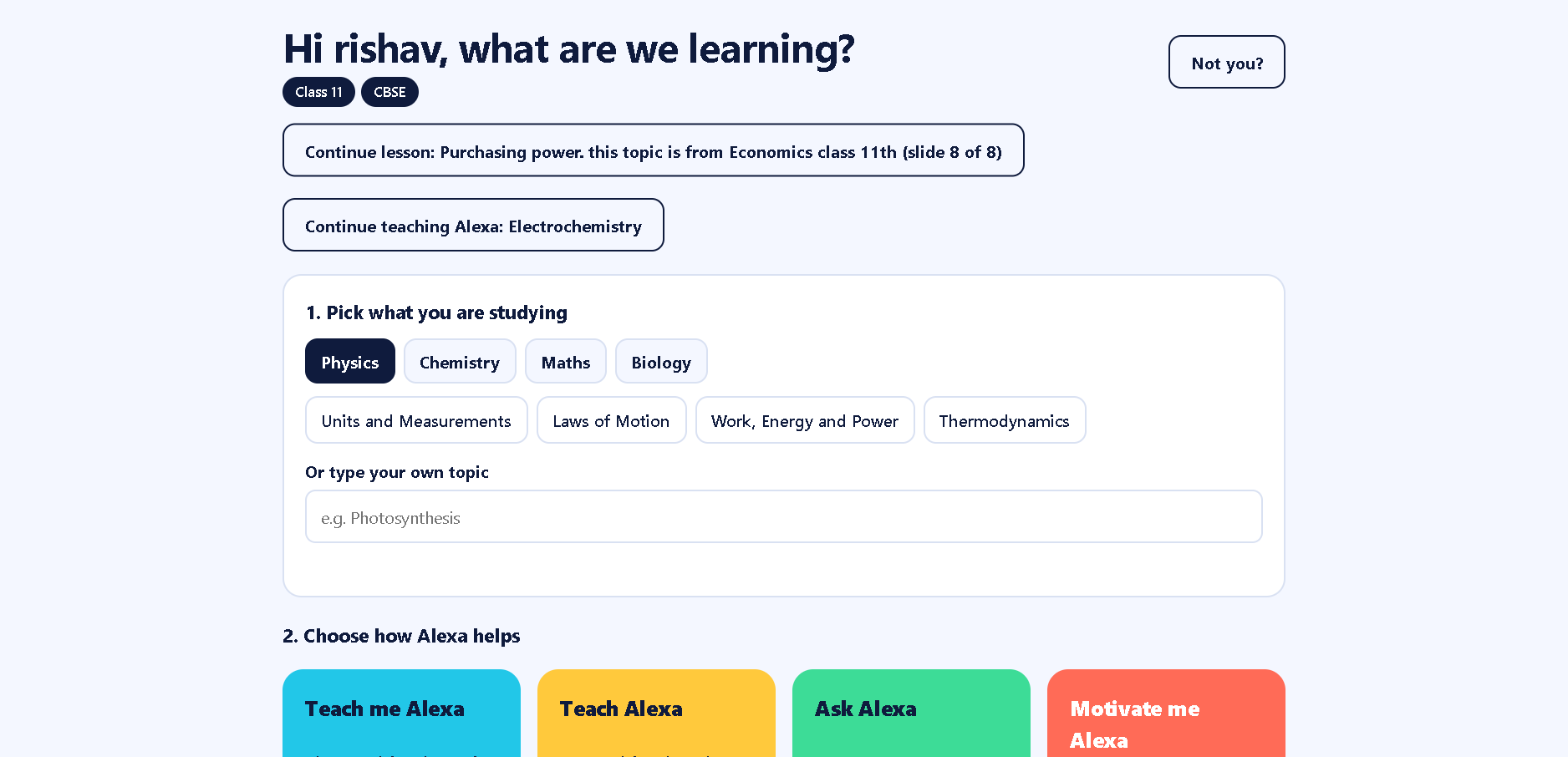
Inspiration# About Teach-Back Alexa
Inspiration
Learning is not just about reading a chapter or memorising information. Sometimes, we understand a concept while reading it but struggle to explain it in our own words or remember it later. Students also face difficulties knowing what to study, testing their understanding, and staying motivated when a topic feels overwhelming.
This inspired us to build Teach-Back Alexa, an AI-powered study companion designed to make learning more interactive. The core idea is simple: instead of passively consuming information, students should be able to learn a concept, explain it back, test their understanding, and take a moment to recharge when needed.
What It Does
Teach-Back Alexa brings several learning experiences together in one web application:
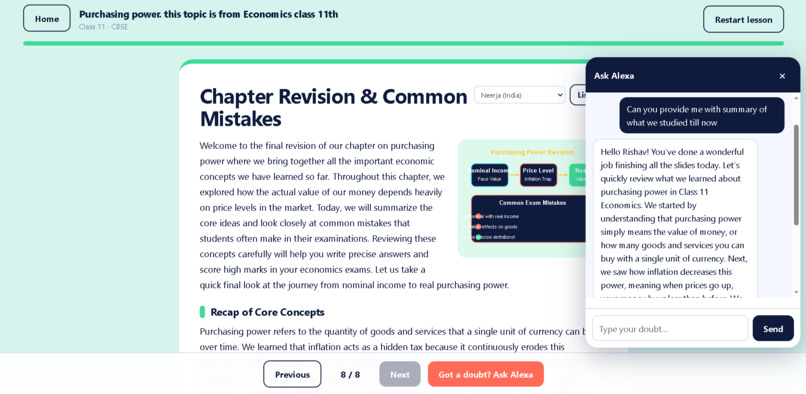
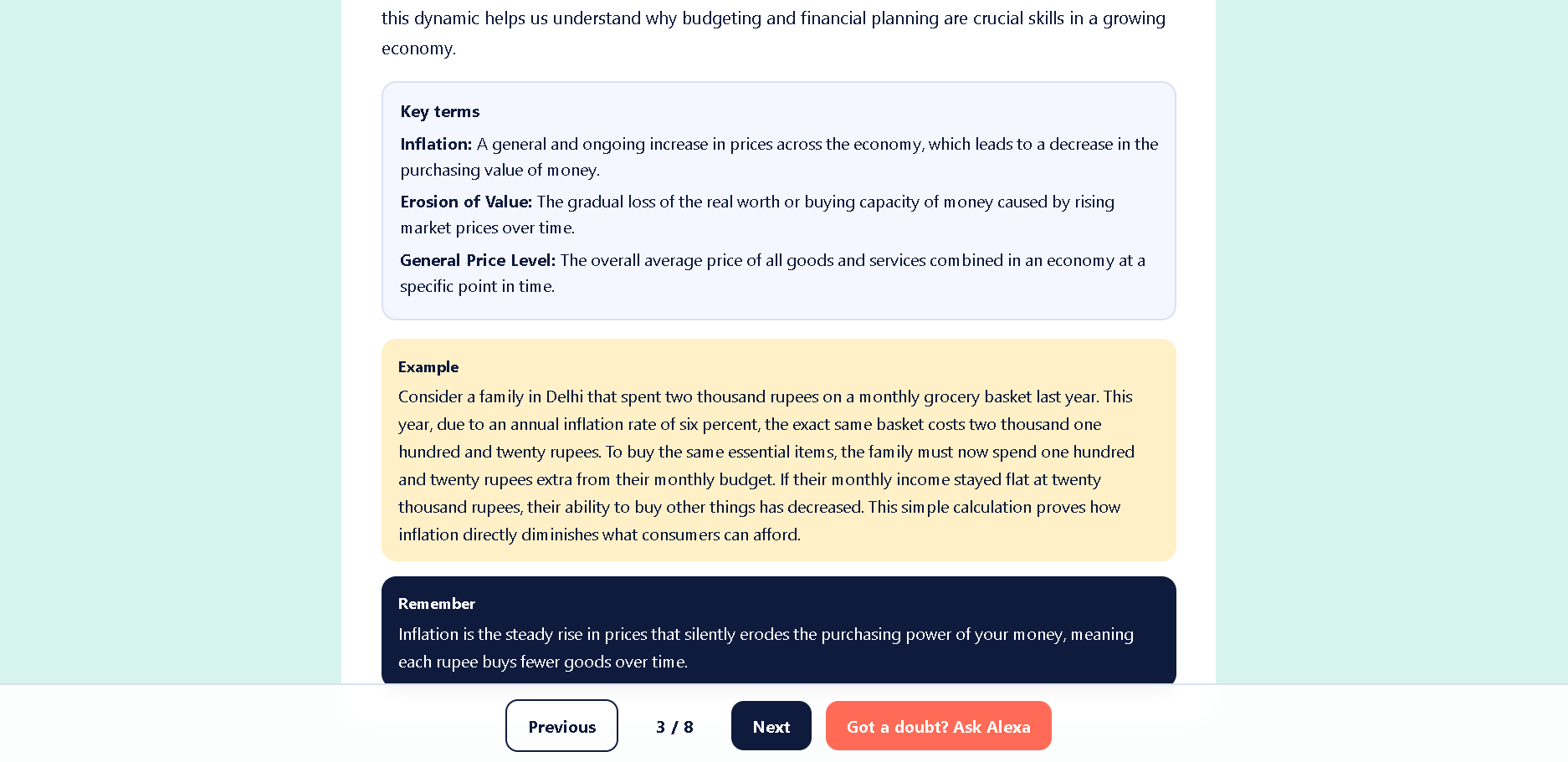
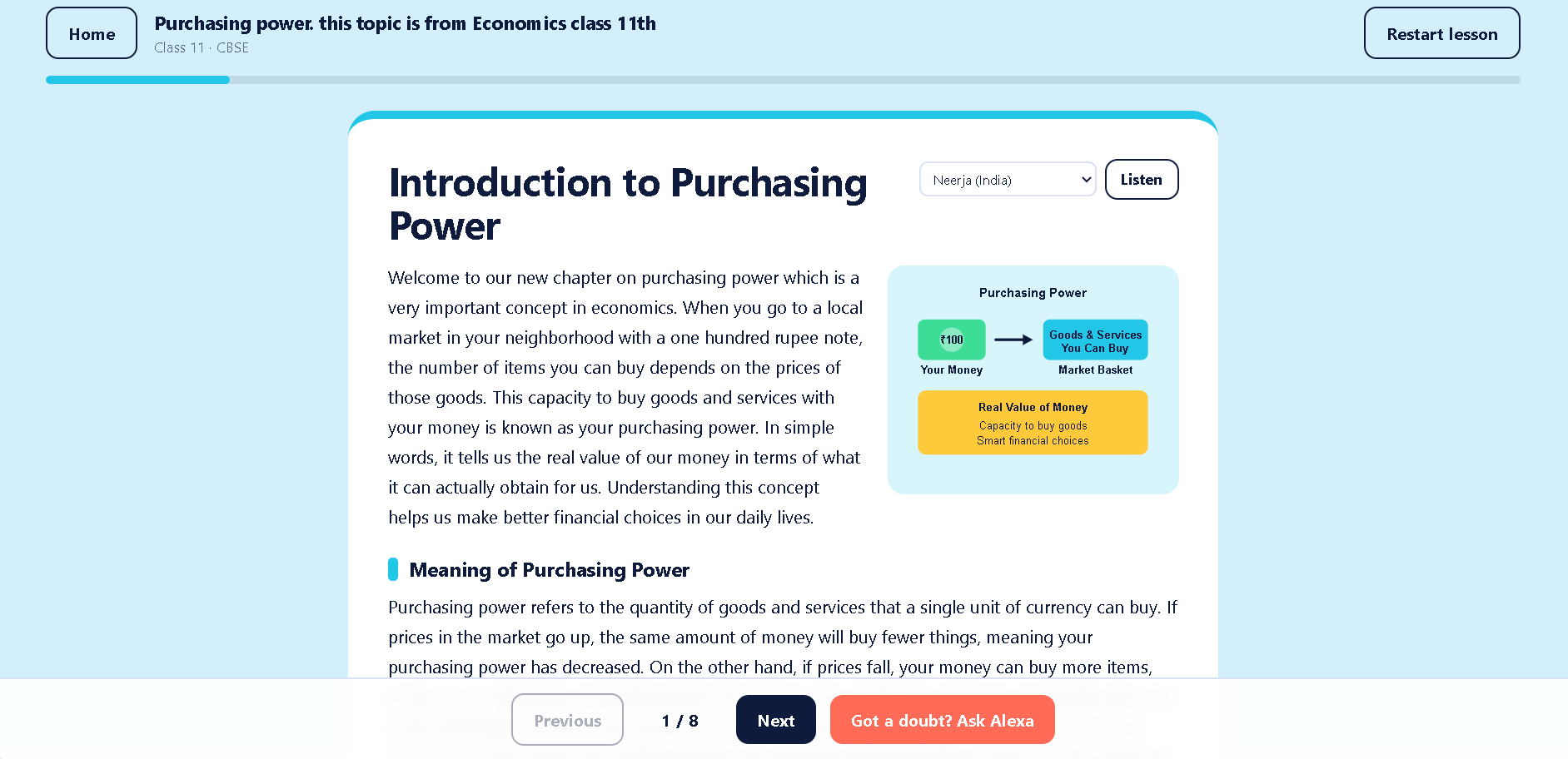
- Teach Me Alexa: Get explanations of topics in a conversational, student-friendly way.
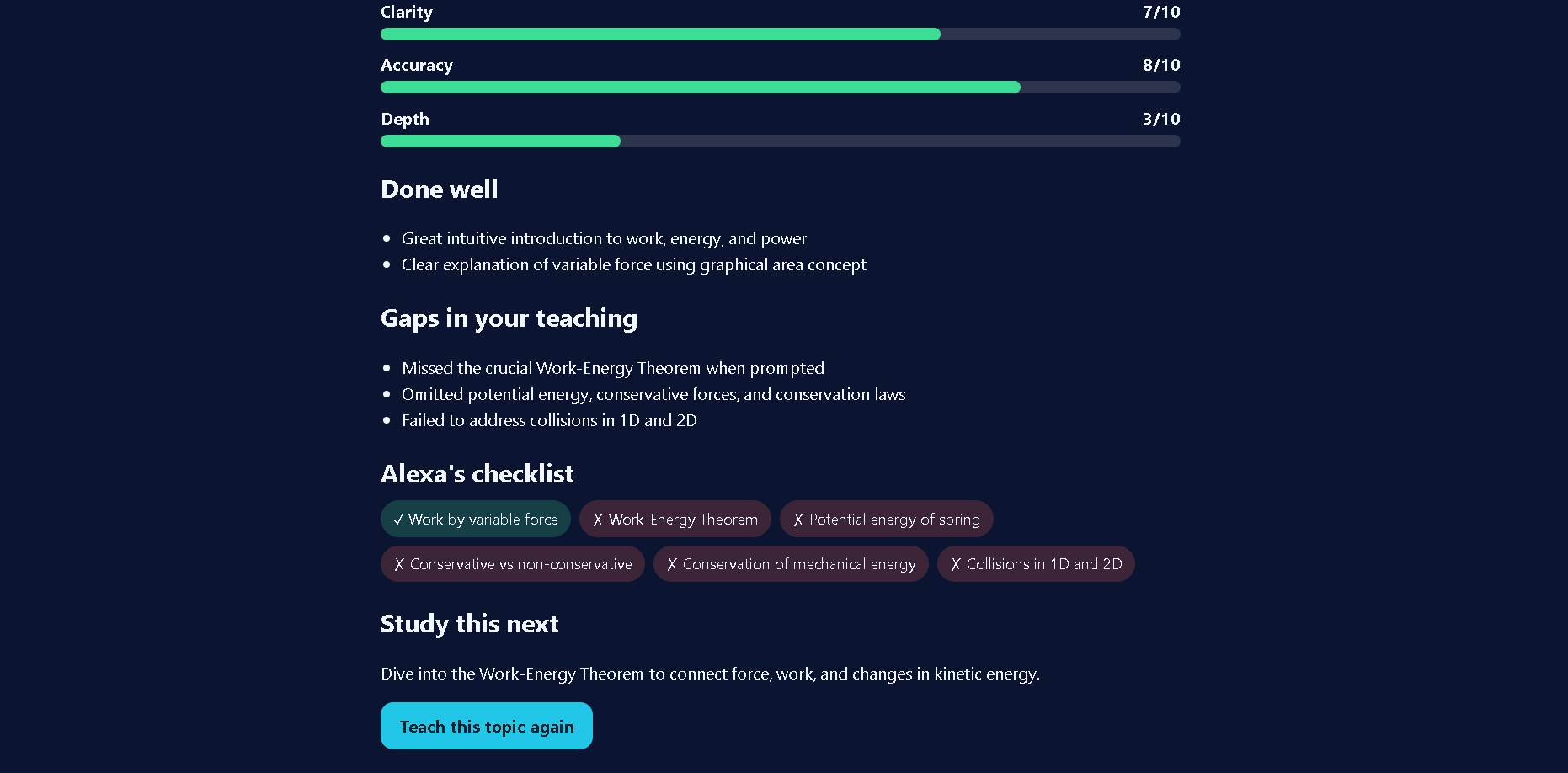
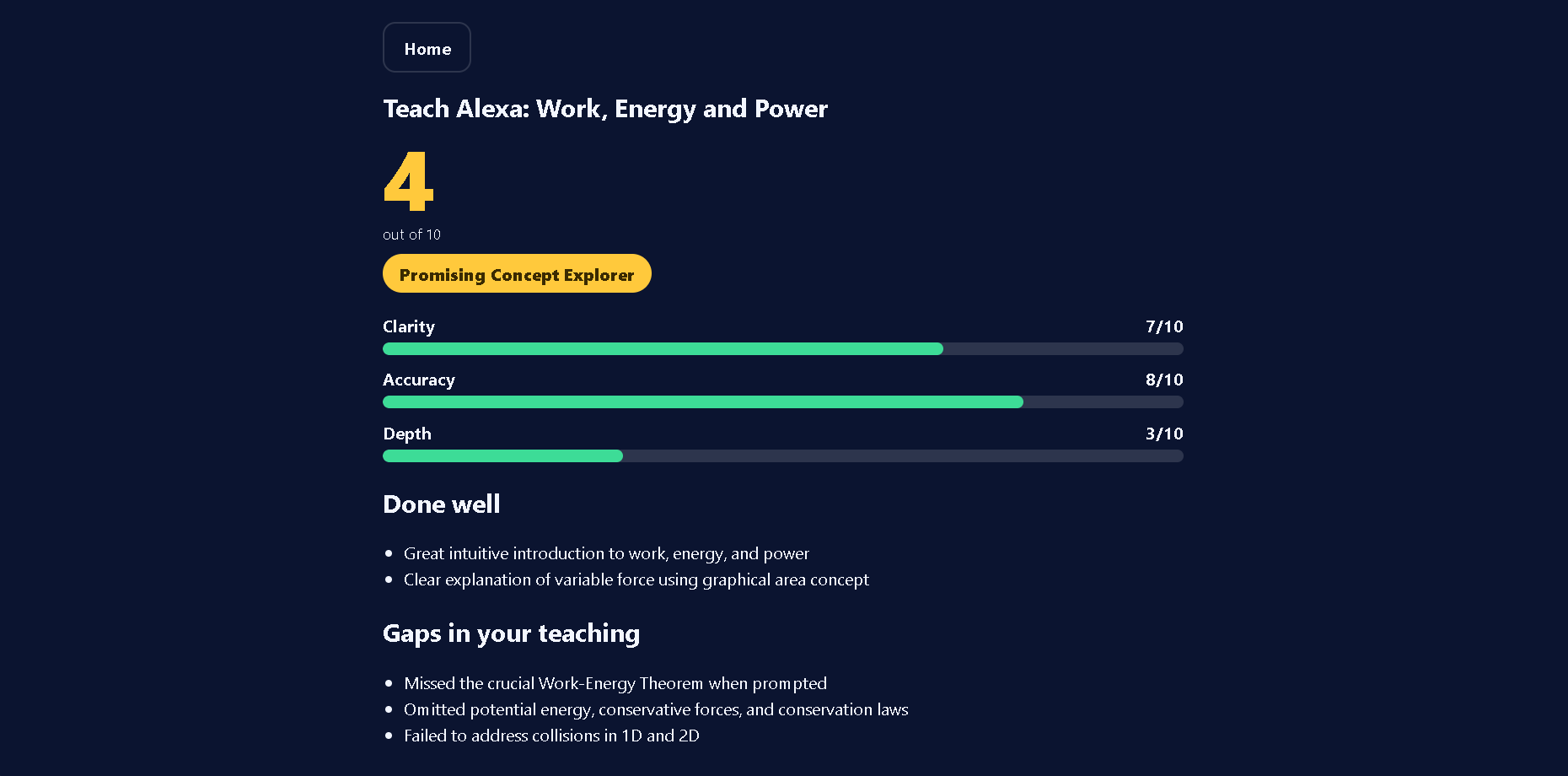
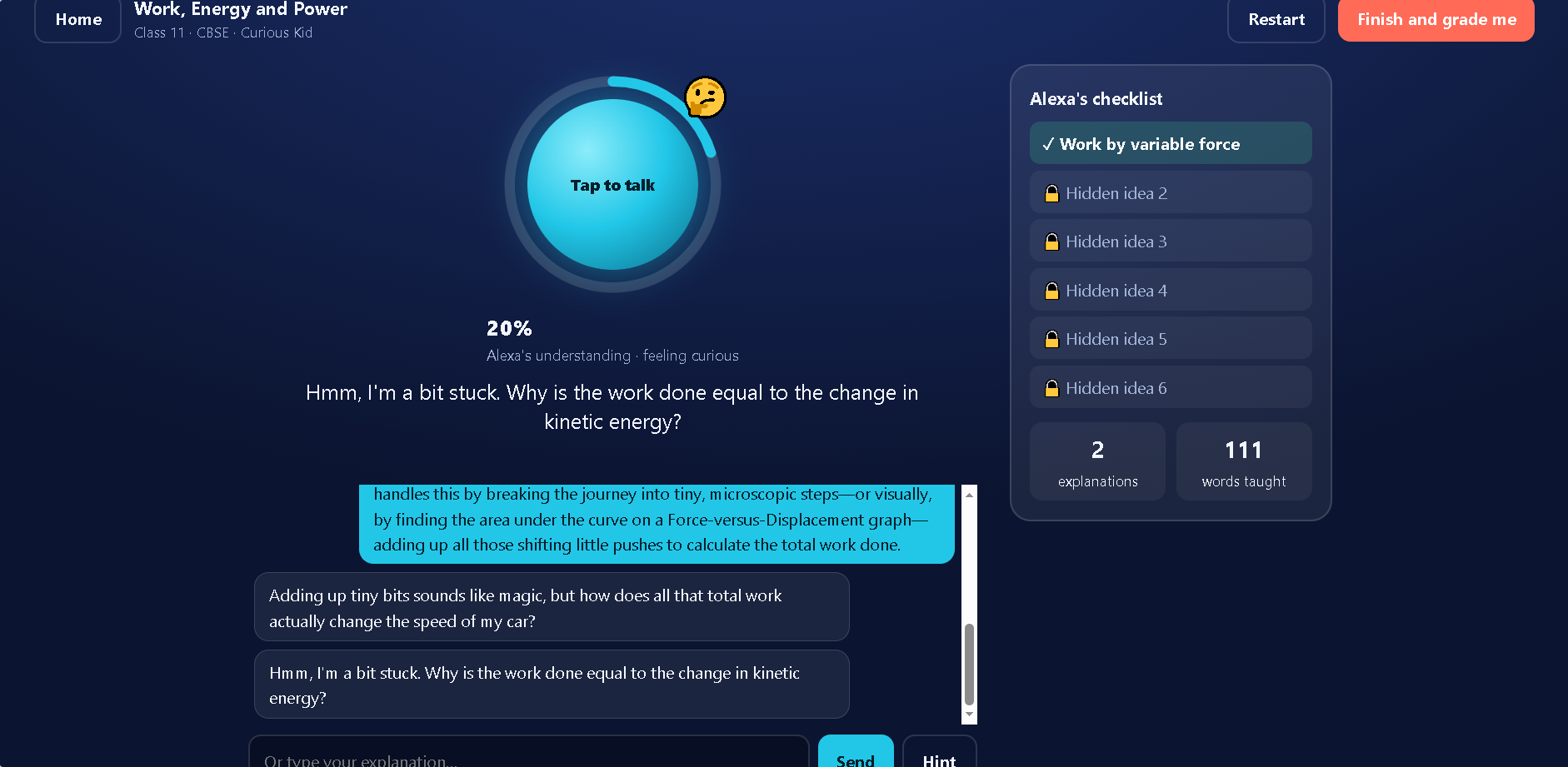
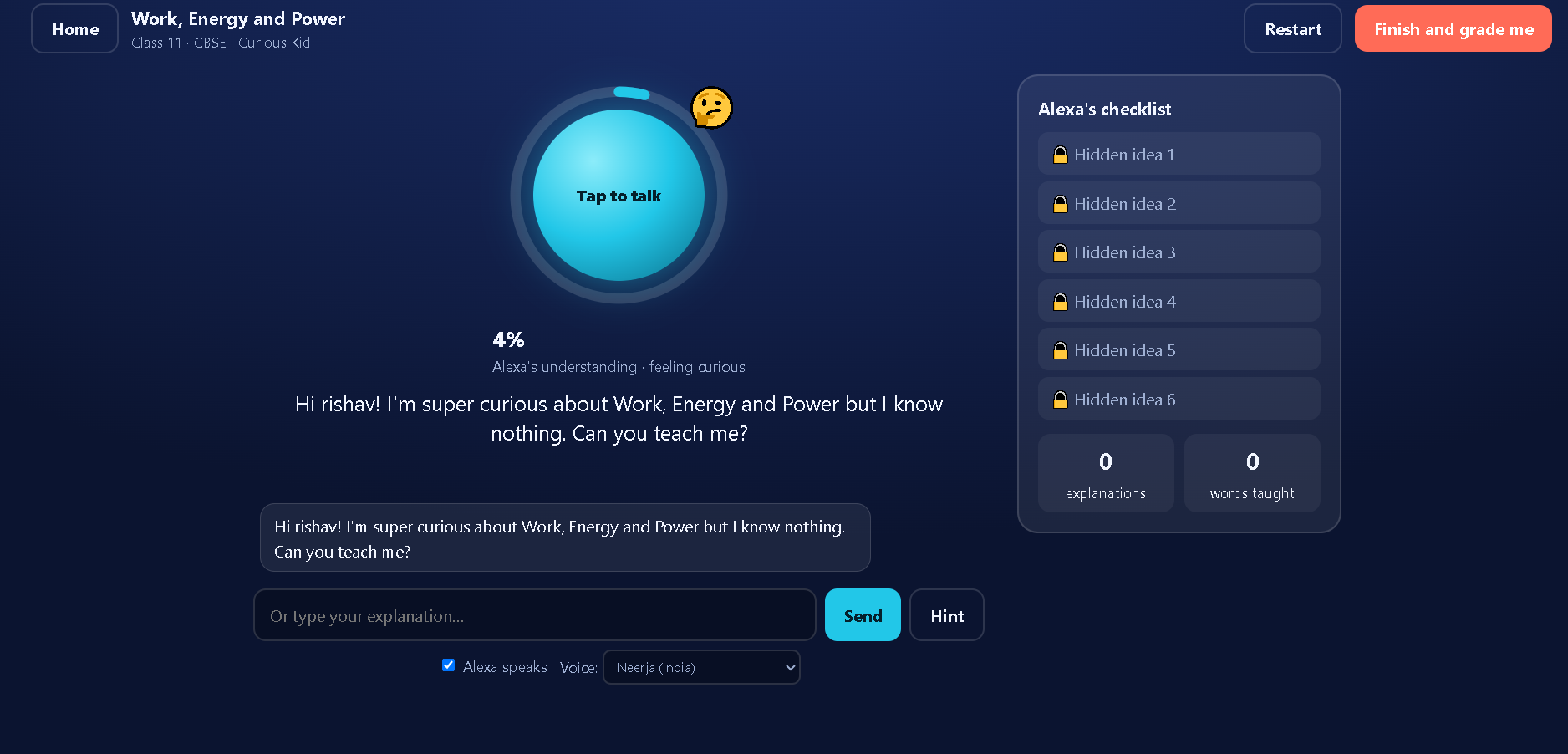
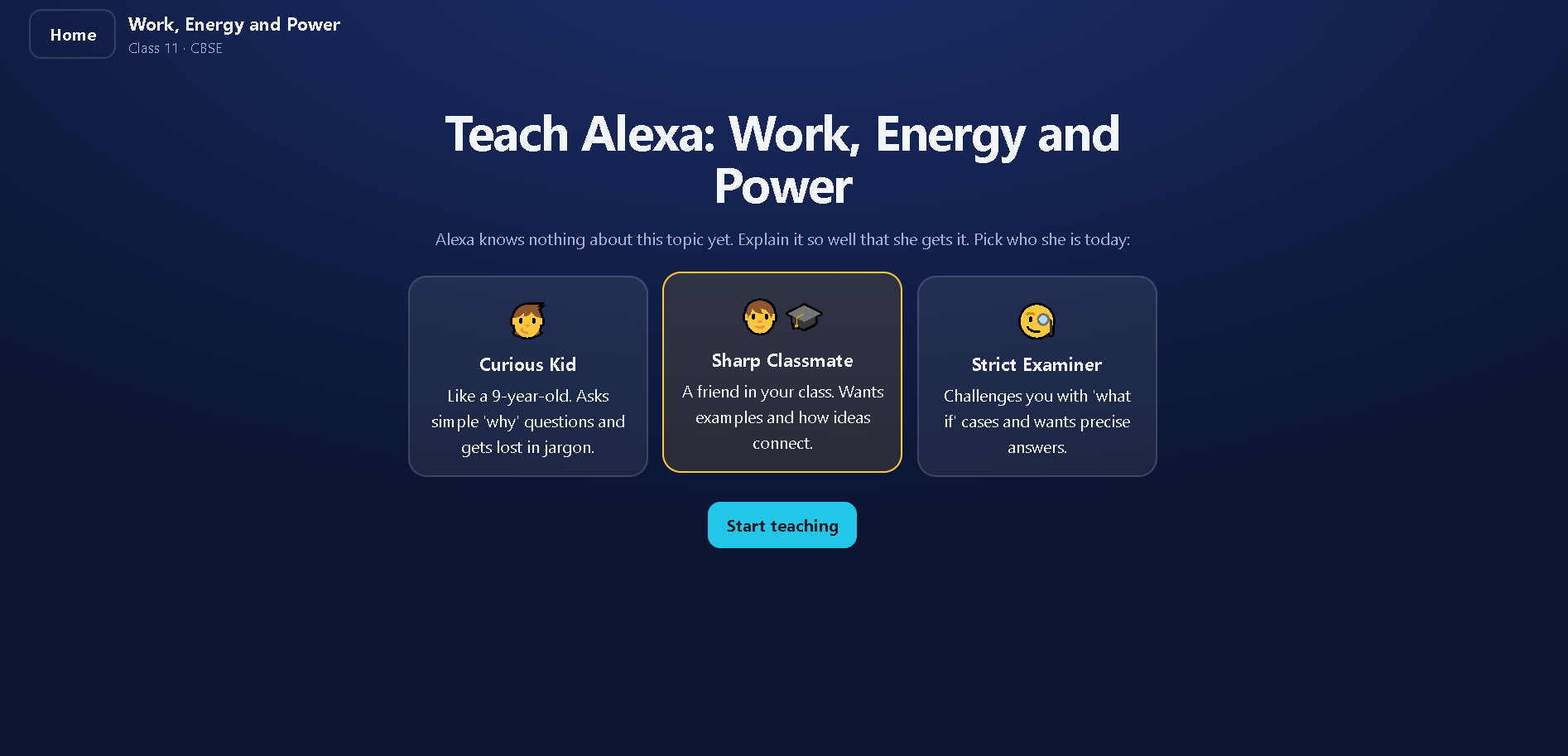
- Teach Alexa: Explain a topic in your own words and use AI-powered feedback to help identify gaps in your understanding.
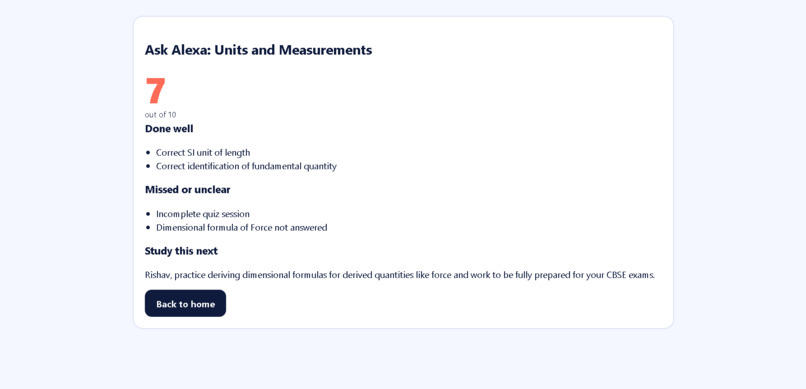
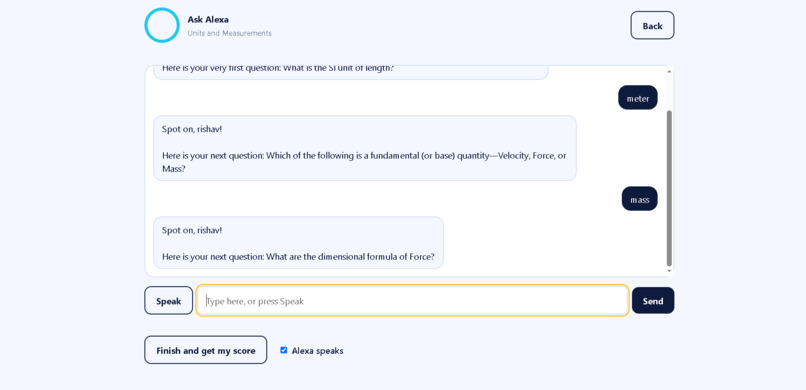
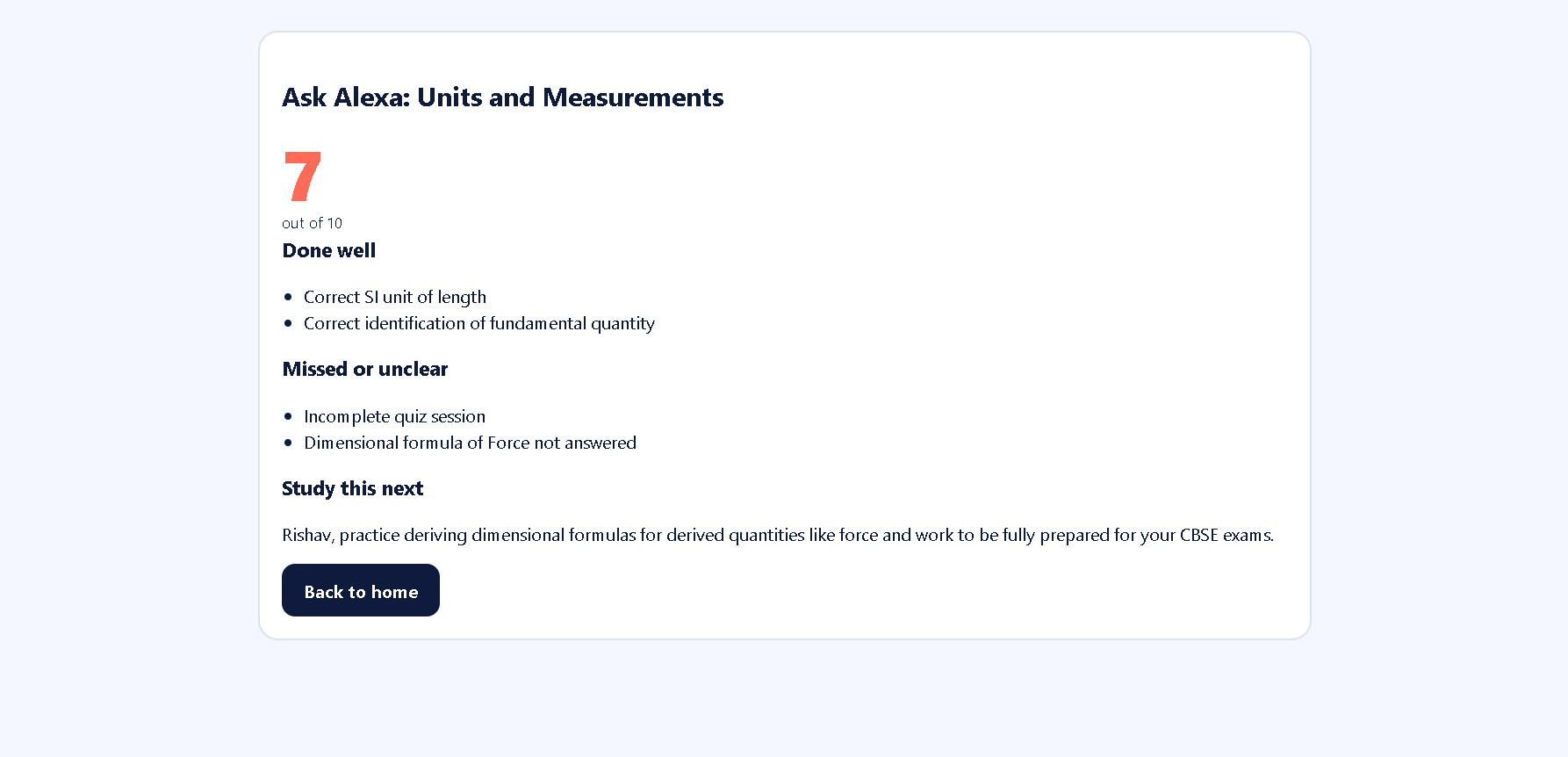
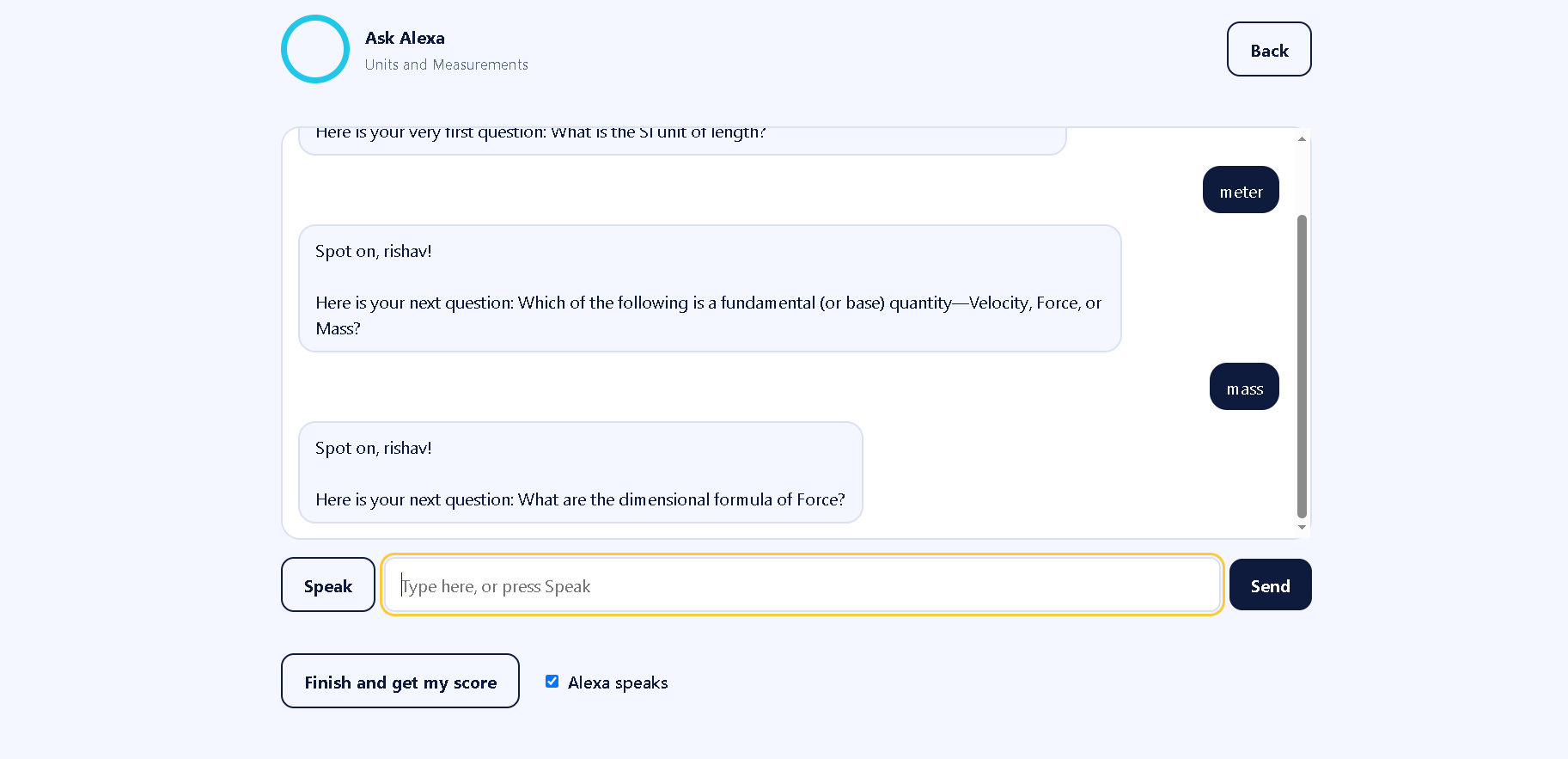
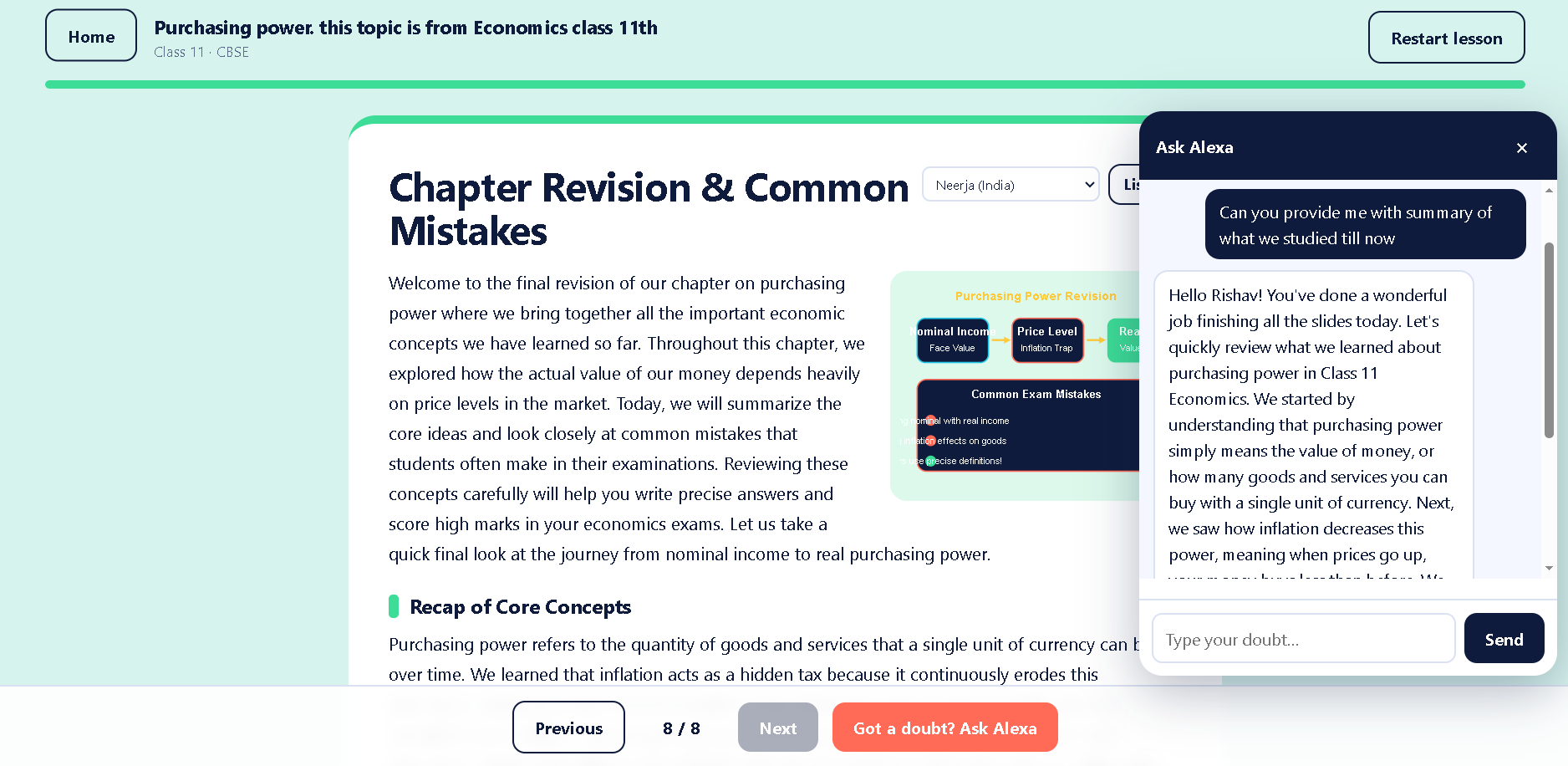
- Ask Alexa: Ask questions and get help with concepts you find confusing.
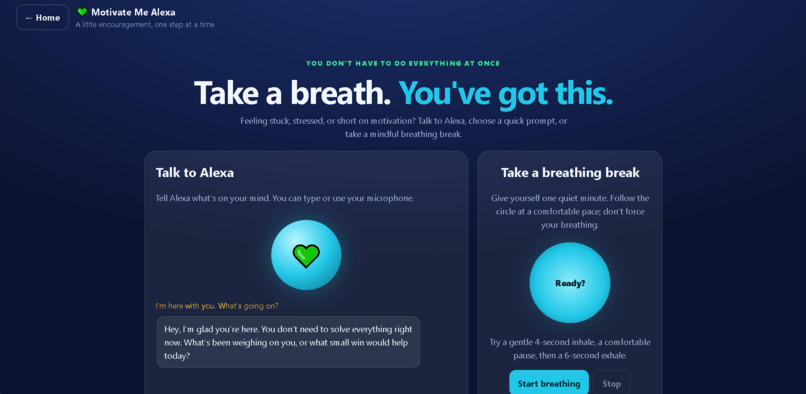
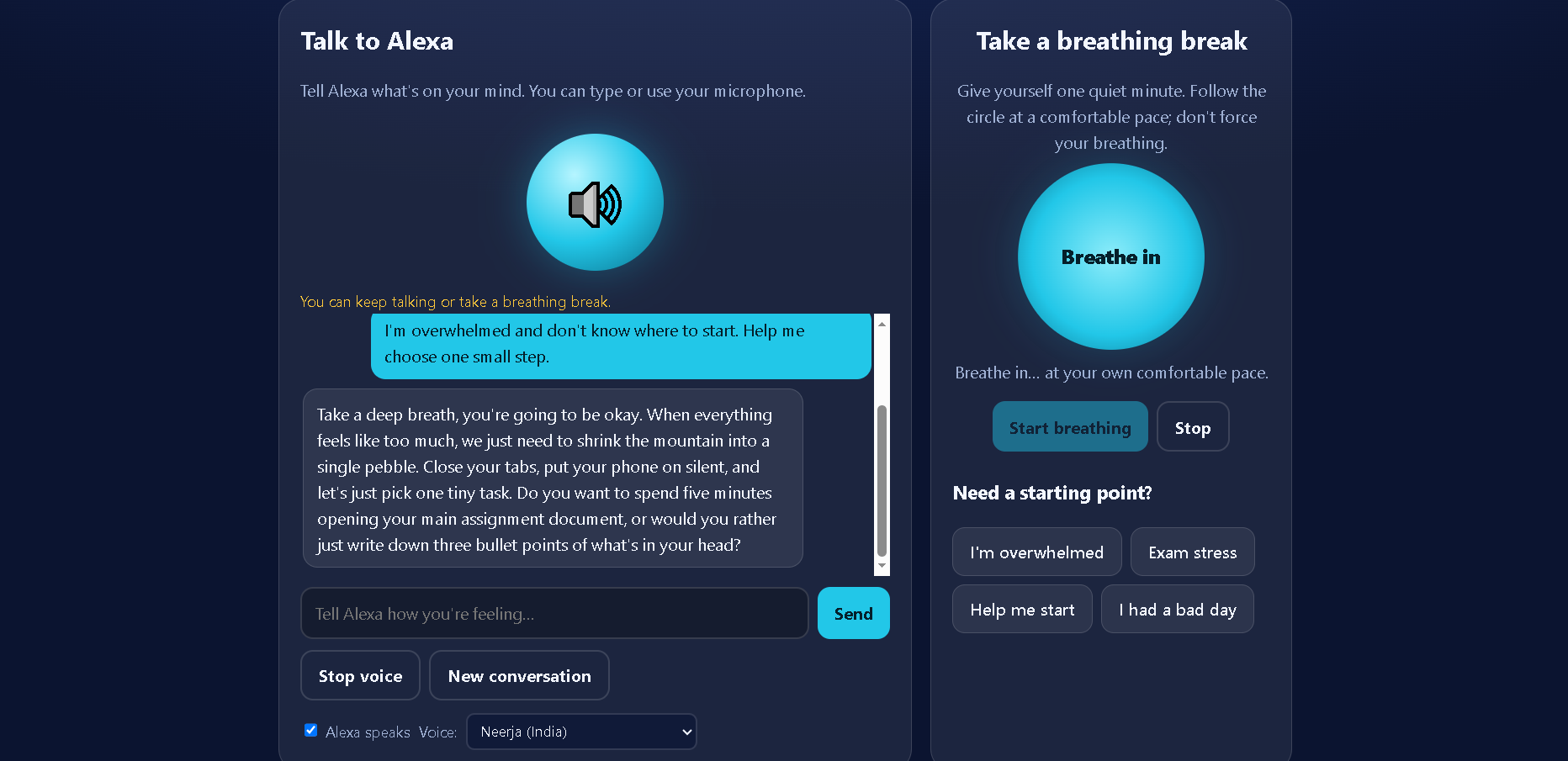
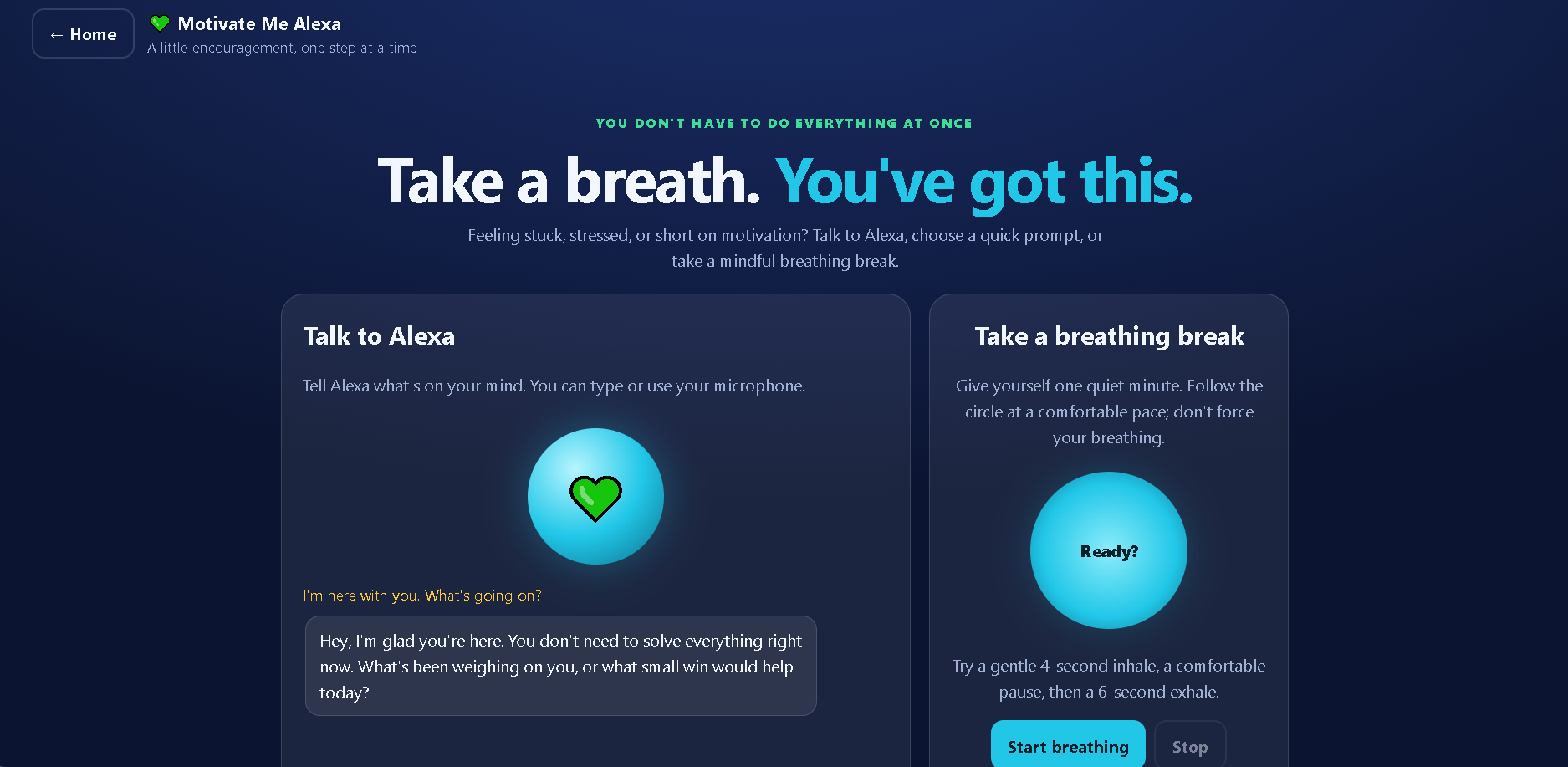
- Motivate Me Alexa: Get supportive motivational conversations and use a guided breathing exercise when you need a break.
The application also uses browser-based voice capabilities to make interacting with the study companion more natural. Our goal is to make studying feel less like a one-way lecture and more like a conversation.
How We Built It
We built Teach-Back Alexa as a web application using HTML, CSS, and JavaScript for the user interface, with Node.js powering the backend.
The backend connects to the Google Gemini API to generate AI responses. Rather than exposing the API key in frontend code, the application sends requests to a backend endpoint, which handles communication with the AI service. Environment variables are used to keep the API key separate from the public source code.
We also incorporated browser speech capabilities for voice input and text-to-speech output. The application is organised into separate pages for different learning experiences, making each mode easier to access and use.
Our focus was to create a working prototype that combines AI assistance, voice interaction, and student-focused features in a single, approachable interface.
Challenges We Faced
One of the main challenges was bringing several different experiences into one application while keeping navigation and interactions straightforward. Each mode needed a distinct purpose without making the overall experience confusing.
Integrating AI responses required us to think carefully about the frontend-backend connection and API-key security. We also had to work with browser speech recognition and speech synthesis, which can behave differently depending on the browser, available voices, and microphone permissions.
Another challenge was designing the experience around actual learning rather than simply generating answers. This led us to focus on the teach-back approach: students should actively explain what they have learned instead of only reading an AI-generated response.
Working under a hackathon deadline also required us to prioritise the core features, connect the different pages, and prepare the project for demonstration.
What We Learned
Building Teach-Back Alexa helped us understand how to connect a frontend application to an AI API through a backend, manage environment variables, and use Git and GitHub in a real project workflow.
We also gained practical experience with browser voice APIs, conversational interfaces, and the importance of making AI interactions useful for a specific purpose.
Most importantly, we learned that a useful AI learning tool should do more than provide information. It should encourage students to think, explain, practise, ask questions, and return to learning with renewed confidence.
What's Next
We want to continue improving Teach-Back Alexa by making its feedback more useful, strengthening the learning and assessment experience, improving voice reliability, and exploring progress tracking and personalised revision.
Our long-term vision is to make learning more conversational, accessible, and engaging—helping students move from simply knowing an answer to genuinely understanding it.
Teach-Back Alexa — Learn it. Teach it. Remember it.
Built With
- ai
- artificial-intelligence
- chatbot
- css
- edtech
- education
- generative-ai
- github
- google-gemini
- html
- javascript
- learning
- natural-language-processing
- node.js
- speech-recognition
- text-to-speech
- voice-user-interface
- web-app

Log in or sign up for Devpost to join the conversation.