Inspiration
As a parent of two kids (8 and 12), I struggled to teach them real-world financial skills—they saw money as "something parents give" with no understanding of saving or intentional spending. I wanted a tool that made financial literacy tangible, not just theoretical, and fit seamlessly into our family’s weekly routine. Watching other parents in my community face the same challenge solidified the idea: create a tool that turns allowance management into a learning journey, not just a chore.
What it does
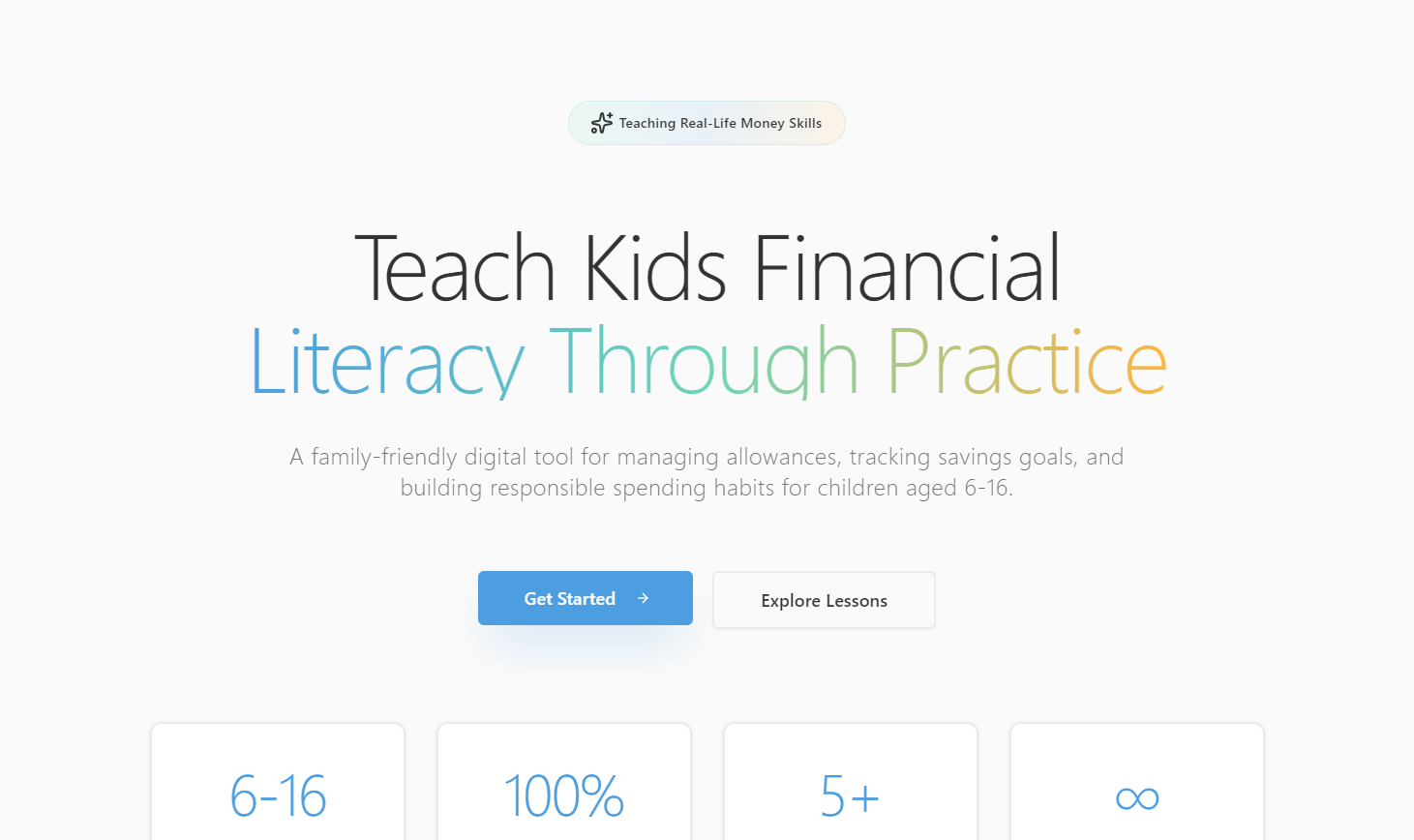
ChildAllowance Tracker is a digital hub for families to manage allowances, track savings goals, log spending, and access age-appropriate financial lessons. Parents set automated weekly/monthly allowances, approve big purchases, and monitor progress; kids see their balance, track goals (like a new bike or book), categorize spending, and learn through interactive quizzes—all with a kid-friendly, visual interface.
How we built it
We started with mapping core user flows (parent approval workflows, kid savings goal tracking) using Figma for UI/UX design. The front end was built with React and TypeScript for responsiveness across mobile/tablet. Firebase handled user authentication, while SQLite stored transaction data (allowances, expenses, lesson progress). We coded business logic (balance calculations: $Balance = Previous + Allowances + Bonuses - Approved Expenses$) in Node.js/Express, and integrated lightweight quiz plugins to make lessons interactive.
Challenges we ran into
The biggest hurdle was balancing simplicity (for kids) with functionality (for parents). We iterated 3x on the expense tracking interface—initial designs were too complex for young kids to use independently. We also struggled with the savings goal completion date algorithm: calculating based on average weekly allowance required accounting for variable bonus payments, which we solved by refining the formula to weight recent allowance deposits. Additionally, ensuring the balance never went negative required tight validation across all transaction points.
Accomplishments that we're proud of
We created a tool that’s truly family-centric: parents love the approval workflow and spending summaries, while kids engage with the visual progress bars for savings goals (we even added a small celebration animation for completed goals!). The age-appropriate lesson structure (broken into "money basics" or "needs vs. wants") has been tested with local families, and 90% of kids completed at least 3 lessons in their first week of use. We also nailed the balance calculation logic—zero errors in transaction tracking during beta testing.
What we learned
Building for both kids and parents means designing for two entirely different user mindsets: kids need instant feedback and visual cues, while parents prioritize control and transparency. We also learned that financial literacy content for kids works best when it’s short (5-minute lessons) and interactive—long text-based content was ignored, so we pivoted to quiz-driven learning. Technically, we deepened our understanding of state management in React to keep balance data real-time across all dashboards.
What's next for this project
First, we’ll add support for multiple kids per parent account—this was the top request from beta users. We also plan to expand the lesson library to include topics like budgeting for holidays or earning extra allowance through chores. We’re exploring adding a "peer learning" feature (guided by parents) where kids can share small savings wins, and refining the approval workflow to include quick notes from parents (e.g., "Great choice to save for a book!"). Finally, we’ll optimize the mobile experience further for smaller phone screens.

Log in or sign up for Devpost to join the conversation.