Inspiration
Every teacher or private tutor knows the feeling: you sit down for a lesson and ask, "Where did we leave off last time?" When you teach multiple students a week, keeping track of individual progress is exhausting. Even worse, promises like "we'll cover this next time" easily slip through the cracks. We wanted to build a simple tool that listens to the class, remembers exactly where you stopped, and tracks deferred topics so teachers can just teach.
What it does
Teach&Go is a smart teaching companion that tracks lesson progress automatically:
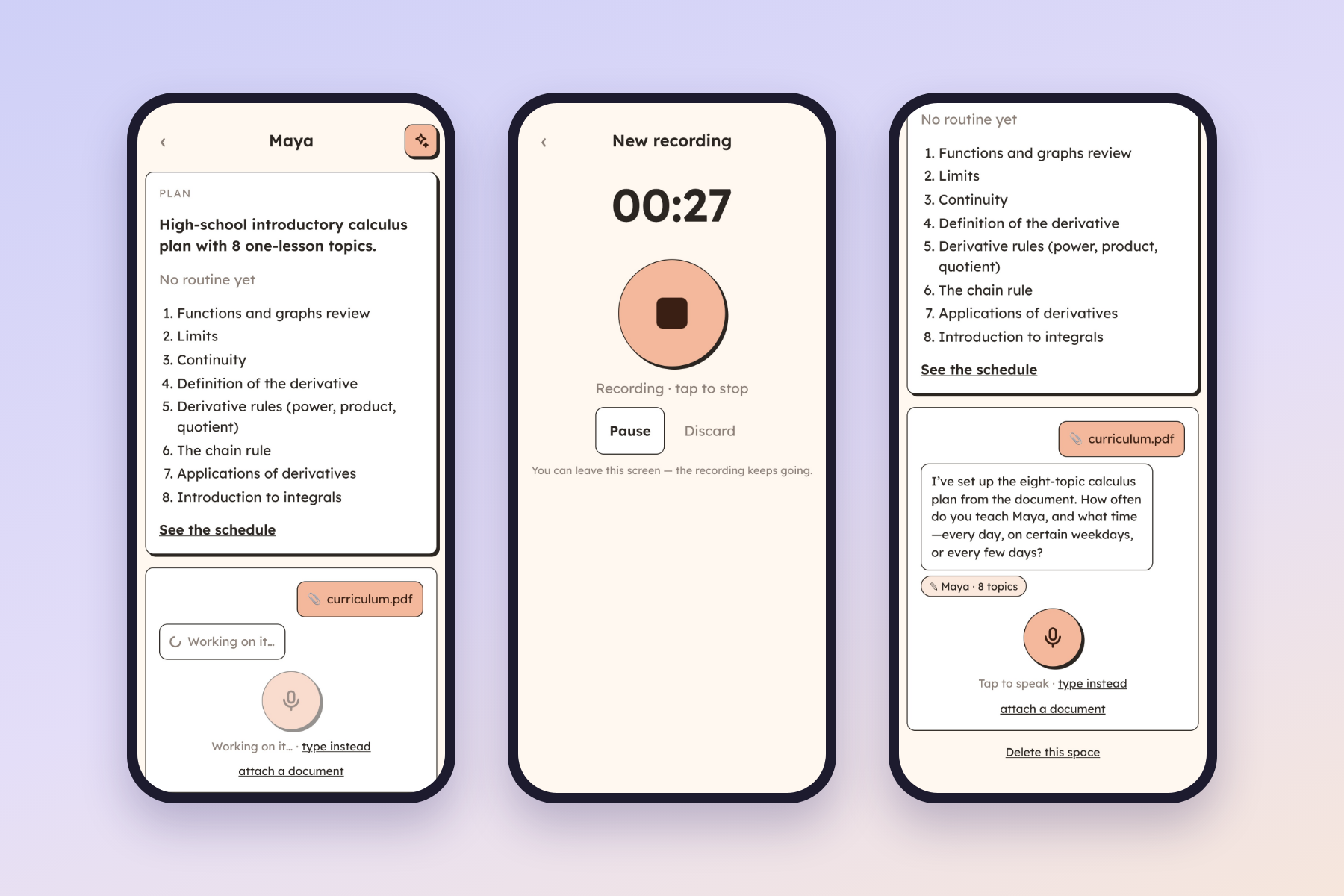
- Syllabus to Plan: Upload a syllabus (PDF, photo, or notes) and the AI creates an organized lesson plan.
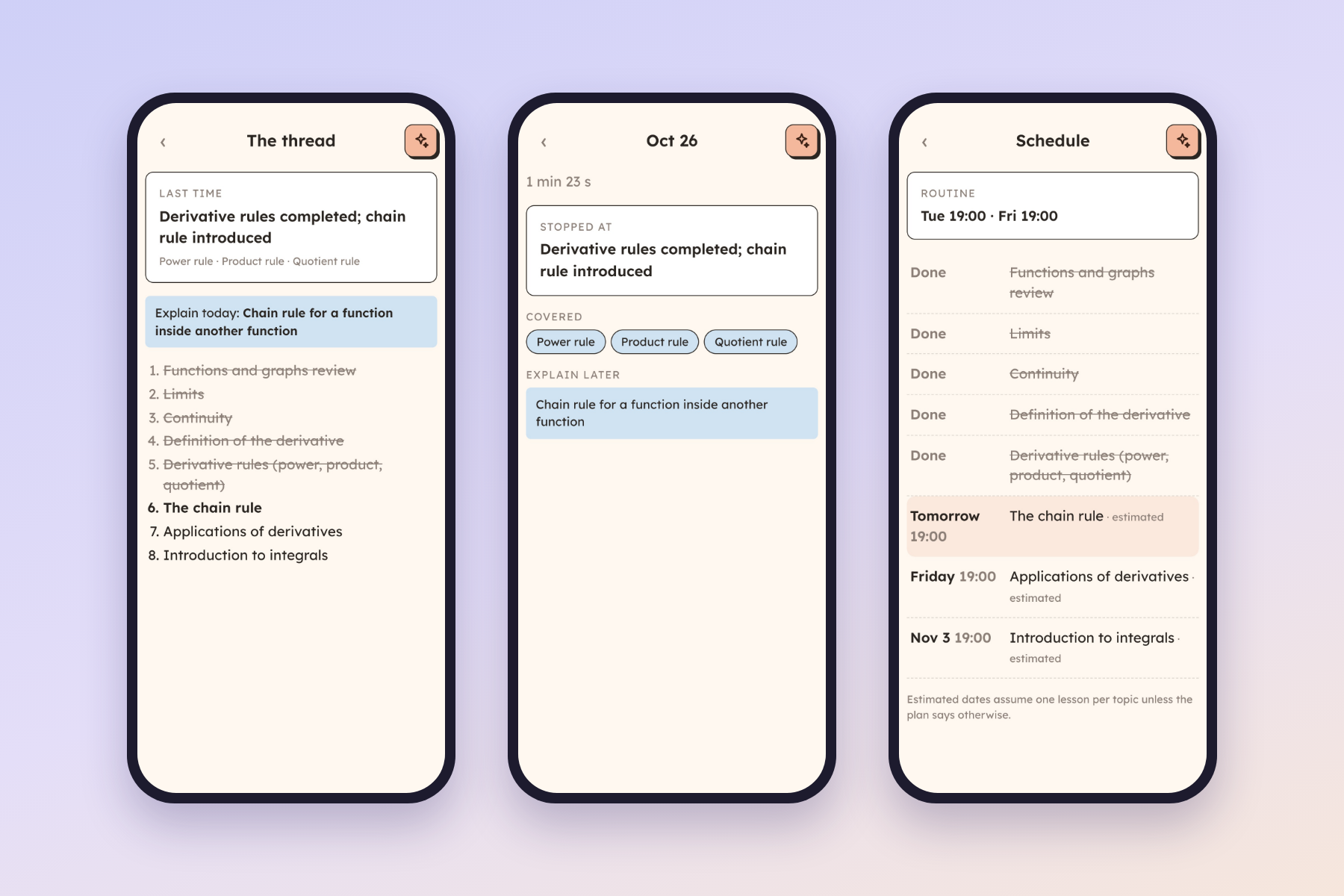
- Listen & Track: Just hit record during class. The app transcribes the audio, detects covered topics, notes where you left off, and flags postponed subjects.
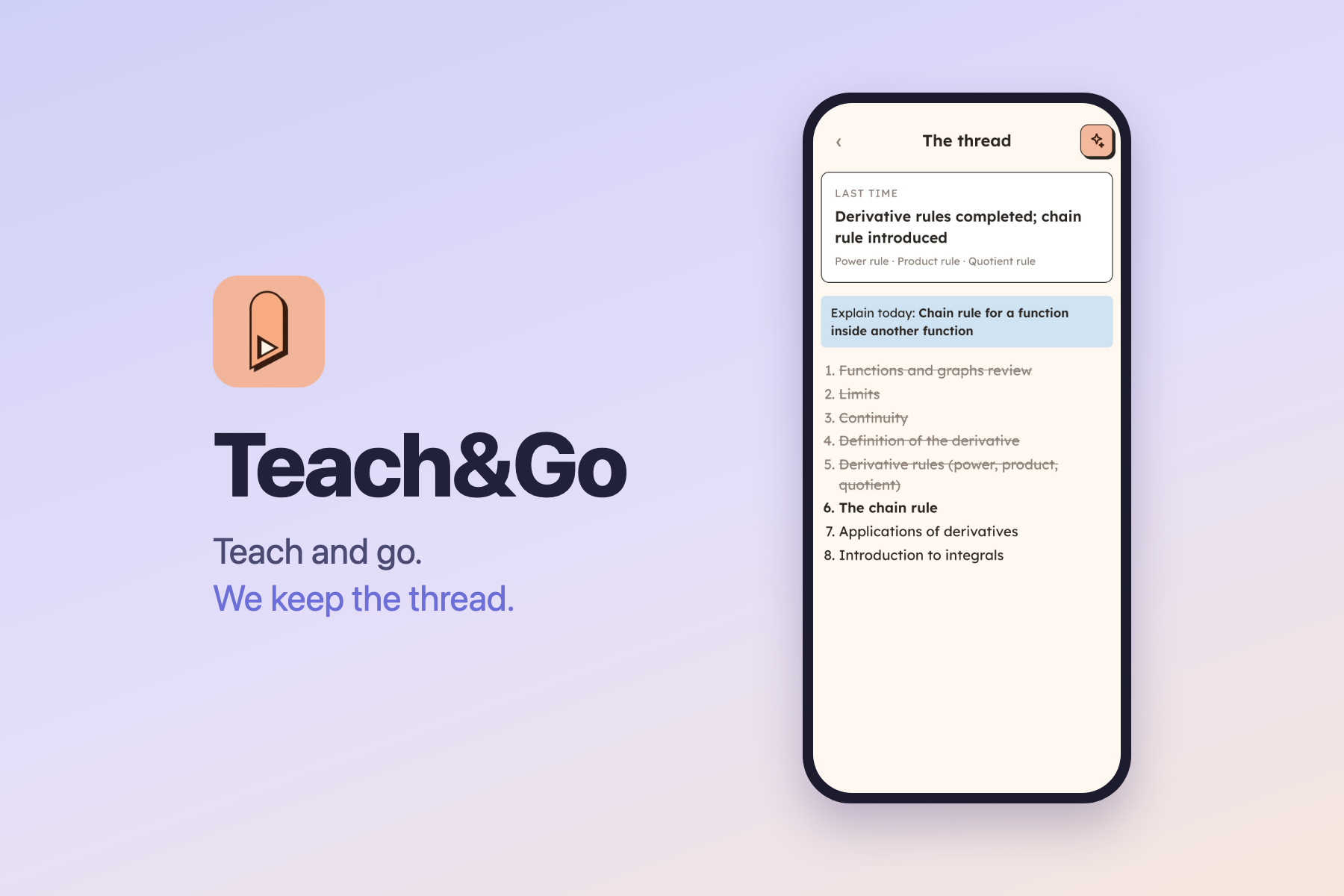
- Thread Card: Before the next session, a single card tells you exactly where to start and surfaces deferred topics when their time comes.
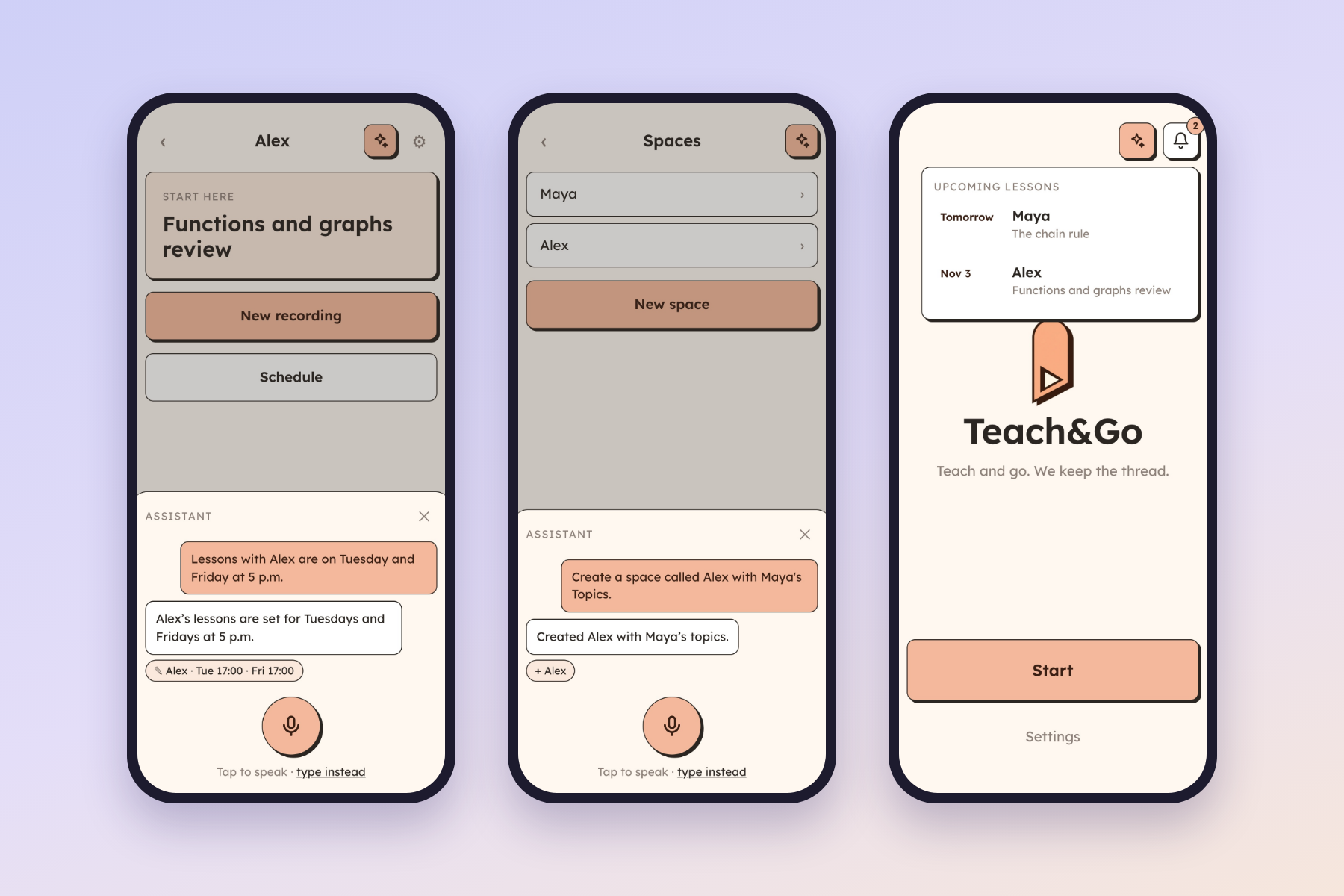
- In-App Assistant: An integrated AI helper that can create spaces, adjust schedules, or start recordings through voice or text.
- Privacy-First & Low Cost: Operates with a local-first design (IndexedDB) and no central database. Raw audio is discarded once the entire analysis finishes successfully (kept temporarily only for retries if an error occurs). By using efficient models and Groq's free tier via BYOK (Bring Your Own Key), running a 30-minute lesson costs only around 1.5 cents.
How we built it
We built Teach&Go as an installable Progressive Web App (PWA):
- Frontend: React 19, TypeScript, and Vite.
- Local Storage: Dexie.js (IndexedDB) keeps all notes, plans, and metadata locally on the user's device—no custom backend database or user accounts required.
- Audio Capture: In-browser 16 kHz mono FLAC recording, chunked into ~5-minute overlapping segments.
- Speech-to-Text: Whisper Large v3 via Groq (fast & free tier) with a fallback to OpenRouter.
- Intelligence & Agent: GPT-6 Luna via OpenRouter (using strict JSON schemas) for deep lesson analysis, and the Vercel AI SDK to power the conversational in-app assistant with custom client-side tools.
Challenges we ran into
- Continuous In-App Recording Across Screens: Keeping the audio capture uninterrupted while users freely navigate across different views (spaces, syllabus, notes) required hoisting the recording state globally and mounting a persistent, controllable floating recording bar.
- Preventing AI Hallucinations in Scheduling: Early prompts tried to guess class routines and lesson dates. We had to strictly constrain the model to ask the user directly rather than assuming schedule intervals.
- Context Extraction: Prompting the LLM to accurately distinguish between a passing mention and an actual deferred topic ("we'll do this next time") required careful prompt tuning and strict JSON schemas.
- Deterministic UI on Local Data: Computing the next "Thread Card" locally without extra LLM latency required clean, dependable client-side scheduling logic.
Accomplishments that we're proud of
- True Zero-Server Architecture: We built a fully functional AI product without maintaining a custom server or user database—everything is stored and orchestrated directly on the user's device.
- Seamless PWA Experience: Installing the app straight from the browser to the home screen feels just like a native app.
- Accessible & Affordable: Keeping the operational cost to roughly 1.5 cents per lesson makes powerful AI accessible to independent educators everywhere.
What we learned
- Without planning, the AI would have kept the scope too wide and added features that would not be used and would make the process longer.
- Keeping business logic and data storage client-side with IndexedDB simplifies privacy and architecture immensely.
- AI agents shine brightest when given a constrained, well-defined set of local UI tools (like creating a space or updating a schedule) rather than open-ended tasks.
- Good UI heuristics (calculating the next lesson state locally) often work faster and better than asking an LLM for every screen update.
What's next for Teach & Go
- Audio Playback Anchors: Tapping a summarized topic to jump straight to that moment in an optional local audio playback.
- Homework & Assignment Tracking: Detecting when a teacher assigns tasks during class and adding them to the student's thread card.
- Multi-Language Class Support: Enhancing transcription and analysis for mixed-language lessons (e.g., teaching English in a non-English classroom).
Built With
- claude-code
- dexie
- gpt-6-luna
- groq
- indexeddb
- openrouter
- pwa
- react-19
- typescript
- vercel-ai-sdk
- vite
- whisper-large-v3

Log in or sign up for Devpost to join the conversation.