-
-
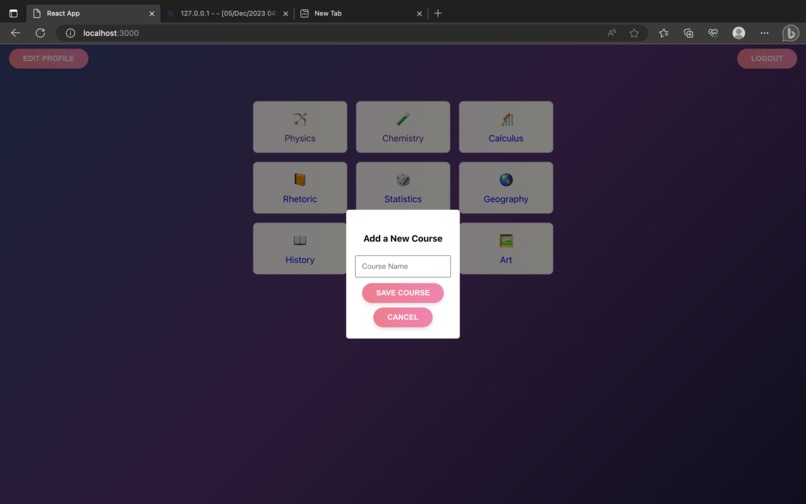
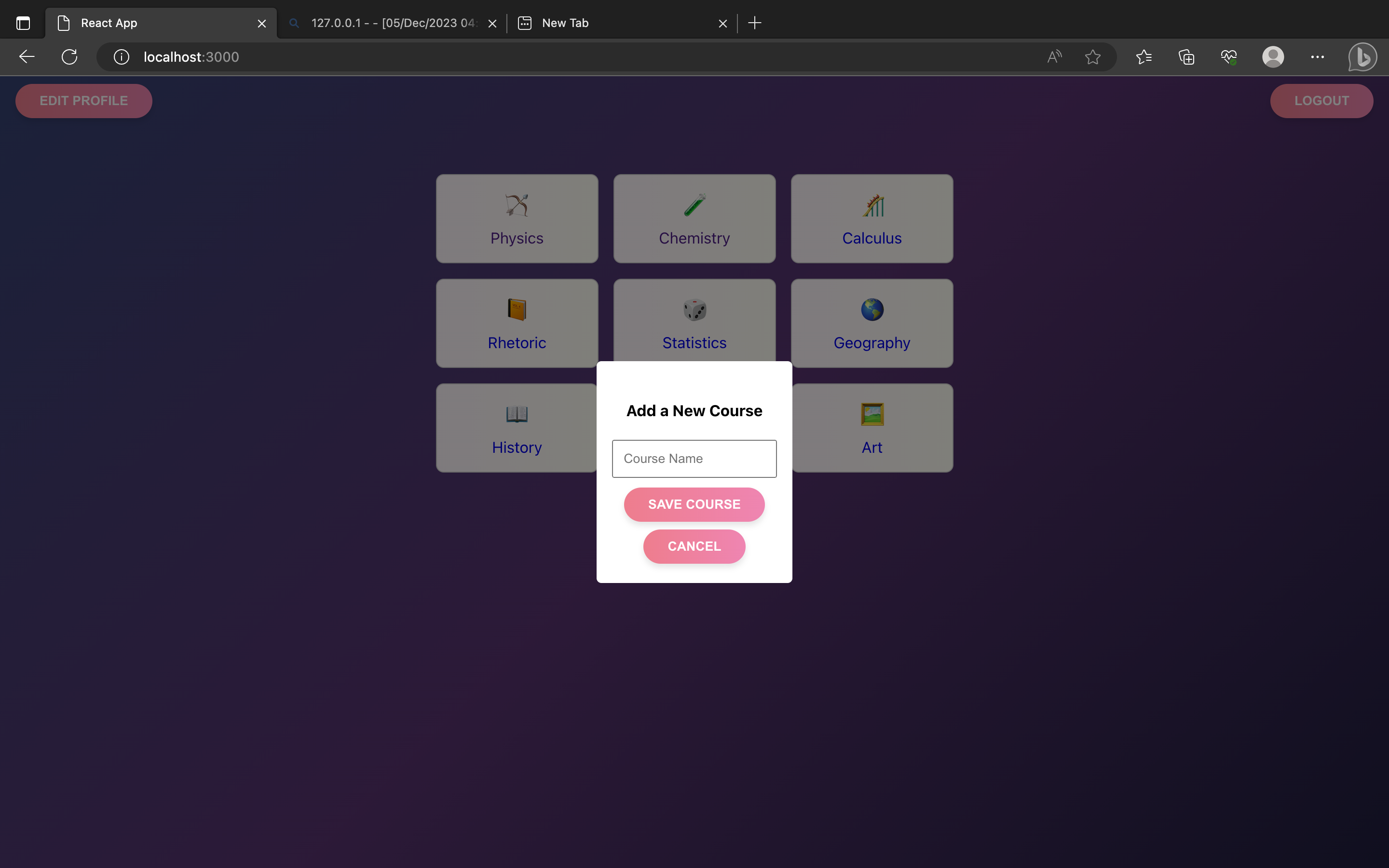
Add your own course
-
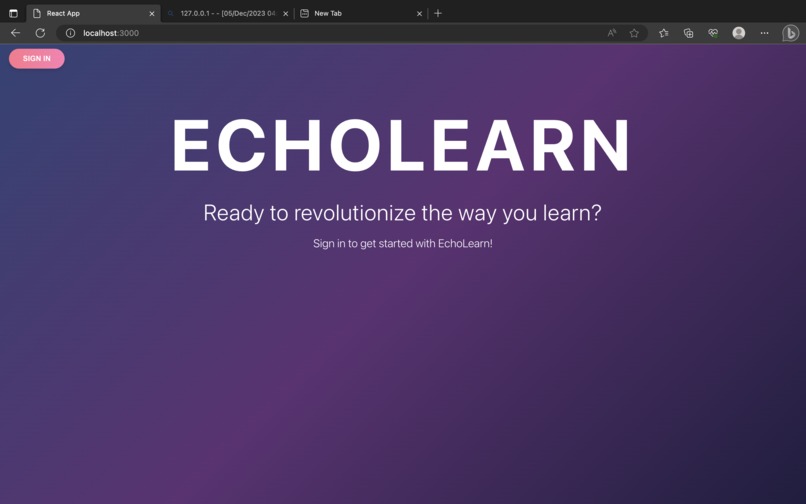
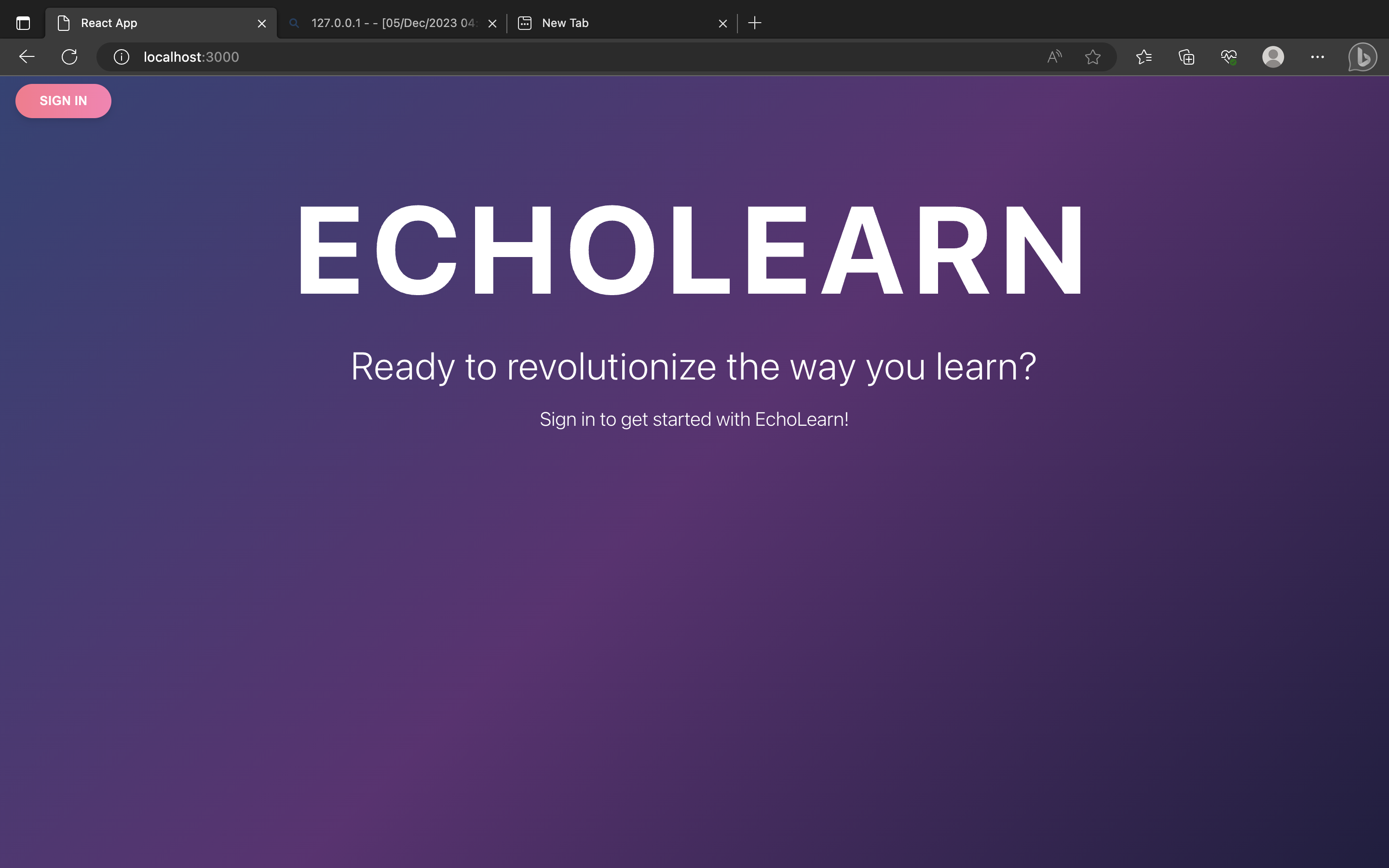
Login
-
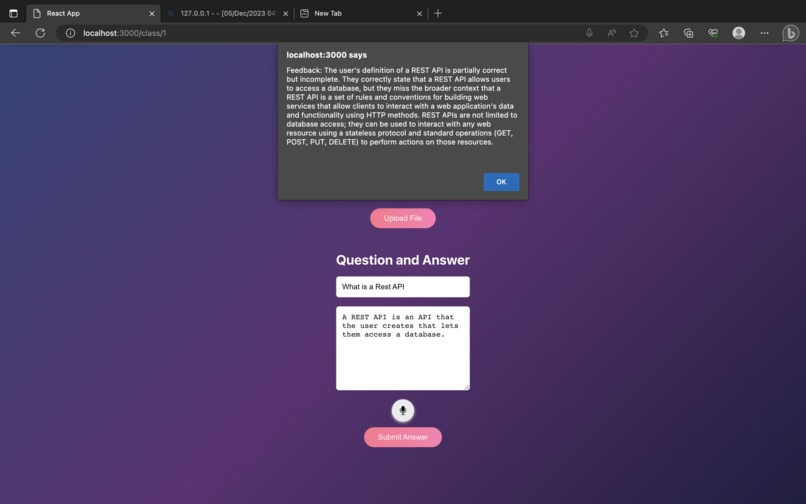
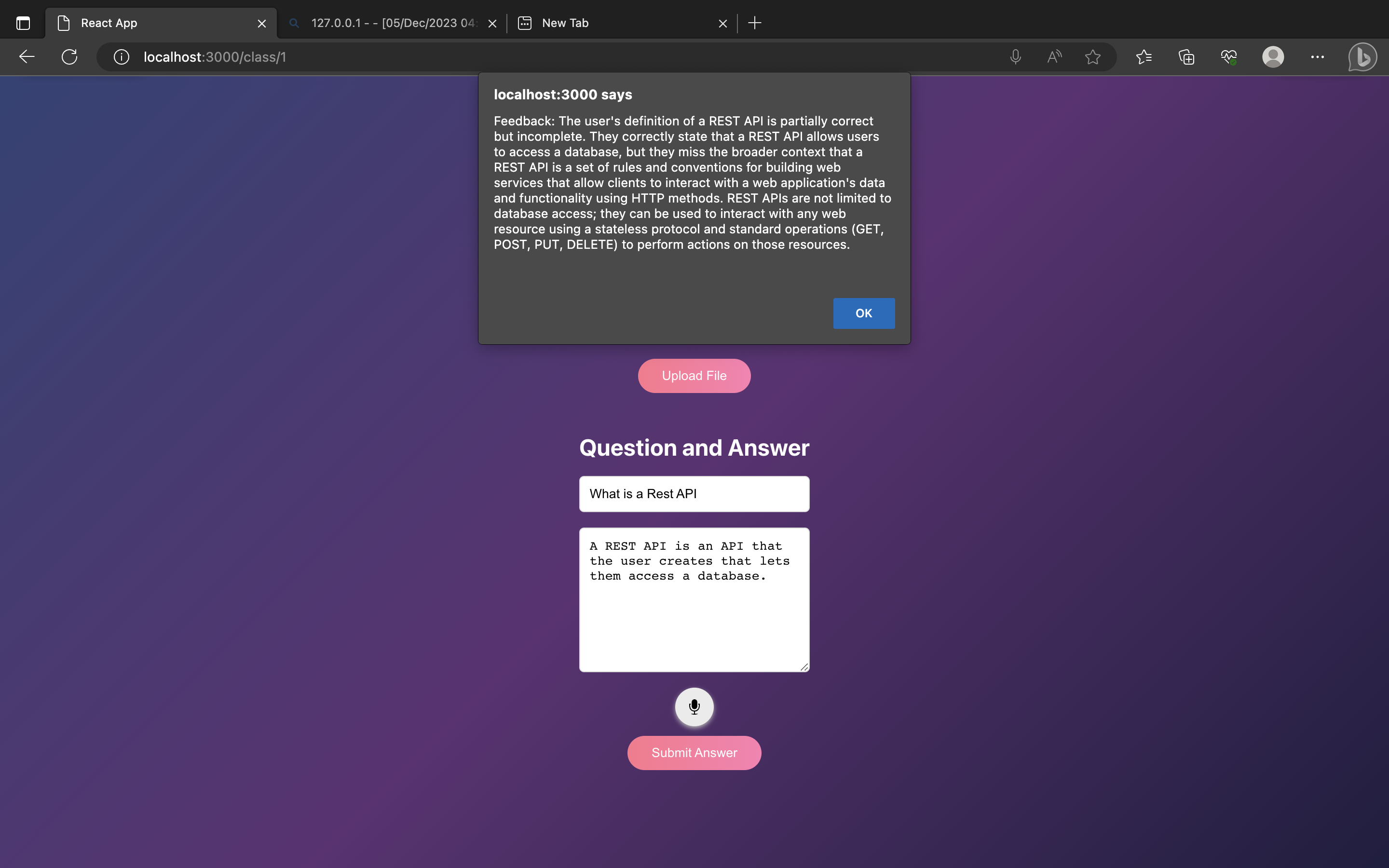
Answer Questions and get Feedback
-
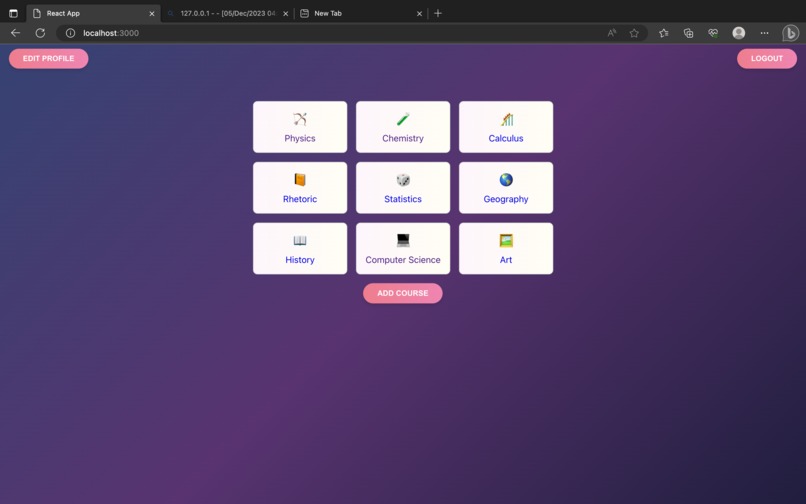
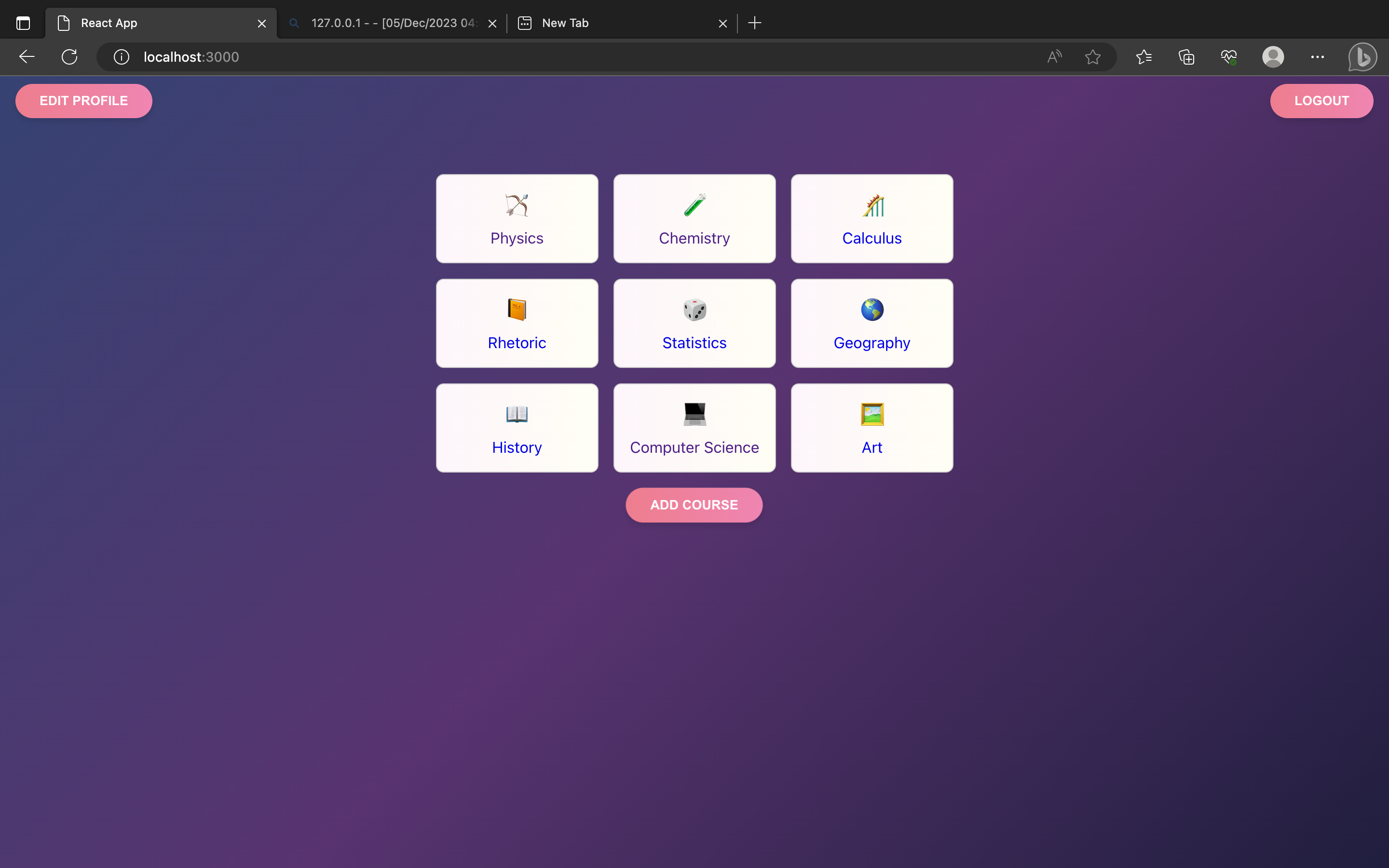
Course Page
Inspiration
Learning for a lot of students, including ourselves, has always been pretty passive. We would go to lecture, blindly take notes, and then call it a day. We would always confidently believe that we understood our lecture material until the test, and we realize everything has just been going in one ear and out the other.
The Feynman Technique has been a game changer for us, flipping the script for learning and making us be the teachers for a topic. It requires an active understanding of material, yet the one downside is that you have to explain it to a real person who has to confirm your explanation makes sense. Sometimes, we can't afford the luxury of having someone listen to us explain a topic over and over, so we decided to make EchoLearn!
What it does
EchoLearn is a web app that allows you to practice explaining topics in various school subjects and receive feedback on the quality of your answer. Students choose a subject to test their understanding and will be given various questions that they have to record a response to. They additionally can upload lecture notes and related material to our site so that their response to a question can be better tested for thoroughness. The website will give feedback on their how strong their response was.
How we built it
The backbone of our website was ReactJS for the frontend and Flask for the backend. At its core, a student records on our website, generating an audio file that eventually gets transformed into text. Once in text form, it gets analyzed by GPT-4 and sent back to the user on the frontend. The following paragraphs delve deeper into the specifics of this process.
We relied primarily on two Azure cloud services: Cosmos and Blob. These cloud services allow for students to login with their email address and be able to upload class resources to generate more specific questions about a subject. For user login and authentication, we had to also use Azure AD B2C. - Azure Cosmos: NoSQL database to store course subjects and user profile information - Azure Blob Storage: store documents for Azure Cognitive Search
Because a student records on our website to explain a topic, we integrated Azure's Speech to Text API in order to take their recording and turn it into an analyzable format. Recording on our website generates a .webm file, which we convert to a .wav file in the backend, and then the speech API converts it to a JSON file. LangChain connects said embeddings to GPT-4's API. The GPT-4 API is used to analyze response coherence and correctness. However, in order to get feedback about coherence and correctness, we needed to use Azure Cognitive Search. Cognitive Search is used to search the documents that the student uploaded and get relevant information about the topic/question. The results from Cognitive Search are combined with the student's text response and sent to GPT-4. GPT's analysis is then returned to the frontend of our web app to the student.
Challenges we ran into
One of the challenges we had was taking the recording from the frontend and turning it into a usable format. Recording in the Chrome browser generates a .webm file, which is not usable by the Speech to Text API. The workaround was to send the .webm file to the backend, convert the file type there, and then send the .wav file to the API.
Another major issue was with figuring out how to store data. There were a lot of challenges in storing documents in the database that could be accessed by search per student. Our solution ended up using a combination of a Cosmos database with each student having Blobs stored as fields.
Accomplishments that we're proud of
Making this functional web-app in a relatively short time period along with school was an incredibly tough challenge for us, and we are ecstatic that we have something working to show off! The amount of work that goes into having a student's spoken explanation analyzed was much more than any of us anticipated, and it is a huge relief that it works well! The aesthetics and color palette of the frontend are pleasant; the Flask backend seamlessly connects student information and responses to our Azure cloud services; and the Azure services that we used gave us all the information that we needed.
What we learned
None of us have worked with Microsoft Azure before, so it was a steep learning curve for all of us to use and integrate cloud services. It was cool how many services we were able to get working harmoniously in our app. For example, we had the Azure Speech to Text API connect to LangChain, which was connected to the GPT-4 API. Overall, learning how to use numerous APIs and cloud services was a really valuable experience for us.
What's next for EchoLearn
A major stepping stone for us would be to add functionality for teachers to create classrooms and add curriculum on EchoLearn. At the moment, EchoLearn is a service to be used on an individual basis, and it is limited to only a few subjects with a limited set of questions. We envision an online classroom environment where a teacher could give a lecture in person, upload notes of the lecture to our site, and EchoLearn would generate opportunities to practice their understanding for each topic covered in lecture. This would be more convenient than having a student upload lecture material. We would like EchoLearn to be a flexible learning experience where we are not limited to just nine subjects, but rather, students can test their knowledge on any subject that they have resources on. Incorporating web scraping is a possibility too. EchoLearn's knowledge on subjects could have way more breadth and depth, which would add more credibility to our analysis in a possibly custom education LLM.
On the student side of the app, there are also many opportunities for an enhanced dashboard and learning experience. For example, rather than just a text response as to what the student did right or wrong in their explanation, we could give a much more interactive response. For example, the things that the student did well could be highlighted green, and the things they messed up or could improve on could be highlighted red. EchoLearn would also like students to see their progress over time. If a student wants to keep practicing explaining a topic till they are a master at it, then they should be able to see how their original responses have improved over time.
Overall, EchoLearn wants to make sure that students always have an opportunity to actively learn, not just passively listen. We want students to reap all the benefits of the Feynman Technique without the need of having a real person on the other side.


Log in or sign up for Devpost to join the conversation.