-
Menu
-
-
The app in action
Inspiration
At this hackathon, everyone, and their relatives wanted one thing: a room with a whiteboard. Everywhere we looked, teams were sprinting to reserve spots and we kept hearing the same thing over and over. "Quick, grab a room with a whiteboard before they're all gone!" With the uproar going on for the room, our team was left wandering the halls, looking for any spot where we could actually brainstorm. Then, as we were walking, something clicked. Instead of searching for a whiteboard, we decided to build one. One that doesn't belong to a room and follows the team everywhere, that works peer-to-peer and instantly across devices. That moment of desperation turned into our idea MindMerge, a collaborative whiteboard that follows your team anywhere.
What it does
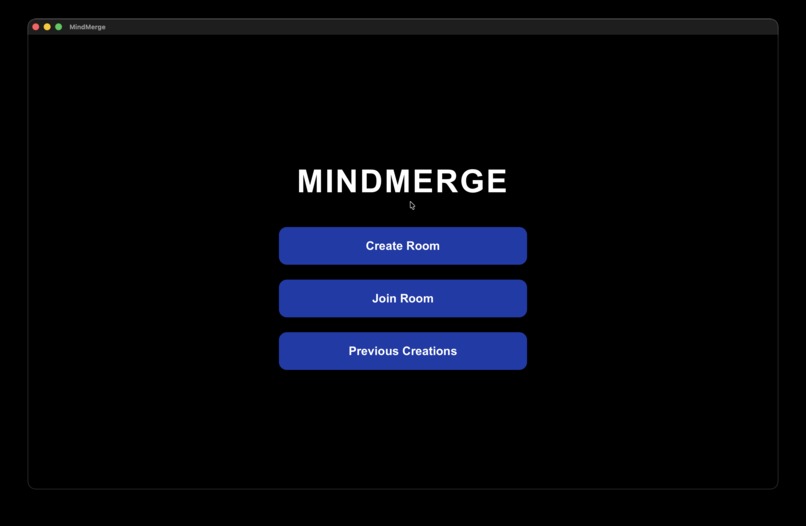
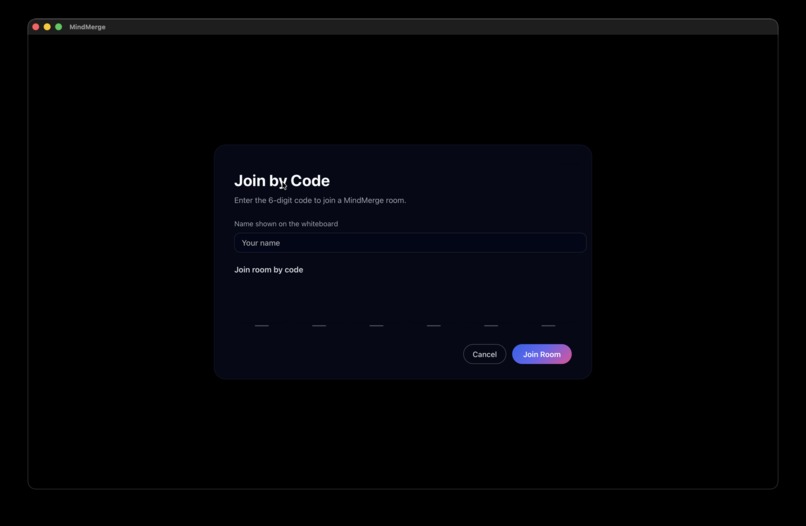
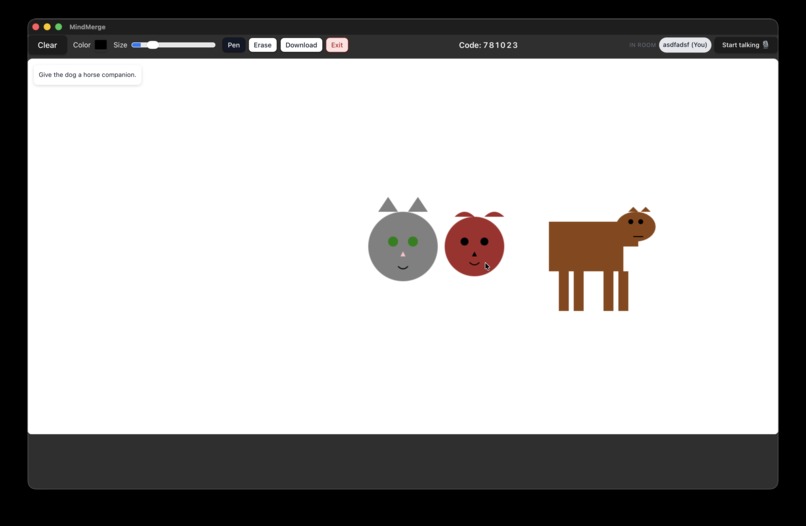
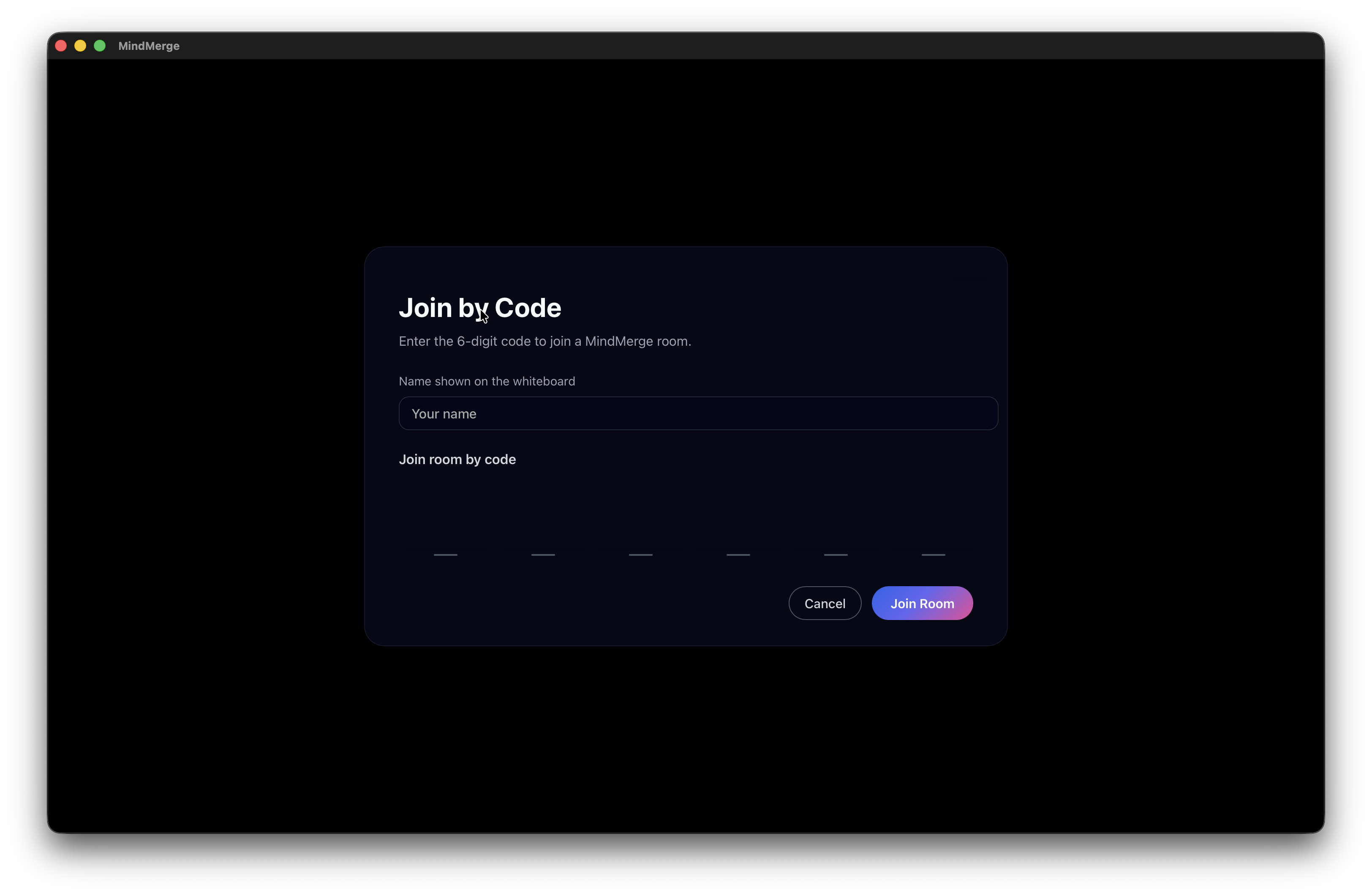
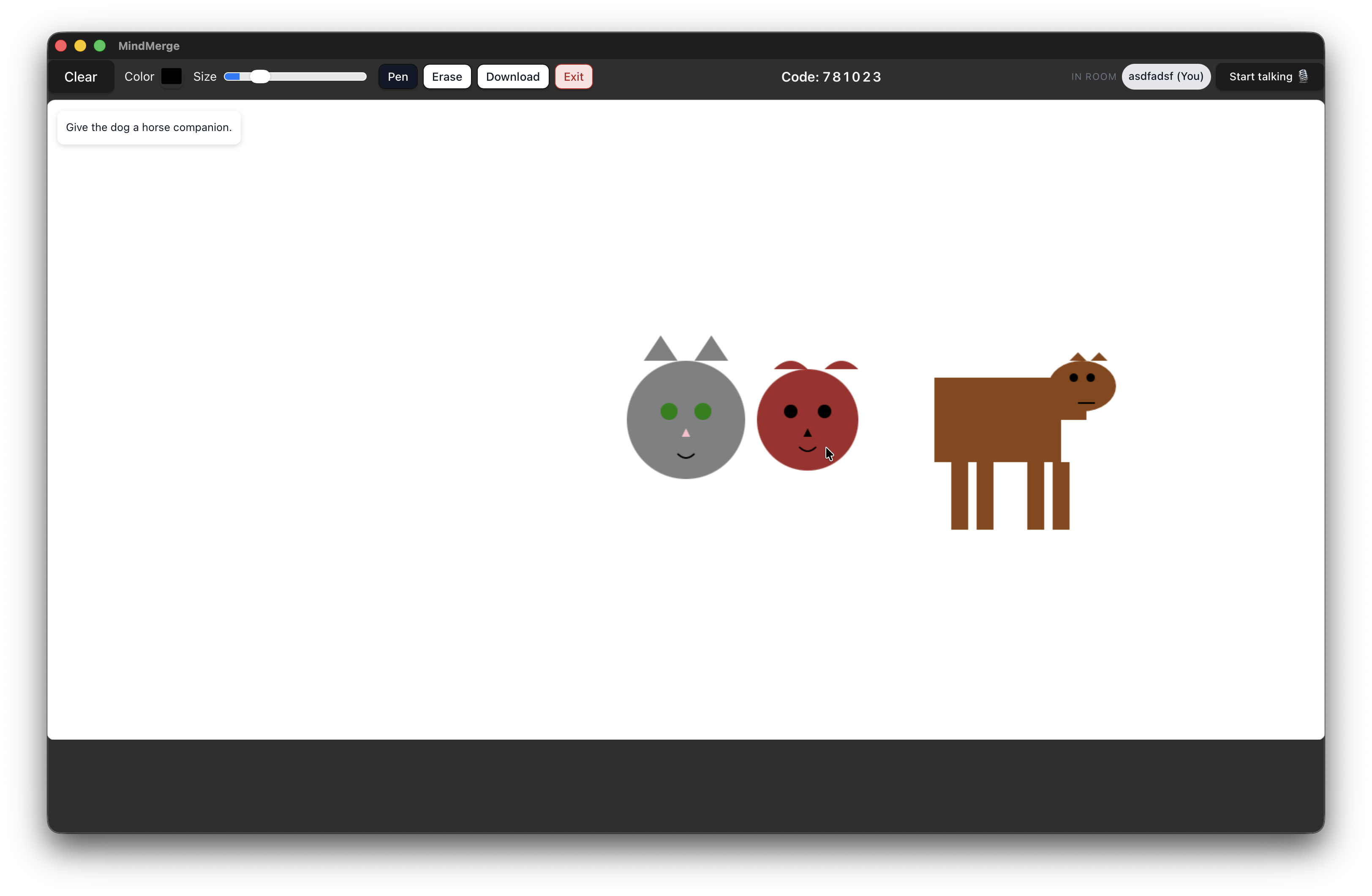
MindMerge is a simple, portable, collaborative whiteboard that teams can use anywhere. It's a peer-to peer collaborative whiteboard that lets multiple laptops connect instantly. It supports live drawing, voice-to-AI image generation and everyone sees updates in real time.
How we built it
We built MindMerge from the ground up using a layered approach: • Tauri + Rust backend for a lightweight desktop app with no browser overhead • Peer-to-peer style room syncing using a custom message distribution system • React frontend for the canvas UI and drawing tools • Canvg + Canvas API to render AI-generated SVGs into shapes • FishAudio ASR for low-latency speech recognition • Google Gemini 2.0 Flash for SVG generation, guided with a strict system prompt we engineered over hours of testing
Challenges we ran into
This project fought us at every stage: Networking (P2P infrastructure): Building a peer style system using only local machine messaging required writing custom code for syncing. Conflicts arose when two people drew over each other’s illustrations, requiring conflict resolution without deleting drawings. SVG Rendering: AI models often produce “almost correct” SVG, necessitating strict JSON contracts, sanitization, and auto-fixing of missing tags. The rendering pipeline had to be rebuilt multiple times. Voice transcription inside Tauri: Most browsers handle mic permissions gracefully, but Tauri does not. Getting media devices to work in a desktop webview required deep debugging and alternate fallbacks.
Accomplishments that we're proud of
• We had really good momentum at the beginning of the event. This allowed us to get the foundation of the app down before the sleep deprivation hit us.
• Our peer-2-peer network architecture is quite robust and does not require any centralized server to operate. It is built entirely in Rust.
• We used Fish Audio to transcribe speech and convert it into SVG shapes using an LLM.
What we learned
We learnt how to design and implement a flly peer-to-peer networking system. We also learnt how to integrate speech to text and AI generated SVGs into a live canvas. Sometimes the best ideas come directly from a problem you experience yourself. We also learned how to plan fast and work from a bottom-up approach. Starting off with a minimum viable whiteboard, and adding features as we progressed with the product.
What's next for MindMerge
Some features we can add are auto-summaries of brainstorming sessions and a smart mode that turns rough sketches into neat diagrams. We could recognise handwriteen text, and autoconvert shapes into clean circle, squares or arrows, in order to make the canvas more readable. We could also branch out to more templates that include starting off from a mindmap, flow chart or even grid paper.
Built With
- bun
- css
- iroh
- javascript
- networking
- p2p
- rust
- tauri


Log in or sign up for Devpost to join the conversation.