-
-
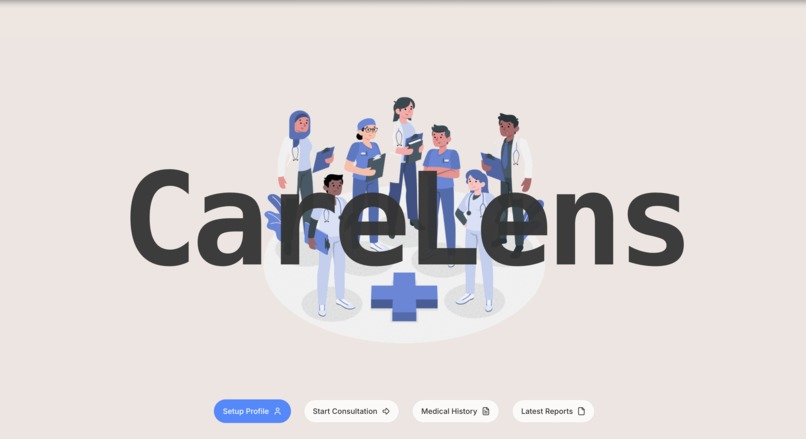
landing page
-
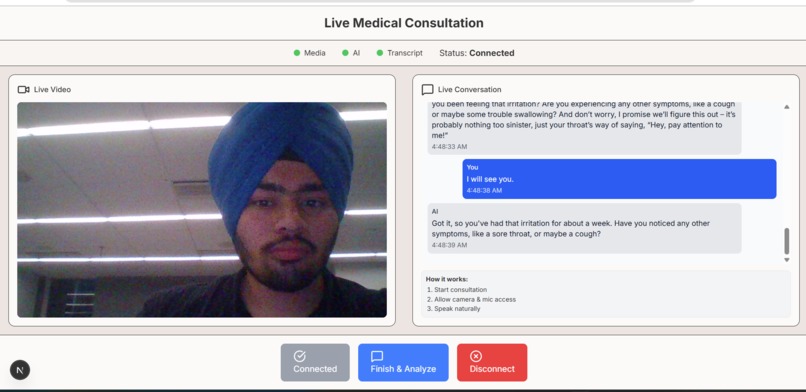
chatting with virtual doctor
-
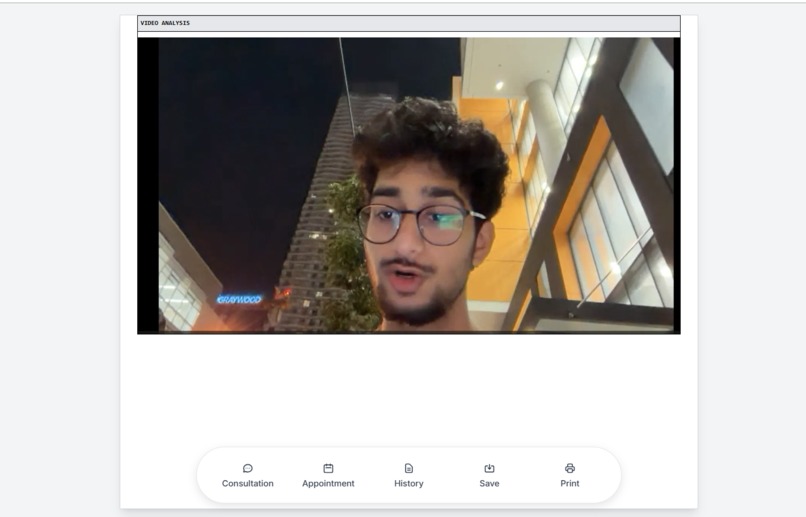
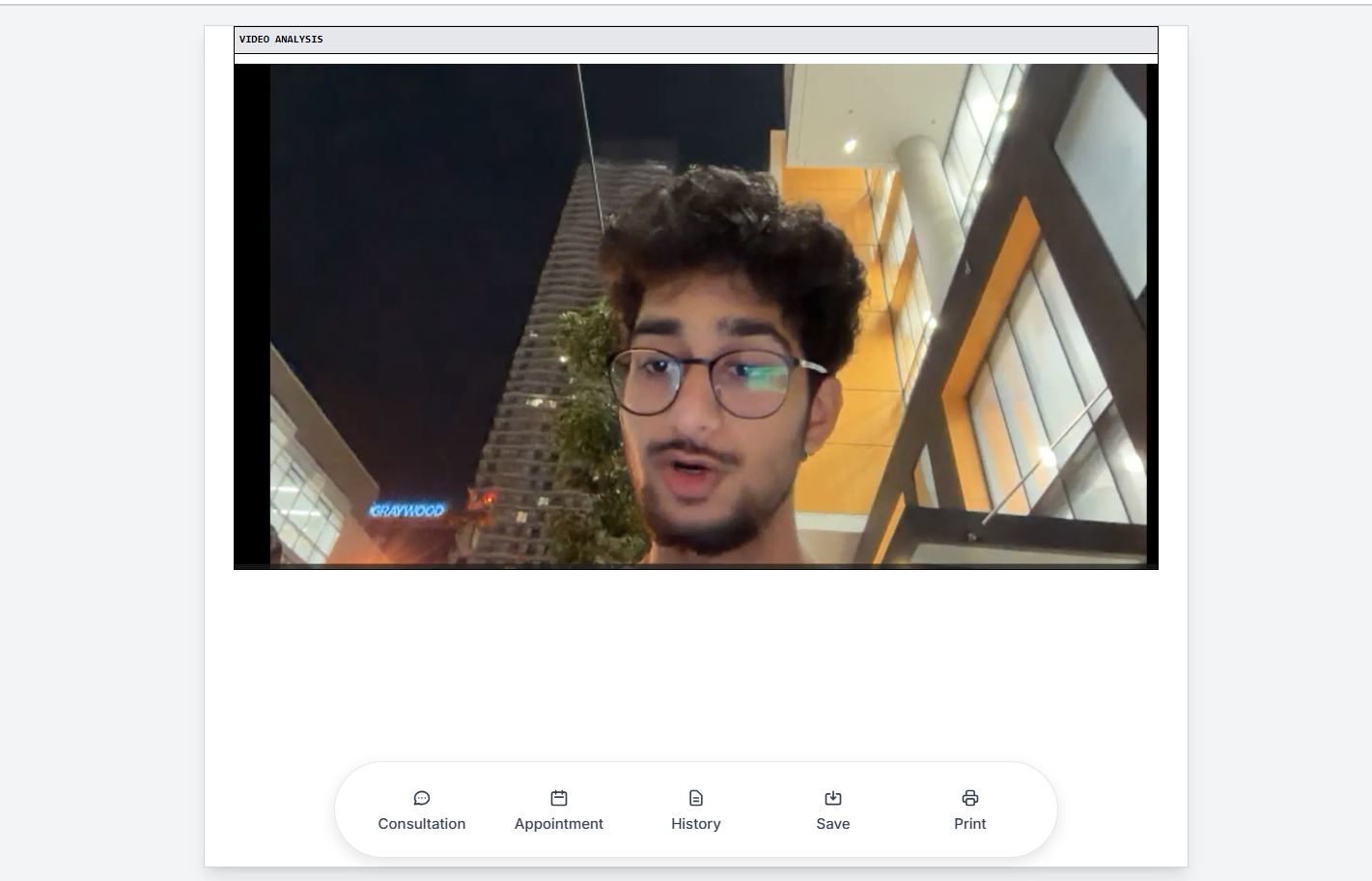
video analysis
-
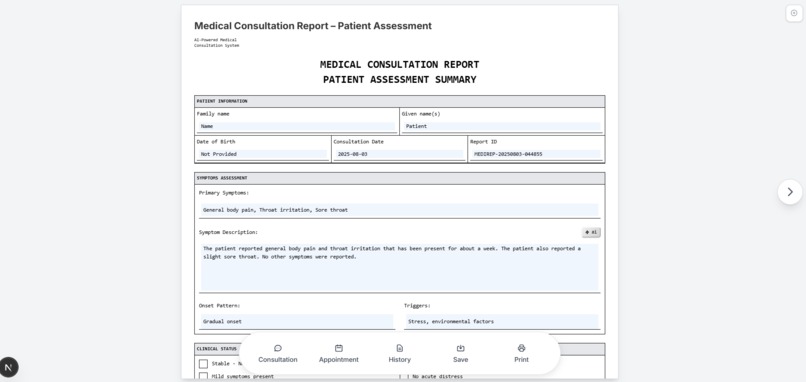
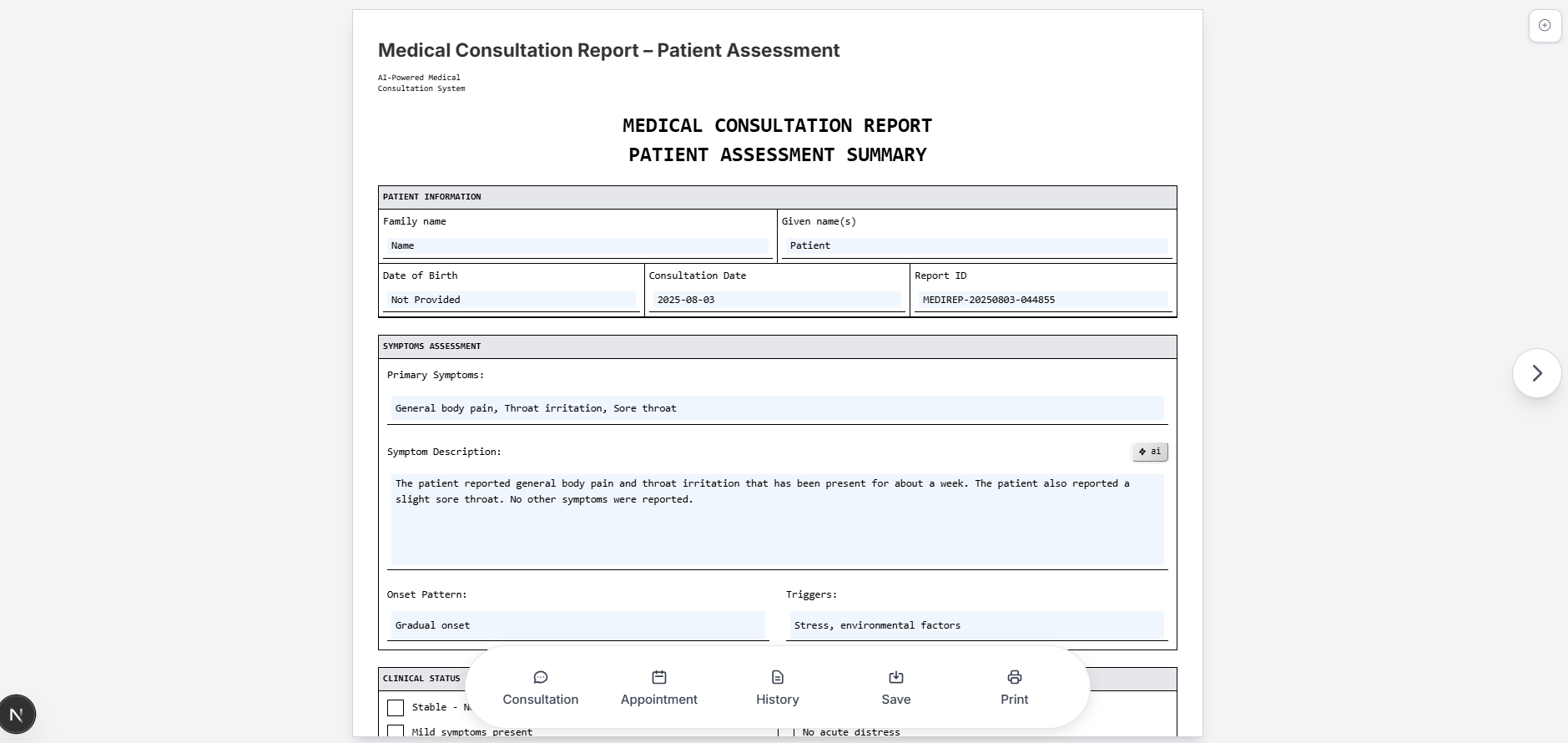
medical report
-
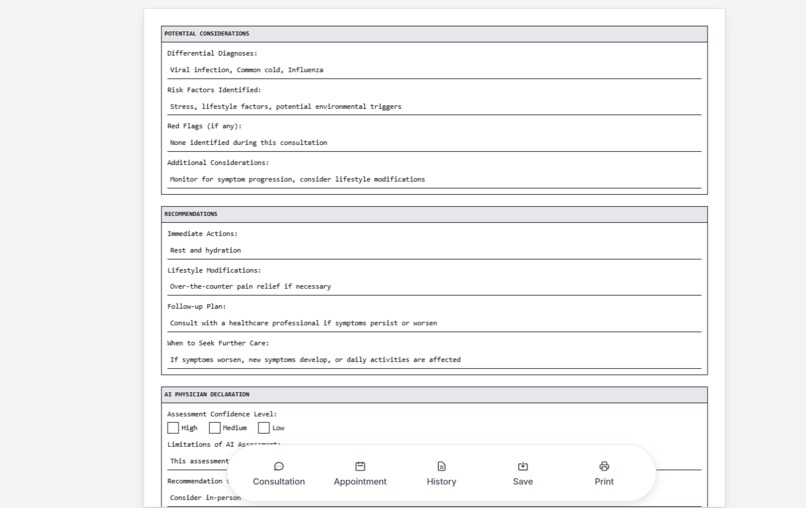
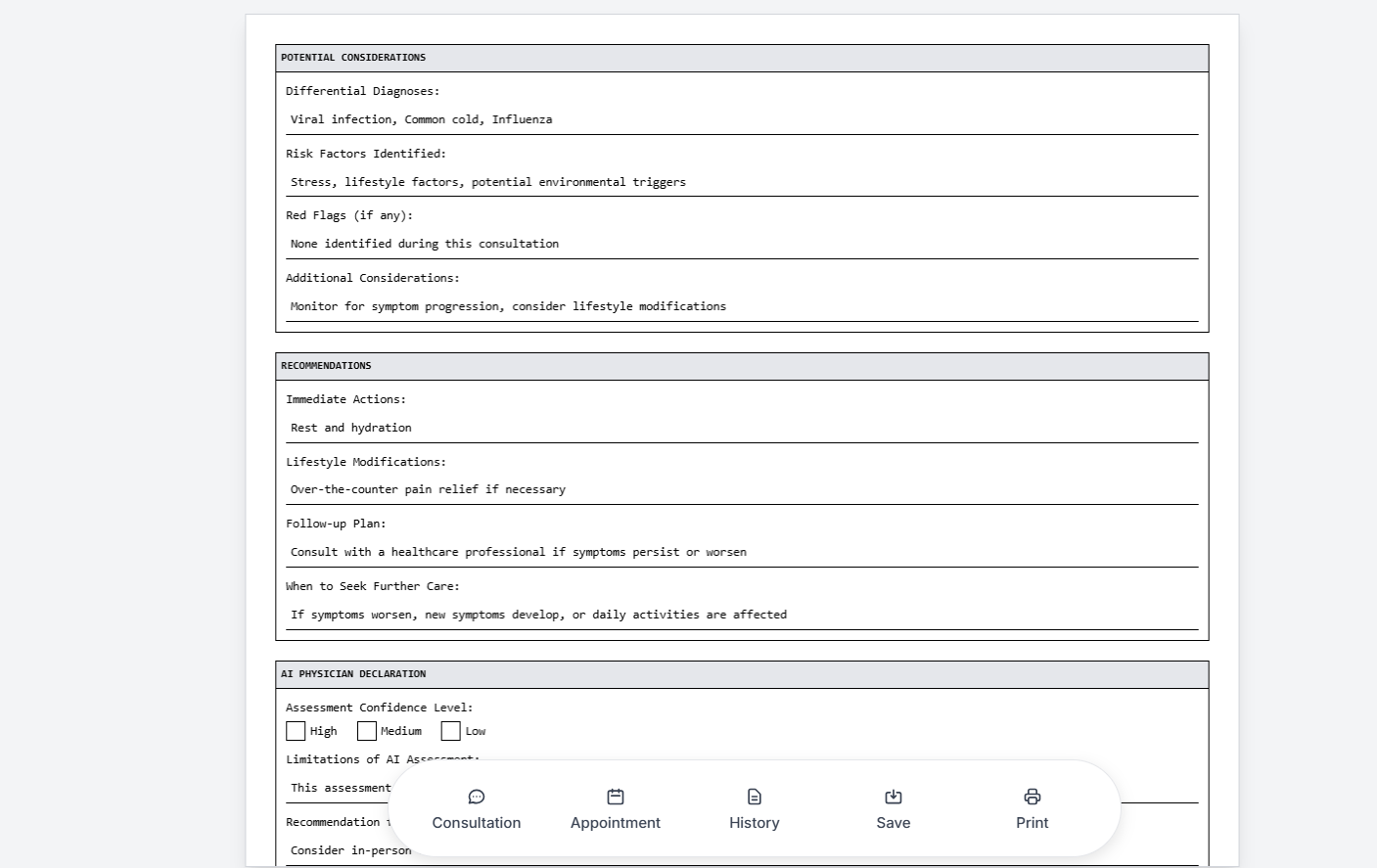
medical report cont'd
-
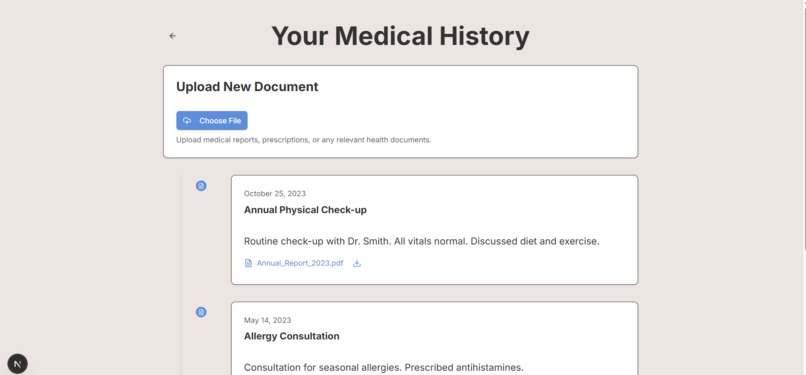
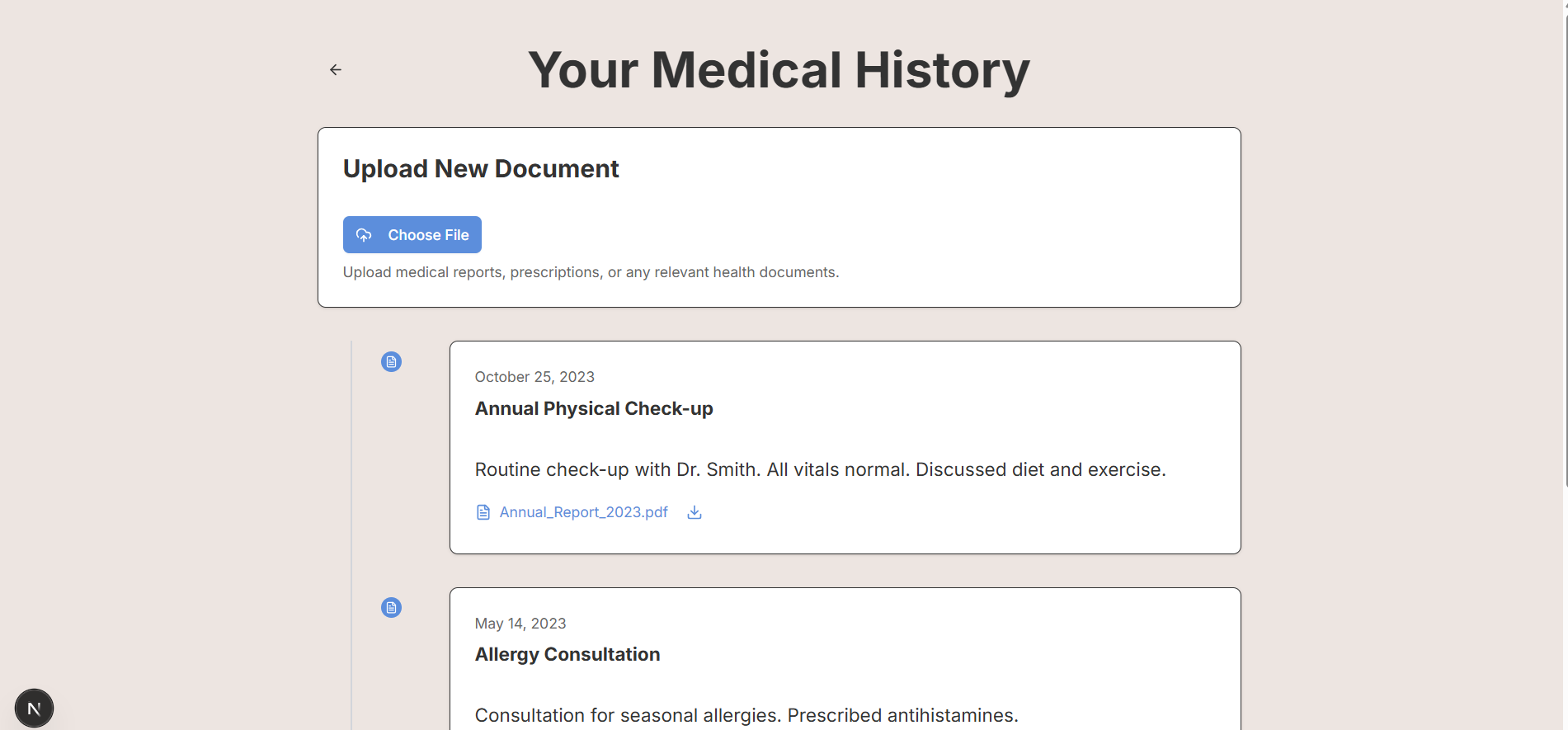
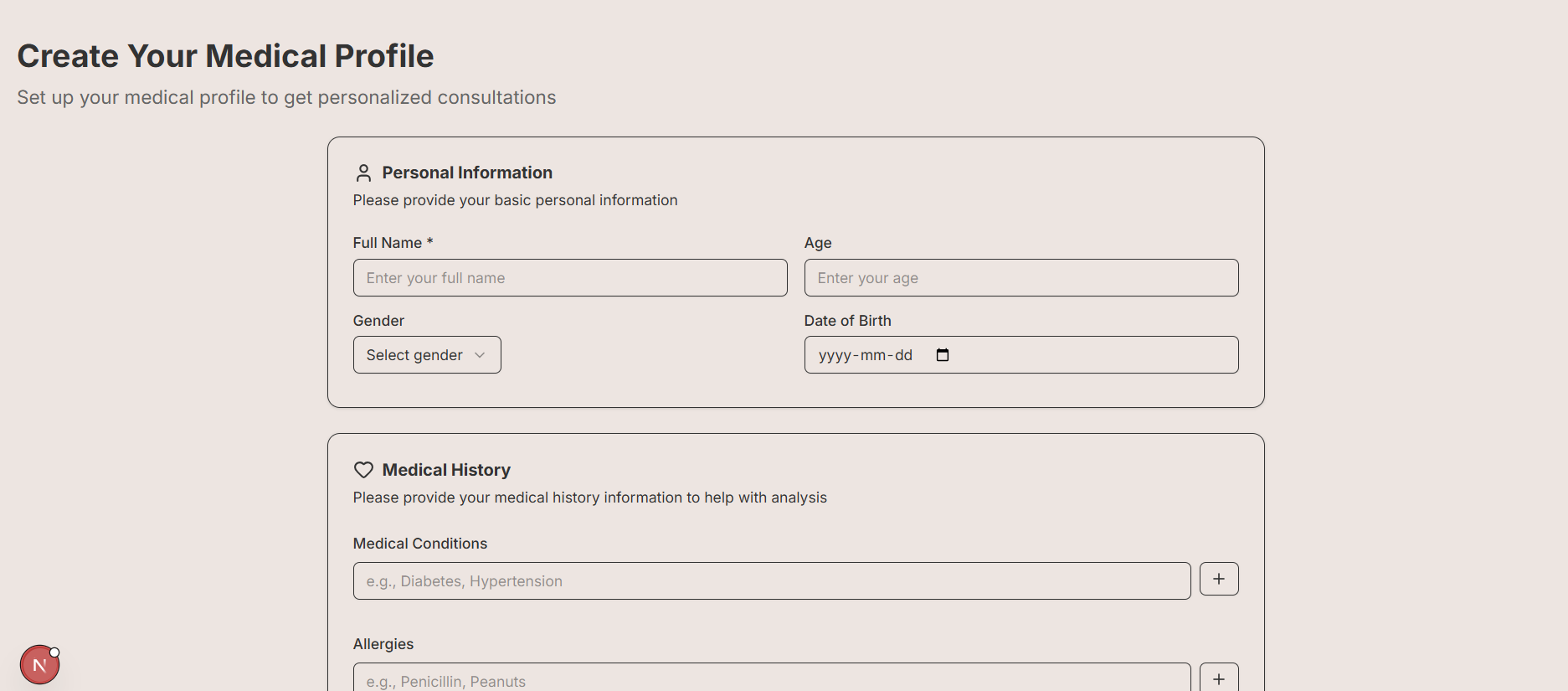
medical history
-
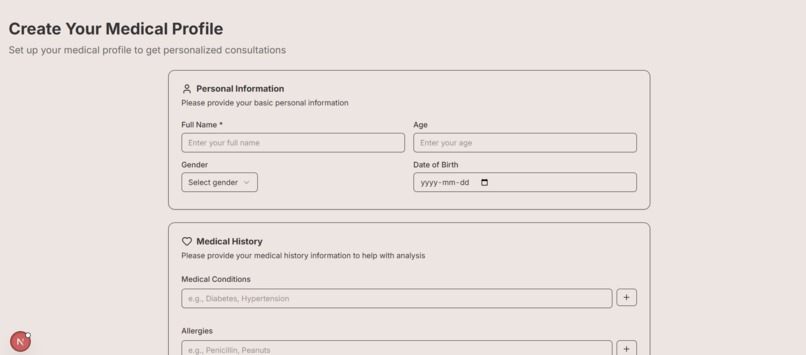
edit profile page

Inspiration
Getting healthcare can be slow and stressful, especially when people don’t know where to start. We wanted to create something that feels like talking to a doctor — but faster and always available. That’s how CareLens was born: an AI-powered health check that listens, learns, and helps.
What it does
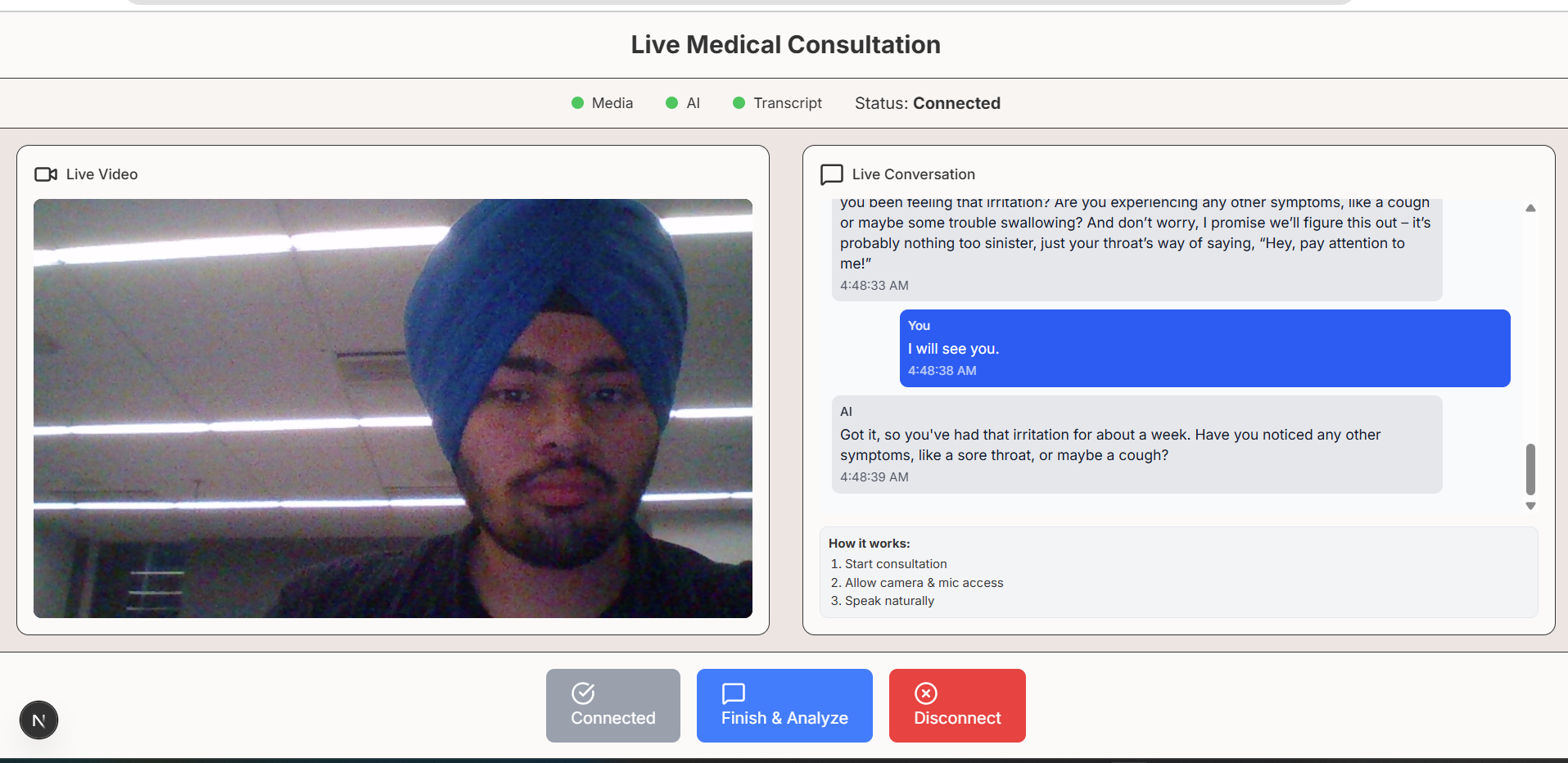
CareLens lets users talk to an AI through a live video call. The AI listens, asks questions, and watches for symptoms. As the conversation happens, it fills out a medical report and sends it to a doctor who can help — all automatically.
How we built it
We used:
- Next.js + React for the frontend
- Python (FastAPI) for the backend
- OpenAI GPT-4 and Whisper for understanding speech and generating reports
- WebRTC for live video We also designed the UI with Tailwind CSS and used Supabase for storage.
Challenges we ran into
- Getting video, audio, and AI to work smoothly in real-time was tricky.
- Whisper sometimes struggled with unclear audio.
- Connecting all the parts (video, transcript, GPT-4, report) in a clean flow took a lot of debugging.
Accomplishments that we're proud of
- We built a working AI video consultation flow from scratch.
- The AI can now understand user speech and generate a medical summary.
- We made it simple enough that anyone could use it — no tech background needed.
What we learned
- How to work with speech recognition and video analysis in real time.
- How to prompt GPT-4 to act like a doctor and ask follow-up questions.
What’s next for CareLens
- Add doctor accounts so they can receive and respond to reports.
- Let users upload their medical history and use that in future sessions.
- Build a confidence/urgency score to tell users if they need urgent help.
- Possibly work with clinics to test it out in the real world.
Built With
- fastapi
- openai
- python
- tailwindcss
- typescript
- uvicorn
- webrtc
- websockets

Log in or sign up for Devpost to join the conversation.