-
-
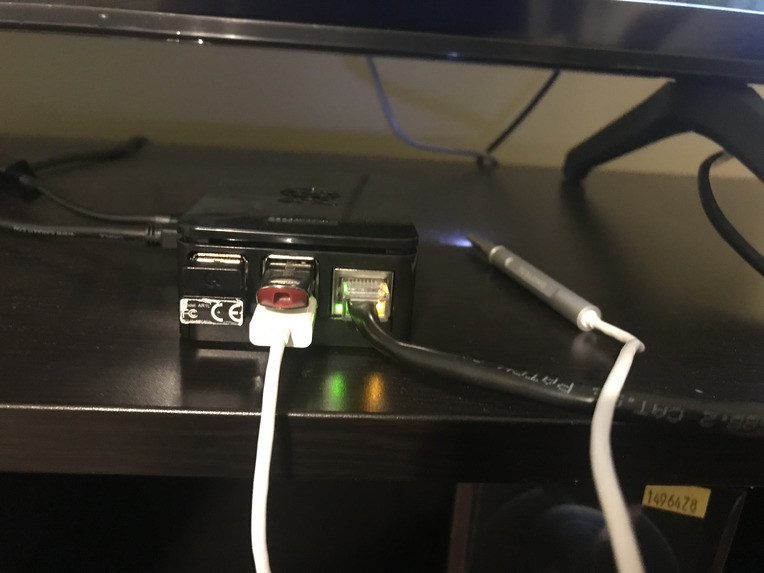
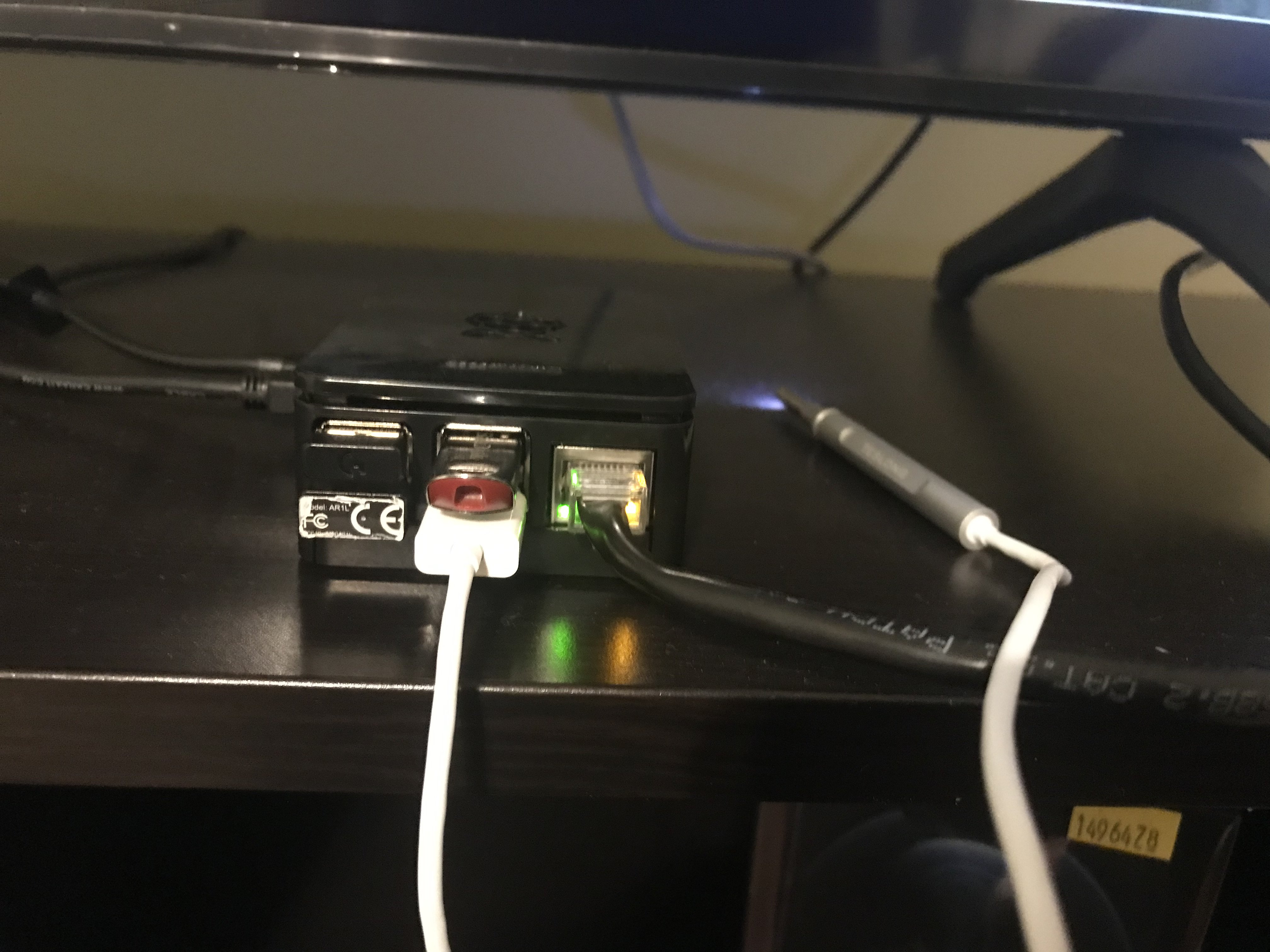
Ports of the raspberry pi and camera module
-
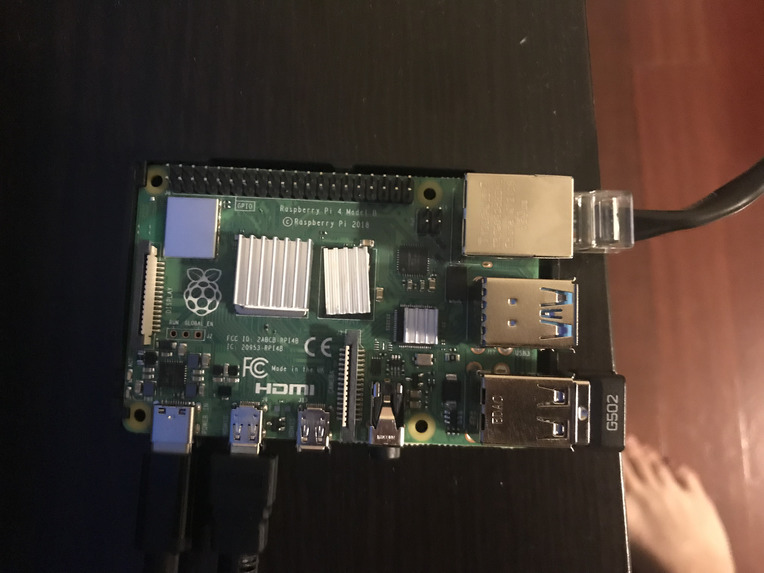
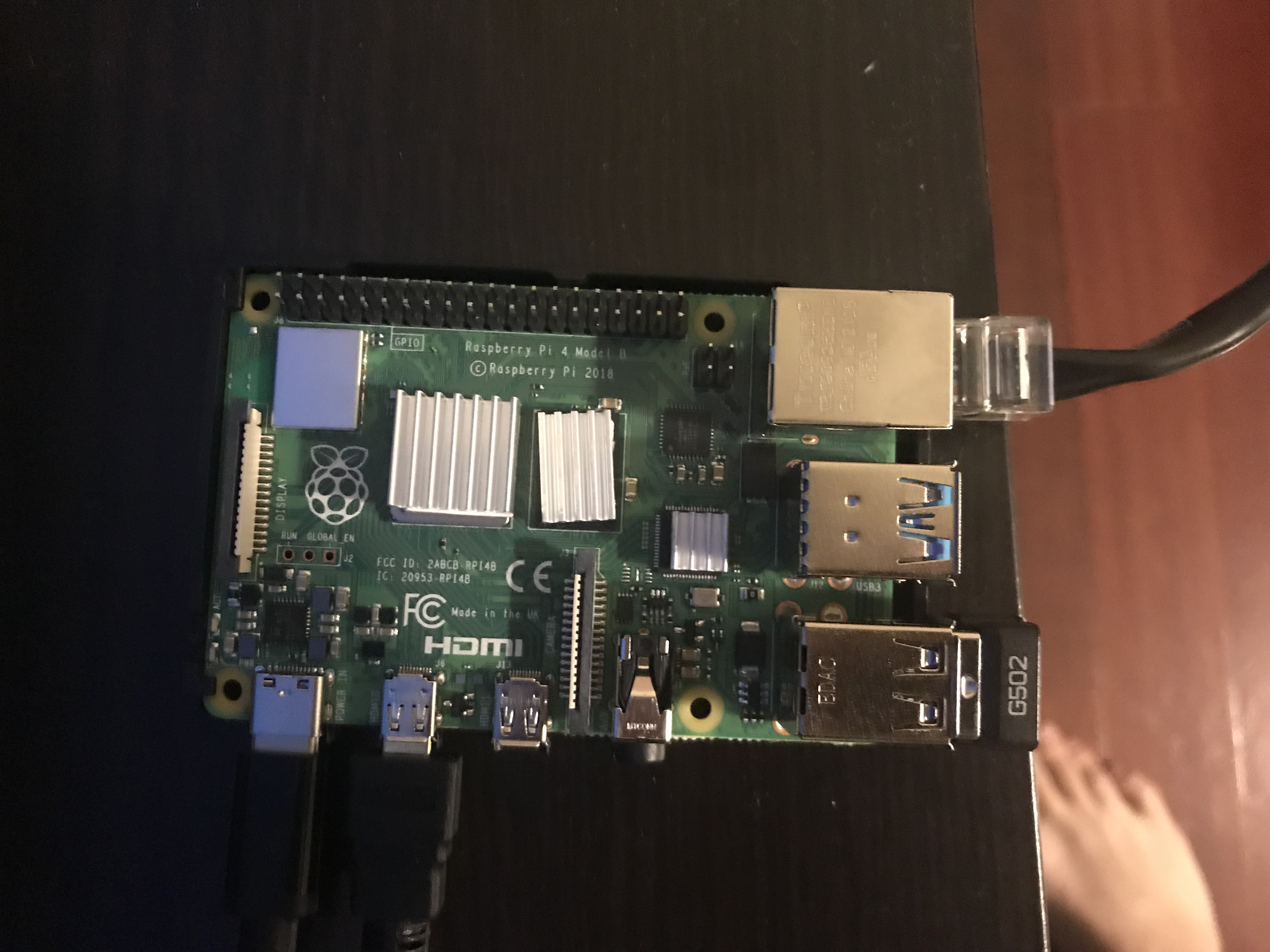
Raspberry pi board
-
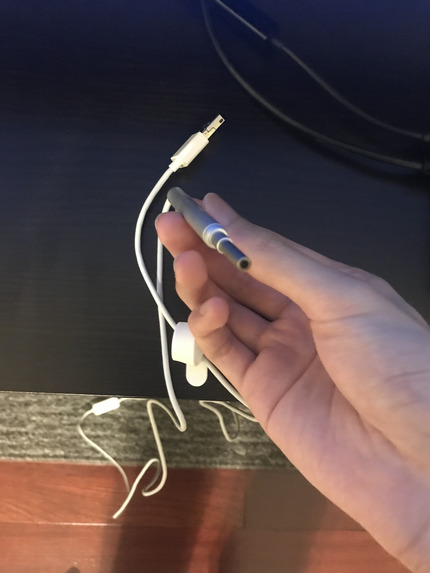
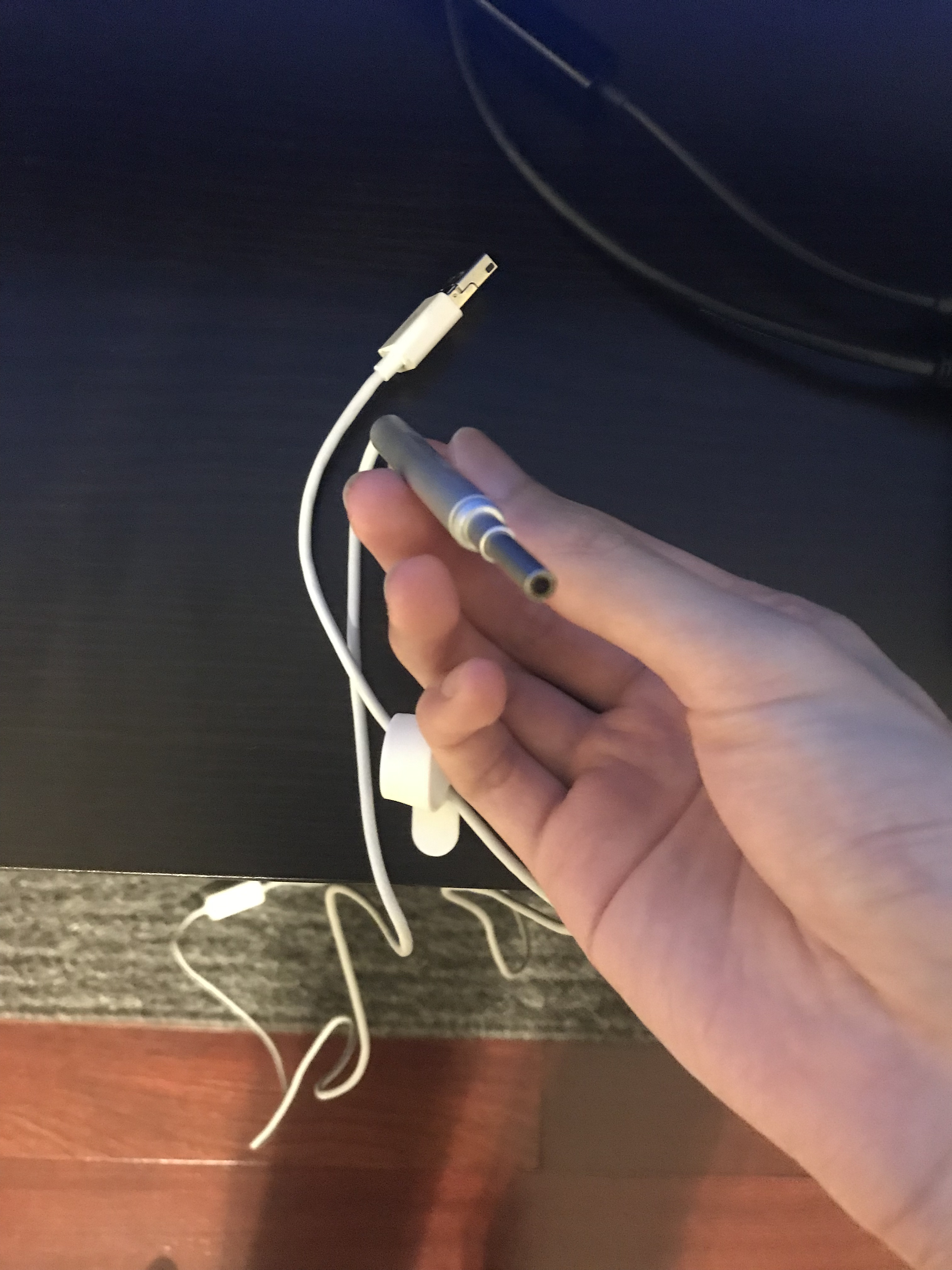
Camera module for Raspberry pi
-
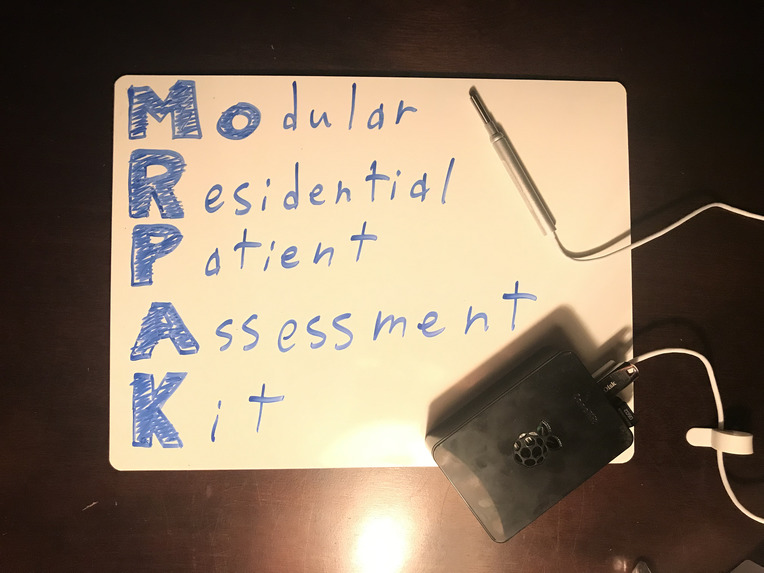
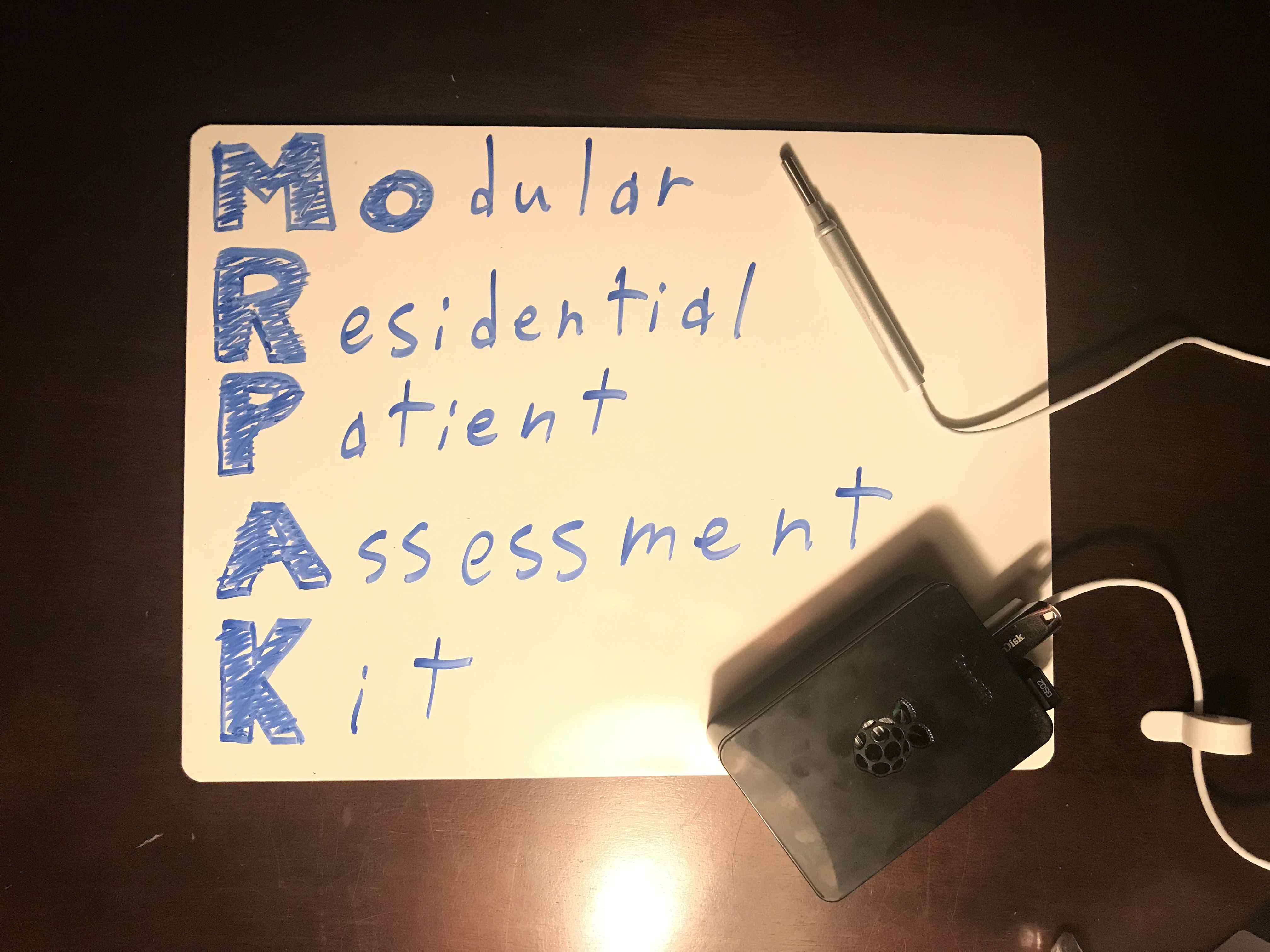
Our Project: MoRPAK
Inspiration
The COVID-19 pandemic has greatly limited patients' access to care. Patients are putting themselves at risk by leaving their homes, even just to visit their doctor! Moreover, various health conditions are often reversible or more easily treated if it was detected early. Our goal is to innovate remote point of care by saving time for both doctors and patients while also keeping patients (especially geriatric and pediatric patients) in the comfort of their own homes. Our team wanted to address foremostly the ‘Point of Care Testing’ challenge, but the final product also addresses the ‘Remote Patient Interaction’ and ‘Burnout in Healthcare Workers’ challenges presented by PittChallenge.
What is the MoRPAK
The Modular Residential Patient Assessment Kit (MoRPAK) addresses these challenges by hosting a slew of patient vitals or symptom monitoring devices in one modular package. The MoRPAK is a modular testing kit consisting of a computer (raspberry pi) interfacing with various sensors to collect and send patient data from patients to doctors. These modules can include one-time (e.g. camera, blood pressure, pH urine sensor) or continuous data collection (e.g. pulse oximeter, EKG, sleep-monitoring watch, etc.) and are shipped with the MoRPAK to the patient as needed. Once collected, the data is securely sent to the doctor’s server for analysis and treatment adjustment.
With the MoRPAK, we hope to decrease the burden on the healthcare system by improving the accessibility and availability of various diagnostic and monitoring services. Patients do not need to physically come in for routine assessments or waste resources on in-patient care if they had a low probability of disease progression or mild disease states. Instead, the MoRPAK can monitor specific changes in condition from the comfort of their home and alert EMS or a loved one when necessary, or a simple non-continuous capture of a specific symptom for physician assessment.
In this demo, the MoRPAK lets patients capture images of their conditions (such as an ear infection, sore throat, rashes, sores, etc.). Once captured, the images will then be sent to the patient’s care provider for analysis. Finally, the doctor can decide how to alter the patient’s treatment without ever needing the patient to visit in person.
How we built it
We used a raspberry pi running python scripts with a USB camera to take a picture when activated and send that picture to a specified email address while also storing a copy on the USB drive for cross-referencing. In the future, we would have additional scripts for different modules. We deployed our project to GitHub for ease of access and to collaborate virtually.
Challenges we ran into
This was our first hackathon and most of us were unfamiliar with coding and raspberry pi. Our biggest challenge was setting up the raspberry pi, updating its OS, and getting OpenCV to work. We were also limited to just imaging because we only had the camera module for raspberry pi. We wanted to have the program work automatically when the USB flash drive was inserted, but we were unable to find a solution for that.
Accomplishments
We were proud at pretty much every stage of this journey, from getting a display output from the raspberry pi to seeing the correct image file in our inbox!
What we learned
We learned how to set up a raspberry pi and a small bit of python. The burden on the patient when interacting with the healthcare system.
What's next for Modular Residential Patient Assessment Kit
In the future, we plan to expand the amount of modules we are using for the raspberry pi. We want to add a thermometer, pulse oximetry, and blood pressure measuring functionalities for sure, but there is a near-infinite possibility for additional modules. Second, we want to make the device mobile by attaching the raspberry pi to a battery. Third, we want to incorporate machine learning so we can predict a patient's health trajectory with trends in vitals. Finally, we want to add the automatic functionality where the program activates once the USB flash drive “key” with the matching patient ID is inserted. The key and MoRPAK would be programmed at the doctor’s office to only work when the current USB key for a given patient is inserted (for patient verification).


Log in or sign up for Devpost to join the conversation.