-
-
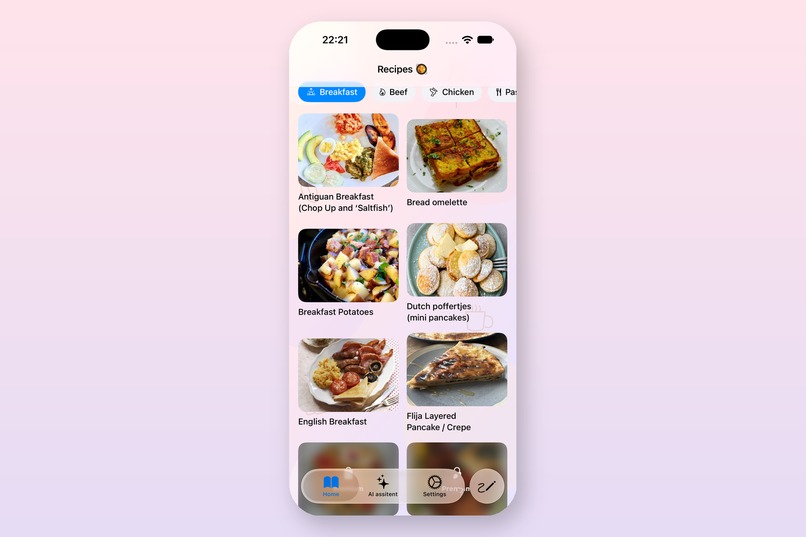
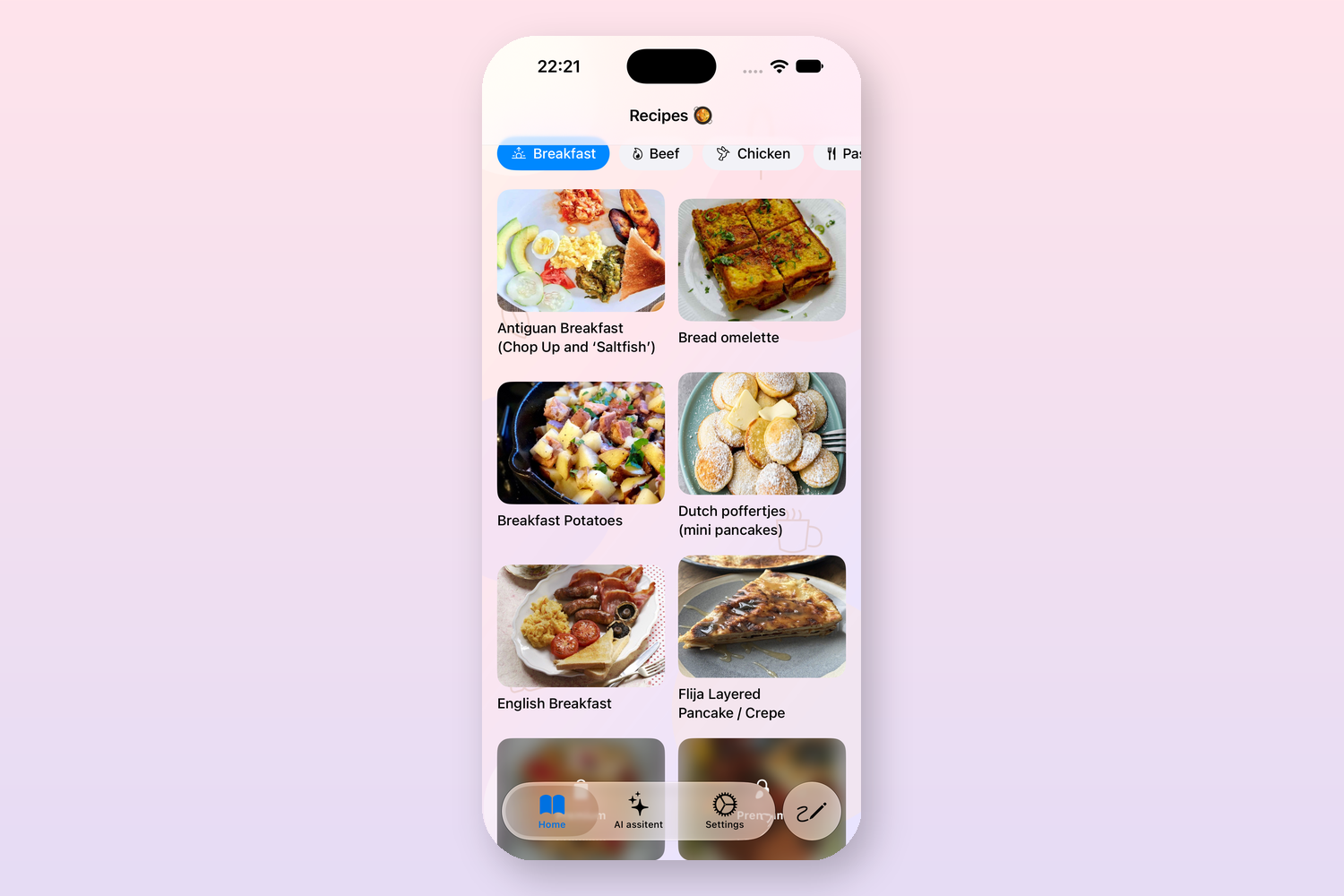
home view
-
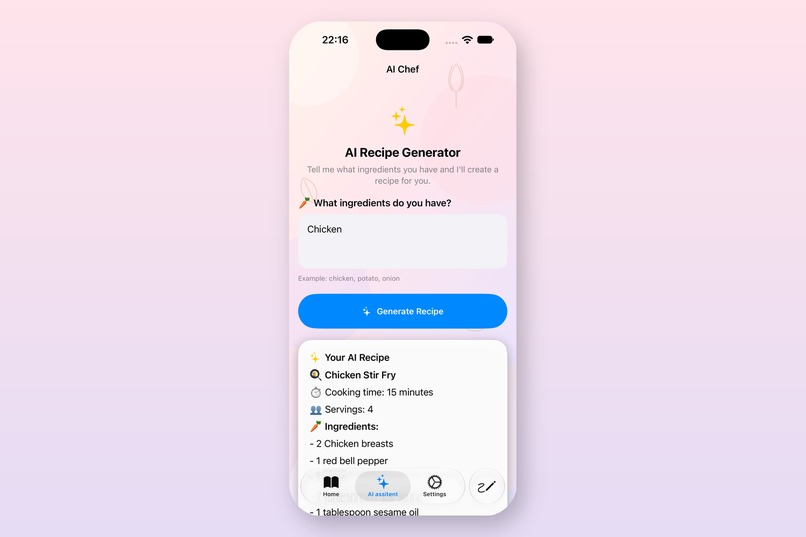
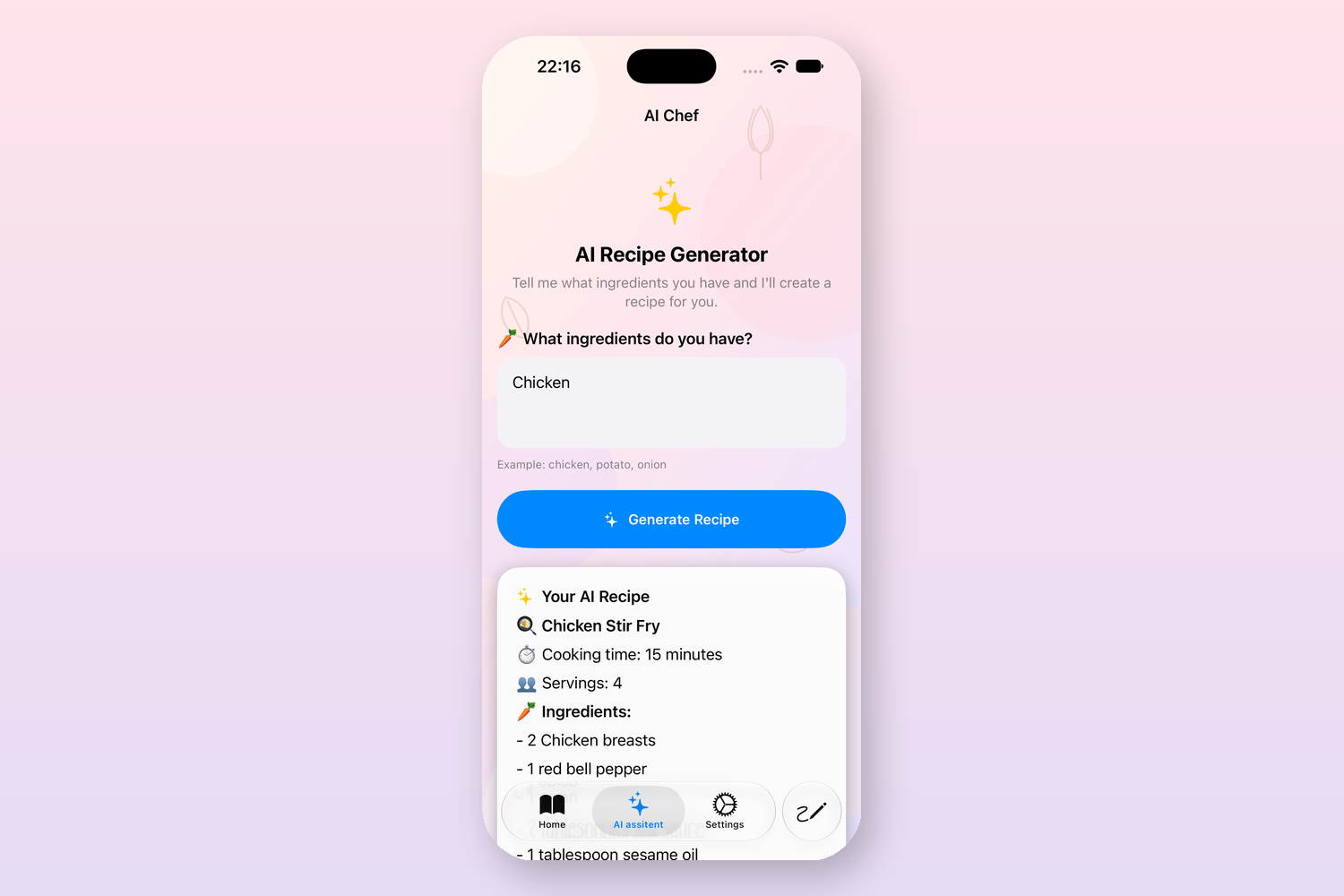
ai chef / ai assistant
-
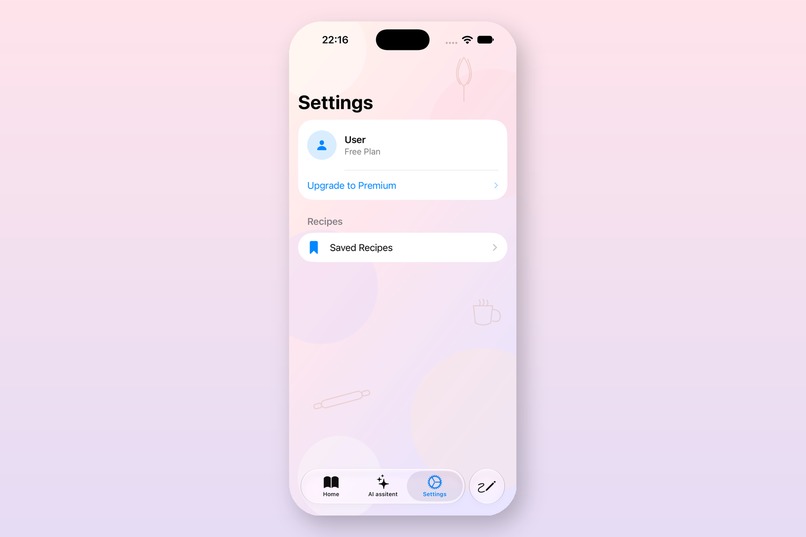
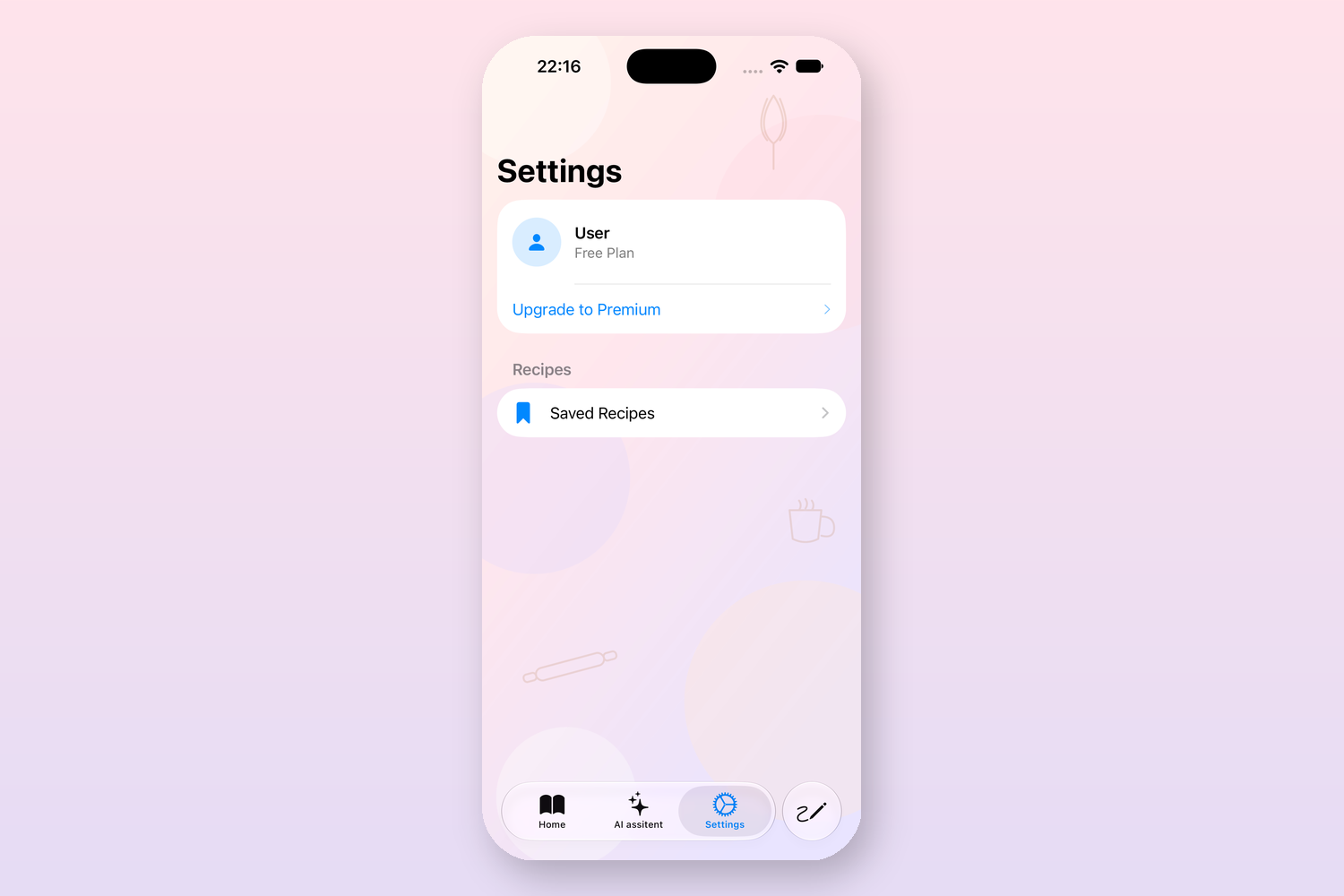
settings view
-
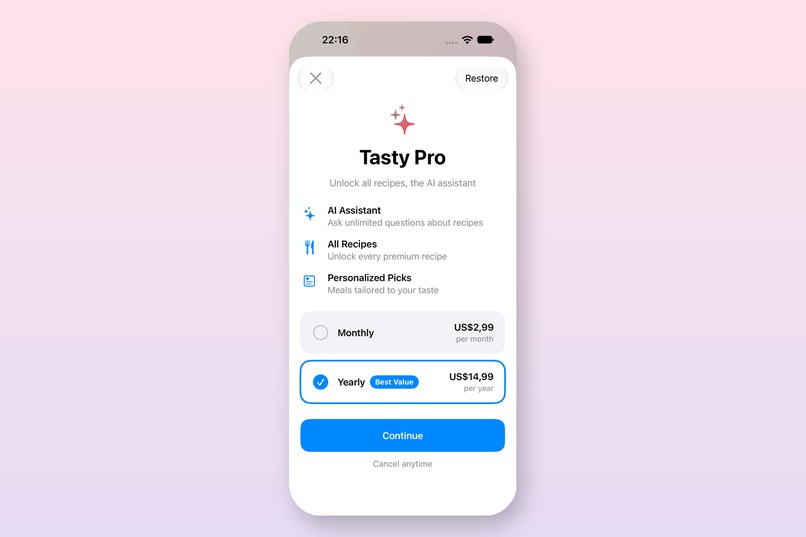
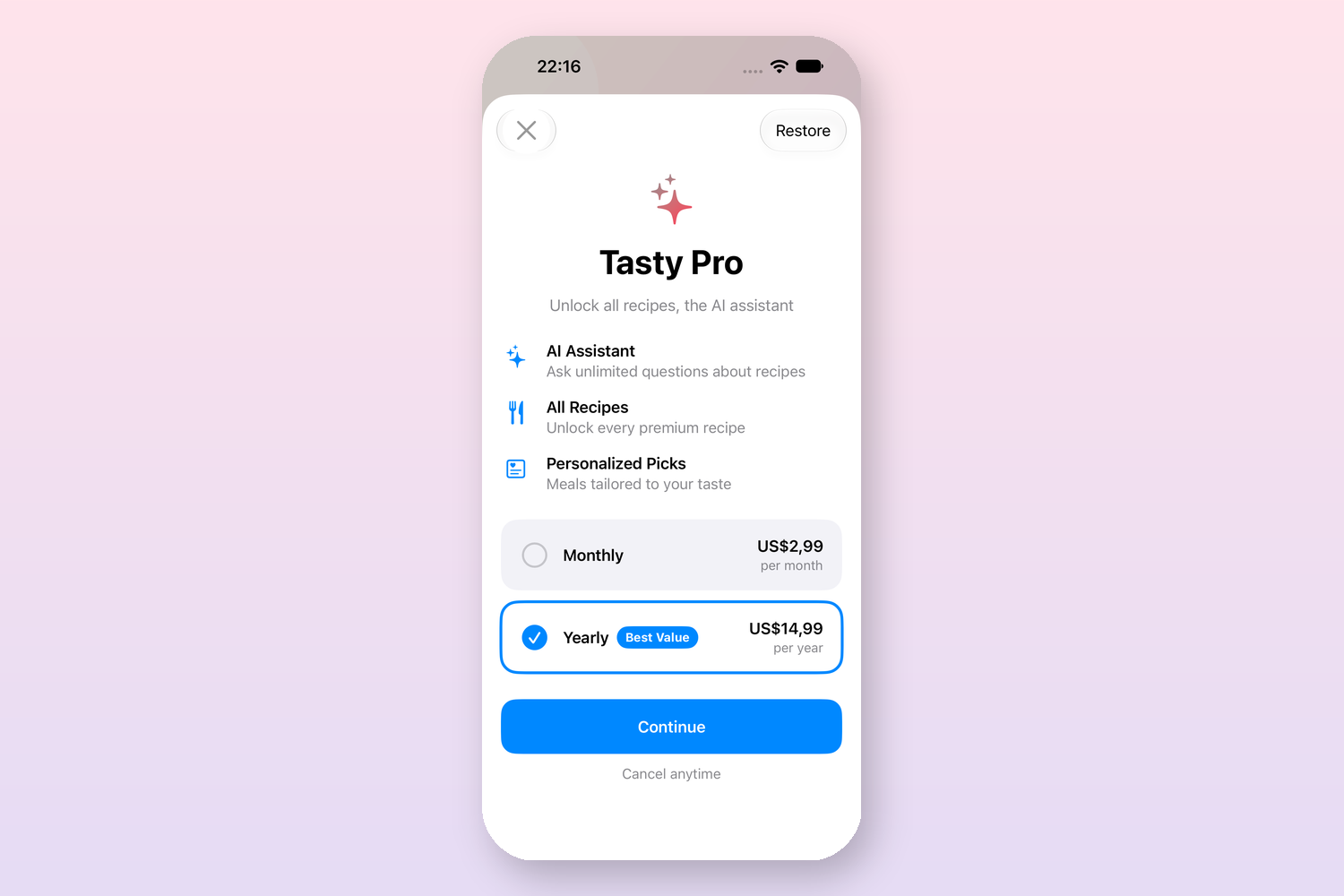
tasty pro
-
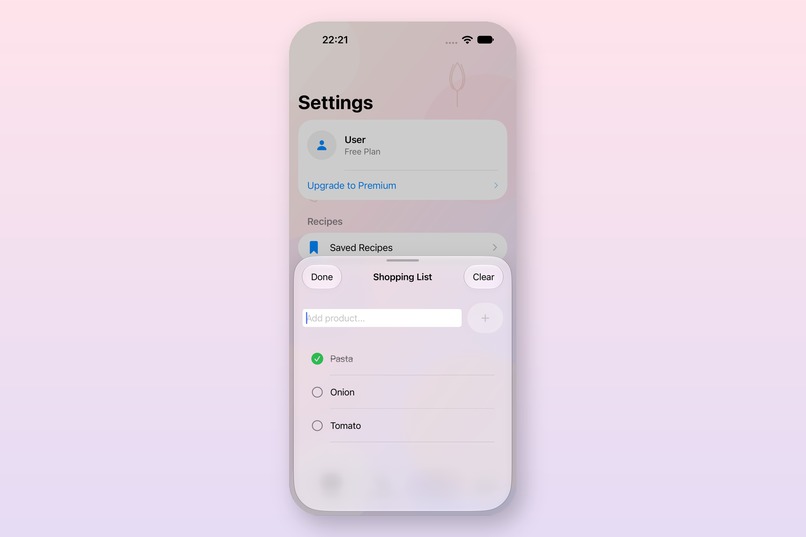
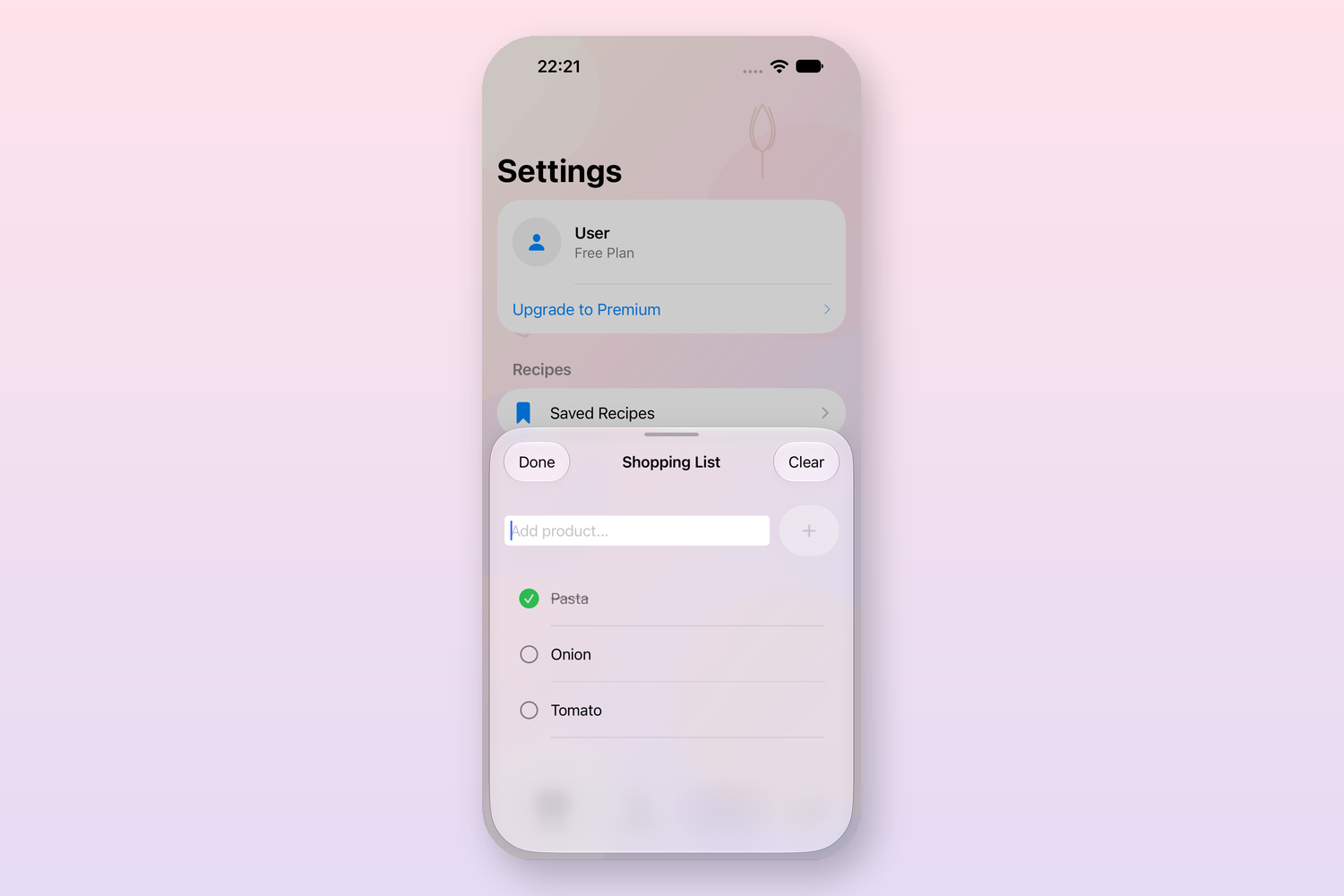
shopping list
Inspiration
Most recipe apps are either cluttered with ads or overwhelming to browse. I wanted something simple: open the app, see recipes organized by meal type, and get help from AI when I'm not sure what to cook with what's in my fridge.
What it does
Tasty organizes recipes into Breakfast, Lunch, and Dinner sections using the TheMealDB API. Free users can browse a limited set of recipes; Tasty Pro (powered by RevenueCat) unlocks the full recipe library plus an AI Chef assistant that generates custom recipes from whatever ingredients you type in. There's also a built-in shopping list to track ingredients you need to buy.
How I built it
- SwiftUI + SwiftData for the interface and local persistence (saved recipes, shopping list)
- MVVM architecture to keep the app testable and maintainable
- TheMealDB API for recipe data
- RevenueCat SDK to handle the Tasty Pro subscription and gate premium features (extra recipes + AI assistant)
Challenges I faced
Structuring the paywall logic so premium state stays reactive across the whole app — the AI assistant, recipe list, and settings screen all needed to reflect subscription status instantly after purchase or restore, without duplicating that logic everywhere.
What I learned
How to cleanly separate monetization logic from UI using protocol-based services, and how RevenueCat simplifies subscription management compared to building StoreKit logic from scratch.


Log in or sign up for Devpost to join the conversation.