-
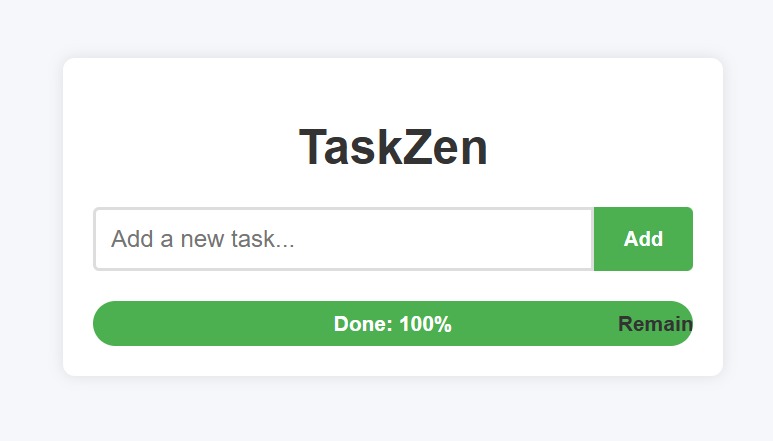
Zen mode on. Tasks off. Welcome to TaskZen.
Inspiration
I wanted to create a simple task tracker that helps people keep their, to-do lists clean and organized. Many task apps get cluttered with old or completed tasks, which makes it hard to focus. So, I thought a tool that lets you add tasks, delete them easily, and track progress would be really useful.
What it does
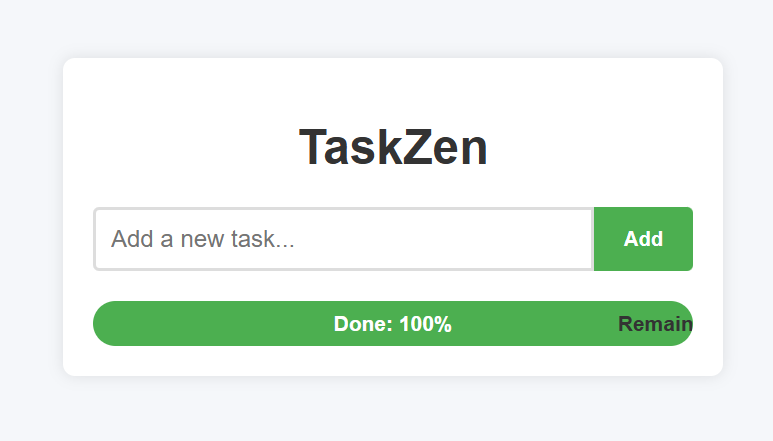
TaskZen works like the list you make before going to the market. Just like a shopping list helps you remember what to buy and saves time, TaskZen helps you keep track of your tasks so you don’t forget anything important. It lets you add tasks, delete them once done, and shows your progress, so you can focus on getting more done efficiently every day.
How we built it
I built TaskZen using only HTML, CSS, and JavaScript, without any backend. The app runs completely in the browser, managing tasks with JavaScript to add, delete, and track progress in real time.
Challenges we ran into
One challenge was managing the state of tasks entirely on the frontend without a backend, especially making sure the UI updated instantly when tasks were added or removed. Also, designing a simple and clean interface within the hackathon time was a bit tricky.
Accomplishments that we're proud of
I’m proud that TaskZen works smoothly for adding, deleting, and tracking progress in real-time, all without a backend. The interface is clean and easy to use, which was one of my main goals.
What we learned
I learned how to build a fully functional task tracker using just frontend technologies, and how important it is to keep things simple and user-friendly.
What's next for TaskZen
Next, I want to add features like saving tasks in the browser so they aren’t lost when you refresh, adding deadlines and reminders, and maybe syncing data using a backend in the future — all while keeping the app simple and efficient.
Built With
- css
- html
- javascript
- vscode

Log in or sign up for Devpost to join the conversation.