-
-
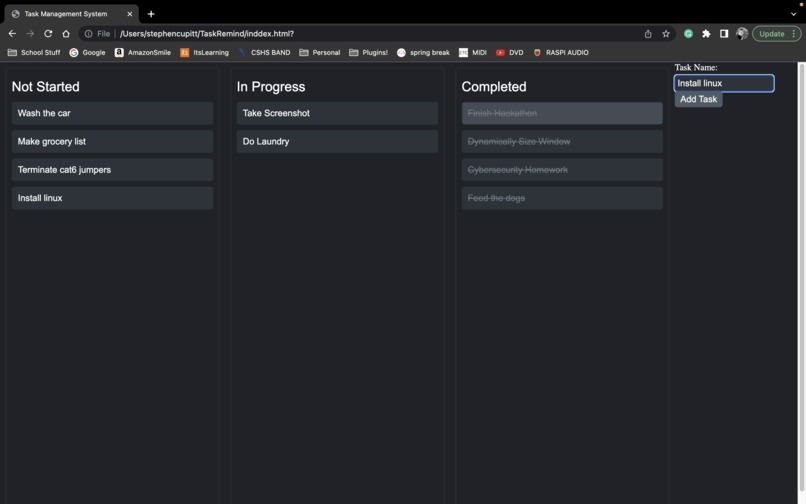
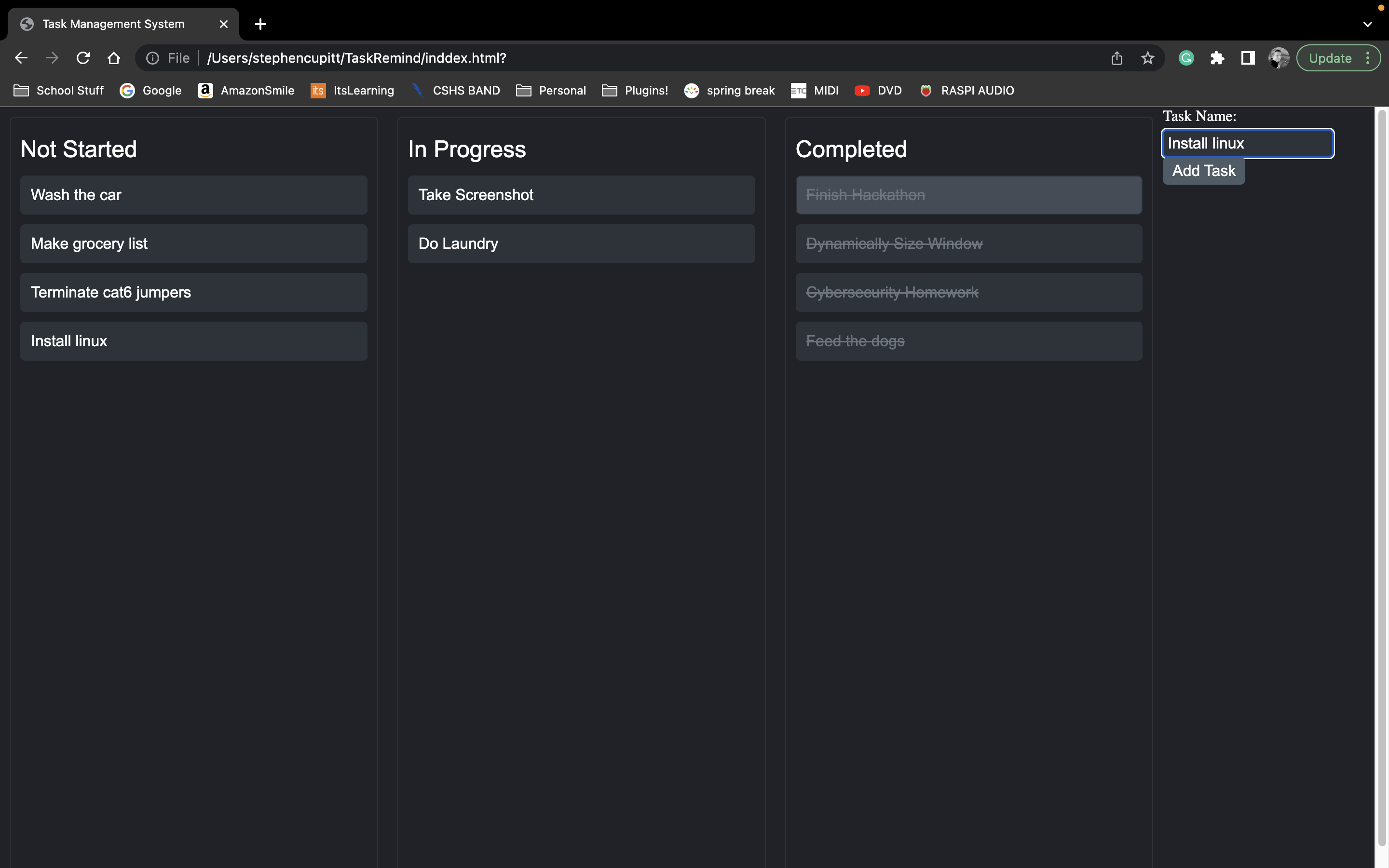
Demonstration of the. standard UI, with tasks in different stages of completion.
Inspiration
In school, I always struggle with "what's due" and keeping track of my progress, so I wanted to create a way to simply organize what I have to do and what I've already completed.
What it does
As it stands for this hackathon, the program very simply creates a "task box" and allows the user to move it between 3 different columns based on their progress on the task.
How we built it
I built this program with HTML and JS to run locally on a machine.
Challenges we ran into
Personally, I'm really not that familiar with HTML, so this was a huge undertaking, and for me, my knowledge topped out at being able to record what the user had created and log it to a json file. In theory, it should work flawlessly, but I had a lot of issues getting it to work in actuality.
Accomplishments that we're proud of
As mentioned above, I am not the most experienced in HTML, so getting all of the items to resize based on the window dynamically was a huge win for me, as well as getting the overall style of the website, which was extremely important to nail down given the nature of the hackathon.
What we learned
I am a lot more familiar with walking around an HTML document. I also have learned a ton about scripting in js and setting properties for styling in CSS.
What's next for TaskRemind
The most important thing for the future of TaskRemind is the logging of data in a json format. I wish this was something I had time to integrate in this project, however I ran out of capacity and time for today. The second thing I would like to add is a mechanic to set the priorities of the tasks instead of the last added being left at the top.

Log in or sign up for Devpost to join the conversation.