Inspiration
TaskPilot started from a problem I was facing in my own work. I was managing several projects, contractors, and subcontractors while receiving a constant flow of phone calls, emails, requests, updates, and commitments. Important tasks were coming from everywhere, and I needed a quick and convenient way to capture them before they were forgotten.
Handwritten checklists were difficult to maintain and quickly became disorganized. Traditional to-do apps did not solve the problem either. Some were too basic and lacked the structure I needed, while others were overloaded with complicated features I would never use. I wanted something in the middle: simple and fast, but still powerful enough to organize real work.
I realized that the biggest problem was not completing tasks—it was capturing them at the moment they appeared. After finishing a phone call or moving between projects, I did not want to stop and fill out a long form. I wanted to speak naturally and let the app understand the task, organize it, and remind me later.
That personal need became TaskPilot: a voice-first productivity app designed to reduce the mental pressure of remembering everything without replacing it with another complicated system.
What it does
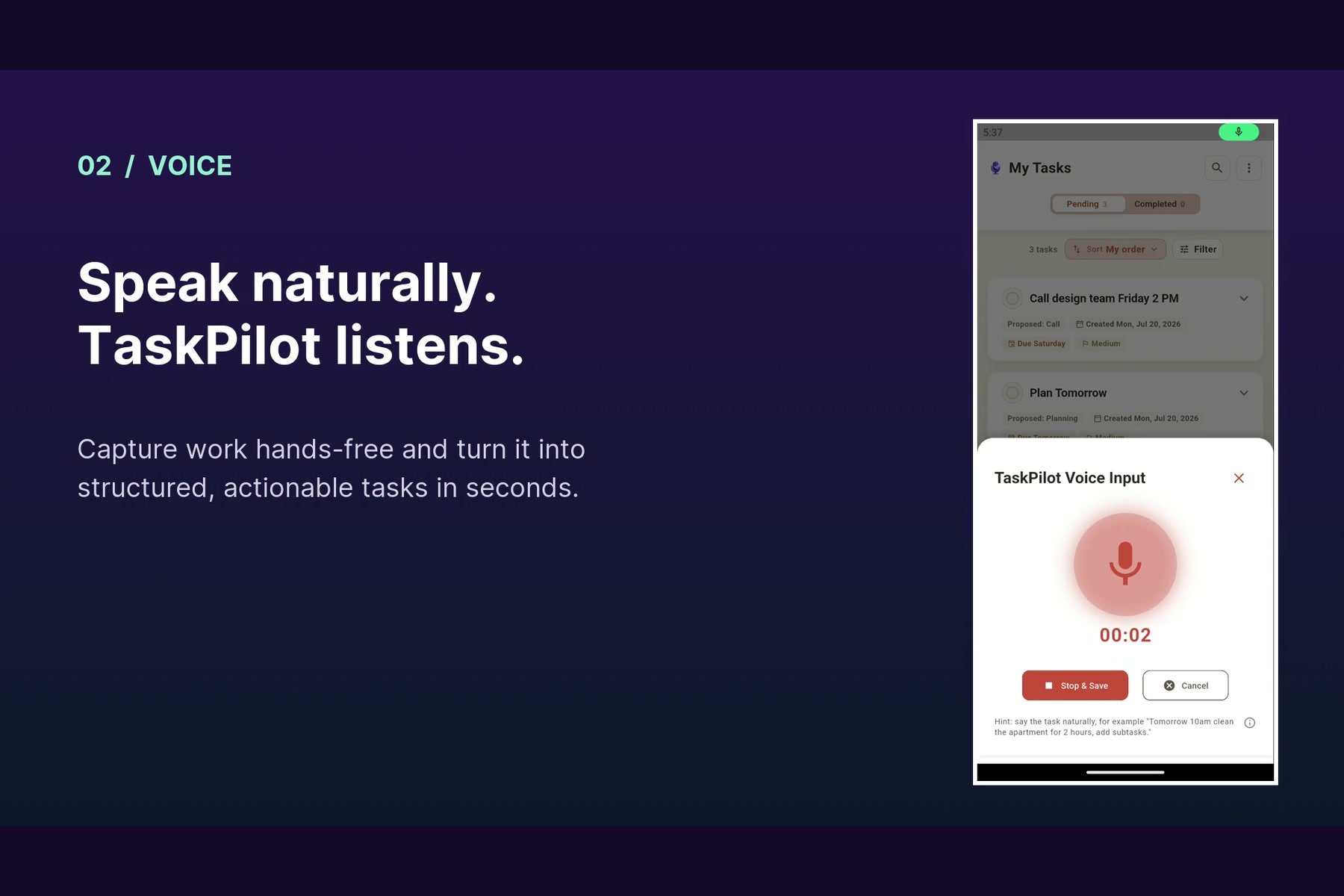
TaskPilot transforms spoken thoughts, meeting conversations, typed notes, and images into structured, actionable tasks.
For example, a user can say:
“Remind me tomorrow afternoon to send the project update to Ahmed, and first review the budget.”
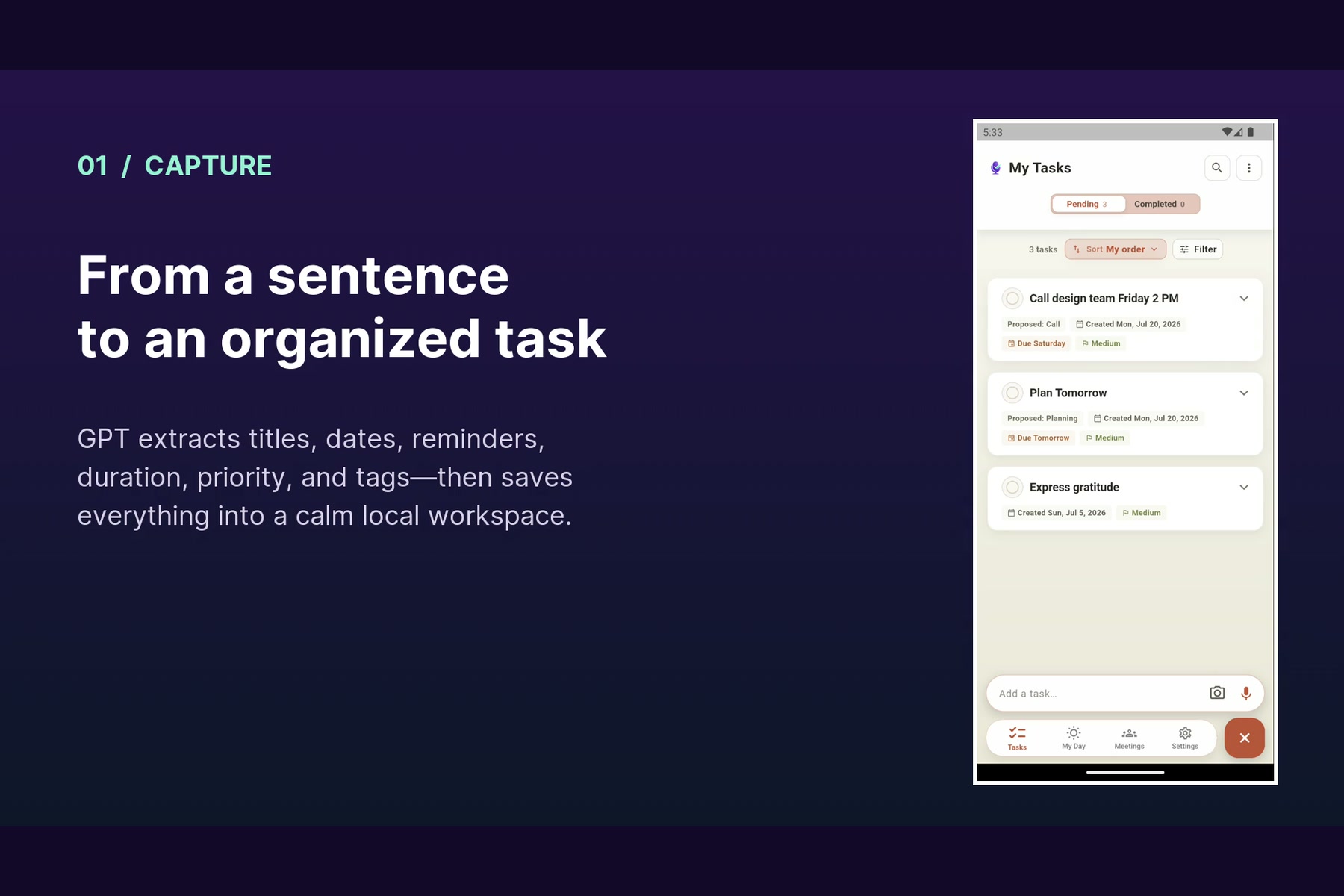
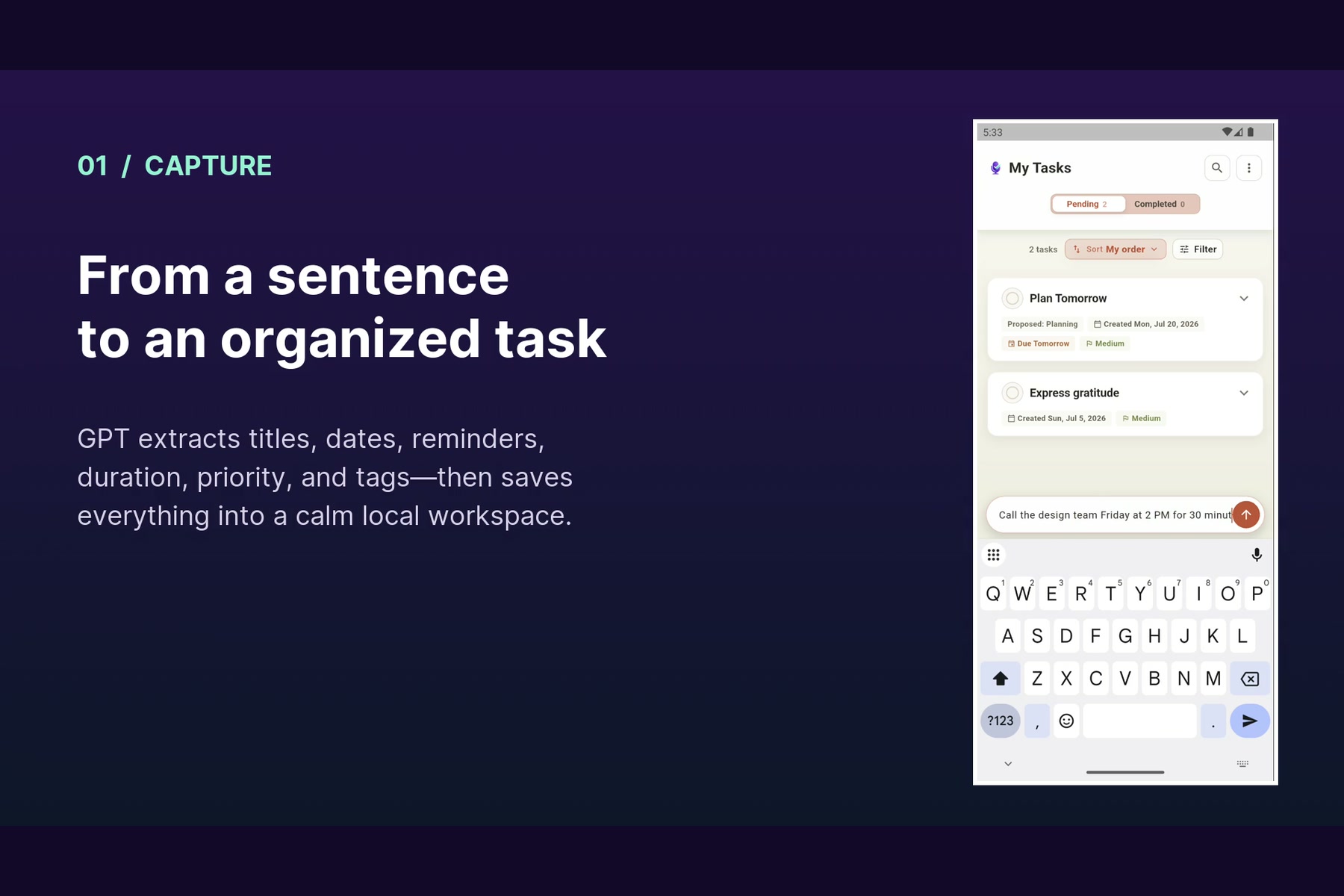
TaskPilot converts this into an editable task with a title, description, due date, reminder, priority, estimated duration, and subtasks.
The app can also:
- Record and transcribe meeting notes
- Organize transcripts into summaries, decisions, risks, and action items
- Convert a meeting into one coordinated follow-up task or multiple individual tasks
- Create tasks from screenshots, emails, receipts, tickets, and other images
- Process English, Arabic, and mixed-language voice input
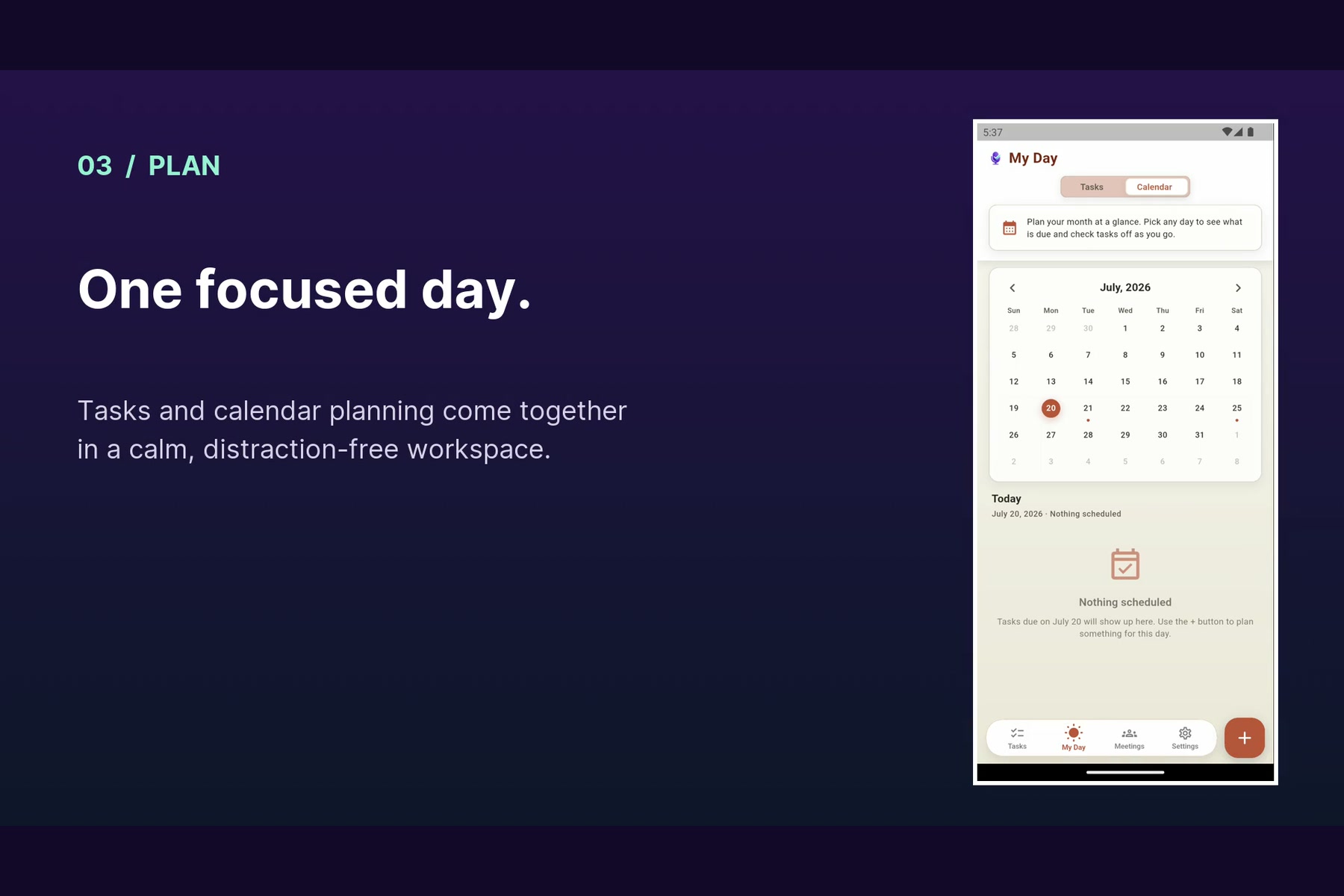
- Manage recurring tasks, reminders, projects, tags, attachments, and daily planning
- Start voice task or meeting capture directly from an Android home-screen widget
The AI does not make the final decision for the user. Every generated task remains editable and must be reviewed before it is saved.
How I built it
I built TaskPilot using Flutter and Dart, with support for Android, iOS, web, and desktop from a shared codebase. I used Provider-based managers for application state, SQLite for local task and meeting storage, Firebase Authentication for sign-in, and native Android integrations for widgets, foreground recording, notifications, and shared images.
OpenAI provides the intelligence behind the app’s main workflows. Whisper converts English or Arabic audio into text. OpenAI language models then transform that unstructured text into structured task data, including the title, description, priority, due date, reminder, project, tags, estimated time, and subtasks.
For meetings, I created specialized prompts that turn natural and sometimes imperfect conversations into useful minutes. The AI identifies important decisions, risks, owners, deadlines, action items, and next steps. The user can then convert those results directly into follow-up tasks.
For image capture, a multimodal OpenAI model analyzes a selected photo or screenshot and generates an actionable task draft. It can recognize useful information from content such as emails, receipts, bills, delivery notices, travel tickets, and handwritten notes.
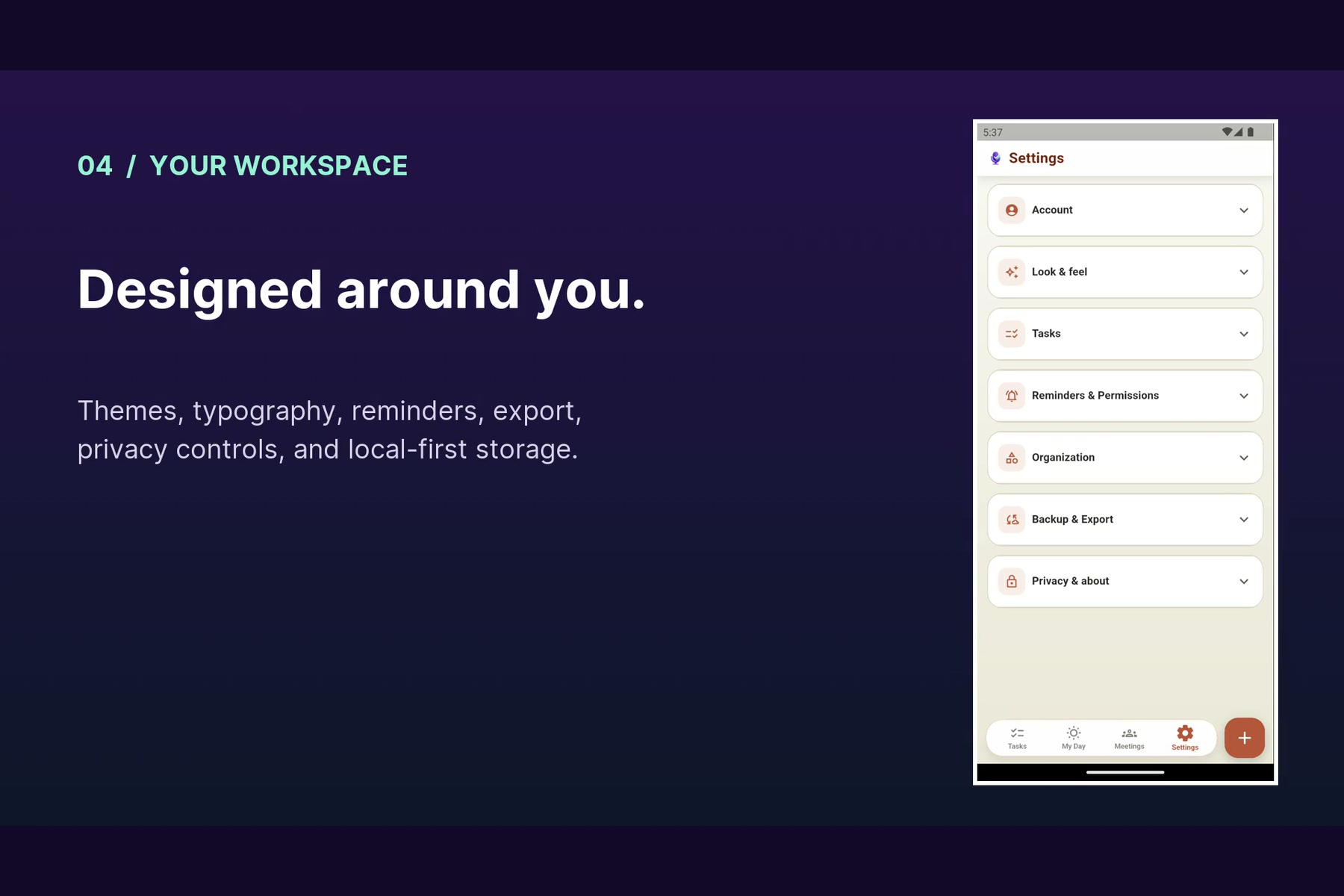
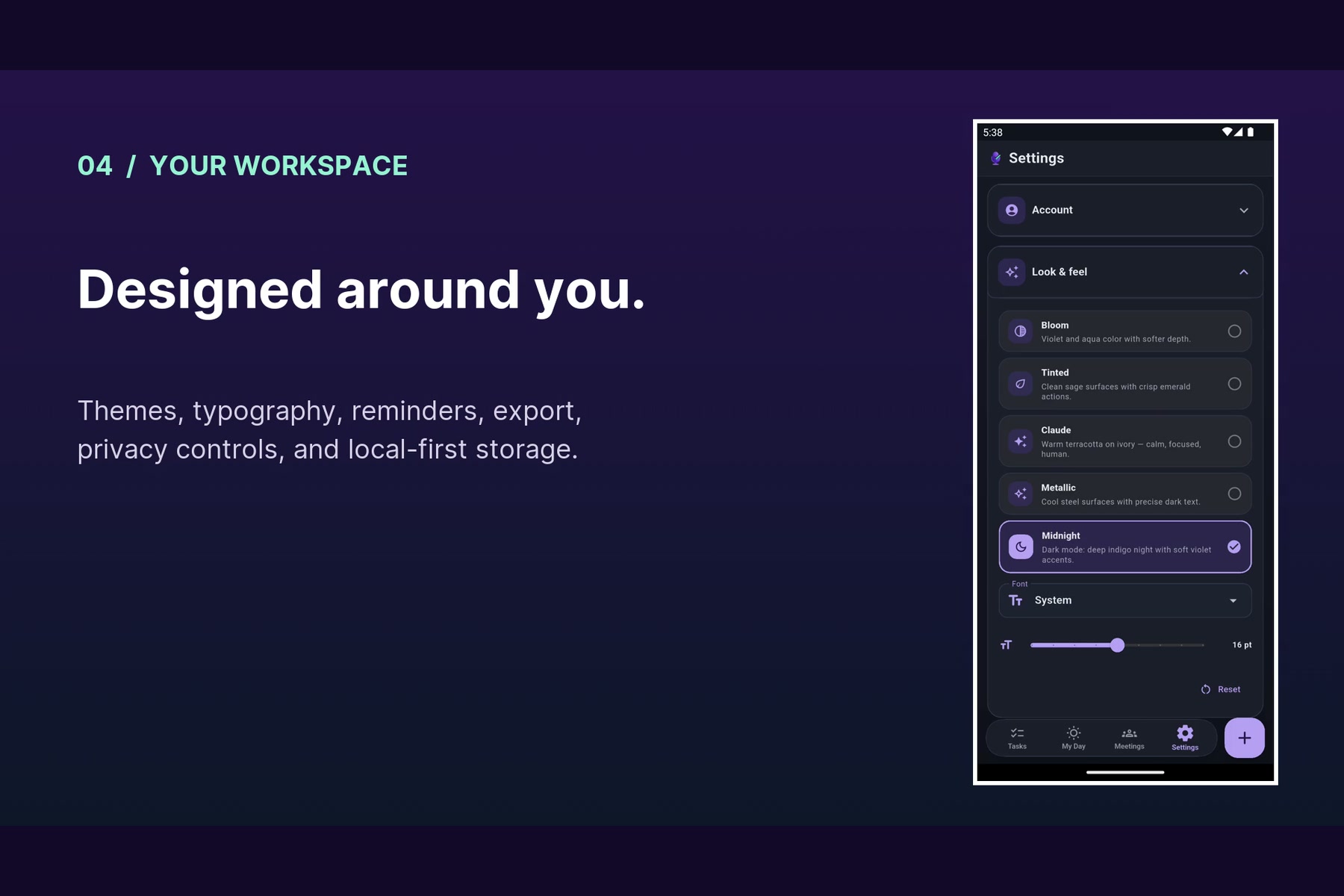
TaskPilot follows a local-first approach. Tasks, meetings, and settings are stored on the user’s device. Only content intentionally submitted through an AI feature is sent for processing, and image analysis requires the user’s consent.
Challenges I faced
The biggest challenge was making AI output reliable enough for a real productivity workflow. Human speech is rarely clean or perfectly structured. People change direction in the middle of a sentence, use relative dates such as “next Thursday,” mix Arabic and English, or mention several actions without identifying them as separate tasks.
I improved reliability by using strict JSON schemas, carefully designed prompts, low-temperature model settings, date and timezone normalization, response validation, and error handling.
I also added guardrails for AI-powered task updates. If the user says, “Only change the reminder,” TaskPilot prevents the model from unexpectedly changing the title, description, priority, or subtasks. This was important because AI should help the user without taking control away from them.
Long meeting recordings presented another challenge because they can exceed audio upload limits. I solved this by dividing large recordings into smaller, independently playable segments, compressing them for speech, transcribing each segment, and then safely combining the results.
Android integration was also challenging. I had to coordinate microphone permissions, foreground recording, notifications, application lifecycle changes, home-screen widget actions, and images shared from apps such as WhatsApp or the Gallery. Making all these entry points reliably open the correct Flutter workflow—especially when the app was completely closed—required a dedicated native-to-Flutter launch system.
What I learned
I learned that building an AI product is not simply about making a successful API call. The real work is designing the experience around uncertainty: validating responses, handling network failures, protecting the user’s original intent, and giving people an opportunity to review what the model understood.
I also learned that the most useful AI often works quietly in the background. TaskPilot is not trying to replace the user’s judgment. It removes the repetitive effort required to turn natural, unstructured information into organized work.
Most importantly, building TaskPilot taught me to start with a real problem instead of adding technology for its own sake. Every major feature came from the same practical question:
How can I capture this information now, before I forget it, without interrupting my work?
That became the guiding idea behind TaskPilot: let people speak, capture, or share what is already in front of them—and let AI handle the organization.
What’s next
Next, I want to improve support for regional Arabic dialects, expand language support, introduce optional encrypted synchronization, and make daily planning more adaptive to the user’s available time and priorities.
I also plan to keep simplifying the experience. The goal is not to turn TaskPilot into another overloaded productivity platform. It is to make it faster, more dependable, and more effective at solving the original problem: capturing important work before it is forgotten.
