-
-
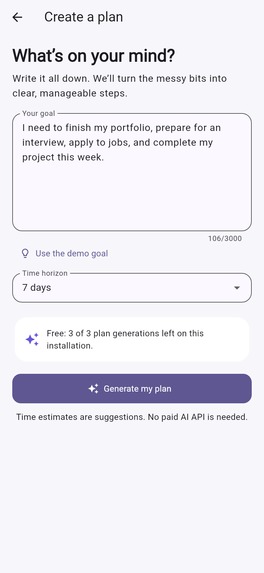
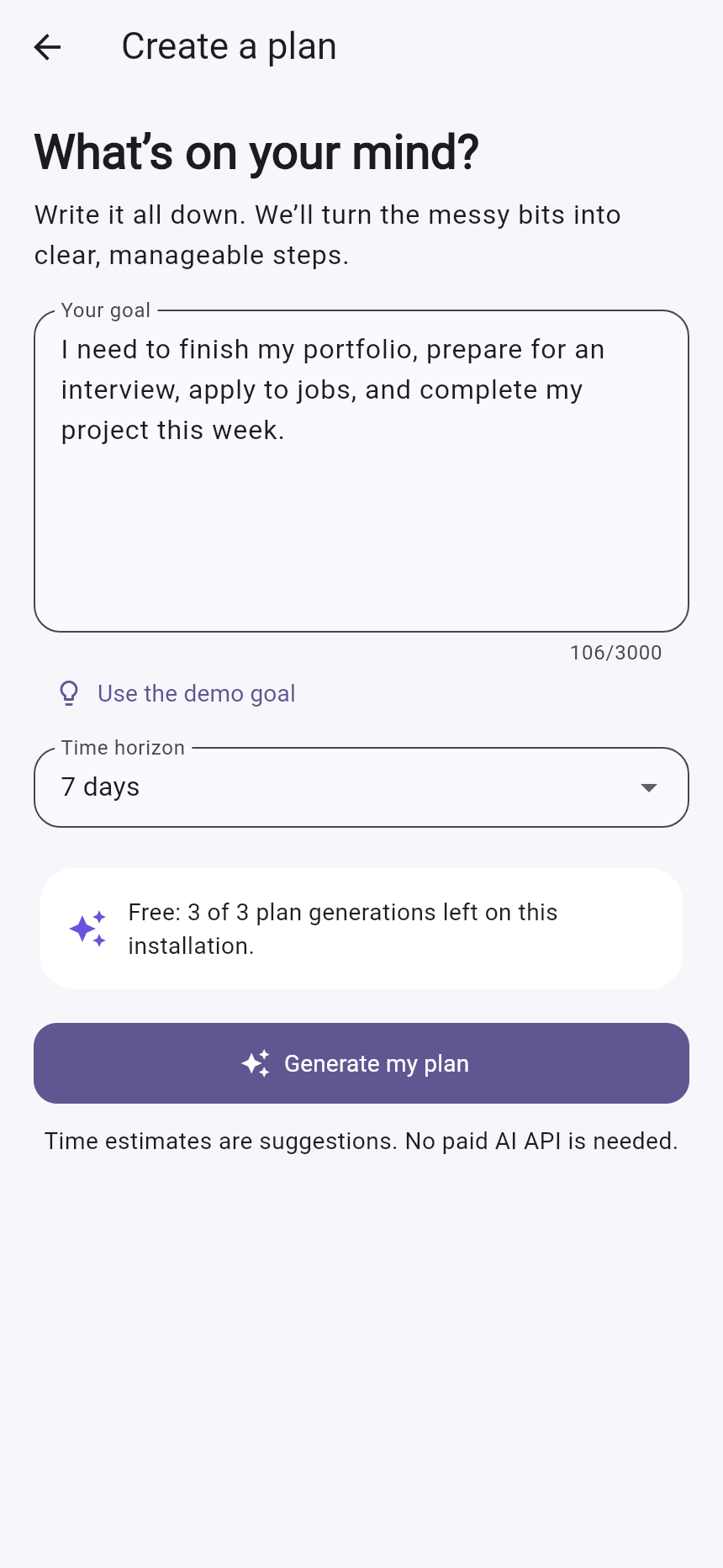
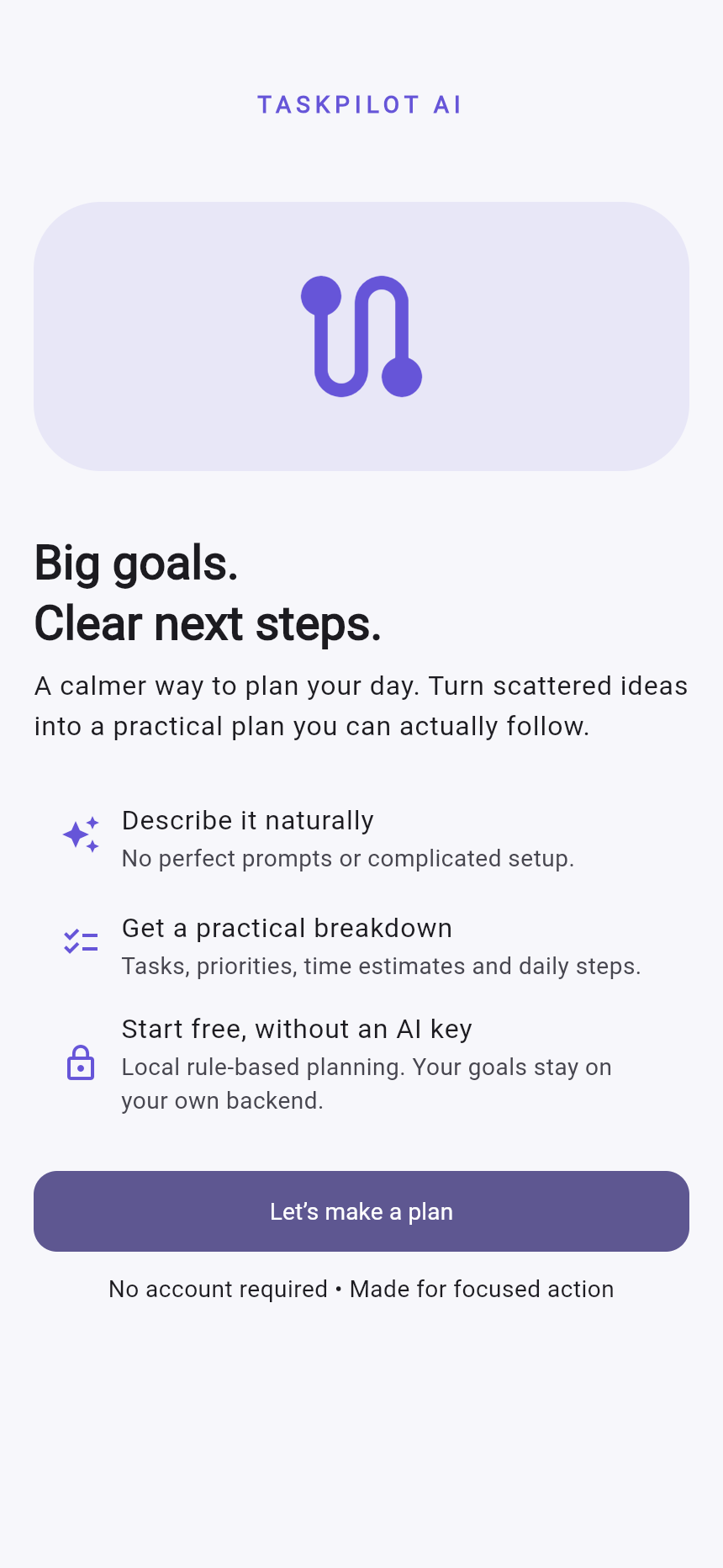
Describe what you need to do in your own words.
-
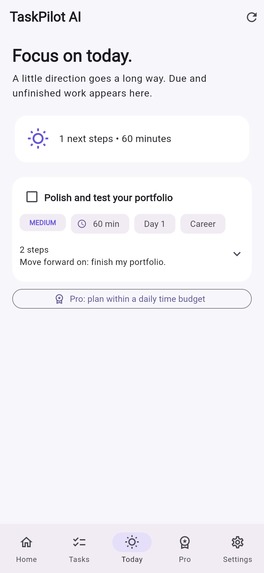
Break larger tasks into practical, manageable steps.
-
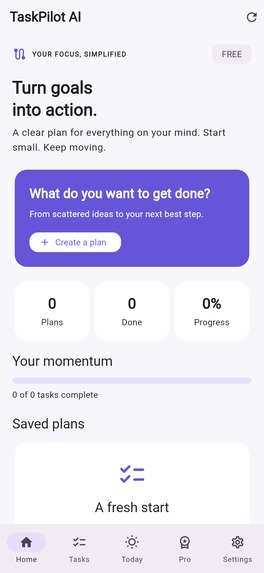
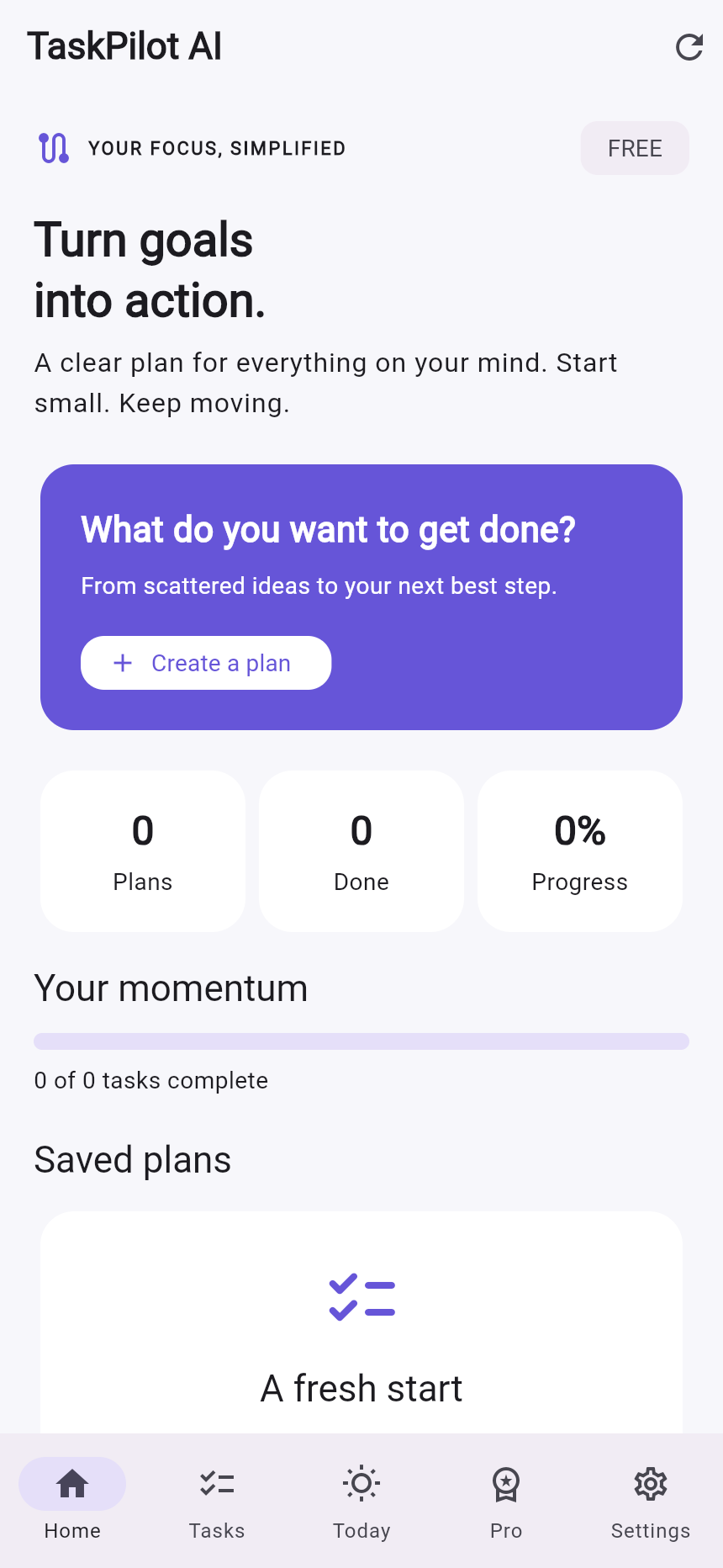
Your goals, progress, and next actions in one place.
-
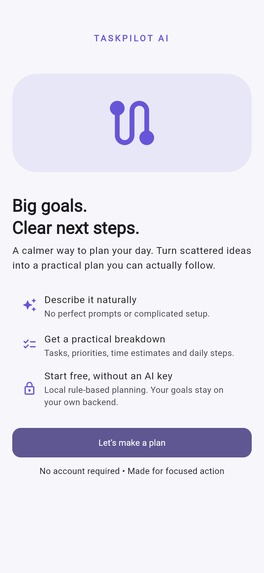
Turn big goals into clear next steps with TaskPilot AI.
-
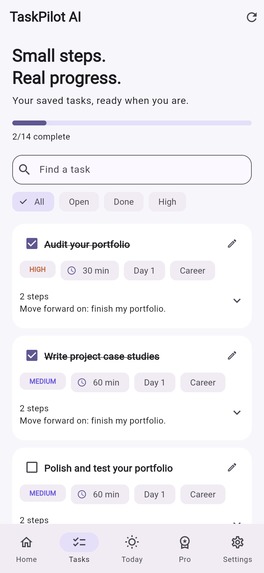
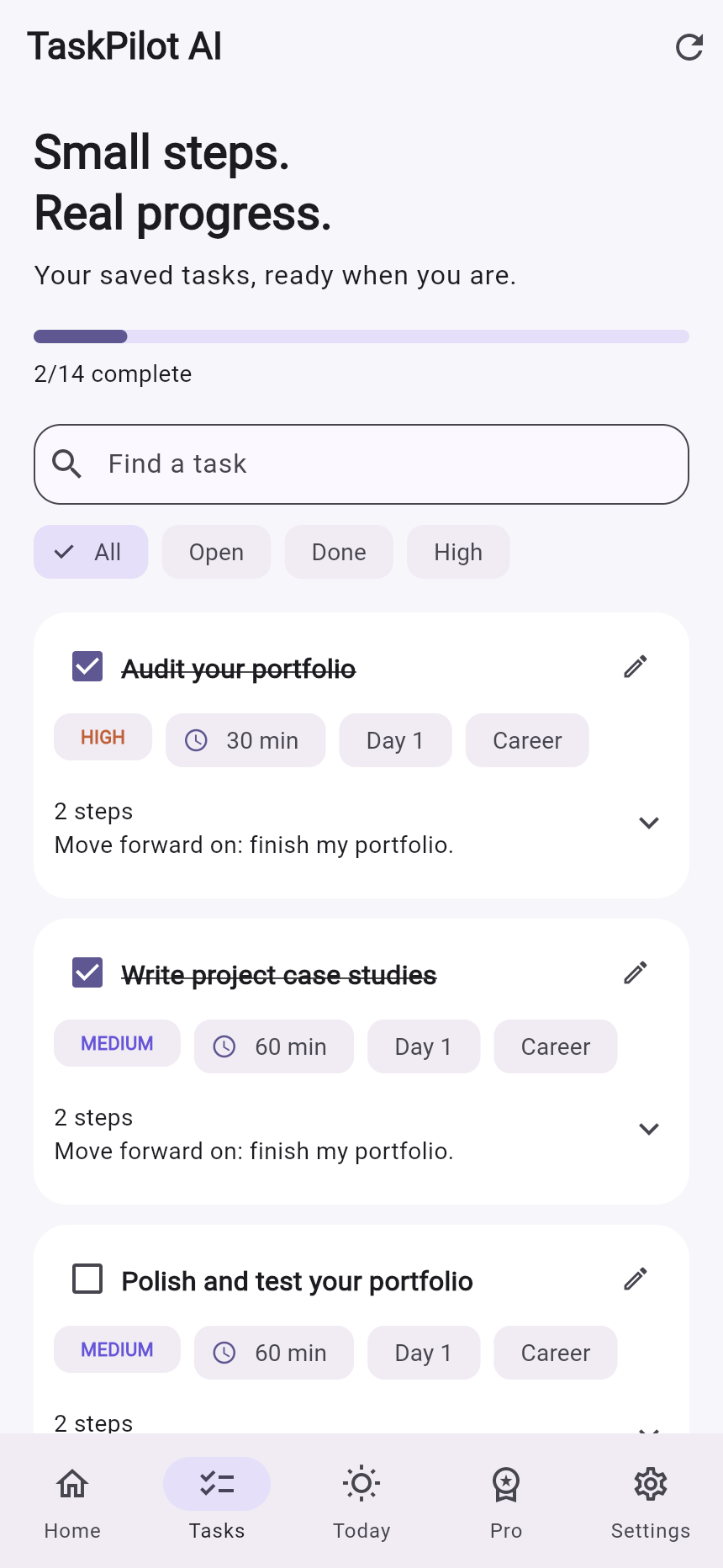
Track your tasks and see progress as you complete them.
-
Manage app preferences and learn about TaskPilot AI.
-
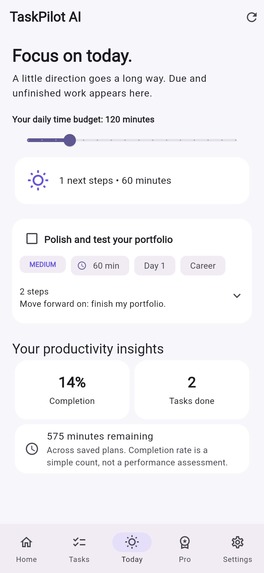
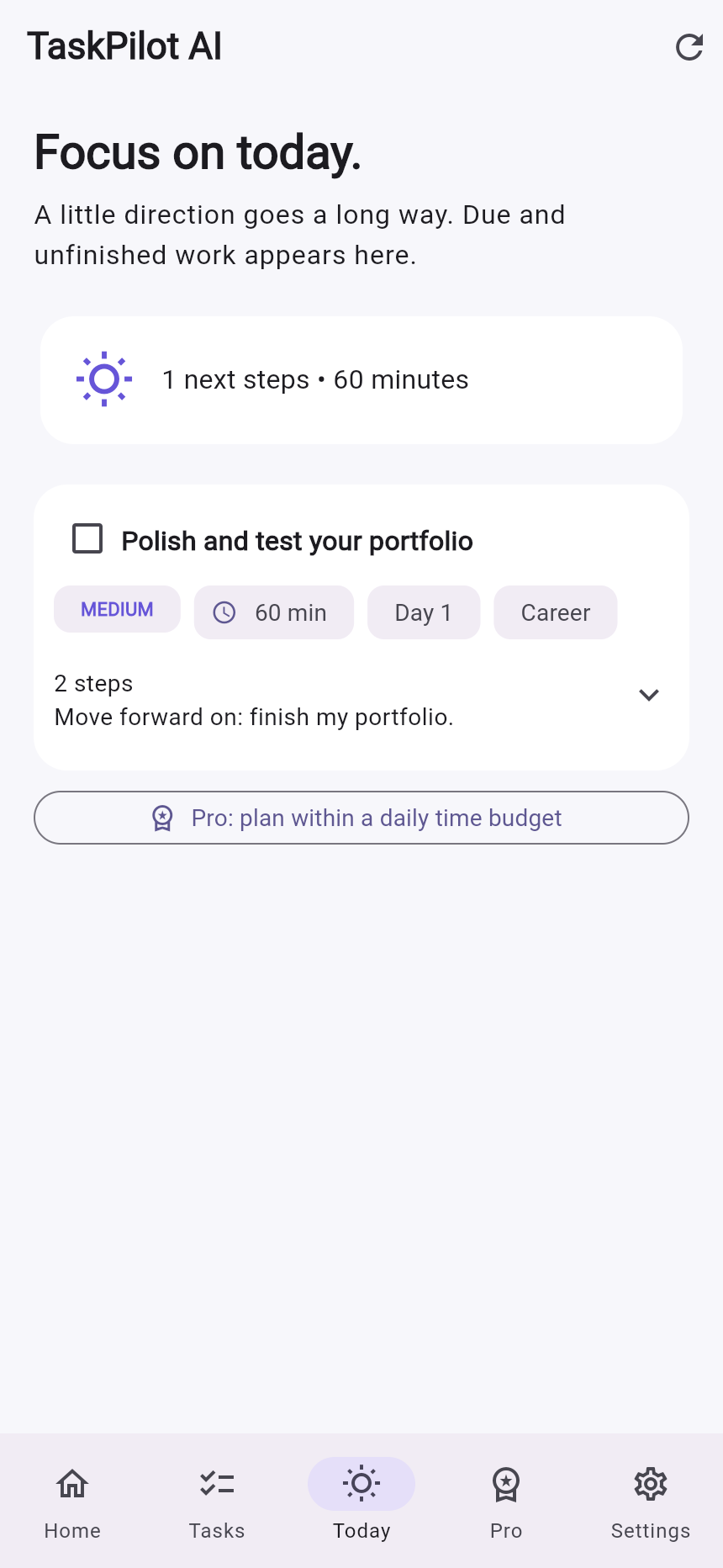
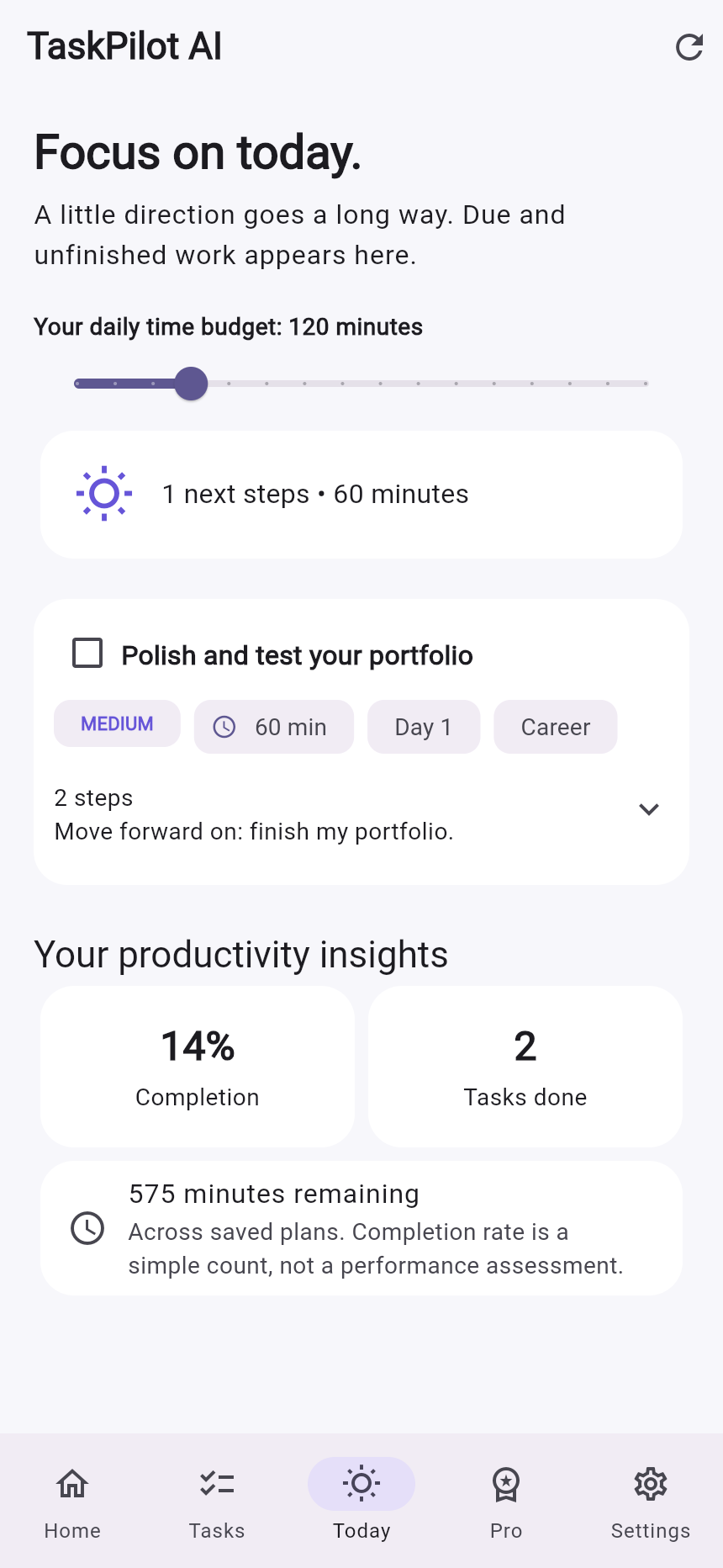
Focus on today’s tasks with a simple daily plan.
-
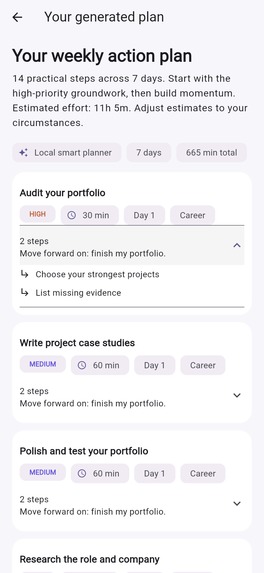
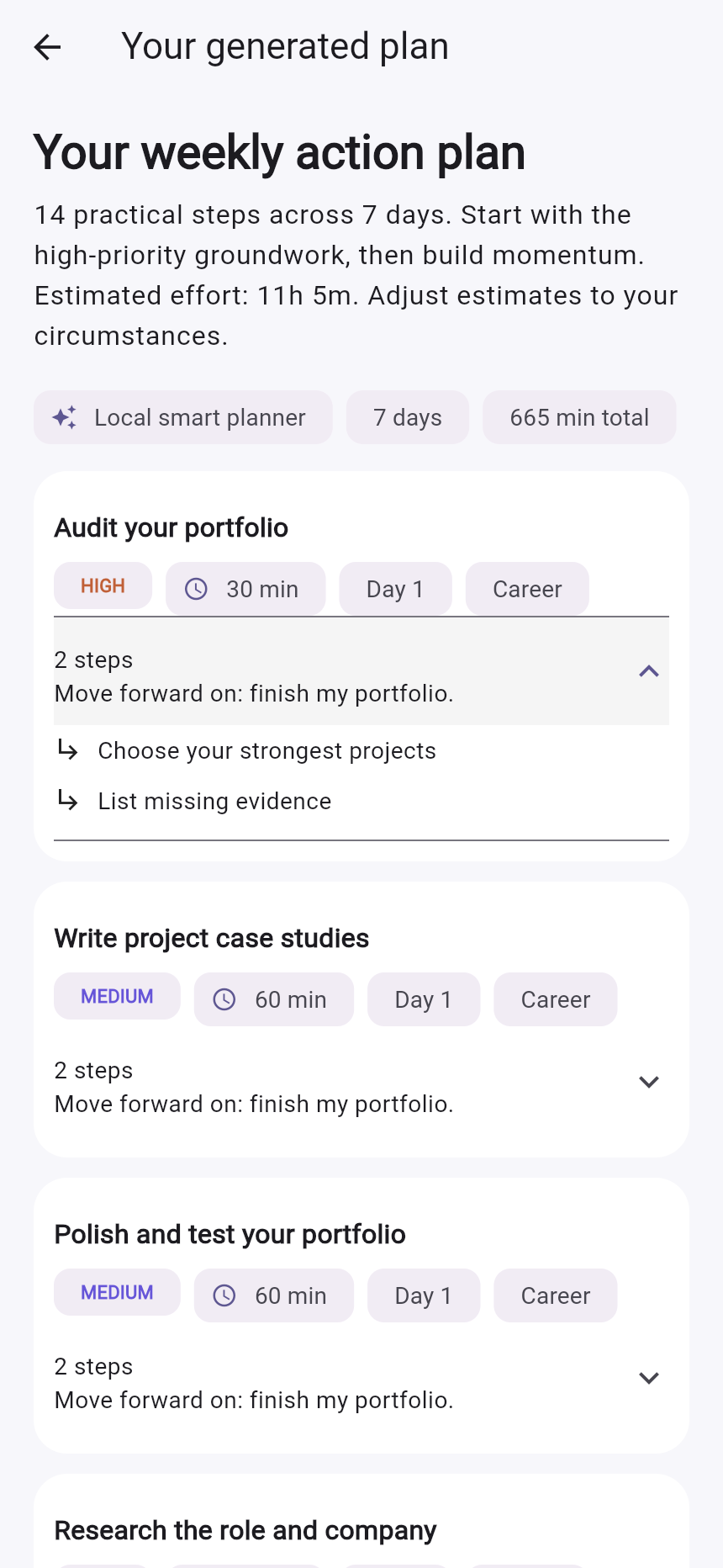
A structured plan with priorities, time estimates, and suggested days.
-
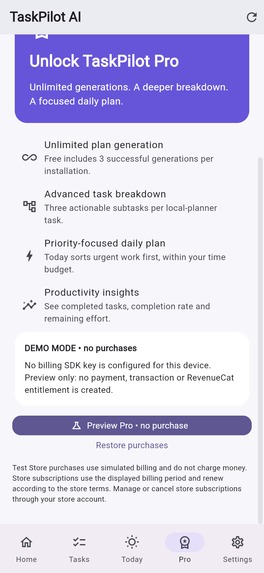
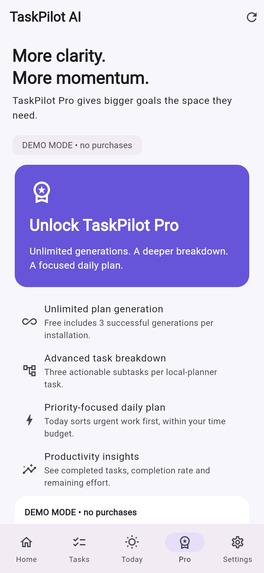
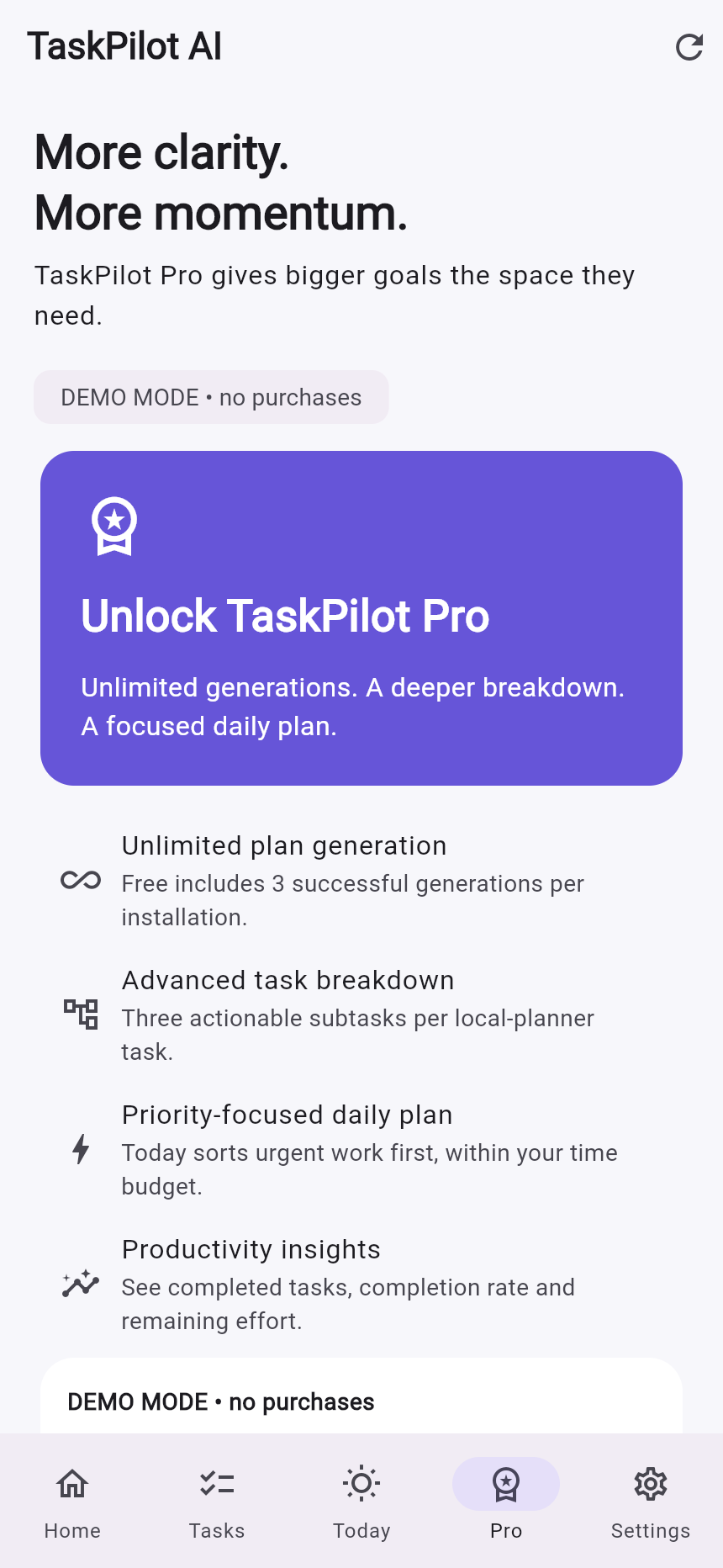
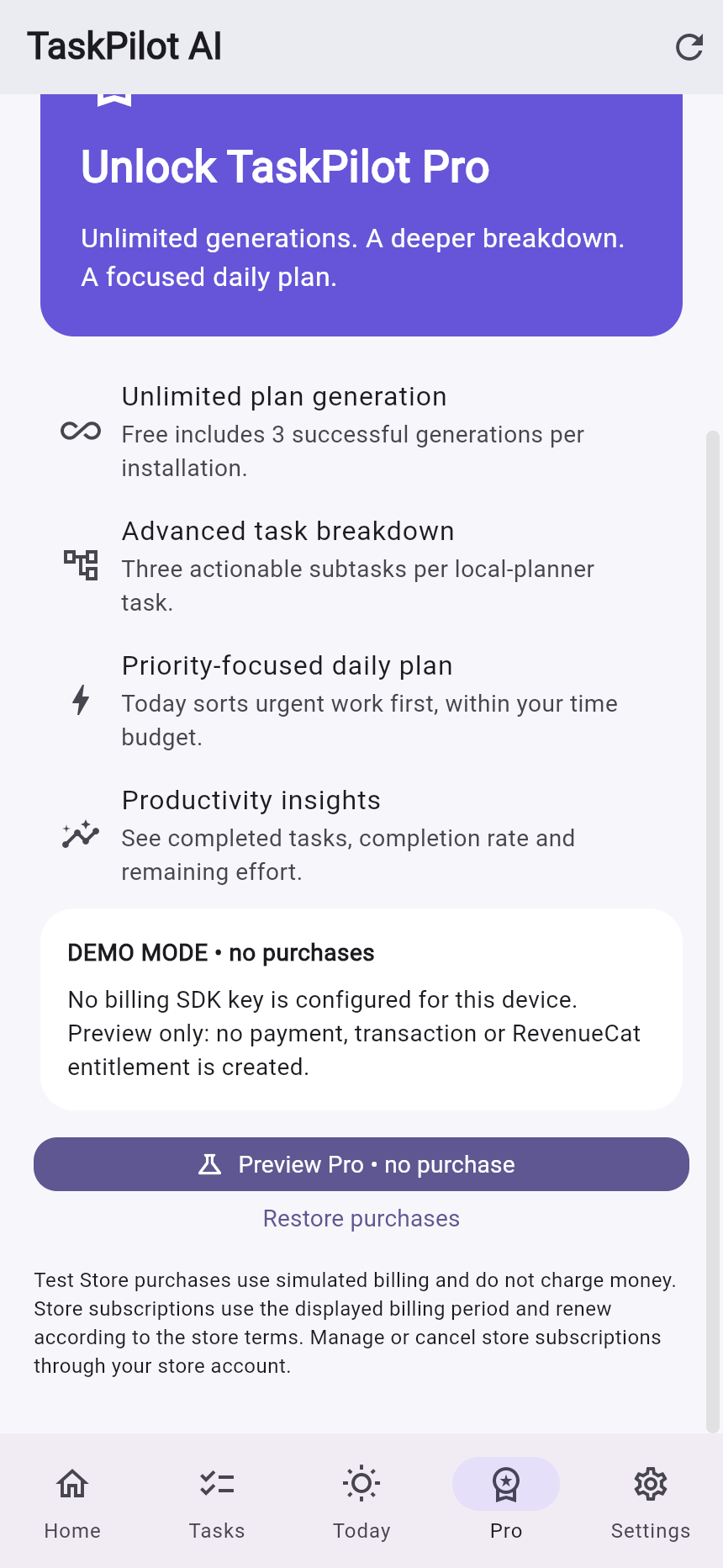
Explore Free and Pro features through the clearly labelled demo paywall.
Inspiration
Big goals often start as scattered thoughts: finish a portfolio, prepare for an interview, apply to jobs, and complete a project. A basic to-do list captures those goals but leaves users to figure out the next steps. I wanted to make that first step easier without requiring a paid AI API.
What it does
TaskPilot AI turns natural-language goals into structured tasks with subtasks, priorities, estimated effort, categories, and suggested days.
Users can preview and save plans, complete or reopen tasks, track progress, edit task titles, search and filter tasks, and view today's unfinished work. The interface also includes onboarding, dark mode, and a read-only cache of saved plans.
Free users receive three successful plan generations per installation. Pro adds unlimited generations, deeper task breakdowns, priority-first daily planning within a selected time budget, and completion insights.
How we built it
The interface uses Flutter, Dart, and Material 3. A Python FastAPI backend validates requests and planner responses with Pydantic and persists saved plans in SQLite.
The default planning engine uses deterministic rules, keyword matching, and category-specific templates. An optional Ollama provider supports local LLM inference, with automatic fallback when the model is unavailable or returns invalid output.
RevenueCat SDK calls are isolated in a dedicated service for configuration, offering retrieval, purchases, restore, and CustomerInfo entitlement checks. The Pro entitlement is taskpilot_pro.
Challenges we ran into
The main challenge was producing useful task breakdowns without depending on a paid model. Ordered templates and effort-based scheduling provided a predictable baseline.
Another challenge was keeping subscription previews honest. The no-key Pro preview is explicitly labelled DEMO MODE and remains separate from RevenueCat purchases and entitlements.
Accomplishments that we're proud of
The goal-to-action workflow runs with a local backend and no paid AI credentials. Backend verification passed 22 tests, and Flutter verification passed three tests with no analyzer issues.
The release web app was also tested through generation, saving, task completion, progress updates, Today, and the Pro preview. Actual runtime screenshots document these flows.
What we learned
Useful planning depends on clear next actions, reliable persistence, and understandable error handling. Separating planning providers and billing services makes the application easier to test and extend.
What's next for TaskPilot AI
Next steps include independently checkable subtasks, reminders, calendar integration, richer planning templates, and secure account-based entitlement enforcement.
The current demo was verified using Flutter web. Native Android execution and RevenueCat Test Store transactions remain to be verified; the supplied Pro screenshots show no-purchase demo mode.

Log in or sign up for Devpost to join the conversation.