Inspiration
Our inspiration came from workout tracking applications. Motivation to workout from these apps are purely from the individual. We felt that team oriented projects and tasks increase motivation and reinforcement to meet that task. So we thought it would be great to have a task managing app that assign teams instead of a single individual to meet deadlines, maintain dietary plans, meet workout goals, etc. The possibilities are endless.
What it does
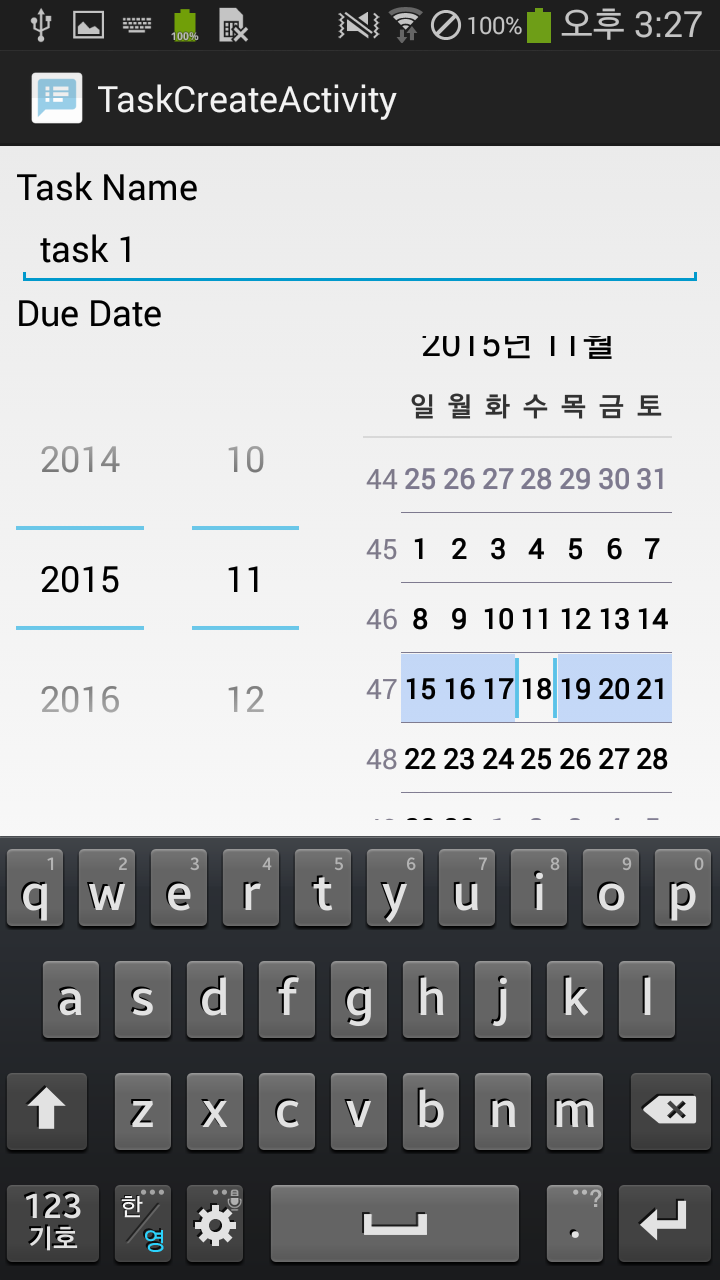
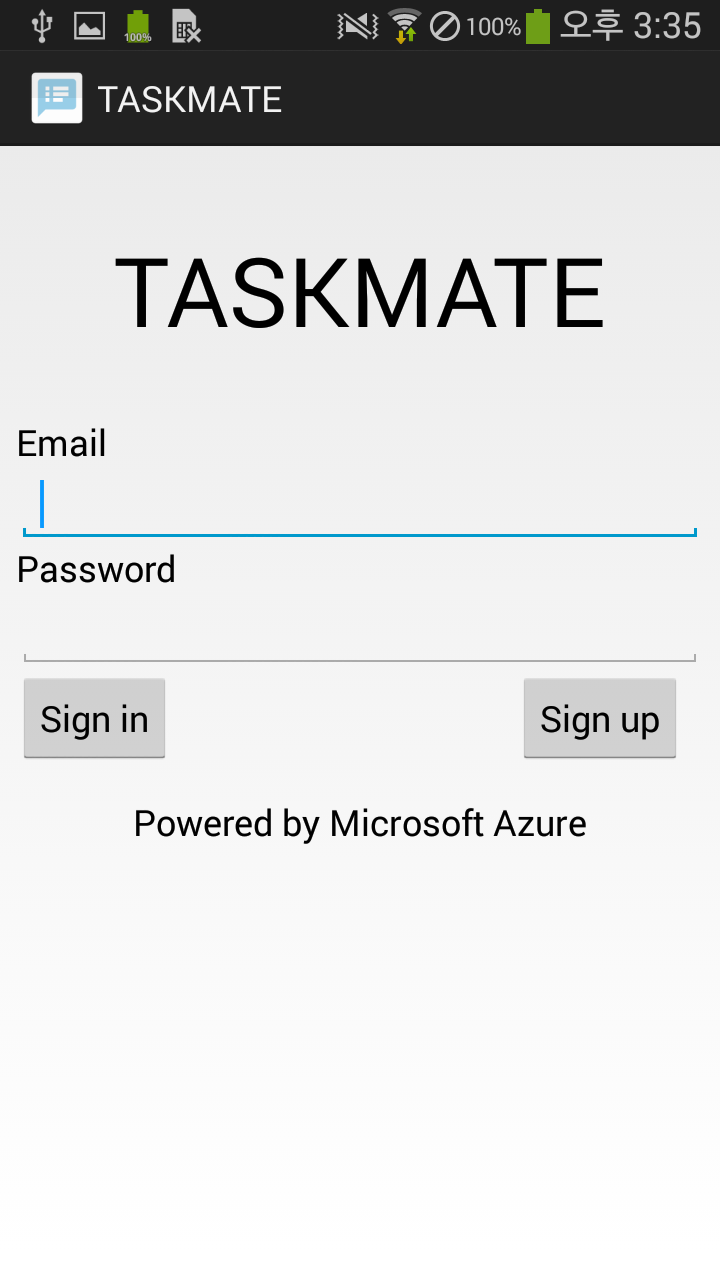
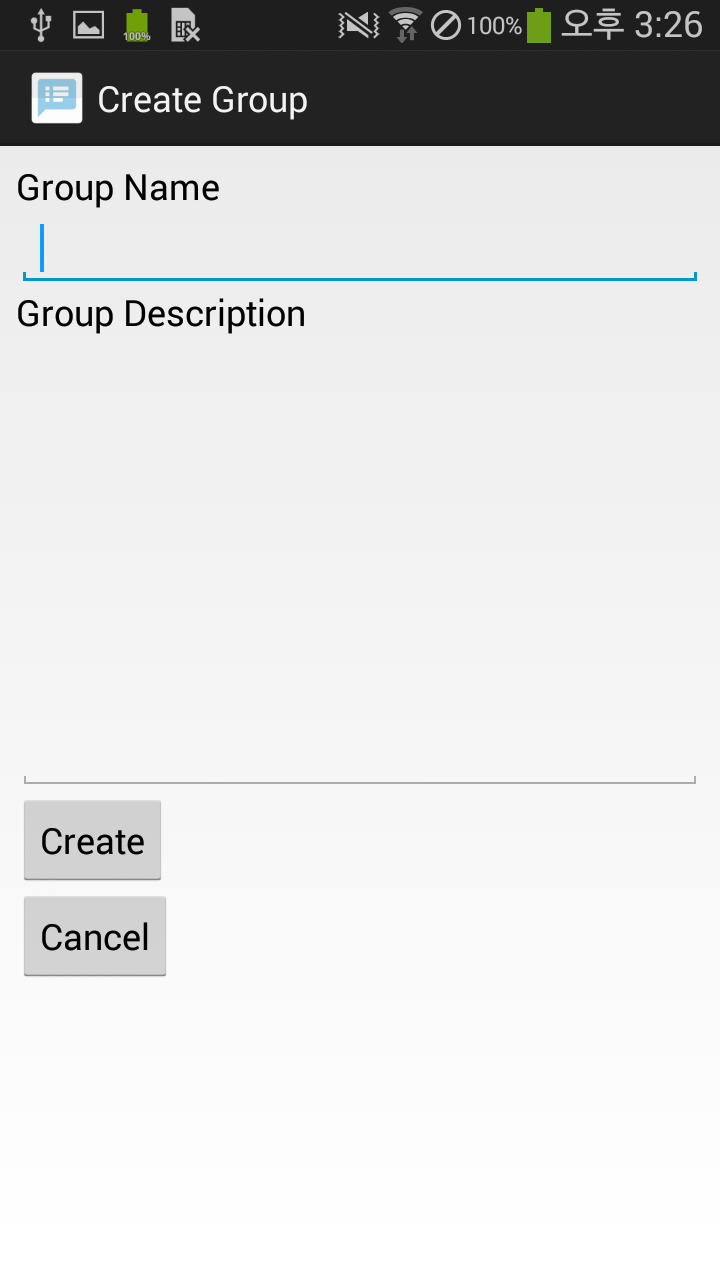
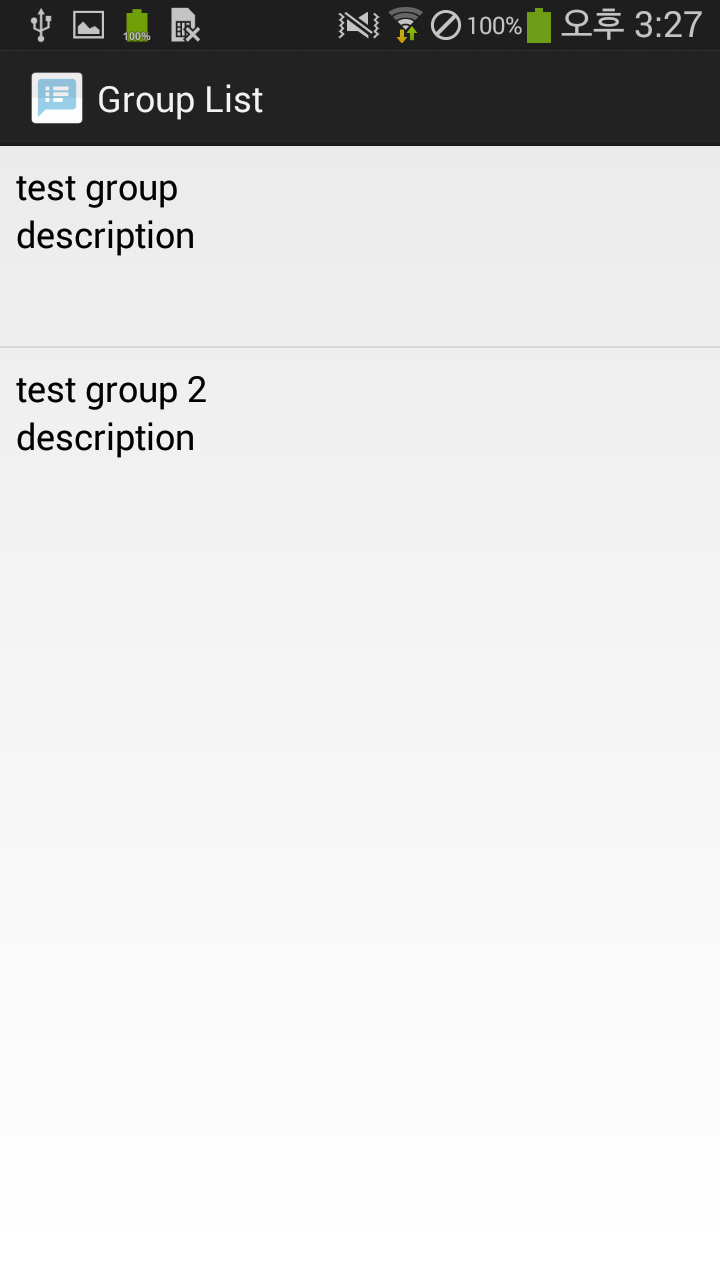
This program allows you to create an account and name a specific task to want. You can then assign members to each task. After all setups are complete, a summary page is shown to display who has finished which task by the assigned deadline. If the completed check box is not checked, an automatic push notification will be displayed to every team member to remind the team member to do his/her job. The push notification will also have an option to message the team mate through email, text messaging, and other popular forms of communication.
How I built it
For the front-end, we were building Android application with Google Android Studio. For the back-end, we used Microsoft Azure mobile services.
Challenges I ran into
Except one, rest of the member didn't have much experience in programming. This was the first time that we are actually using Microsoft Azure. The biggest problem was that we didn't have ability to estimate the workload of the project.
Accomplishments that I'm proud of
Even this was the first time to use Microsoft Azure, we were able to send and store the data inside of the Microsoft Azure server.
What I learned
We always need to make a decent design document for better development process. Before this, we need to estimate the work load of the project and should not overestimate the ability.
What's next for TaskMate
We need to finish the rest of the part of this application. We were planning to build a web-based version too. Furthermore, we need a great designer.

Log in or sign up for Devpost to join the conversation.