-
-
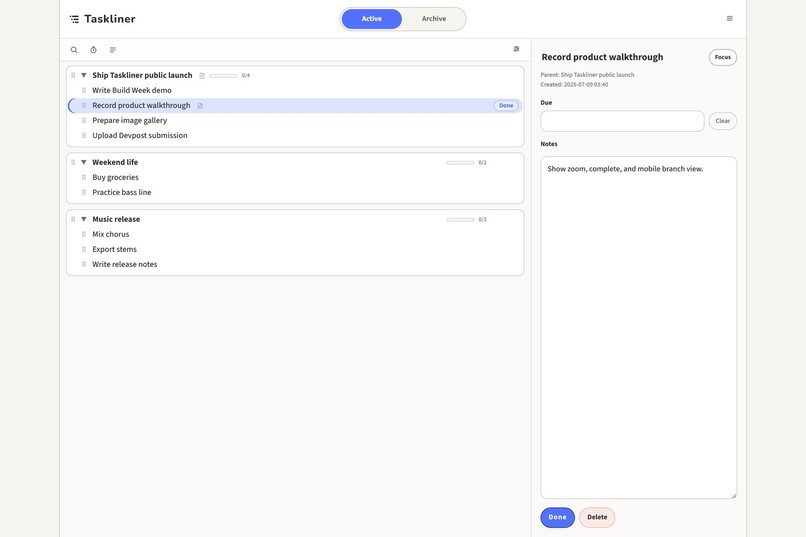
01-desktop-outline
-
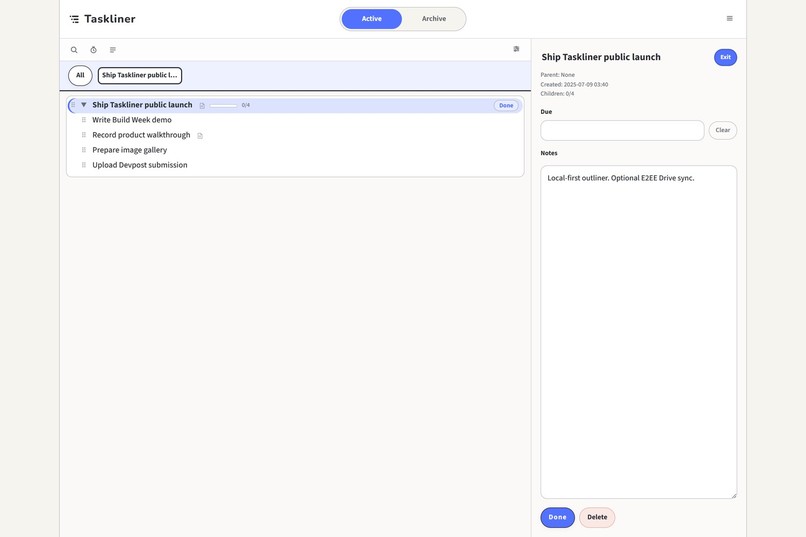
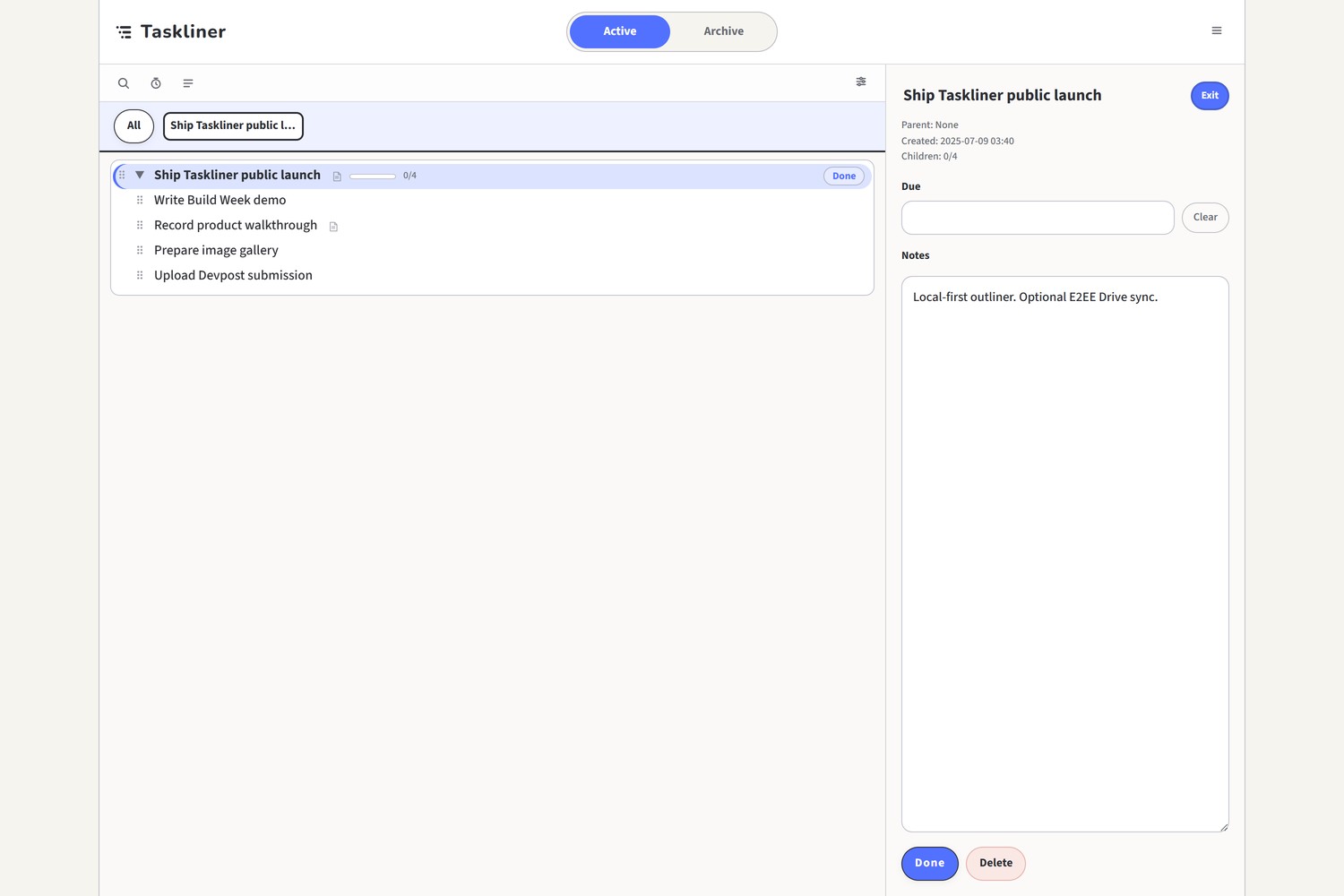
02-desktop-zoom
-
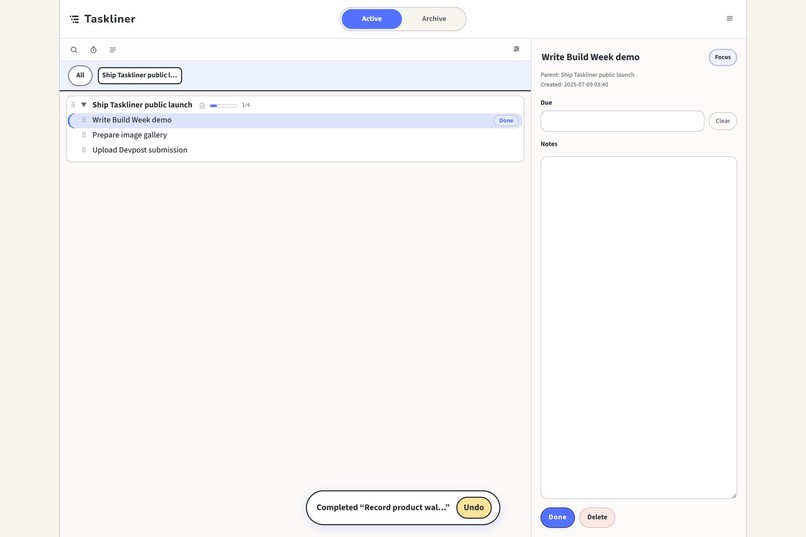
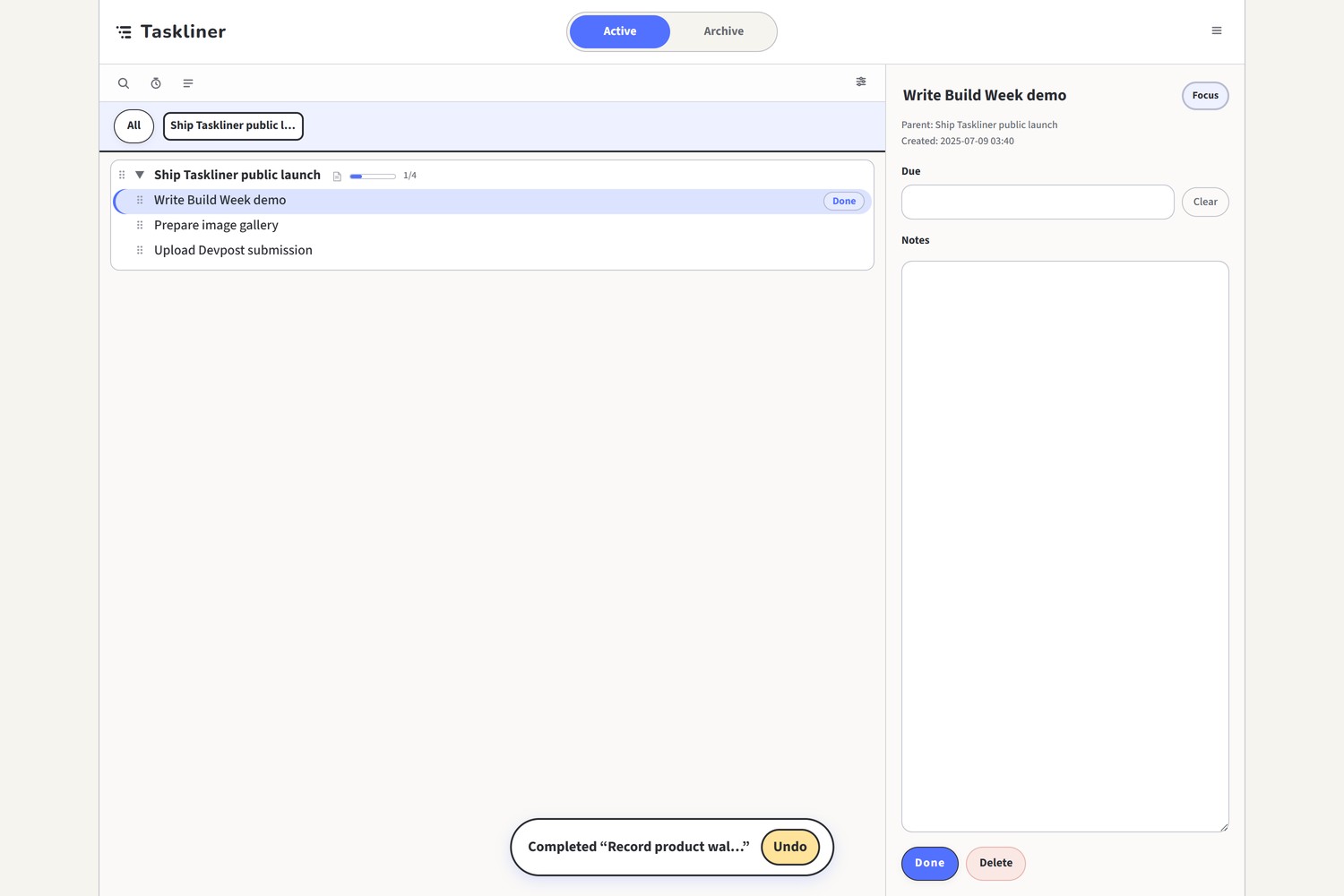
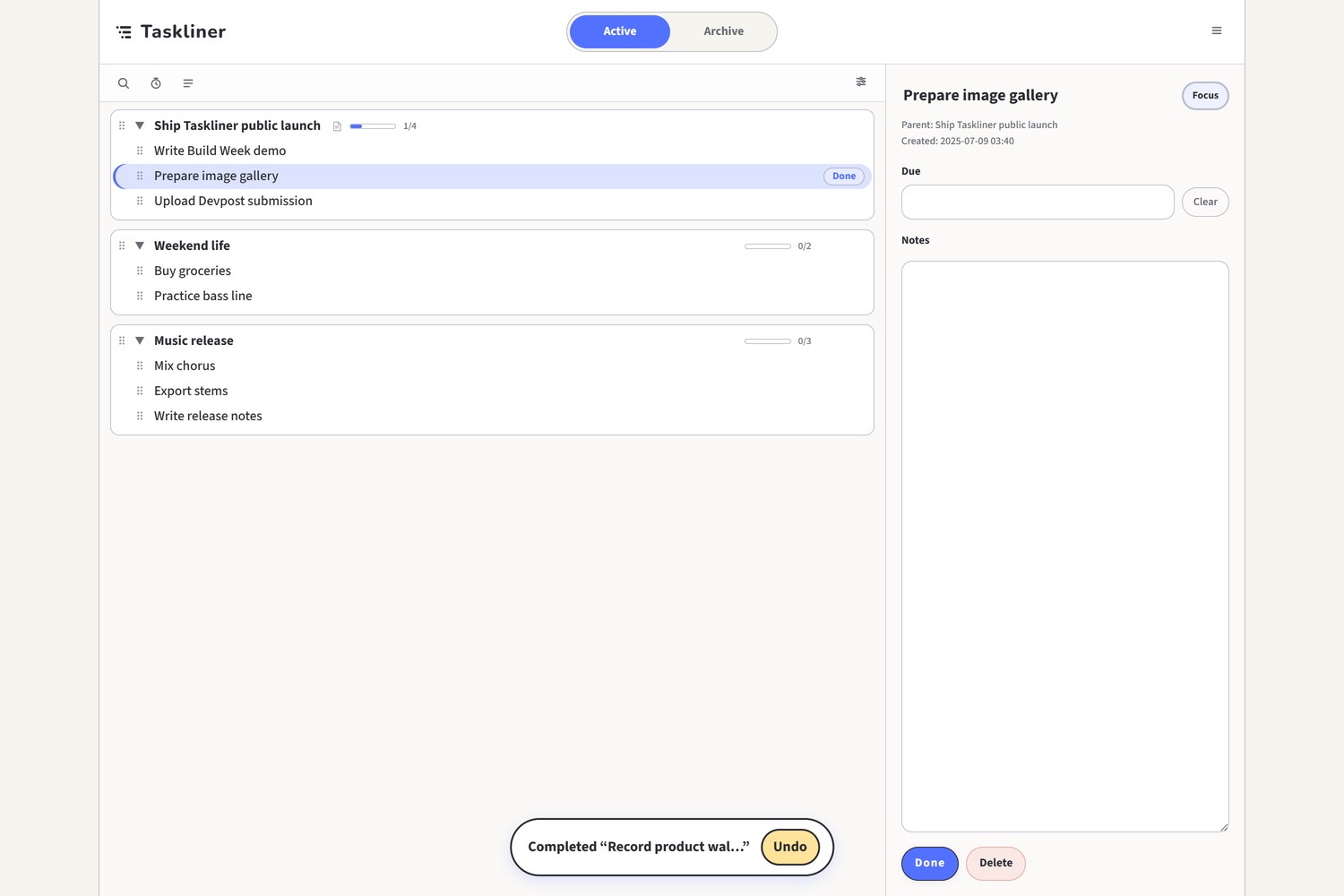
03-desktop-complete
-
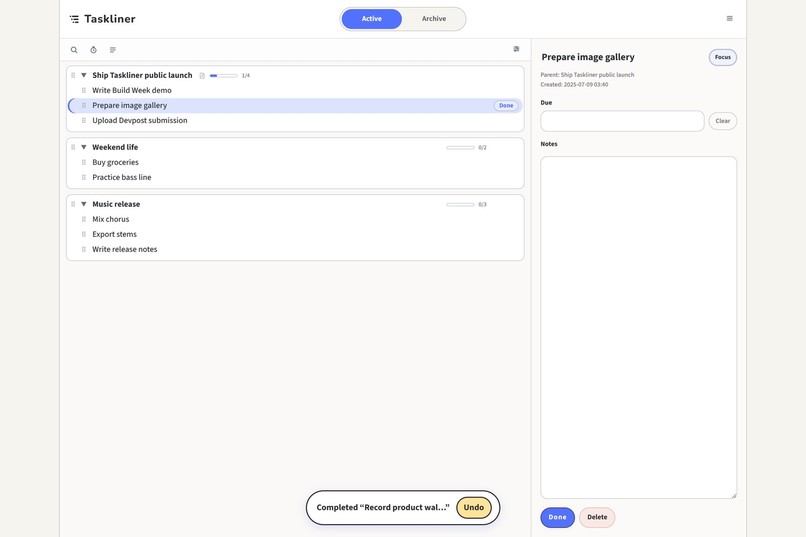
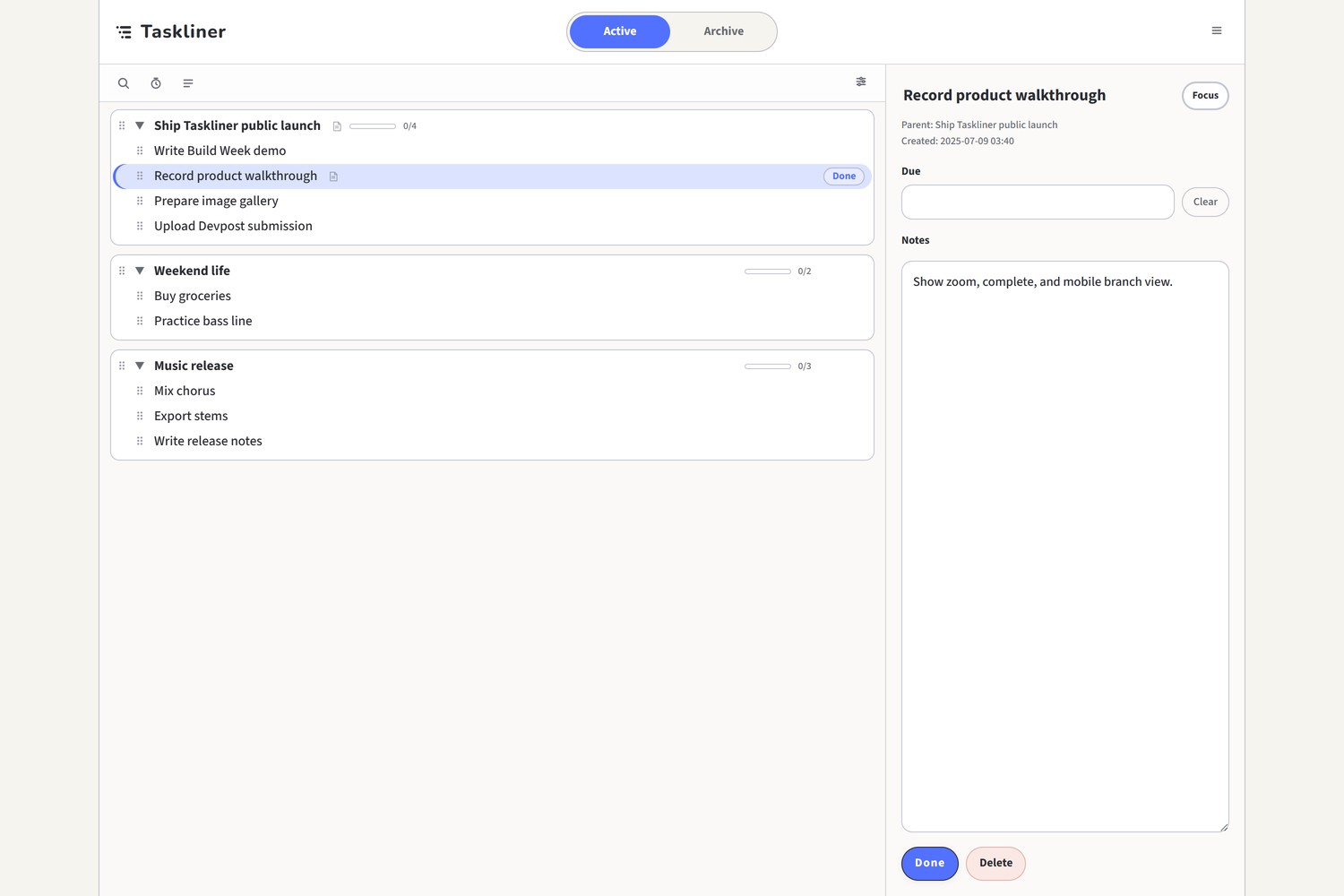
04-desktop-detail
-
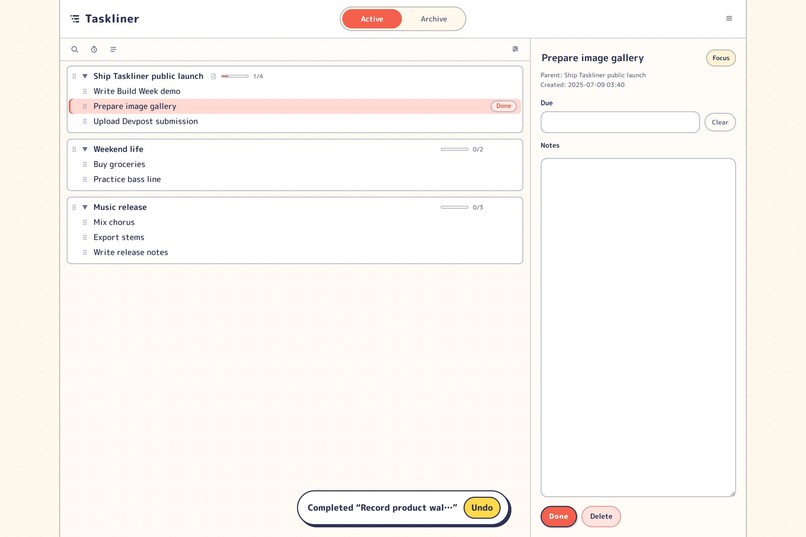
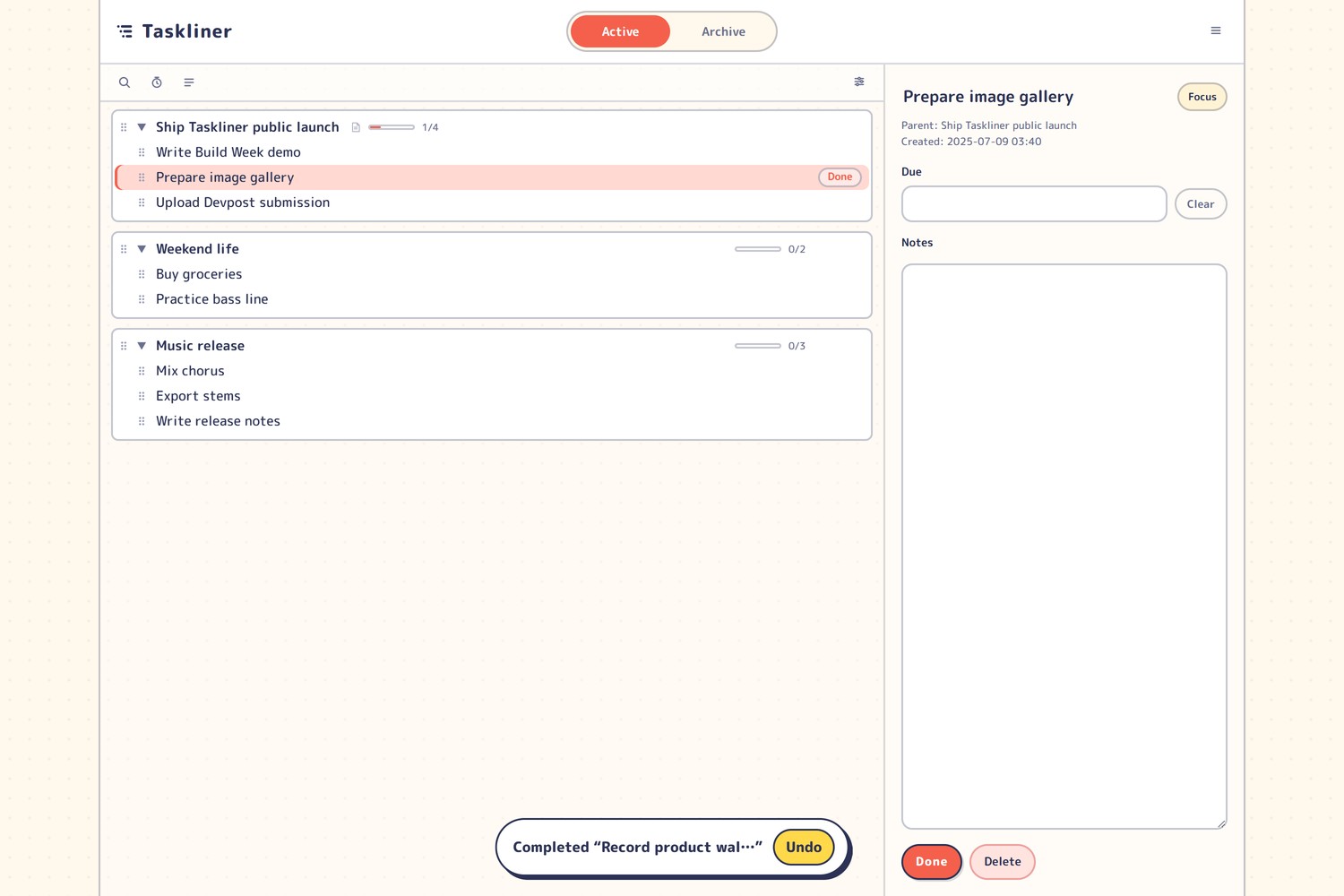
05-desktop-theme-retro-pop
-
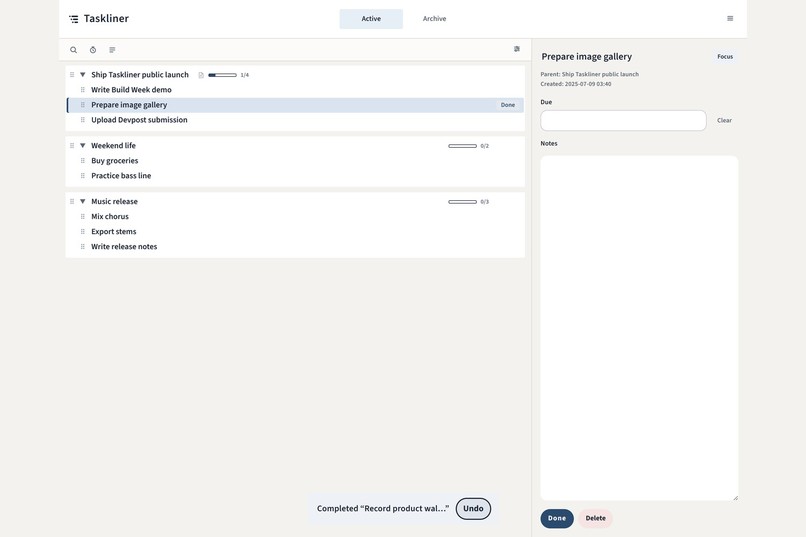
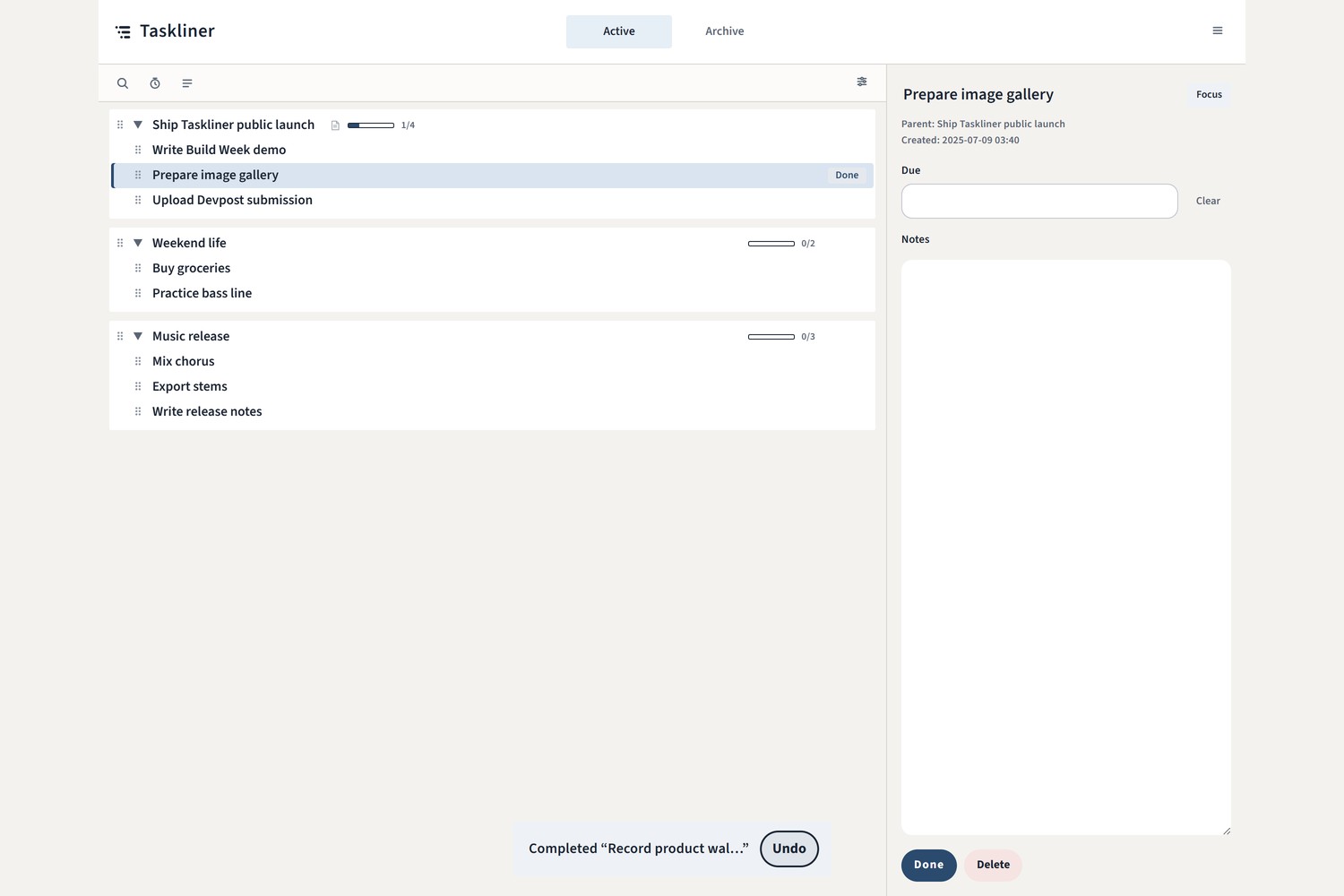
06-desktop-theme-formal
-
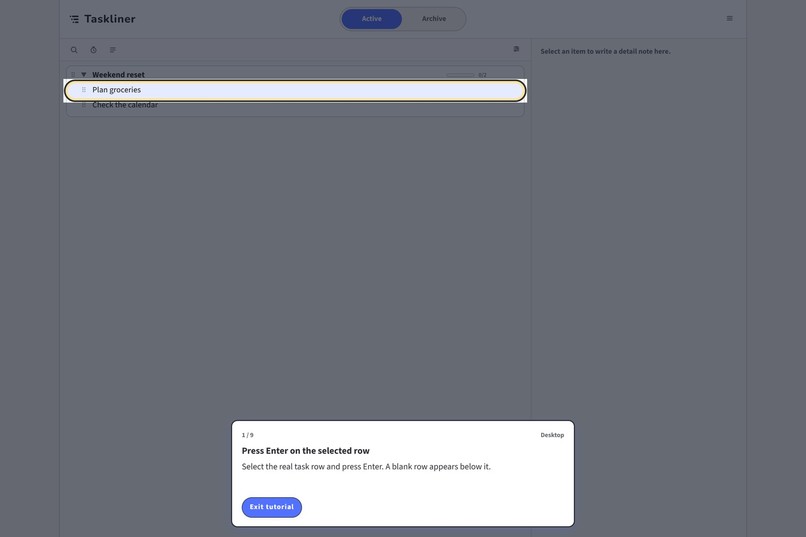
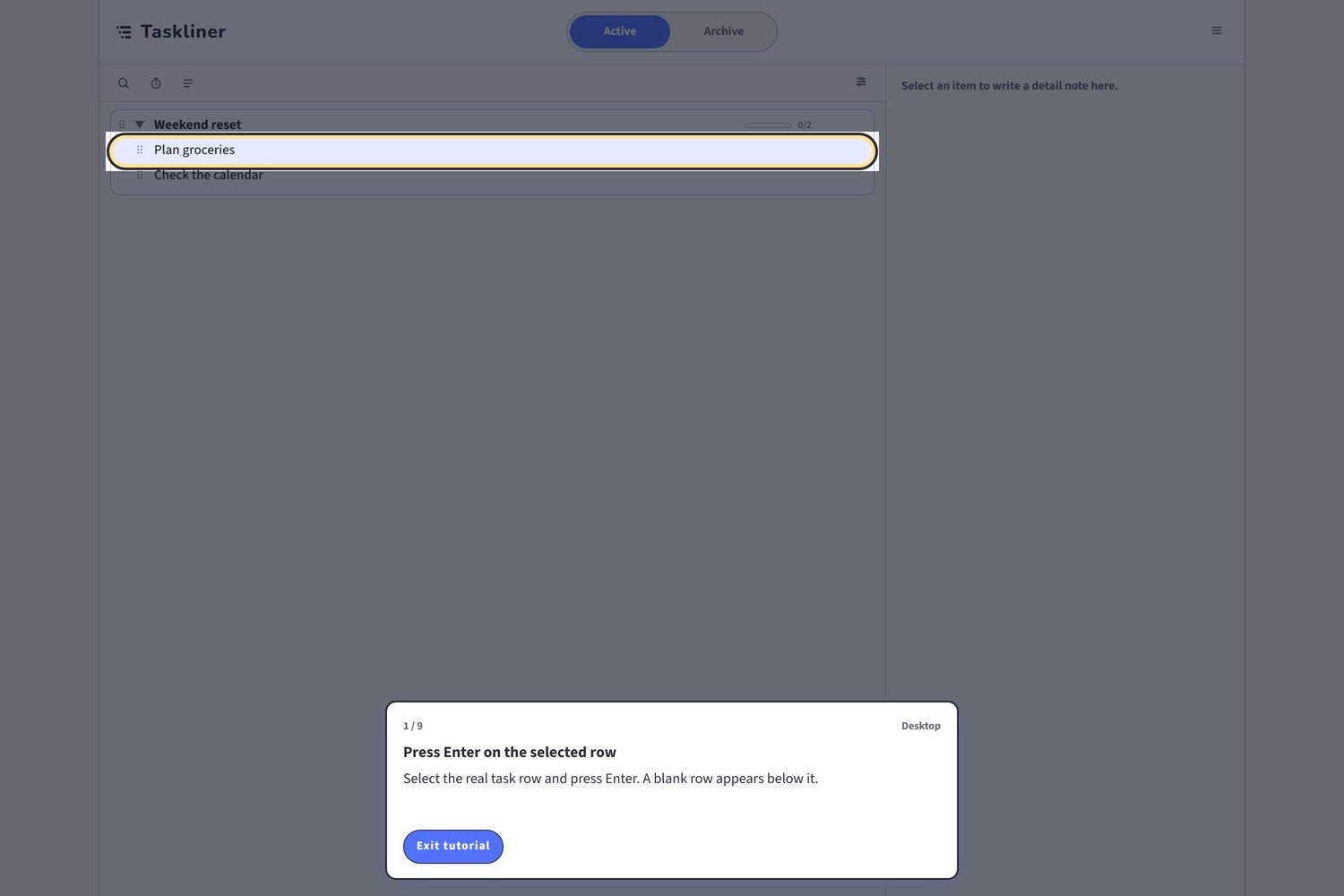
07-tutorial-guided
-
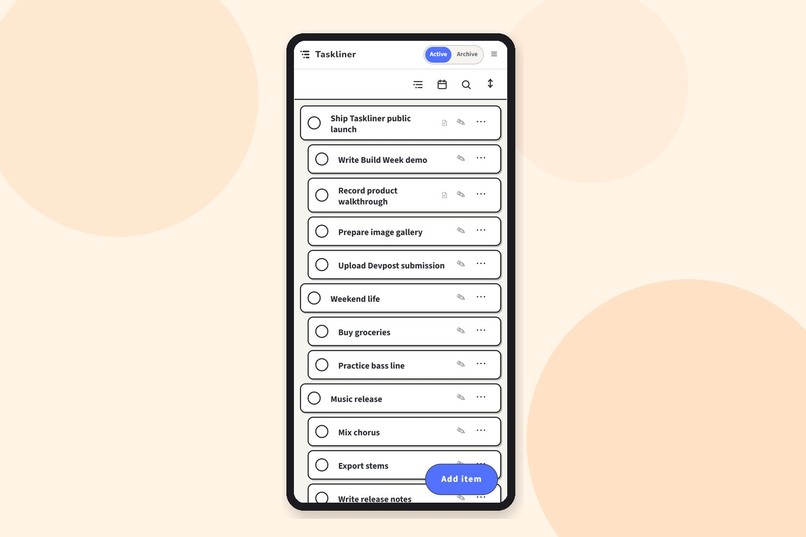
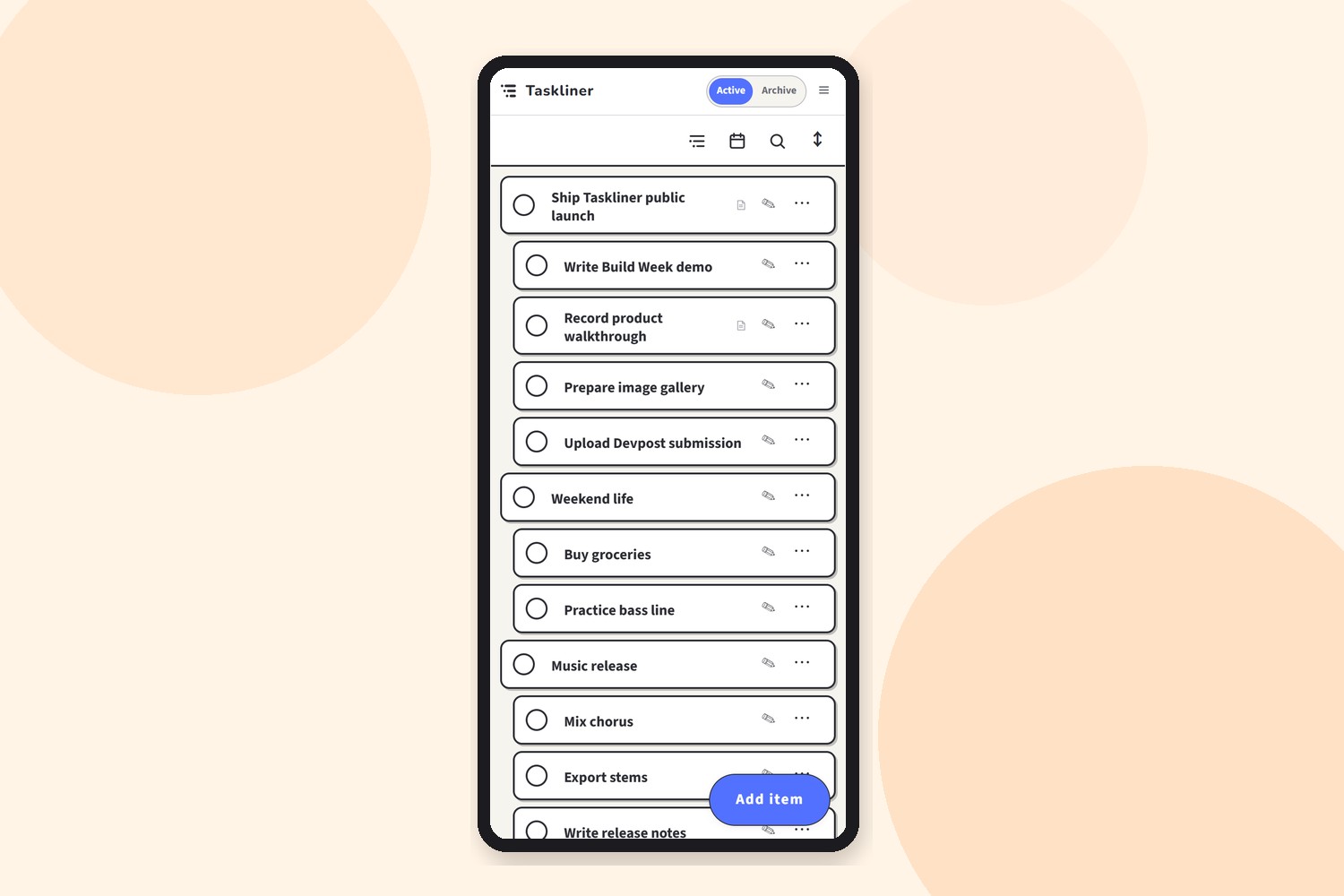
08-mobile-outline
-
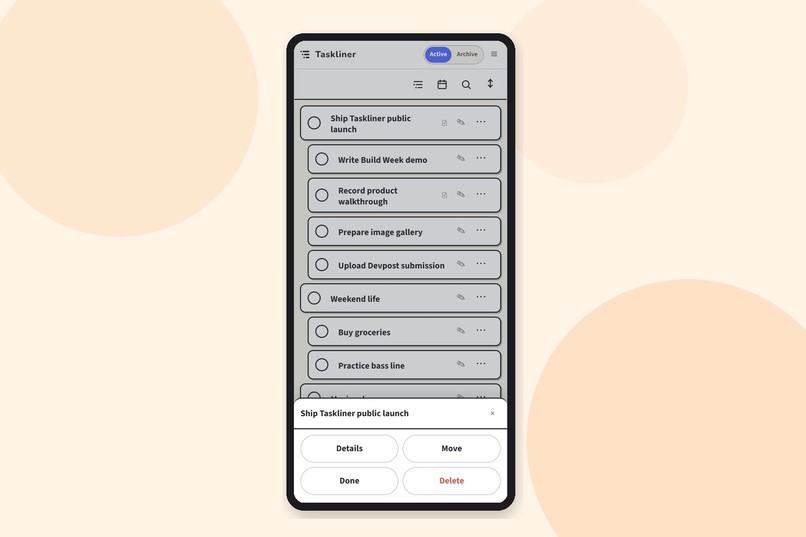
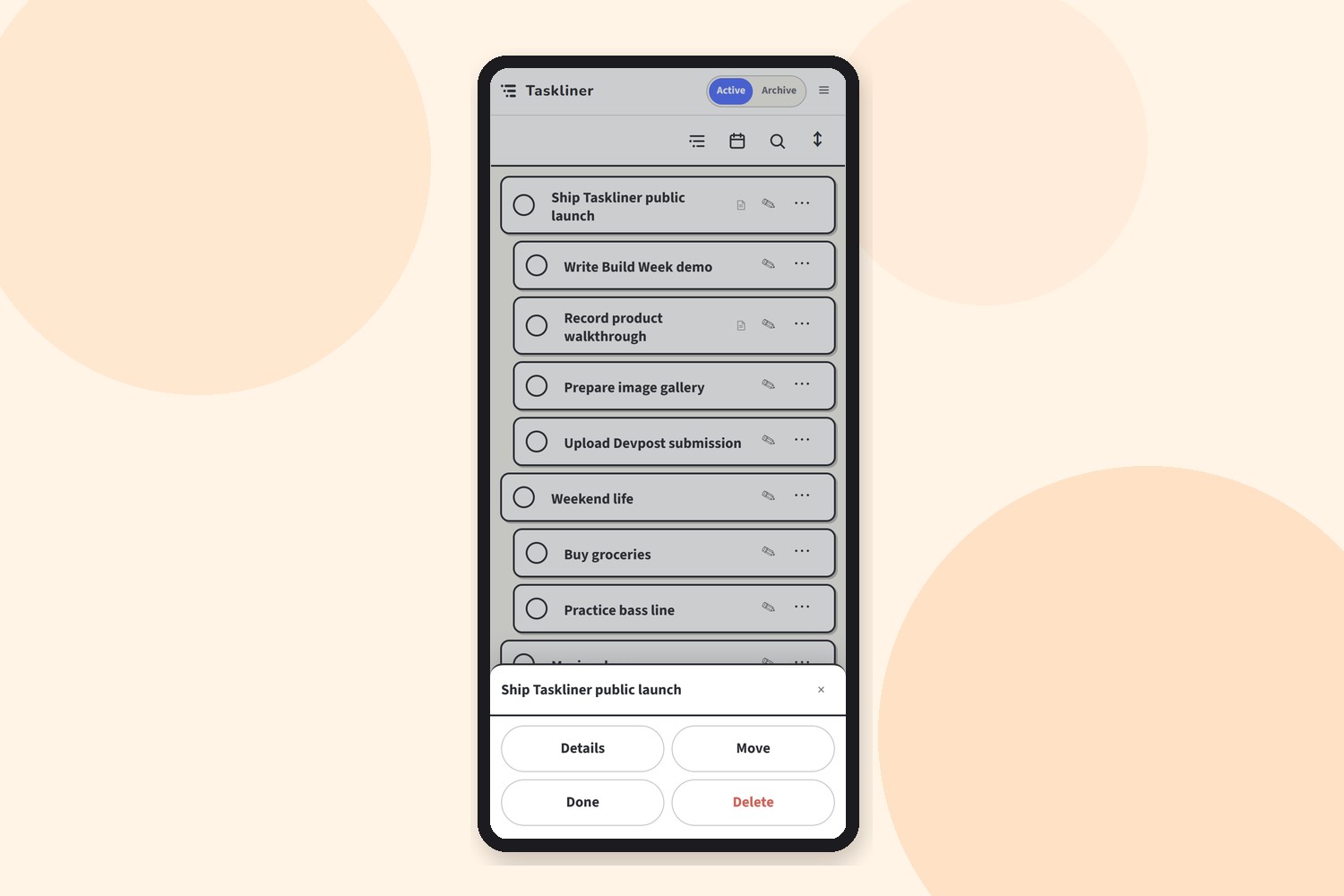
09-mobile-menu
-
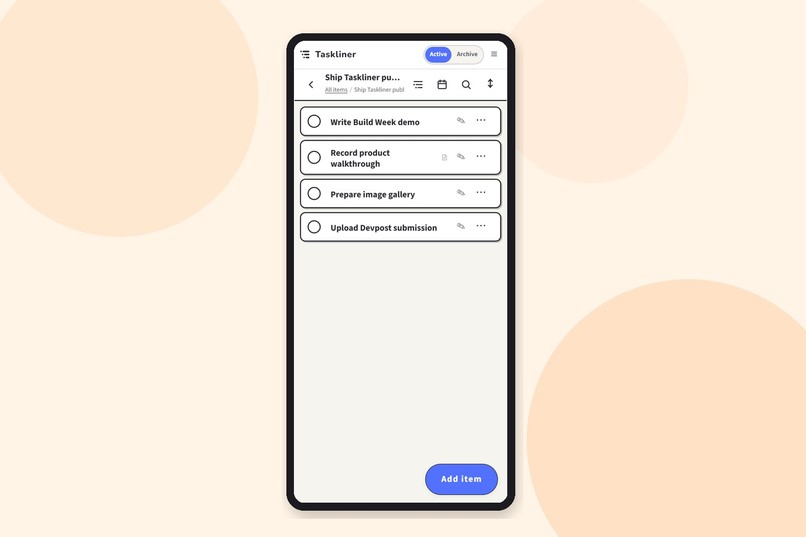
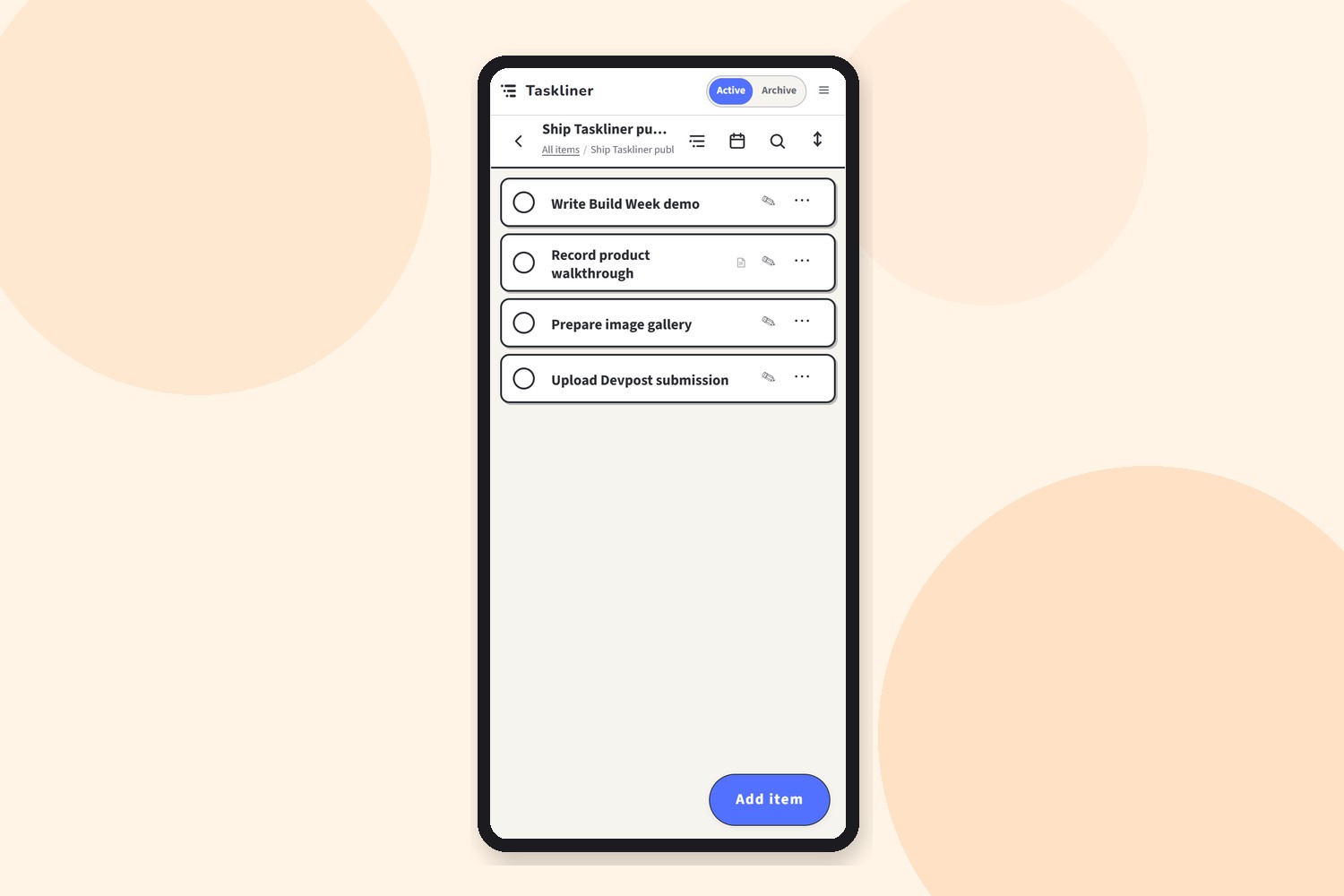
10-mobile-branch
-
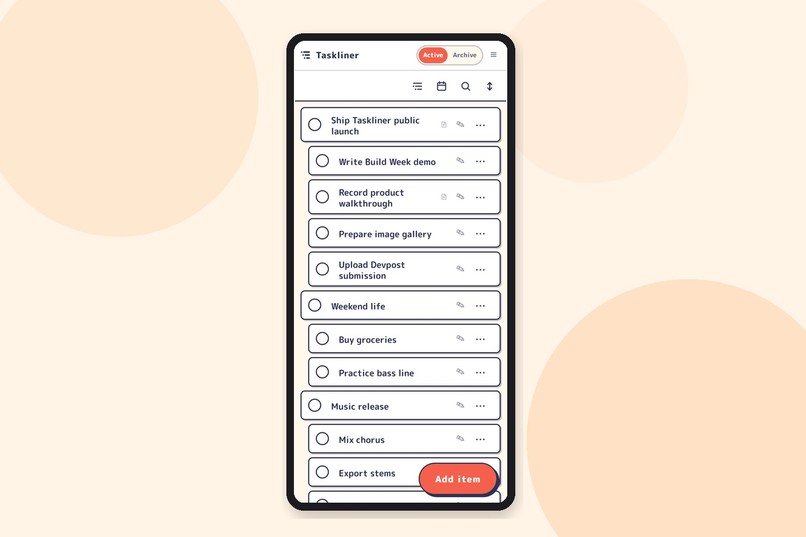
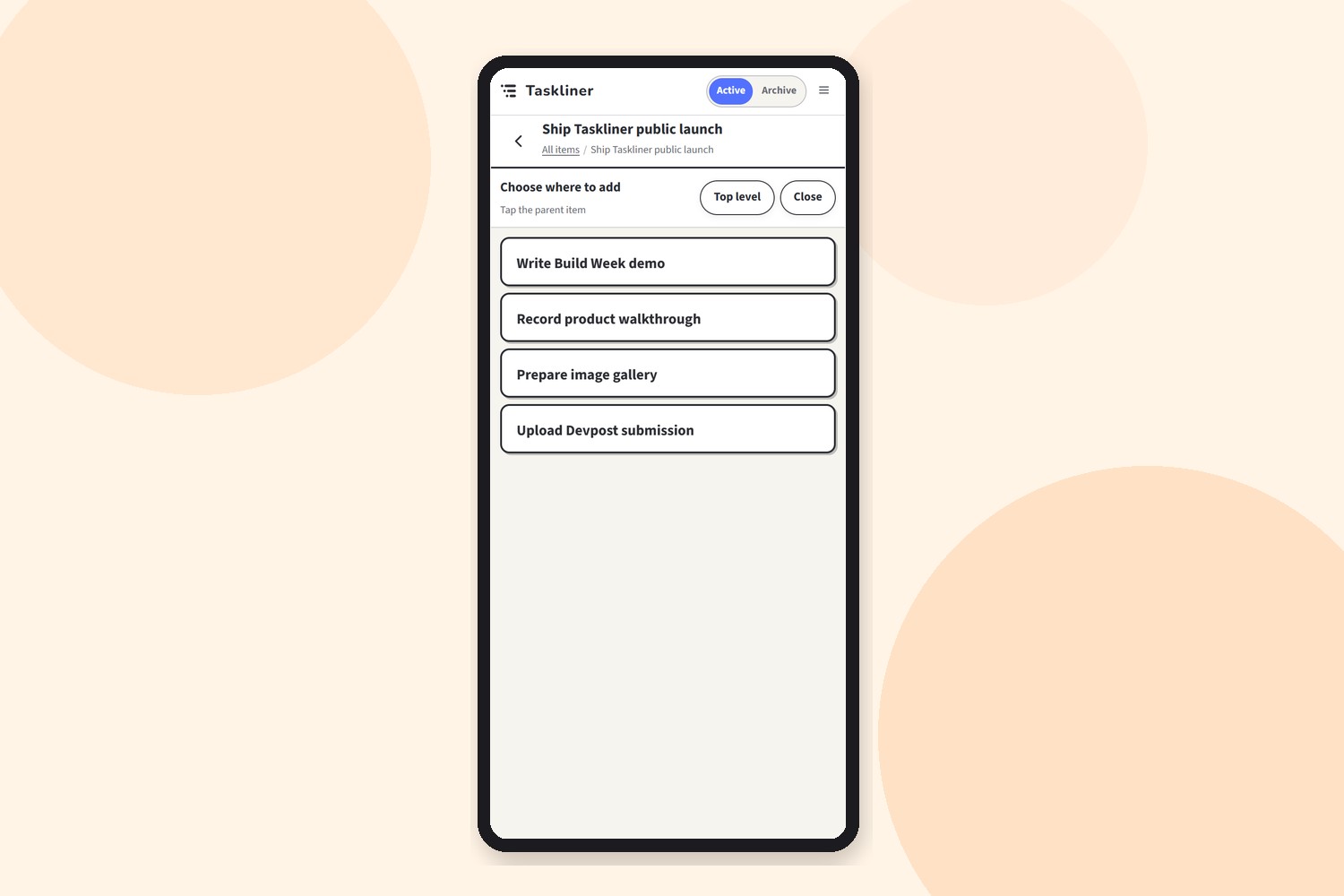
11-mobile-add
-
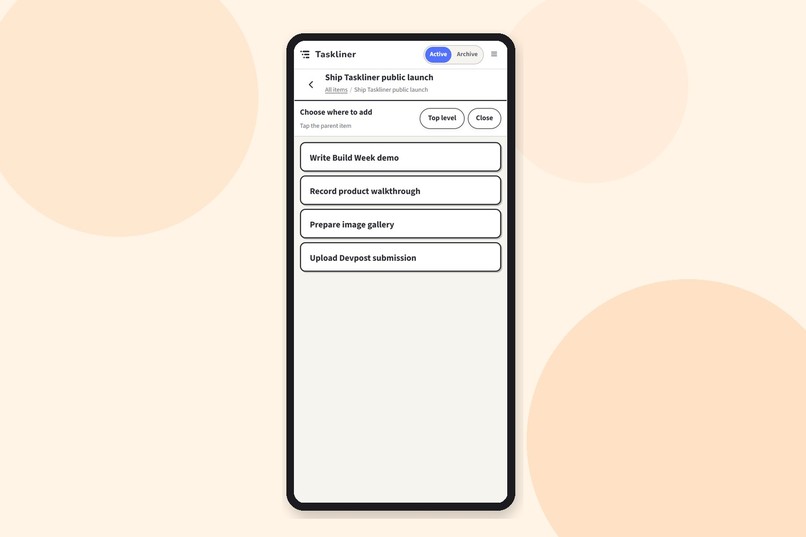
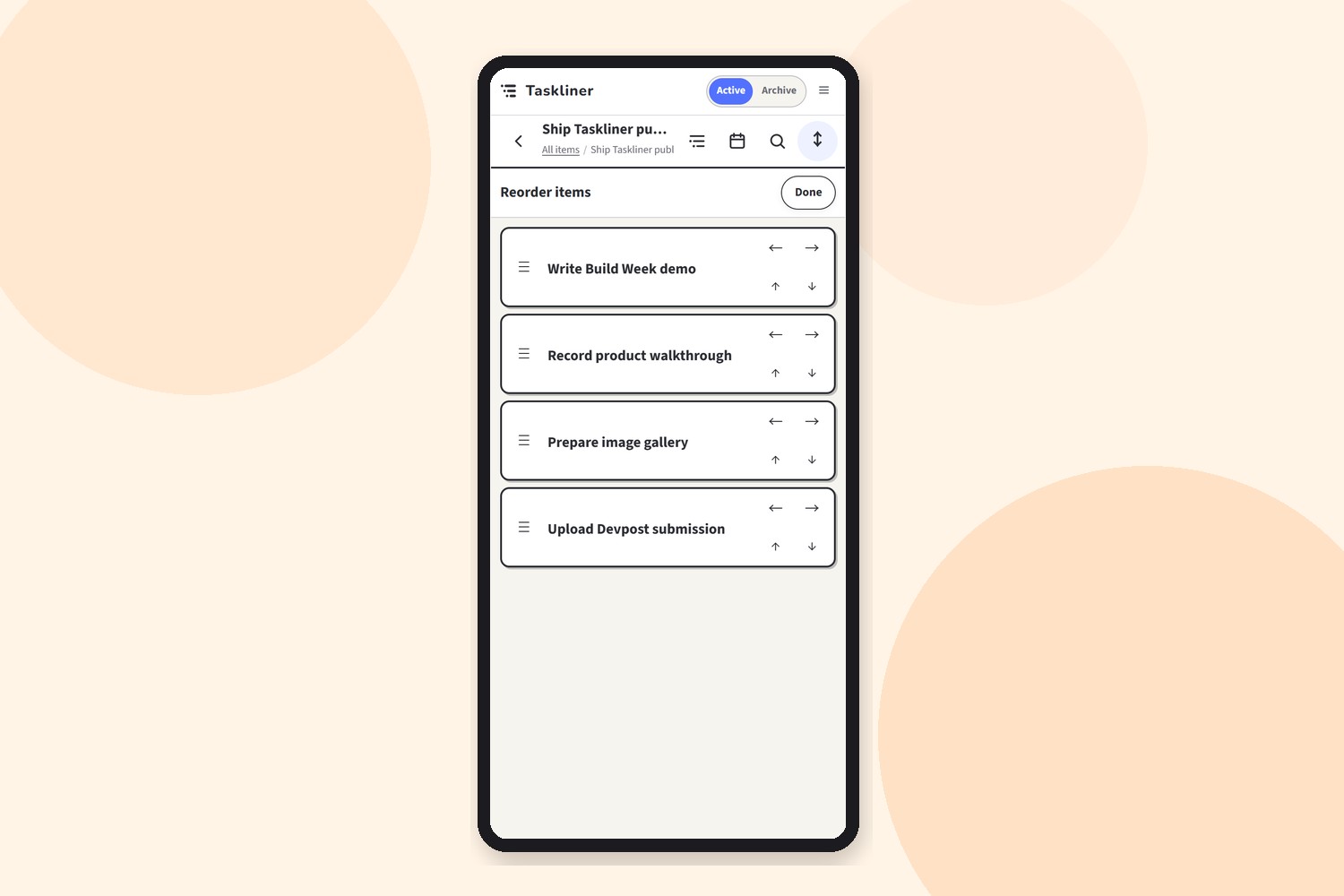
12-mobile-reorder
-
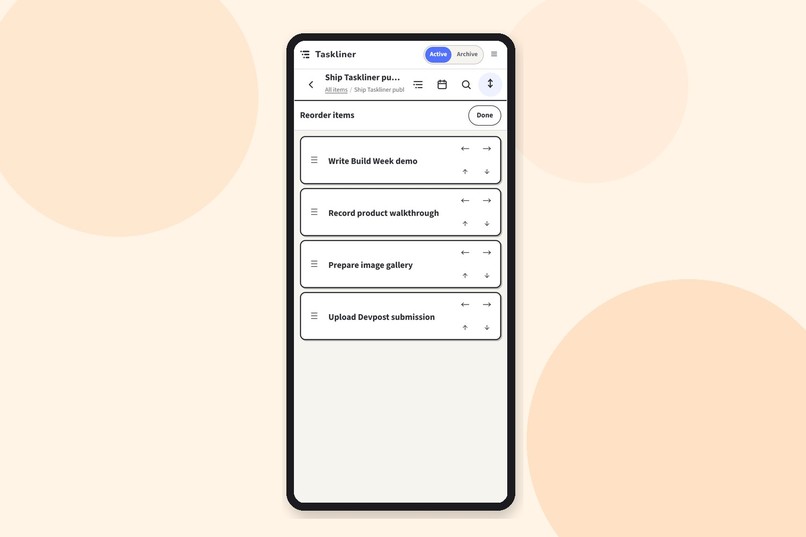
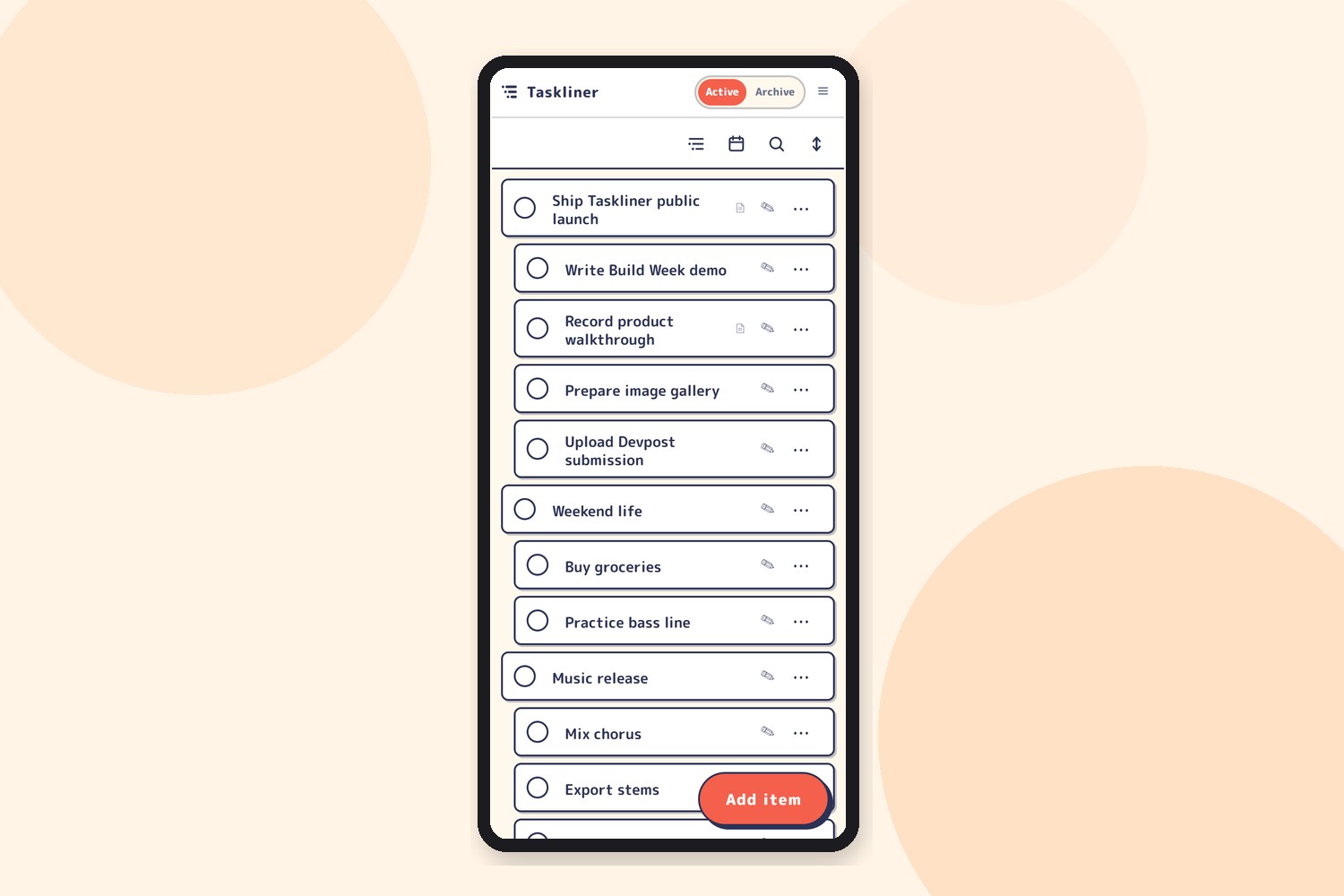
13-mobile-theme-retro-pop
Inspiration
Most task managers require users to choose projects, lists, and categories before they can begin thinking. We wanted something closer to writing an outline: capture an idea immediately, break it into smaller steps, and keep the relationship between a goal and its next actions visible.
Taskliner was inspired by the way developers naturally decompose complex problems into nested tasks. We also wanted a fast, local-first tool that could be used for both personal and professional work without requiring users to store sensitive task data in a database operated by us.
What it does
Taskliner is a fast, keyboard-first task outliner for developers and other power users.
Users can create nested tasks, change hierarchy with keyboard shortcuts, reorder entire branches, add notes and due dates, archive completed items, and focus on a specific section of their outline.
Task data is stored locally first. Optional multi-device synchronization uses storage controlled by the user, while Taskliner does not persist task contents in an operator-managed database.
This makes Taskliner practical for professional workflows involving project details, client work, development plans, and internal tasks that should remain under the user’s control.
When Taskliner is open on multiple devices, changes are synchronized in real time. Both devices can remain open and continue editing without simply overwriting each other’s work.
How we built it
Taskliner is a lightweight web application built with HTML, CSS, and JavaScript and deployed through Cloudflare.
IndexedDB acts as the primary local database, allowing Taskliner to start quickly, work offline, and preserve edits even when the network is unavailable. We built a storage abstraction that handles schema migrations, archived tasks, imports, exports, and updates across multiple browser tabs.
For persistent multi-device storage, Taskliner connects to Google Drive through the Drive API and stores application data in the user’s private appDataFolder. Task contents are not stored in our own database.
Cloudflare Workers provide the minimum server-side functionality required for authentication, service integration, and real-time coordination. WebSocket connections propagate updates between active devices, while revision tracking and conflict-handling logic prevent one device from blindly replacing newer work from another.
The synchronization layer also handles reconnects, duplicate messages, expired authentication, API rate limits, retry timing, and temporary network failures.
We used Codex throughout development, including its computer-use and browser integration capabilities. A Chrome extension allowed the agent to inspect the running application and its actual interface elements, reproduce bugs, and debug behavior directly in the browser.
GPT-5.6 also helped us design and implement detailed synchronization behavior, including WebSocket-based updates across multiple devices, with far less manual implementation effort than we initially expected.
Challenges we ran into
The hardest challenge was synchronizing hierarchical data without using a central task database.
A task is not an isolated row. Moving, deleting, completing, or restoring a parent can affect an entire branch. We needed to preserve the outline structure while handling simultaneous edits, interrupted connections, duplicate updates, reconnects, and older local data formats.
Real-time multi-device synchronization introduced another layer of complexity. Two devices may remain open at the same time and modify related parts of the outline. We had to prevent outdated state from overwriting newer changes while keeping the interaction fast and understandable.
Mobile interaction was also challenging. Features that feel natural with a keyboard, such as Tab and Shift+Tab for changing hierarchy, require different controls on touch devices. Dragging can also conflict with scrolling, text selection, and inline editing.
Finally, turning a vibe-coded prototype into a release-ready application required far more specificity than creating the initial concept. Quality assurance, complete user-story coverage, error states, accessibility, responsive behavior, and even the exact margins between interface elements all needed explicit decisions.
Accomplishments that we're proud of
We are proud that Taskliner feels fast and responsive while managing structured, persistent data primarily inside the browser.
We built a local-first task manager that works offline, requires no account for local use, survives storage migrations, synchronizes between browser tabs, and can synchronize across devices without storing task contents in our own database.
Multiple devices can remain open simultaneously, receive updates in real time, and continue editing without immediately producing conflicting copies of the same task list.
We are especially proud of the keyboard workflow. Creating a task, adding children, changing hierarchy, reorganizing a branch, and continuing to type can happen as one uninterrupted process.
We also built a synchronization foundation combining IndexedDB, Google Drive, Cloudflare Workers, WebSockets, revision management, retries, and automated tests without turning Taskliner into a heavy centralized cloud service.
Most importantly, Taskliner now feels like a real product rather than a technical prototype.
What we learned
The most important thing we learned was what happens after vibe coding.
Generative tools can turn an abstract idea into a working application extremely quickly. However, bringing that application to a level where it can actually be released requires a final phase in which everything abstract suddenly has to become concrete.
Quality guarantees must be defined. User stories and edge cases must be covered. Failure states must be designed. Interactions must be tested on real devices. Even small details such as spacing, focus behavior, and element margins require precise instructions.
We found this phase both difficult and fascinating. It is also where we felt the developer’s value became clearest. Generating an initial implementation is becoming easier, but deciding exactly what “finished,” “safe,” “understandable,” and “good enough to release” mean remains highly valuable work.
We also learned how much agent-assisted development has advanced. Codex’s computer-use tools, browser integration, and direct inspection of interface elements allowed the agent to reproduce and debug problems in the running application rather than reasoning only from source code.
With GPT-5.6, we were able to design and implement detailed WebSocket synchronization, multi-device update handling, and conflict prevention with significantly less manual effort than a traditional implementation would have required.
At the same time, this experience showed us that reducing coding effort does not remove the need for engineering judgment. It shifts that judgment toward requirements, architecture, verification, and the concrete definition of product quality.
What's next for Taskliner
The next major step is support for AI agents.
We want users to safely connect coding agents and personal AI assistants to Taskliner. An agent could read an explicitly permitted section of an outline, create or reorganize tasks, report progress, and turn plans or conversations into actionable task structures. Users would remain in control of which tasks and data each agent can access.
We also plan to integrate Google Calendar. Tasks with deadlines or time estimates could be converted into calendar events or focused work sessions, while scheduling changes could be reflected back in Taskliner.
Together, these features would connect planning, execution, and time management while keeping the user in control of their data.
Built With
- chrome
- client-side-encryption
- cloudflare-pages
- cloudflare-workers
- css3
- github
- github-actions
- google-drive-api
- google-oauth-2.0
- gpt-5.6
- html5
- indexeddb
- javascript
- local-first
- openai-codex
- progressive-web-app
- real-time
- responsive-web-design
- service-workers
- websockets

Log in or sign up for Devpost to join the conversation.