-
-
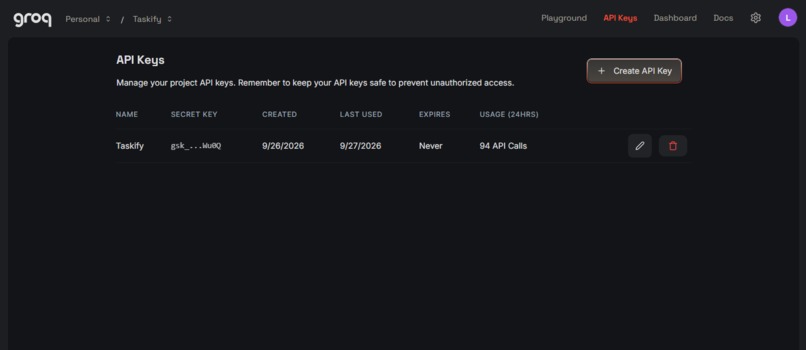
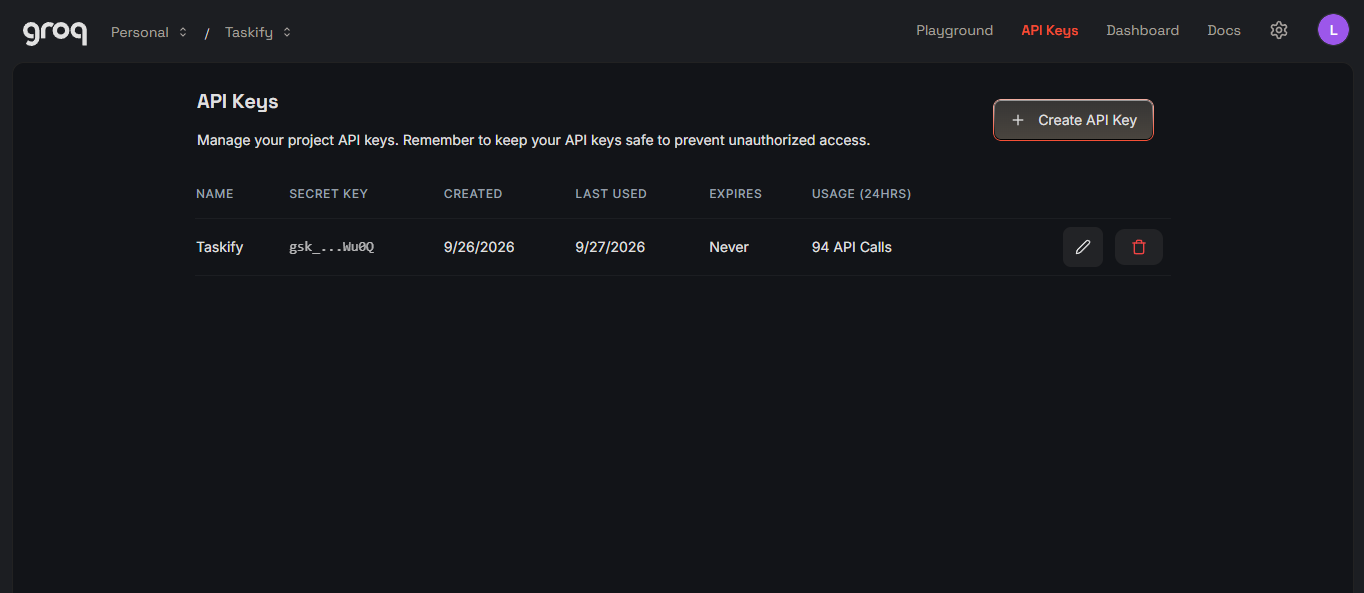
Groq AI API Key Image
-
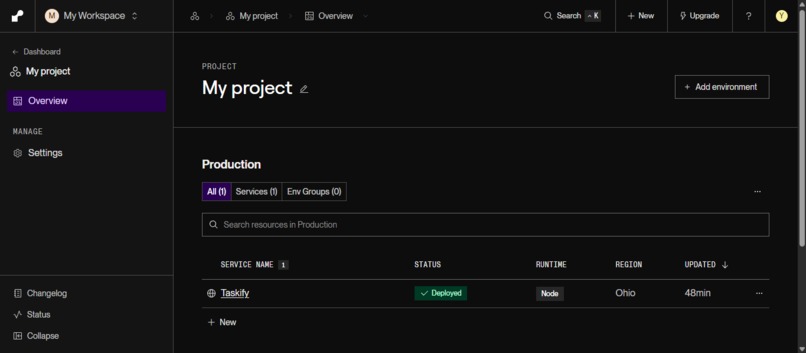
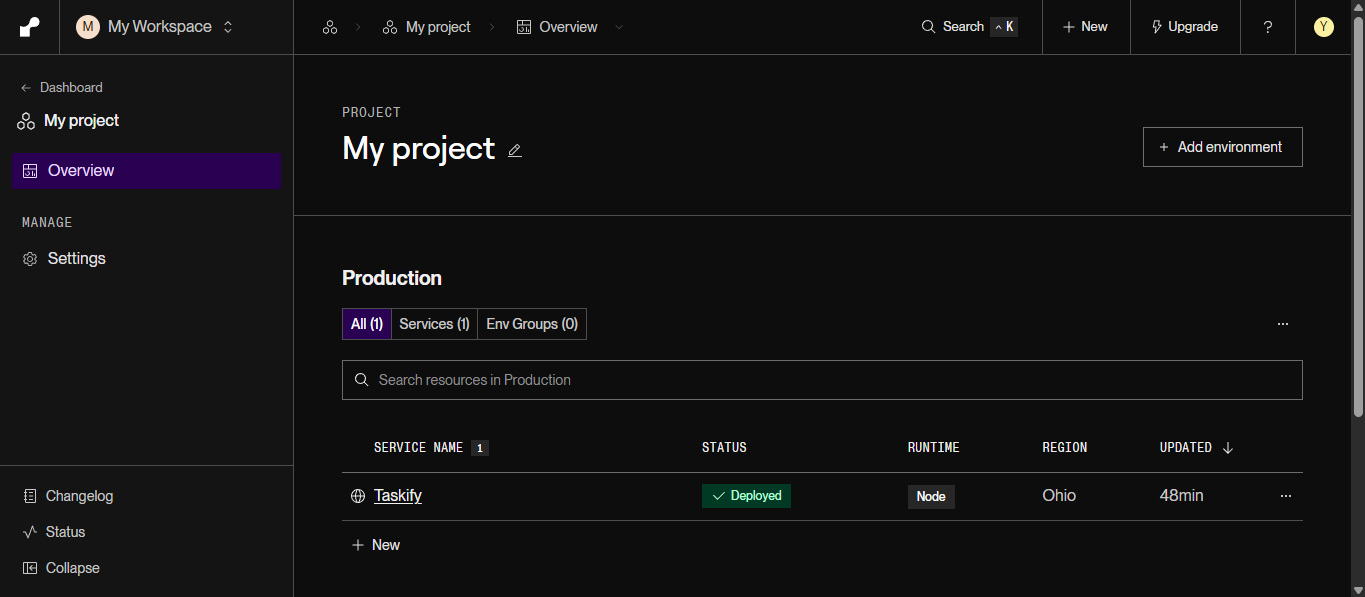
Backend Render Hosting Image
-
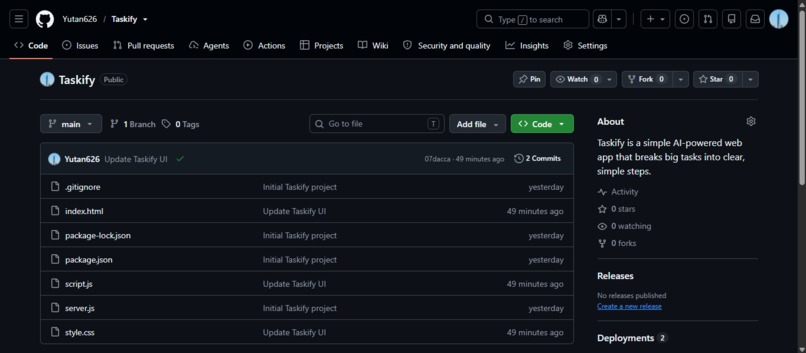
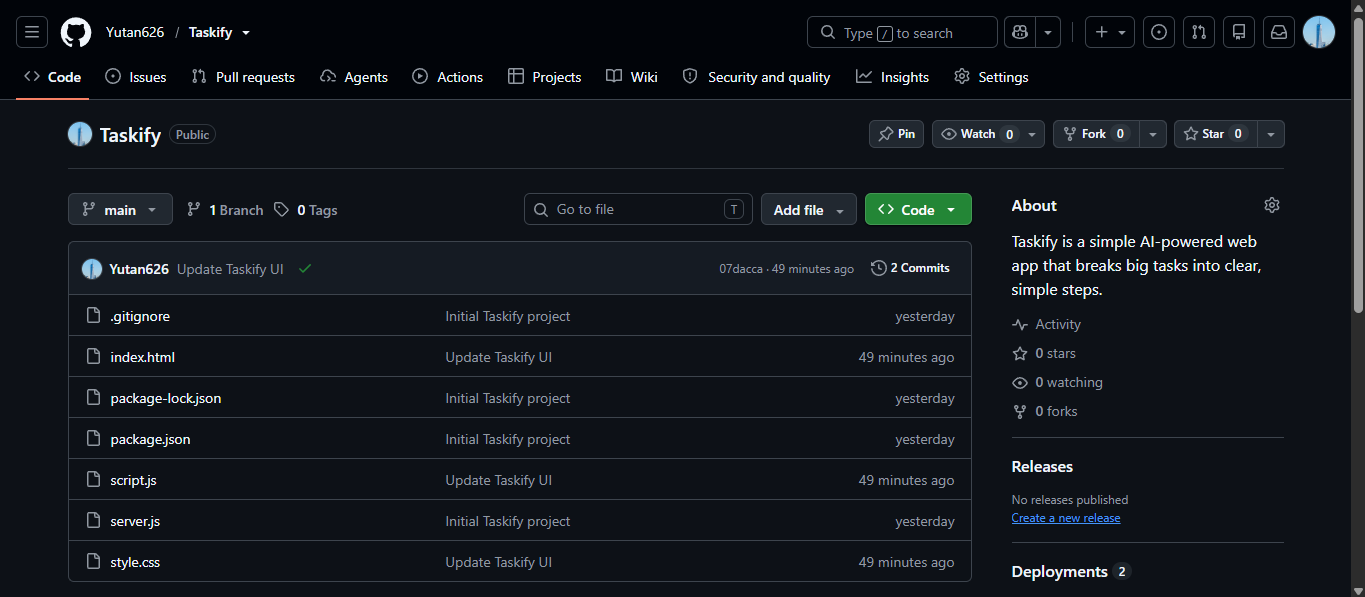
Main Github Image
-
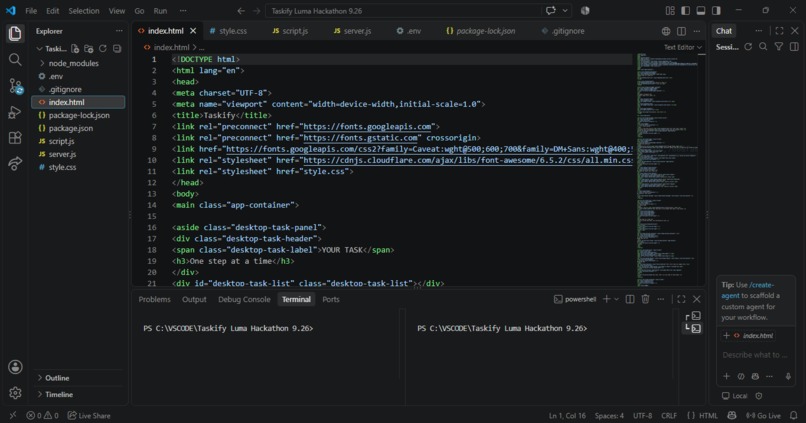
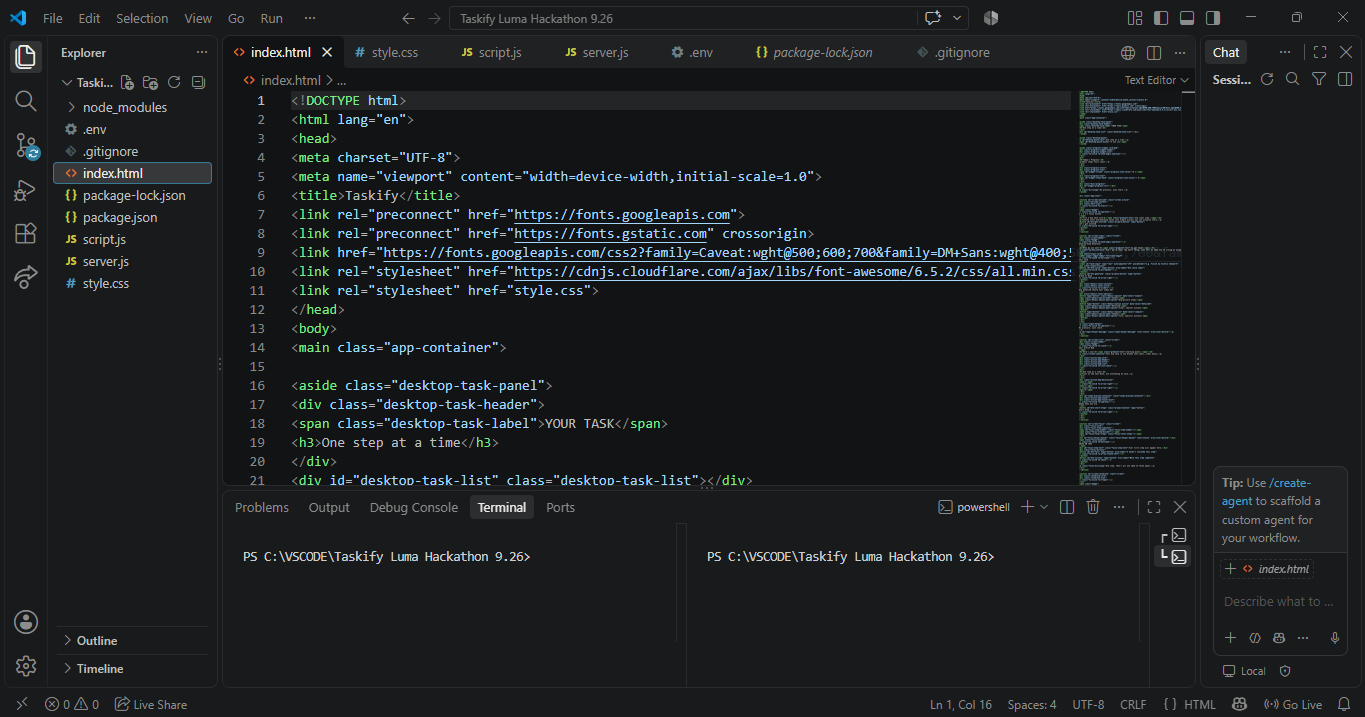
VScode Development HTML Image
-
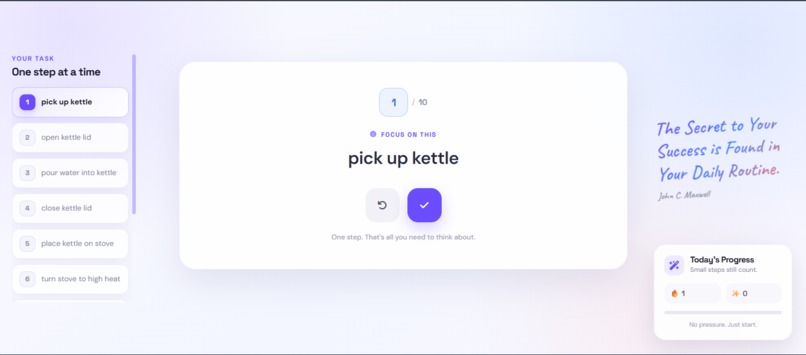
Main Website Page 3
-
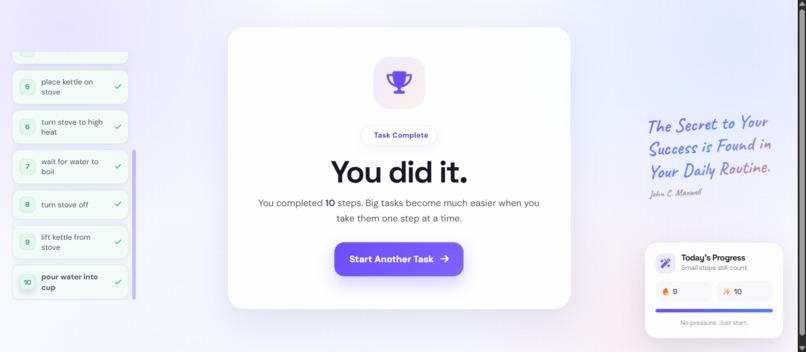
Main Website Page 4
-
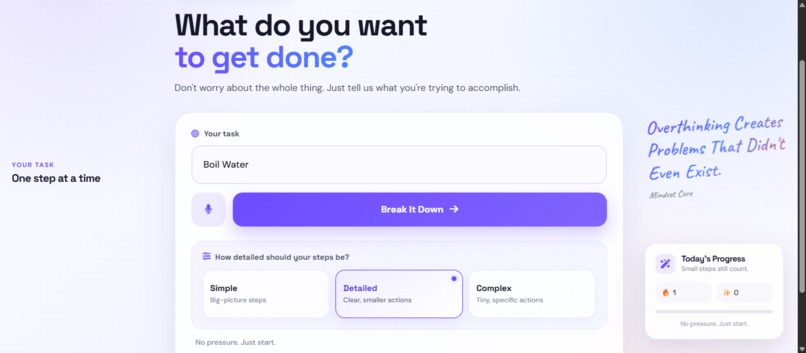
Main Website Page 2
-
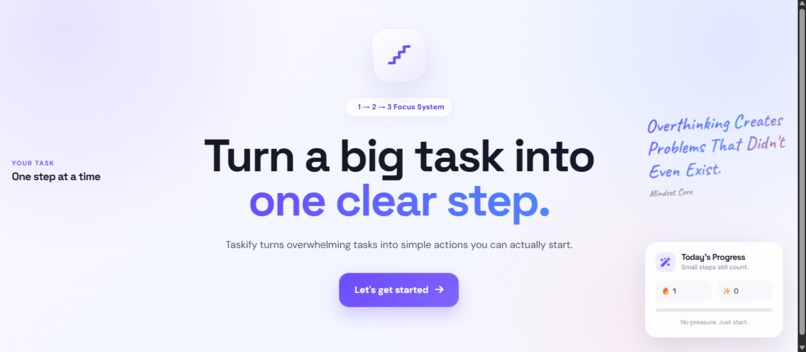
Main Website Page 1
-
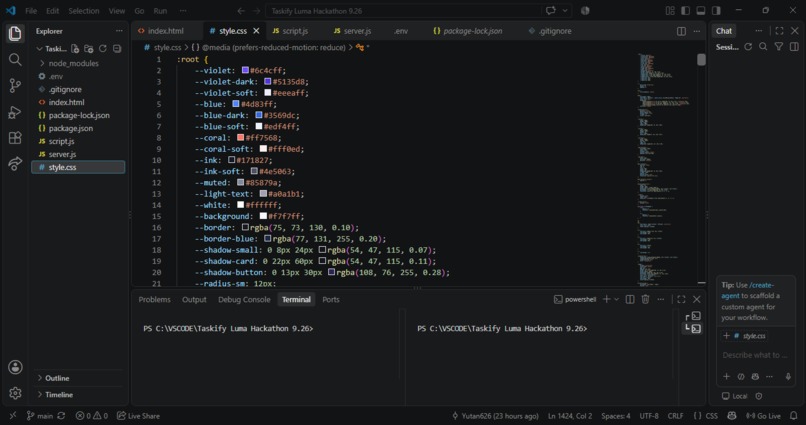
VScode Development CSS Image
-
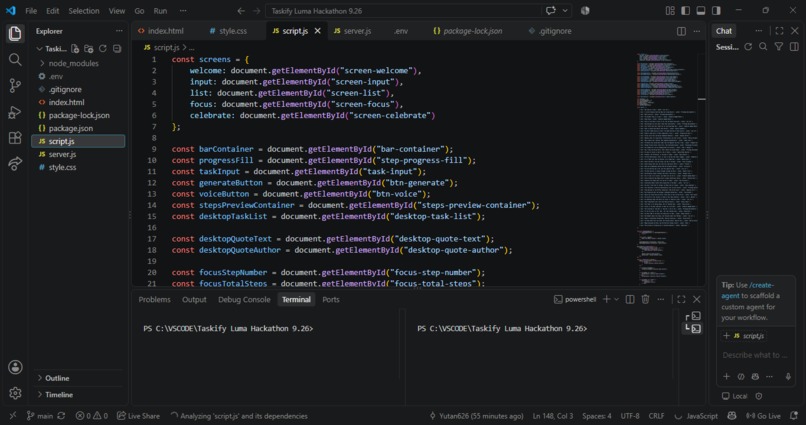
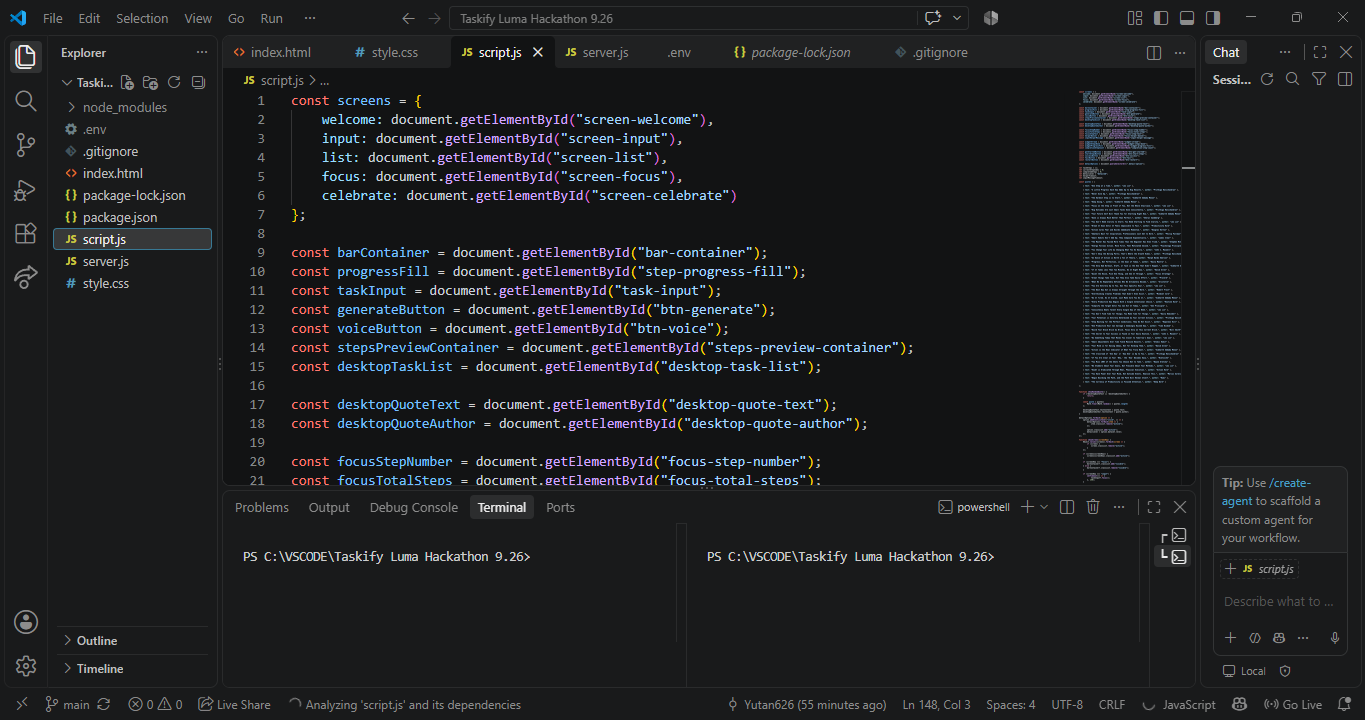
VScode Development Script Image
-
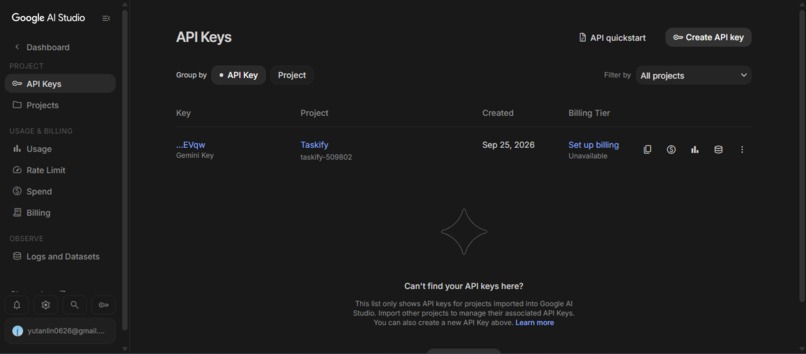
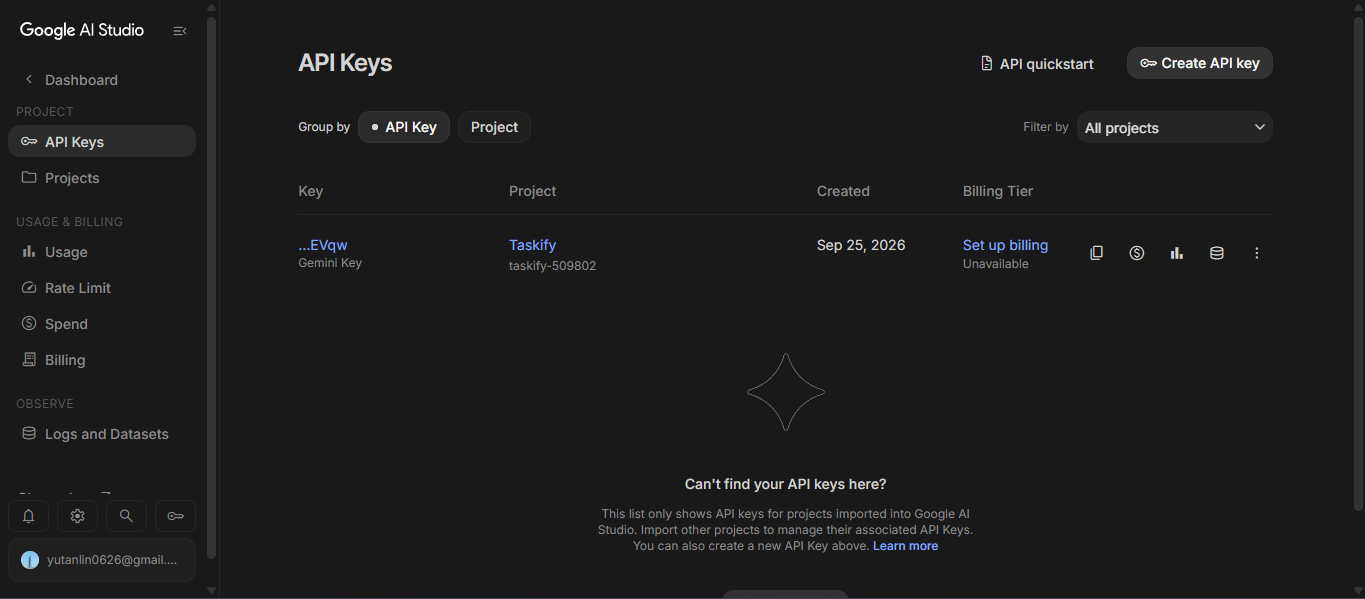
Google AI Studio Image
Inspiration
We wanted to build something that could help people who struggle with procrastination, ADHD, or simply don't know where to start when a task feels overwhelming.
A big assignment can feel like one giant problem. Instead of telling users to "just get started," Taskify breaks the task into smaller, clear, actionable steps so users can focus on what they need to do right now.
What It Does
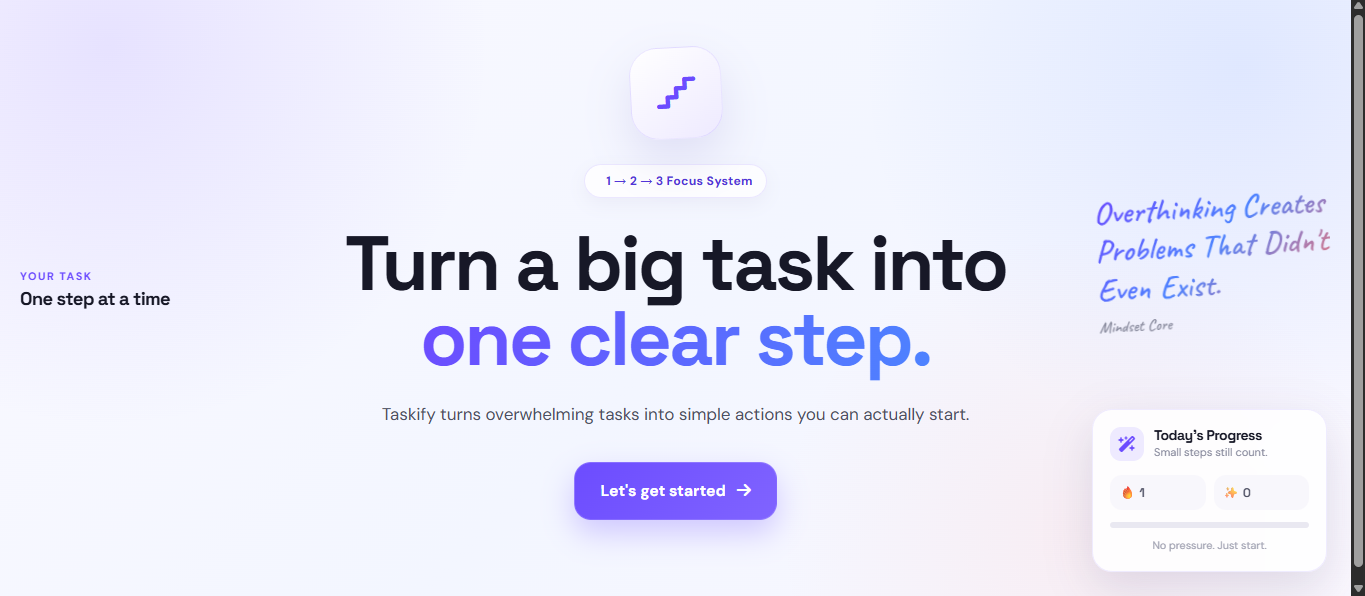
Taskify is an AI-powered task breakdown tool.
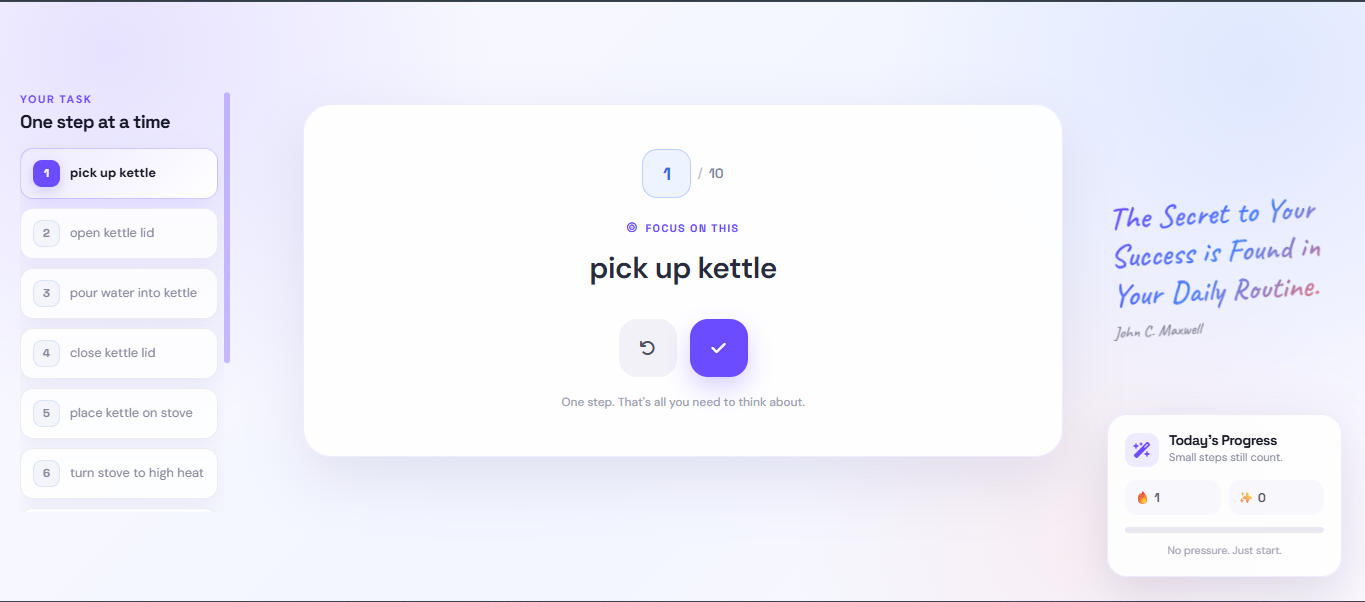
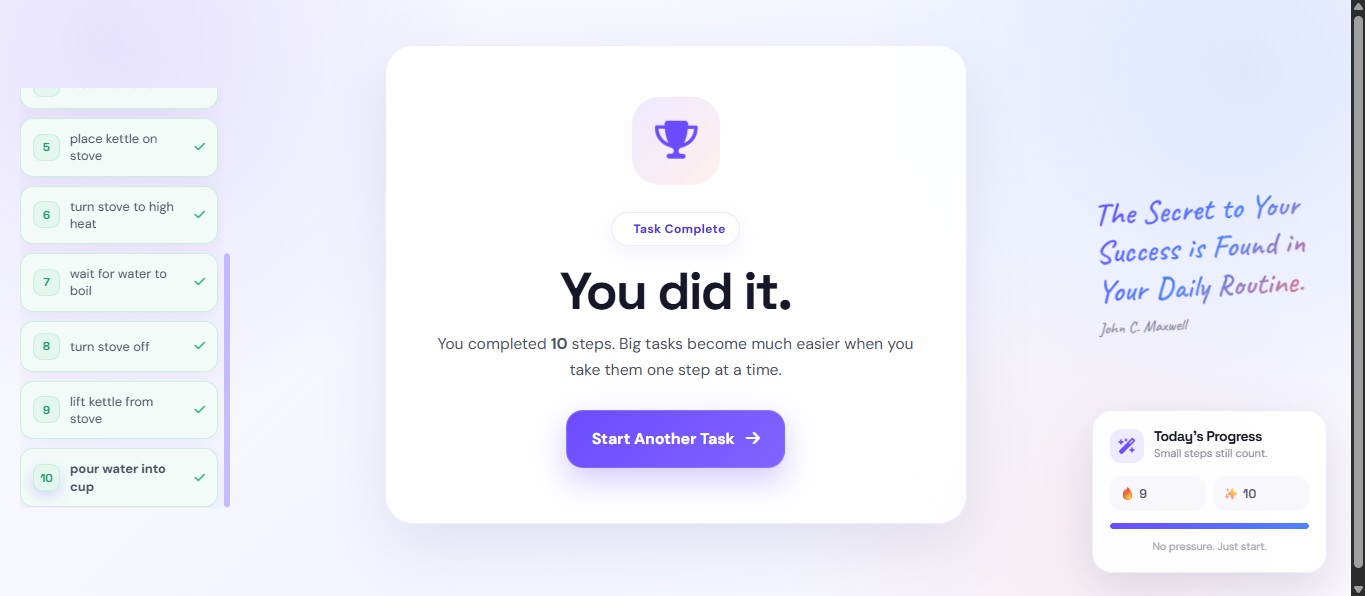
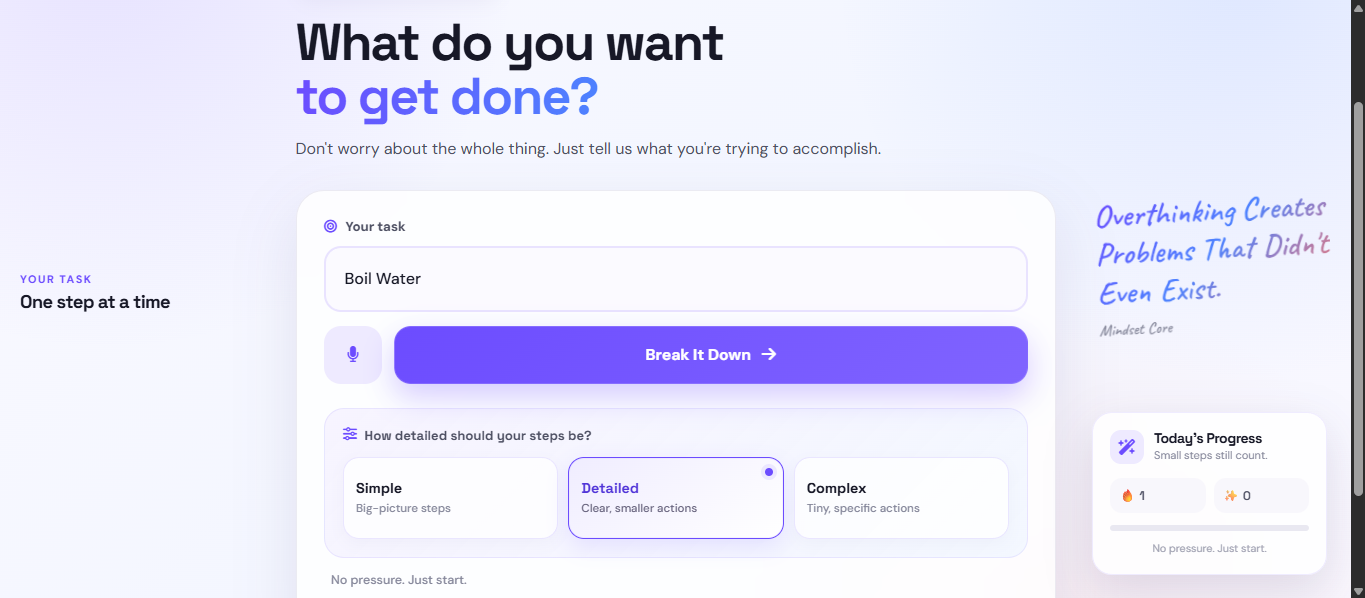
Users enter a large or complicated task, choose how detailed they want the breakdown to be, and Taskify uses AI to turn it into a step-by-step action map.
Users can then:
- Break complicated tasks into smaller steps
- Choose between different levels of detail
- Follow one step at a time
- Track their progress
- Mark completed steps
- See their progress through the task
- Get motivational quotes while working
The goal is simple: turn big tasks into clear steps.
How We Built It
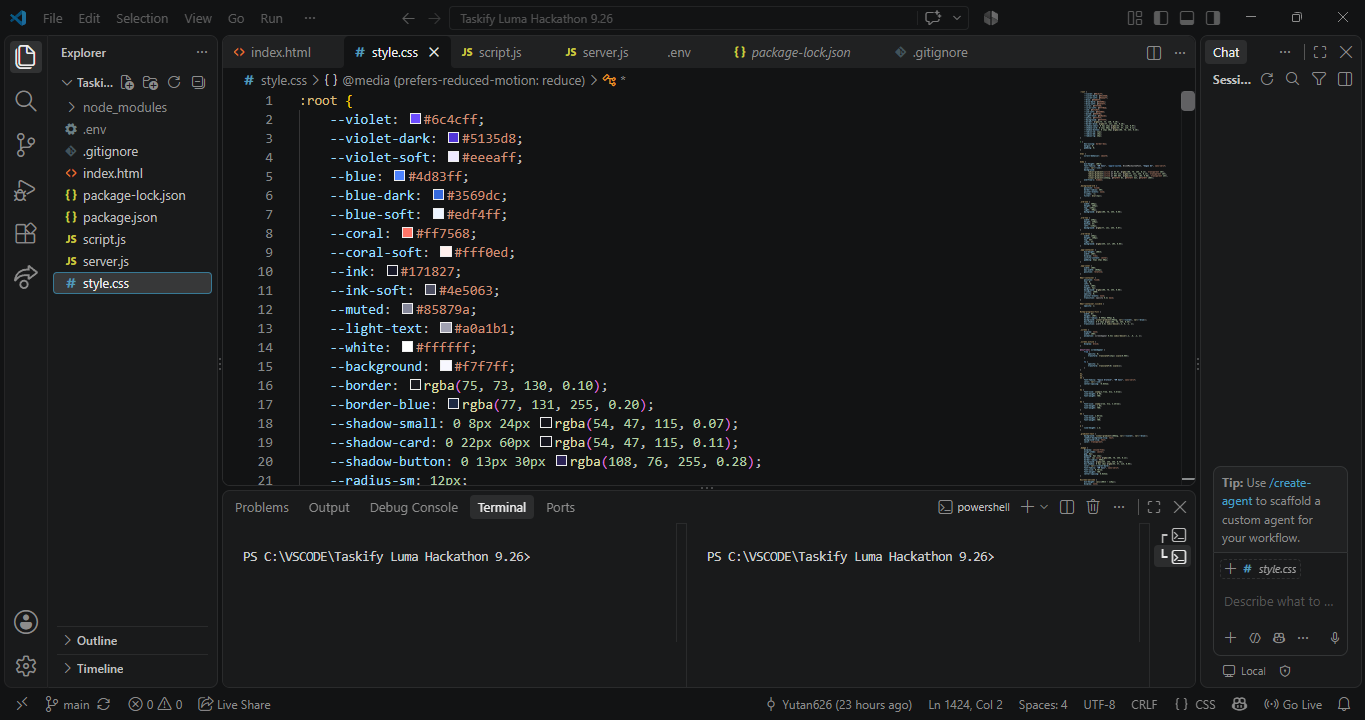
Taskify was built as a web application using:
- HTML
- CSS
- JavaScript
- Node.js
- Groq API
- Google AI Studio
- Git and GitHub
- Render
The frontend handles the interface that users interact with. The backend handles communication with the AI API so that the API key is not exposed in the frontend.
We used environment variables to safely store the API key and connected the frontend to our backend through API requests.
Challenges We Faced
One of our biggest challenges was learning how the different parts of a web application communicate with each other.
Before this project, we had to learn concepts like:
- Frontend vs. backend
- APIs and API requests
- Environment variables
- Connecting an API to a JavaScript application
- Using Git and GitHub
- Deploying a backend
- Connecting GitHub to Render
- Debugging issues between different parts of the application
We also had to make sure the AI-generated steps were actually useful instead of being too vague or too complicated. We improved the prompts and UI so that the generated tasks would be easier to follow.
What We Learned
This project taught us much more than just how to make a webpage.
We learned how a frontend communicates with a backend, how APIs work, how to protect API keys, how to use AI inside an application, and how to deploy a full-stack web application.
We also learned how much testing and debugging is involved in turning an idea into something people can actually use.
What's Next
We want to continue improving Taskify by making the AI-generated steps more personalized, improving the task-tracking experience, and adding more features that help users stay focused and finish what they start.


