Inspiration
We started with a simple frustration: why does managing one day's work sometimes feel like a task of its own?
We wanted an assistant experience inspired by Alexa+ that could bring tasks, Gmail, and Google Calendar closer together instead of making us jump between different apps. The gap we felt was that the smooth, unified workflow we wanted wasn't easy to achieve for our use case. We wanted more than a voice assistant that answers questions — we wanted something that could help turn an intention into an action and verify that the action actually happened.
That's where TaskFlow AI came in.
Our idea was simple: less task juggling, more follow-through.
What it does
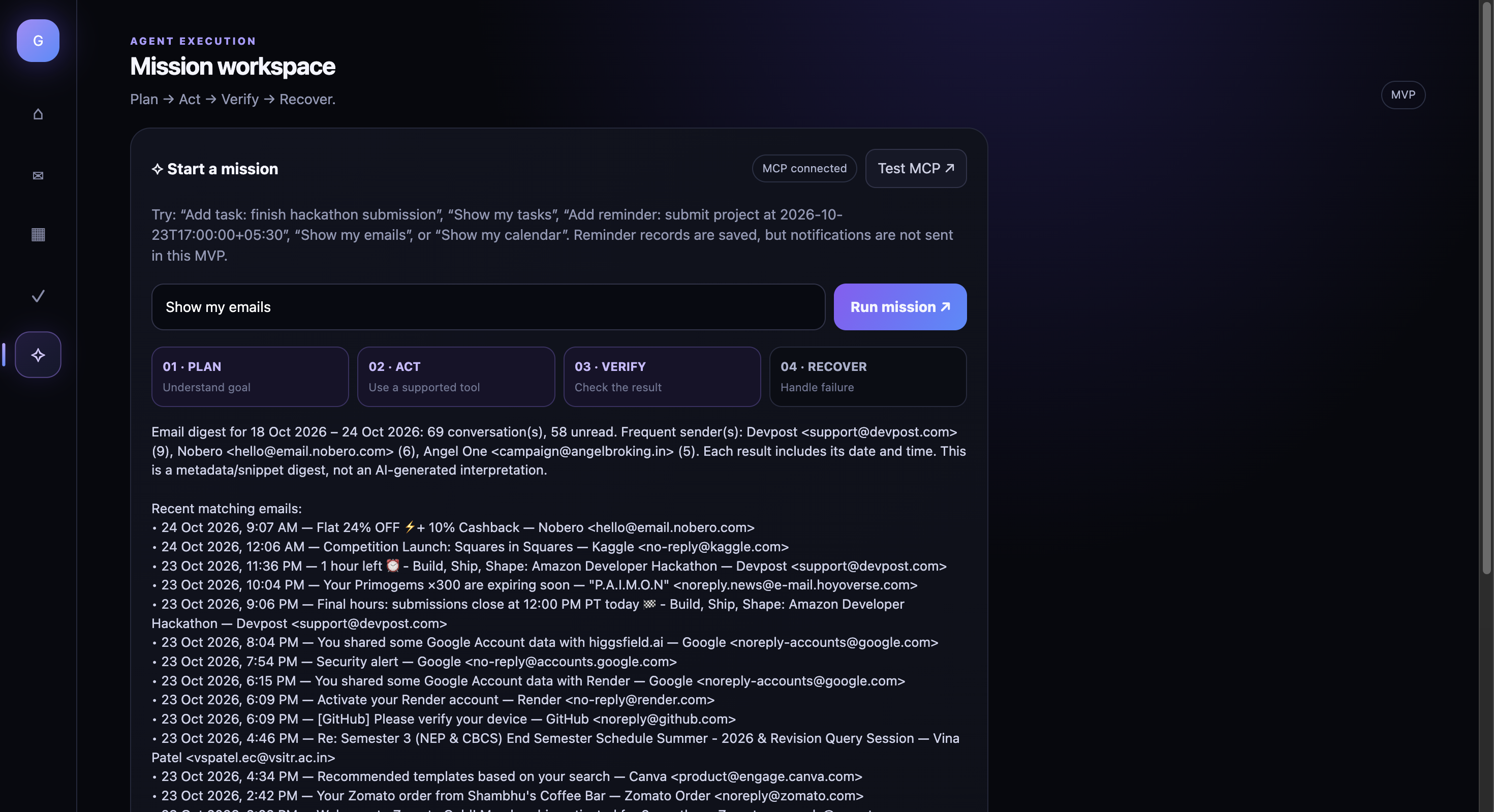
TaskFlow AI is a productivity assistant prototype built around a Plan → Act → Verify → Recover workflow.
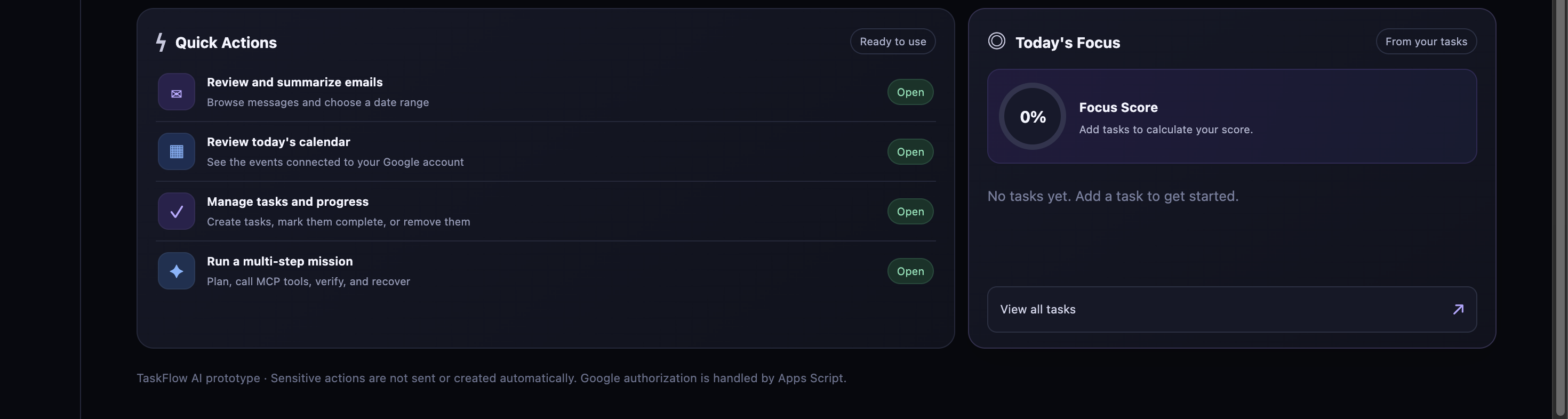
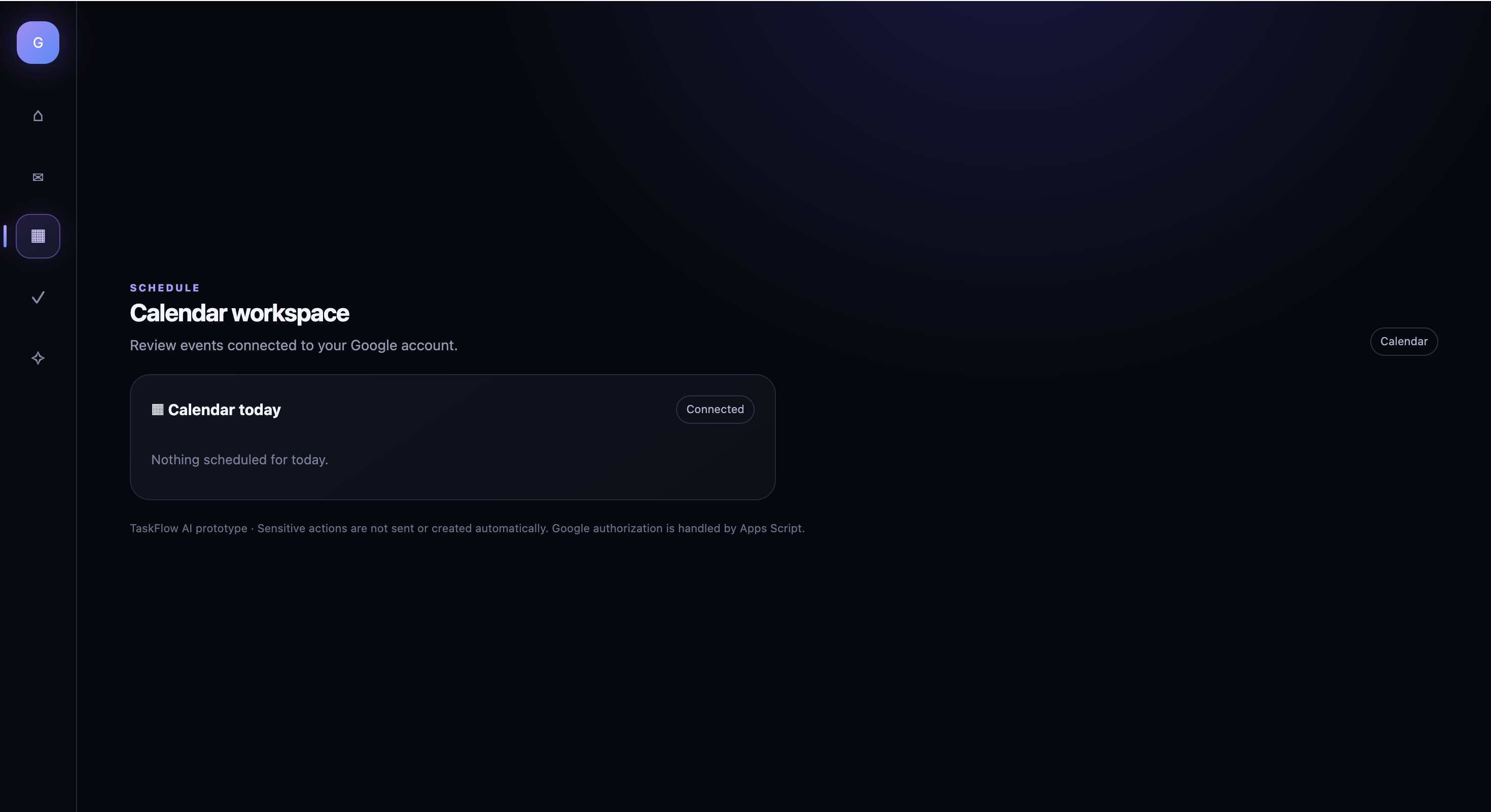
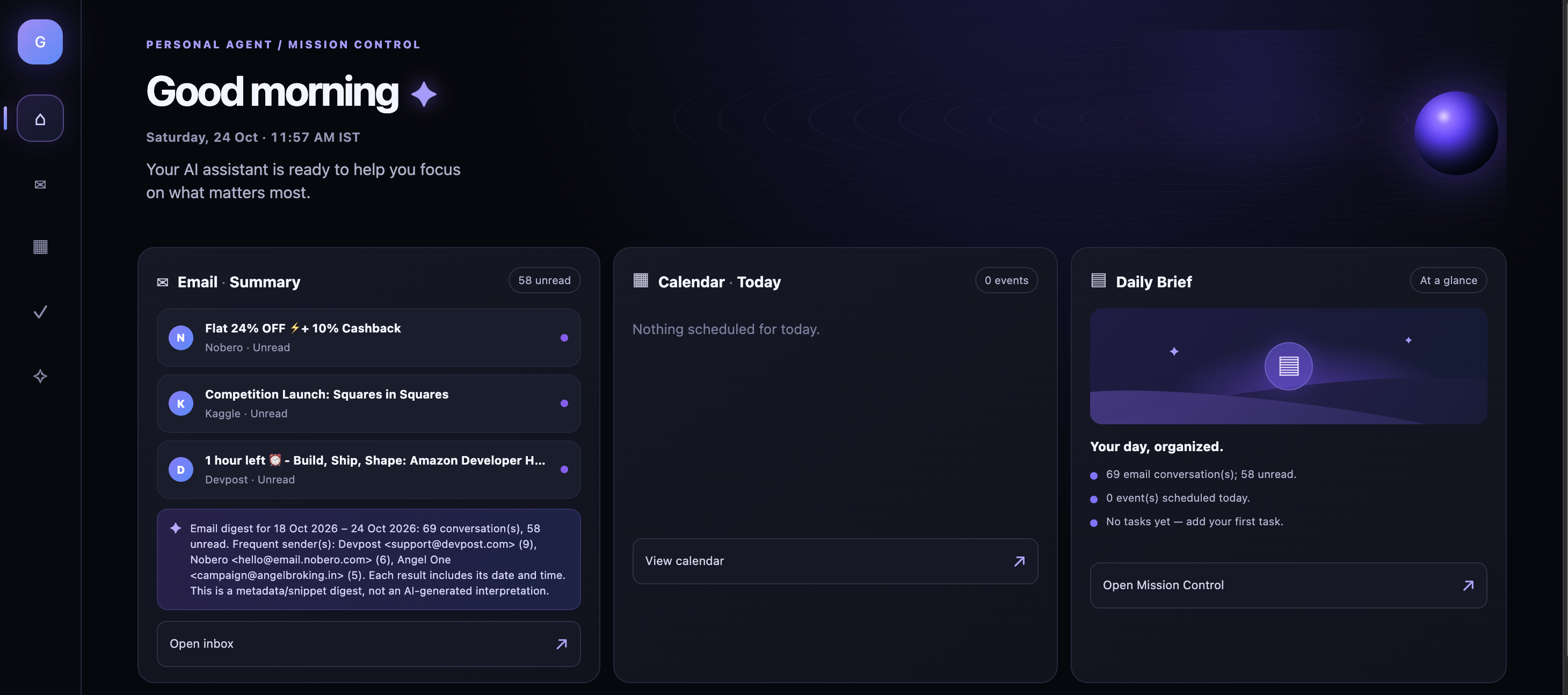
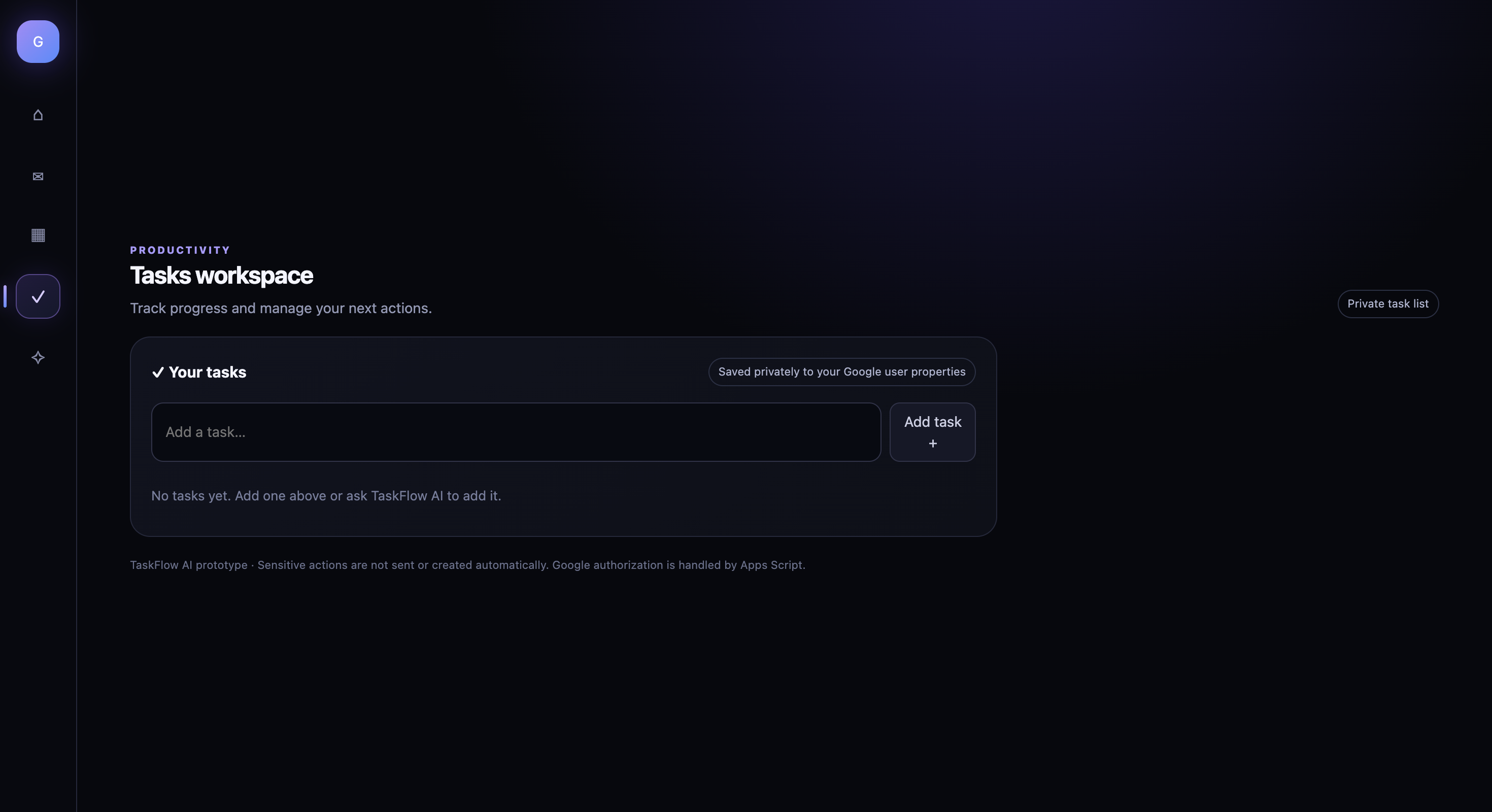
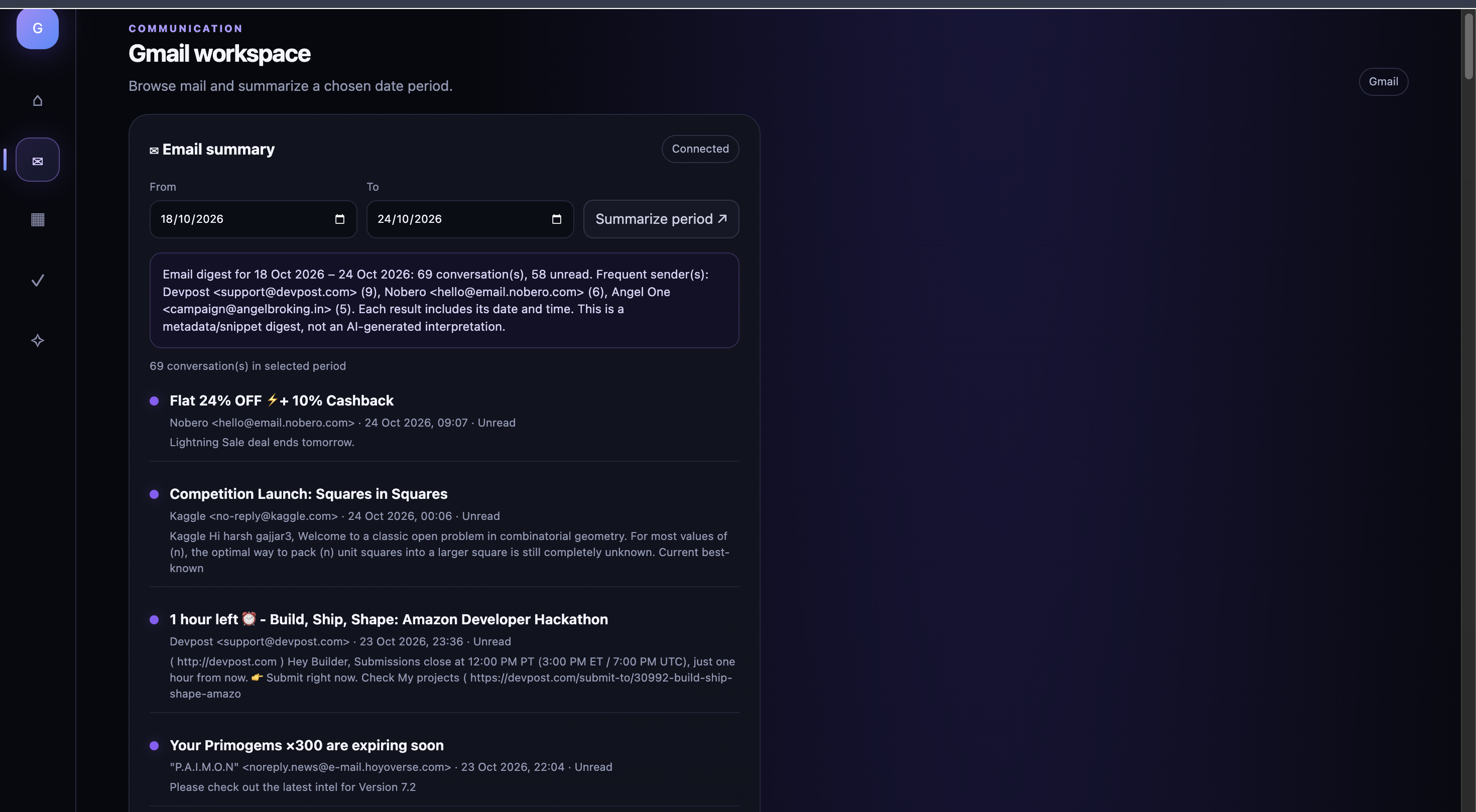
It brings together a dashboard, task management, Gmail and Google Calendar views, and a mission workspace.
With TaskFlow AI, users can:
Manage tasks: Create, view, complete, and delete tasks.
Work through missions: Enter supported requests such as “Add task: Finish the hackathon submission.”
Verify actions: The system calls the task-creation tool and then checks the task list to confirm the result, instead of relying only on a success message.
Keep reminder records: Create and list reminders from the task workflow.
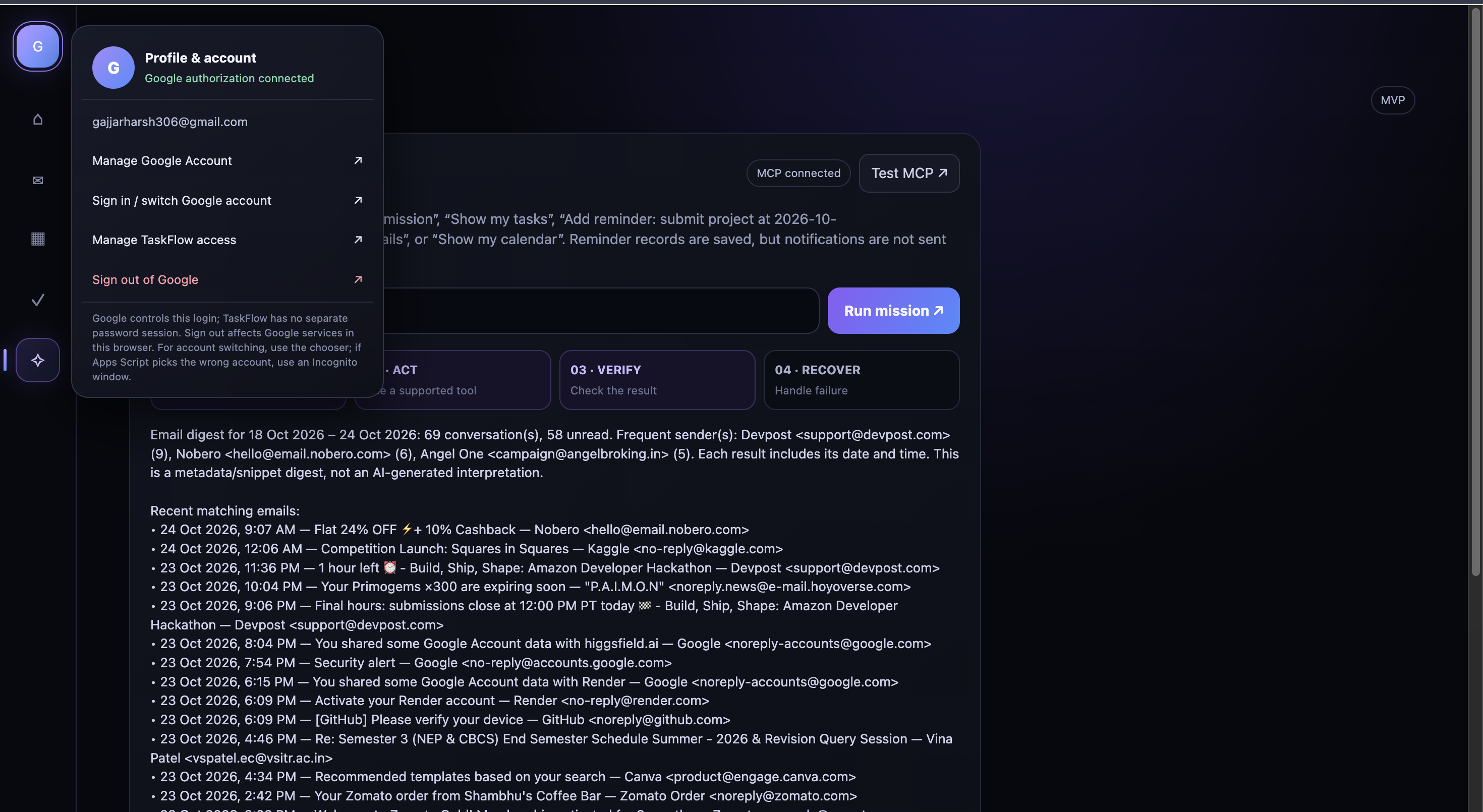
View their productivity context: Access Gmail information and Google Calendar events through Google Apps Script.
The important part is verification. We want users to know whether an action actually worked, not just see a nice-looking message saying it did.
TaskFlow AI is an early MVP, not a fully autonomous AI agent. Its mission runner currently uses rules for a small set of supported requests rather than an LLM-powered planner. Reminders can be stored and listed, but automatic notifications are not implemented yet.
How we built it
We used a combination of web technologies, Google Apps Script, Python, and the Model Context Protocol (MCP).
Frontend: HTML, CSS, and JavaScript for the dashboard and mission interface.
Google Apps Script: Connects the interface to Google services and handles Gmail and Google Calendar reads.
Python + FastAPI: Hosts our MCP server.
MCP Streamable HTTP: Connects the Apps Script client to the server using MCP protocol version 2025-11-25.
Task and reminder tools: Our MCP server exposes six tools: create_task, list_tasks, set_task_done, delete_task, create_reminder, and list_reminders.
Deployment: We prepared the server for deployment on Render and configured the Apps Script client using script properties for the server URL and bearer token.
One of our key implementation decisions was to keep the MCP connection server-to-server. The secret token belongs in configuration, not in frontend code. We also added a separate verification step for task creation so the workflow can distinguish a successful operation from a failed one.
Challenges we ran into
Honestly, the timeline was intense.
We registered for the hackathon when only about three days remained. We had a big idea, limited time, and a lot of pieces that needed to work together. We had to move quickly, make trade-offs, and focus on building a demonstrable MVP instead of trying to build every possible feature.
One of the hardest parts was getting the different layers to communicate properly. A frontend can look finished while the backend connection is still broken. MCP requires the client and server to agree on the protocol and endpoint, and our setup also depended on matching credentials in Render and Google Apps Script.
Deployment and configuration became a challenge of their own. A wrong URL, a missing token, or a service that wasn't responding could stop the whole flow. We also had to distinguish between what we had actually implemented and what we originally wanted to build. For example, saving a reminder is not the same as delivering a notification, and we didn't want to pretend otherwise.
We kept refining the project under pressure, handled bugs as they appeared, and made it to submission at the last minute. It wasn't a perfectly smooth build, but that was part of the experience: learning to prioritize, debug systematically, and ship something real under a deadline.
Accomplishments that we're proud of
We're proud that TaskFlow AI goes beyond a static dashboard concept. It has a real MCP server design, a defined set of tools, a Google Apps Script client, and a workflow that verifies task creation by checking the resulting task list.
We also made security-conscious choices, including keeping the MCP bearer token out of browser code, and documented the limitations instead of overclaiming features.
Most importantly, we took an idea from frustration to a working prototype direction in roughly three days. For us, that is a reminder that a small, honest implementation is better than a huge idea that never gets built.
What we learned
This project taught us that integrating services is often harder than designing the interface. We learned more about MCP, JSON-RPC tool calls, Streamable HTTP, API configuration, deployment, authentication, and debugging across different platforms.
We also learned to separate three things that are easy to confuse: a feature that is planned, a feature that is implemented, and a feature that has actually been tested end to end. That distinction changed how we approached the final version.
What's next for TaskFlow AI
The next steps are to make the MCP deployment more reliable, improve error handling and test coverage, strengthen persistent storage, and expand the mission runner beyond its current rule-based requests.
We would also like to explore a richer Alexa+ experience, more seamless productivity workflows, and real reminder delivery with appropriate user permissions.
TaskFlow AI is still a work in progress, but its direction is clear: make everyday productivity feel less fragmented, make actions verifiable, and help people follow through.
TaskFlow AI — Less task juggling. More follow-through.
Built With
- css
- fastapi
- gmail
- google-calendar
- googleappscript
- html
- http
- javascript
- json-rpc
- mcp
- python
- render
- streamable

Log in or sign up for Devpost to join the conversation.