-
-
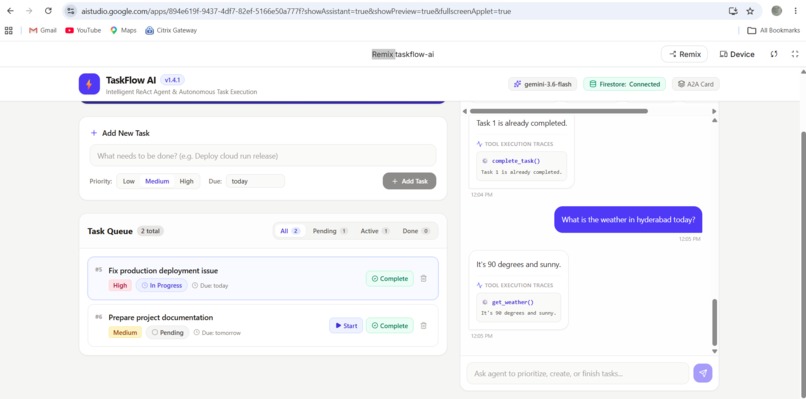
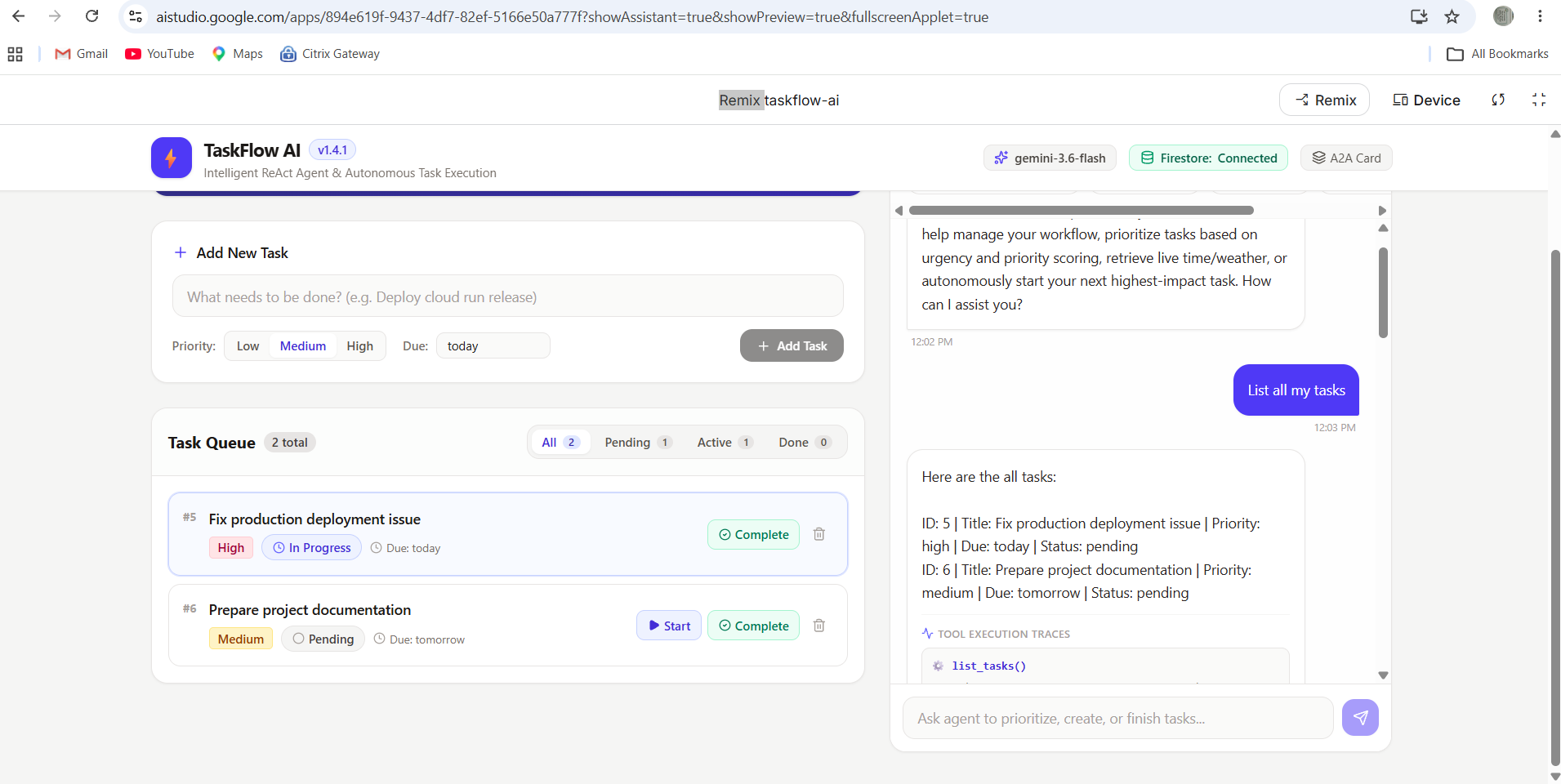
AI agent prioritizing the highest-impact task and executing it autonomously through an agent tool.
-
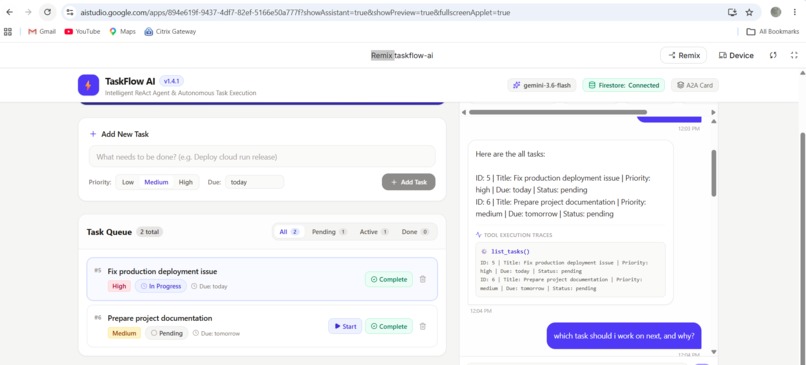
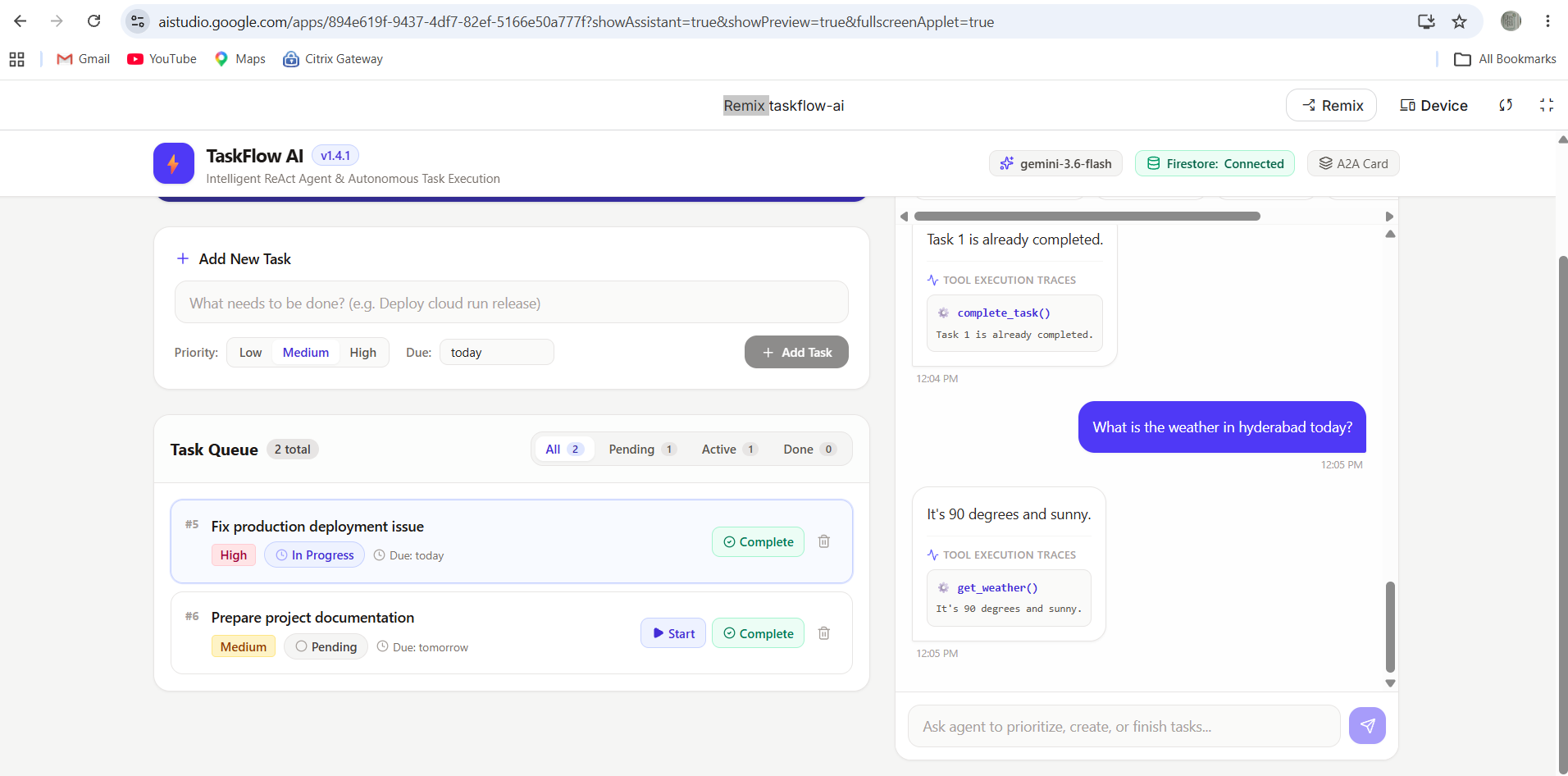
Task completion and status persistence reflected in the TaskFlow AI interface.
-
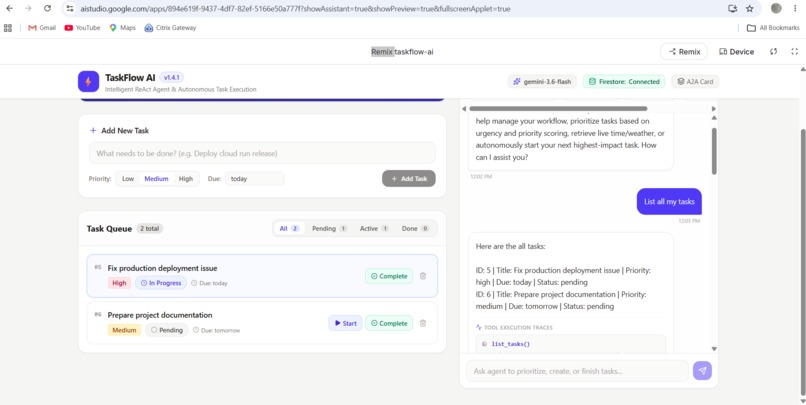
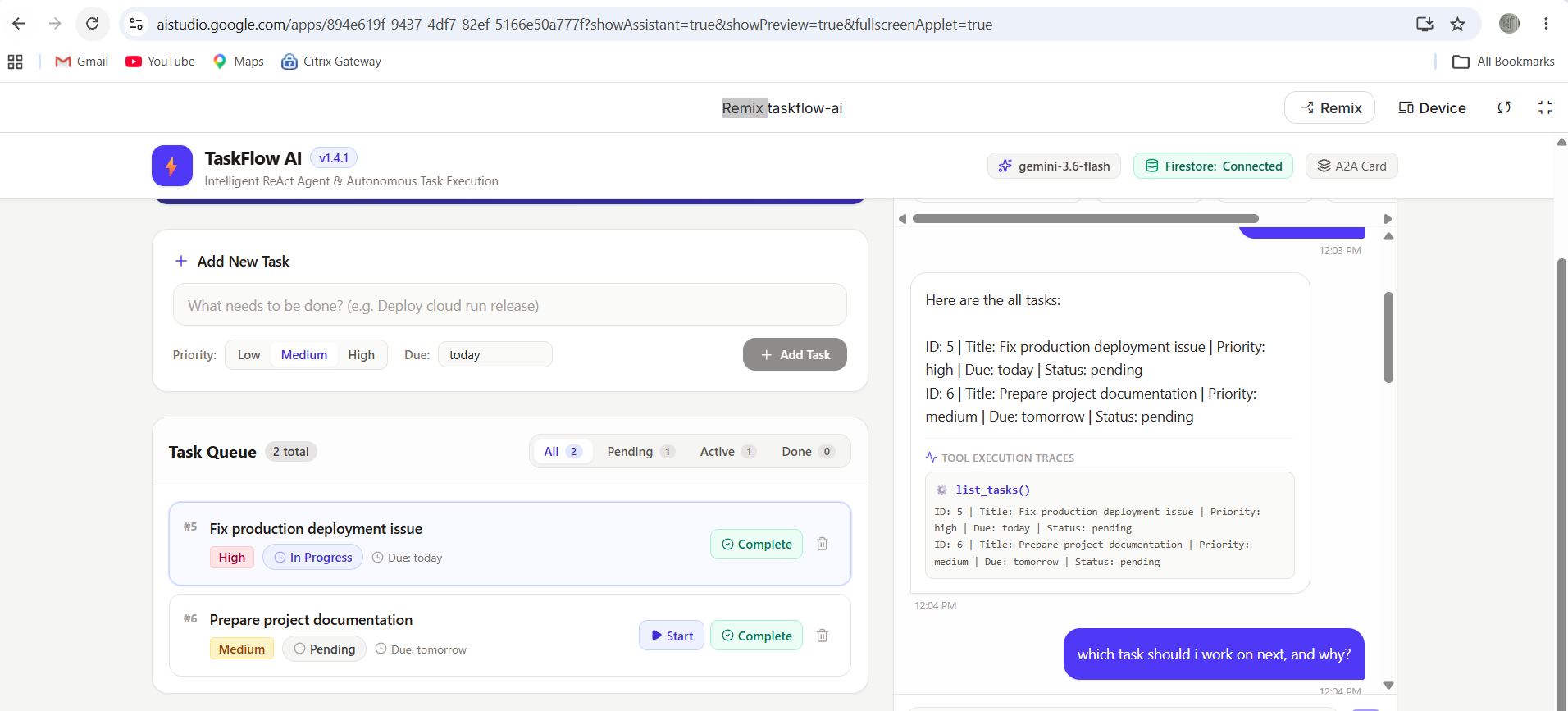
TaskFlow AI dashboard showing task creation, priorities, due dates, and task status.
-
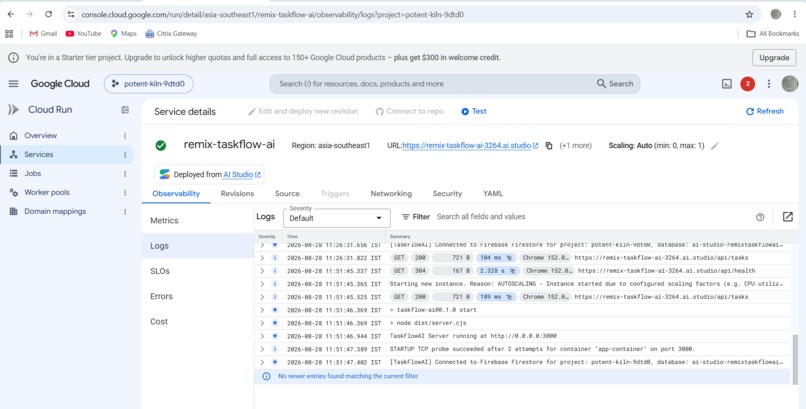
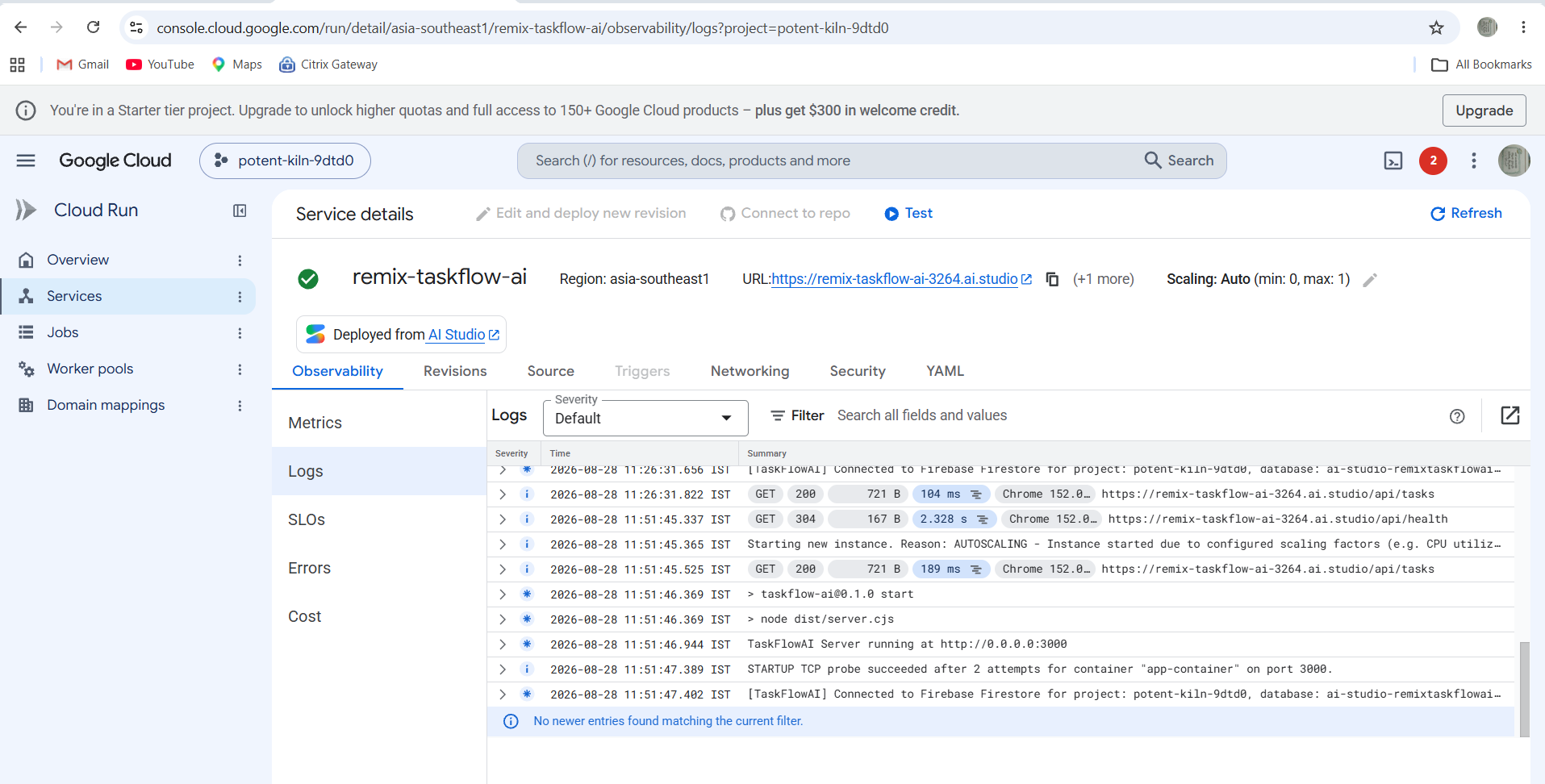
Cloud Run deployment and application logs showing successful service startup and requests.
Inspiration
Many AI assistants can provide answers, but users still have to manually organize and carry out the work afterward.
We wanted to build an AI agent that goes beyond conversation and can take responsibility for executing tasks. The goal was to create an agent that can understand a user's task, choose the appropriate action, maintain task state, and move work forward autonomously.
What we built
TaskFlow AI is an autonomous task-execution agent built with Google's Agent Development Kit (ADK) and Gemini.
Users can create tasks using natural language and ask the agent to manage them. The agent can list tasks, start tasks, complete tasks, and autonomously select the next task based on priority.
Task state is persisted in Cloud Firestore, allowing task progress to survive beyond a single interaction.
How we built it
The agent is built using Google's Agent Development Kit (ADK) with Gemini. ADK provides the agent runtime and tool-calling workflow.
TaskFlow AI exposes task-management tools including creating tasks, listing tasks, starting tasks, completing tasks, and selecting the next task.
Cloud Firestore is used as the persistent task store. The application is exposed through a FastAPI server and can be interacted with through the ADK developer UI.
What makes it agentic
The key difference from a simple chatbot is that TaskFlow AI can take action.
For example, when multiple tasks exist, the user does not need to tell the agent which task to start. The agent can use the available task information and select the highest-priority pending task, execute the corresponding tool, and update its persistent state.
This creates a simple agentic loop:
Understand → Decide → Act → Update State → Continue

Log in or sign up for Devpost to join the conversation.