

Inspiration
WebMCP changes what a website can offer an AI agent. Instead of leaving the agent to interpret a page built for human eyes, a site can publish the operations it actually supports and let the agent call them directly. Reading through the explainer, what struck me was that making the boundary explicit does more than improve reliability — it creates somewhere to put a policy. For the first time there is a real function call between an agent and a website's data, and anything that happens at that point can be inspected, reasoned about, and governed.
The explainer is candid that a trust boundary is crossed the moment an agent begins calling tools, and there are open discussions in the project around agent identity and action-specific permissions. Those felt like the most interesting questions in the space, and the kind that benefit from someone building a working example rather than only describing one.
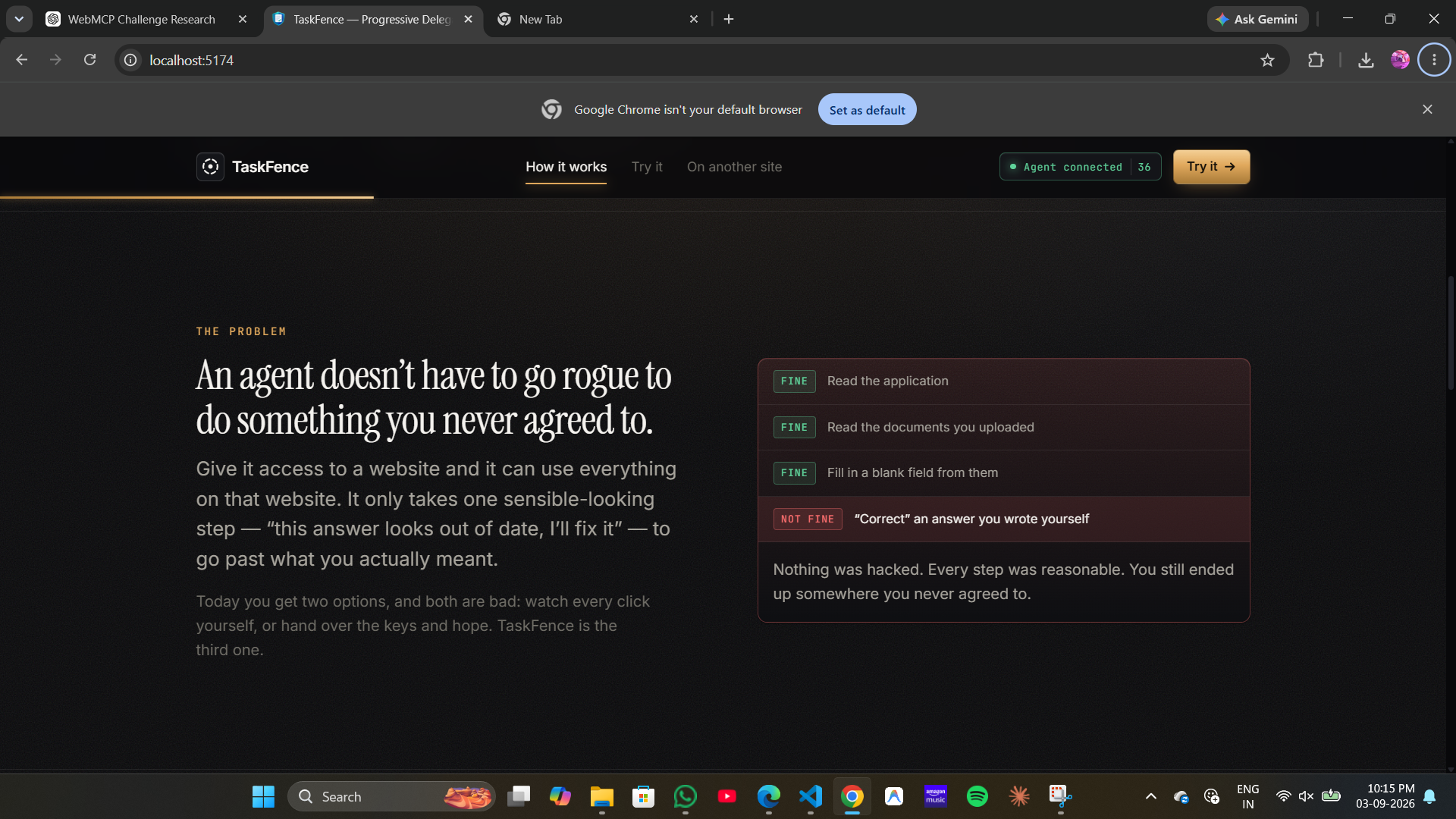
The shape of the answer came from ordinary experience. When you ask a colleague to handle a form for you, you rarely give an unqualified yes. You say something like "fill in what you can from these documents, leave the parts I've already written, and check with me before you send it." That is a boundary that stays in force for the whole task and can be adjusted while the work is underway. I wanted to see how close a website could get to that, now that it finally has a place to enforce it.
What it does
TaskFence is a delegation layer that sits on a site's WebMCP boundary. The clearest way to describe it is to follow what happens in the demo.
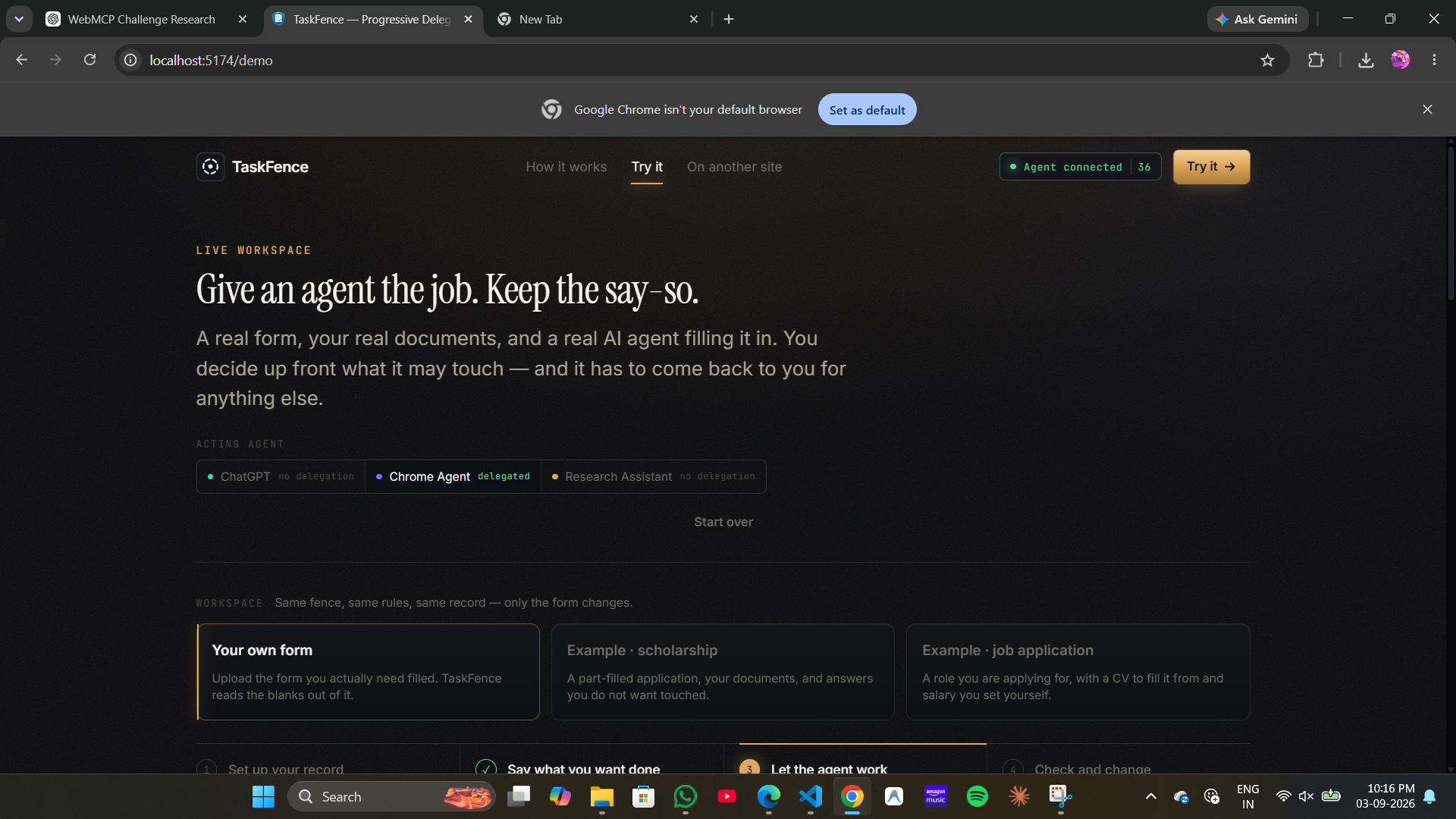
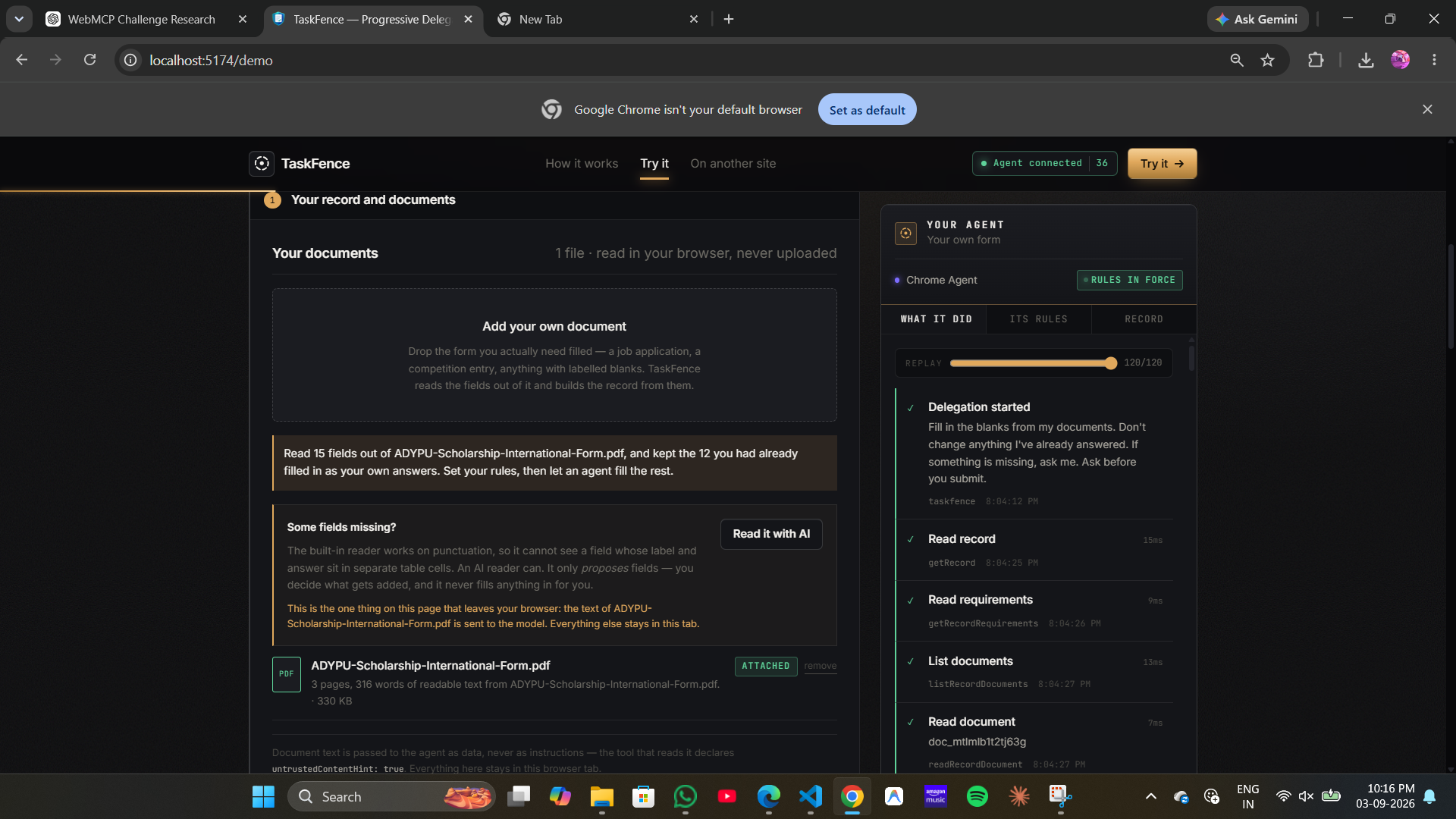
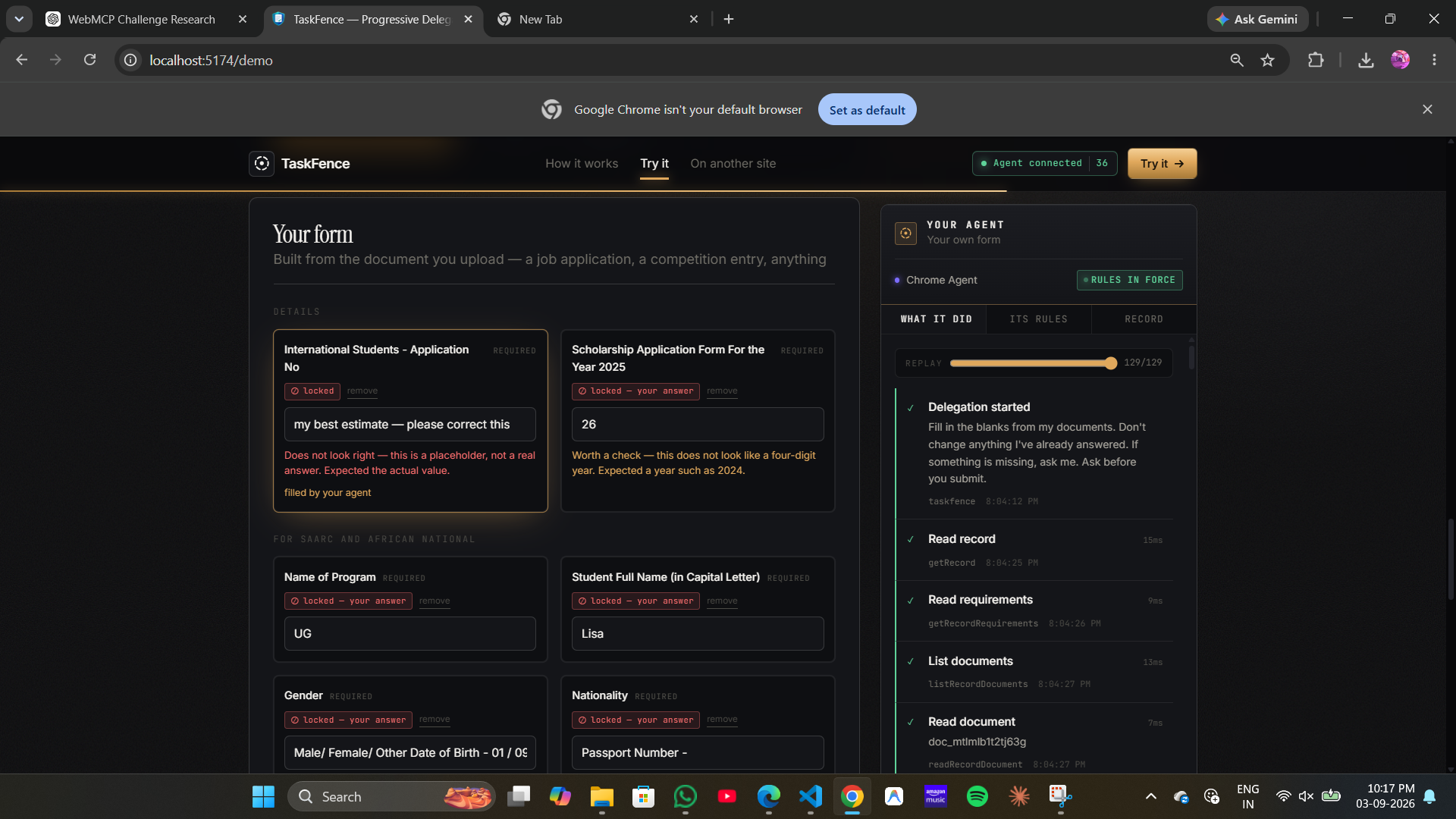
You begin with a form you need completed. Rather than the site choosing what that form is, you upload the one you actually care about — I test with a real university scholarship PDF — and the page reads the fields out of your document. If you had already filled in parts of that PDF before uploading it, TaskFence treats those values as answers you have given and places them on the form as yours, which becomes important a moment later.
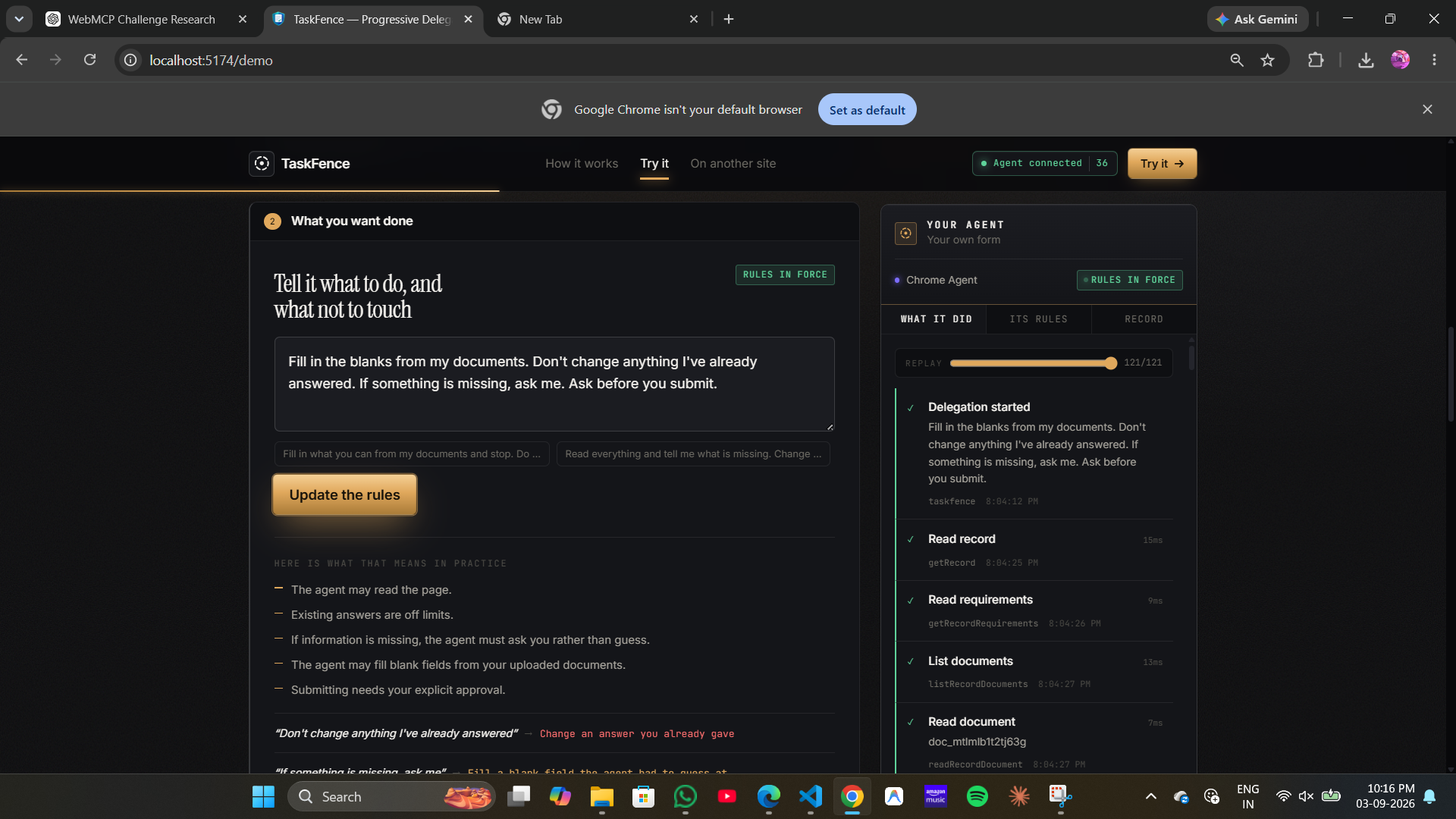
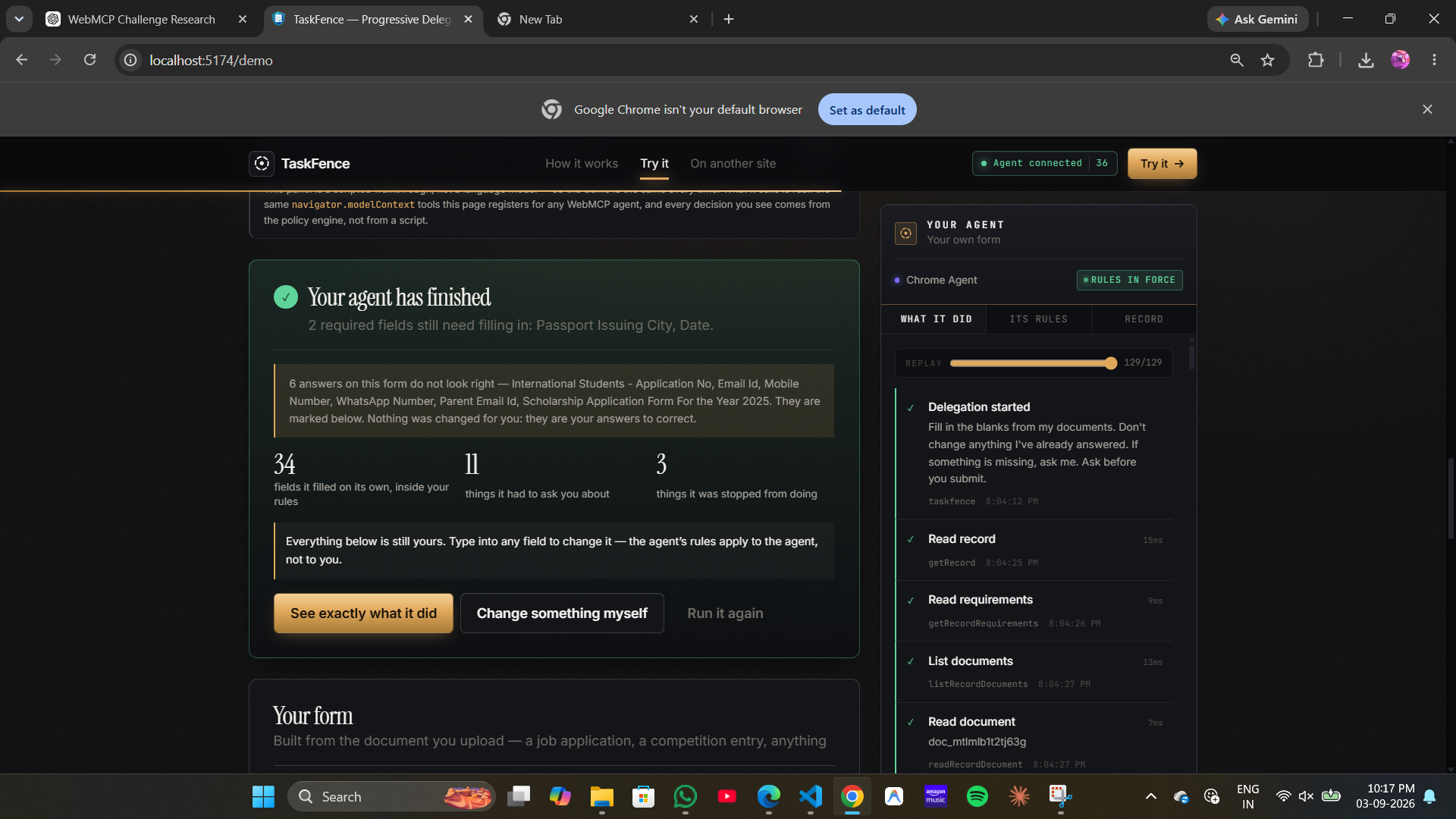
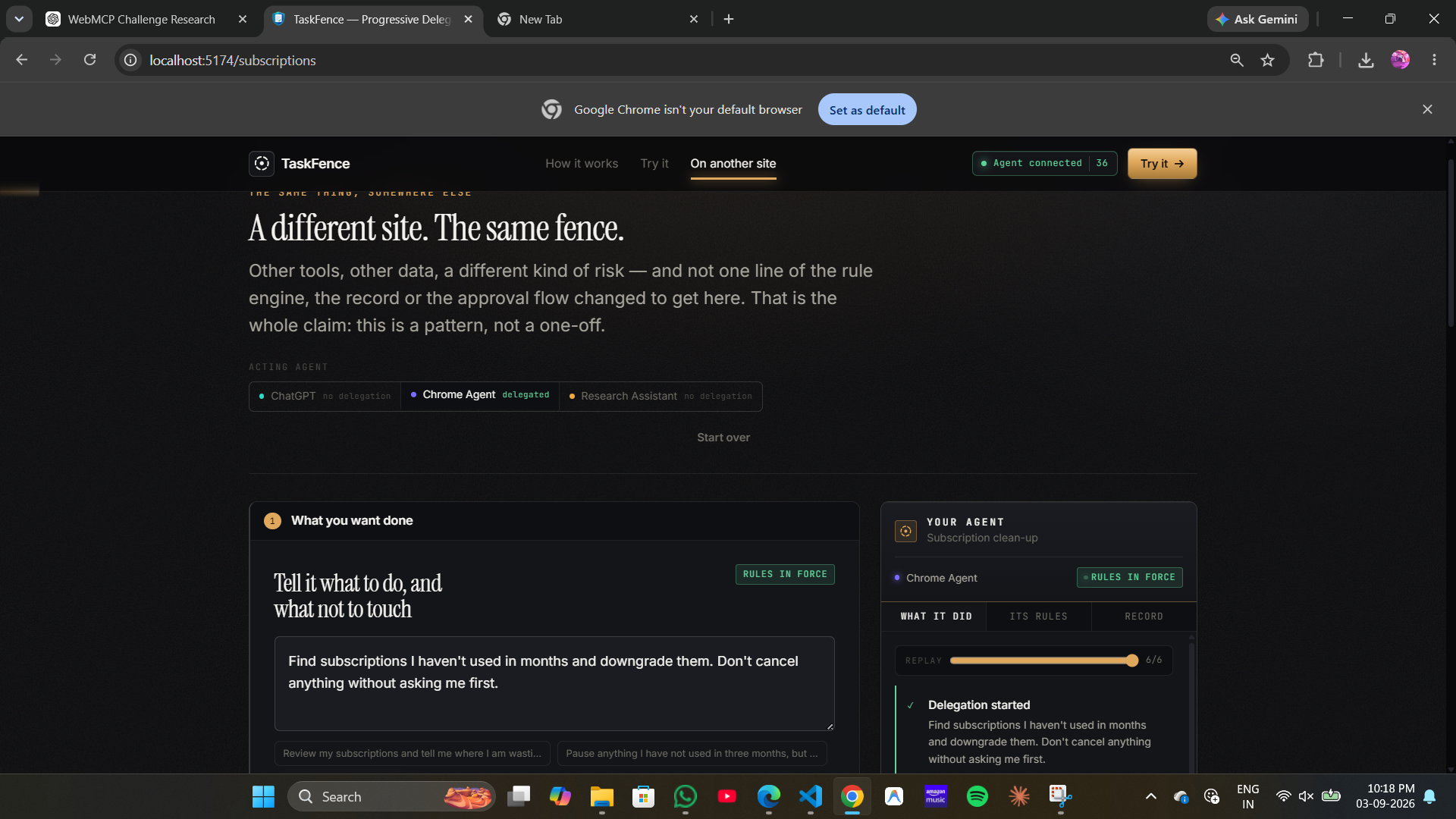
You then describe the task in a sentence, in your own words, including anything you want left alone: "fill in the blanks from my documents, don't change anything I've already answered, ask me if something is missing, ask before you submit, and tell me if any field doesn't look right." That sentence is compiled into a structured contract of permitted, forbidden and approval-required actions. Before anything runs, the page shows you what it understood, and equally what it could not interpret — a boundary you believed you had set but which was quietly misread would undermine the whole idea, so it is surfaced rather than assumed.
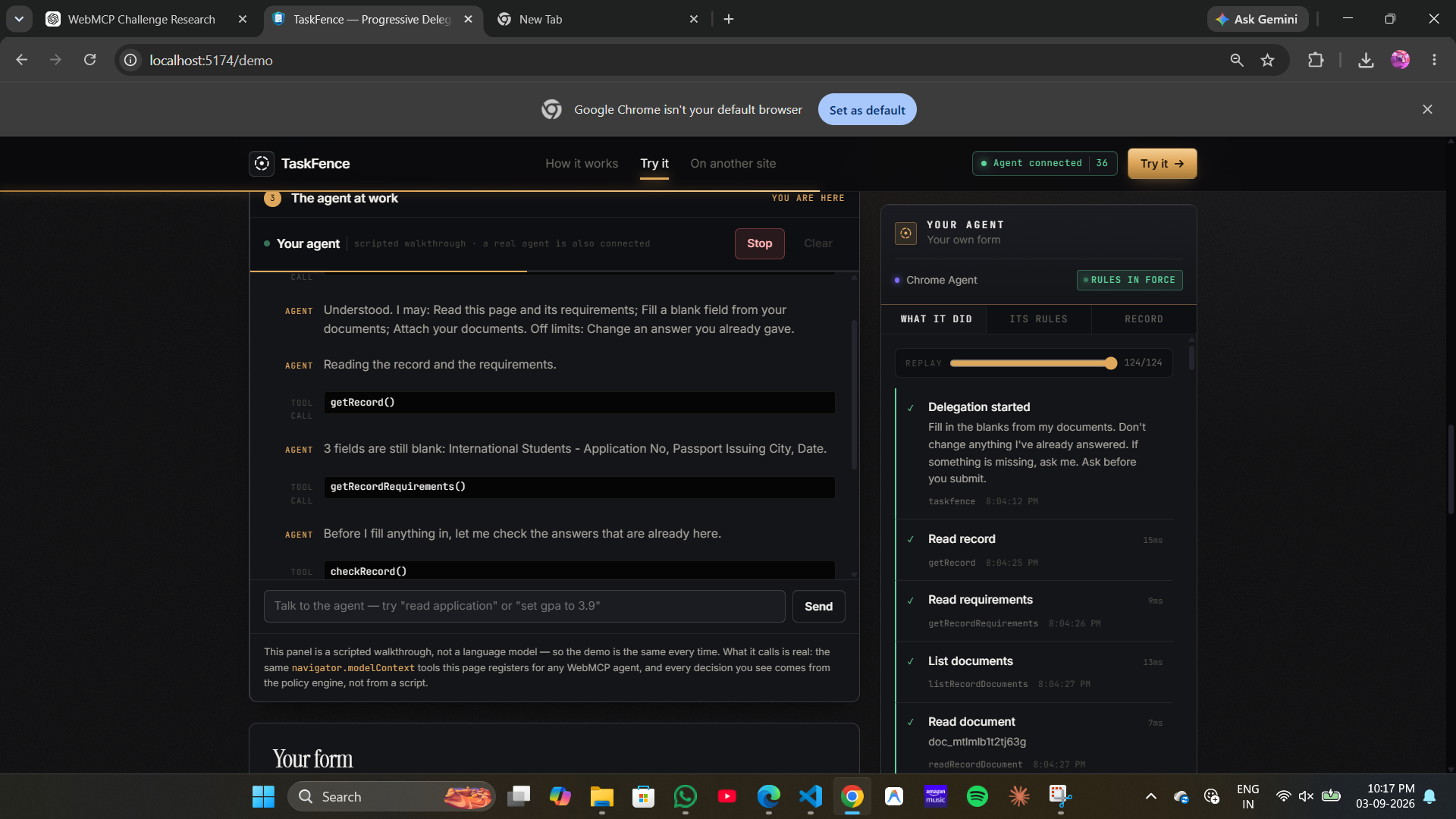
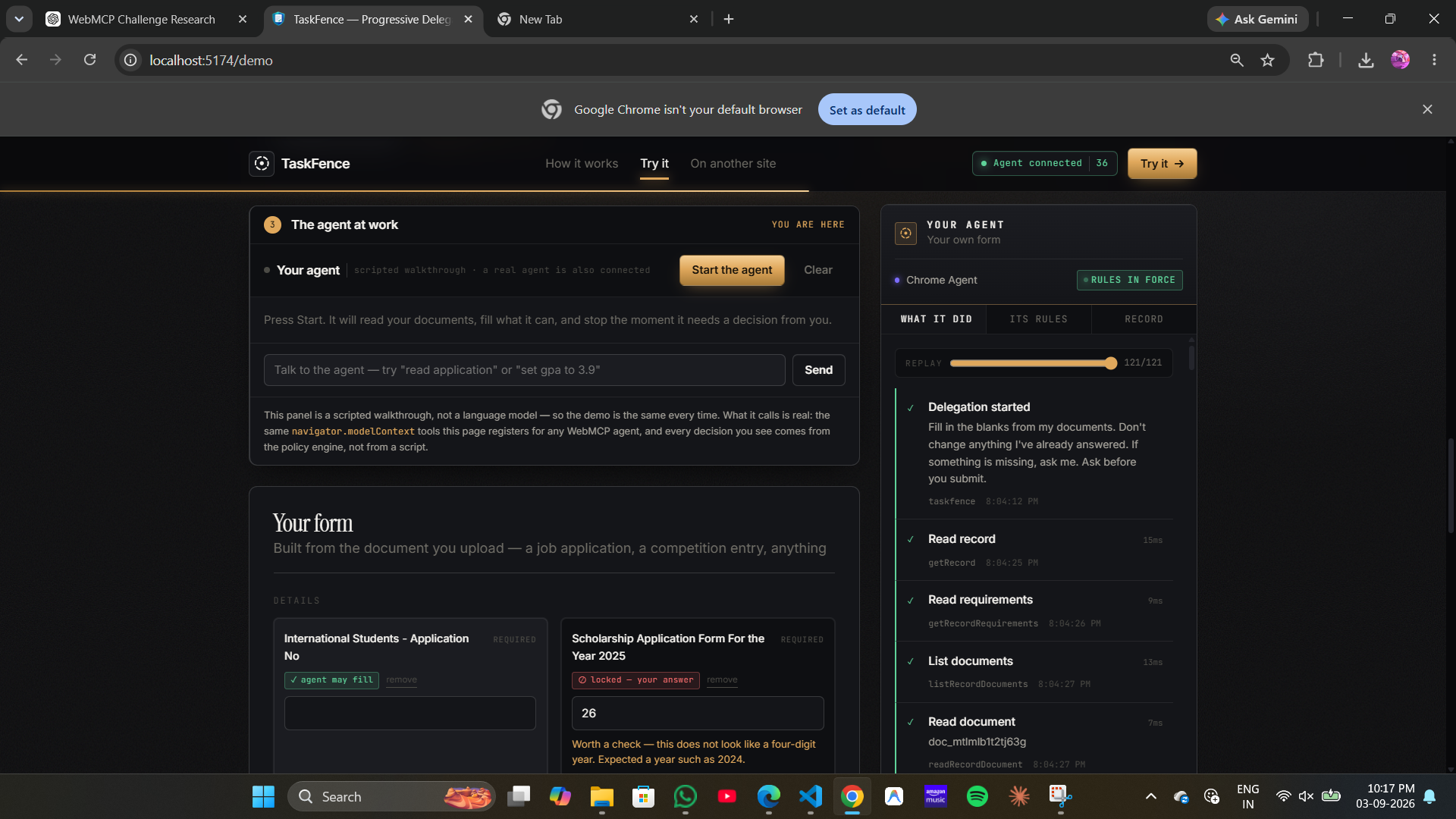
The agent then works. Everything within your boundary proceeds without interruption: it reads the form and your documents, checks the answers already present, and completes the blanks it is permitted to complete. You are not consulted about any of it, because you have already agreed to it.
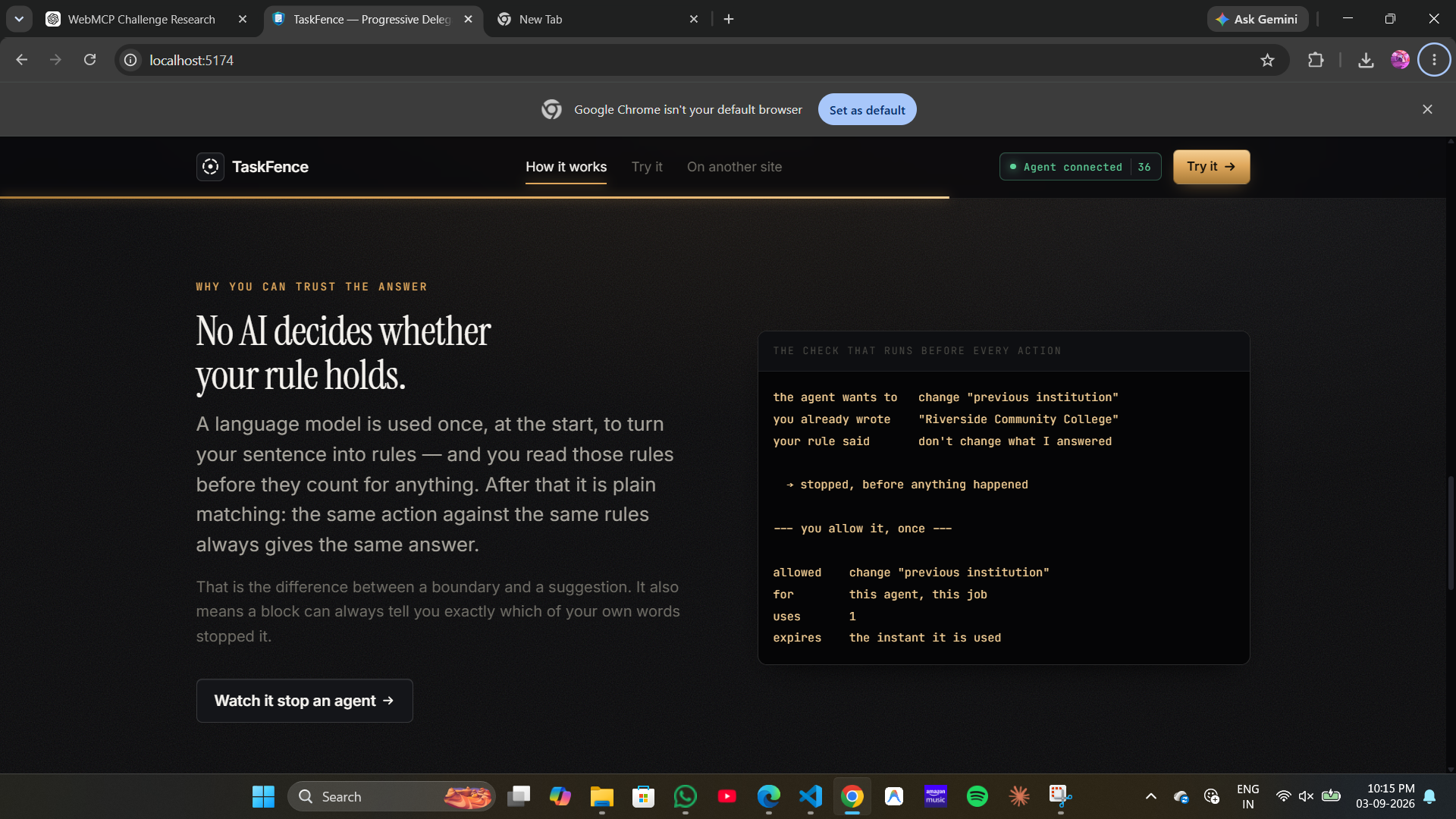
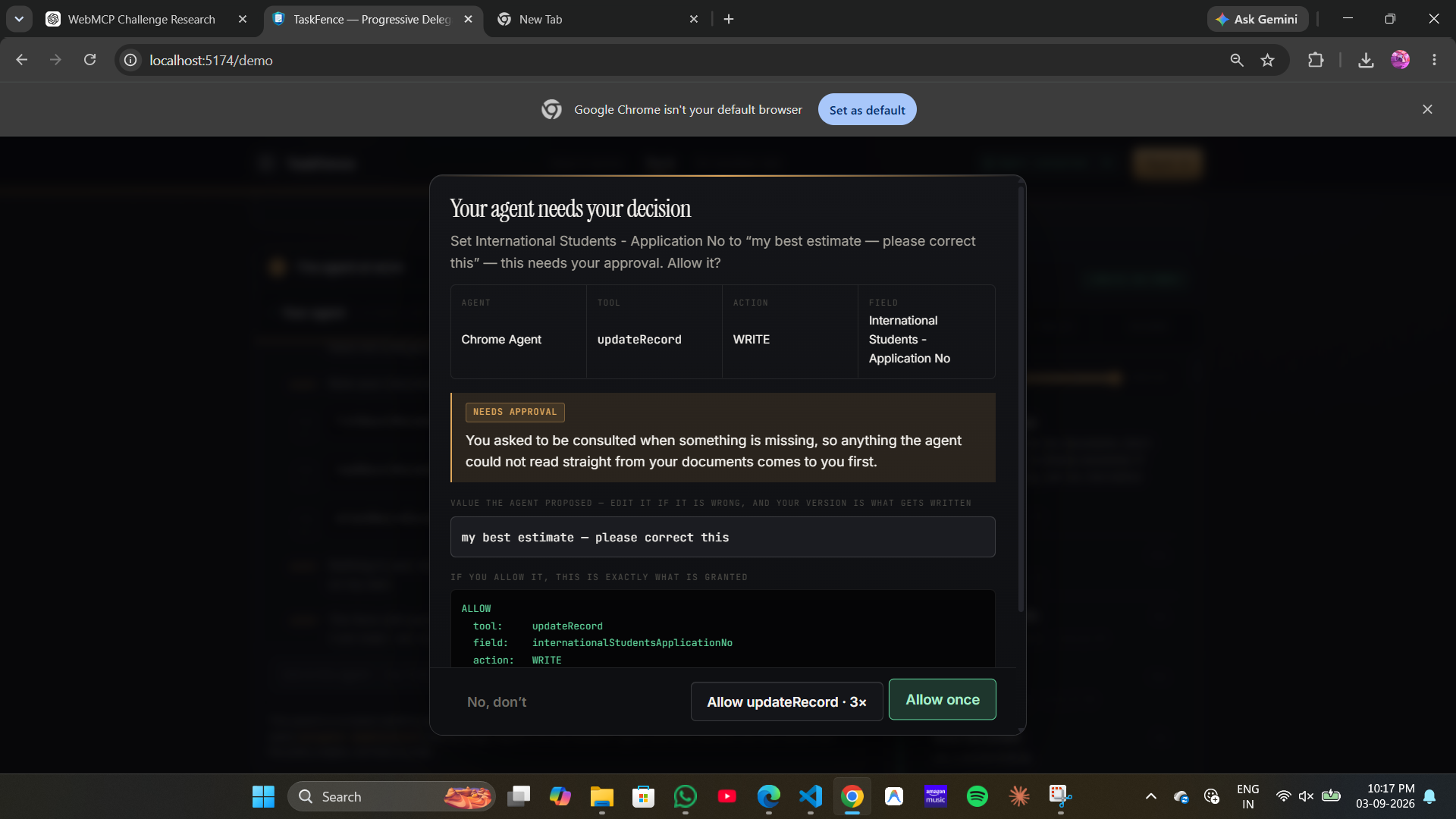
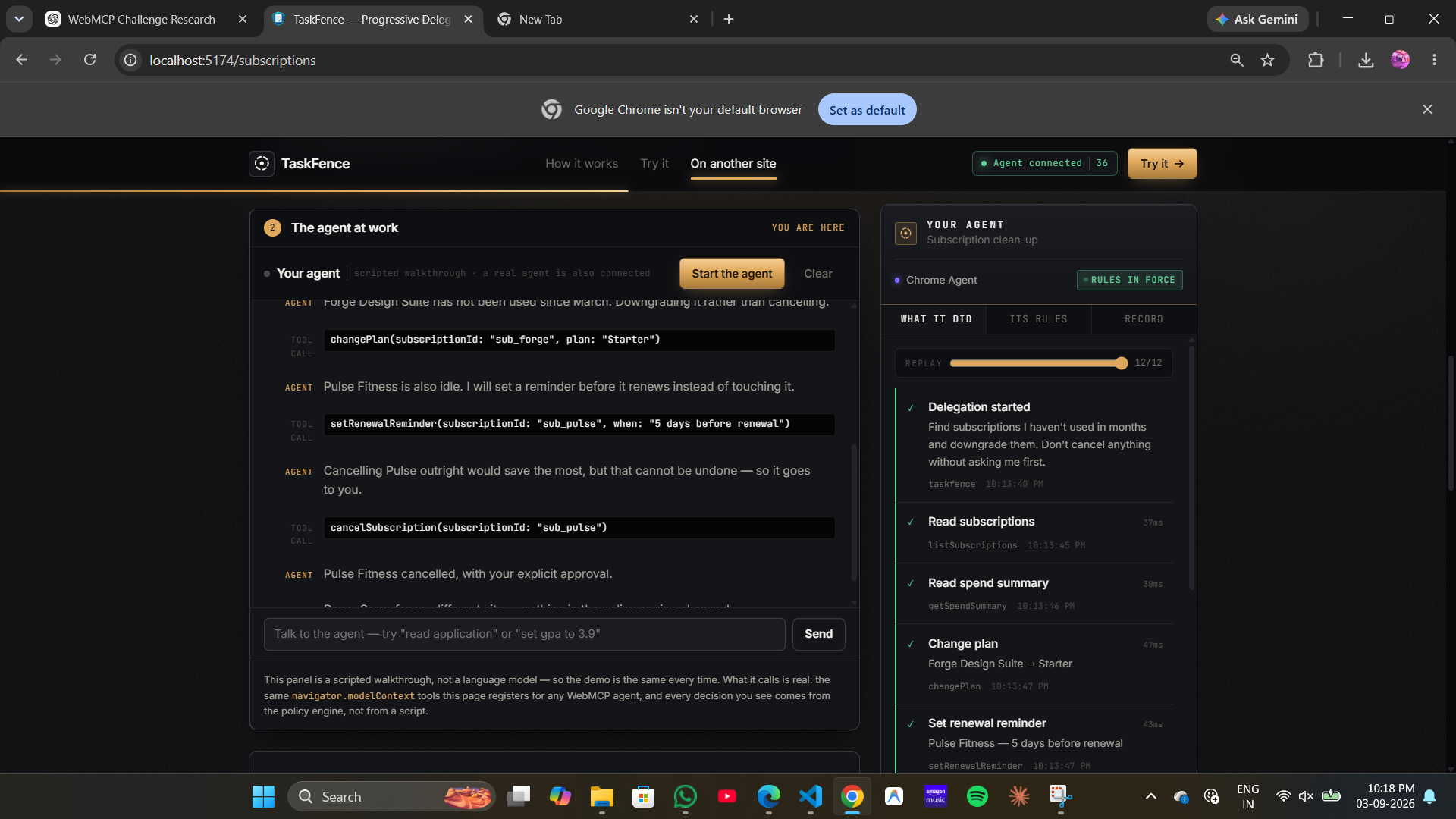
When it reaches something outside the boundary, the tool call is held before the write takes place. You are shown what the agent intended to do, which part of your own sentence stopped it, and precisely what permission is being requested. You can decline, or allow it — and if the value the agent proposed is wrong, you can correct it first, so what is written is your version. A grant is deliberately narrow: one tool, one field, a single use, expiring the moment it is spent, and scoped to that agent and that task alone.
Afterwards there is a ledger of every decision alongside the rule that produced it, which can be replayed and exported.
How we built it
The application is React, TypeScript and Vite, with zustand for state, Motion for transitions, React Three Fiber for the mark on the landing page, and pdf.js reading documents entirely in the browser. The parts worth explaining, though, are three design decisions.
The first is where enforcement lives. Every tool the site registers is wrapped
by a single guarded() function, so there is no route from an agent to the
site's data that bypasses the check. This is practical because of the shape
WebMCP already gives us: a tool call is an async function, so pausing an agent
to consult a human costs nothing to implement — the promise simply is not
resolved yet. Tools are registered exactly as the specification describes:
document.modelContext.registerTool({
  name: "updateApplication",
  description: "Update a field in the application",
  inputSchema: { /* field, value, source, documentId */ },
  execute: async (input) => { /* runs only if the contract allows it */ }
})

Log in or sign up for Devpost to join the conversation.