-
-
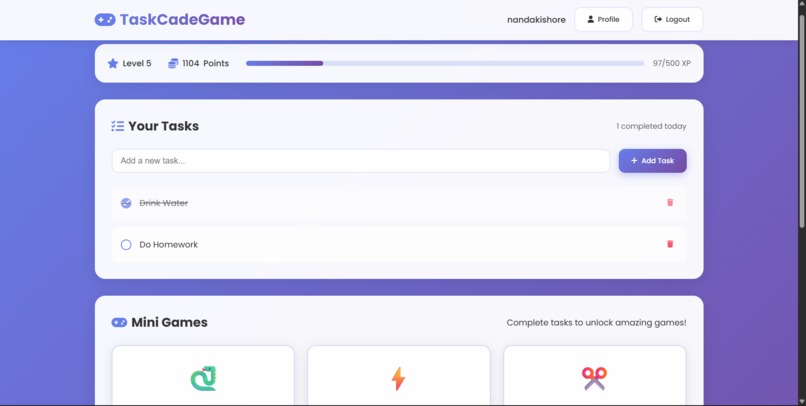
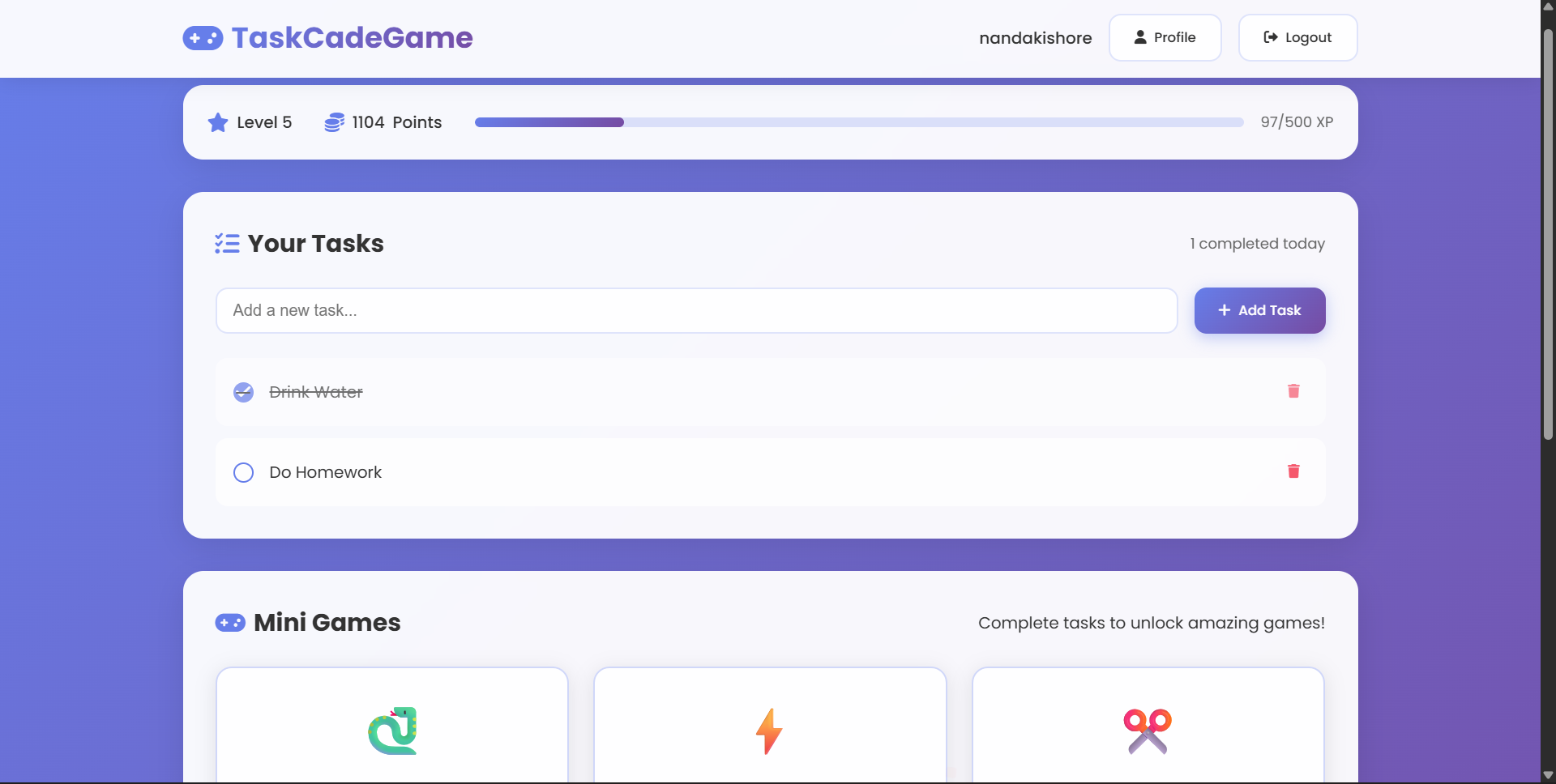
Inital Website
-
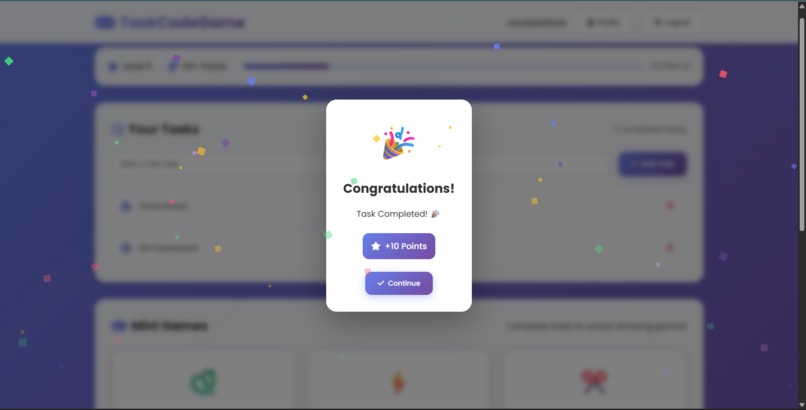
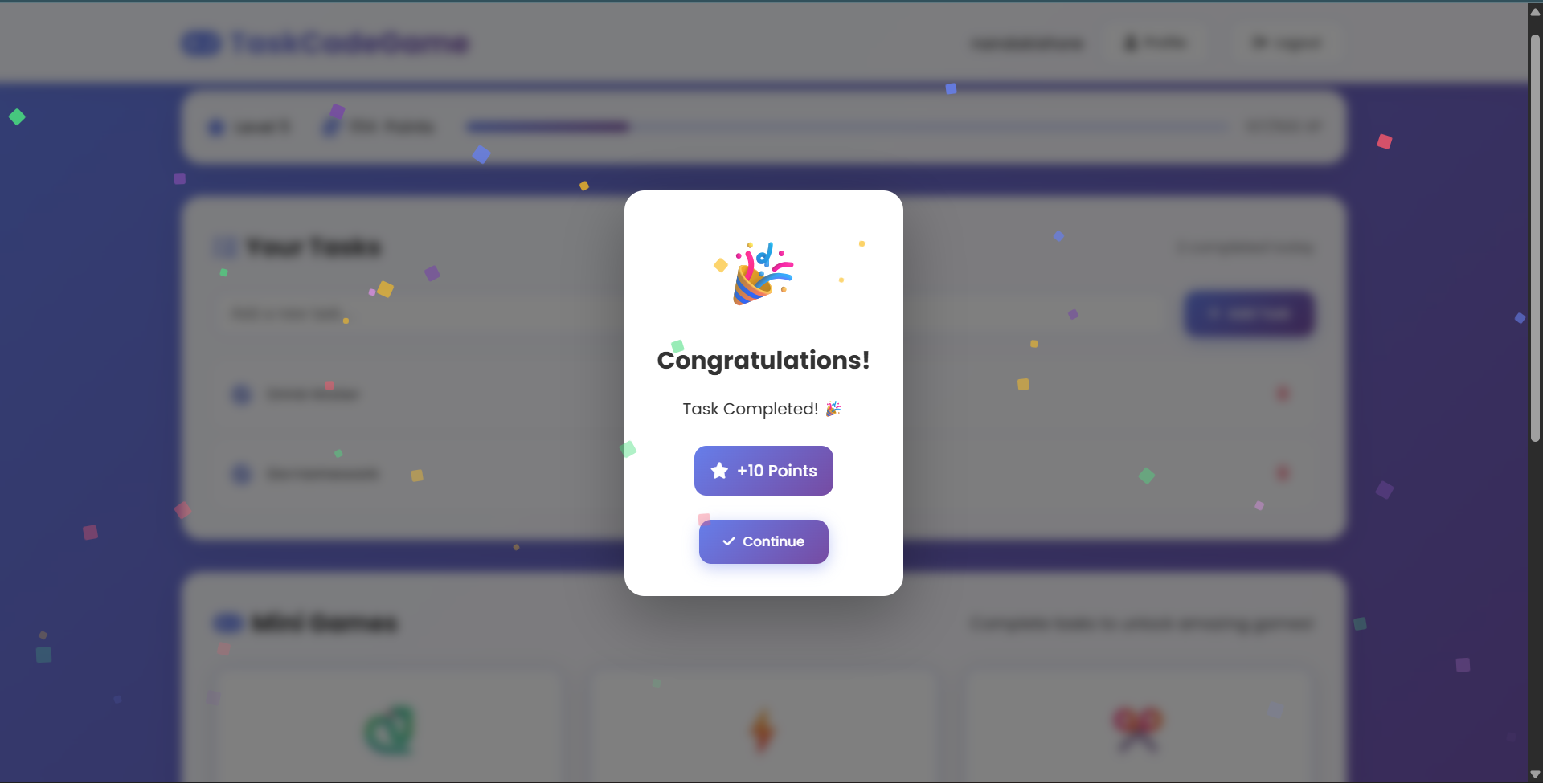
Task Completed View
-
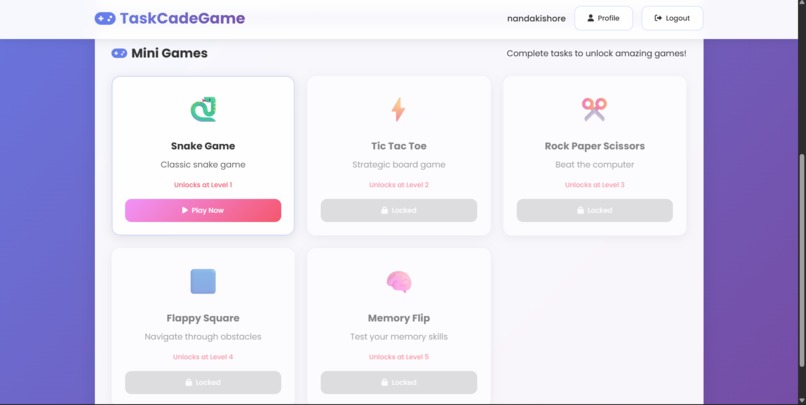
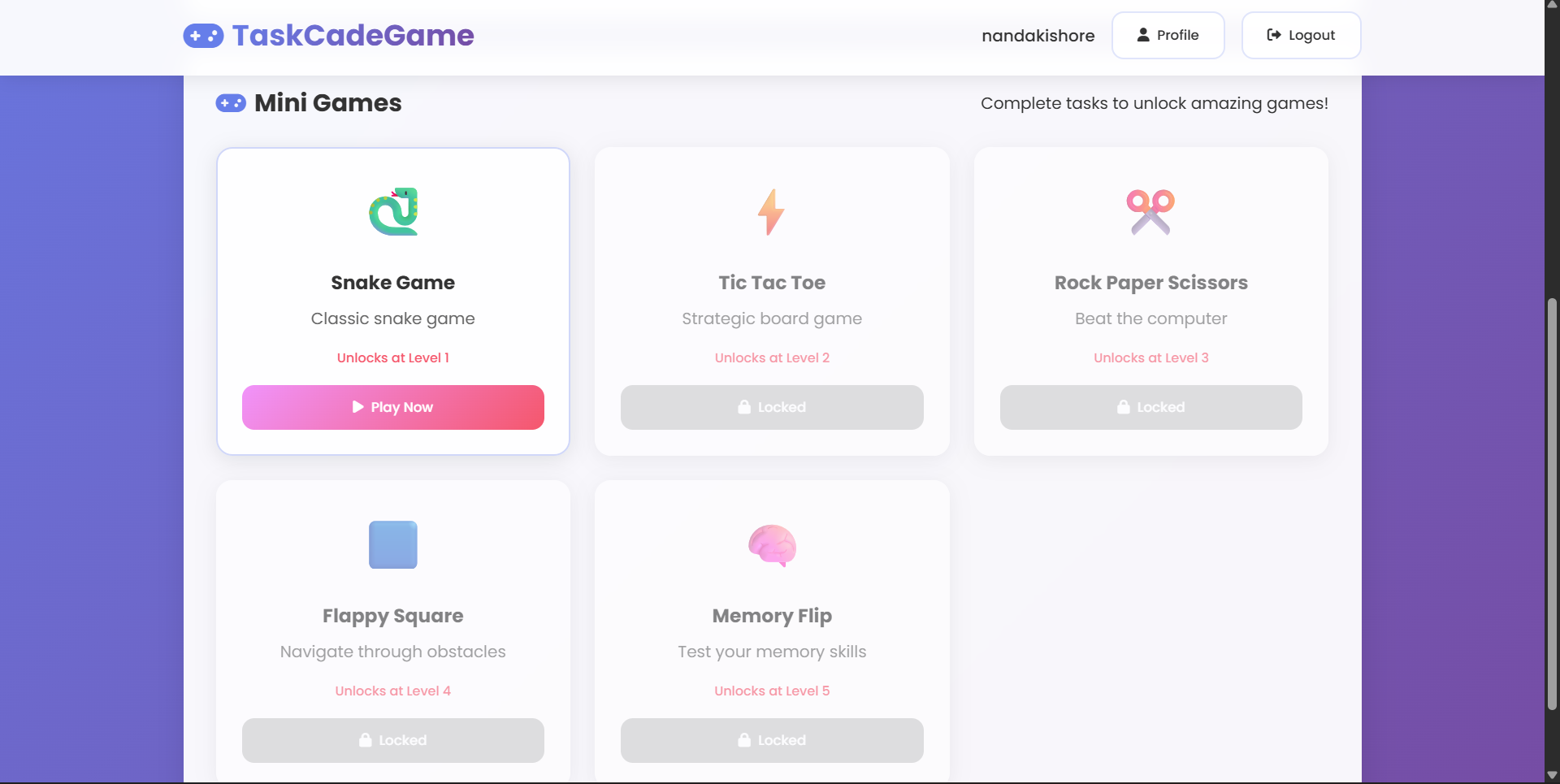
Game unlock Screen
-
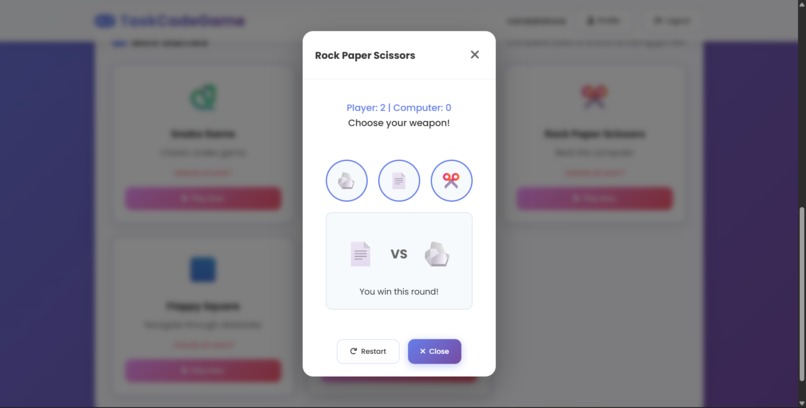
Tic Tac Toe Game
-
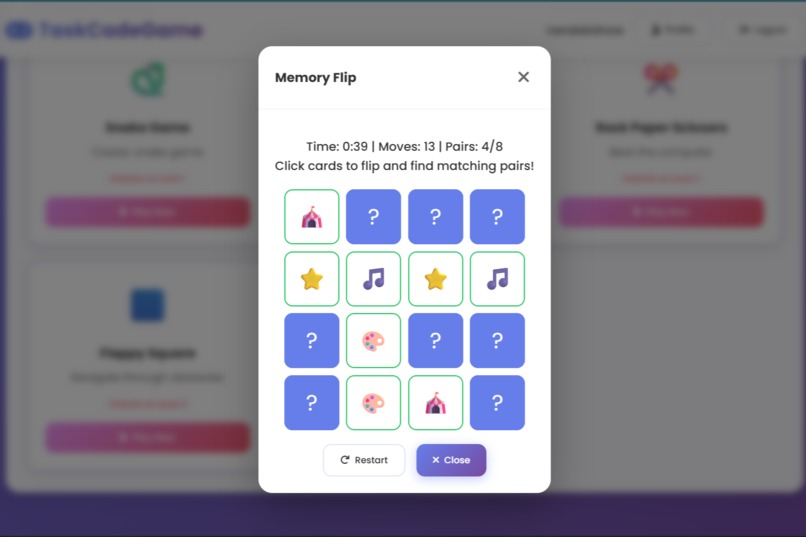
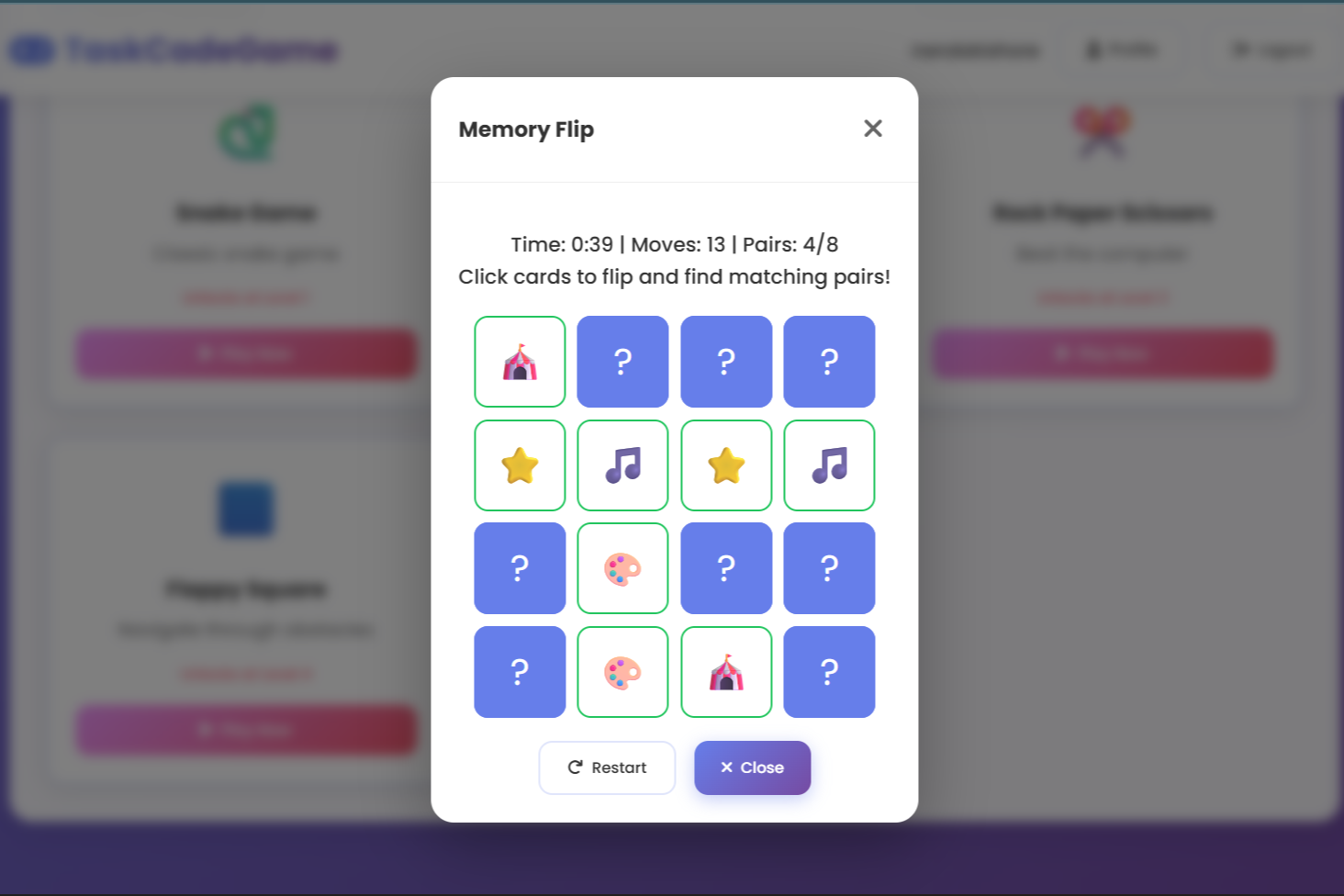
Memory Flip Game
-
This image is currently processing. Please be patient...

Inspiration
We noticed that traditional to-do lists feel more like chores than motivation. Our inspiration was to make productivity rewarding — where checking off tasks feels as fun as playing games.
What it does
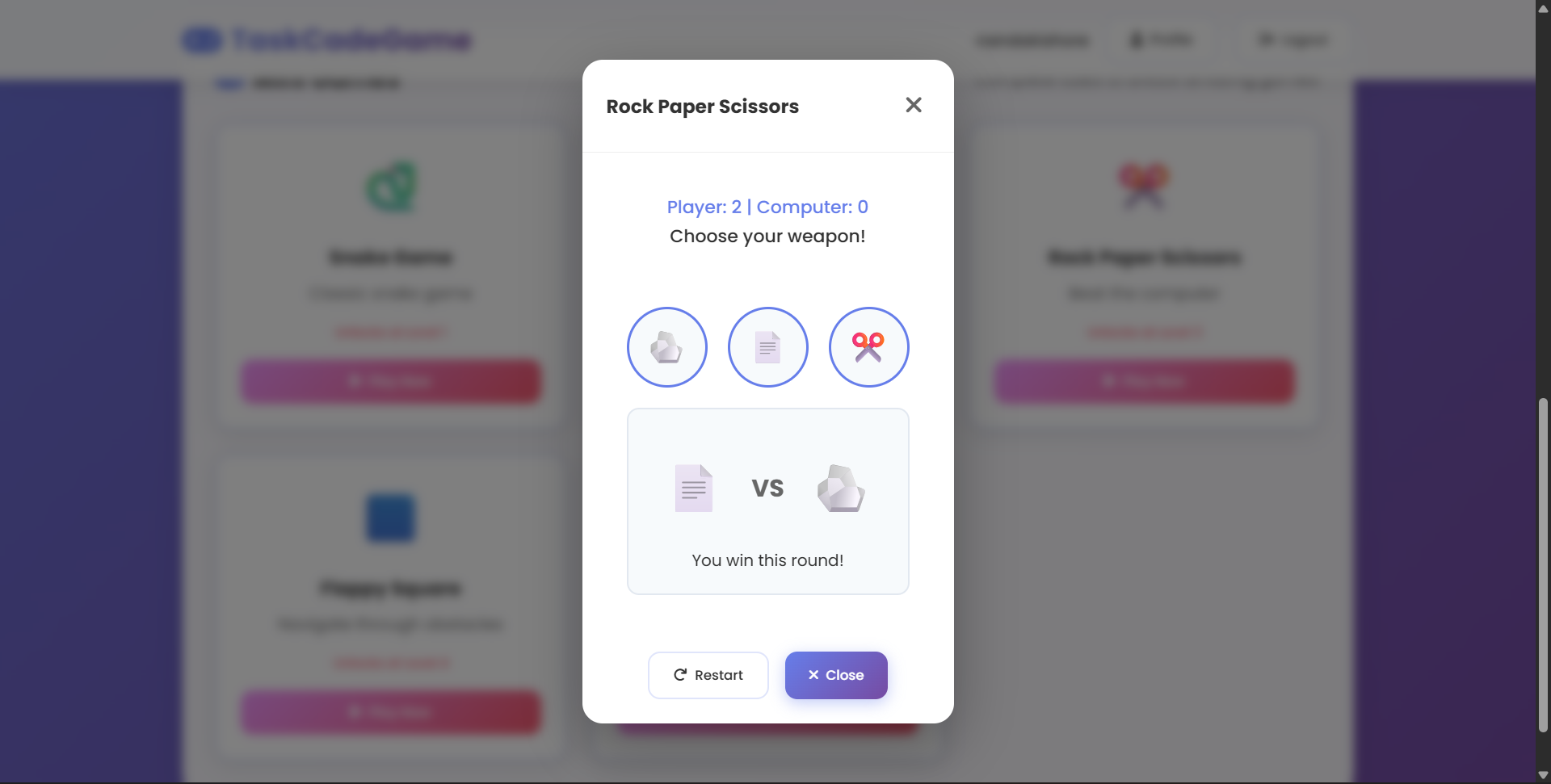
Our Website lets users add and complete tasks, which are saved in their browser with localStorage so they persist after refresh. Every time a task is completed, the user earns 10 XP points, sees a fun confetti animation, and can unlock mini-games like Snake, Tic-Tac-Toe, Rock-Paper-Scissors, Flappy Square, or Memory Flip. As users collect XP, they level up, which unlocks more games and keeps track of progress with points, levels, and tasks completed.
How we built it
1) Frontend: HTML, CSS, JavaScript (no frameworks).
2) Tasks: Stored in localStorage for persistence.
3) Game Unlocks: Completing tasks triggers confetti + popup, then randomly selects a mini-game.
4) Mini-Games:
      -> Snake (Canvas + arrow key controls)

      -> Tic-Tac-Toe (grid logic)

      -> Rock-Paper-Scissors (button choices)

      -> Flappy Square (physics-based jumping)

      -> Memory Flip (card-matching)

      -> many more soon...
5) Rewards: Each task gives +10 points, and points contribute to XP and leveling:
   Display math:

                  XP Progress = Tasks Completed × 10
Challenges we ran into
1) Debugging canvas-based games (Snake, Flappy Square).
2) Managing event listeners when switching between games.
3) Designing a clean UI that merges productivity and play.
Accomplishments that we're proud of
1) Built a full gamified to-do list from scratch using only HTML, CSS, and JavaScript.
2) Successfully integrated localStorage, so tasks and progress persist even after refresh.
3) Created multiple mini-games (Snake, Tic-Tac-Toe, Rock-Paper-Scissors, Flappy Square, Memory Flip) that run inside the same app.
4) Designed a reward + XP system where each task gives points, levels up the user, and unlocks games.
5) Added animations and confetti effects to make completing tasks fun and motivating.
6) Balanced productivity with entertainment — our app is useful and enjoyable.
7) Delivered a working demo that instantly engages users and hackathon judges.
What we learned
1) How to use localStorage to persist tasks, points, and progress across sessions.
2) Building modular JavaScript code so multiple games can be launched inside the same app without conflicts.
3) Implementing canvas-based games like Snake and Flappy Square with event listeners and game loops.
4) Designing reward systems (points, XP, leveling) that feel both fun and motivating.
5) Creating UI feedback with confetti animations, popups, and progress bars to keep users engaged.
6) Working effectively as a team — splitting tasks between frontend, game logic, and design.
What's next for TaskCadeGame
1) More Mini-Games: Add new fun challenges like a Clicker Game, Puzzle Solver, or Quiz Mode.
2) User Profiles & Leaderboards: Let users log in, track long-term progress, and compete with friends.
3) Daily Streaks & Challenges: Encourage consistent productivity with streak bonuses and time-based tasks.
4) Customizable Rewards: Allow users to choose their own rewards (avatars, themes, badges).
5) Mobile Optimization: Improve the experience on phones and tablets for productivity on the go.
6) Cloud Sync: Save tasks and progress across devices instead of just localStorage.


Log in or sign up for Devpost to join the conversation.