Inspiration
Building practical time management skills has proven a challenge for many high school students. According to a study conducted by National University and education company Magoosh, "86 percent of high school students 'procrastinate on assignments.'" To help combat this issue, our group looked at some of the main contributors to this bad habit. And CollegeData.com suggests that getting organized is a critical factor that may help students avoid procrastination. "When you're organized, it gives you a more orderly and measured framework within which to work." With this in mind, our group decided to make a calendar application that helps students manage upcoming tasks and events.
What it does
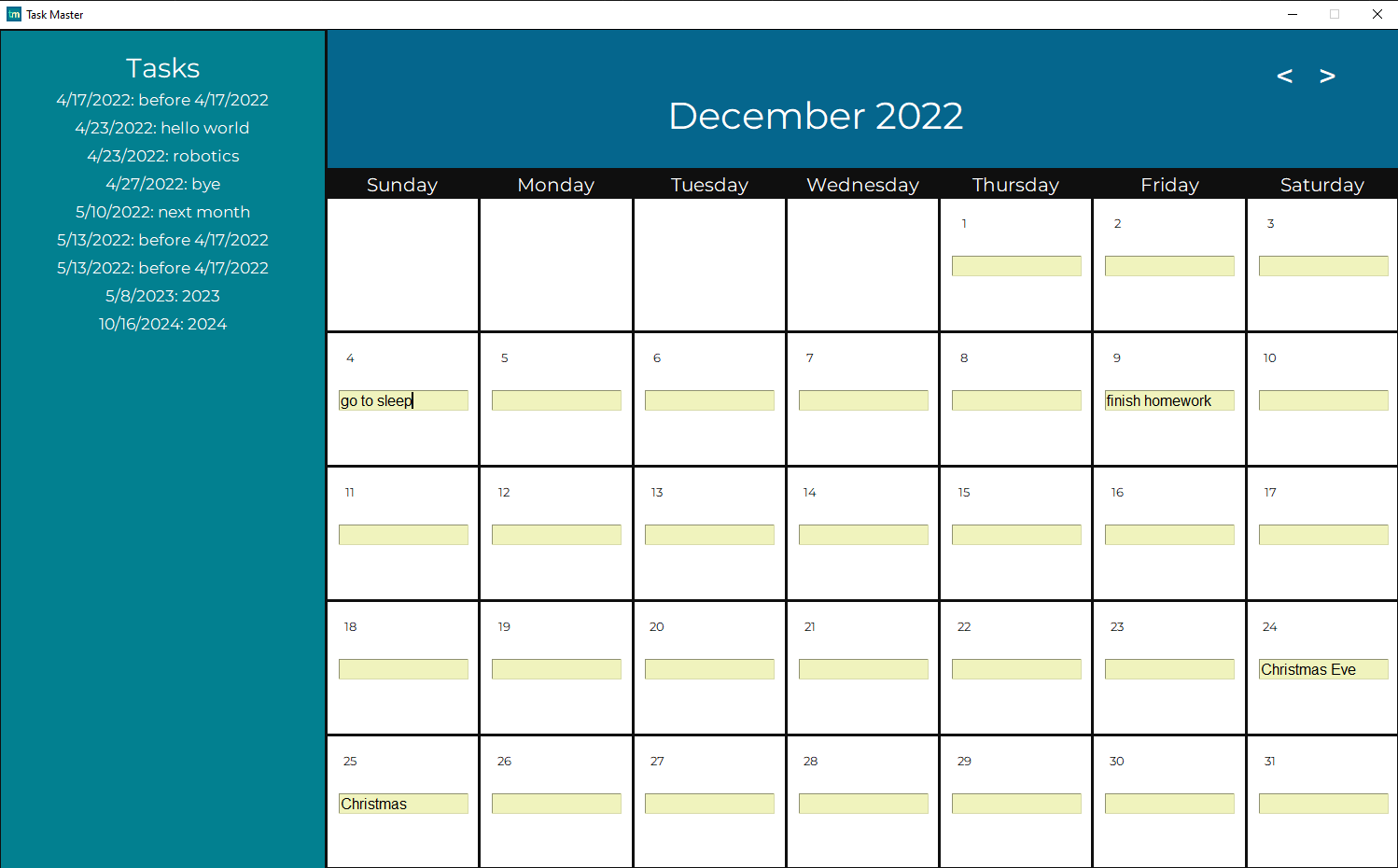
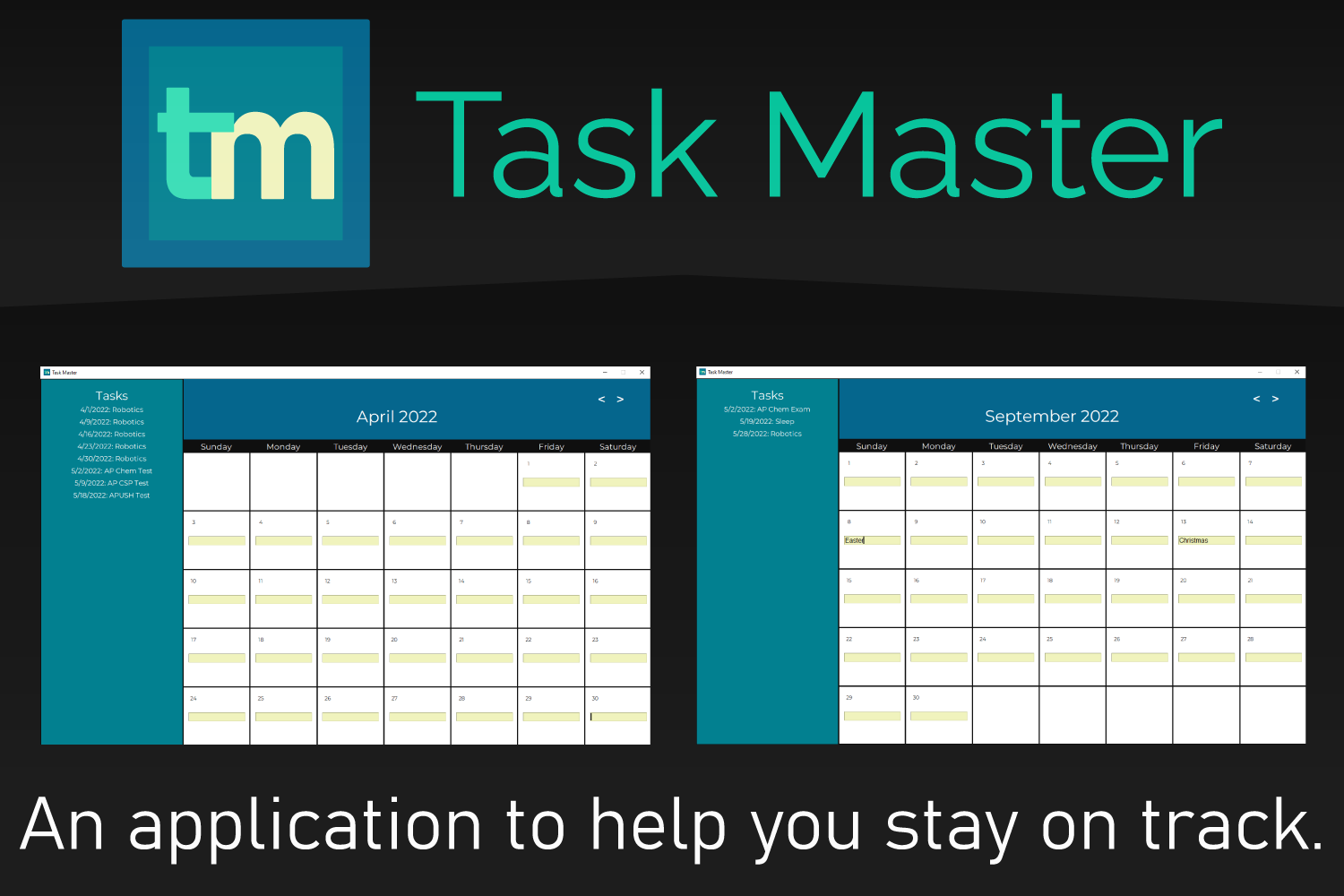
Task Master is a basic calendar application that allows you to enter tasks for specific days and saves the assignments on the left-hand side of the application. For tasks whose date precedes the current date, whether the user inputs tasks in the past or the day has passed, the program will delete the task from the list on the left. The task list also organizes upcoming tasks by date. By allowing users to keep track of the forthcoming tasks, the user can stay organized and plan their next steps to complete their tasks. The inputted tasks by the user are stored locally in a data file, so closing and reopening the application will save the tasks you entered in before.
How we built it
We used Python 3.x to create the Task Master application. We used the time module to keep track of the calendar times and John Zelle's python graphics library, a simplified version of Tkinter, to create the window and graphics.
Challenges we ran into
When we first added the feature to change the viewed month, the program would take a while to change the viewed month. This challenge occurred due to how we handled mouse inputs from the user. Also, we had trouble using John Zelle's python graphics library since it was a simplified Tkinter. Though it seemed convenient at times, we ran into issues with re-rendering and changing the taskbar icon. We had to edit the graphics library to add some features to get past these roadblocks.
Accomplishments that we're proud of
We created a basic calendar with options to change the month the user wishes to view. The program's functionality and ability to save tasks locally so that restarting the program will not erase the tasks the user inputted previously. We also optimized our program by decreasing the run time.
What we learned
While building our Time Master application, we learned to use John Zelle's graphics library. The library was a large part of our project since the quality of the application depended on our fluency with the library. We also learned how to save data locally. Whenever the user inputted a task for a specific day, it would save the data to a local file so that if the user restarted, the program would save the list of tasks on the left saved.
What's next for Task Master
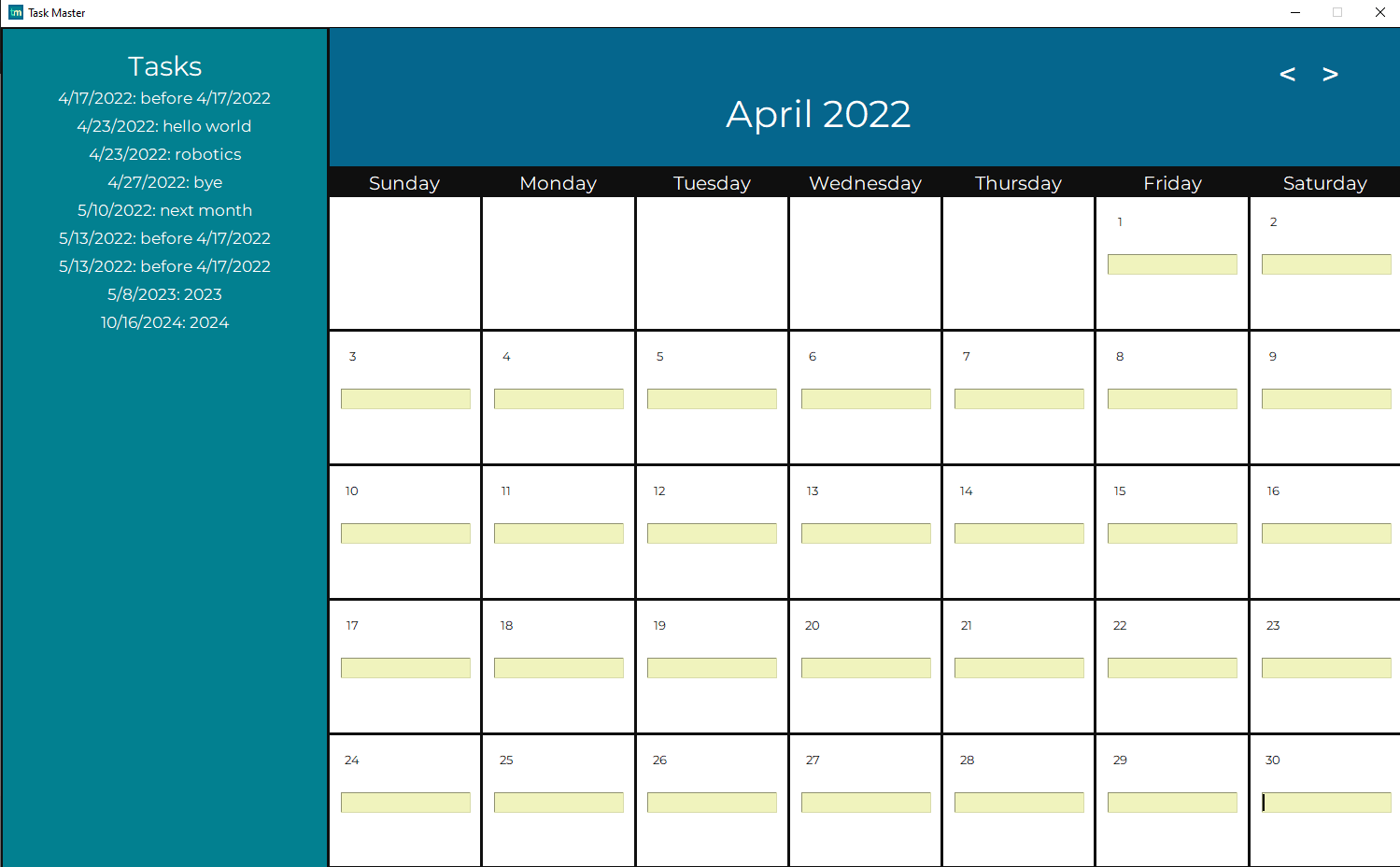
As for our Task Master application, we wish to further develop the program by fixing some bugs and adding new features. For bug fixes, whenever the month changes to the next month and switches back to the previous month, the day the month starts changes. For example, April 2022 starts on Friday, but when we switch to May 2022 and back, April 2022 will start on a different day, like Wednesday or Thursday. This mishap can cause great confusion to users trying to manage their time. As for functionality, we would like to add a scroll bar to the list of tasks on the left. By adding this feature, users can organize their schedules better by allowing them to keep track of more due dates. We would also like to add the option to allow users to add time constraints to their list. For example, if one assignment was due at a certain time and another was due later that day, adding time would allow the user to better manage their tasks by urgency.
Built With
- python
- tkinter

Log in or sign up for Devpost to join the conversation.