Inspiration
We wanted to create a simple yet interactive web app that combines task management with AI-powered insights. The idea was to make a “smart to-do list” where users can not only track tasks but also get AI feedback or summaries using Claude, simulating a personal assistant or time capsule.
What it does
- Lets users add tasks to a list dynamically.
- Allows users to submit tasks to Claude, which provides summaries, insights, or explanations.
- Uses a memory tool to remember tasks across multiple requests, so Claude can “recall” previous 4. tasks.
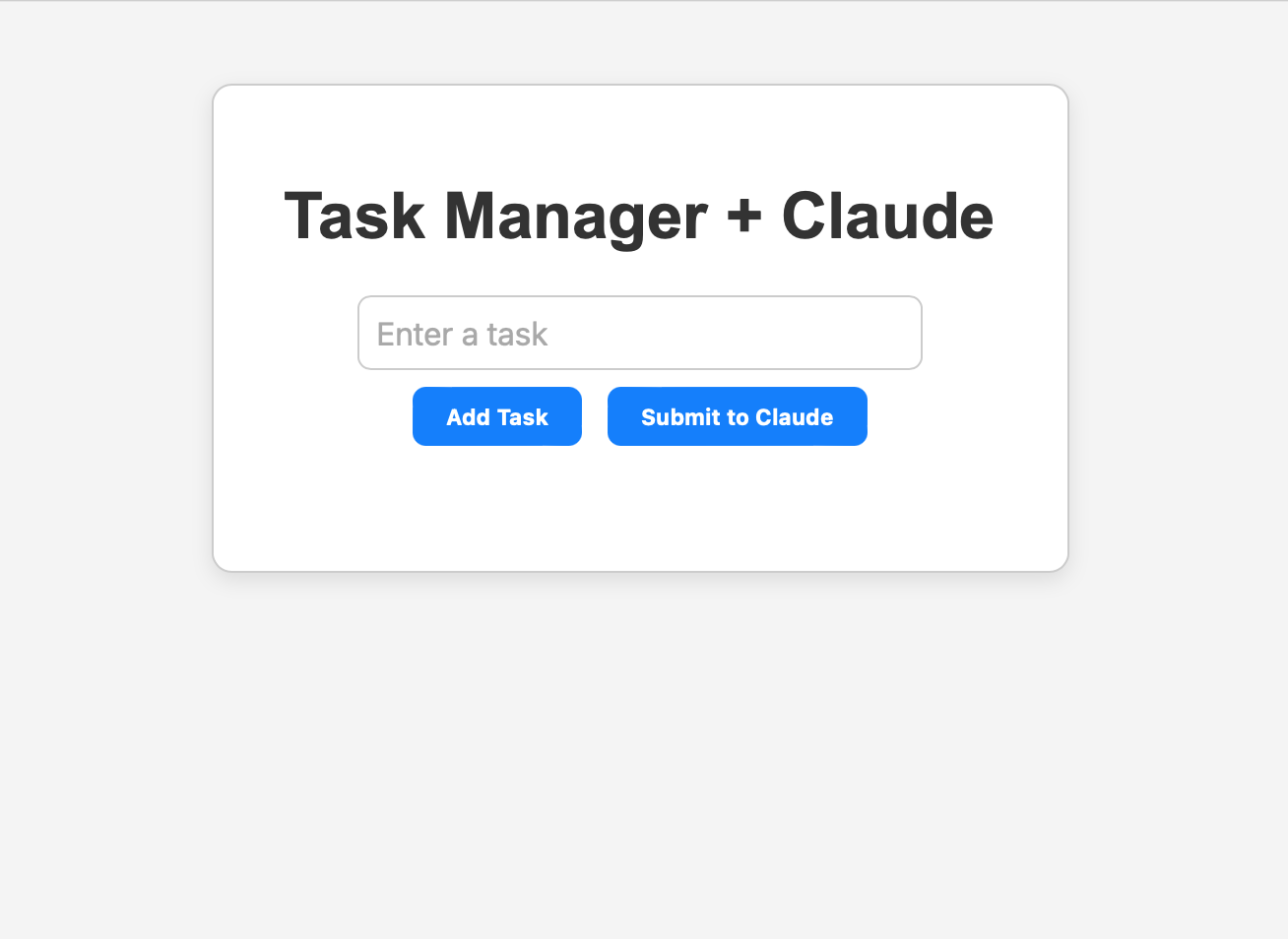
- Displays both the task list and the AI response on a clean, readable interface.
How we built it
Frontend: HTML/CSS with a sober, modern design. Features buttons for adding tasks and sending to Claude.
Backend: Flask handles task submission, routing, and rendering the template.
AI Integration: Anthropic Claude Sonnet 4.5 API processes tasks and long documents, enhanced with the memory tool to retain context across requests.
Tasks are stored in a Python list and passed to Claude whenever the user requests a summary or insights.
Challenges we ran into
- Figuring out how to integrate Claude’s memory tool correctly so tasks persist across requests.
- Ensuring the Flask app doesn’t throw AssertionError by defining routes before handling requests.
- Designing a UI that was both readable and modern without overwhelming neon effects.
Accomplishments that we're proud of
- Successfully integrated AI-assisted task management with persistent memory.
- Created a responsive and clean UI that’s easy to use.
- Implemented a two-button workflow for submitting tasks locally or to Claude.
- Made the system future-ready for time capsule style task tracking and AI insights.
What we learned
- How to use Flask templates and forms effectively for a dynamic web app.
- How to integrate Claude API with memory tool for context retention.
- Best practices for sober, user-friendly UI design that still looks modern.
- The importance of structuring route handling and API calls correctly to avoid Flask errors.
What's next for Task Manager + Claude
- Improving the UI with mobile responsiveness and smoother interactions.
- Adding task categories or priorities and letting Claude provide smart suggestions.
- Enabling batch processing of multiple documents/tasks for richer AI feedback.
- Optionally integrating export functionality, so users can save task summaries or AI responses.


Log in or sign up for Devpost to join the conversation.