-
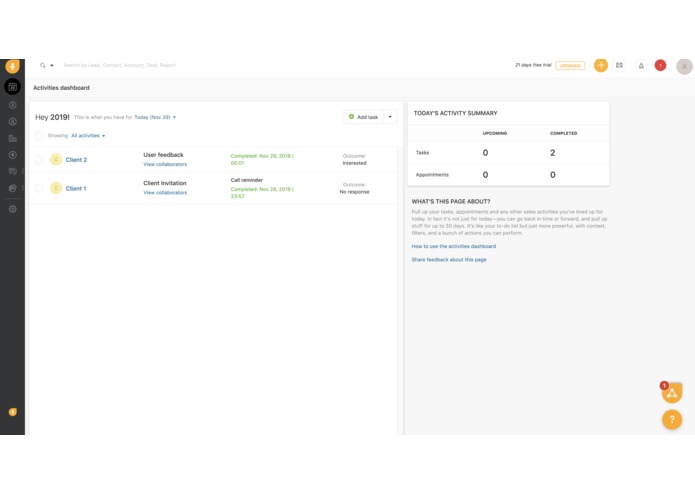
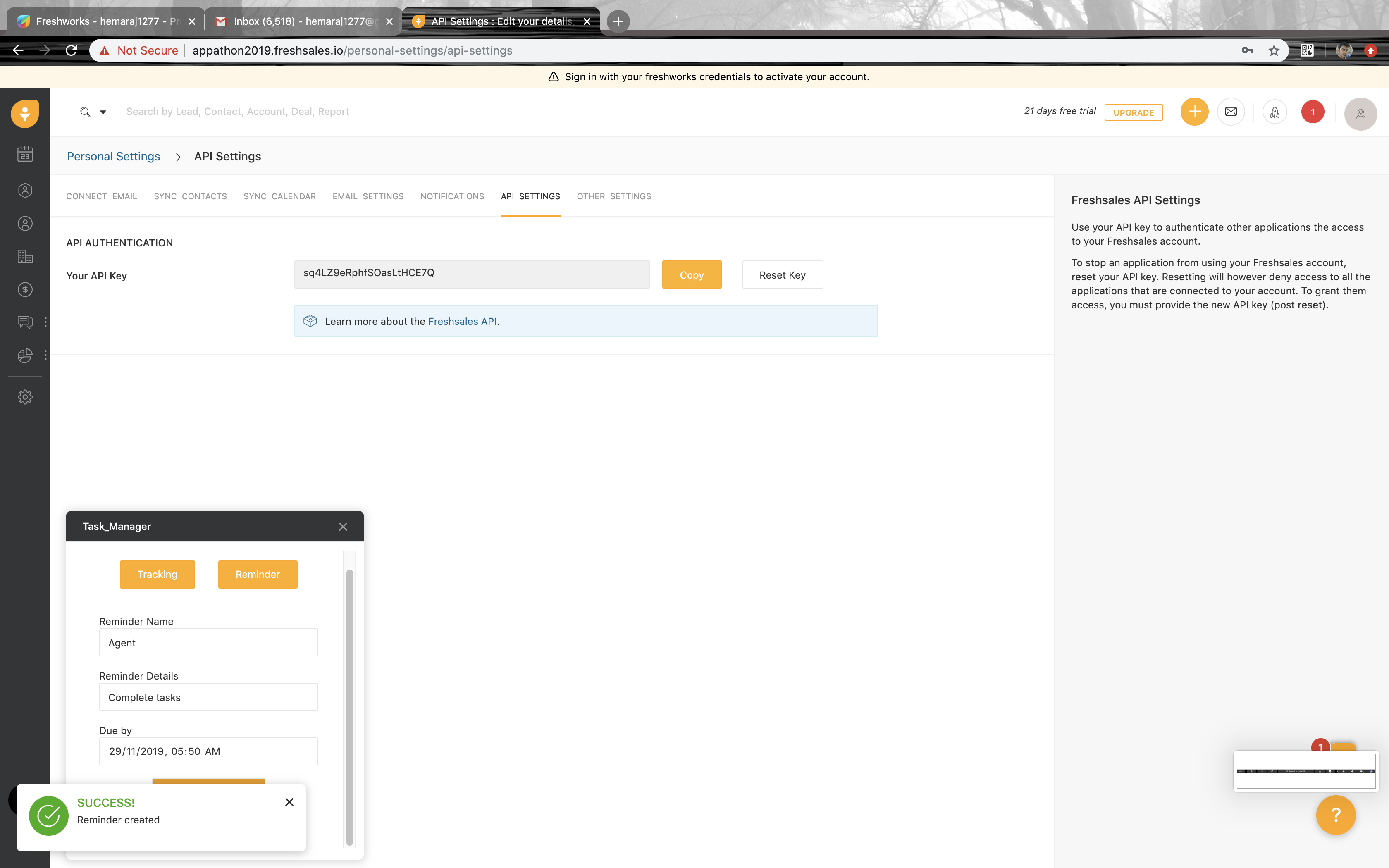
The app is available at the bottom of the left navigation pane.
-
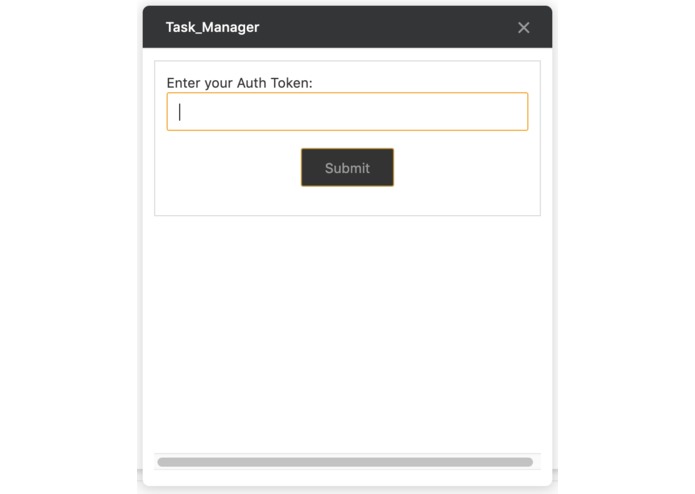
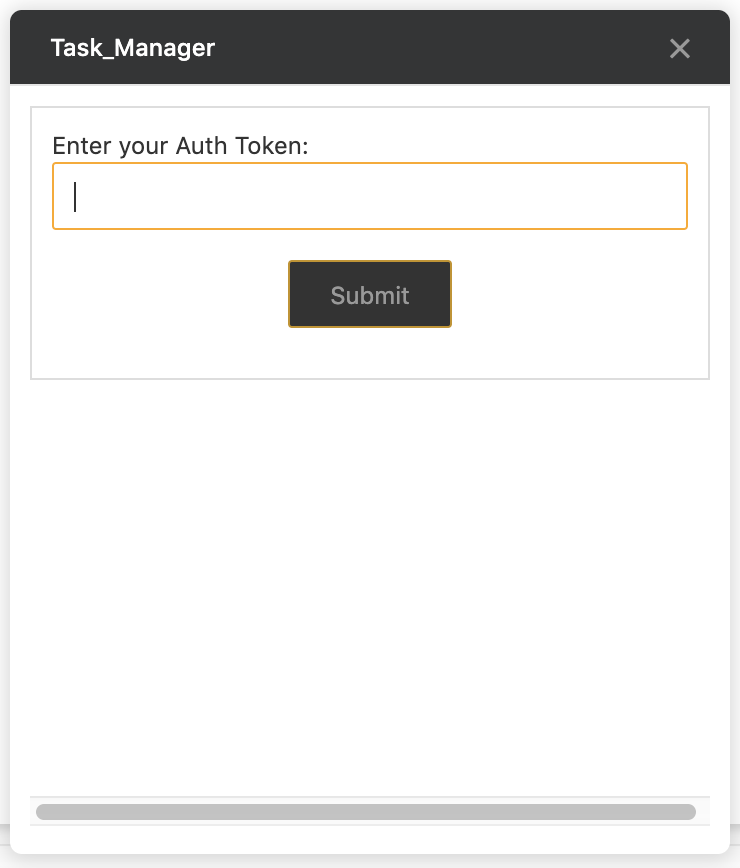
The user has to provide his API key to get his task details.
-
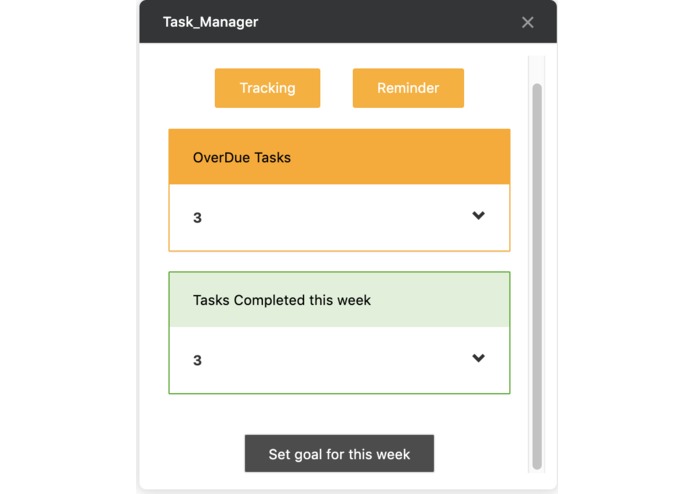
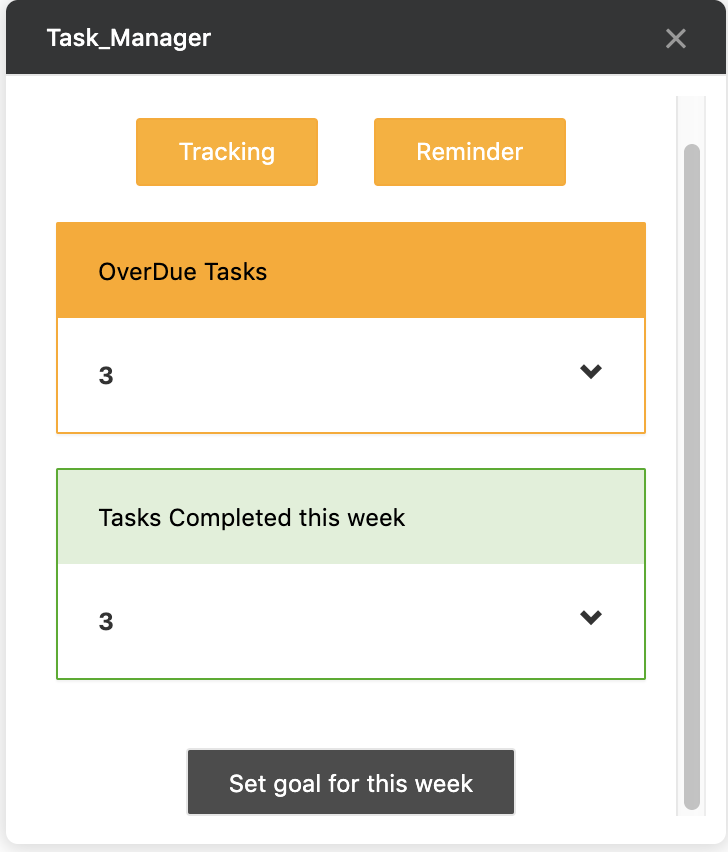
In the dashboard he can see his overdue tasks and tasks completed for this week,
-
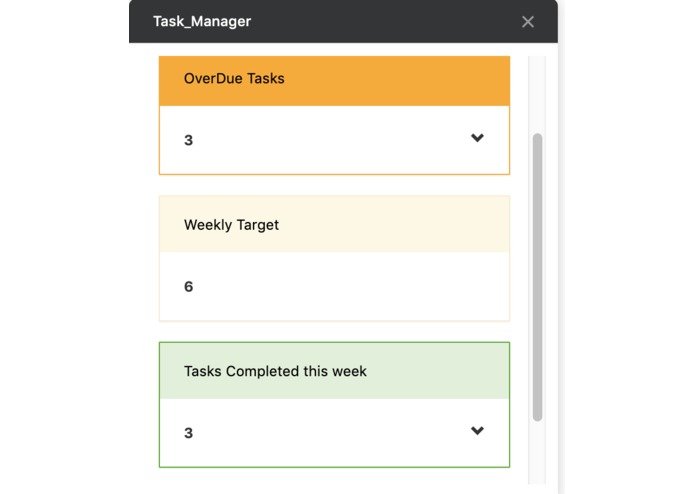
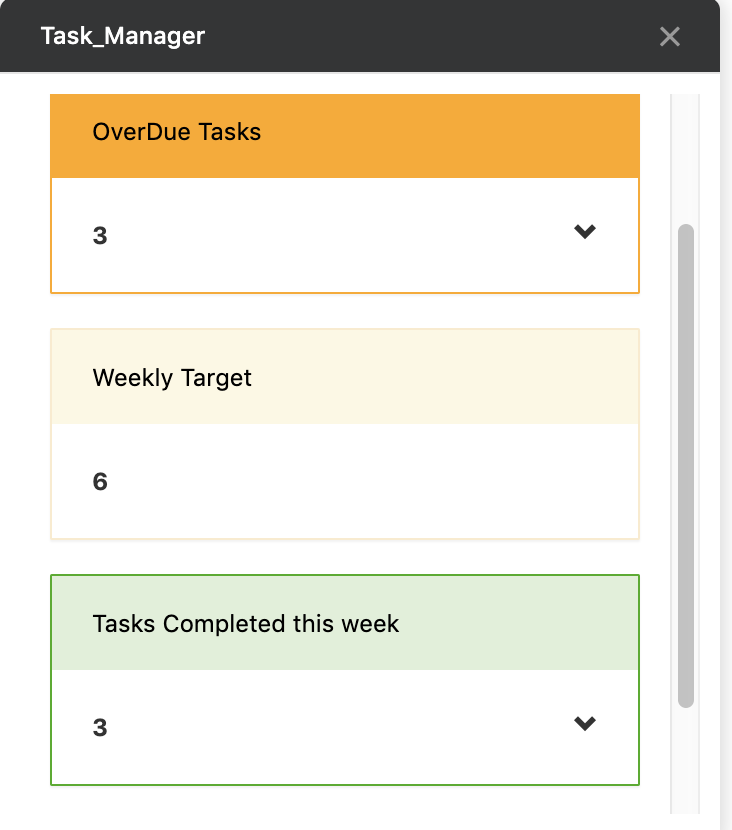
He can also set a weekly target to compare it with every weeks performance.
-
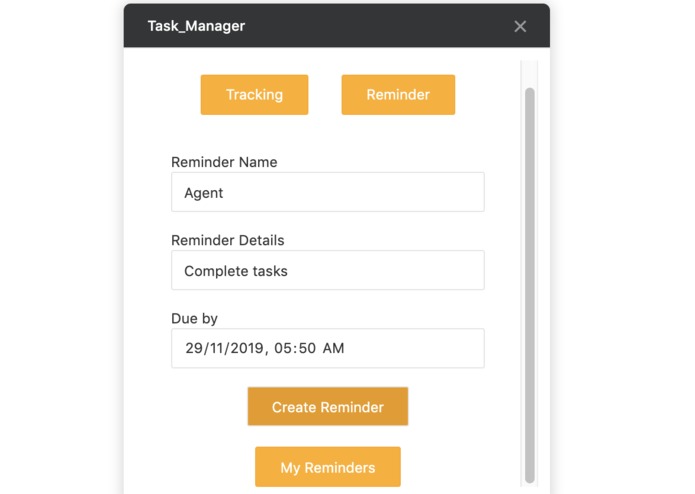
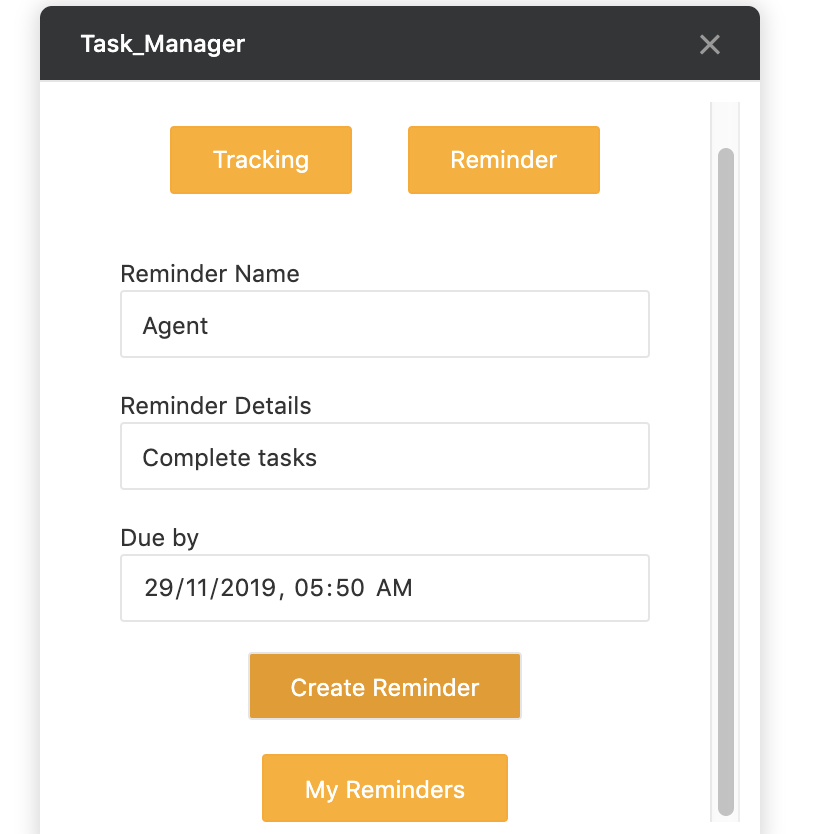
He can also choose to send out a reminder before an hour with some details of any task/note.
-
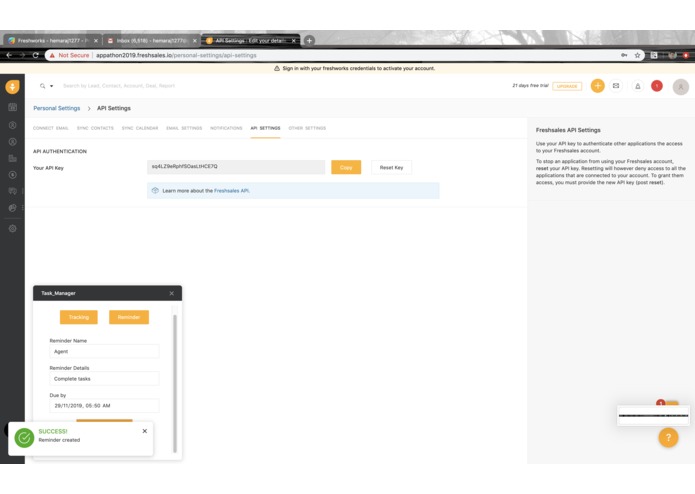
The user will see success notification upon creation of a reminder.
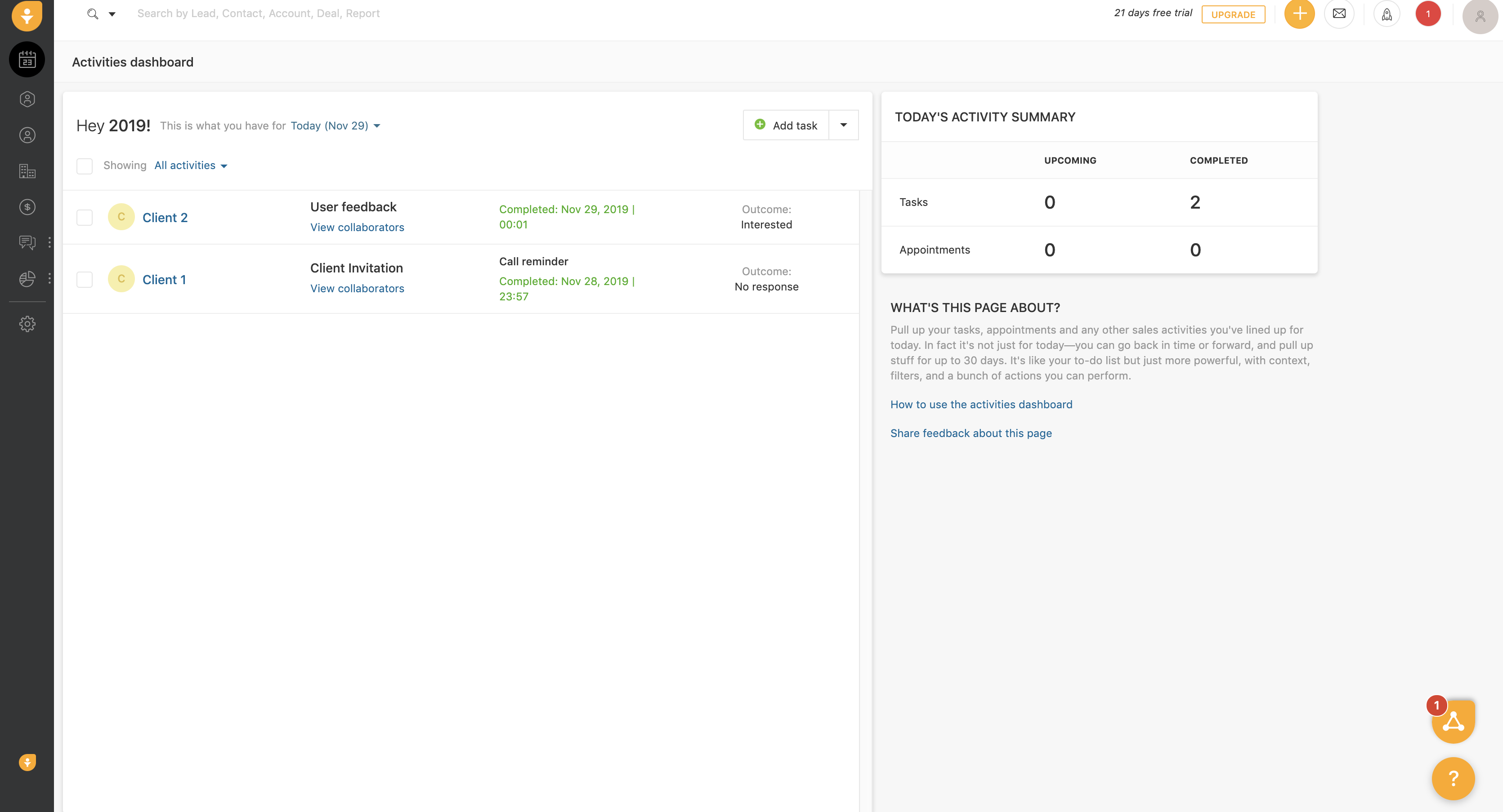
Not kind of inspiration but why some products in freshworks do not have the features when compared to others. Anyway, the established product has more features than the new ones. So, we planned to build an existing feature to a new product. At first, we have a different idea, then we didn't know about the boundaries that each product has. So it is really challenging to build an app within the boundaries. So after changing our plan, we choose fresh sales without any idea about the product like how it works and features it has we choose to build certain features in it. At first, it took time for us to collect the resources and thereby we face many challenges to build it. What our app does is similar to a dashboard where the logged user can easily view certain activities. It displays the overdue tasks, completed tasks with name and link to the tasks of the particular week. It also has a reminder feature which will trigger an email to the logged user. Yeah, we finally built it successfully. All the members of our team are first time participants for the appathon/hackathon. The main reason we participated is not to win a prize but to learn something new so that next time we can win. We planned to represent details in charts and to create a todo list but became impossible because of the time constraint.
What it does
How we built it
Challenges we ran into
Accomplishments that we're proud of
What we learned
What's next for Task Manager
Built With
- fdk
- freshsales
- javascript


Log in or sign up for Devpost to join the conversation.