-
-
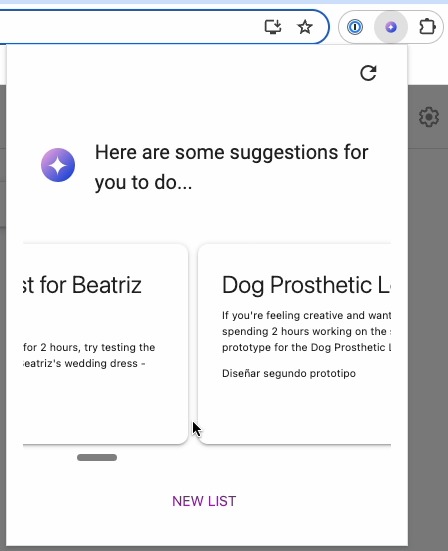
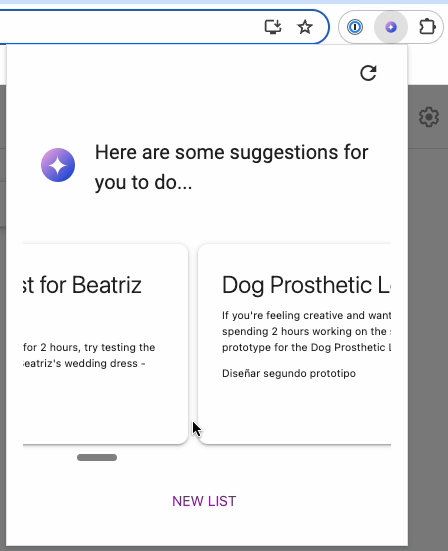
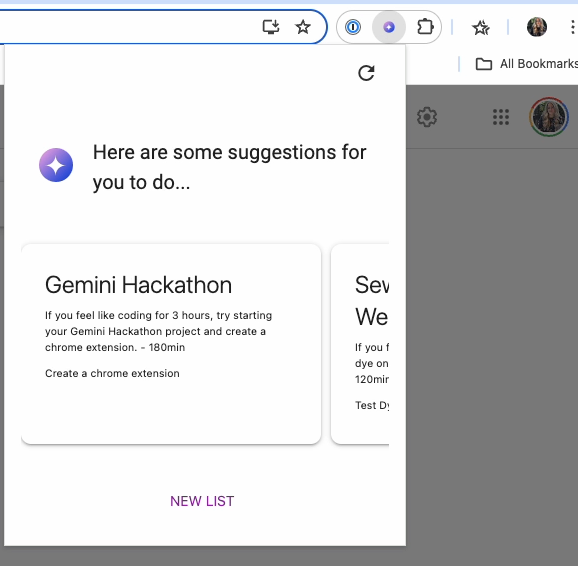
Suggestions on what you can do taking your notes as reference.
-
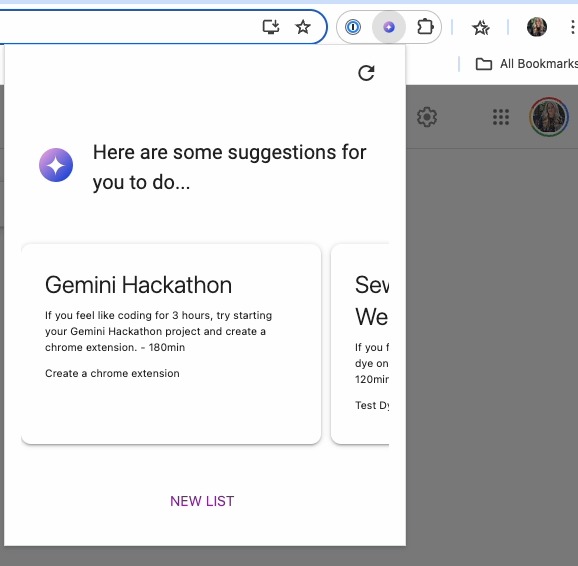
Keep AI
-
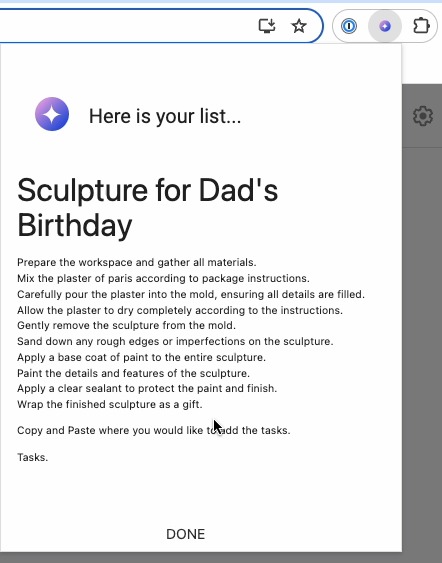
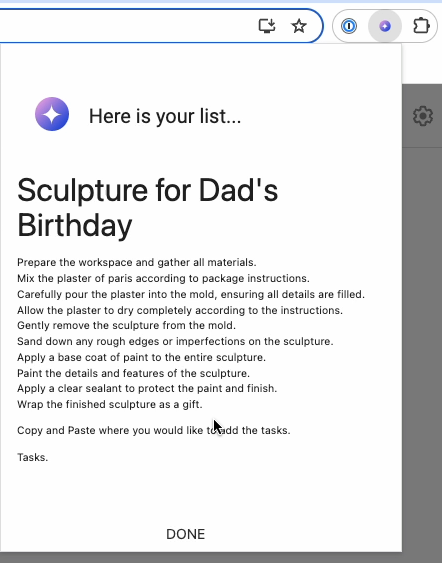
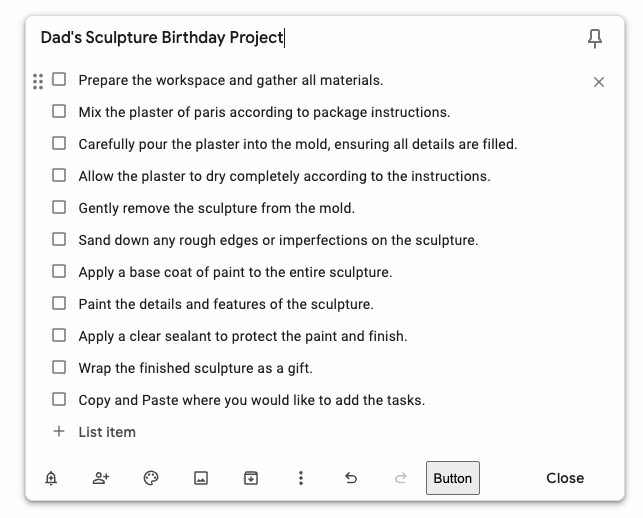
Ready to copy notes generated by Gemini.
-
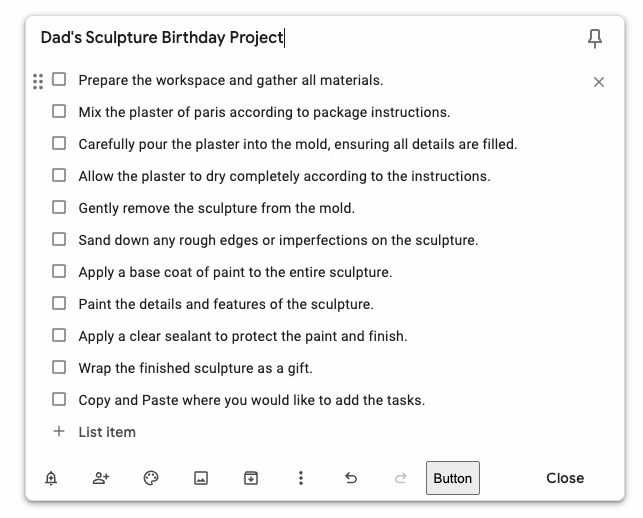
Create your notes
Inspiration
Let's just say I struggle to stay organized. You see, I'm a maker – 3D printing, sewing, coding, you name it, I'm probably tinkering with it. But the thing is, keeping track of all these projects it's a pain. Lists seem like a good idea at first, but they snowball into this giant mess that just overwhelms me. Sometimes it's easier to start a new project than tackle the endless list of tasks of unfinished ones I already have going.
What it does
This Chrome extension seamlessly integrates with Google Keep to analyze your notes and provide actionable suggestions. It scans your notes and uses the information to recommend tasks and reminders based on activity.
How we built it
I built this Chrome extension using Google's latest guide for Chrome Extensions V3. To make it work with Gemini, I created a Python API to run Gemini commands and tweak the prompts I feed it. It follows this easy process
- The chrome extension scrapes data from the notes and sends raw data to Gemini to the API
- The API returns a formatted list of notes that can be used to create suggestions.
- All these information is stored in the browser and never on the API.
- The user is presented with suggestions and generate more.
The data is only stored in the user's browser at all times. It's never stored elsewhere. Protecting the user's data.
Challenges we ran into
Some of the challenges I found is that there is no google keep API unless you're an enterprise so that prompted me to scrape the data out of Keep. I rather do that than use a non-official python library that it's a security risk. Also while developing this project, chrome-extension manifest v3 is still in the works so I lost some time there trying to figuring out how to make the extension pop-up automatically. As for Gemini, I found that some of use cases for an API is the time it takes to load data, I had to implement a loading screen and if I am to continue in this project I would need to migrate to only use the chrome extension and not use the python API.
Accomplishments that we're proud of
This is my very first Chrome extension, my first project that involves a frontend and my first project with AI. I have Infra/ Backend Experience so this was actually really fun.
What we learned
- How to make chrome extension.
- Resilience, it was a tough project without any experience prior to this.
What's next for AI Keep
- I got really invested on it, I hope I can continue developing it. Also it would be pretty neat to have this Google Keep as a feature, it can be later incorporated to Google Calendar. I would definitely benefit from it.
Built With
- chrome
- fastapi
- google-studio-ai
- javascript
- python


Log in or sign up for Devpost to join the conversation.