-
-

Logo
-
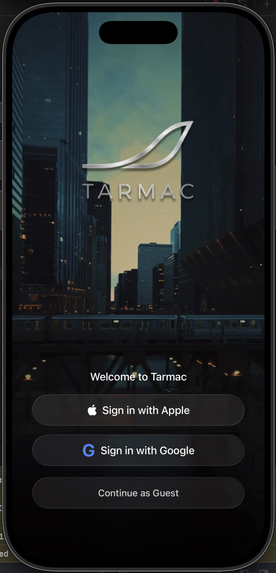
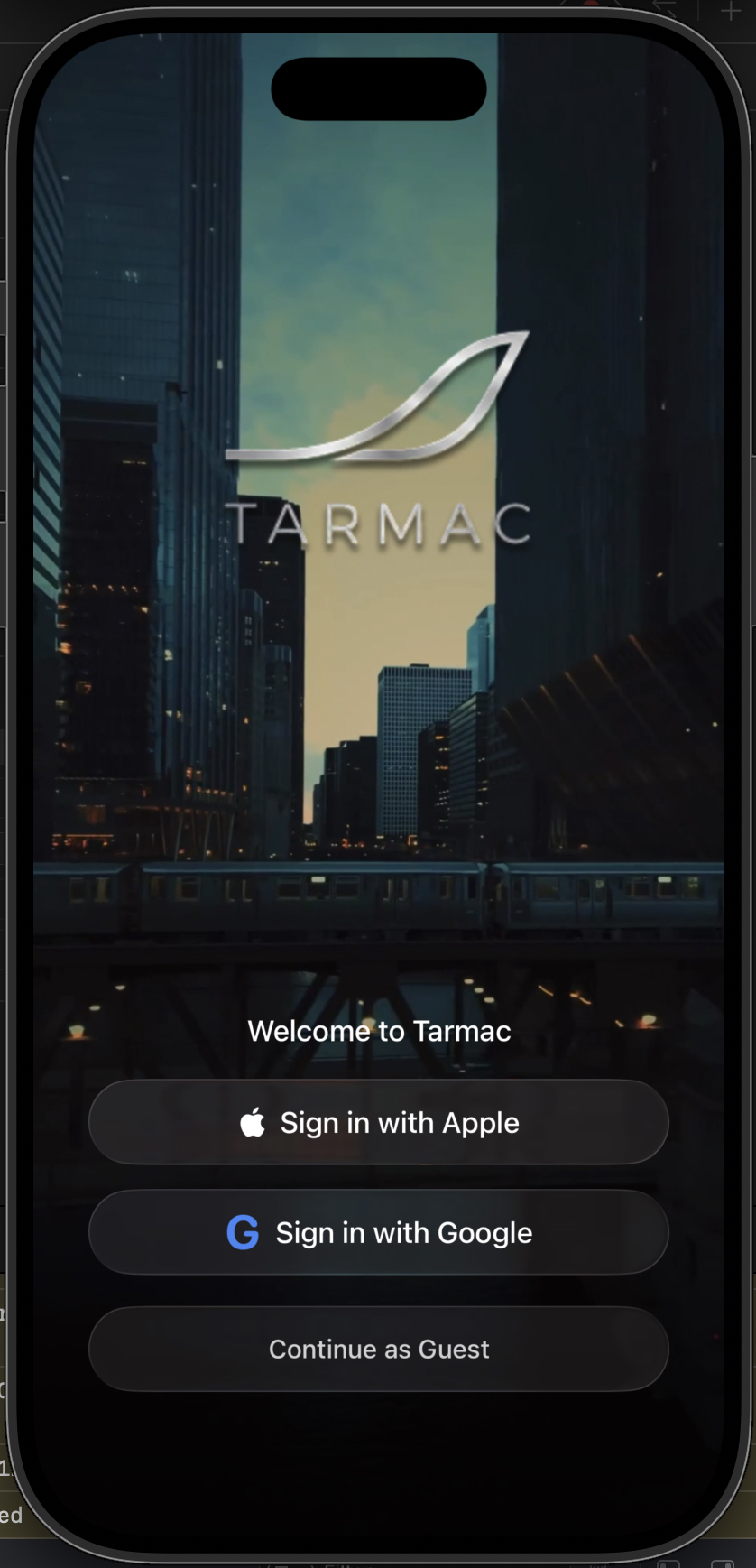
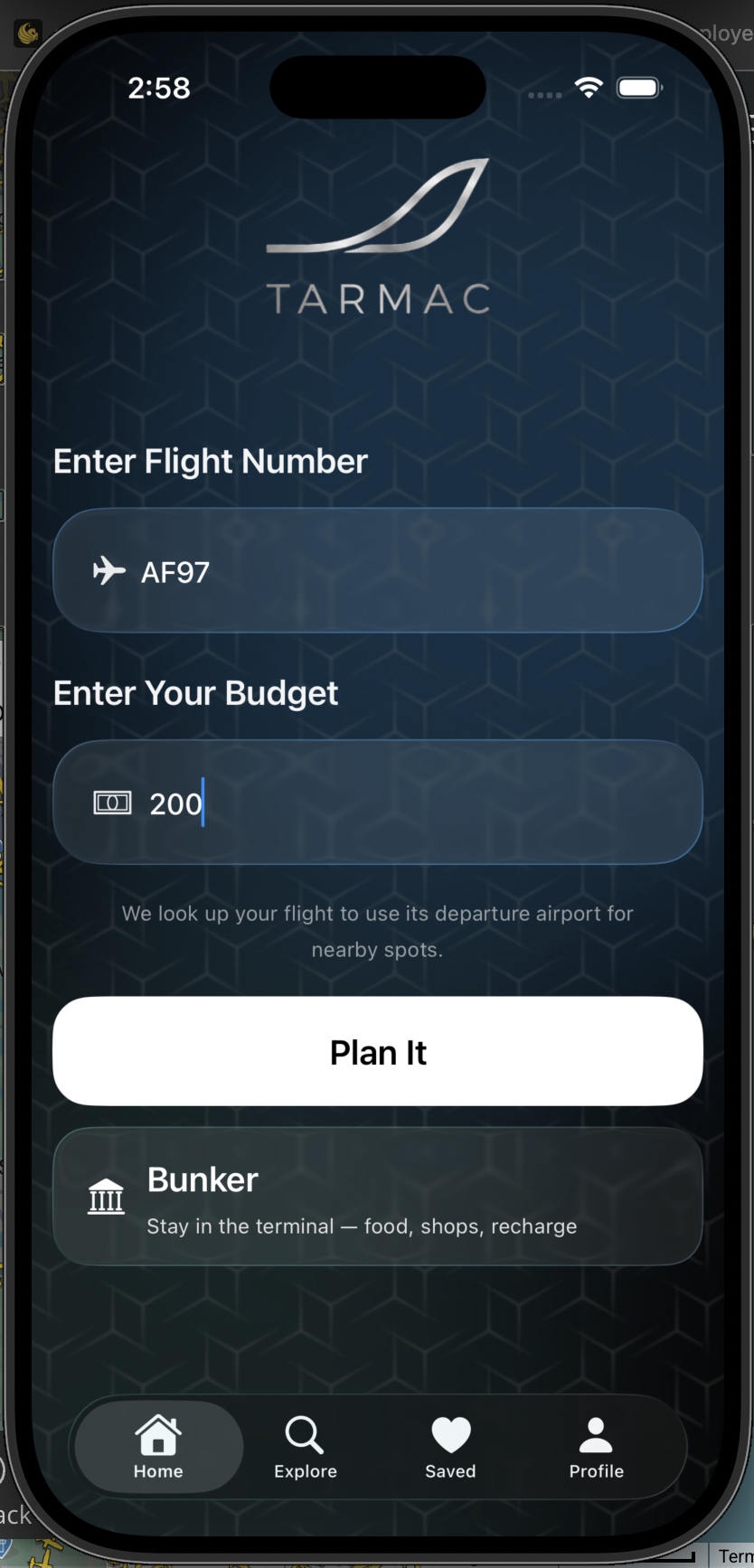
Welcome Screen
-
-

Inspiration
We've all been there sitting at an airport gate, staring at the departure board as your flight delay stretches from 30 minutes to 2 hours to "we'll update you shortly." You're stuck in an unfamiliar city with nothing but time, and all you can do is scroll through your phone at the gate.
We asked ourselves: What if a flight delay wasn't wasted time, but an opportunity? What if you could step outside the airport and actually experience the city, grab amazing local food, visit a landmark, or explore a hidden gem and still make it back in time for boarding?
That's how Tarmac was born.
What it does
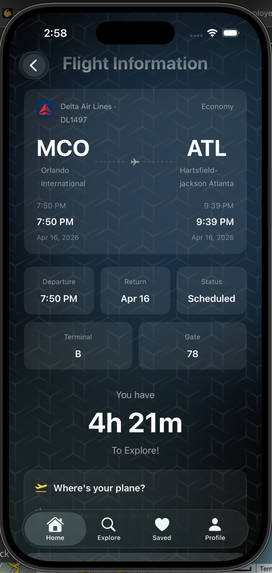
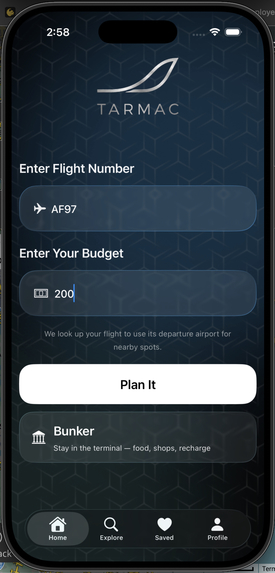
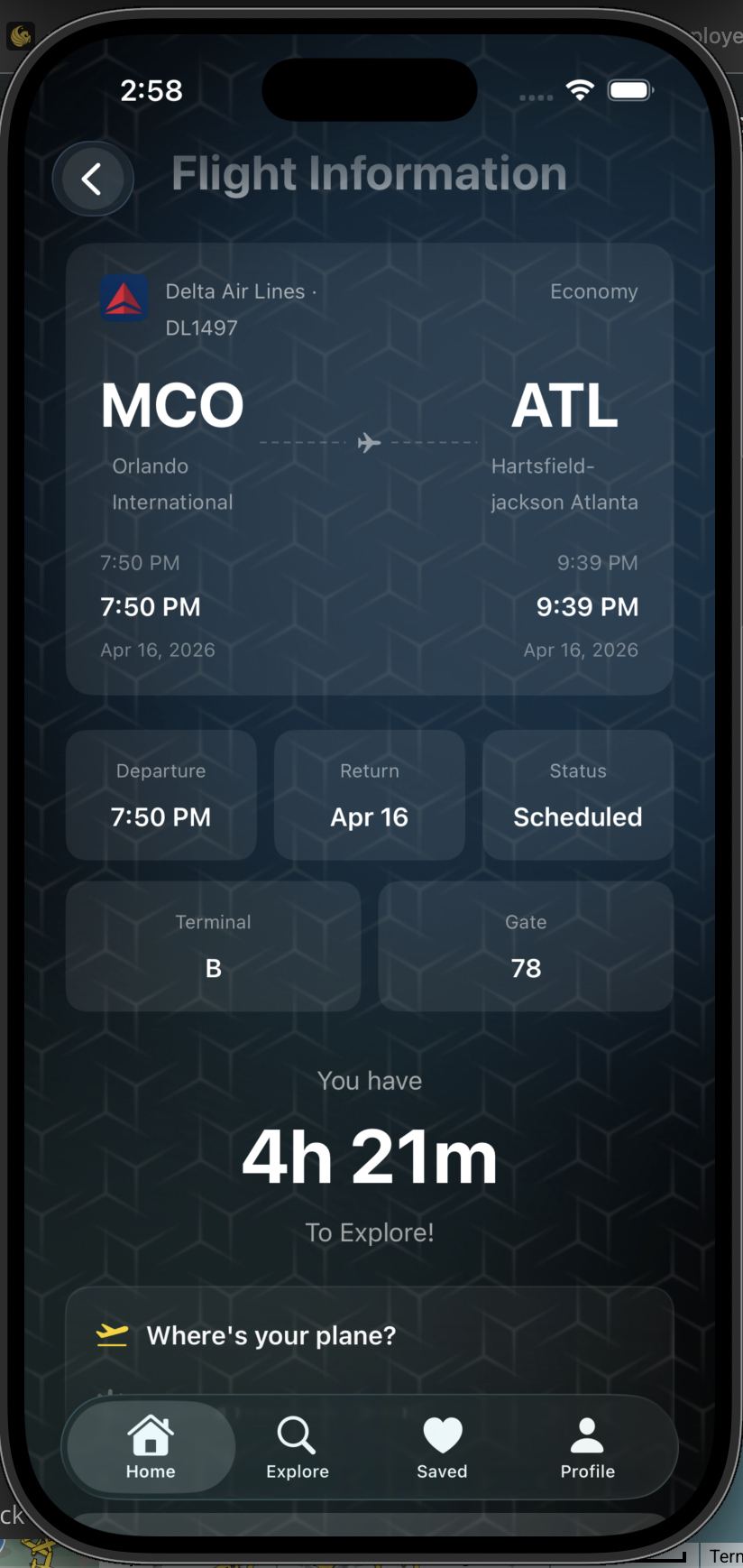
Tarmac is an iOS app that transforms airport downtime into personalized city adventures. Users enter their flight number, and Tarmac automatically pulls real-time flight data status, delays, gates, terminals, and departure times. Based on how much time you have before boarding and your budget, Tarmac generates a curated sightseeing itinerary near your departure airport.
Key features include:
- Real-time flight tracking with live delay detection and status updates (scheduled, delayed, in-flight, landed, cancelled, diverted)
- Smart time management that calculates exactly how long you can explore with a built-in buffer to get back to your gate with push notifications
- Personalized recommendations filtered by your interests: food, landmarks, shopping, nature, and more
- Optimized route planning with transport time estimates so you never miss your flight
- Delay-aware adjustments if your flight gets pushed back further, your explore time automatically updates
How we built it
Frontend: We built the entire iOS app in SwiftUI, targeting iOS 17+. The UI features a sleek dark theme with glass-effect input fields and real-time countdown timers showing how long users have to explore. We used Apple MapKit for place search and mapping, and Firebase with Google Sign-In for authentication.
Backend: Our API layer runs as Python serverless functions on Vercel, acting as a middleware between the iOS app and the AviationStack API. The backend handles flight search, delay detection with severity classification (minor, moderate, significant, severe), and serves airport coordinates for 200+ airports worldwide.
Architecture: iOS App (SwiftUI) → Vercel Serverless API (Python) → AviationStack REST API
The app sends a flight number, the backend fetches real-time data, corrects timezones, attaches airport coordinates, and returns a clean response that the app can use to build the experience.
Challenges we ran into
The API journey was rough. Our original flight data source (FlightRadar24 scraper) broke down, so we pivoted to AirLabs, which returned 403 errors due to User-Agent blocking and had almost no useful data on its free tier. We finally landed on AviationStack, which gave us everything we needed but came with its own challenges.
Timezone correction was a major headache. AviationStack returns local airport times but labels them as UTC (+00:00), which caused flights to show departure times off by hours. We solved this by using Python's zoneinfo.ZoneInfo to dynamically compute the correct UTC offset from each airport's timezone.
Airport coordinates weren't provided by the API at all. When users searched for places to explore, the app was falling back to a hardcoded default location (Orlando) for any airport not in our local database. We solved this by building a server-side database of 200+ airport coordinates that gets attached to every API response.
Getting the "time to explore" right required careful thought. We had to account for scheduled vs. actual departure times, delay extensions, and a boarding buffer, all updating in real-time as flight status changes.
UI was a constant battle. Building a polished, dark-themed interface in SwiftUI sounds straightforward until you're deep in the weeds fighting visual bugs. We dealt with background bleed-through issues where underlying views would leak through our layered UI the app background image would show through cards, modals, and input fields in ways that broke the visual hierarchy. Getting the opacity levels and layering right across every screen took endless iteration.
Liquid glass effects were especially tricky to perfect. We wanted that sleek, frosted-glass look on our input fields and cards to give the app a modern, premium feel. But SwiftUI's .glassEffect() modifier behaved unpredictably; sometimes the blur would clip incorrectly against rounded corners, other times the transparency levels would look great on one screen but completely wrong on another, depending on what was behind it. We spent hours tweaking opacity values, clip shapes, and background layers to get the glass effect to feel consistent and intentional across the entire app rather than looking like a rendering glitch.
Color and contrast consistency was another UI challenge. With a dark background image behind everything, we had to carefully balance white text opacity levels, too bright and it felt harsh, too dim and it was unreadable. Every element needed its own tuned opacity (labels at 0.5, secondary text at 0.6, primary text at full white), and we had to test across different screens to make sure nothing got lost. The flight confirmation card alone went through multiple revisions to get the departure times, status badges, and route line looking clean without any element bleeding into another.
Responsive layout across devices added another layer of complexity. Scroll View behavior, spacing, and padding that looked perfect on an iPhone 17 Pro would break on smaller screens. We had to rethink our spacing strategy multiple times, moving from fixed heights to dynamic spacers and making sure nothing overlapped or got cut off, regardless of screen size.
Accomplishments that we're proud of
- Built a fully functional, end-to-end travel app from concept to deployment
- Real-time flight data integration that actually works with accurate times and statuses
- The "time to explore" countdown that dynamically adjusts with delays it genuinely solves a real traveler pain point
- Clean, polished UI that feels like a production app
- Serverless backend architecture that scales without infrastructure management
What we learned
- How to work with real-time aviation APIs and handle the quirks of flight data (timezone labeling, multi-day results, missing fields)
- Building serverless Python APIs on Vercel as middleware between a mobile app and third-party services
- The importance of graceful fallbacks when API data is incomplete, the app still needs to work
- SwiftUI's power for building complex, animated interfaces with live-updating data
- How to coordinate frontend and backend development across multiple repos and team members
What's next for Tarmac
- Social features — Share your airport adventures and recommendations with other travelers
- Airline partnerships — Integrate with airline loyalty programs for exclusive deals near airports
- Android version — Bring Tarmac to a wider audience



Log in or sign up for Devpost to join the conversation.