-
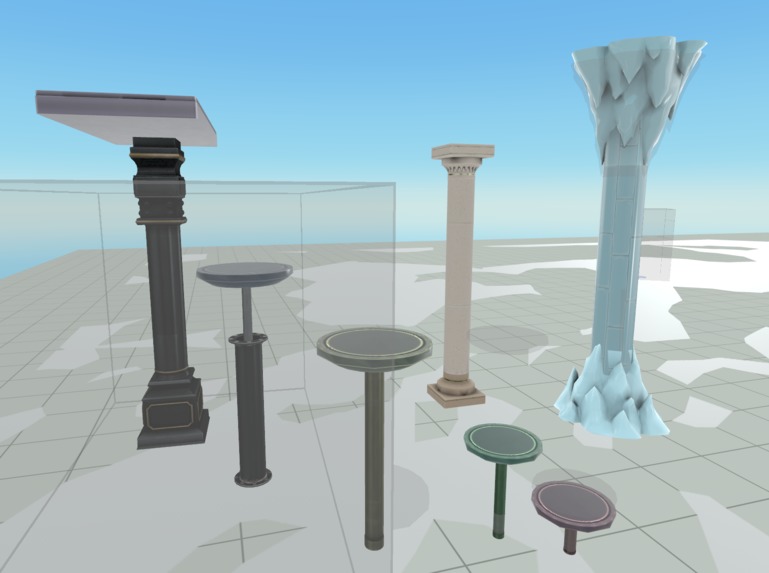
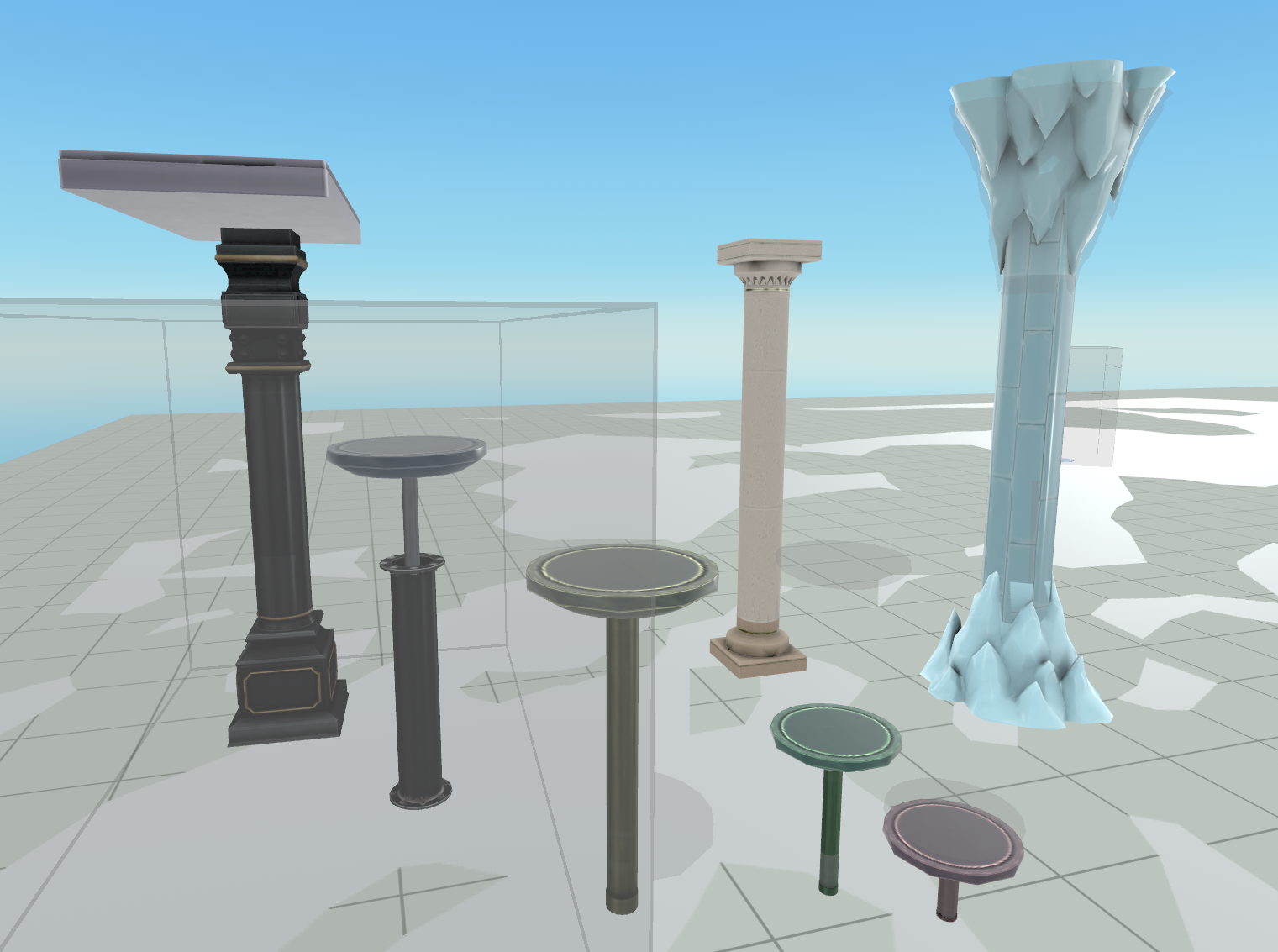
Configurable Columns
-
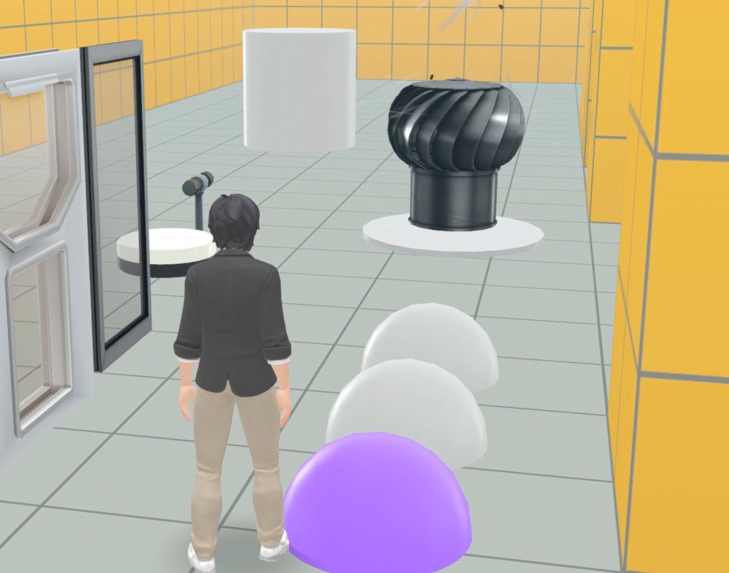
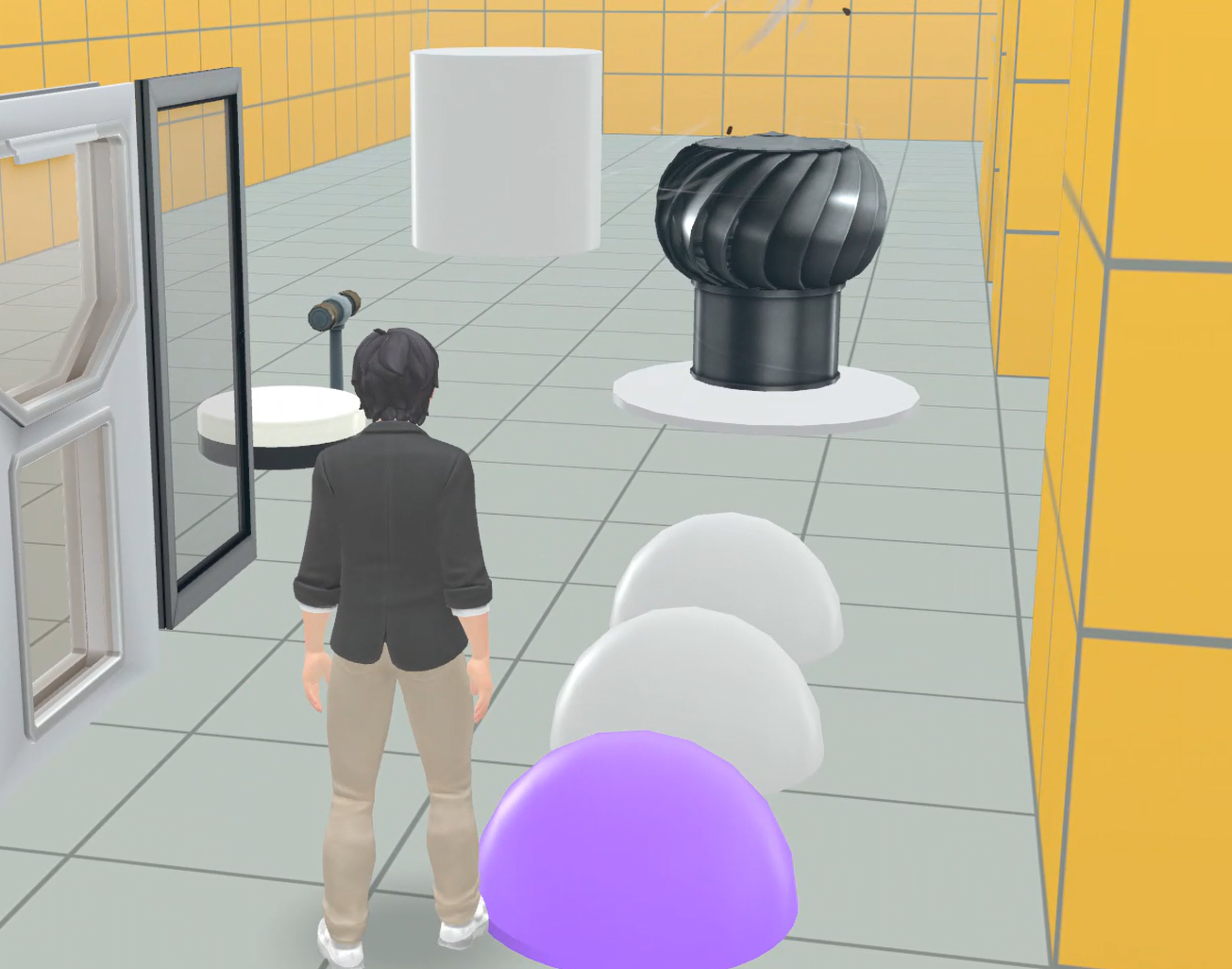
Interactive Buttons
Utility scripts tools that can be configured to apply in different game scenarios to make easier to layout dynamic objects in puzzle, platformer game.
Column Stretcher
Demo link
Resize the column, pillar, post mesh to fit the height of the platform. platform can be animated to raise up or down within specified parameter of min or max height with velocity. Allow procedural placement with setting of parameters during spawning.
Column Stretcher Sample assets contains several preconfigured using ColumnStretcher script to clarify different scenario usage.
INSTRUCTIONS with variable length quickly. adjust height of the platform manfully. or specify the height in parameter. the post will automatically stretch to the position of the platform. negative value will flip the axis. Options to animate with piston motion by specify min, max distance and velocity as x,y, z vector.
Instructions To create new custom pillar mesh
- Copy the script “ColumnStretcher” from any sample column object
- Drag your custom base mesh and stretchable mesh into the world.
- Create parent object for your mesh and give it a new name
- Center the sub mesh by selecting both and set Position to zero vector
- Make sure y scale for the column mesh is 1
- Add Column Mesh to pillarMesh property
- Add Top Mesh to topMesh property
- Set Height value. Or leave it at zero and adjust Position of topMesh in the Editor.
- Run simulation or play to see changes.
Animated Effect Trigger
Demo link
Allow Mesh to be animated with position or angle offset, high lighted color, and trigger sound and particle effects when player enters the trigger zone.
DIRECTION
Attach trigger zone as the child of parent mesh. Or specify the mesh in the interactive mesh property. Enter trigger zone will Hight light the mesh. Option to move the mesh in the specified offset parameter. Can offset position, or rotation of the entity.
Specify ID number will send update message with the id of the trigger. Can be used with SequenceDetector script.
*Sequence Detector *- Activate the particle effects and play mesh animation when player touches Entity with correct sequence of ID. A delay parameter will stop animation after specified number of seconds.
Specify sequence of ID number, separated by comma in the sequence parameter. by default the effect are played immediately when player enters trigger zone.
Place a bounding trigger zone covering all entities that sends the ID number. place a trigger zone bounding box to enclose all the mesh with TriggerEffect script.
See "TriggerEffectSample" assets for various configuration.

Log in or sign up for Devpost to join the conversation.