Taptu
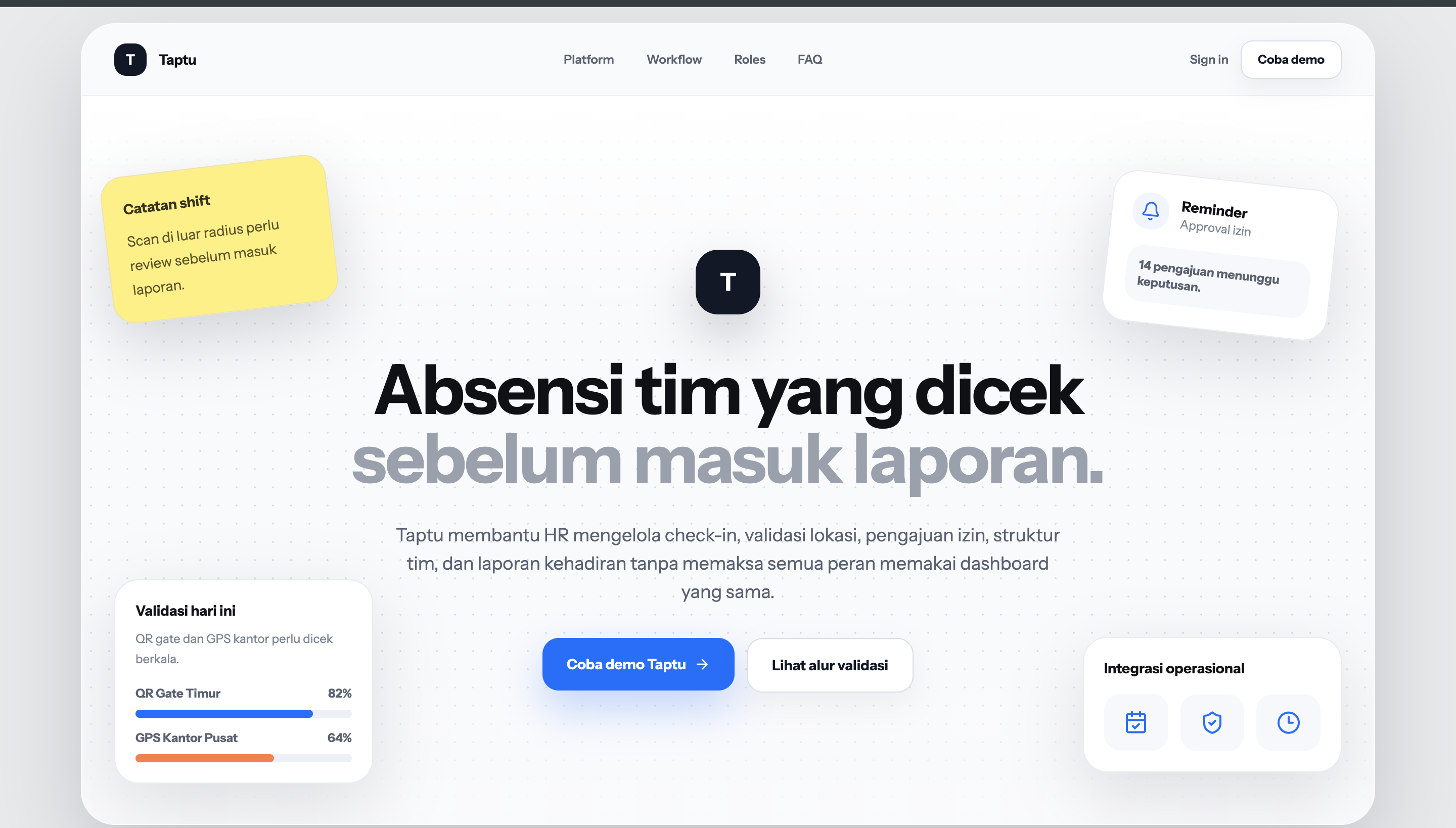
Taptu is an Attendance Validation OS for operational teams.
It helps HR and managers validate attendance data before it becomes a final report, using time, location, device, QR/scanner, selfie proof, approval flow, and audit-ready reporting.
What Taptu Solves
Raw attendance data can be hard to trust. Taptu helps teams separate valid attendance records from records that need review.
- Attendance records often need evidence from location, device, time, QR, and selfie proof.
- Exceptions should be reviewed through a structured queue, not scattered chats.
- Manager approval should support HR review, not replace it.
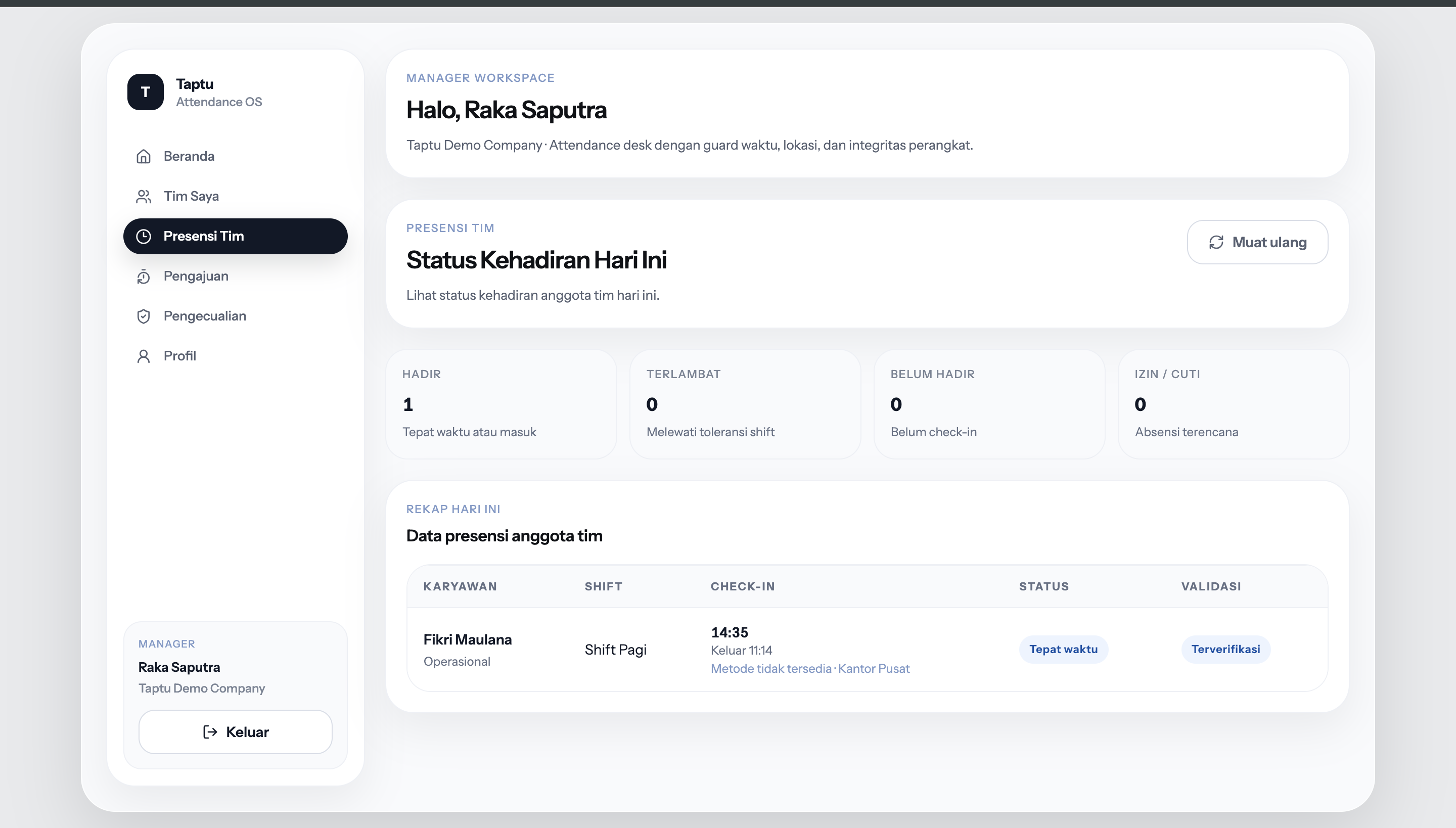
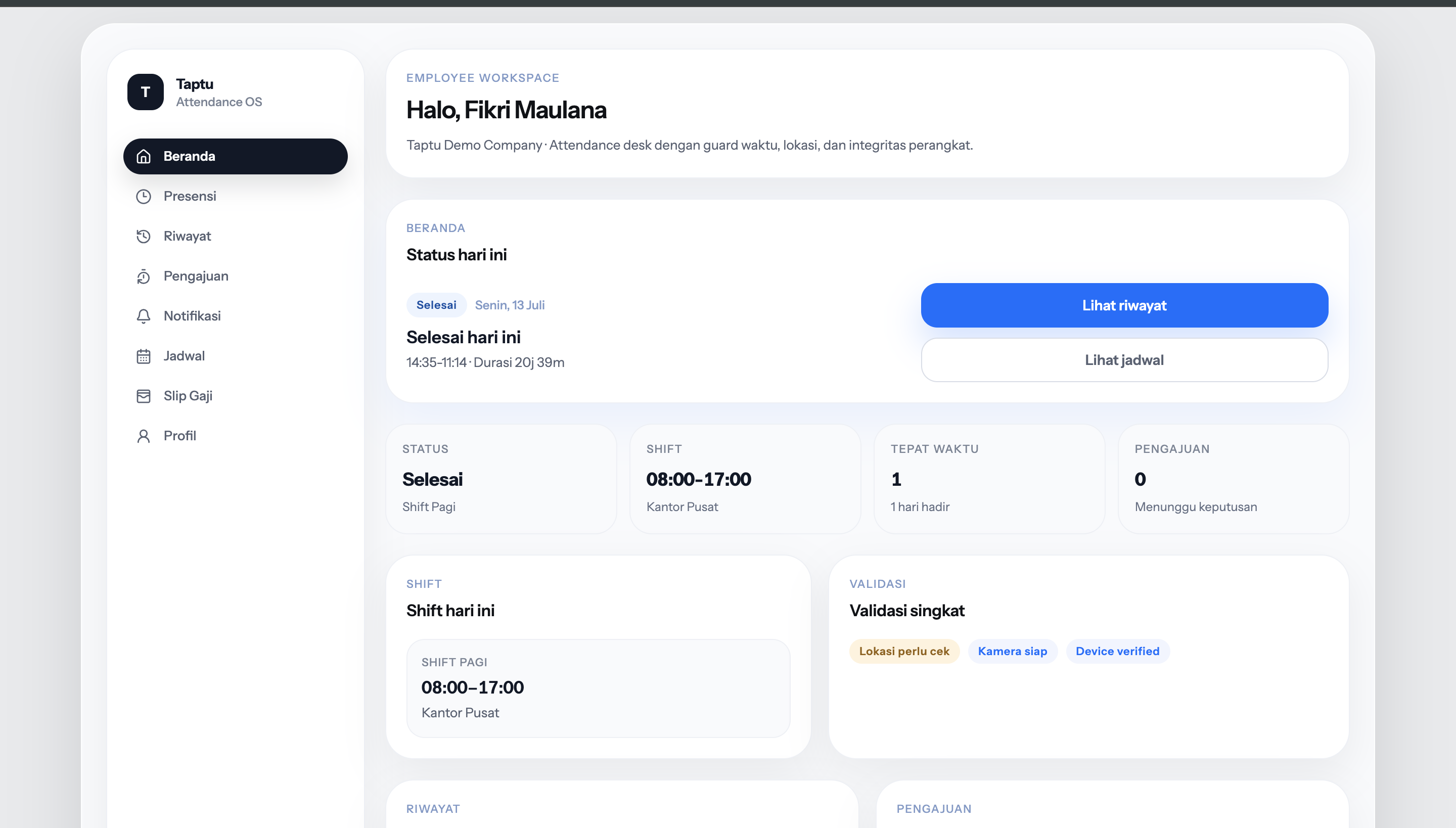
- Employee Riwayat, Manager Presensi Tim, and HR Presensi should agree from one source.
Core Features
- Employee check-in and check-out
- Location, time, device, QR/scanner, and selfie validation
- Manager approval
- HR final approval
- Exception queue
- HR attendance report
- Audit trail
- Scanner / kiosk mode
Product Boundary
Taptu is not a full HRIS or payroll engine.
Payroll is treated as Payroll Input Readiness: clean attendance summaries that can be exported or integrated with payroll systems. Full payroll processing, tax, BPJS, benefits, recruitment, performance appraisal, and training are not in scope.
Role Flow
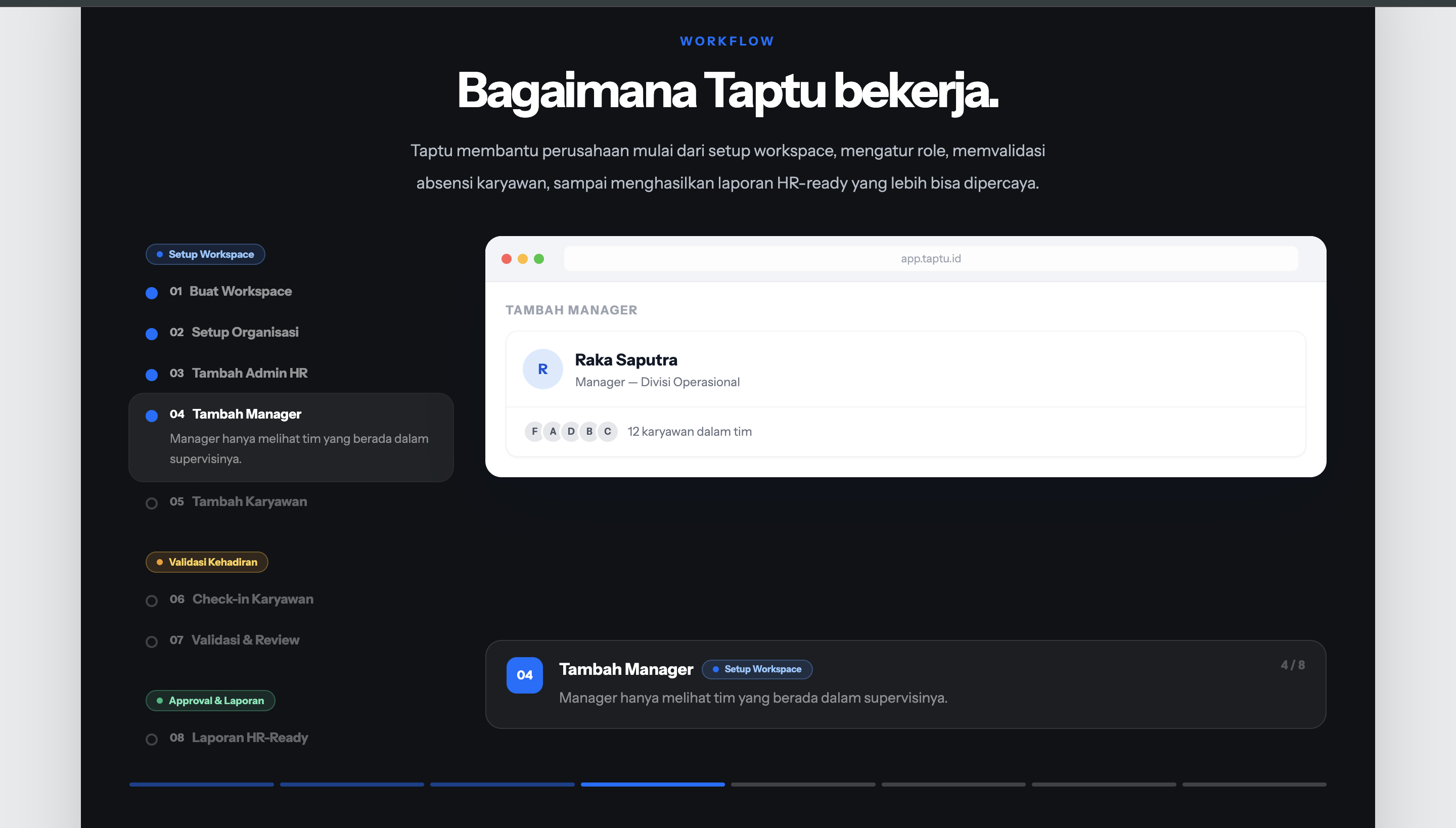
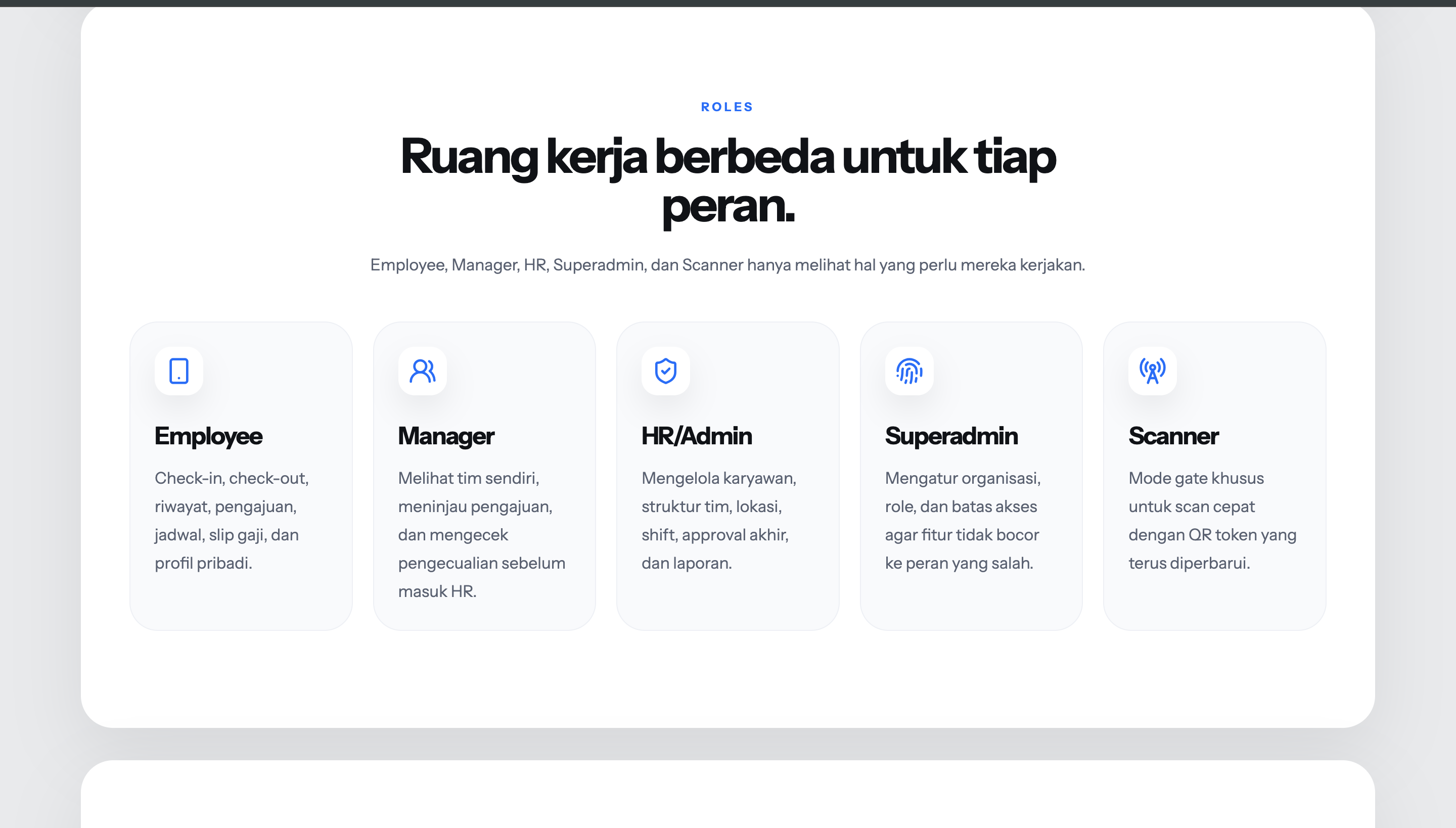
Employee → Manager → HR/Admin
- Employee submits attendance and requests.
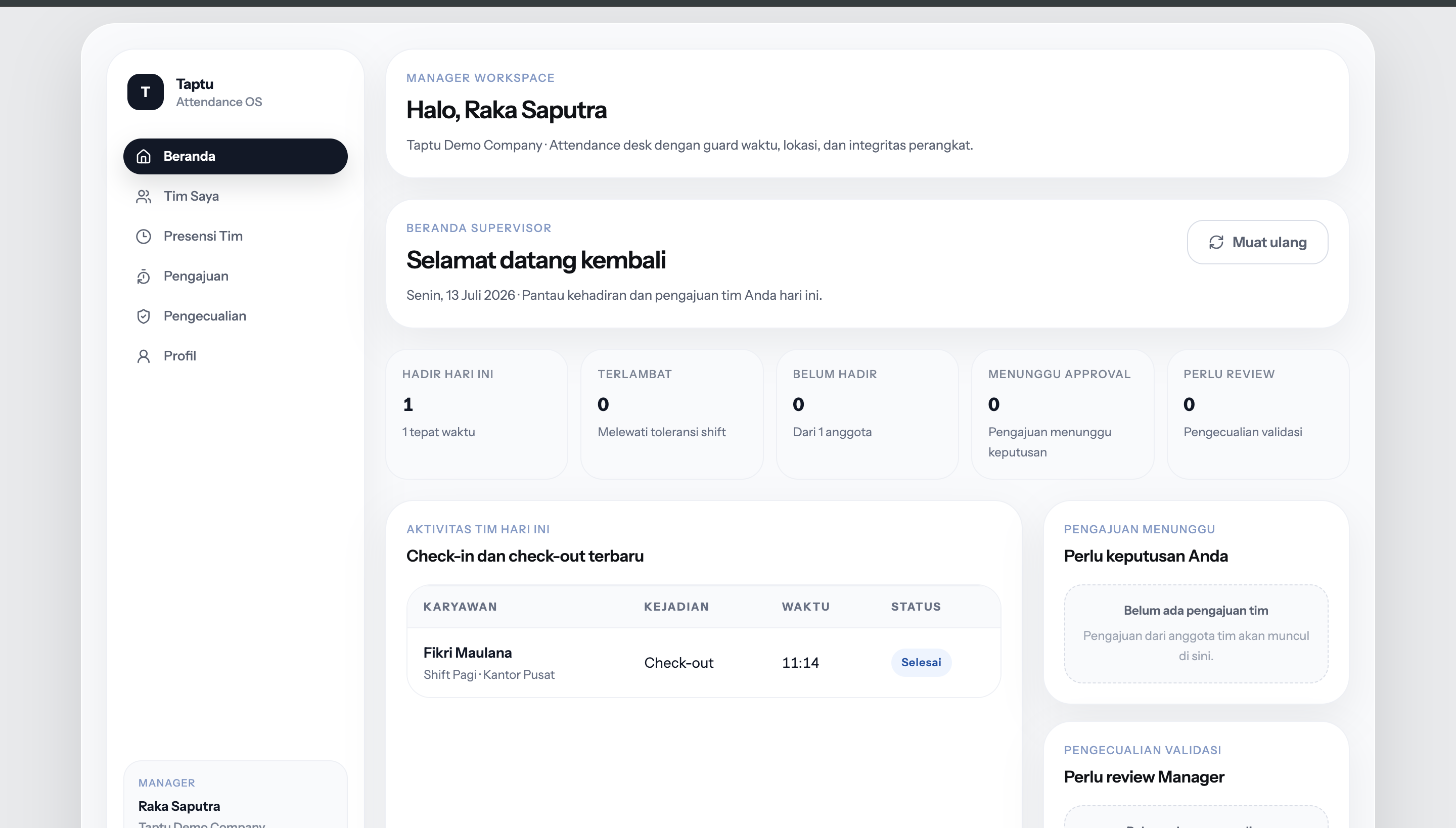
- Manager reviews team attendance and requests.
- HR/Admin finalizes review and reporting.
- Scanner supports QR/kiosk attendance validation.
- Superadmin handles organization-level boundaries.
Approval States
pending_manager → (manager approve) → pending_hr → (HR approve) → approved
pending_manager → (reject)          → rejected
pending_hr      → (HR reject)       → rejected
Manager approval forwards to HR. It is not the final decision.
Demo Accounts
| Role | Password | |
|---|---|---|
| Employee | [email protected] | Taptu123! |
| Manager | [email protected] | Taptu123! |
| HR/Admin | [email protected] | Taptu123! |
| Superadmin | [email protected] | Taptu123! |
| Scanner | [email protected] | Taptu123! |
These credentials are for demo/reviewer access only.
Demo Universe
- Fikri Maulana is the demo employee.
- Raka Saputra is the demo manager (sees Fikri only).
- Nadia Putri is the demo HR/Admin (sees organization-wide data).
- Demo data is intentionally clean and connected — not filled with unrelated fake employee rows.
Demo state is in-memory on Vercel serverless. Data resets on cold start. For stable cross-device demo, configure Supabase storage (see Environment).
Tech Stack
| Layer | Technology |
|---|---|
| Frontend | React 18 + Vite + Tailwind CSS + PWA |
| Mobile | Capacitor iOS wrapper |
| API | Node.js + Express |
| Storage | Local demo JSON or Supabase |
| Shared types | TypeScript shared package |
| Testing | Vitest |
Local Setup
npm install
npm run dev:api   # http://localhost:3001
npm run dev:web   # http://localhost:5173
Environment
Copy the API environment example:
cp apps/api/.env.example apps/api/.env
Local demo mode is the default:
TAPTU_STORAGE_MODE=local-demo
Local demo mode writes temporary demo state to apps/api/data/demo-store.json. This runtime file is ignored by Git.
Supabase Mode
To use Supabase-backed storage, set:
TAPTU_STORAGE_MODE=supabase
SUPABASE_URL=https://your-project.supabase.co
SUPABASE_SERVICE_ROLE_KEY=
SUPABASE_SERVICE_ROLE_KEY is server-side only. Never expose it in the web app.
Vercel Deployment
The API is deployed as a Vercel serverless function (api/index.ts). All /api/* requests are routed to it via vercel.json.
Vercel environment variables — server-side only (never set as VITE_ prefixed vars):
TAPTU_STORAGE_MODE=supabase
SUPABASE_URL=https://your-project.supabase.co
SUPABASE_SERVICE_ROLE_KEY=<service-role-key>
JWT_SECRET=<random-secret>
Do NOT set VITE_SUPABASE_URL or VITE_SUPABASE_ANON_KEY on Vercel. When these are absent, the frontend routes login through the Express API, which returns a signed JWT. All subsequent API calls use that JWT — the demo isDemoToken() short-circuit is skipped, and requests go through the real API with Supabase-backed persistence.
Apply the SQL migrations from supabase/migrations/ before deploying.
Apply the SQL migrations from supabase/migrations/ using the Supabase SQL editor or Supabase CLI.
Testing
cd apps/web
npx vitest run
Build
npm run build
Known Limitations
- Local demo mode is not reliable for cross-device persistence on serverless deployments. Use Supabase mode for shared demo state.
- QR auto-detection is not implemented yet. The current QR flow uses manual confirmation.
- Selfie upload storage is not wired yet.
selfie_urlremains nullable. - Supabase Auth password reset and production account creation are not completed.
- Device registry is not completed.
- The iOS wrapper requires CocoaPods. After setup, run:
npx cap add ios
npm run cap:sync
Roadmap
- Supabase-backed demo persistence
- Real QR auto-detection through camera scan
- Selfie upload and storage pipeline
- Supabase Auth and password reset
- Device registry
- Approval timeline UI
- Frontend report pagination controls
- Payroll Input Readiness through CSV export and integration, not full payroll processing
Docs
HANDOFF_CURRENT.md— low-token session entrypointHANDOFF_TAPTU.md— full architecture and product contextCHANGELOG_PHASE_10.md— latest changelogdocs/CHANGELOG_PHASE_9.md— Phase 9 changelogdocs/architecture/USERFLOW.md— workspace setup, daily attendance, and report flowsdocs/architecture/ROLE_FLOW.md— role responsibilities, access matrix, approval chaindocs/architecture/ERD.md— logical data model and entity relationshipsdocs/— implementation notes and archived changelogs
Built With
- api
- capacitor
- css
- express.js
- node.js
- openai
- react
- supabase
- tailwind
- typescript
- vite

Log in or sign up for Devpost to join the conversation.