-
-

Home Screen Before Login
-
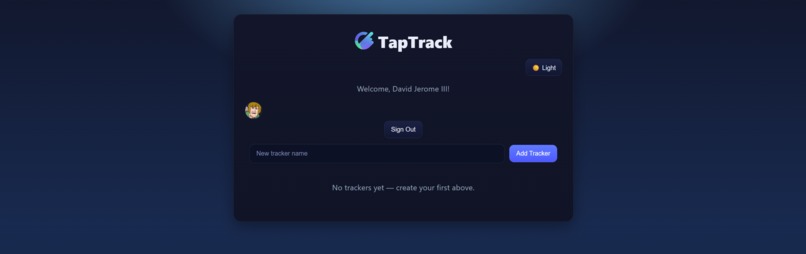
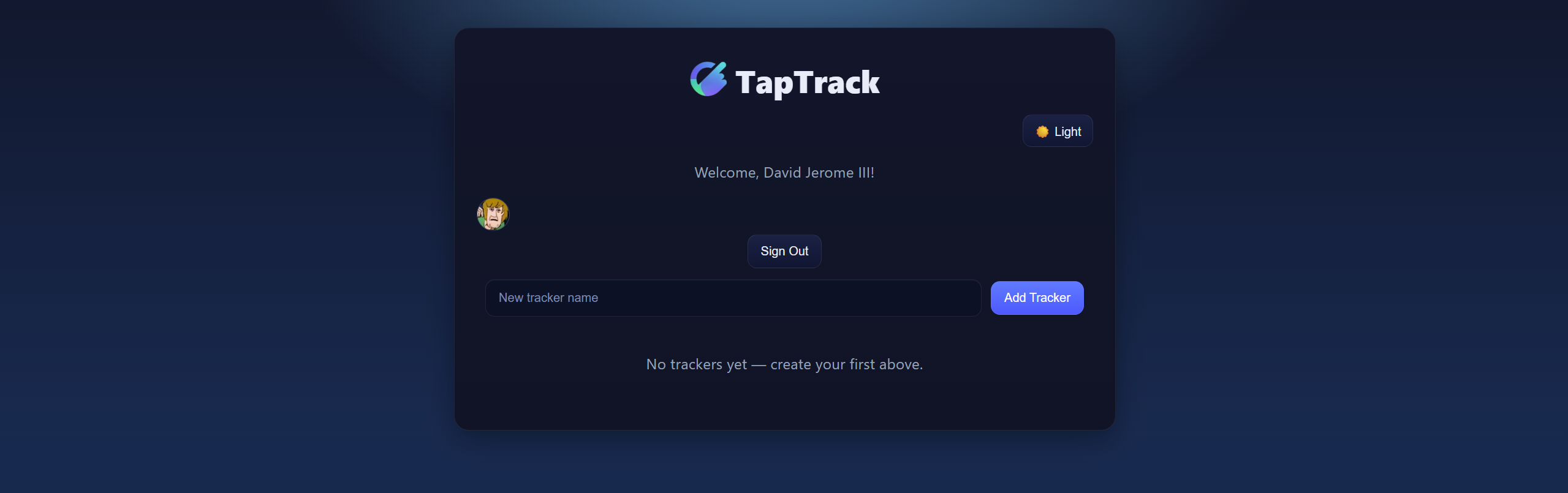
Home Screen After Login
-
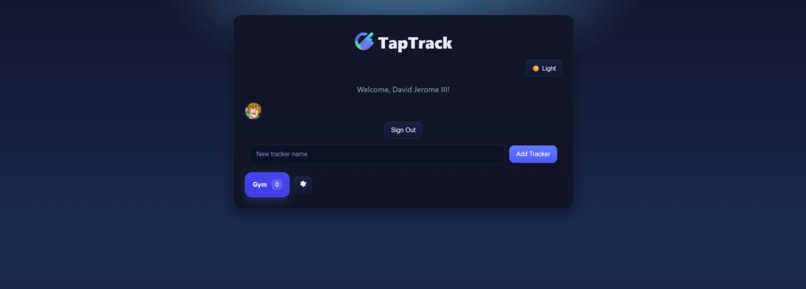
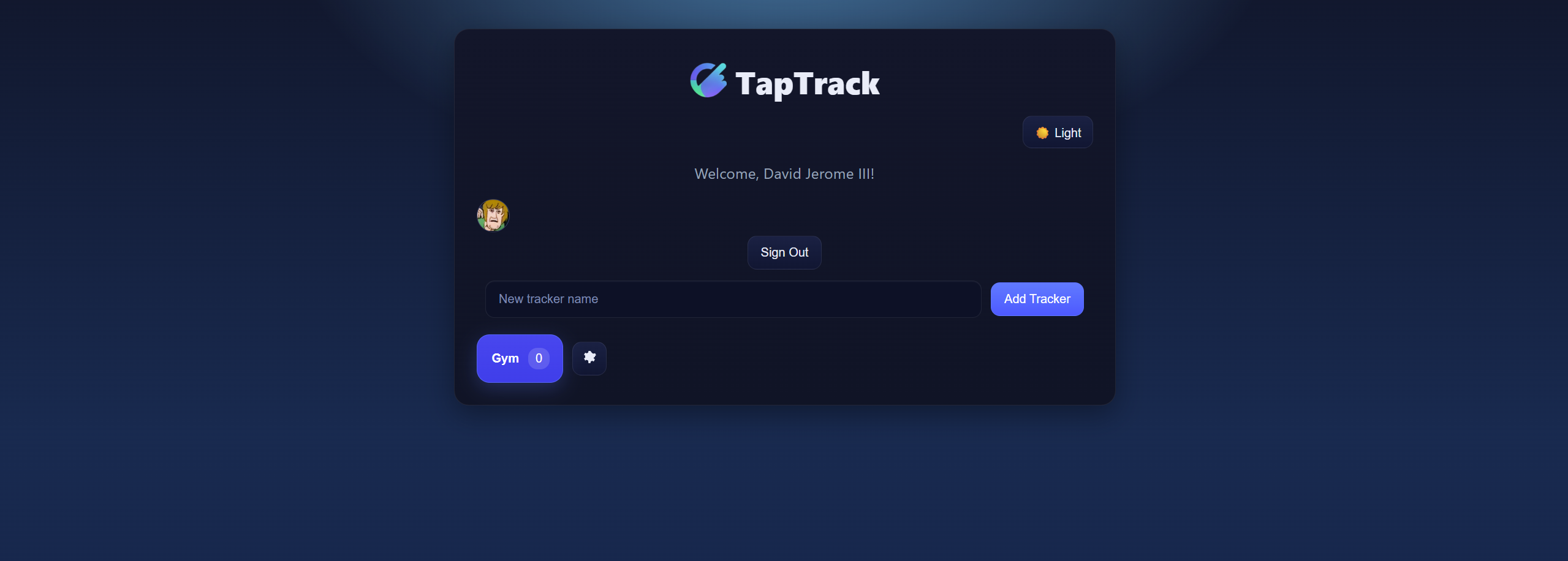
TapTrack with one tracker
-
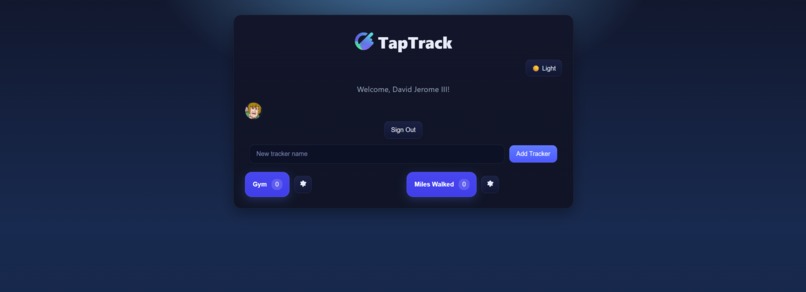
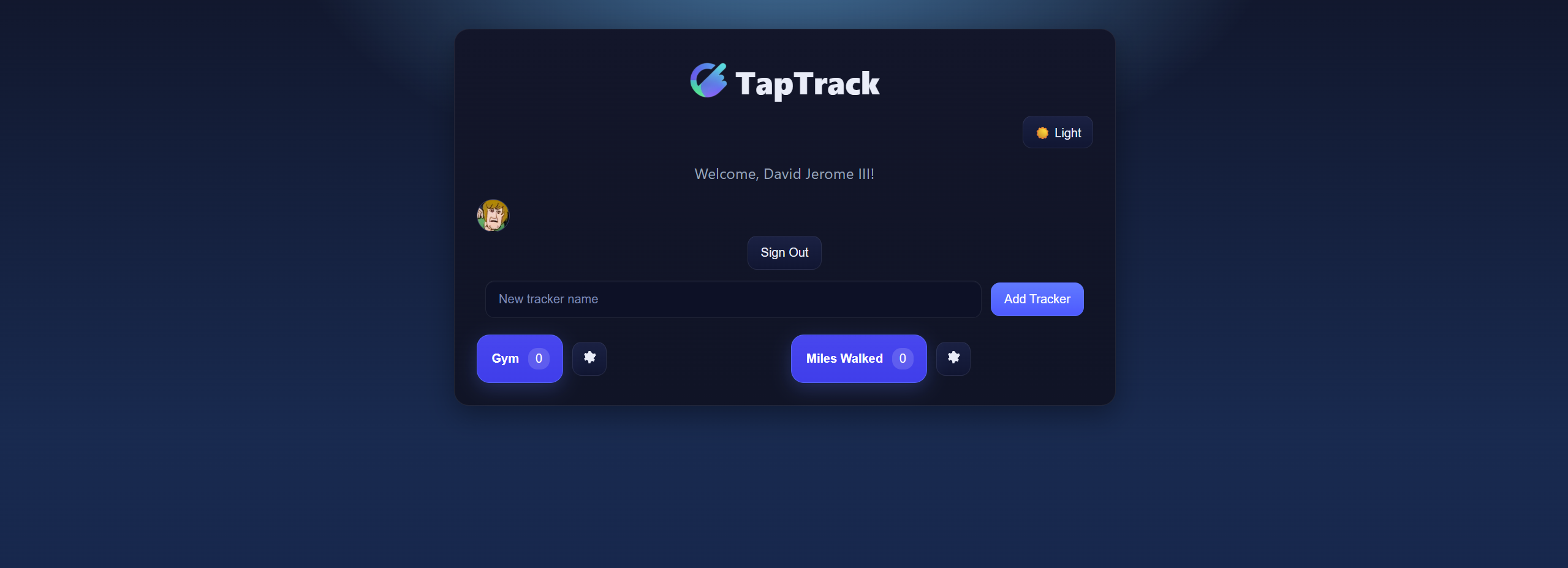
TapTrack with two trackers
-
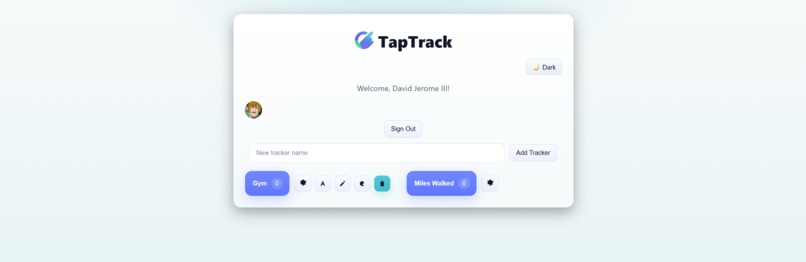
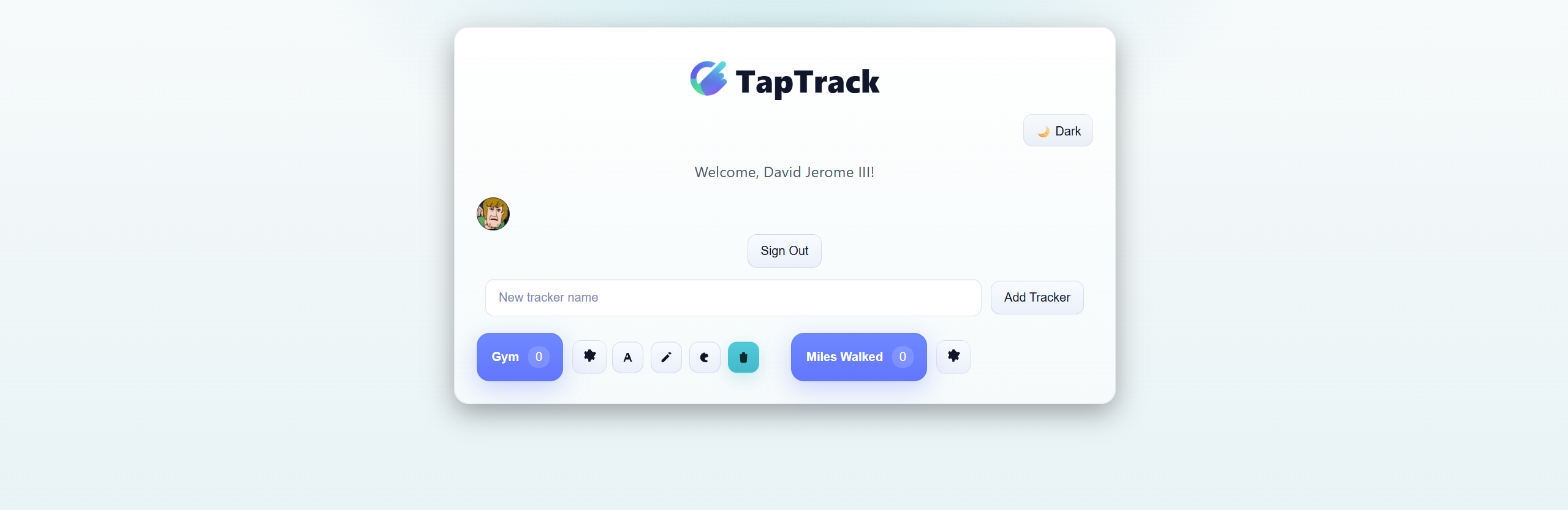
TapTrack setting bar with light mode on

🧭 About the Project
Our inspiration for TapTrack came from the idea of making habit tracking simple and engaging — starting with something as straightforward as counting how many times you’ve gone to the gym. Over time, that idea evolved into a versatile app that allows users to track any task or activity they can imagine.
🛠️ What We Learned
Through this project, we learned how to build a full-stack web application using:
- React — for creating an interactive and dynamic user interface
- Firebase Hosting — to deploy and host the web app
- Google Authentication — for secure and seamless sign-in with user accounts
- Firestore — as a real-time NoSQL database to store user tap data
- HTML, CSS, and JavaScript — to structure and style the app
The front end was developed in React with embedded HTML and styled using CSS, while Firebase handled authentication and backend services.
⚙️ Technical Overview
Each user logs in with Google, creates custom tasks, and tracks their progress by tapping associated buttons.
The taps are securely stored in Firestore, synced to the user’s Google account, allowing them to log out and return later without losing data.
If we were to express this relationship between user actions and stored data, it could be modeled as:
Where ( f ) represents the synchronization function between authentication and the database.
🚧 Challenges
Some of the main challenges we faced included:
- Integrating Google Authentication for the first time
- Resolving GitHub commit conflicts during collaboration
- Preventing the settings bar from colliding with other buttons in the interface
- Implementing new feature ideas that arose mid-development
Despite these challenges, we’re proud of how TapTrack turned out and of the lessons we learned about modern web development and cloud integration along the way.
🧩 Built With
- React
- Firebase Hosting
- Firestore
- Google Authentication
- HTML
- CSS
- JavaScript
- ChatGPT
🚀 Future Improvements
Looking ahead, we plan to expand TapTrack with features that make progress tracking even more interactive and social:
- Progress Visualization: Generate charts and graphs to show trends over time — for each task and total daily progress.
- Sharing Features: Allow users to share their task stats and streaks with friends or teams for accountability and motivation.
These improvements will make TapTrack not only a personal tracker but also a collaborative and visual experience that helps users stay consistent and celebrate their progress.
Built With
- chatgpt
- css
- firebase
- firestore
- html
- javascript
- react


Log in or sign up for Devpost to join the conversation.