Inspiration
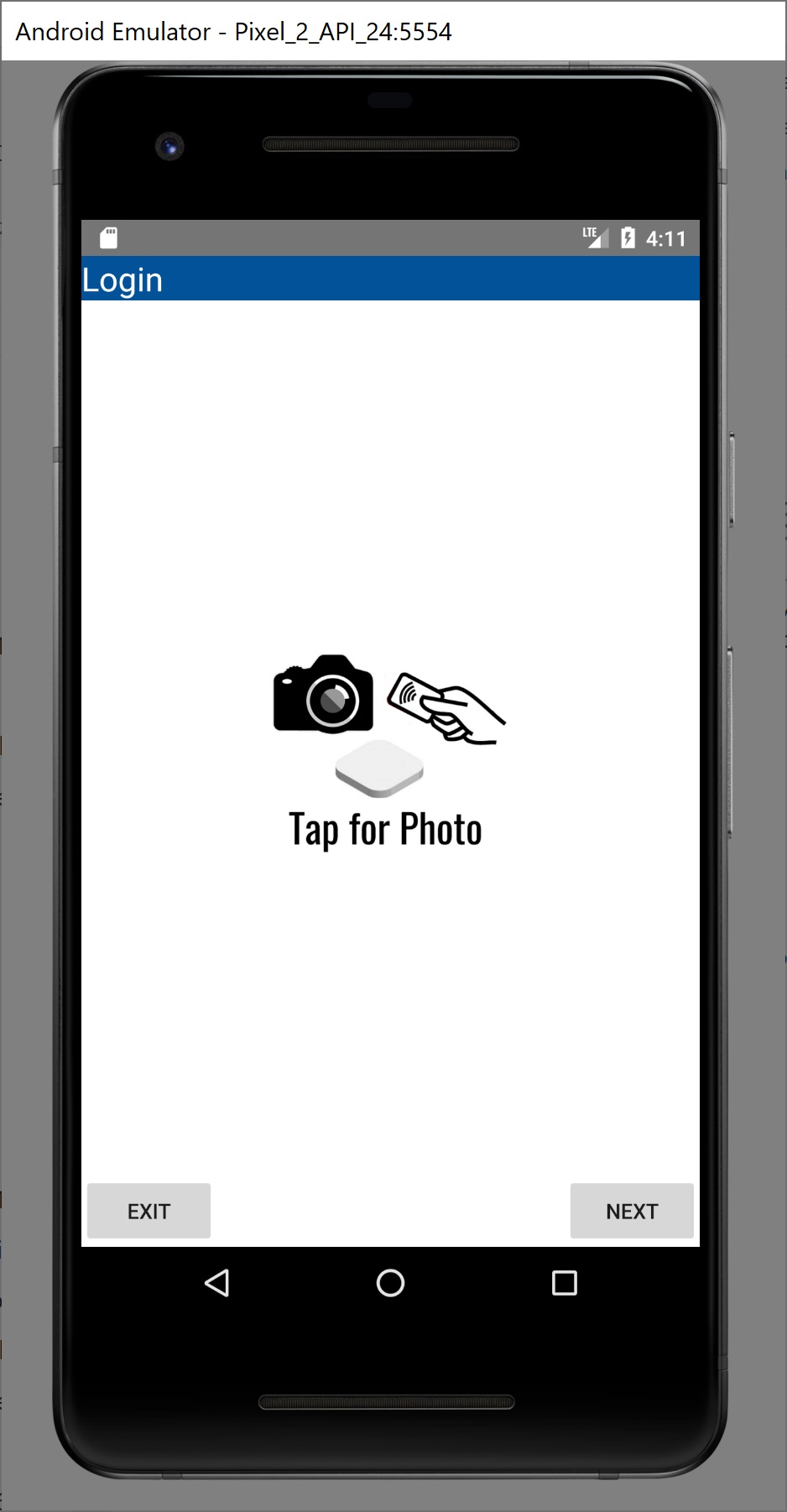
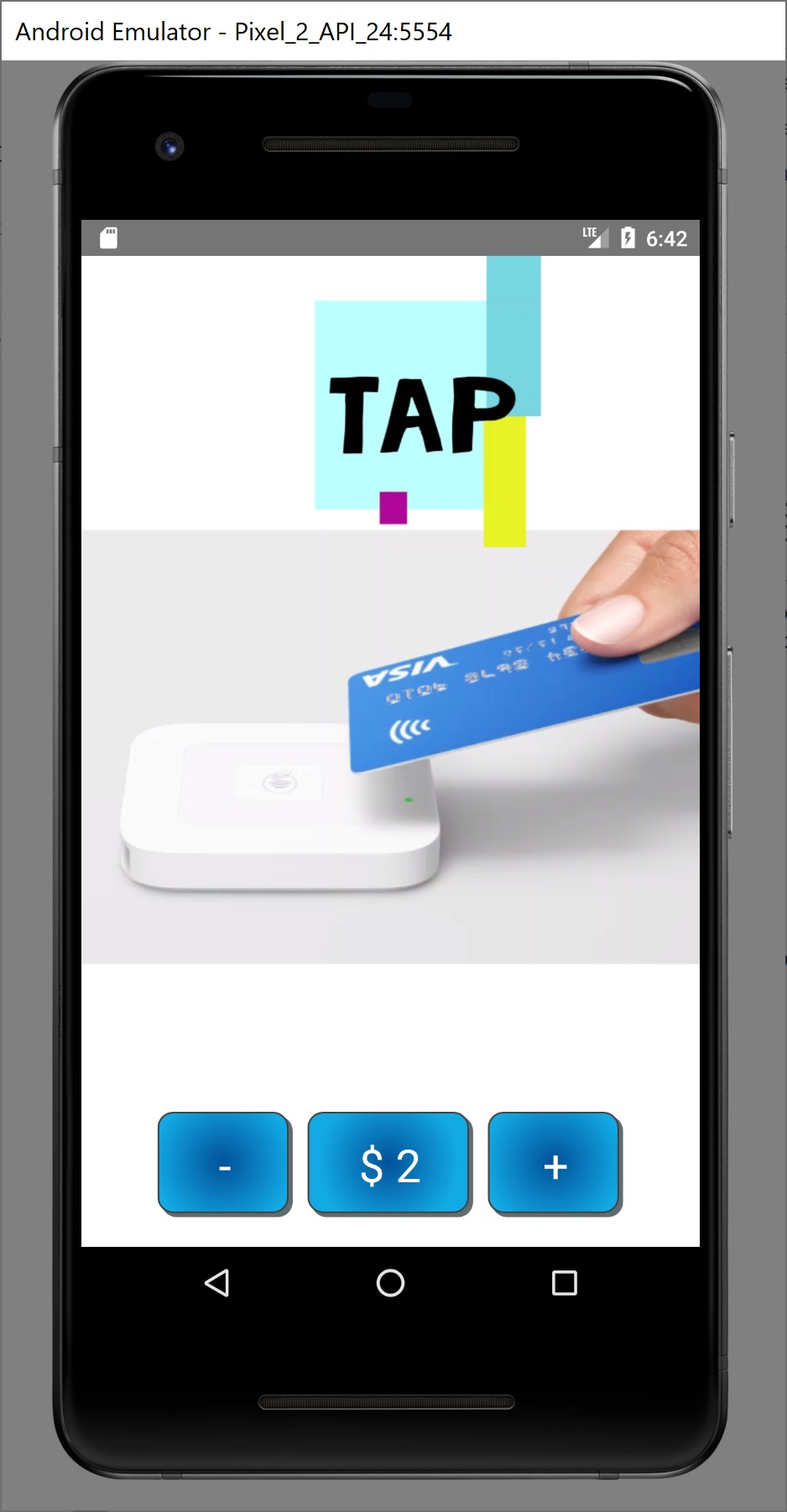
Photo booths are becoming popular at church events, schools, parties, charity and gala events, etc. The photographer has to accept the payment, take the photo and take the customer's details such as email and phone to give them access to digital photos. Customers also struggle if they did not have cash with them, or limit the number of photos to the amount of cash they have. A better solution is to use a Square reader in a semi unattended mode connected to a receipt printer, and have the customers tap the card to print instructions and receipt, then handle the receipt to the photographer to have the pictures taken. The App automatically creates a link, password, and instructions that are printed for the customer to download the digital pictures and order physical prints. The photographer then takes the photos and upload the files to the link created by the app.
What it does
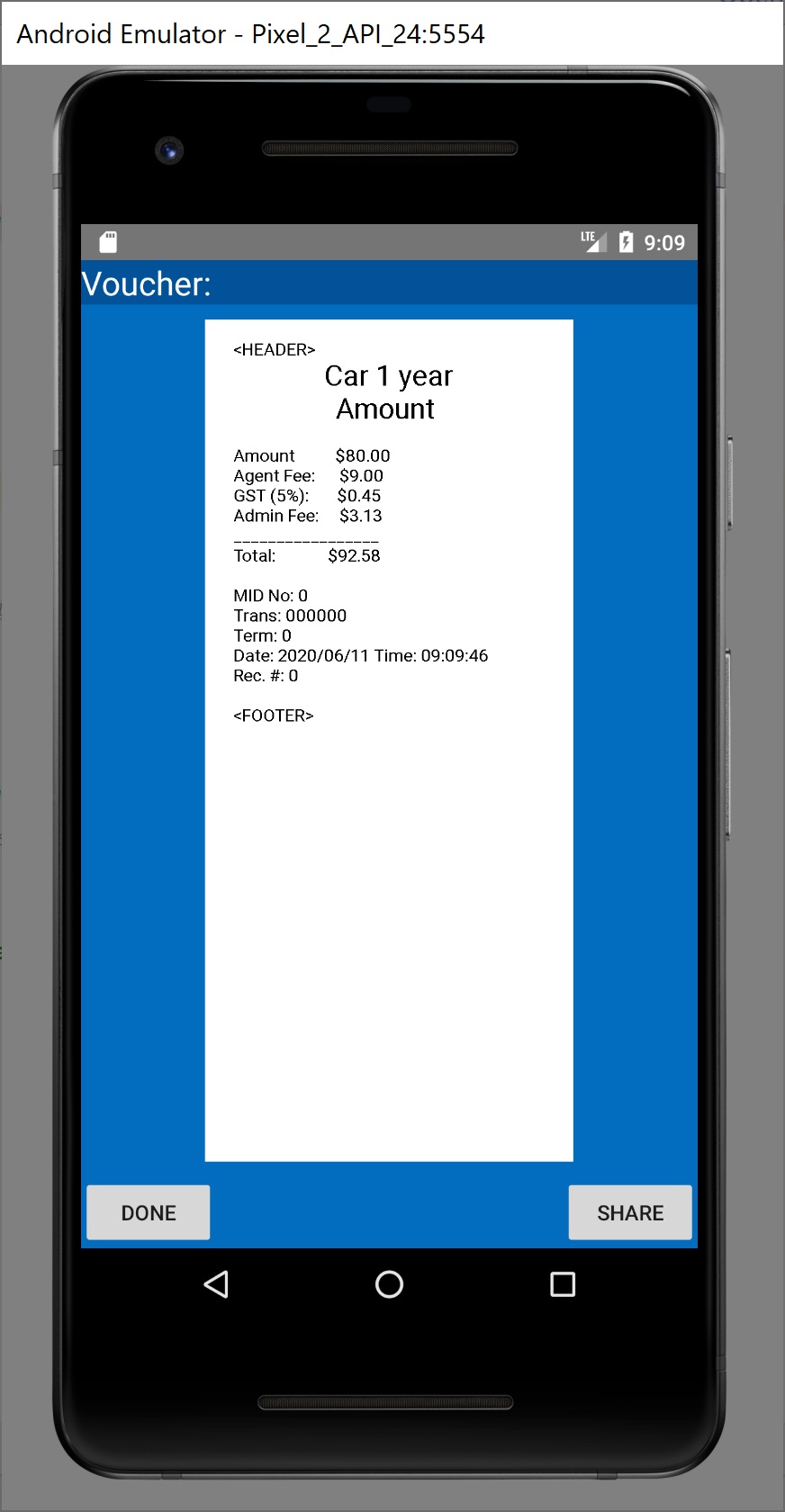
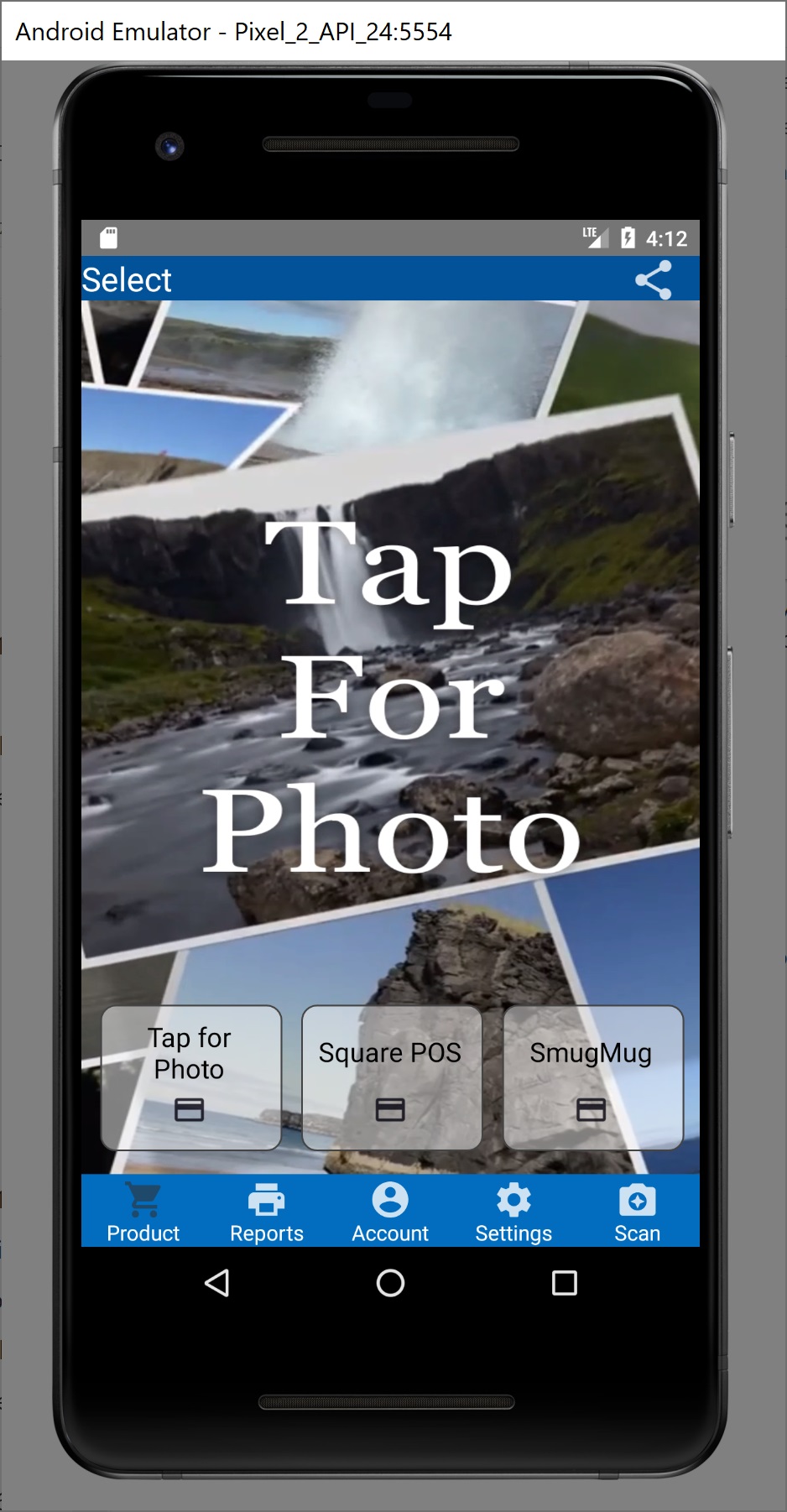
The App accepts fixed amount payments automatically, allowing the photographer to concentrate on taking the pictures and not worry about the payment, giving cash change, etc. The App also generates a link in SmugMug,com and assigns the password. All the photographer has to do is upload the pictures to that link as the customer already has the information in the receipt. The customer can then order prints and copies from SmugMug.com
How I built it
Used Square POS for Android, integrated such that the app passes the information in an automatic loop. It also communicates to the printer via bluetooth.
Challenges I ran into
How to make the app automatically loop and avoid the square reader to go idle.
Accomplishments that I'm proud of
Adapting Square POS to automatically charge a fixed amount and print
What I learned
How to integrate Square POS to apps.
What's next for Tap for Photo
Promote it and monetize the app.

Log in or sign up for Devpost to join the conversation.