-
-
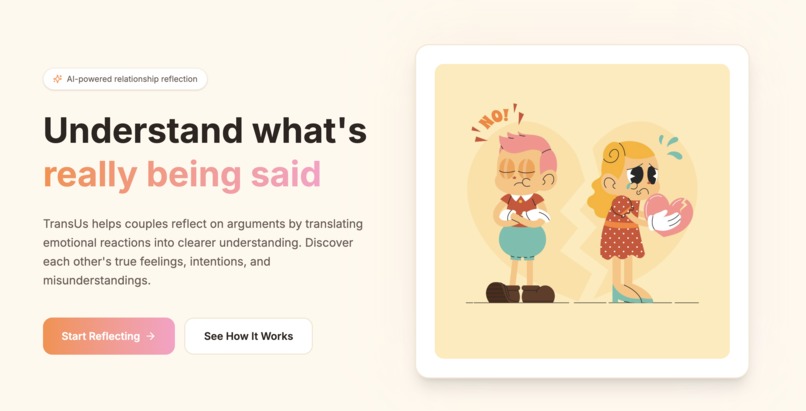
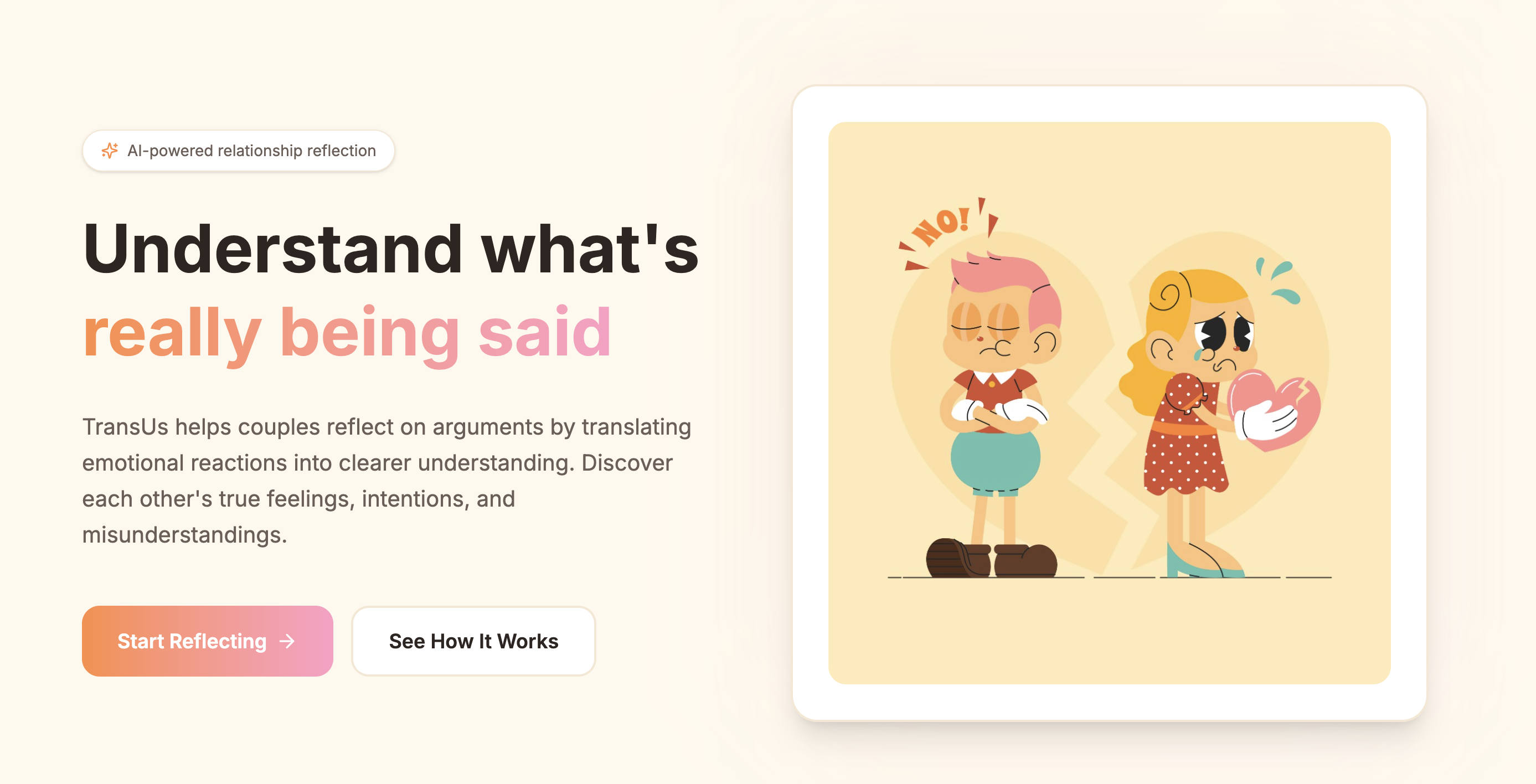
Main page
-
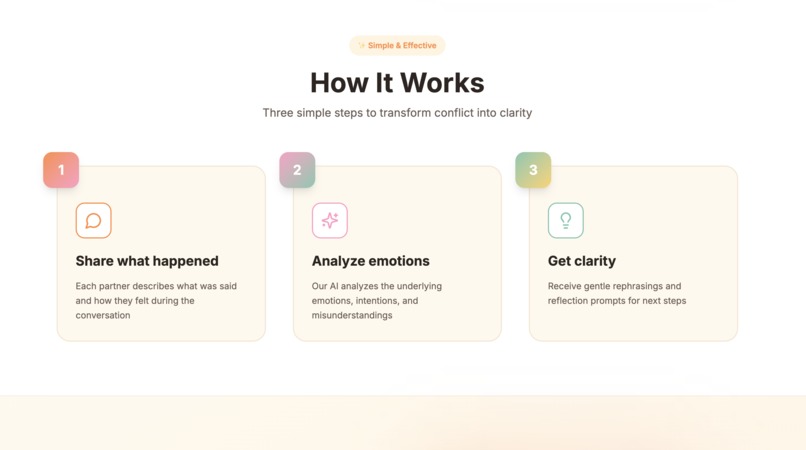
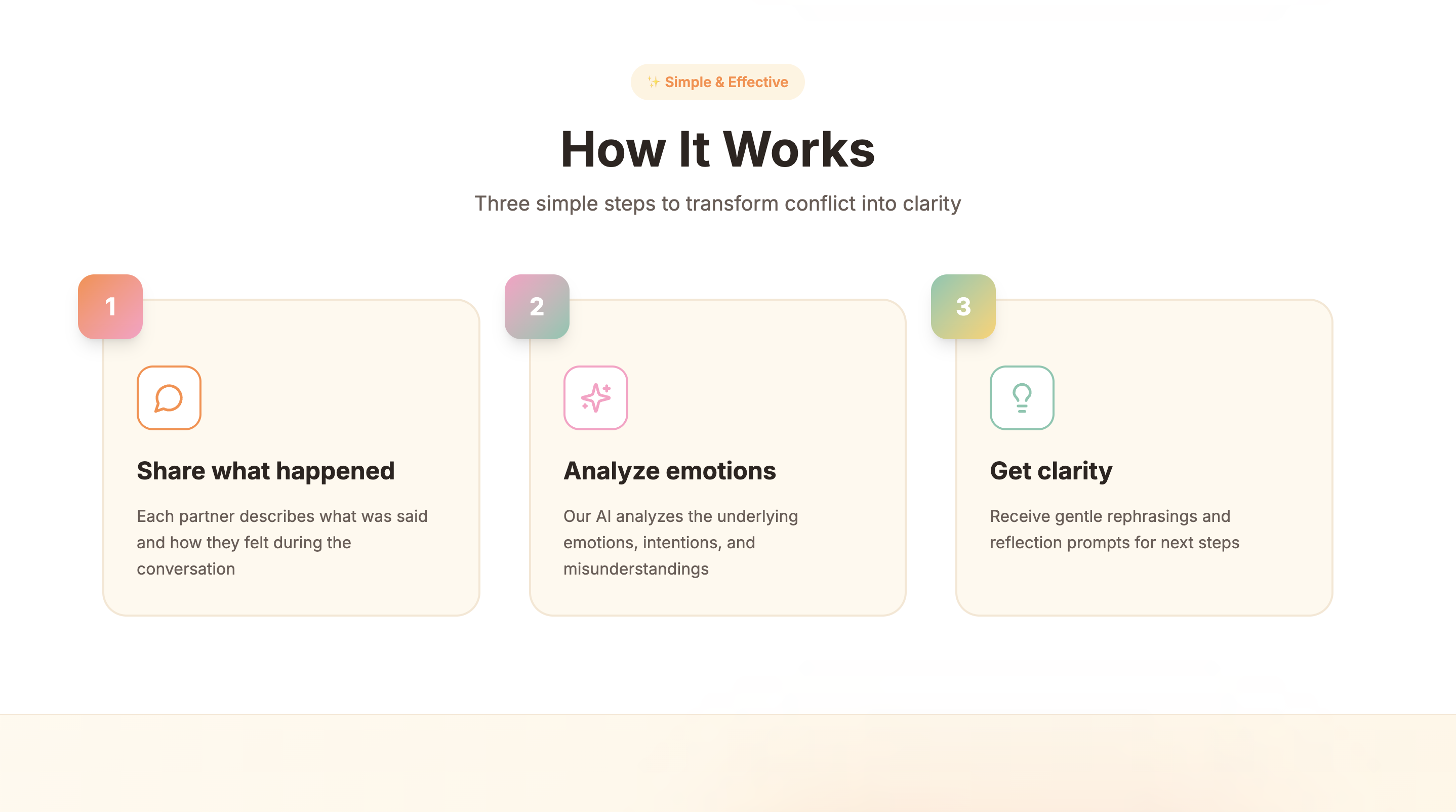
How it work
-
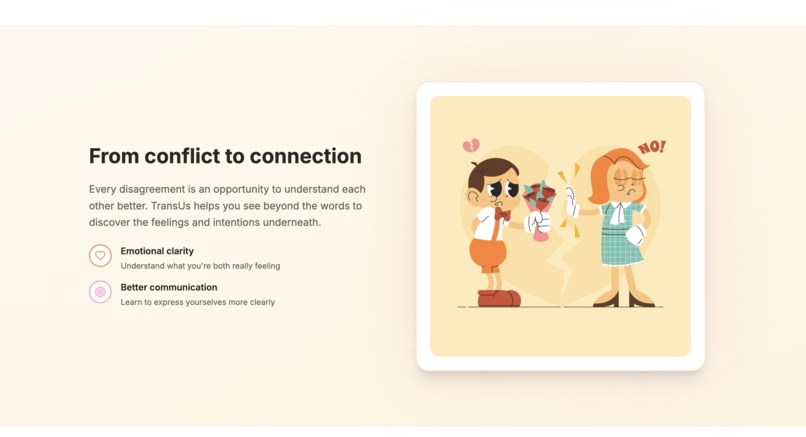
Demonstration Section
-
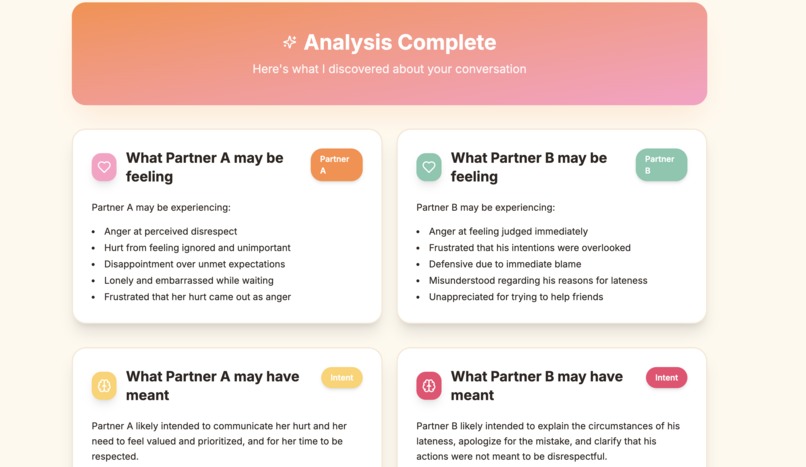
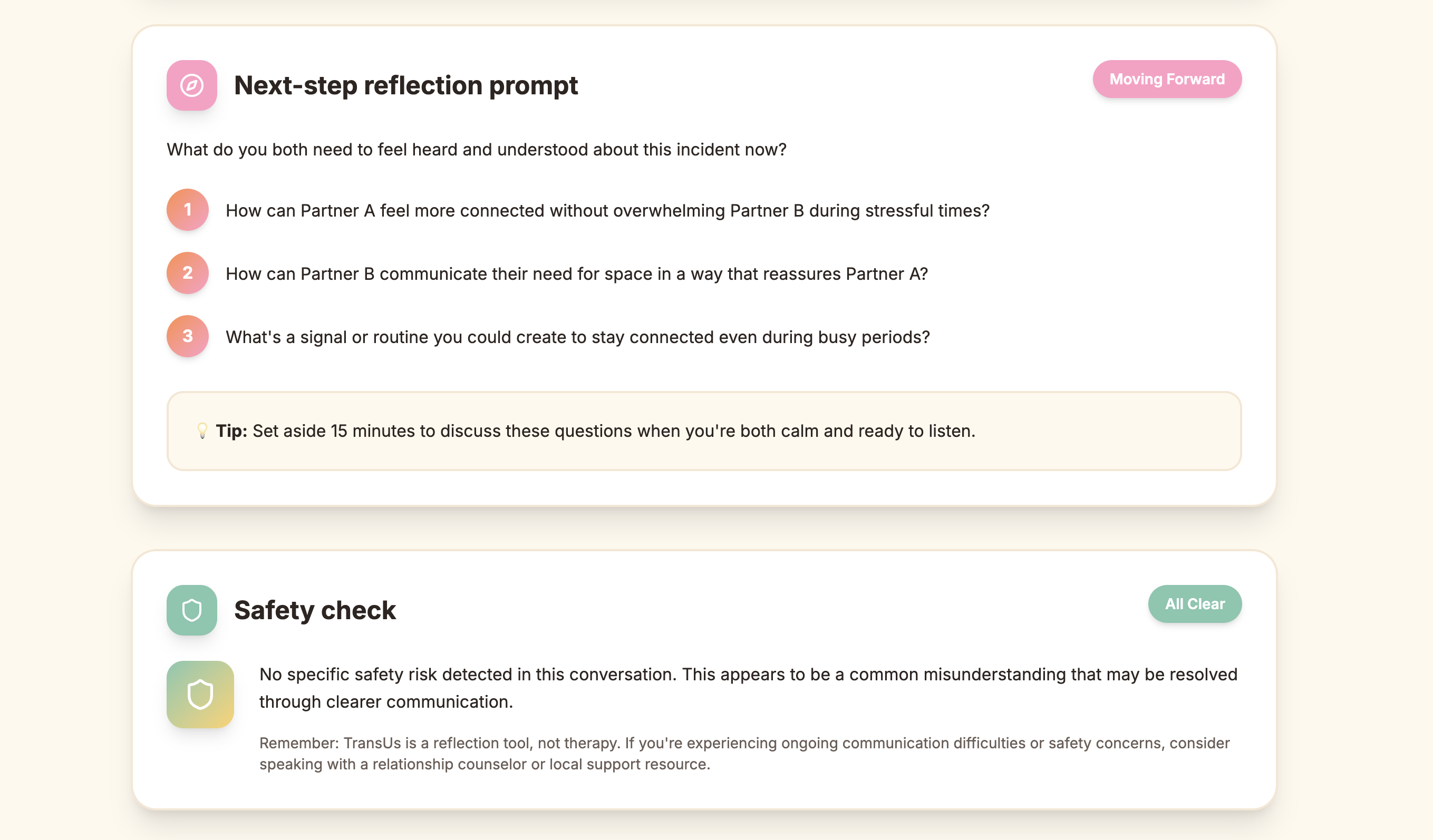
Reflection Simple 1
-
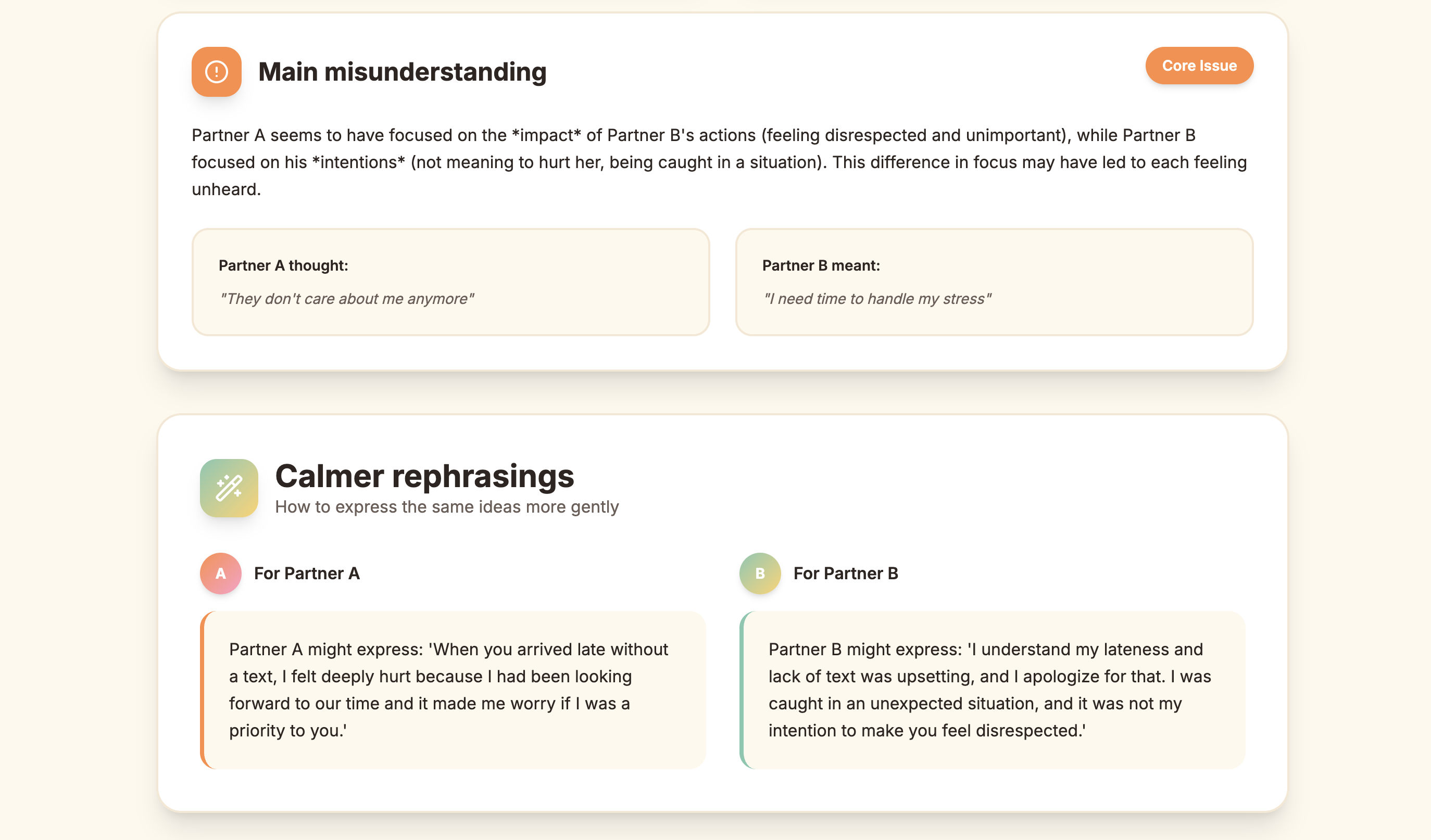
Reflection Simple 2
-
Reflection Simple 3
-
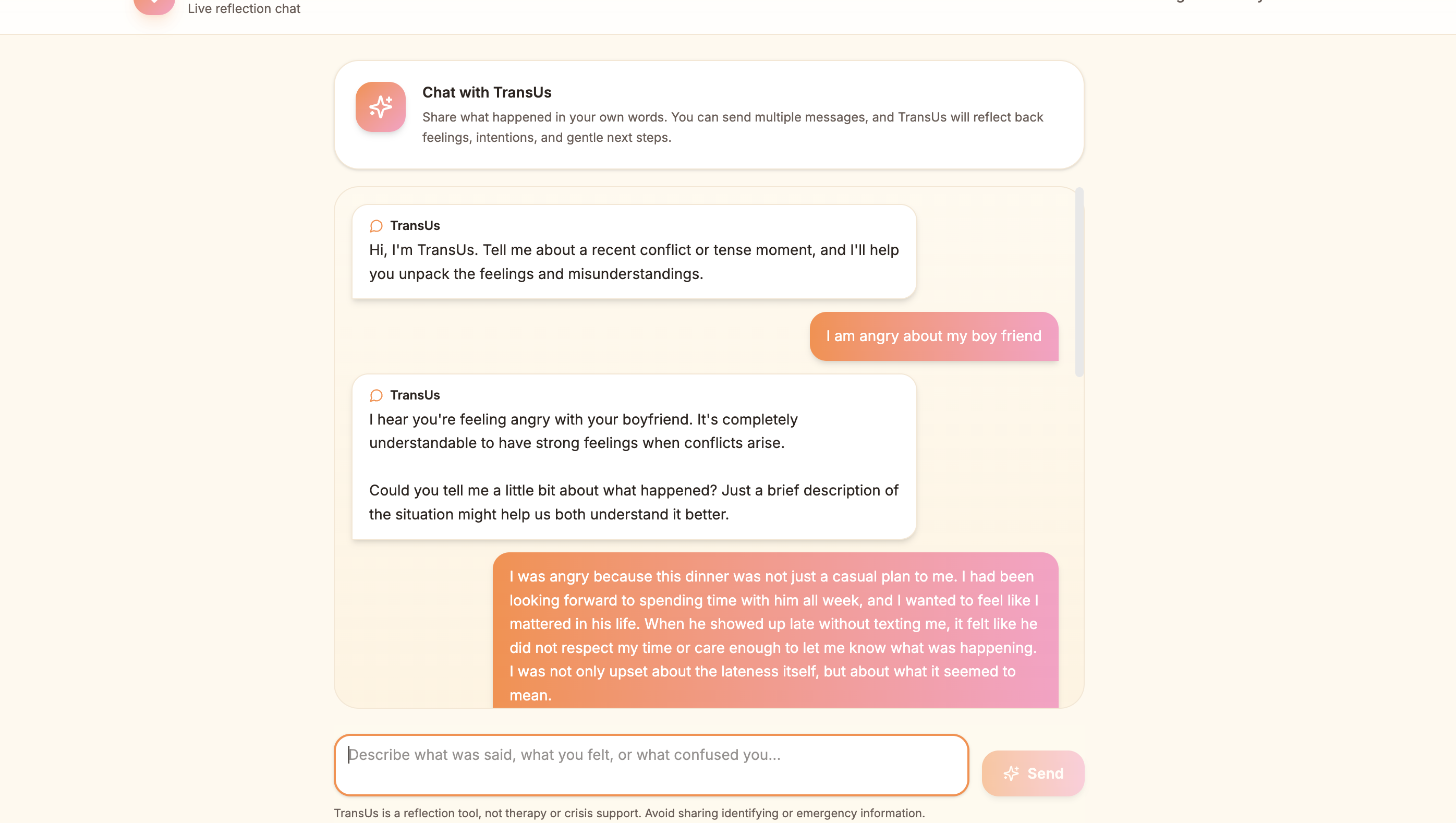
Live Chat Agent
-
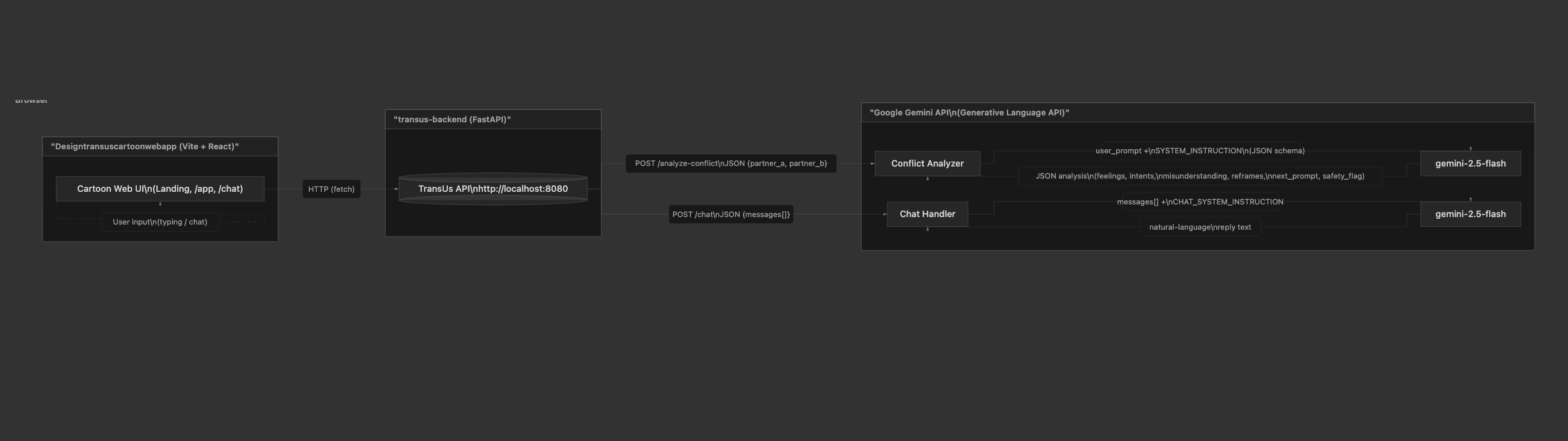
Architecture Diagram
Inspiration
TransUs was inspired by my own relationship with my boyfriend. We realized that many arguments were not caused by a lack of care, but by misunderstanding each other’s intentions. One person might express hurt, while the other hears blame. That gap between what was meant and what was heard became the starting point for this project.
I wanted to build something that could gently slow couples down and help them reflect on what is happening underneath the words. TransUs is not meant to replace therapy or decide who is right. It is a soft, supportive tool designed to help couples feel more heard, understood, and connected during difficult conversations.
What it does
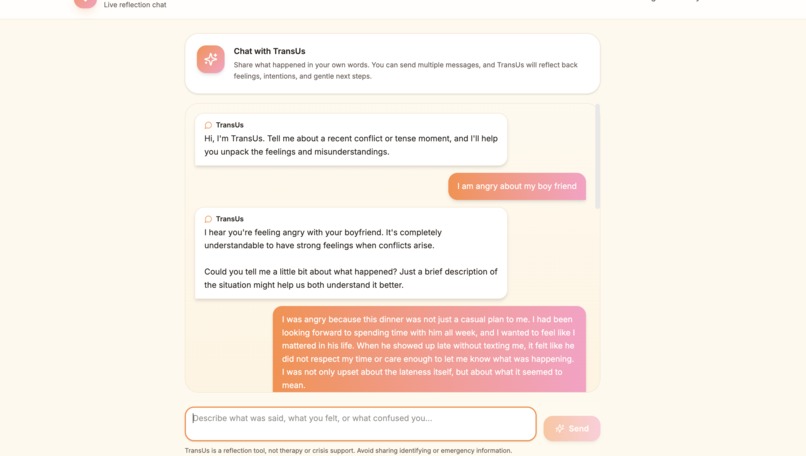
TransUs is a web app that helps couples translate conflict into understanding. Users can paste or speak each partner’s side of an argument, and TransUs uses Gemini to:
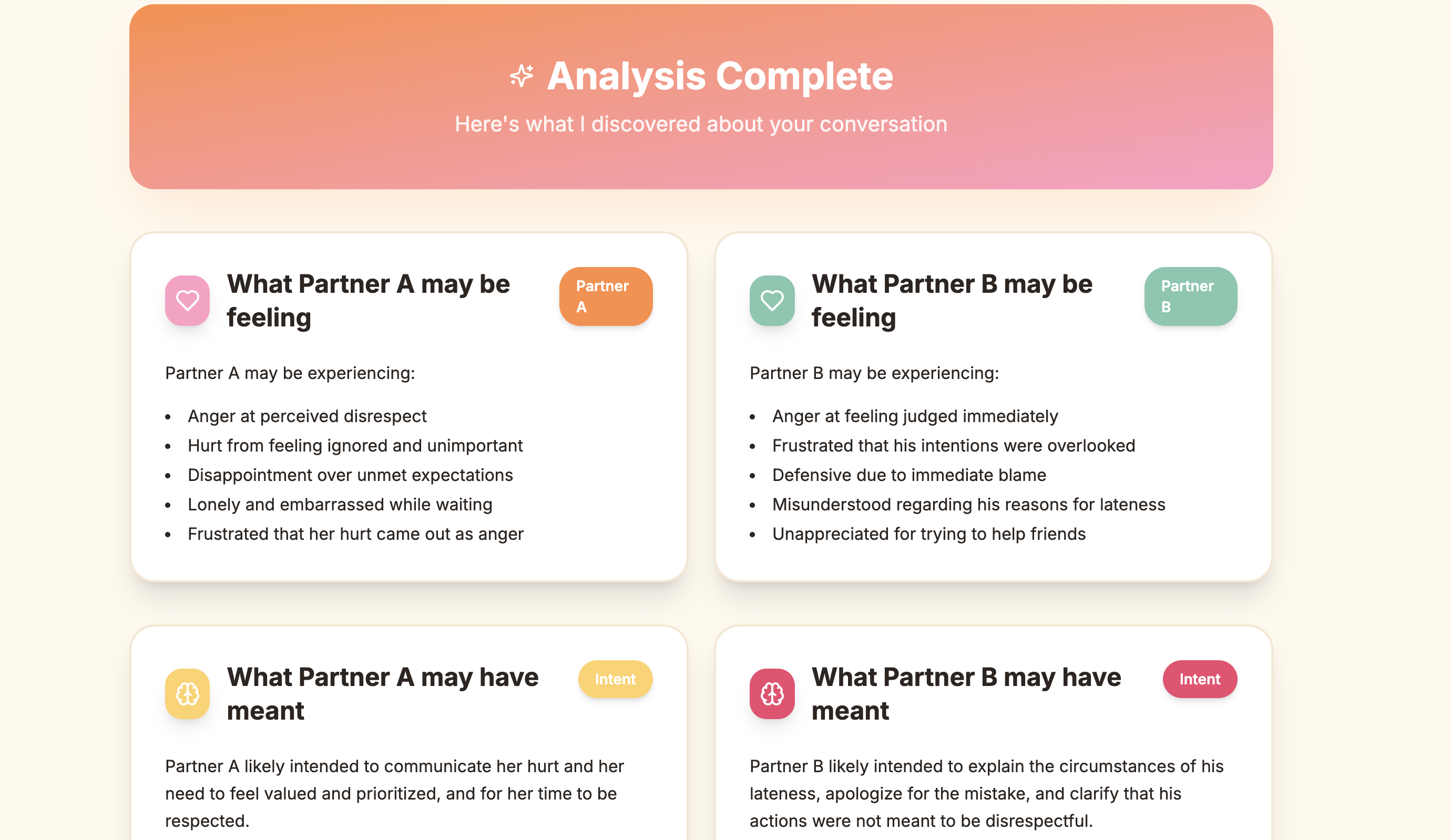
- identify likely feelings for each partner
- infer each partner’s intentions
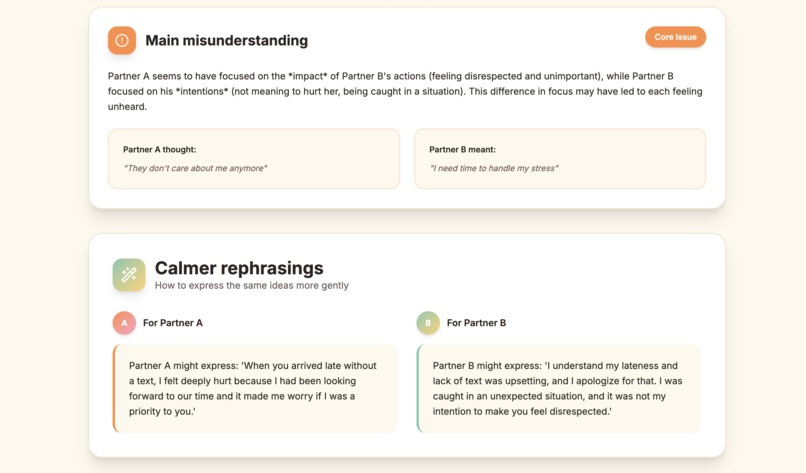
- highlight the main misunderstanding
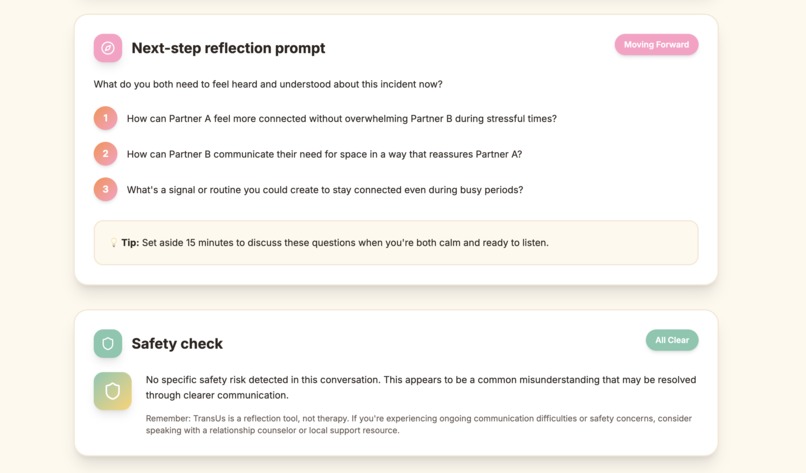
- suggest calmer rephrasings and a reflection prompt
- flag potential safety risks such as abuse, coercion, or self-harm language
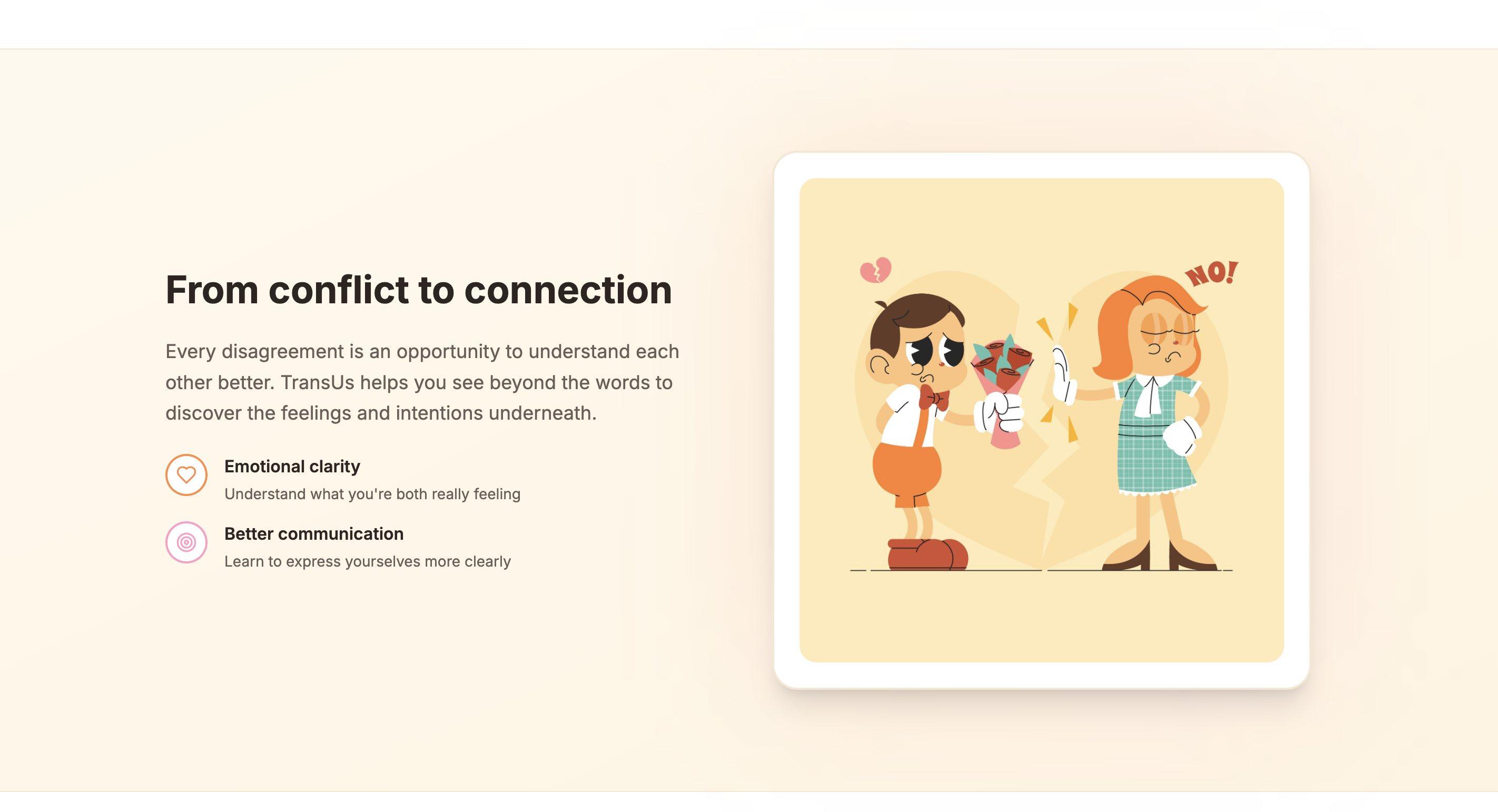
All of this is presented in a warm, cartoon-style interface that feels gentle rather than clinical.
How we built it
Backend
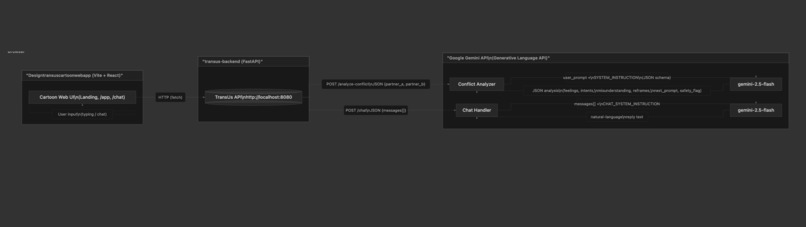
We built the backend with FastAPI in Python. The /analyze-conflict endpoint sends user input to the Gemini API using a carefully designed system prompt that requests a strict JSON structure for feelings, intentions, misunderstanding, reframes, next prompt, and safety flag.
We also used Pydantic to validate Gemini’s response so the frontend always receives clean and consistent structured data.
Frontend
We built the frontend with Vite + React and styled it based on a custom Figma cartoon design. The interface uses warm gradients, rounded cards, mascots, and playful illustrations to make the experience feel emotionally safe and approachable.
The app includes a landing page and a main app page where users enter conflict details. After submission, the frontend sends a request to the backend, shows a loading state, and renders the returned analysis into visual cards.
Integration
We combined the frontend and backend into one project so the app can run locally as a unified experience. The frontend calls the backend through http://localhost:8080/analyze-conflict or VITE_API_BASE_URL.
Challenges we ran into
Google Cloud setup
Setting up Google Cloud and Gemini took several rounds of debugging. We dealt with issues such as:
- missing
GEMINI_API_KEY - invalid or disabled project settings
- quota and billing issues
- deprecated model names
- SDK role validation errors when prompt formatting changed
SDK and JSON handling
The google-genai SDK required careful handling of system_instruction and structured output settings. We had to move the system prompt into the config, make sure Gemini returned valid JSON, and then robustly parse and validate that output.
Project reorganization
At first, the frontend, backend, and Figma-generated files were all separate. We had to clean up the repositories, remove unnecessary large files, merge everything into one codebase, and replace Figma-specific asset imports so the app could build correctly with Vite.
Accomplishments that we’re proud of
- We built an end-to-end working app where users can enter a conflict and receive thoughtful, safety-aware analysis.
- We created a strong backend–frontend contract using strict Pydantic schemas and structured Gemini output.
- We designed a cartoon-style UI that feels warm and approachable while still handling sensitive topics carefully.
- We added clear error handling so users see useful messages instead of confusing failures.
What we learned
- API details can change quickly, so it is important to keep checking the latest documentation.
- Strict schemas make AI-powered apps much more reliable and easier to connect to a frontend.
- Good developer experience matters, including clean repos, helpful errors, and organized project structure.
- Figma-generated UI can be a strong starting point, but it still takes work to connect it to a real backend.
What’s next for TransUs
Safety
We want to improve safety support with more detailed categories, better recommendations, and an optional quick-exit flow for users in unsafe situations.
Input modes
We want to expand voice mode and support screenshot or file uploads so users can analyze chat history more easily.
History and sharing
We would like to let couples save analyses, bookmark helpful reframes, and export reflection summaries.
Deployment and accessibility
We plan to deploy the full app to a public URL and improve accessibility through better labels, contrast, and keyboard support.
Built With
- css
- fastapi
- gemini
- python
- react
- tailwind
- typescript
- uvicorn

Log in or sign up for Devpost to join the conversation.