-
-
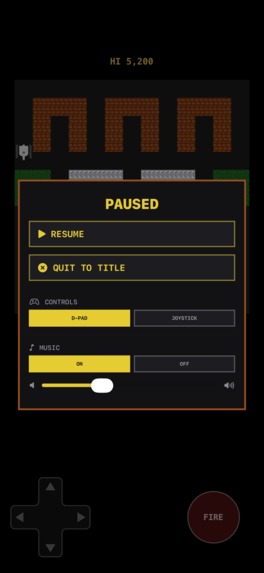
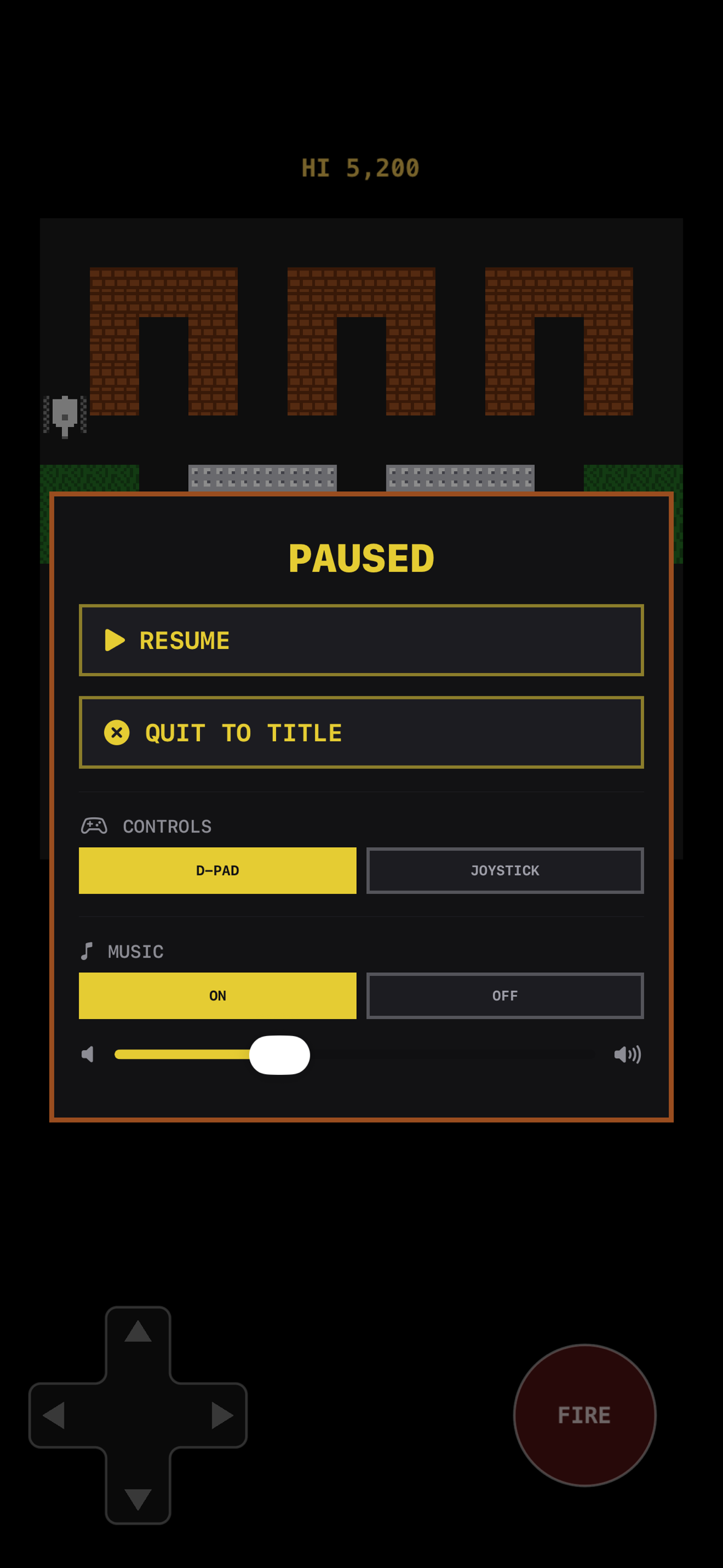
Pause card over a live board
-
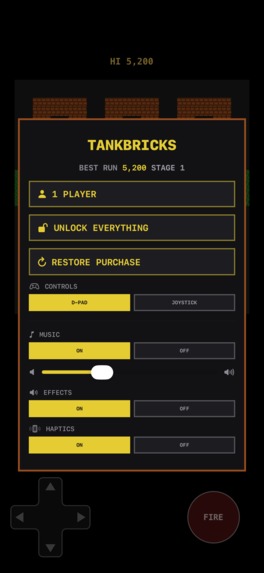
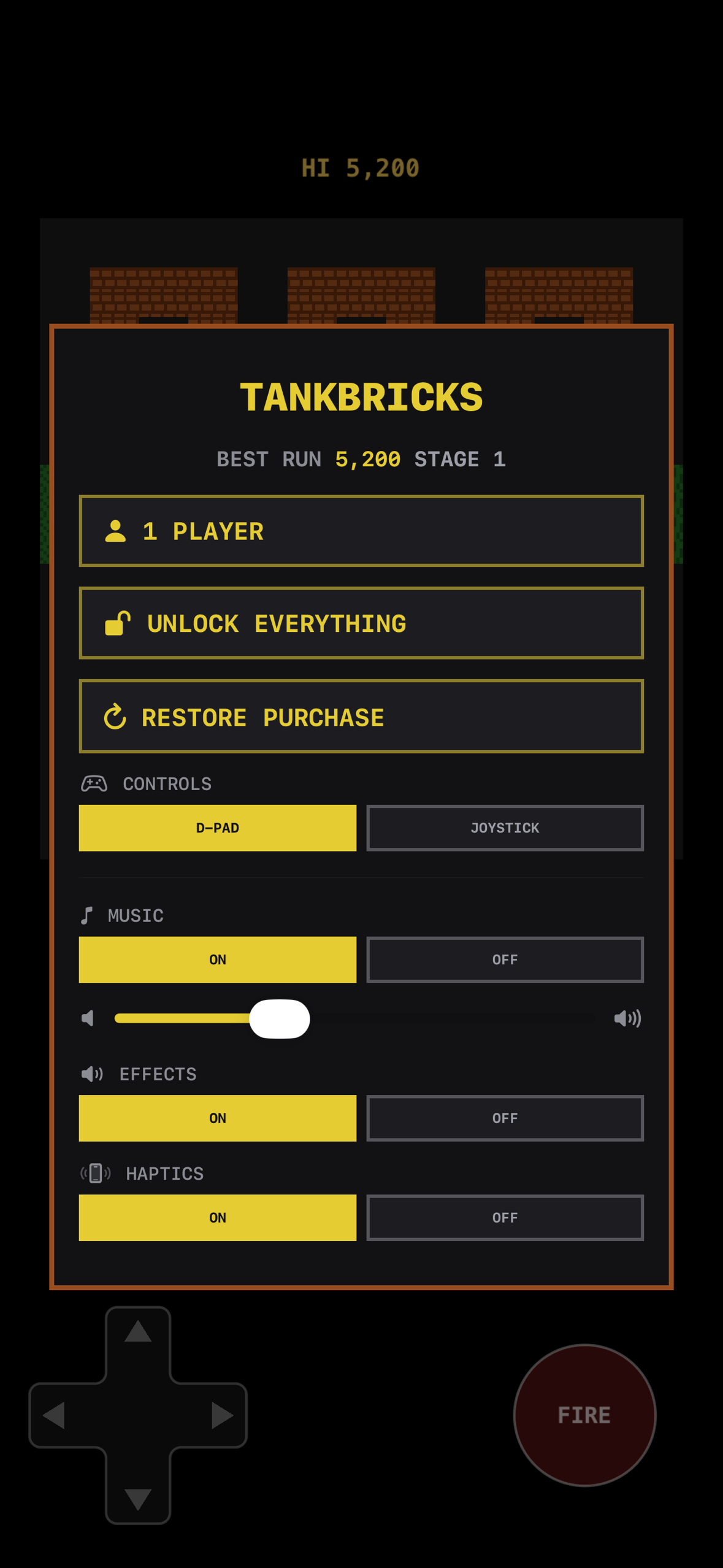
Title screen with the best run and Game Center
-
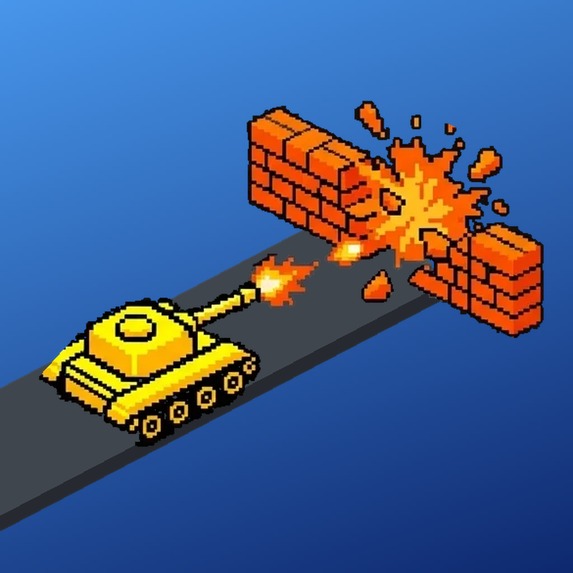
App icon (1024x1024)
-
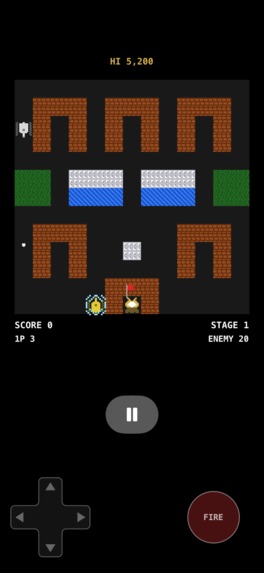
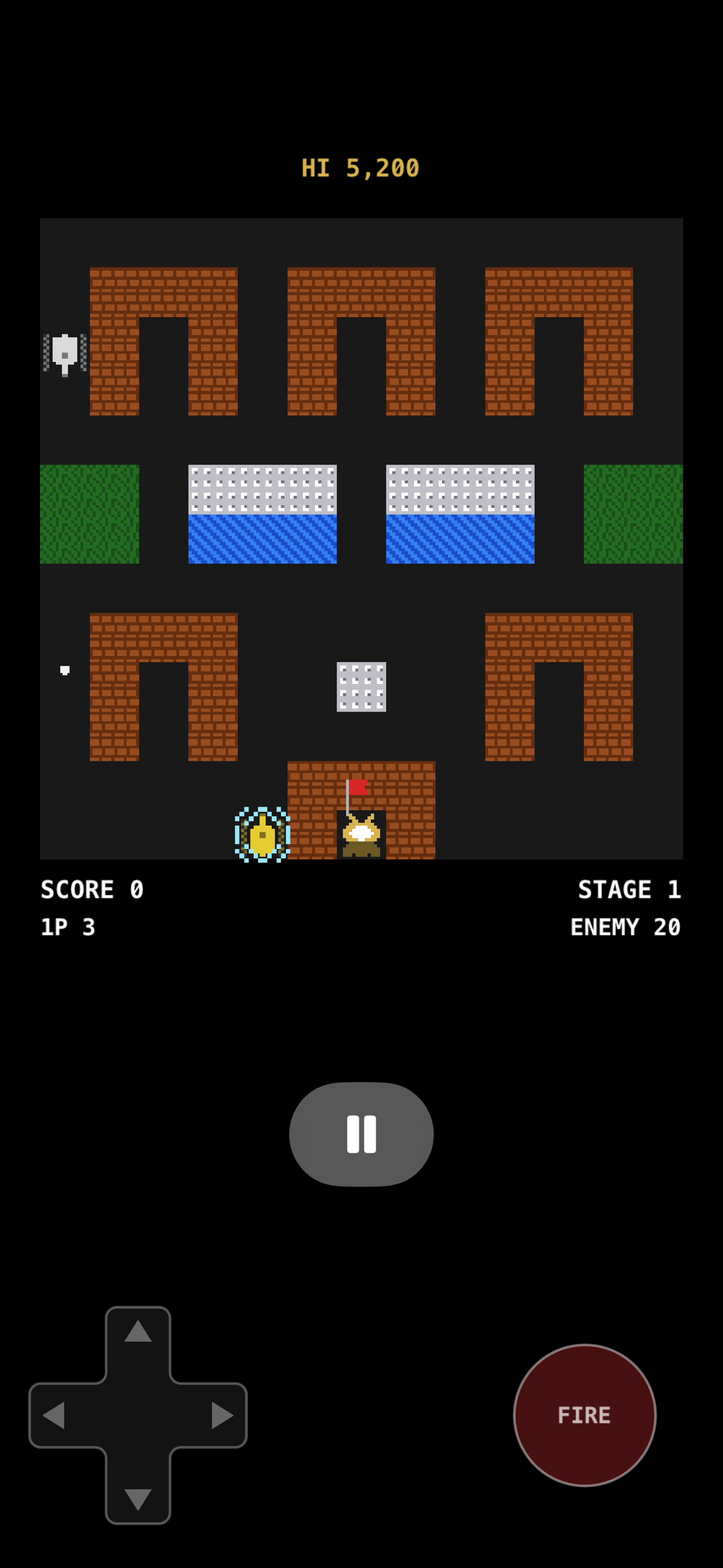
Gameplay: brick, steel, water and trees; enemies coming for the eagle
Inspiration
The tank games of the NES era: a 13×13 board, brick and steel, an eagle to defend and tanks that come for it. I wanted that game on a phone with controls that do not fight you, and I wanted it to be one codebase for iPhone, iPad, Mac, Apple TV and Vision Pro rather than a port of itself four times.
What it does
TankBricks is a single-player retro tank arcade. Every stage drops you into a field of brick, steel, water and trees. Enemies spawn at the top and head for your eagle. Brick shoots away; steel does not until you earn the upgrade; water slows you; trees hide you. Power-ups: star (faster, longer shots), helmet (invulnerable for a while), shovel (steel fort around the eagle), grenade (clear the screen), clock (freeze everyone but you).
- On-screen D-pad or analog joystick, or a Bluetooth controller (Xbox, DualSense, DualShock) with rumble.
- Native iPad layout in any orientation, Split View, and the folded and open screens of iPhone Duo.
- Game Center leaderboard and achievements; your best run always on the title card.
- Eight languages: English, Spanish, French, German, Italian, Portuguese (Brazil), Japanese, Simplified Chinese.
- VoiceOver and Switch Control on the pad, Reduce Motion respected.
Free to start, one purchase. The first five stages are free. A single non-consumable unlock (through RevenueCat) opens the whole campaign, removes ads, unlocks five alternate app icons and gives an extra life after game over without watching a video. No subscription.
How I built it
- Swift 6, strict concurrency,
MainActoras the default isolation in every target so the same source compiles identically in Xcode and SwiftPM. - One deterministic simulation (
GameSimulation) with no rendering, no UI and no platform code. It is a SwiftPM library, so 176 tests (simulation, input merge, wire protocol, layout snapshots) run in about a second with no simulator and no signing. - SpriteKit renders the flat board; a RealityKit voxel renderer draws the same board on a table for the AR co-op mode.
- Host-authoritative multiplayer (AR co-op with Vision Pro, "TV Play" where phones are the gamepads for an Apple TV, and online play over Game Center) is implemented and tested over a loopback transport. It ships switched off behind feature flags until it has been played between two real devices; selling a mode the app does not expose is a rejection.
- RevenueCat is the only thing the rest of the app asks about money:
Store.swiftis the one file that imports it, everything else readsisPremium. The hosted paywall is used when StoreKit answers; a hand-written card takes over when it does not. - Google AdMob, always non-personalized: no App Tracking Transparency, no IDFA, tracking declared false in the privacy manifest. Interstitials between stages for free players; a rewarded video buys an extra life, on its own ad unit, and suppresses the next interstitial so the two never stack. The offer only appears when a video is already loaded.
- Maps are ASCII art in the source, one character per tile, and tests enforce what a typo would break: 13×13, legal characters, exactly one eagle, spawn tiles clear.
- Screenshots for the listing are taken by a UI test, once per language, and a script composes the hero image from the gameplay shot with the same geometry as the game's own layout code.
Challenges I ran into
- An app's first in-app purchase must be submitted together with a new app version. I submitted the purchase on its own; until it was approved StoreKit returned no product and RevenueCat's hosted paywall raised "Error 23" in front of players. That is what shipped in 1.0.1. The fix was a fallback card and a store that remembers whether it ever got an answer.
- ITMS-91064: declaring tracking in the privacy manifest without listing domains got a build rejected. The answer was to never track: non-personalized ads only.
- The SwiftUI pause button read the layout constants directly and, on rotation, was evaluated for the new size before the scene had laid out for it. Now the scene publishes its anchor and a rotation snapshot test keeps it that way.
- Menu greys that looked fine in Xcode measured 2.7:1 on device. Every menu colour now comes from one palette and the dim label measures 5.1:1.
- iPhone Duo folded (466×678pt) does not fit the phone's portrait stack, so the scene widens and the controls move under the board instead of over it.
Accomplishments that I'm proud of
Three versions on the App Store in twelve days, each one fixing something a real user or a real rejection taught me. One simulation, five platforms, and the multiplayer loops tested in-process without a single device.
What I learned
Ship the purchase with the version. Read the privacy manifest rules before the reviewer does. Never upload a screenshot nobody has looked at. And a test that fails on a typo in a map is worth more than any amount of care while typing it.
What's next for TankBricks
Turn the multiplayer flags on once two real phones have played a match: online co-op over Game Center where hosting is what the purchase buys and joining is free, AR co-op on Vision Pro, and TV Play on Apple TV.
Built With
- admob
- gamekit
- ios
- realitykit
- revenuecat
- sprite-kit
- swift
- swiftui
- xctest


Log in or sign up for Devpost to join the conversation.