-
-
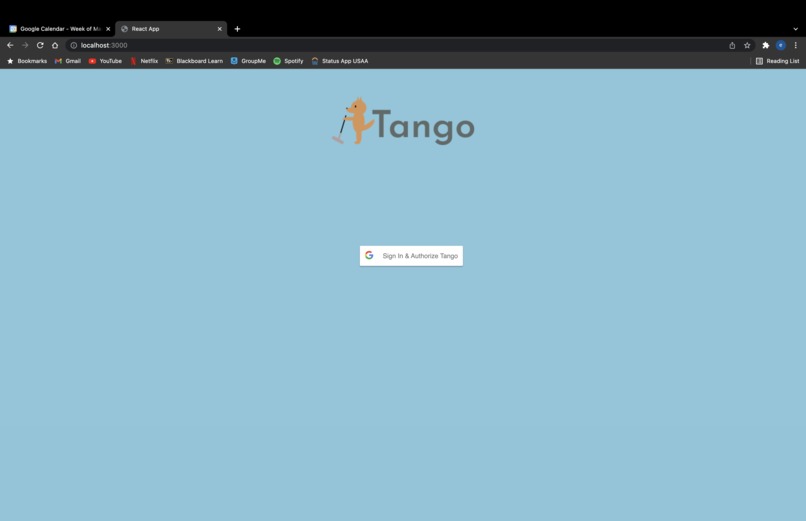
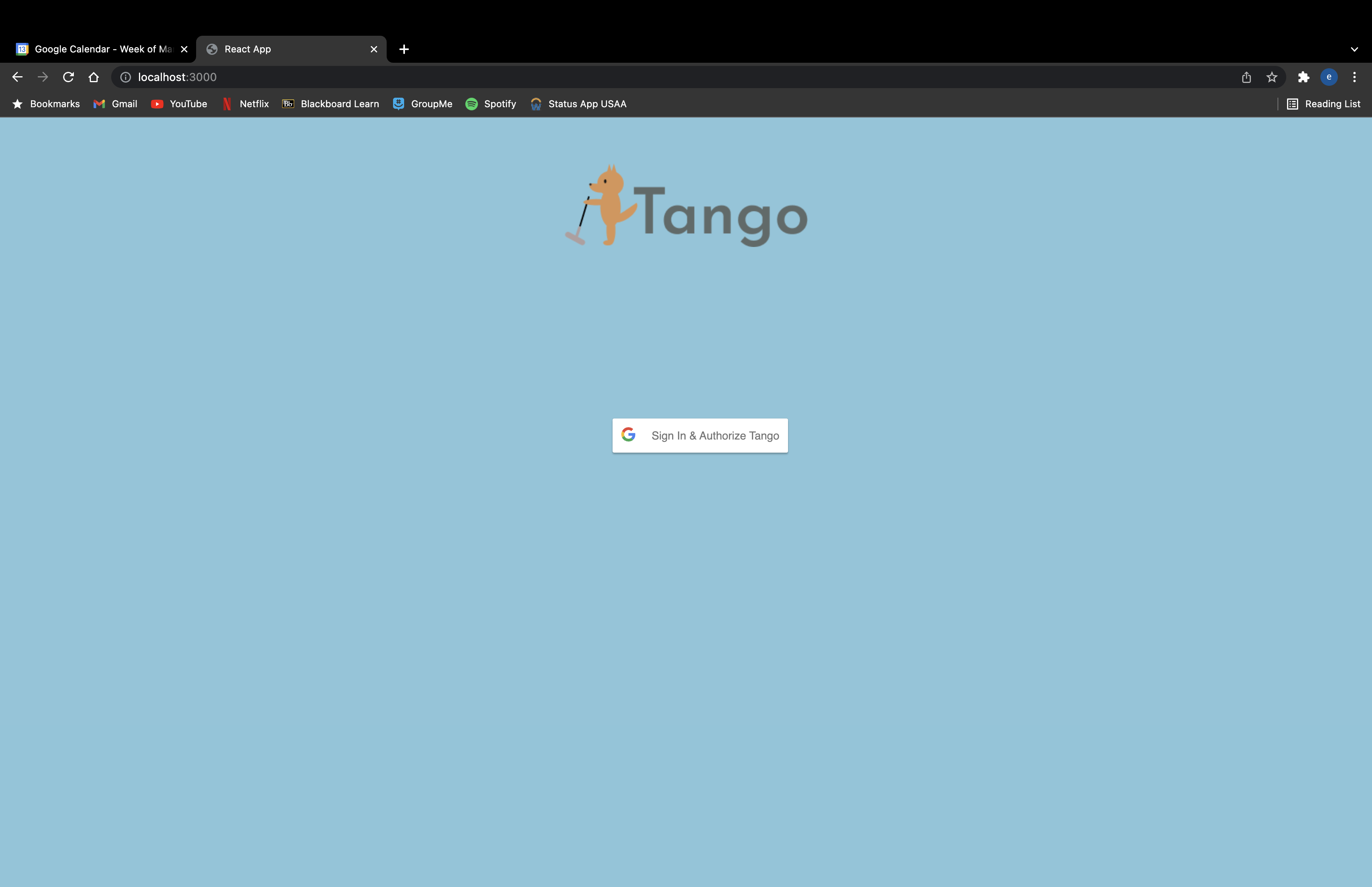
Tango login page
-
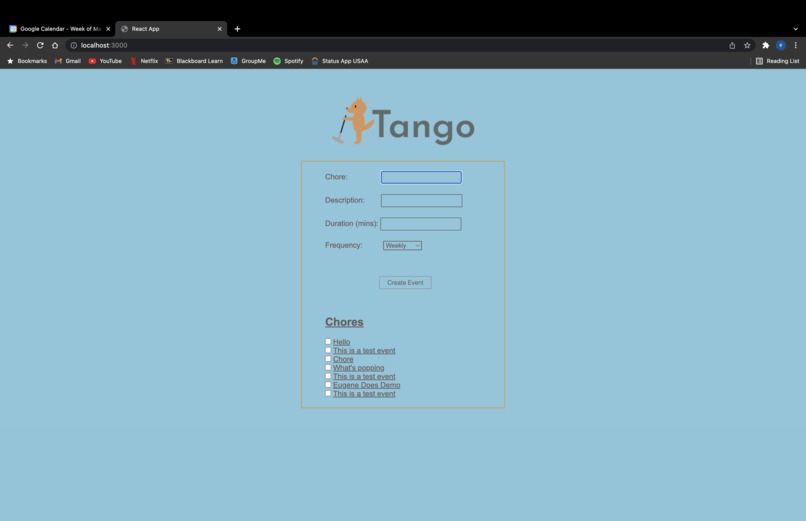
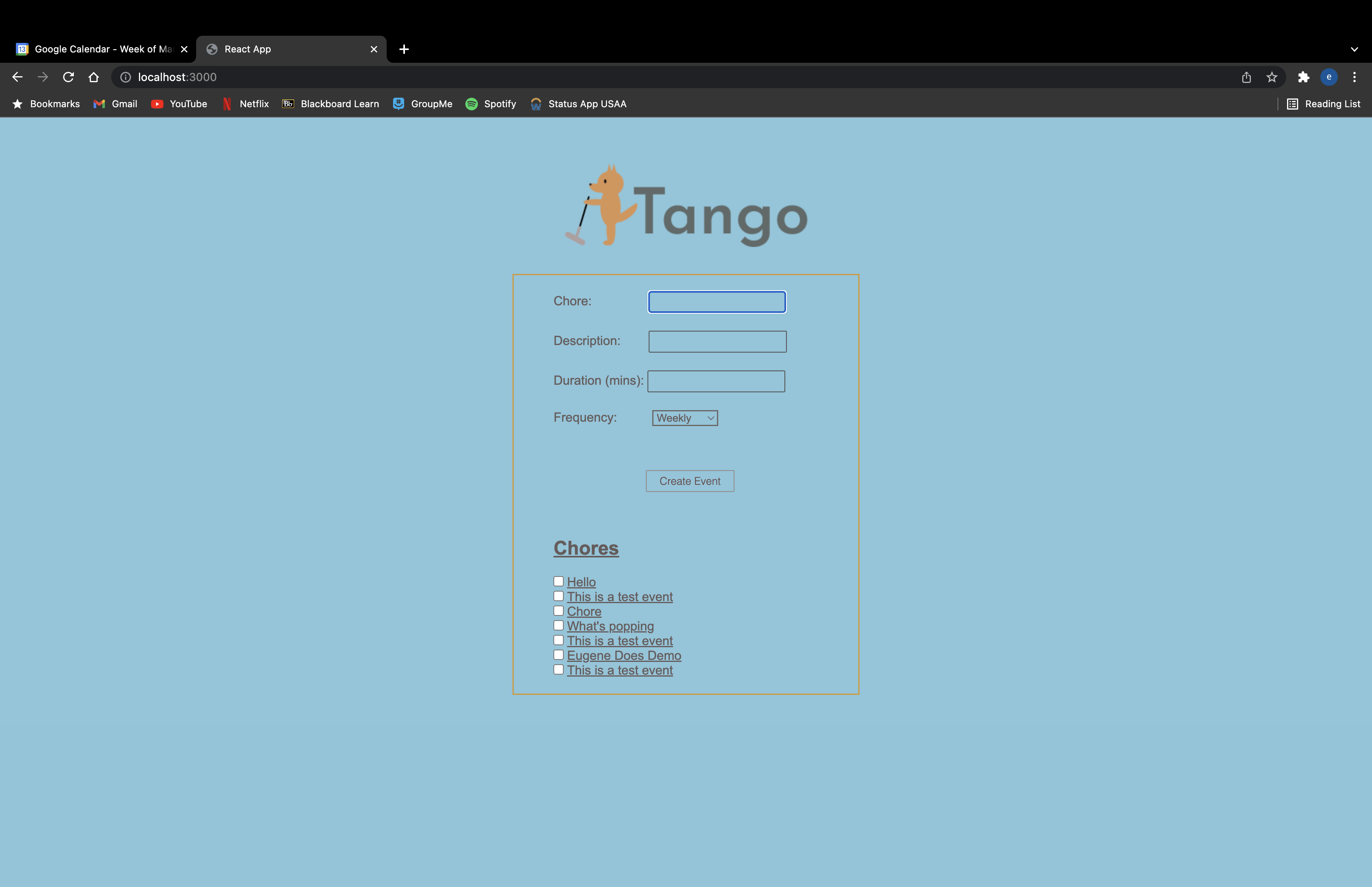
Tango add chore
-
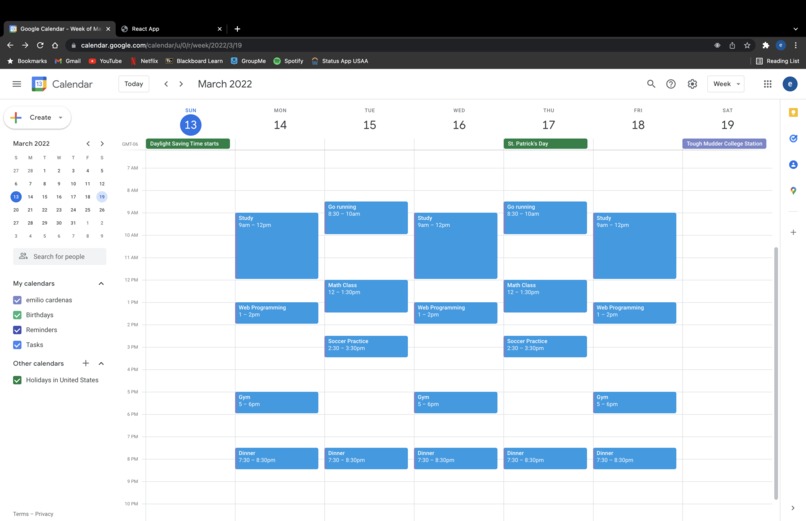
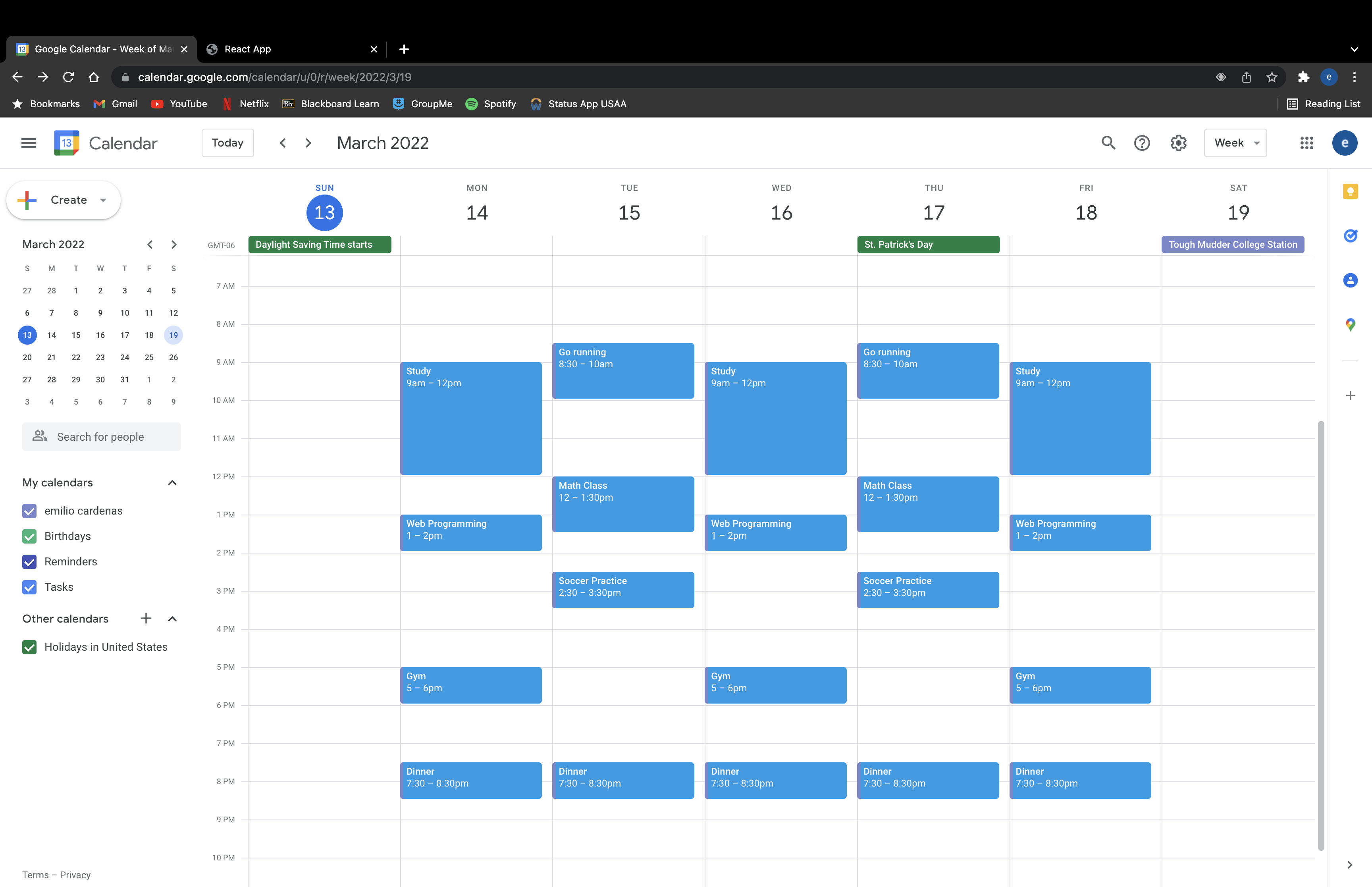
Google Calendar without Tango
-
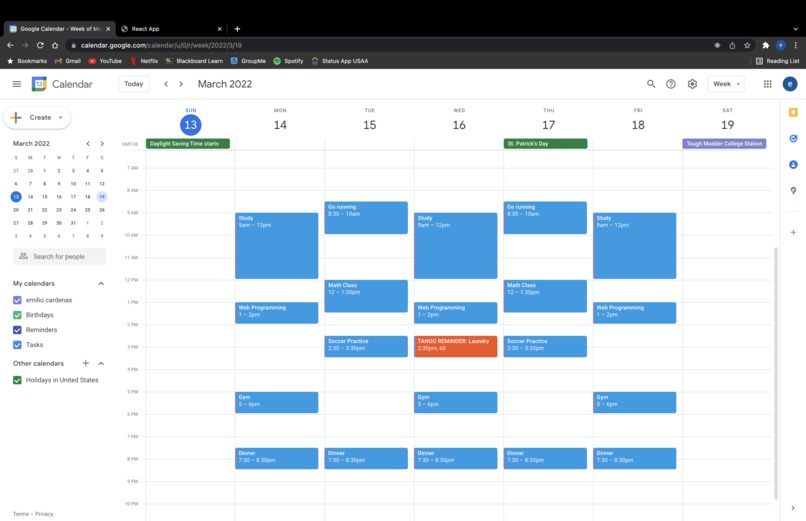
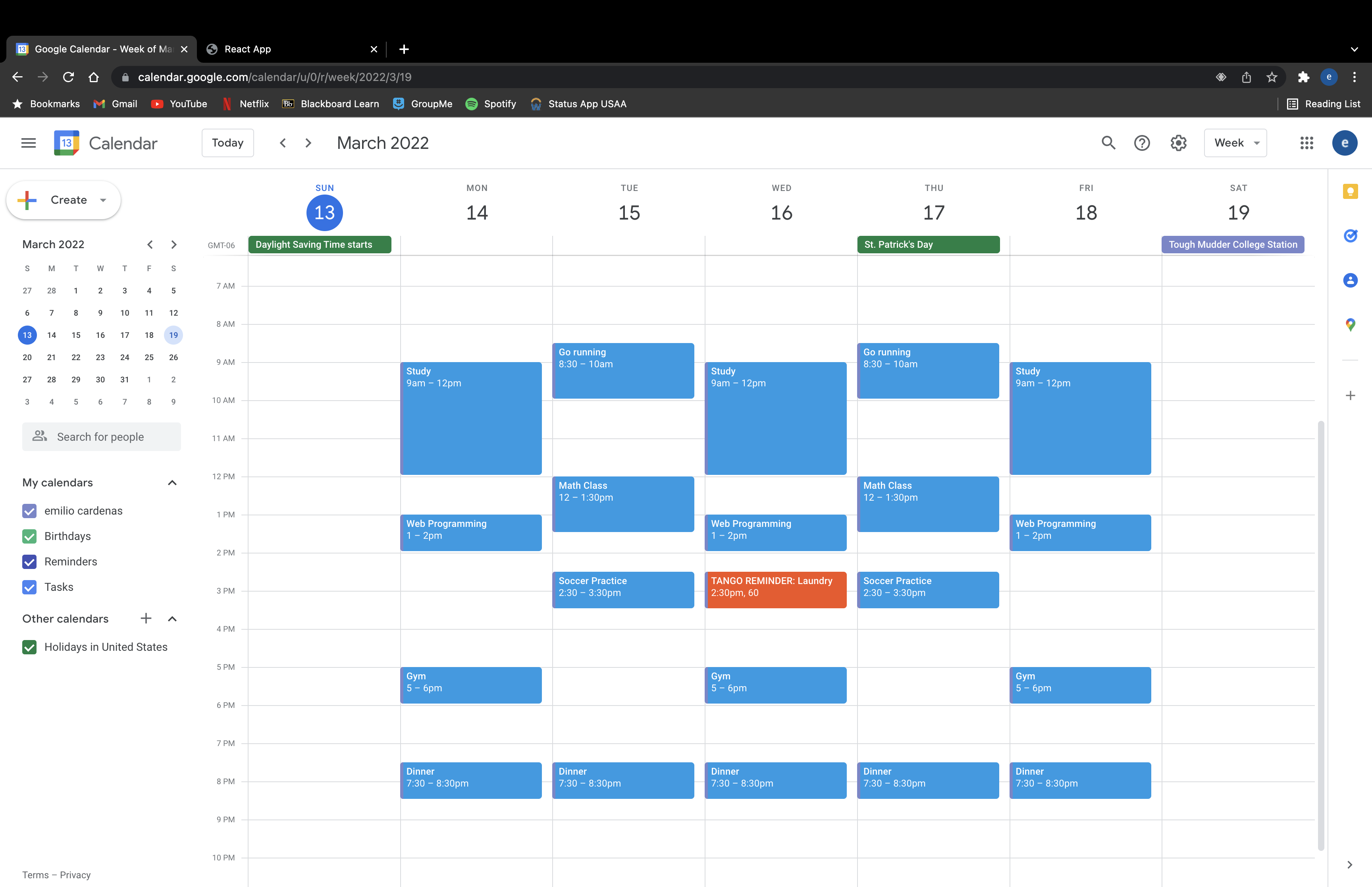
Google Calendar with Tango
Inspiration We got our inspiration from keeping our schedules in Google Calendar, and we both like to live in a clean household. The combination of these interests led us to our idea. We named the app Tango because that’s the name of Emilio’s dog and we thought the name was catchy.
What it does When users sign up for Tango, they fill out chore name, description, duration, and frequency. Tango connects to Google Calendar and shows users suggested chores based on the chores that the users enter.
How we built it We used Figma to guide us through our code design and also used it for our logo of a fox vacuuming. We created the app using React JS, Node JS, Express, Oauth 2.0 Google Calendar API(Google Cloud).
Challenges we ran into API Connection, Deployment of App, Incompatible software , Bugs, Repurposing, Back End - Front End Connection,
Accomplishments that we’re proud of We are proud of the fact that we implemented an app that uses Google Calendar API through the use of new technology that is new to us (React JS, Node JS).
What we learned We learned new tools including Figma, React JS and Node JS. We also learned how to build a full stack application from scratch.
What’s next for Tango Tango's original purpose was to become a google extension. Due to limited time we weren’t able to complete this yet. We will finish the google extension aspect of Tango after the hackathon, incorporating additional features. The additional features will include the ability to have additional tasks (not just chores) populate the empty slots in your schedule.
Built with We created the app using React JS, Node JS, Express JS, OAuth 2.0 Google Calendar API(Google Cloud).
Built With
- express.js
- google-cloud
- node.js
- oauth2.0googlecalendarapi
- react


Log in or sign up for Devpost to join the conversation.