-
-
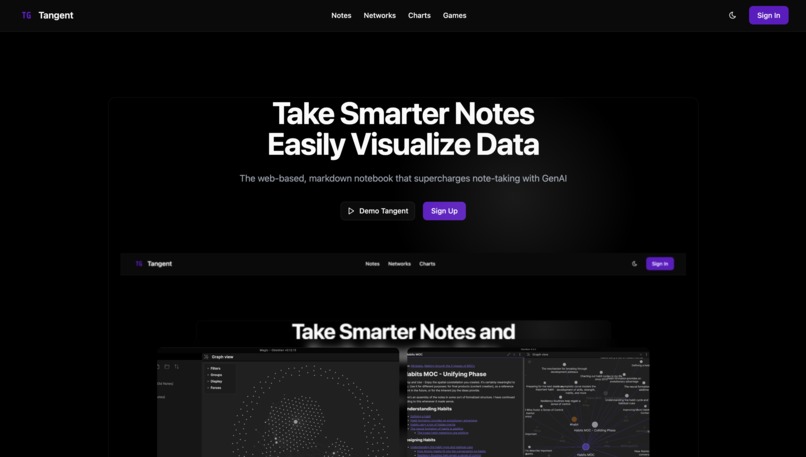
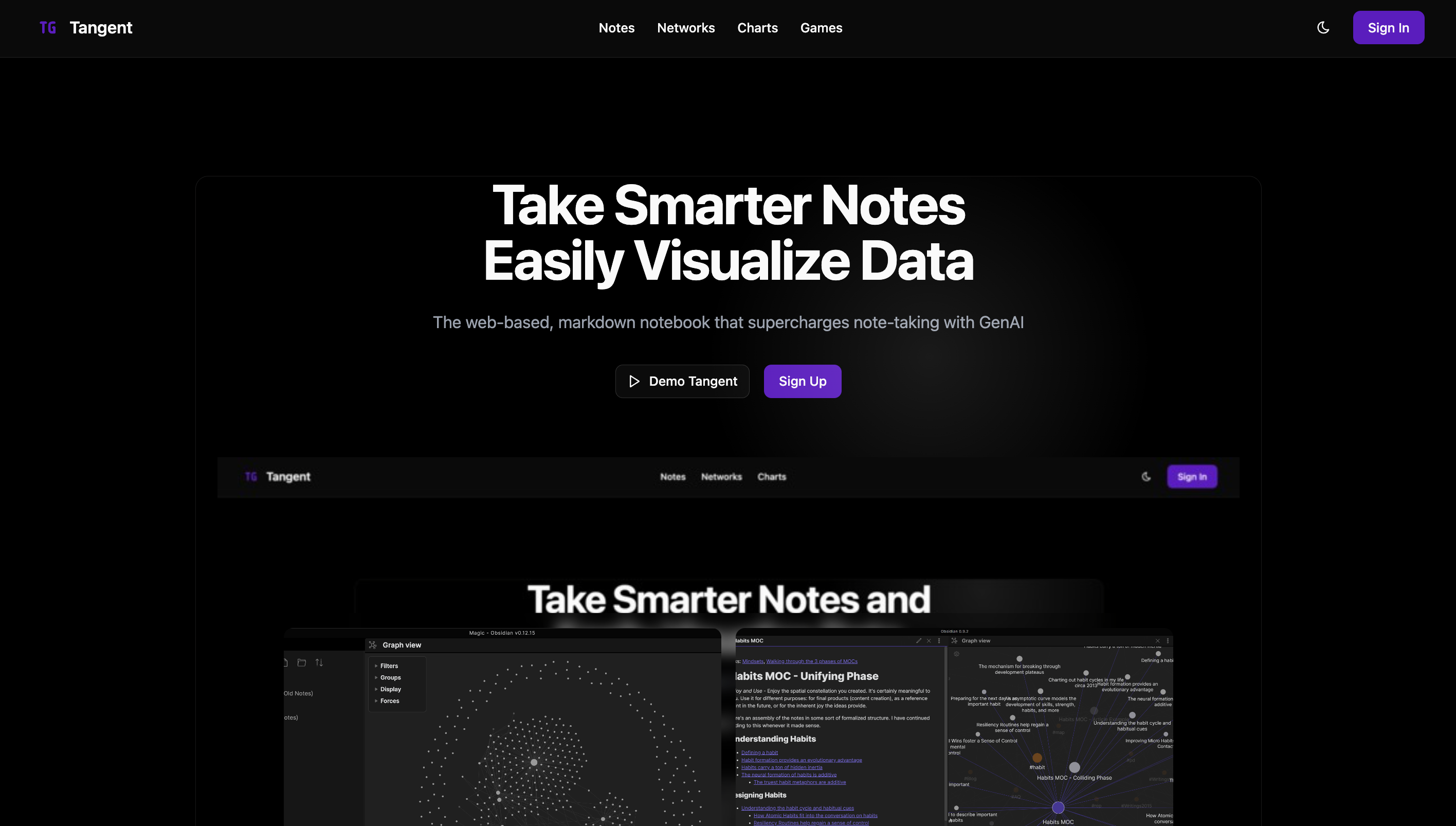
Landing page
-
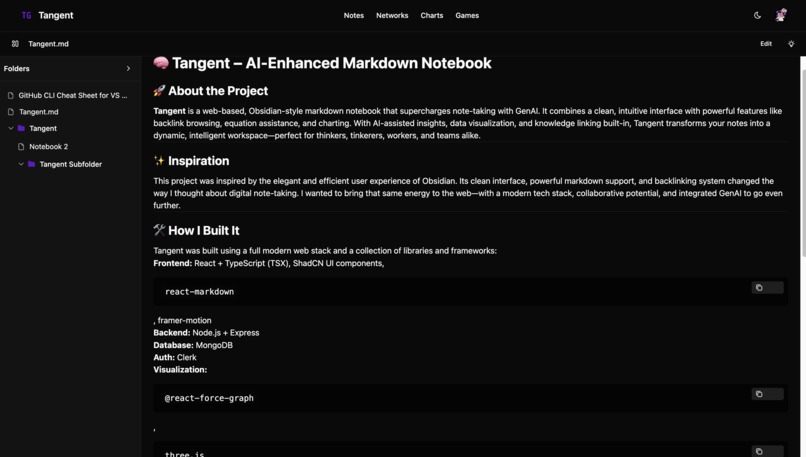
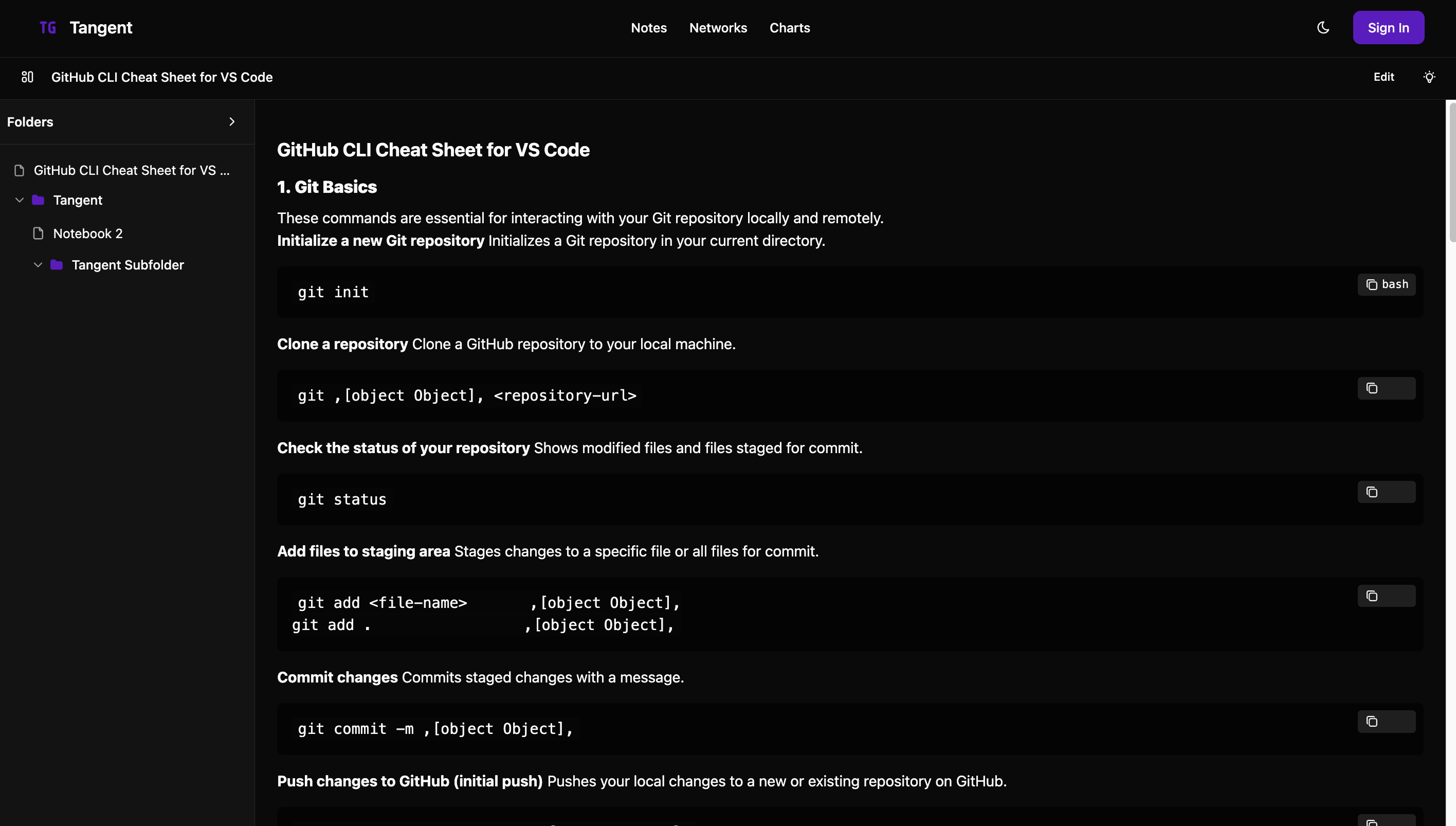
Notes Page w story
-
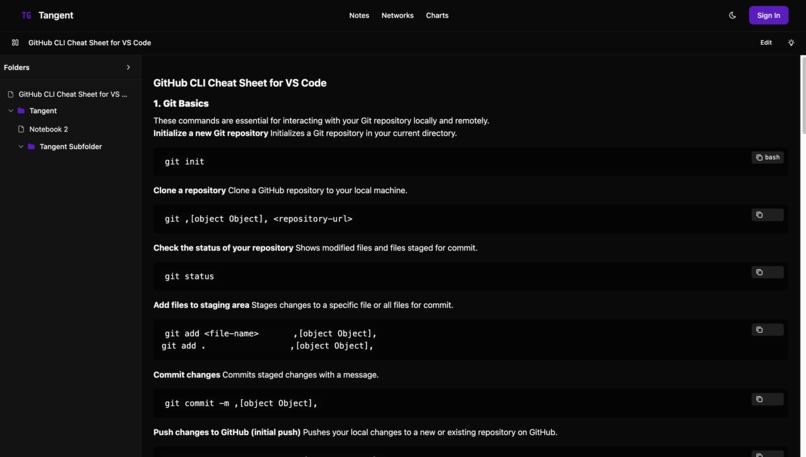
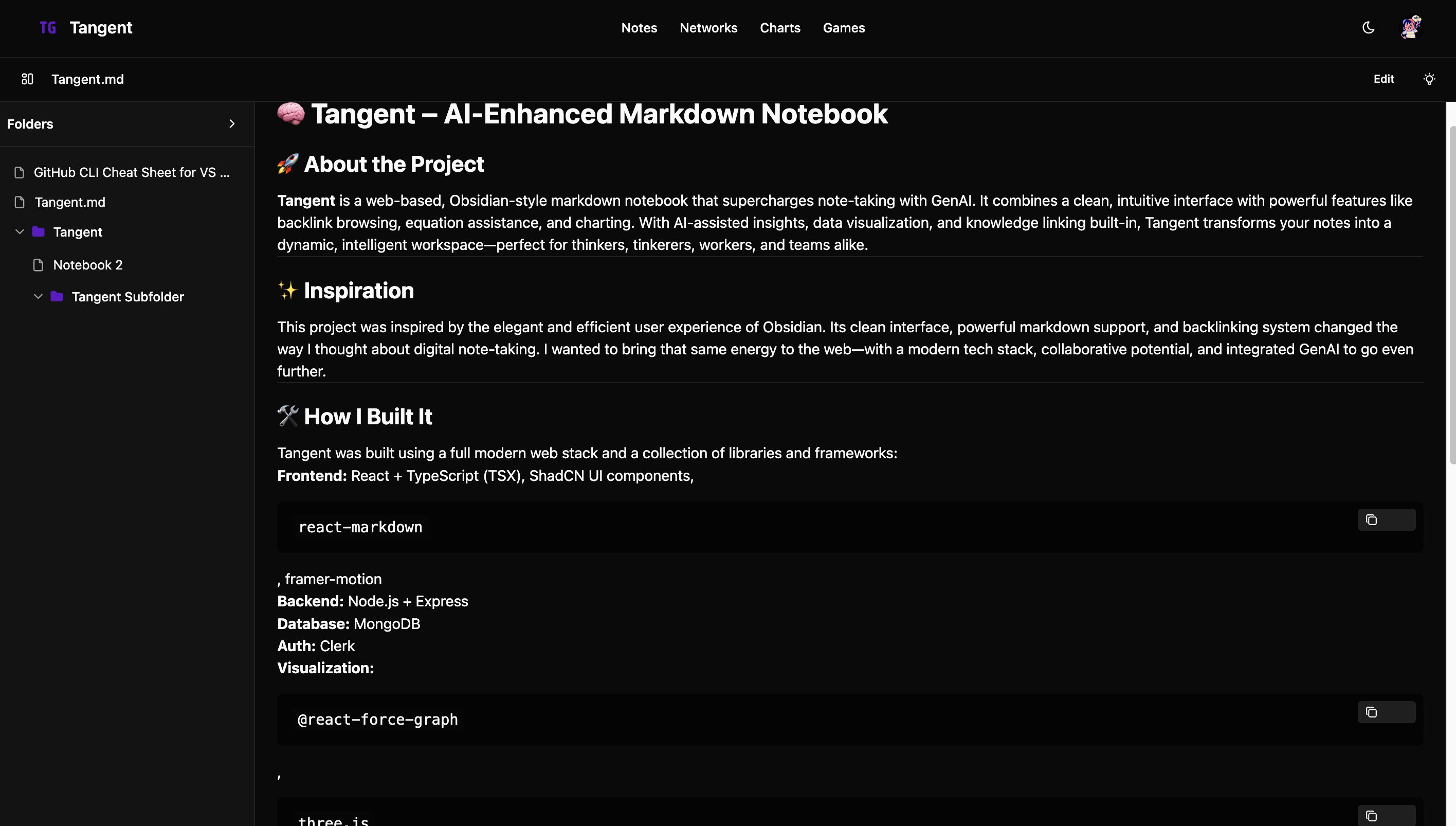
Example Note
-
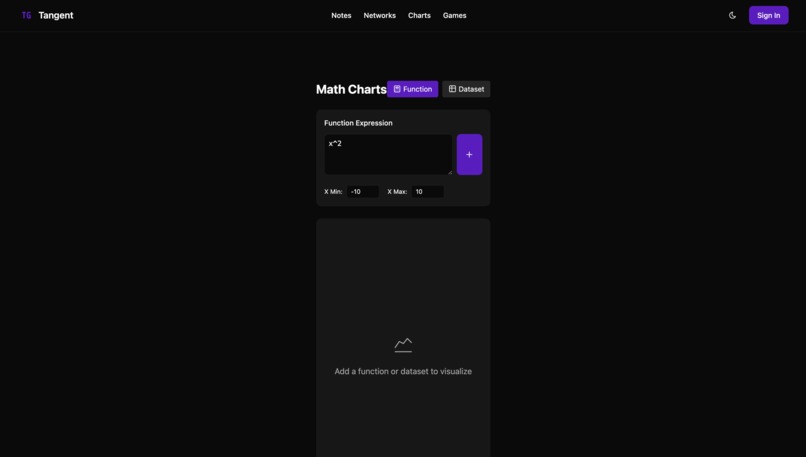
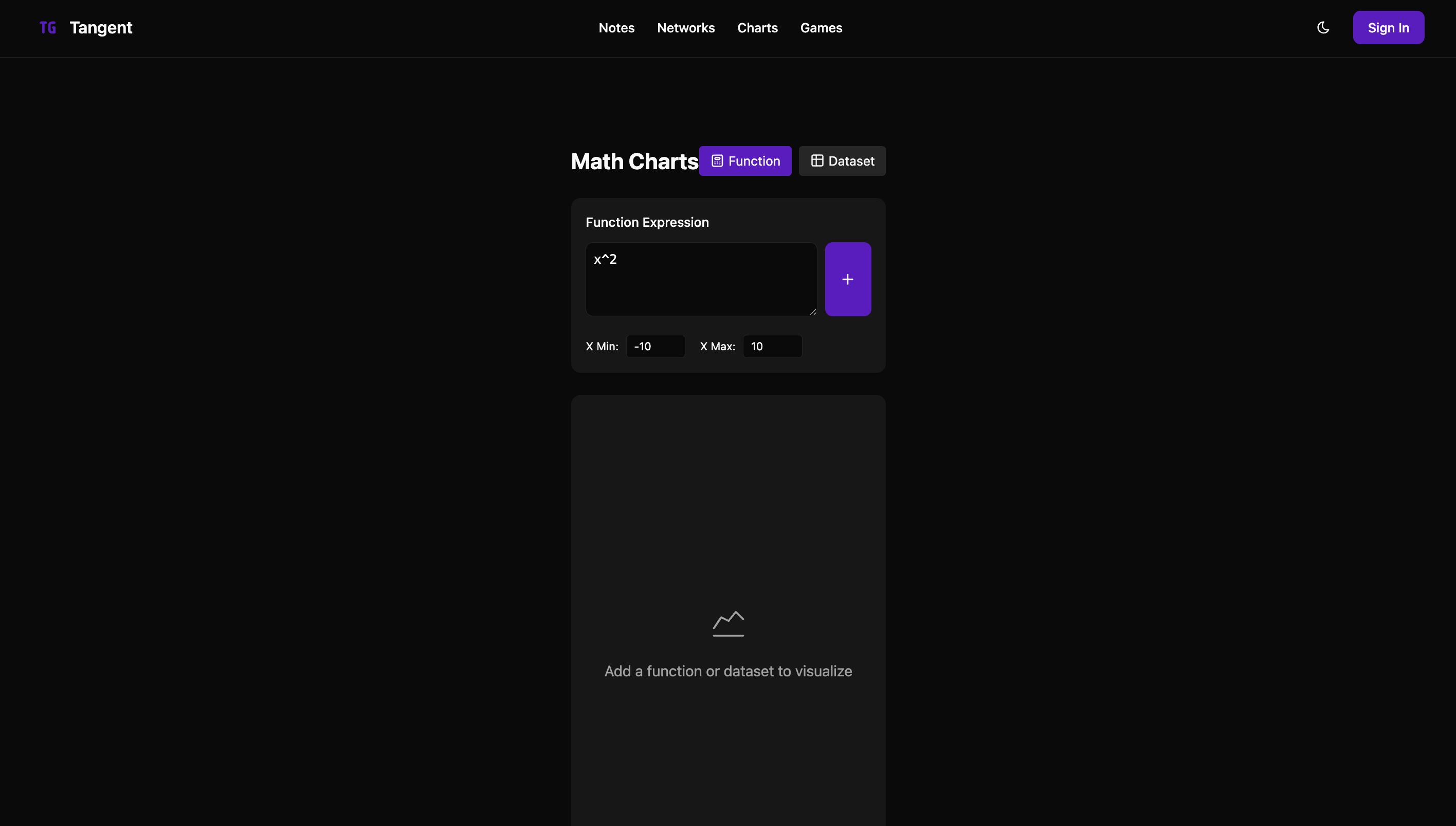
Charts page
-
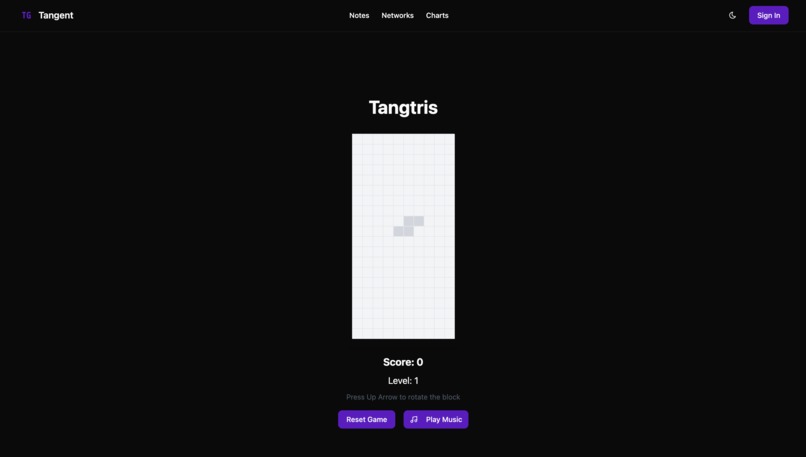
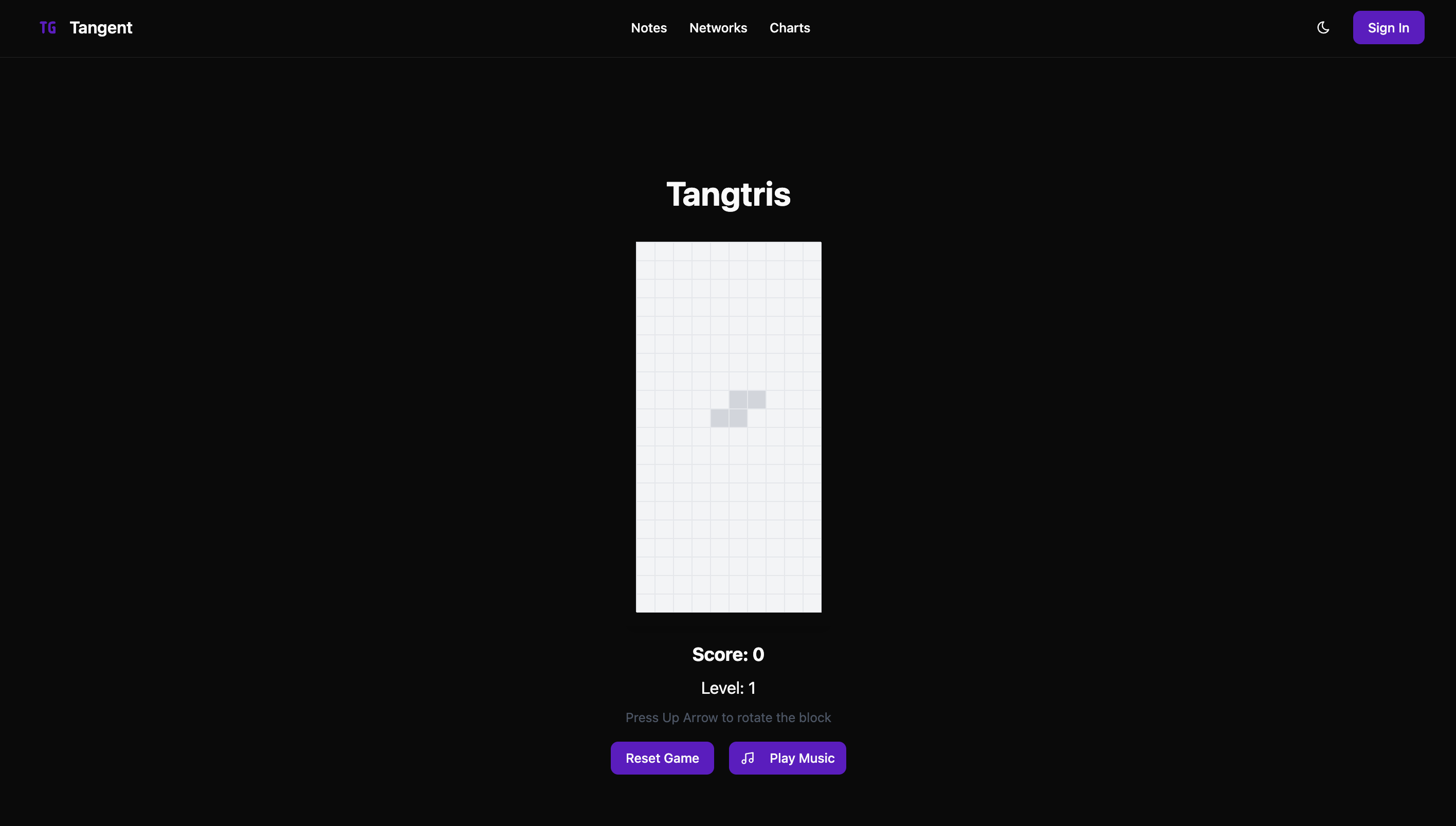
Games/destress page
-
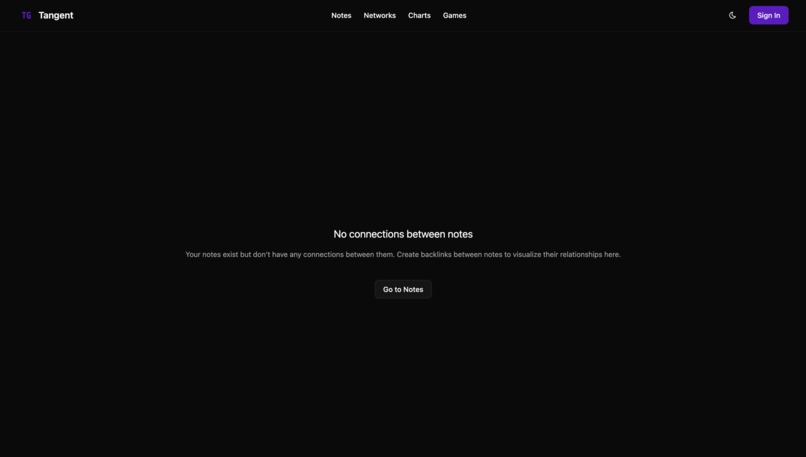
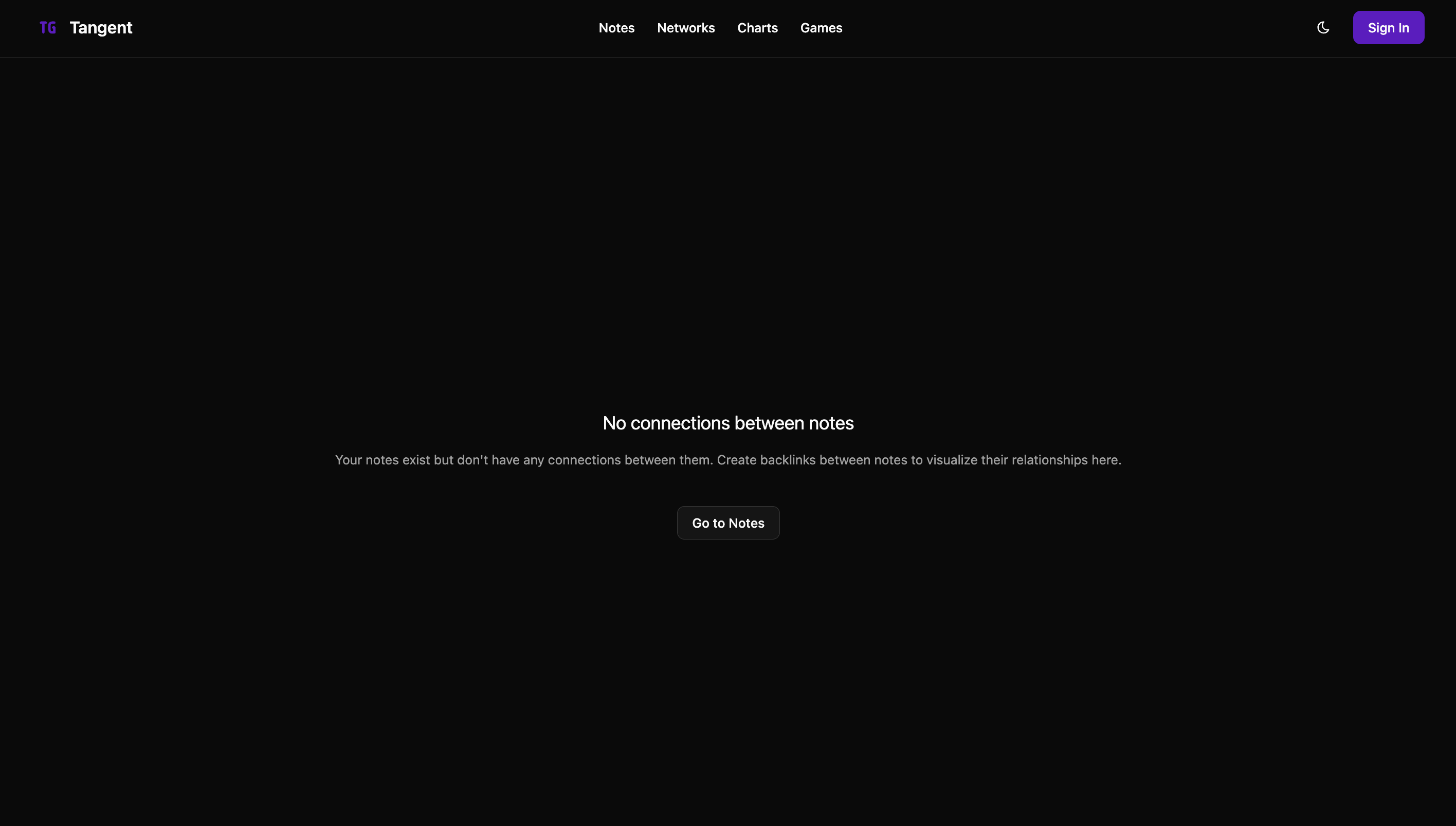
Networks Page (empty rn)
🧠 Tangent – AI-Enhanced Markdown Notebook
🚀 About the Project
Tangent is a web-based, Obsidian-style markdown notebook that supercharges note-taking with GenAI. It combines a clean, intuitive interface with powerful features like backlink browsing, equation assistance, and charting. With AI-assisted insights, data visualization, and knowledge linking built-in, Tangent transforms your notes into a dynamic, intelligent workspace—perfect for thinkers, tinkerers, workers, and teams alike.
✨ Inspiration
This project was inspired by the elegant and efficient user experience of Obsidian. Its clean interface, powerful markdown support, and backlinking system changed the way I thought about digital note-taking. I wanted to bring that same energy to the web—with a modern tech stack, collaborative potential, and integrated GenAI to go even further.
🛠️ How I Built It
Tangent was built using a full modern web stack and a collection of libraries and frameworks:
Frontend: React + TypeScript (TSX), ShadCN UI components,
react-markdown, framer-motionBackend: Node.js + Express
Database: MongoDB
Auth: Clerk
Visualization:
@react-force-graph,three.jsAI Integration: Gemini GenAI*
The app supports internal link tracking, rich markdown features (like math blocks), and an interactive backlink graph view to visualize the relationship between notes.
🔍 What I Learned
Implementing a rich markdown editor with real-time rendering is harder than it looks!
Leveraging
@react-force-graphandthree.jsto visualize linked notes was a game-changer for UX but required digging deep into performance optimization.Integrating GenAI for contextual suggestions and visualizations made me rethink how AI can be a true assistant in the creative process.
Techniques for tracking and navigating nested folder trees and references in a NRDB like MongoDB.
🧩 Challenges Faced
Real-Time Markdown Editing: Rendering updates smoothly without interrupting the editing experience was tricky, especially when adding AI-generated content or visual elements like charts and math.
Folder Tree Navigation: Building a scalable folder/file structure in the UI while maintaining state consistency took time and effort.
Link Tracking & Graph View: Parsing markdown for internal links and building a reliable backlink graph proved complex, especially with nested references and dynamic updates.
File Access Authentication: I faced challenges authenticating file access by user (or shared users) using Clerk JWT tokens, especially when ensuring secure, scoped access across sessions/devices.
✅ Accomplishments That I'm Proud Of
Building a full-featured markdown editor with AI-enhanced capabilities in a short timeframe.
Successfully creating a live, interactive graph view that visualizes connections between notes and backlinks.
Designing a clean, user-friendly UI that replicates the feel of desktop Obsidian in the browser.
Integrating GenAI to assist with note enrichment, problem-solving, and data visualization.
🔮 What's Next for Tangent
Expanding the use of GenAI to include:
- Rendering AI-generated art directly in markdown components
- Live web search and summarization embedded into notes
- Smarter auto-tagging and content recommendations
Adding real-time collaboration and syncing
Enhancing the plugin system to allow for community-built features
Mobile-friendly UI and offline-first support


Log in or sign up for Devpost to join the conversation.