-
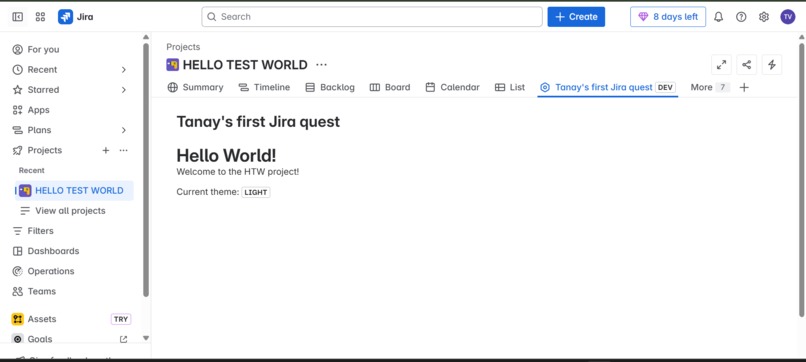
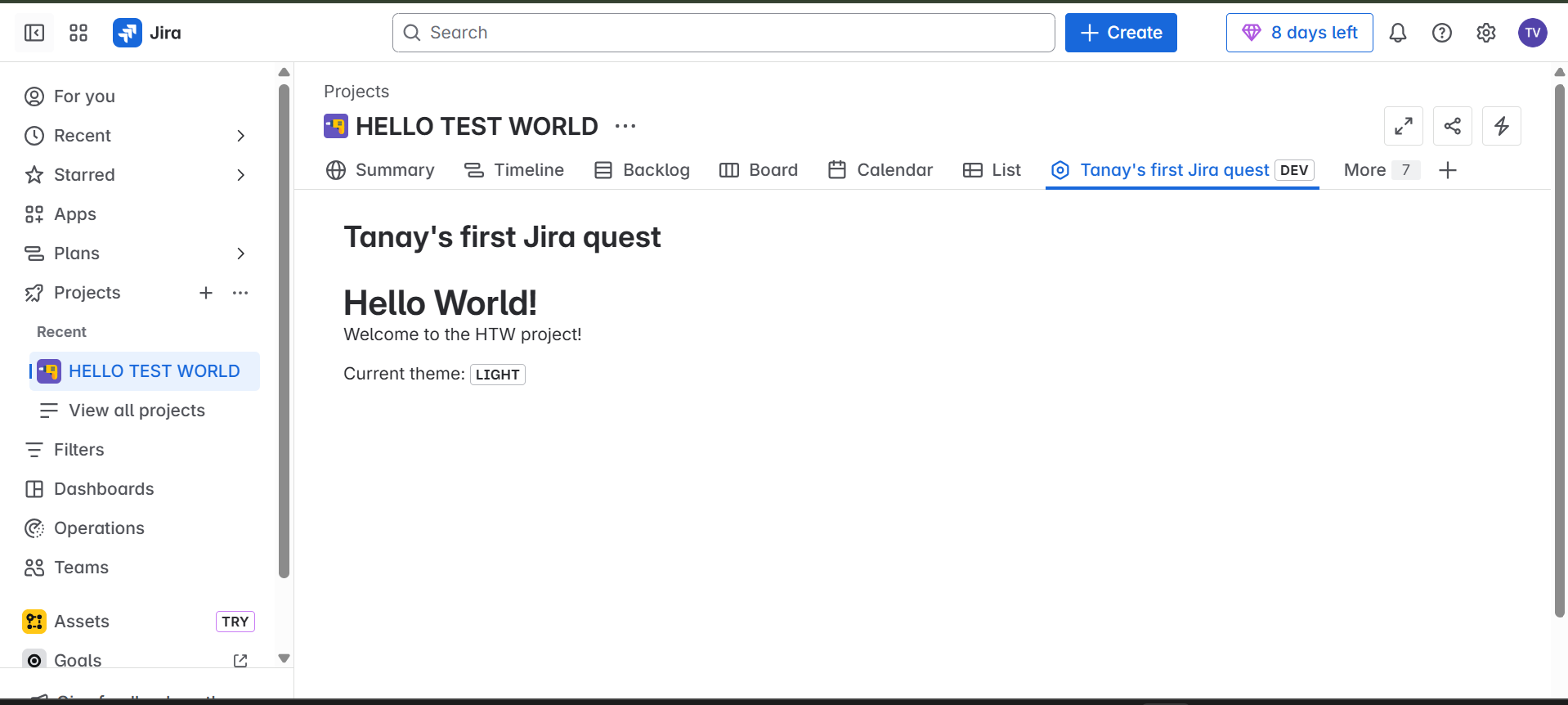
PRODUCT UI(Tanay's first jira quest)
-

Only product UI
-
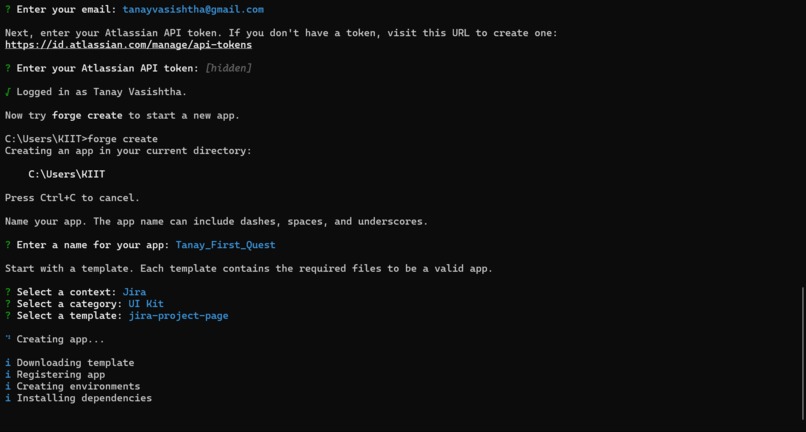
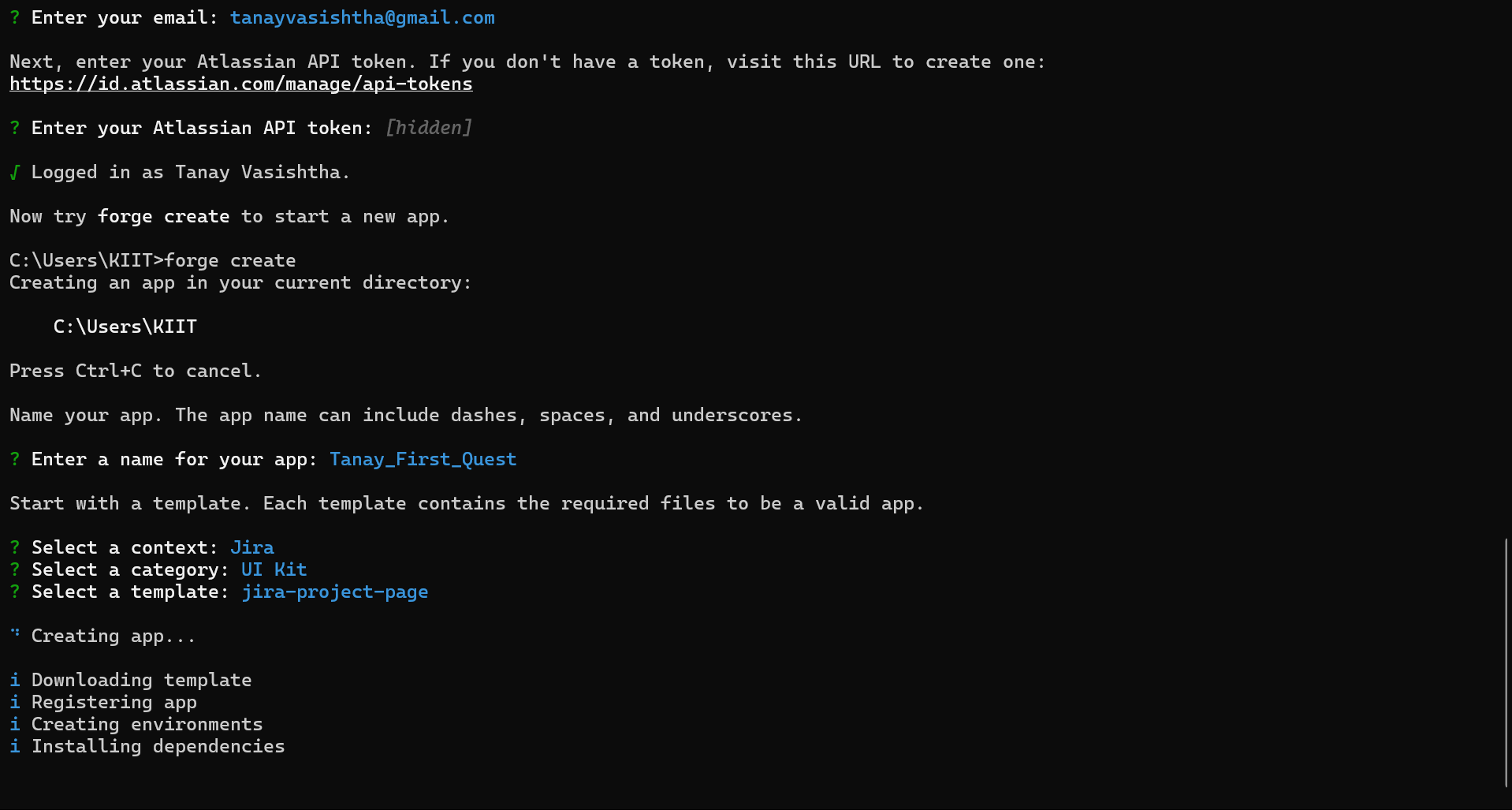
Command Prompt PROOF
-
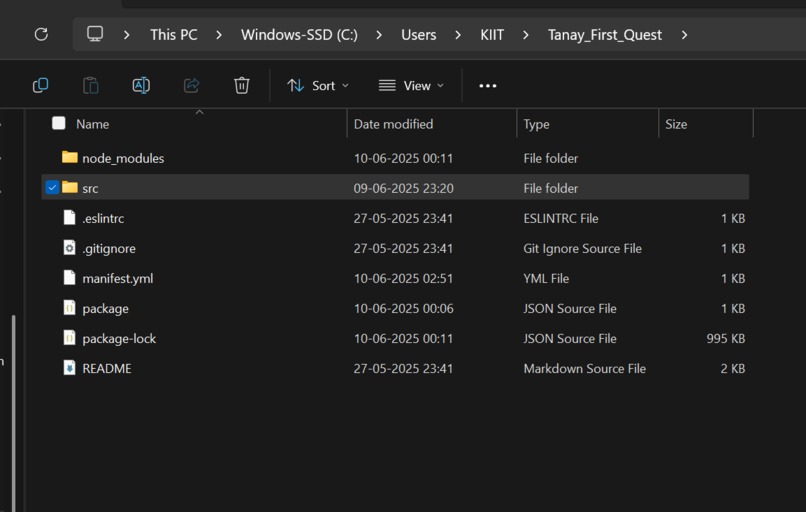
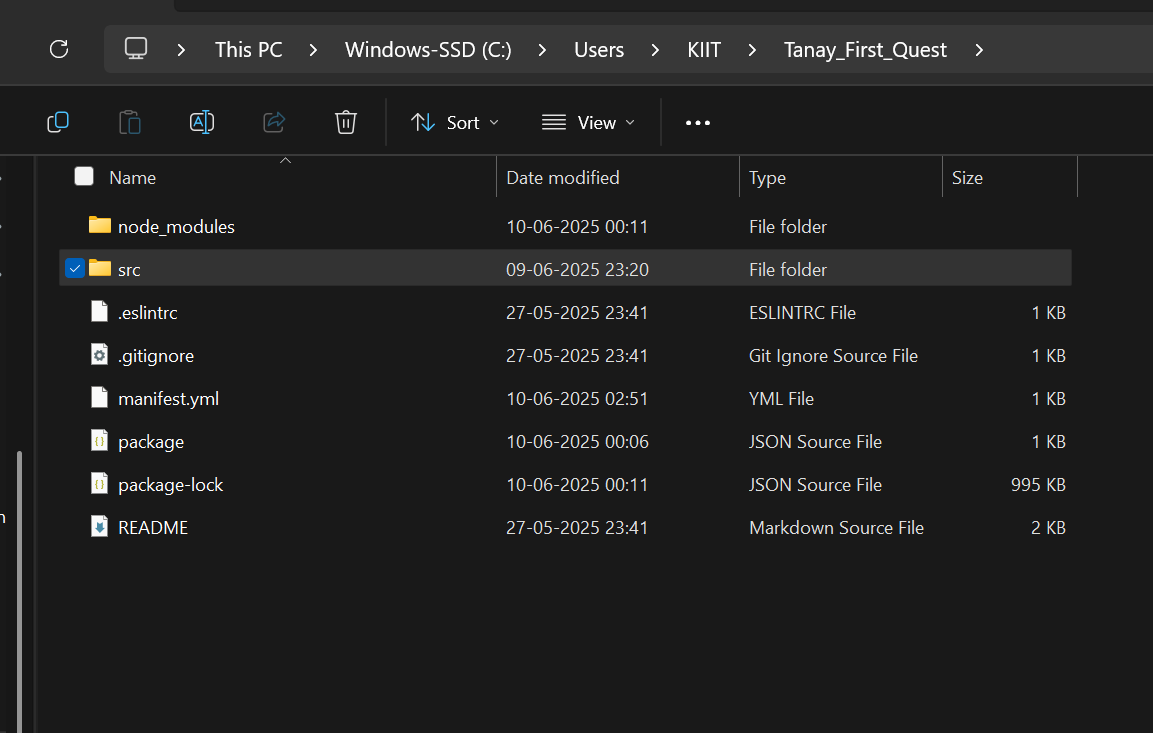
Code files structure
-
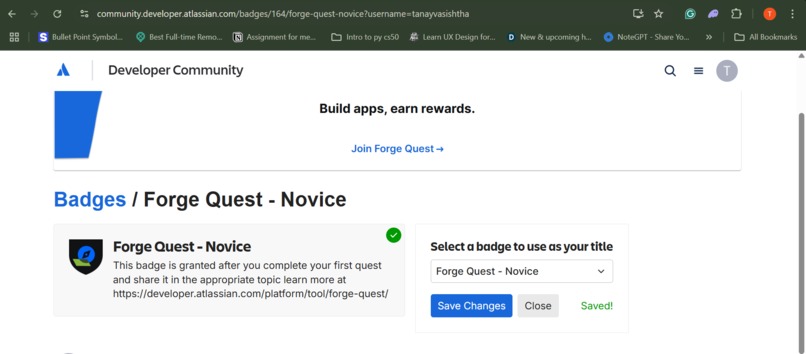
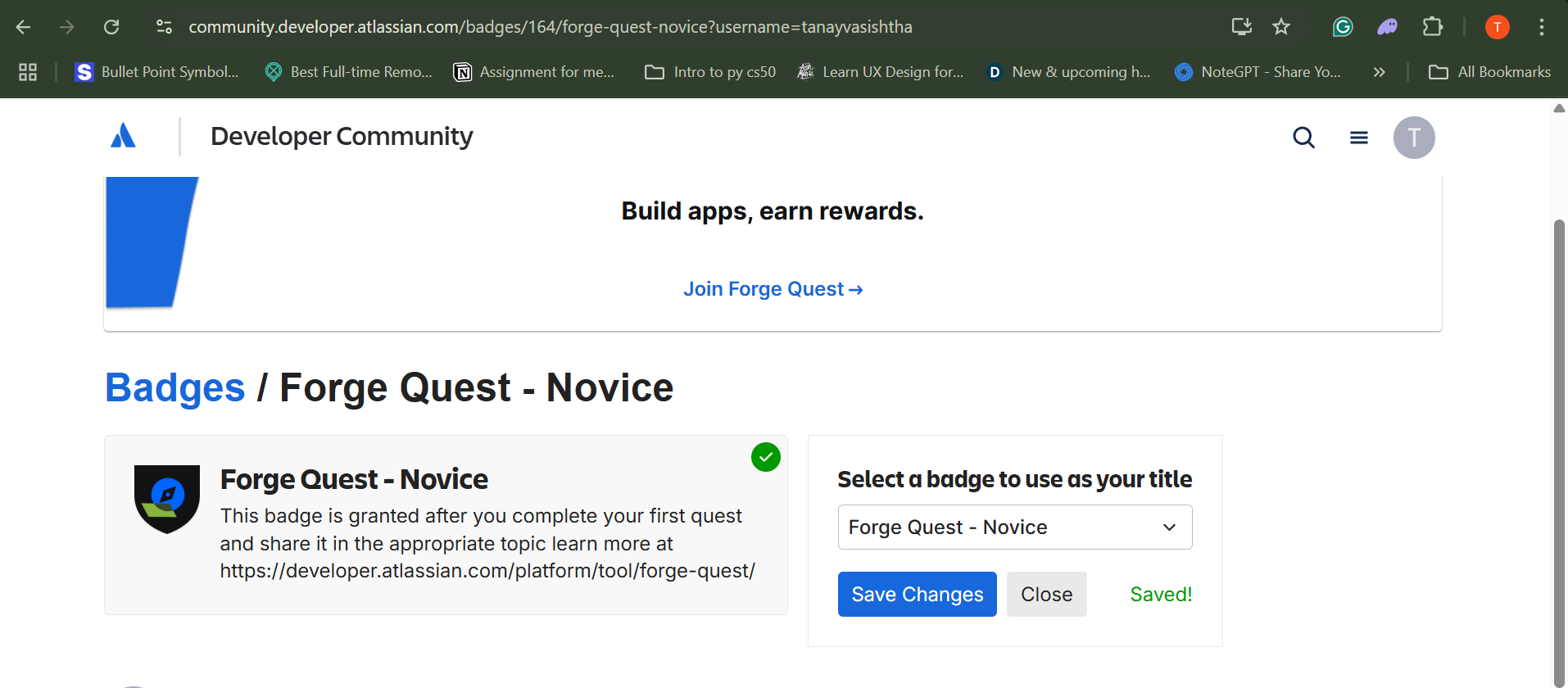
Forge Quest Novice Badge Approved

Inspiration
As someone new to cloud app development, I was inspired by the Forge Quest: Bonus Level hackathon to learn Atlassian's powerful development platform. The opportunity to build real-world apps that integrate seamlessly into Jira and Confluence workflows motivated me to dive into serverless app development and explore how modern cloud platforms can enhance team productivity.
What I Learned
This project taught me fundamental concepts of cloud-native app development:
- Forge CLI mastery - Creating, deploying, and managing cloud apps from command line
- UI Kit framework - Building native-looking interfaces with @forge/react components
- Context-aware programming - Accessing user data, themes, and environmental context via @forge/bridge
- REST API integration - Calling Jira APIs to retrieve and display dynamic user information
- Permission management - Understanding scopes, manifest configuration, and security models
- Serverless architecture - Working with functions, resolvers, and cloud deployment workflows
How I Built It
Development Workflow:
- Environment Setup - Installed Forge CLI and configured development environment
- App Creation - Used
forge createwith Jira issue panel template - Iterative Development - Leveraged
forge tunnelfor rapid development cycles - API Integration - Implemented user lookup via Jira REST API using requestJira bridge
- UI Enhancement - Added theme detection and personalized greetings with UI Kit components
- Deployment - Managed permissions and deployed to Atlassian cloud infrastructure
Architecture:
- Frontend: React components with @forge/react UI Kit
- Backend: Node.js resolver functions
- APIs: Jira REST API for user data retrieval
- Context: Real-time theme and user context via @forge/bridge
Challenges I Faced
YAML Configuration Issues: Struggled with manifest.yml syntax and proper indentation for function definitions. Learned the importance of correct YAML structure for successful deployment.
Permission Management: Encountered the "Allow access" UI bug where permission prompts wouldn't respond. Solved by manually managing scopes in manifest.yml and using forge lint --fix.
API Integration Complexity: Initially challenging to understand the relationship between context data, account IDs, and REST API calls. Overcame this through console logging and systematic debugging.
Development Workflow: Learning the deploy-install-upgrade cycle and understanding when to use forge tunnel vs forge deploy for different development phases.
Impact & Future Vision
This project demonstrates context-aware app development that personalizes user experiences within existing workflows. The ability to access user data, detect themes, and integrate seamlessly into Jira's interface opens possibilities for productivity tools, workflow automation, and team collaboration enhancements.
Moving forward, I'm excited to explore advanced Forge capabilities like storage APIs, scheduled functions, and cross-product integrations to build more sophisticated business applications.


Log in or sign up for Devpost to join the conversation.