-
-
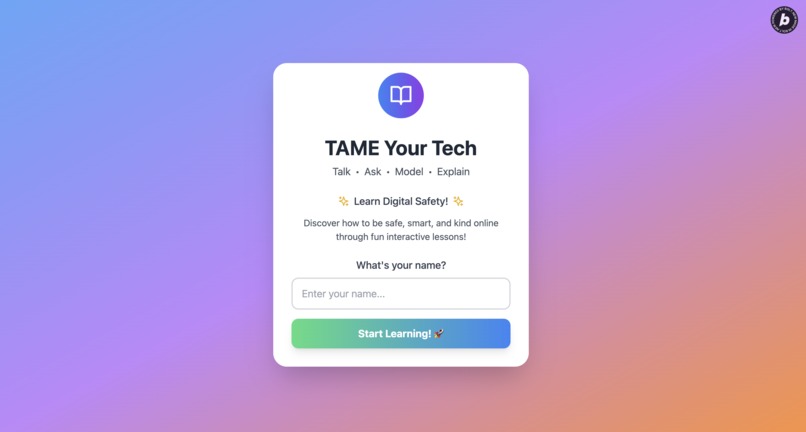
Welcome Page (SPA) KidsTechSafety.com
-
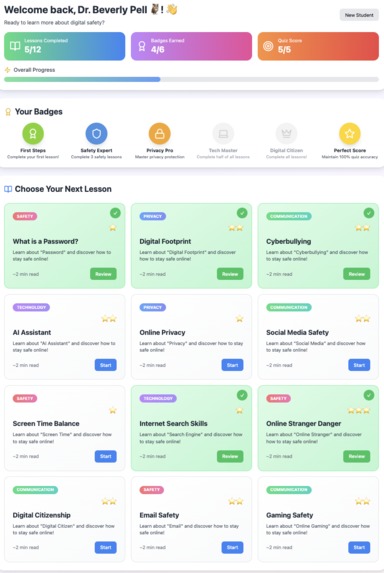
Home page with Lessons
-
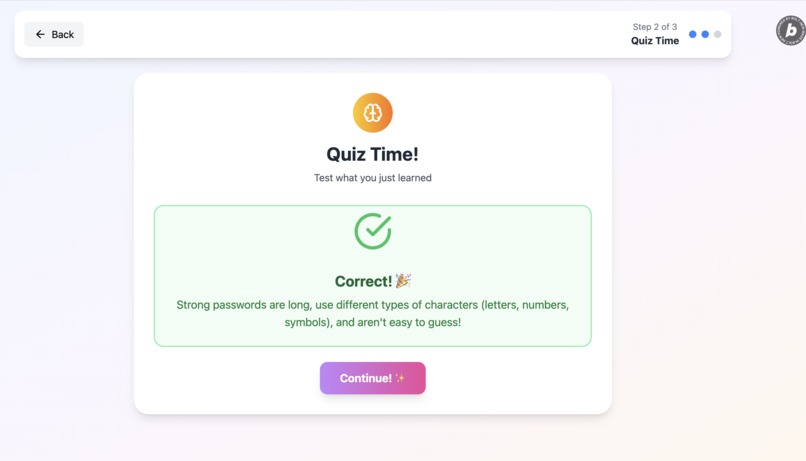
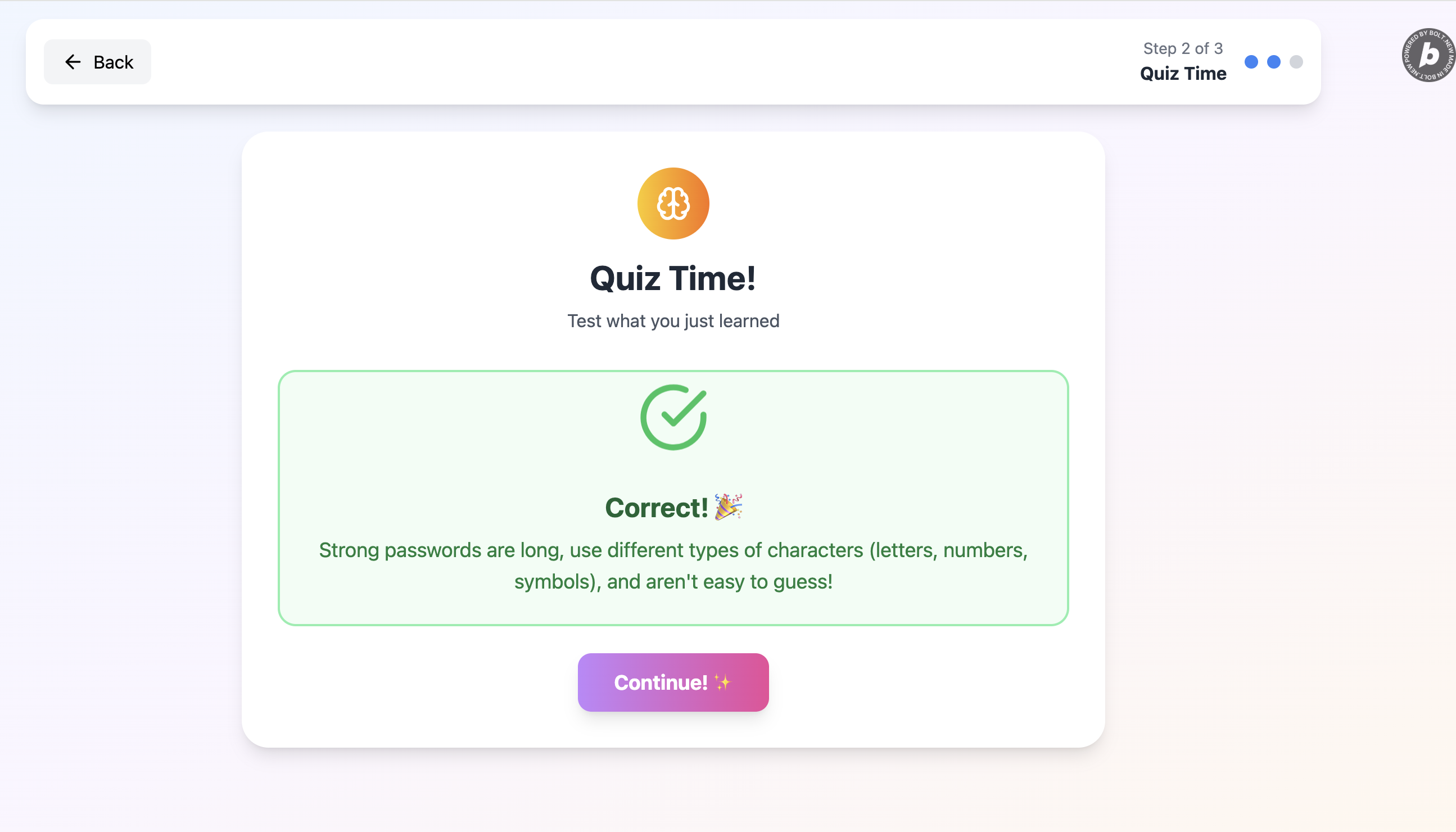
Correct!
-
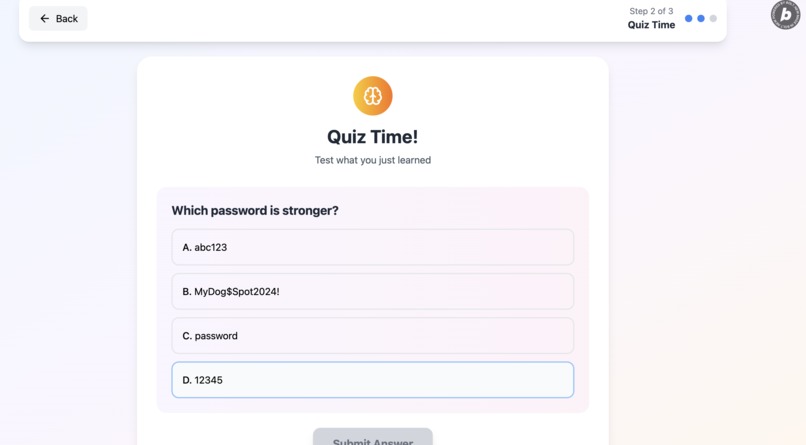
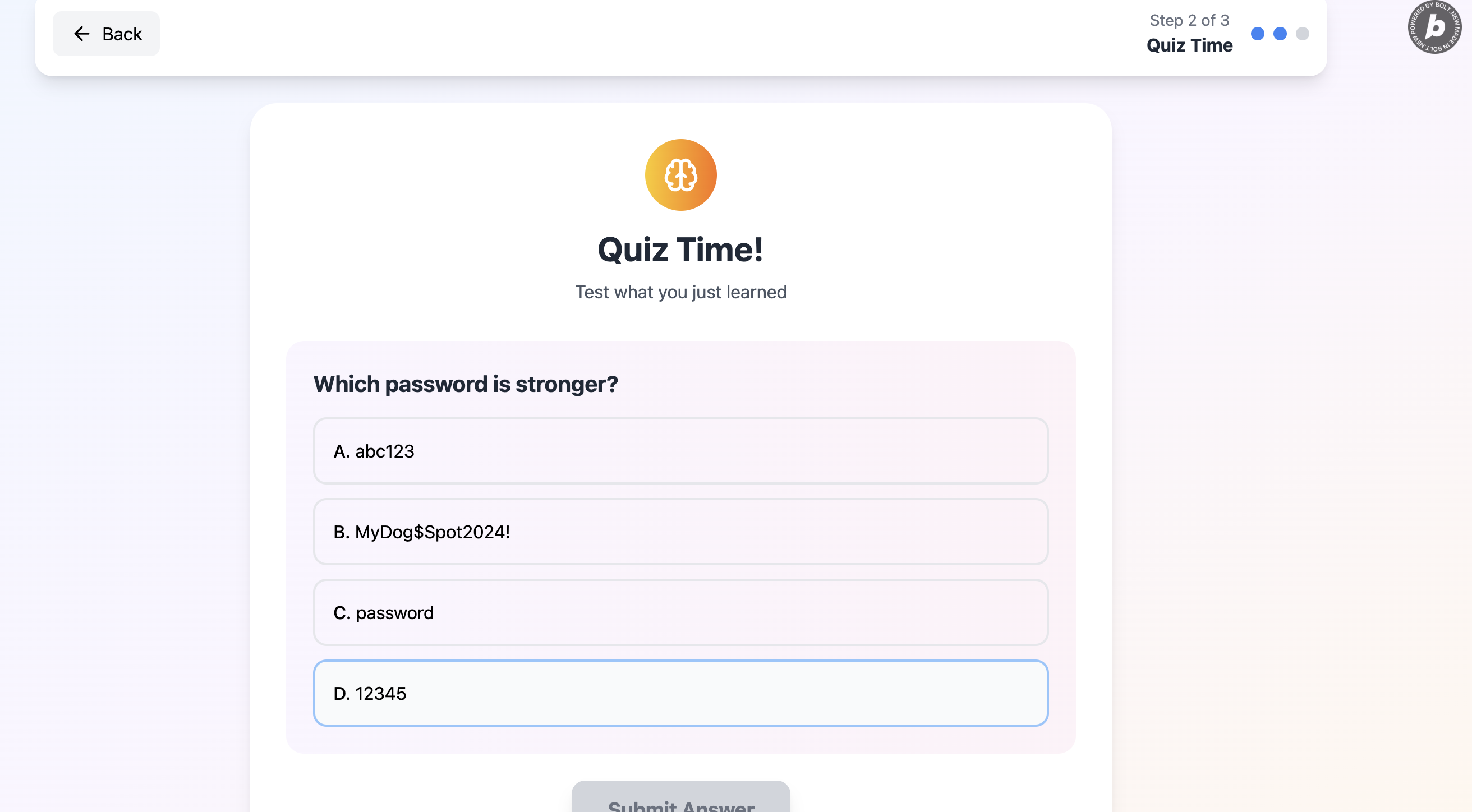
Quiz Questions
-
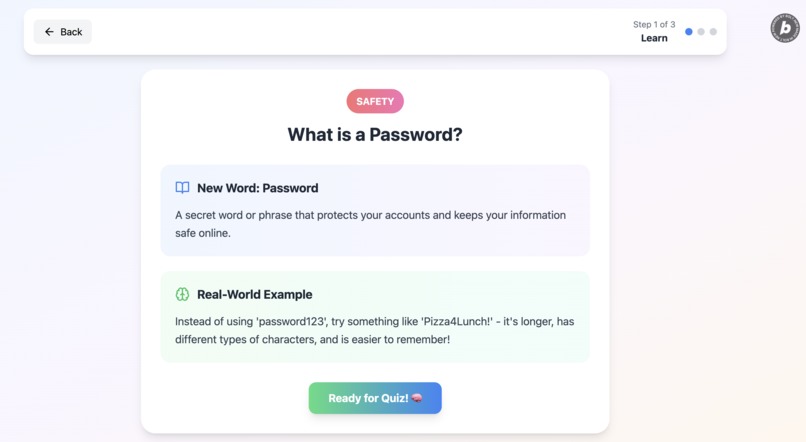
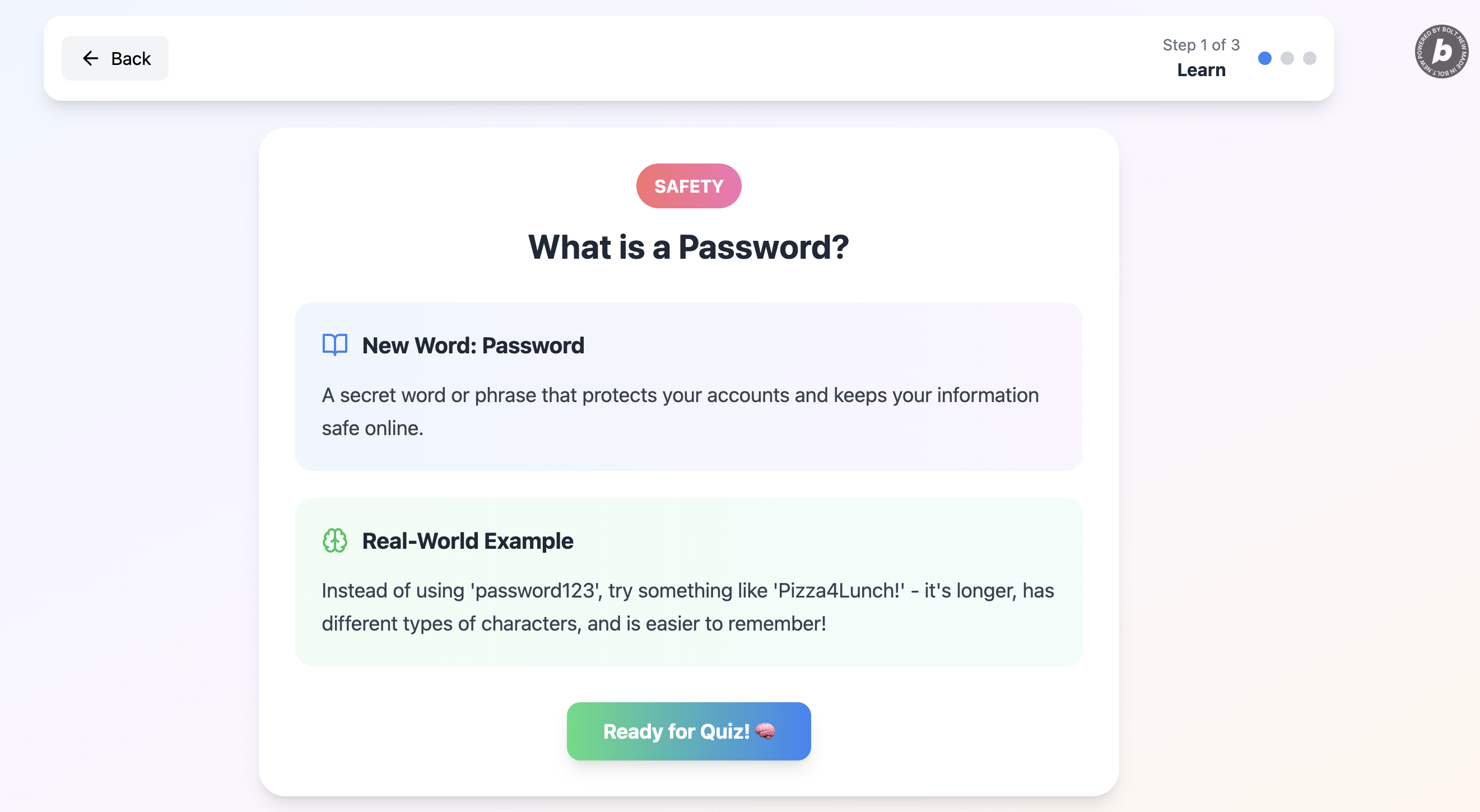
Lesson - What is a Password. Definition and Example
-
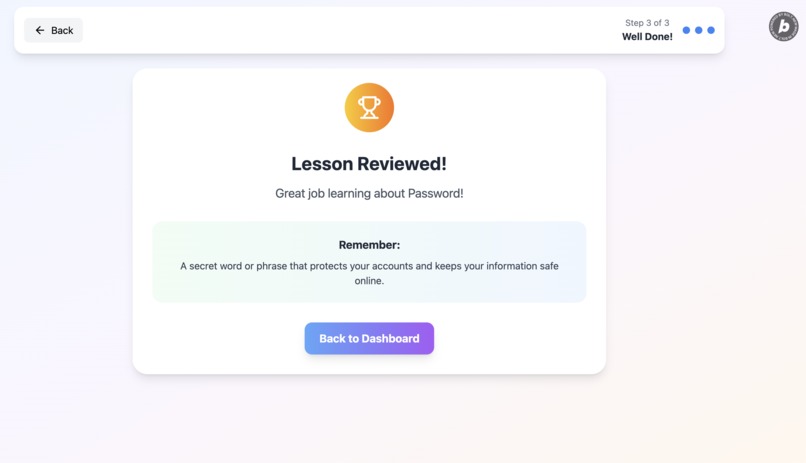
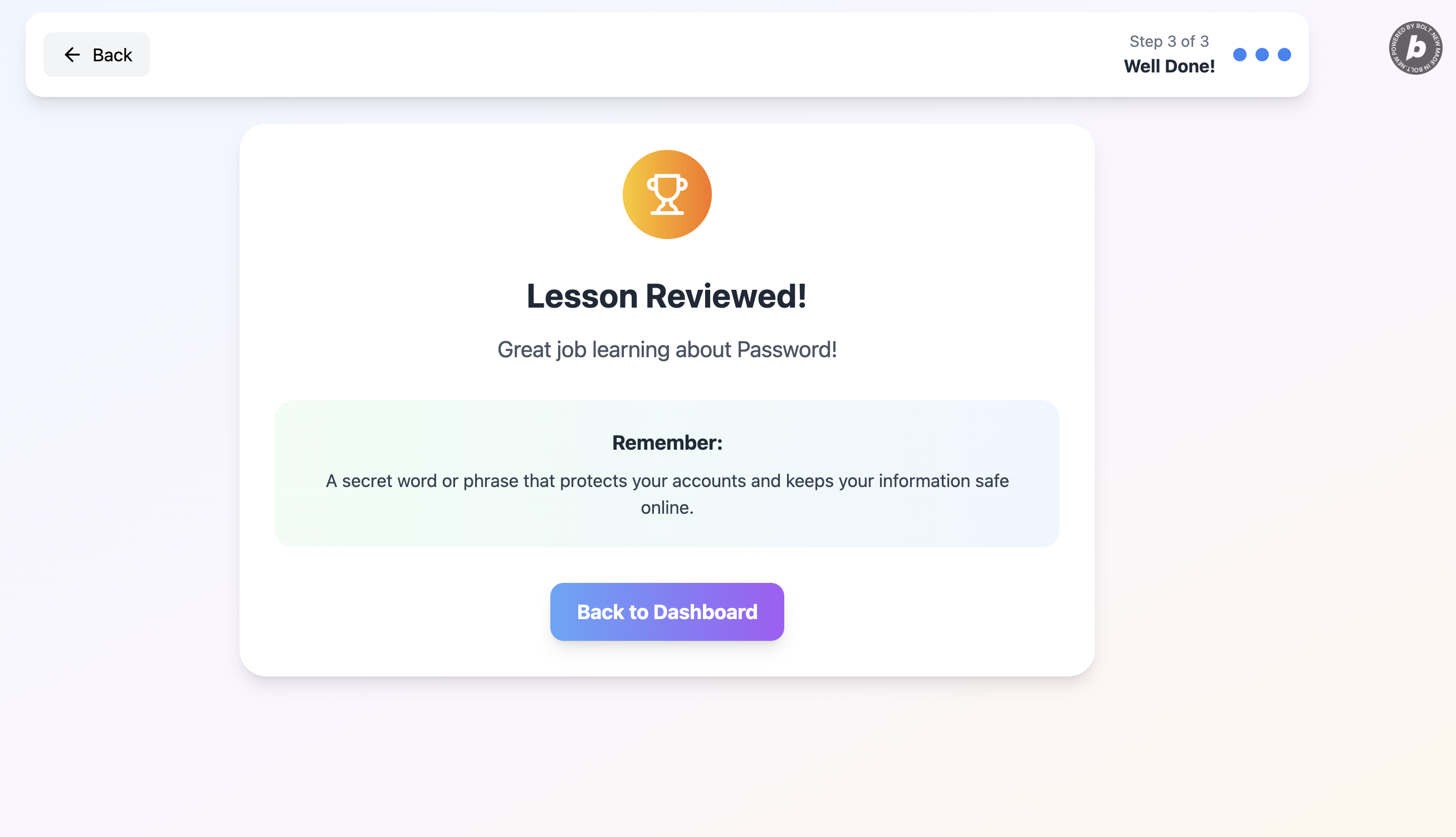
Lesson Vocabulary Review
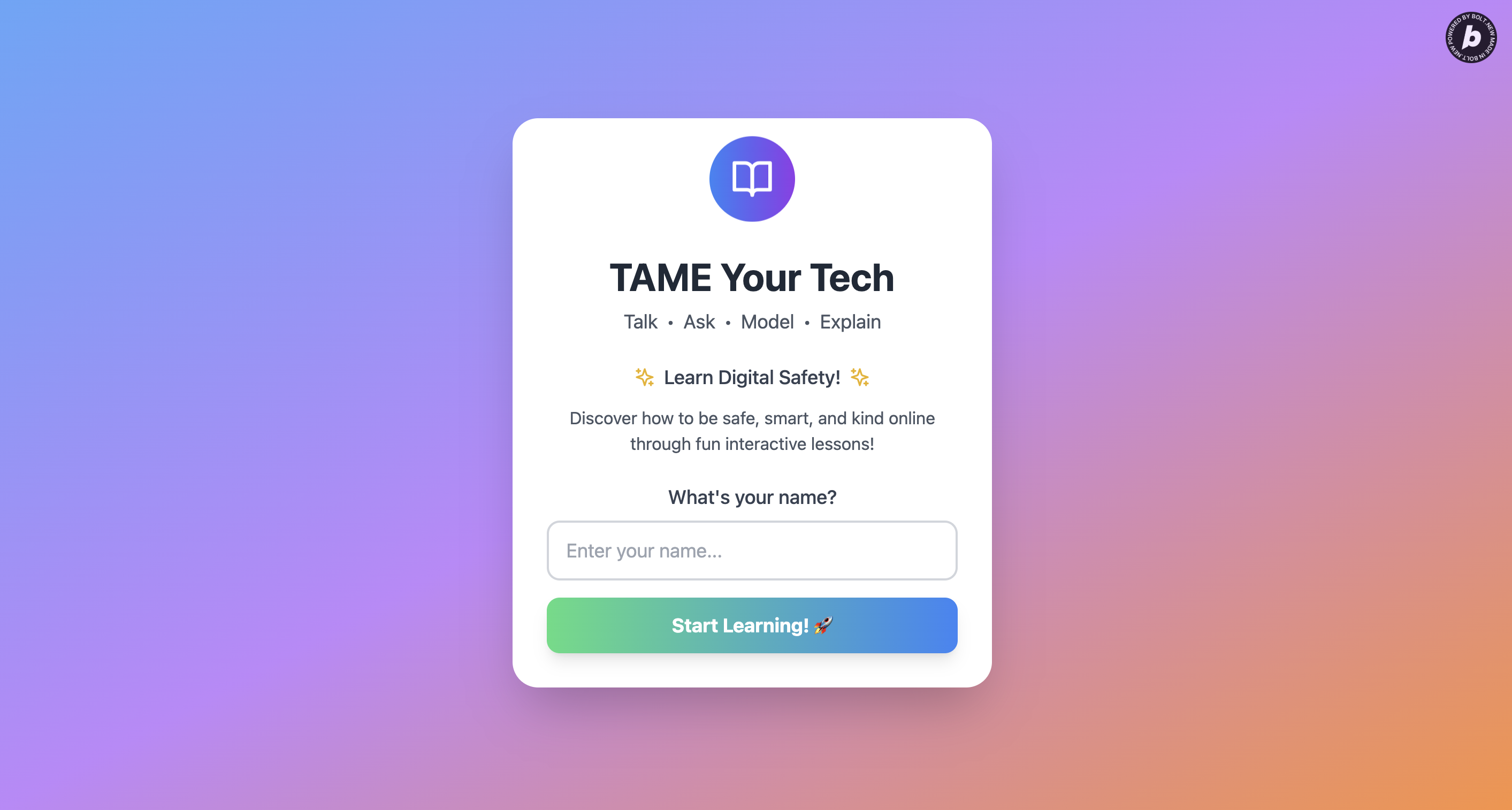
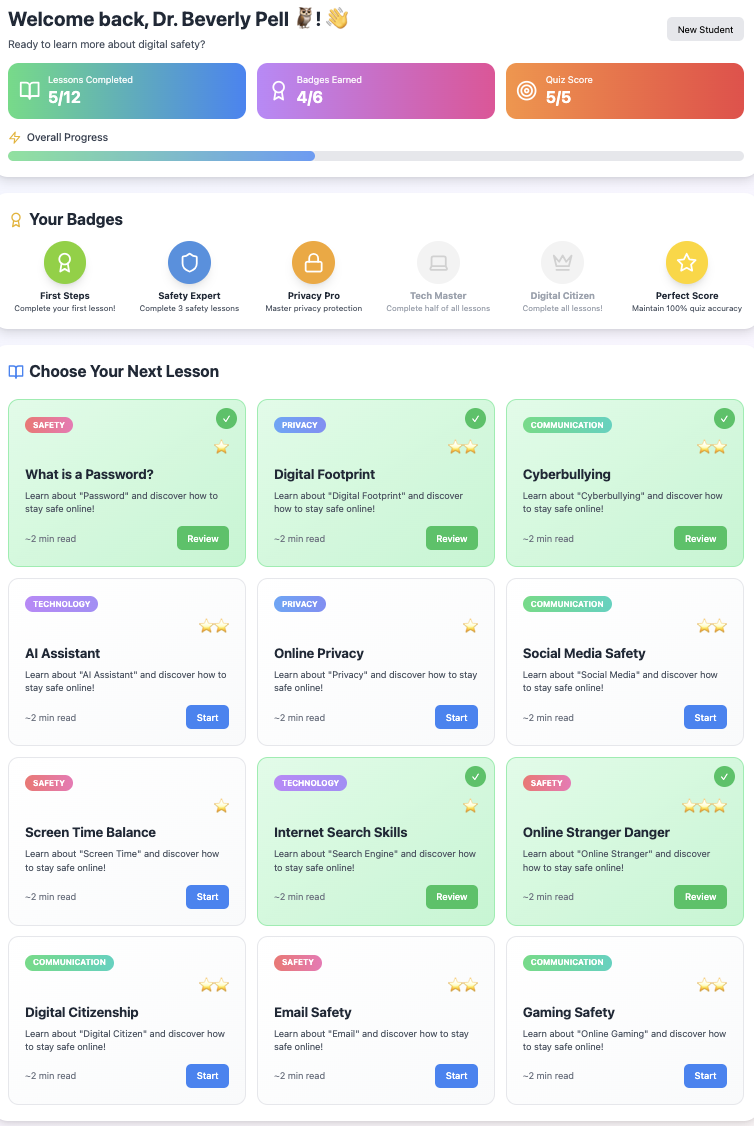
Project Story: TAME Your Tech
Inspiration
The inspiration for this web-based educational app came from my first business, Smart Digital Kids, where I developed a framework for families navigating the digital landscape with growing children.
The framework is TAME Your Tech - Talk. Ask. Model. Explain.:
- Talk about experiences with technology
- Ask questions about what they see and do online
- Model healthy tech use as adults and older siblings
- Explain to children what phones and computers are today and how to use technology safely and responsibly
Bolt.new inspired me and catapulted my vision from concept to reality - taking this framework out of my head and onto the Internet where it can teach every kid to be safe and smart online.
What I Learned
This project taught me the incredible power of precise prompting. Working with Claude Sonnet to refine my vision into a clear, comprehensive prompt was crucial. I learned that successful AI collaboration isn't about giving more information - it's about giving the right information in the right format.
The experience also reinforced my belief that educational technology should be simple, accessible, and immediately useful. No complex installations, no barriers - just kids learning essential digital literacy skills through their web browser.
How I Built It
Refined the Vision: Collaborated with Claude Sonnet to distill my educational framework into a clear, actionable prompt
Crafted the Perfect Prompt: Created a comprehensive one-shot prompt that included:
- Core functionality (mini-lessons, progress tracking, gamification)
- Design specifications (kid-friendly colors, animations, responsive layout)
- Sample content (vocabulary words, lesson topics)
- Technical requirements (single-page app, local storage, no login needed)
One-Shot Success: Submitted the prompt to Bolt.new and watched it work its magic
Technical Build
This project is built with a modern web development stack, focusing on performance, maintainability, and a good developer experience. Here's a list of its key technical aspects:
Frontend Framework: React (version 18.3.1) is used for building the user interface, leveraging its component-based architecture for modular and reusable UI elements.
Language: TypeScript (version 5.5.3) is employed for type safety, which helps in catching errors early during development and improves code readability and maintainability.
Build Tool and Development Server: Vite (version 5.4.2) serves as the build tool and development server, providing fast hot module replacement (HMR) and optimized production builds.
Styling: Tailwind CSS (version 3.4.1) is used for utility-first CSS styling, enabling rapid UI development directly within JSX. PostCSS and Autoprefixer are also configured for CSS processing.
Linting: ESLint (version 9.9.1) is set up with TypeScript, React Hooks, and React Refresh plugins to enforce code quality, identify potential issues, and ensure best practices.
Iconography: Lucide React (version 0.344.0) provides a set of customizable and tree-shakable SVG icons, integrated directly into the React components.
Local Data Storage: User progress, including completed lessons and earned badges, is managed and persisted using the browser's localStorage API.
Deployment: The application is deployed as a static site, leveraging Netlify for hosting and continuous deployment.
Total build time: 3 minutes and 5 seconds
Challenges Faced
Surprisingly, I encountered zero technical challenges during the build process. The real challenge was strategic - resisting the urge to over-complicate the prompt or add too many features that might overwhelm Bolt.new's one-shot capability.
The biggest hurdle was learning the importance of breaking down my prompts into detailed steps. The more details I gave I knew that Bolt.new would produce something that I'd like. I learned how important trusting the process is, and believing that a single, well-crafted prompt could create a fully functional educational app. What I've learning during this Bolt.new presented Hackathon proves that trust was all I needed. Still can't believe there were no errors, and 3 in minutes. I was astonished!
What's Next
The web app is now live at kidstechsafety.com, serving as a foundation for teaching digital literacy to kids everywhere. Future plans include:
- Expanding the lesson library with more interactive content
- Adding voice narration for enhanced accessibility
- Developing companion resources for parents and educators
- Eventually creating a mobile app version
This project represents the beginning of making digital safety education accessible to every family, one two-minute lesson at a time.
Built with Bolt.new in under 4 minutes - proving that great ideas, when clearly communicated, can become reality faster than ever before.
Built With
- autoprefixer
- jsx
- linting
- netlify
- react
- tailwind
- typescript
- vite

Log in or sign up for Devpost to join the conversation.