-
-
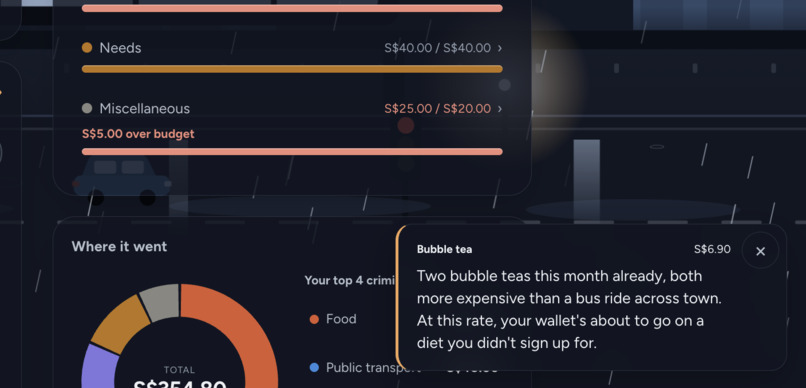
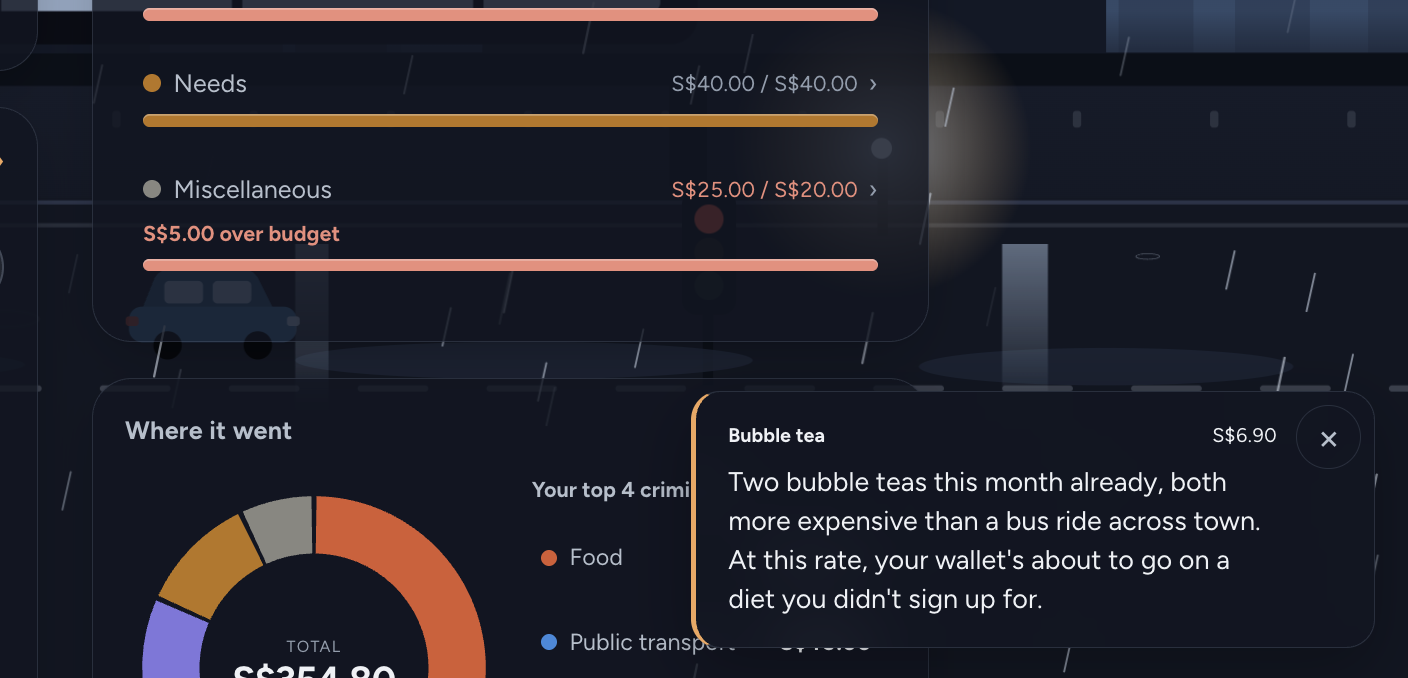
An image showing the roast feature after I inputted bubble tea
-
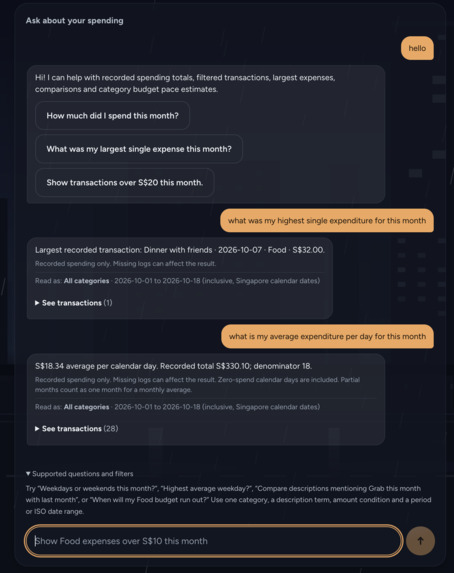
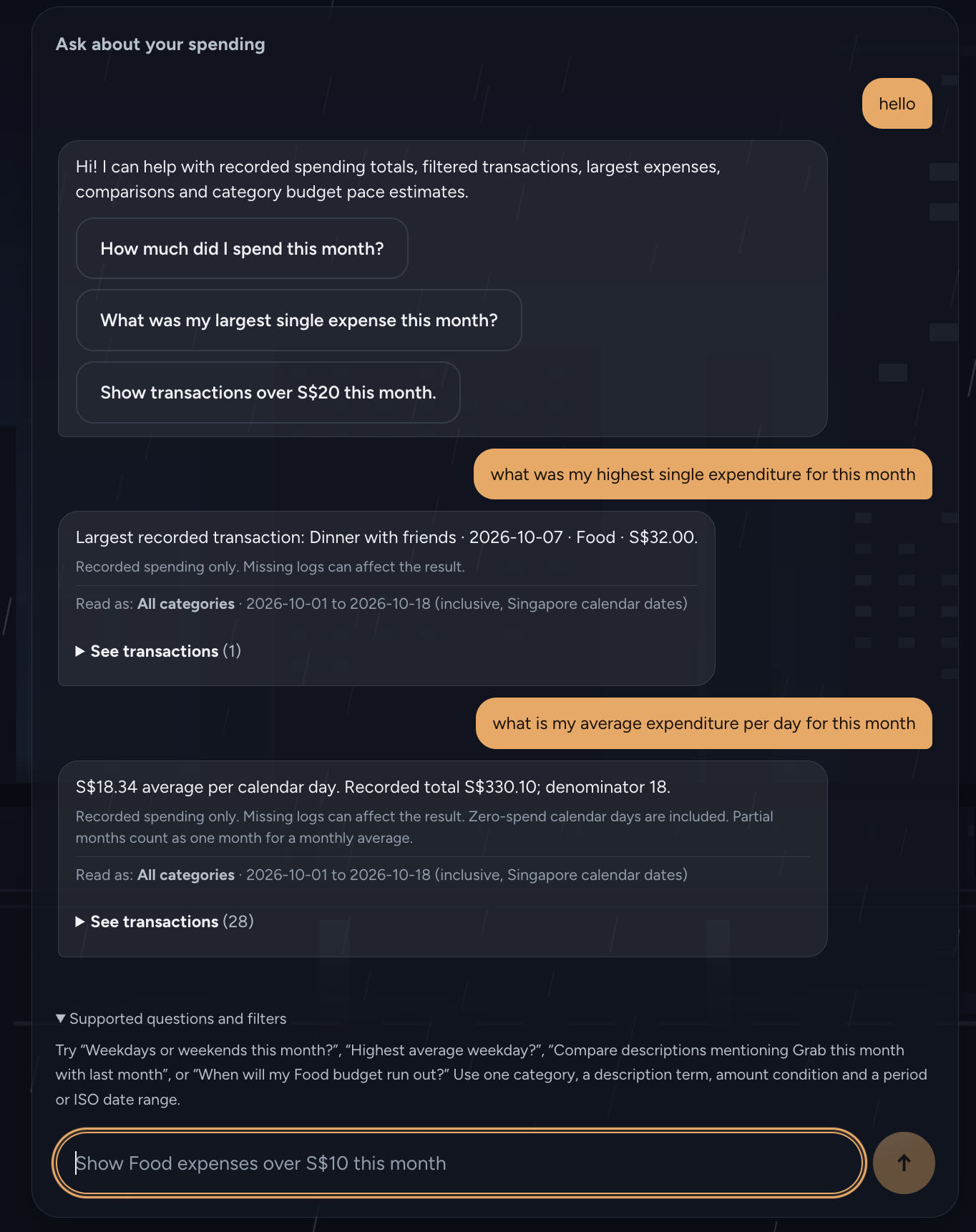
examples of using the ask function
-

The user interface in the home section

Inspiration
I used to track my expenses on free apps, but between the ads and subscription pop-ups, keeping track of my money became another chore, and the finance-looking dashboards made it feel like homework. So I built TallyAI: an expense tracker made for students, by a student.
What it does
- Log spending three ways: type it, say it (voice entry), or scan a receipt. Voice and receipts only fill a draft, so nothing is saved until you check it.
- Budgets: monthly and per-category budgets with over-budget labels and a daily allowance for the rest of the month.
- Ask: questions in plain English, like "how much did I spend this month vs last month?" or "what was my most recent expense?". Every answer shows the transactions it was calculated from.
- Roasts: every time you save an expense, TallyAI takes a jab at your purchase.
- Living wallpapers: three animated worlds (Moonlit Forest, Sunset Beach, Rainy City) that deteriorate as you approach your budget.
- Try it instantly: first-time visitors can load invented sample data in one tap.
- Works on laptop and phone.
How we built it
- React + Vite frontend, Node.js backend, deployed on Vercel with serverless API routes.
- The OpenAI Responses API (gpt-4.1-mini) is used to interpret questions, read receipts and write roasts. The API key stays on the server and never reaches the browser.
- The AI never does the maths. It only turns a question into a structured query. My code validates it and calculates the answer from your records in whole cents.
- A local ChromaDB vector database (all-MiniLM-L6-v2 embeddings) indexes transaction descriptions so spending can be searched by meaning, e.g. "late night supper" finds "Supper prata". It is a local prototype on sample data, not yet connected to the live app.
- Voice entry uses the browser's built-in speech recognition. Data is stored only in the user's own browser.
- I built this solo with AI coding agents (Codex and Claude Code). My job was deciding what to build, writing the instructions, testing the results and catching where the agents' reports did not match what the app actually did.
Challenges we ran into
- Getting numbers right. Letting a language model add up spending is unreliable, so I separated understanding the question from doing the calculation, and every model output is checked against a strict format.
- Roasts inventing facts. One early roast claimed I had "twenty-four KFC meals this month" from a single purchase. Roasts now only get facts from real matching records, and an output check rejects invented counts and history.
- The assistant answering the wrong question. Asking for my "most recent" expense returned my largest one, because Ask had no concept of recency and quietly picked the closest thing. I added a proper "latest" query and a rule that when nothing fits, Ask asks for clarification instead of substituting a different question.
- Deployment. Getting the frontend, server routes and API key working on a public link took real debugging, including tracking down a bad key value in production.
Accomplishments that we're proud of
- Letting fellow SMU friends try it. They liked the roasts because they actually stung, and seeing a spending habit called out felt different from another number on a chart.
- Ask never asks you to trust the AI's number. The AI only interprets the question, the app calculates the answer from your records and shows the transactions behind it, and when it can't answer, it asks for clarification instead of guessing.
- Shipping a public app anyone can try in one tap with sample data, with the API key kept server-side and 1,170 smoke checks plus 124 backend tests passing.
- Going from a beginner coder to directing AI agents, reviewing their work and catching where their reports didn't match what the app actually did.
What we learned
- A working AI response is not necessarily a correct one. Use AI to interpret, then calculate in code.
- Validate every AI output, and when it fails, say so honestly instead of hiding it.
- An AI agent saying "all tests passed" is not the same as the feature working. I learned to check things myself in the live app.
- Shipping is its own project. Deployment, API keys and public access took as much care as the features.
- Different AI tools fit different jobs: a language model for understanding, code for maths, and a vector database like ChromaDB for searching by meaning.
What's next for TallyAI
- Turn Ask into a tool-using agent that plans multi-step analyses by calling the app's own calculation functions, so it can answer complex questions while every number is still computed in code.
- Connect the ChromaDB semantic search to Ask, so "how much did I spend on supper?" finds everything that means supper.
- Secure accounts and cloud sync, so data follows you across devices.
- Line-item receipt scanning and proper per-user limits on the AI features.
