-
-
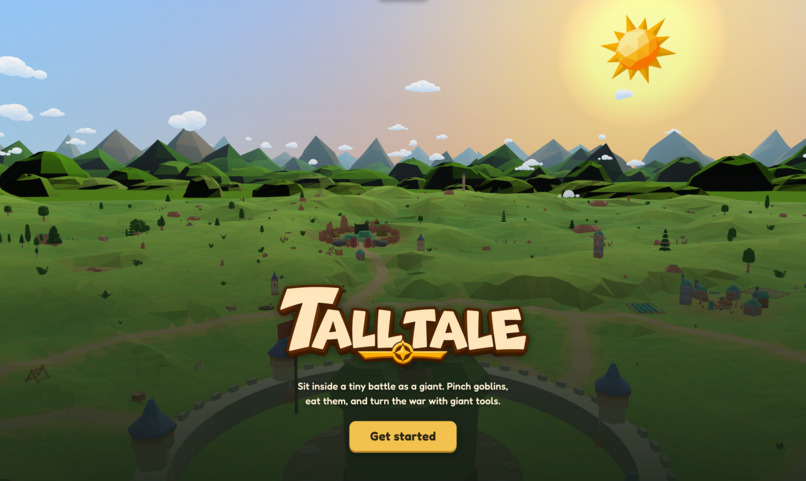
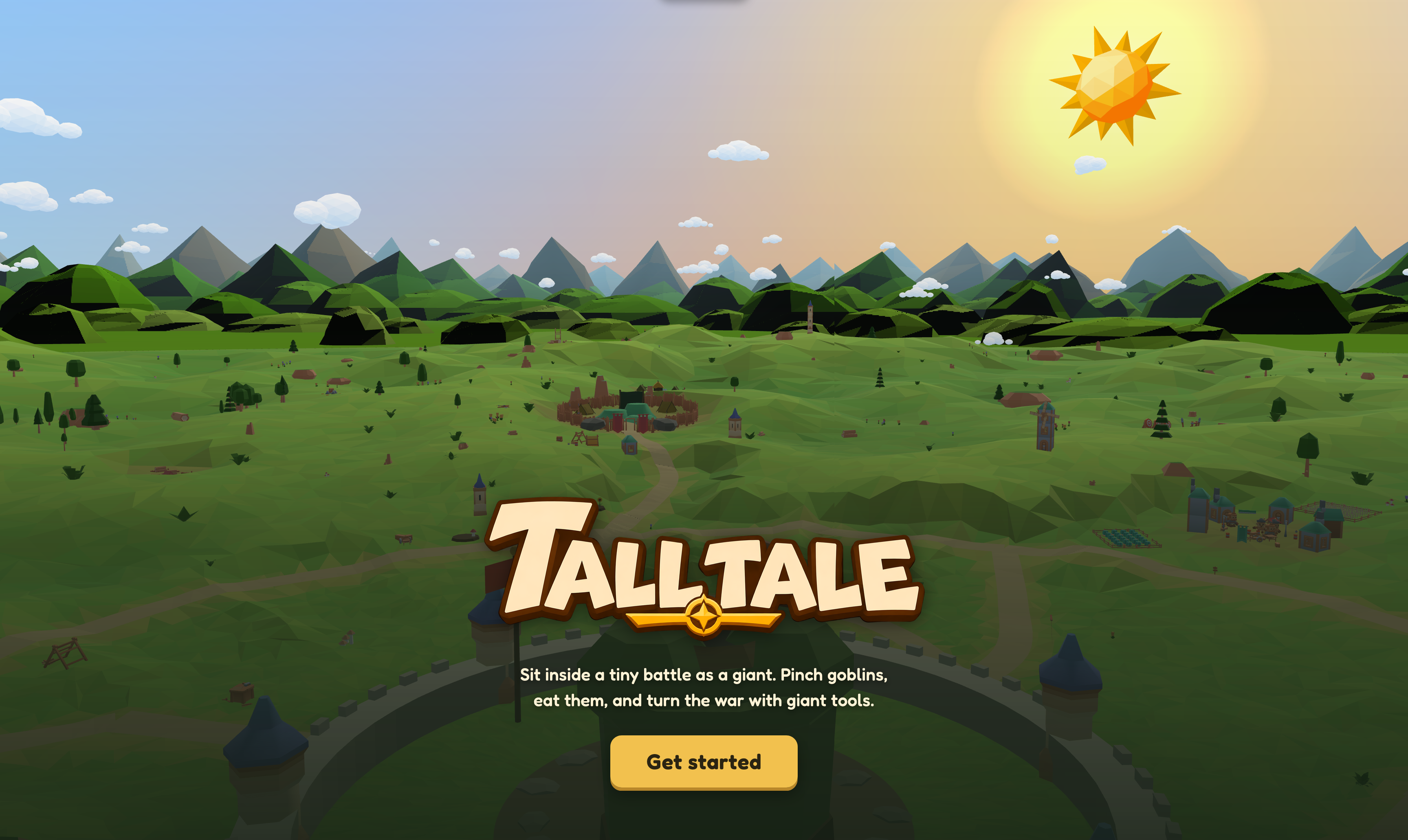
Website Landing page
-
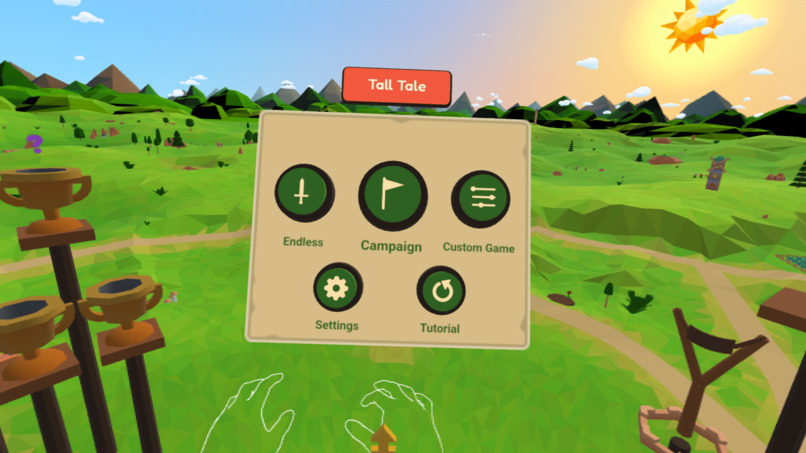
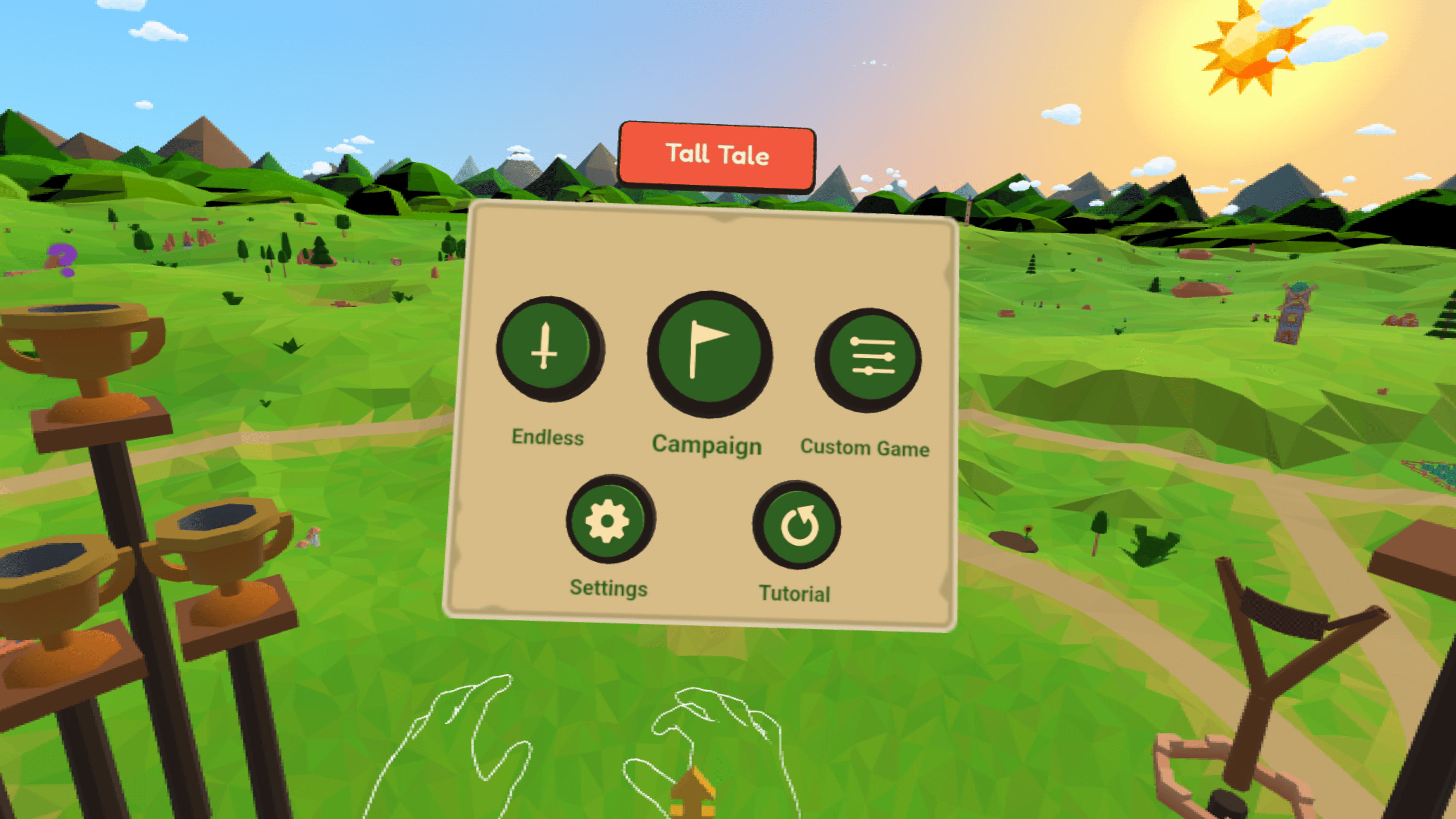
Home menu in VR mode with 3 game modes
-
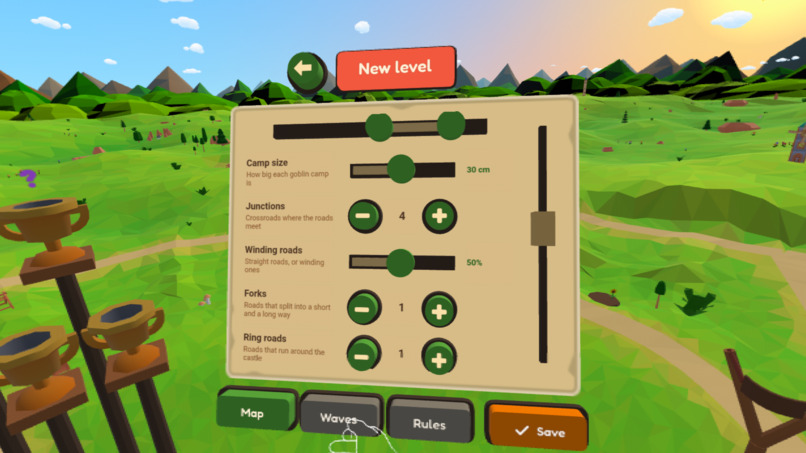
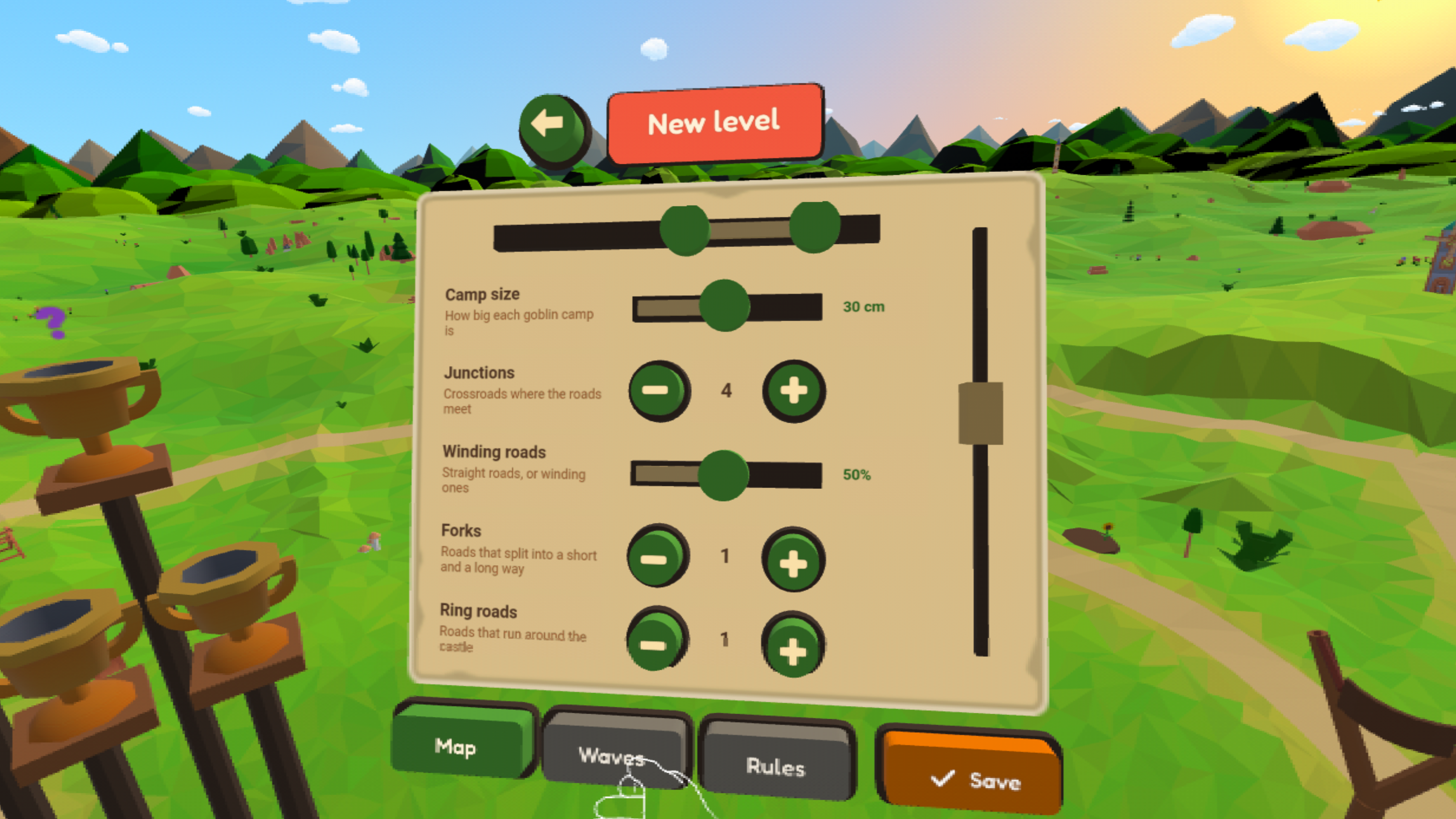
Custom level creator
-
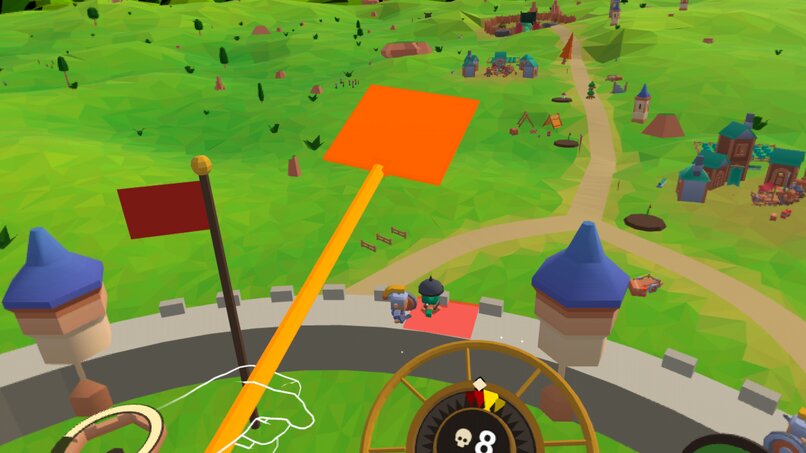
Swatter (Giant Tool)
-
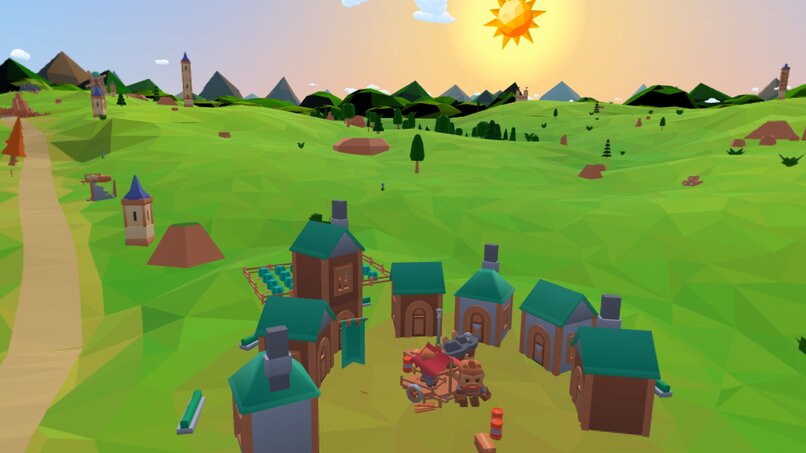
Villager Settlement
-
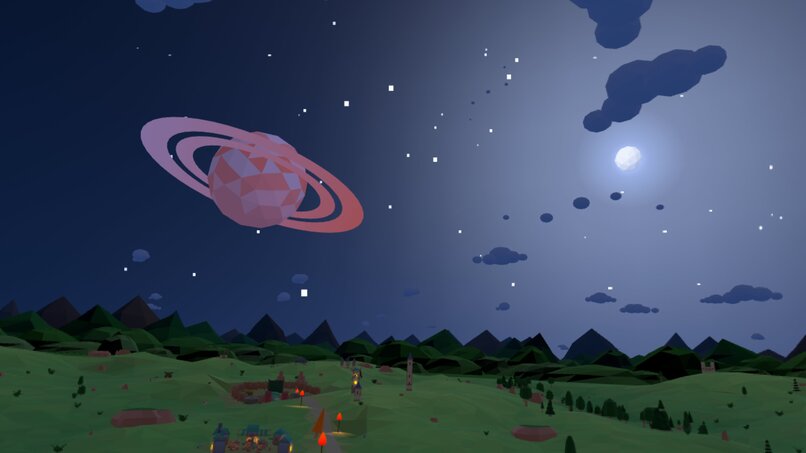
Night battle
-
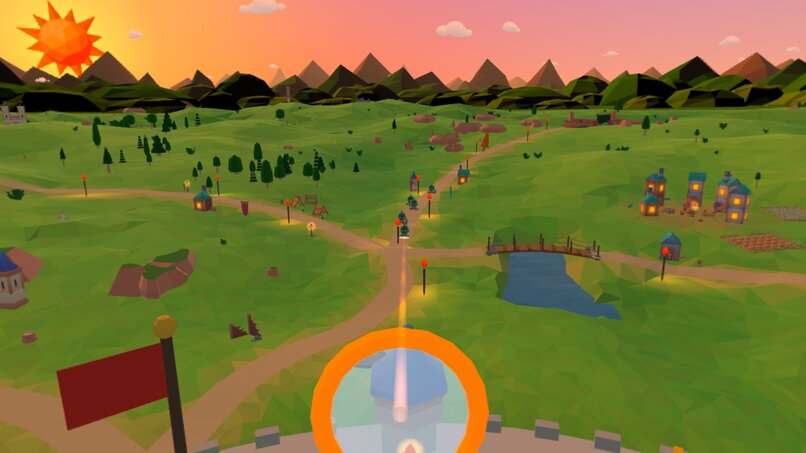
Magnifying Glass (Giant Tool)
-
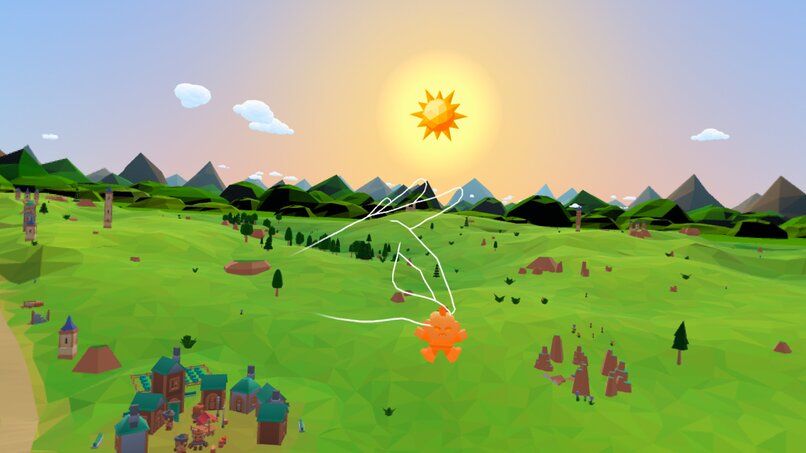
Pick up and eat goblins
-
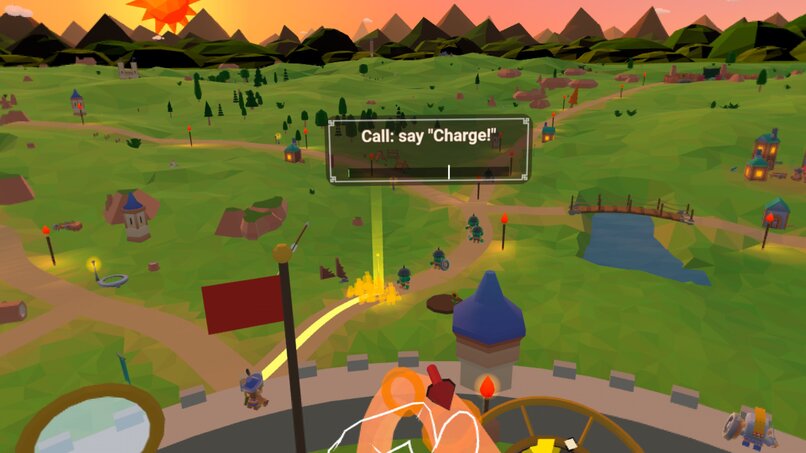
Summon your own squad of soldiers
-
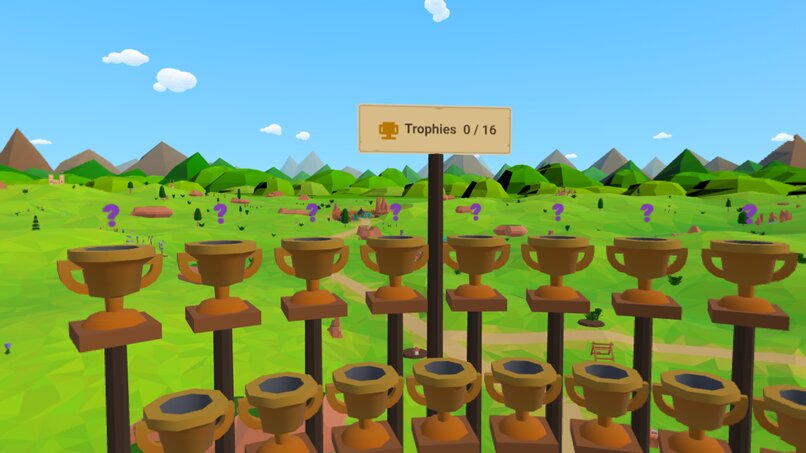
8 regular and 8 secret achievements
-
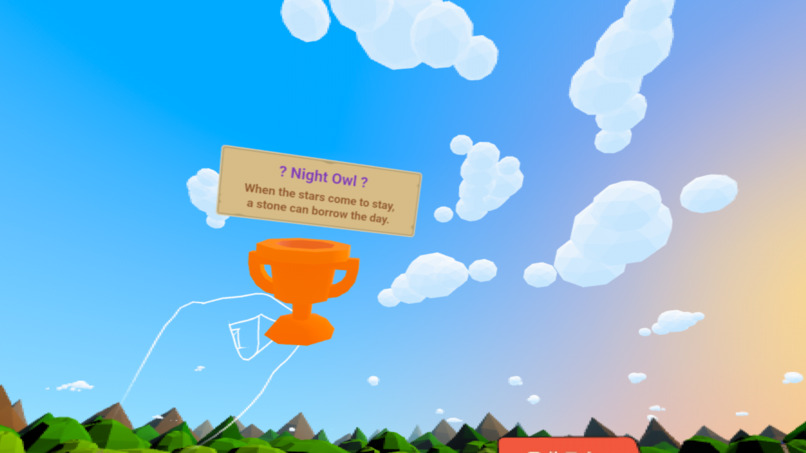
Solve the riddle to unlock a secret ability
-
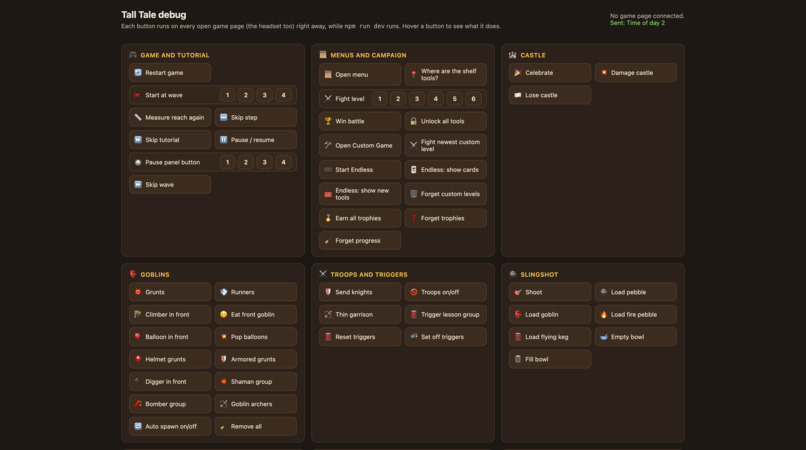
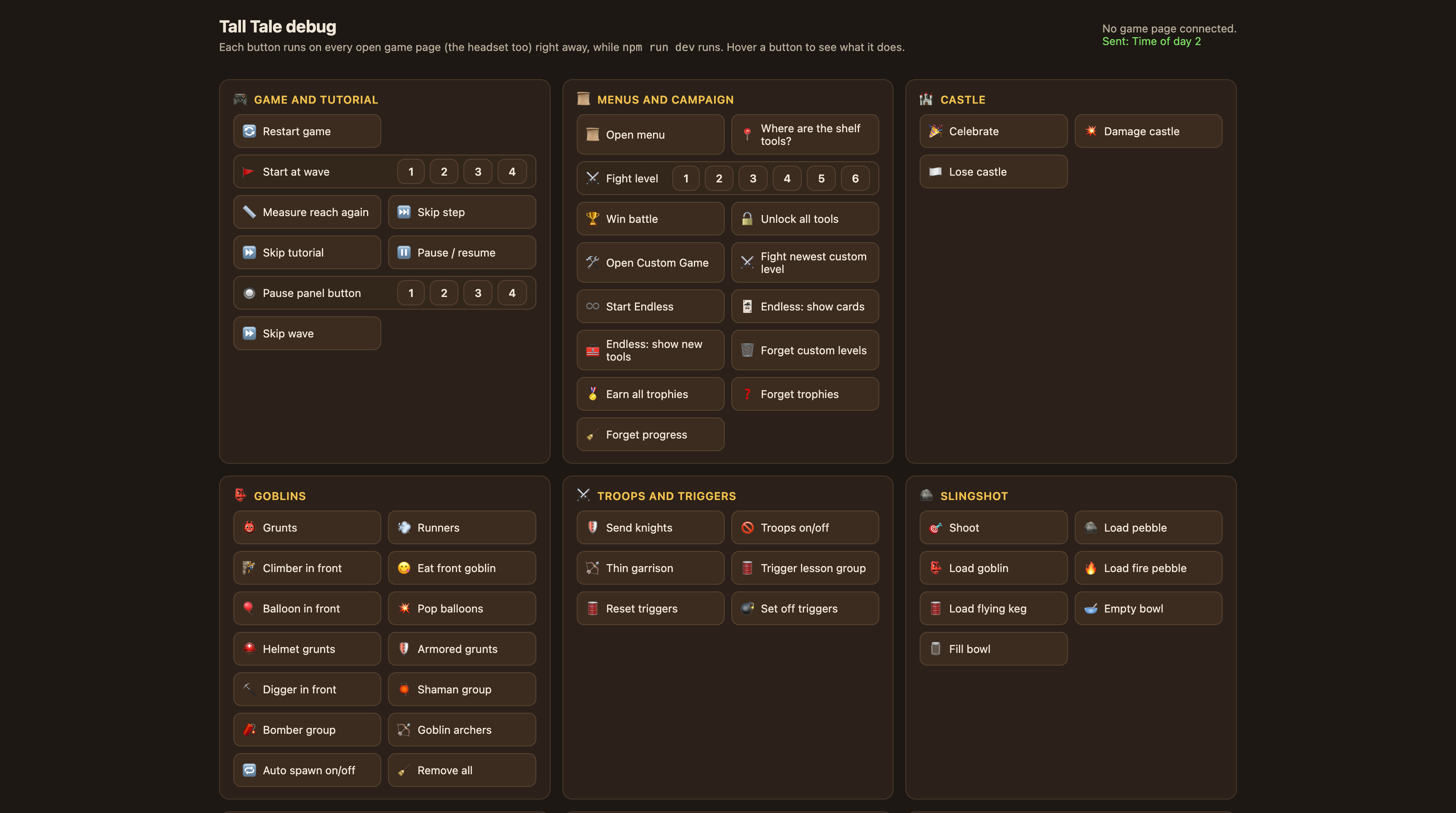
Debug page 1
-
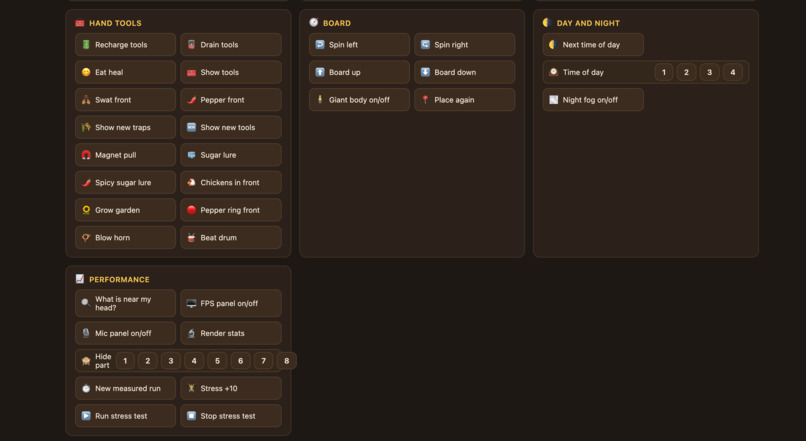
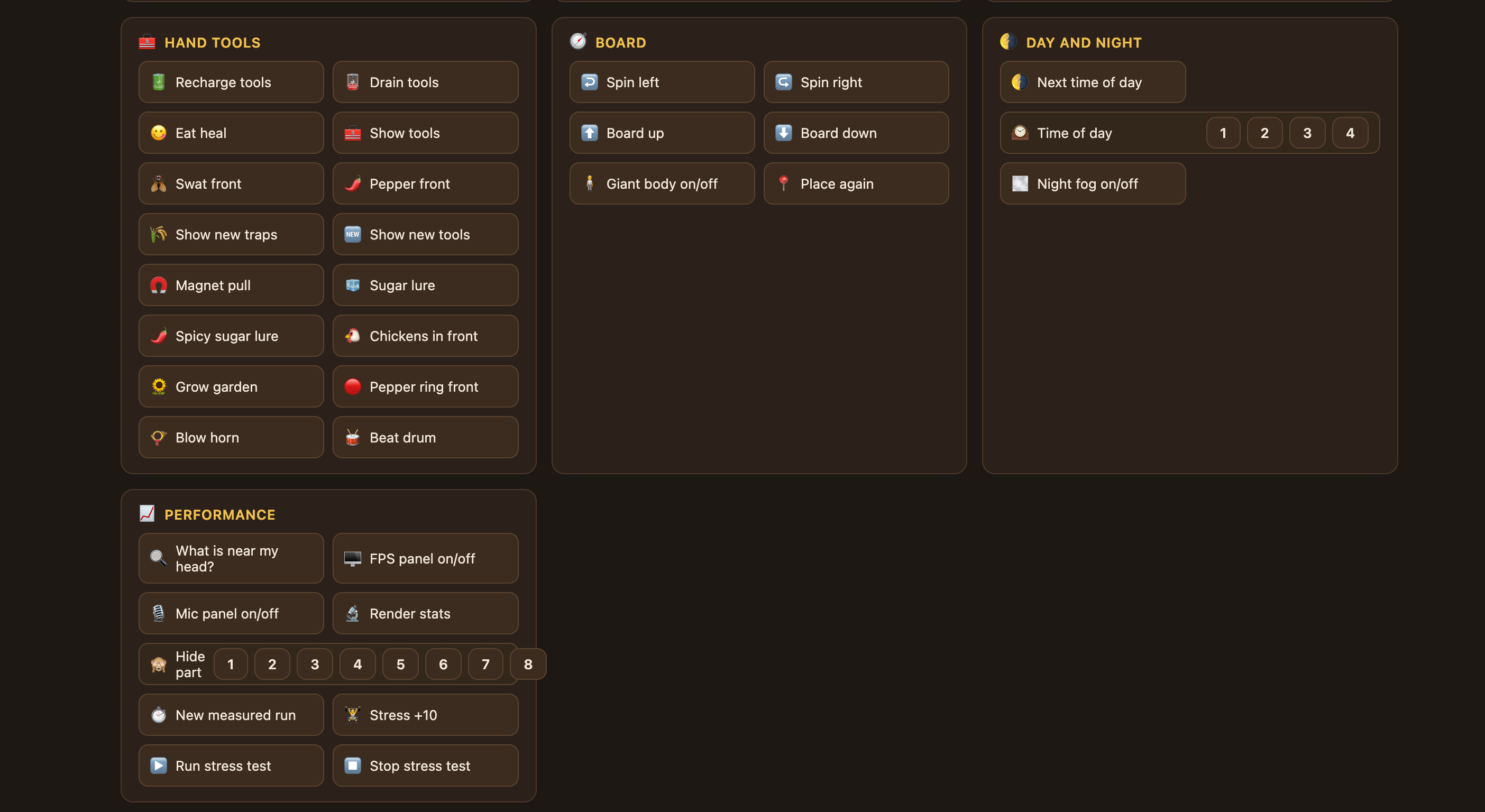
Debug page 2
Overview
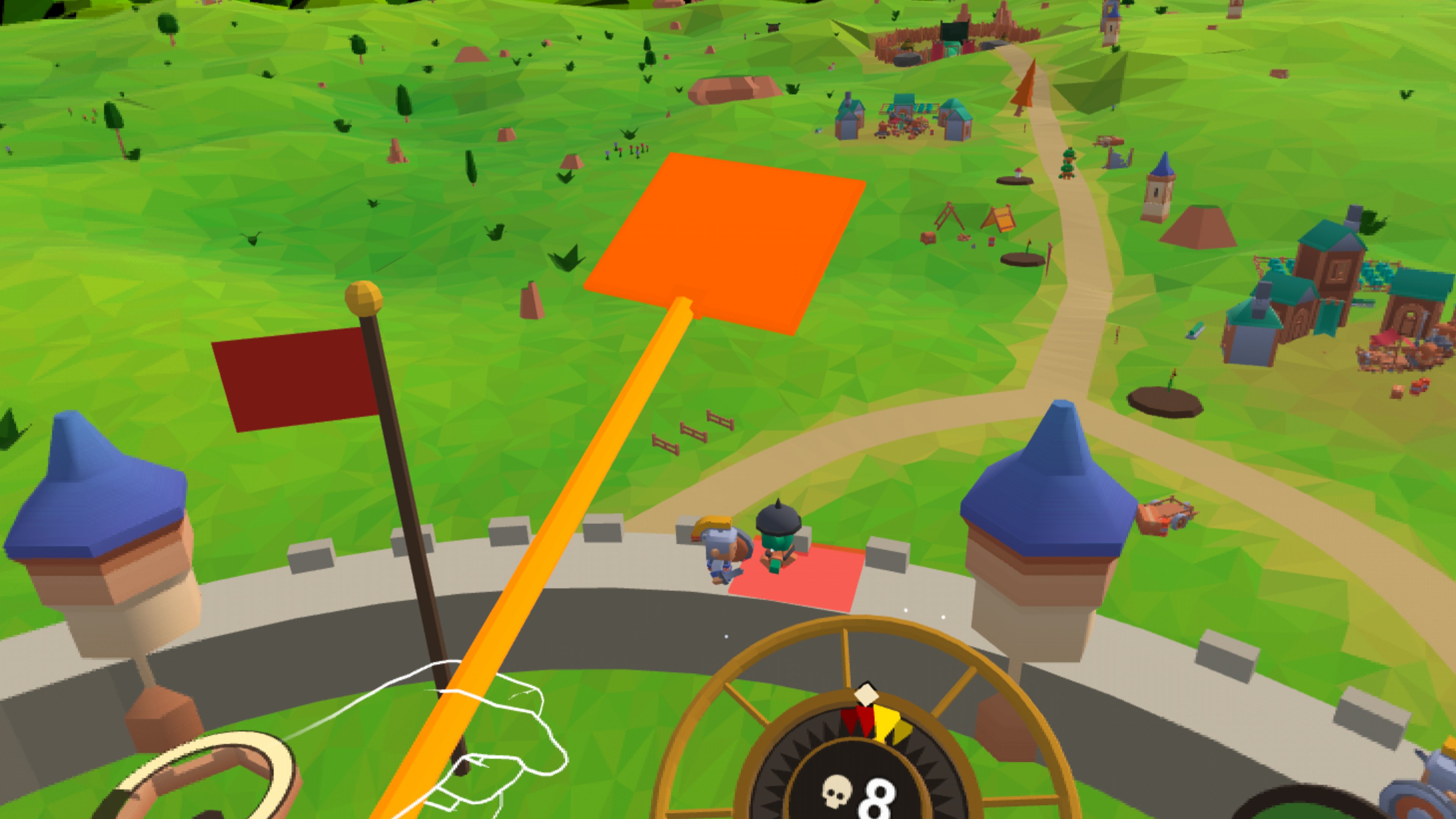
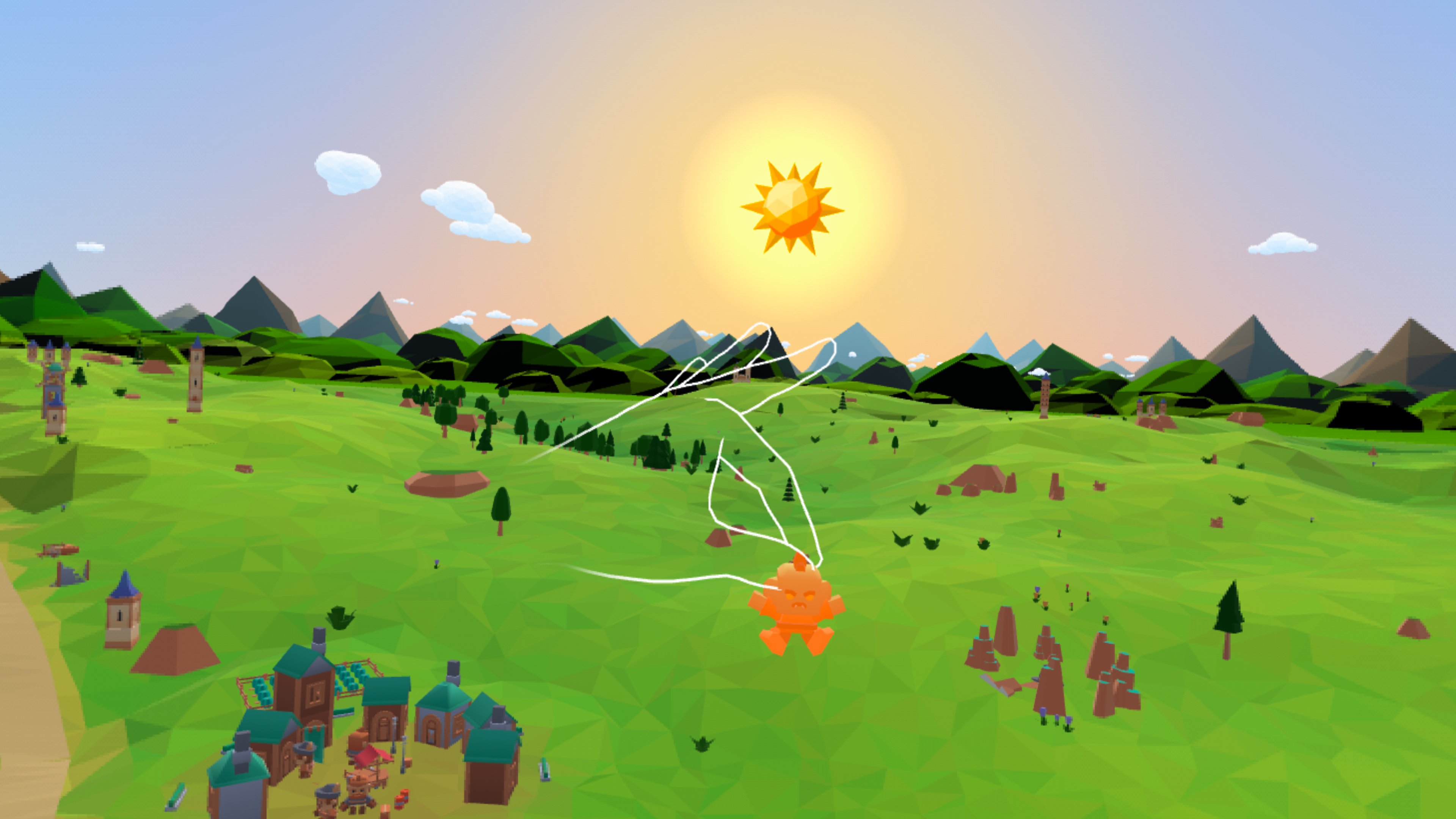
You're a giant sitting in the middle of a tiny round castle, and a toy sized battle plays out in a full circle around you. Goblins march in from every side. Your little knights fight on their own, but without your help they slowly lose. So you them with giant tools, and when goblins climb your wall, you pick them up and eat them.
Every tool, goblin, number and secret is in the Tall Tale wiki.
Inspiration
Plants vs. Zombies is the game that got me into tower defense. Every enemy is a question and every tool is an answer. Dead Cells showed me how far that can go, with small systems that combine into hundreds of builds. I wanted that kind of depth in VR, in a setting that only makes sense in VR. You don't look down at the board like a strategy game. You sit inside it.
Gameplay
- Eight tools. Before each battle you pick four of the slingshot, fly swatter, pepper, war horn, magnet, drum, magnifying glass and sugar cubes. That's 70 possible loadouts, and every tool has an upside and a catch.
- Seven goblins. Runners rush the wall, balloon riders float over it, diggers tunnel under it, shamans hand out fresh helmets, bombers blow up at the gate and archers pick off your knights from a distance.
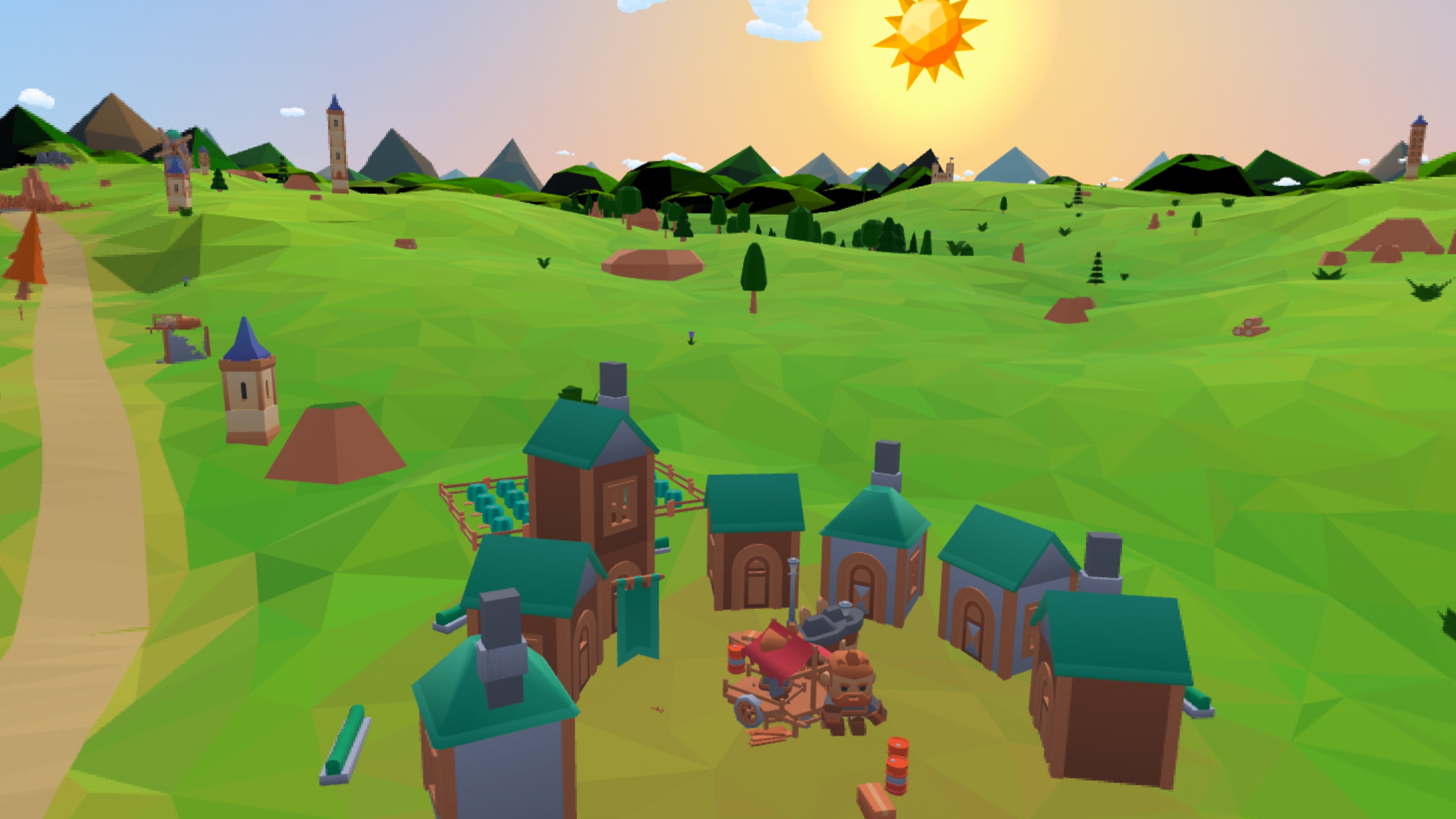
- Living land. Seven traps sit on the roads, from rolling boulders to rope bridges, and a sun garden of sunflowers and mushrooms grows and fights alongside you.
- Real combos. None of them are scripted. Pull the helmets off a group with the magnet and burn them with the magnifying glass. Lure a crowd onto a rope bridge with sugar, then drop it.
- Three modes. A campaign of 15 levels with 5 playable today, Endless mode and Custom Game.
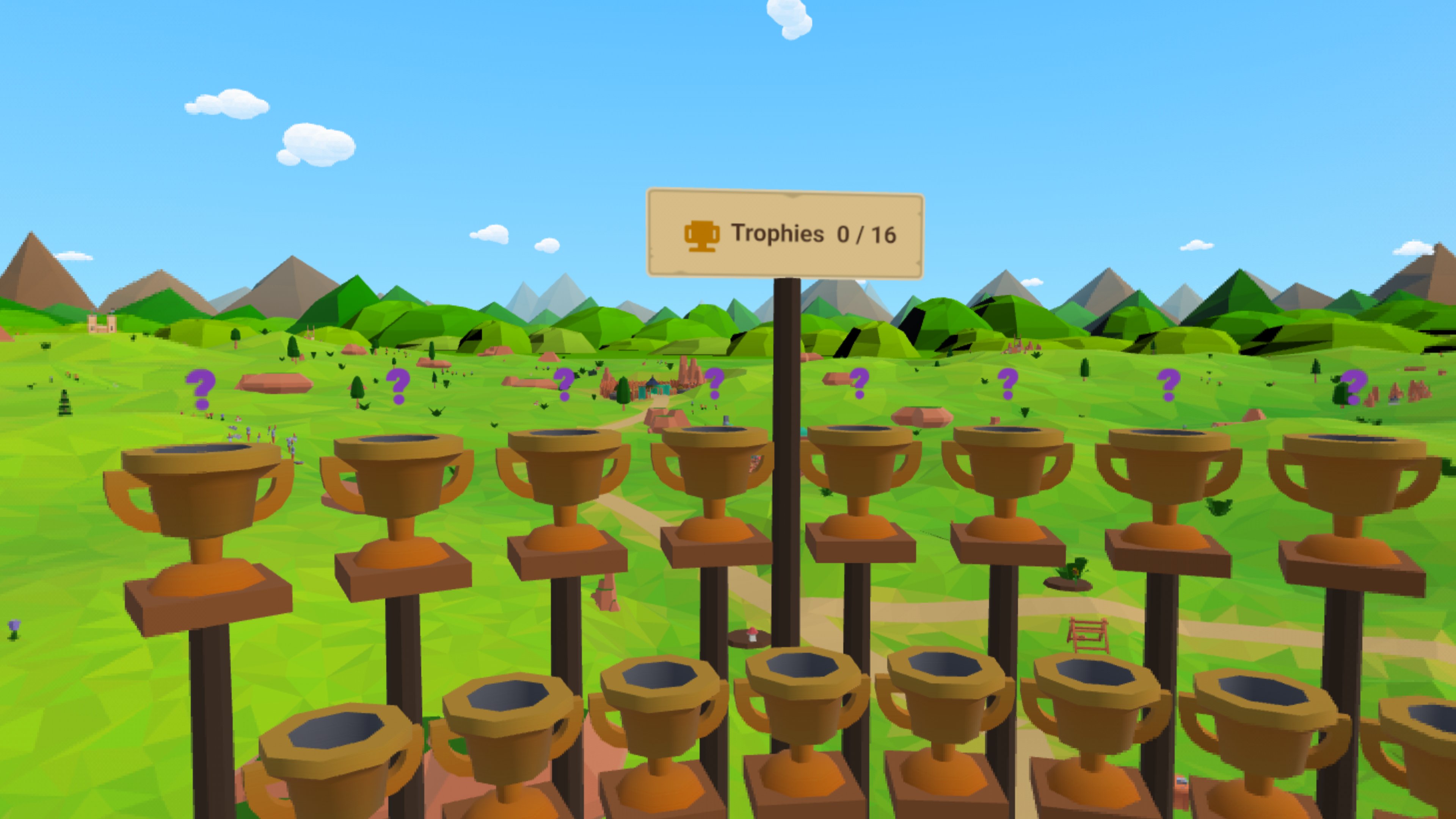
- Sixteen trophies. Eight teach you a skill, and eight more are secrets waiting to be found.
Beyond hands
A controller has a dozen buttons and two sticks. Bare hands have a pinch and a fist. To get more out of them, Tall Tale also listens to the rest of your body.
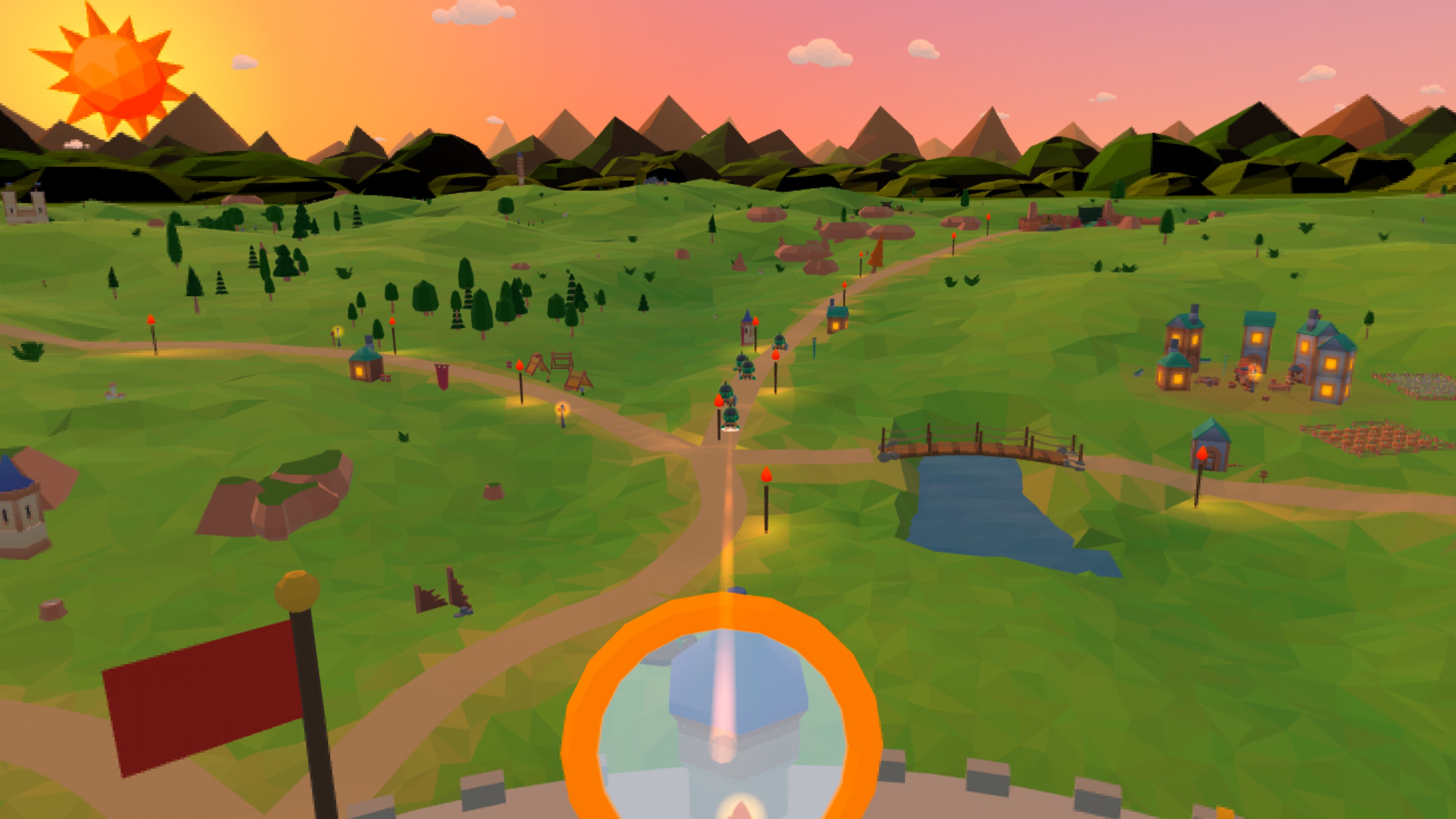
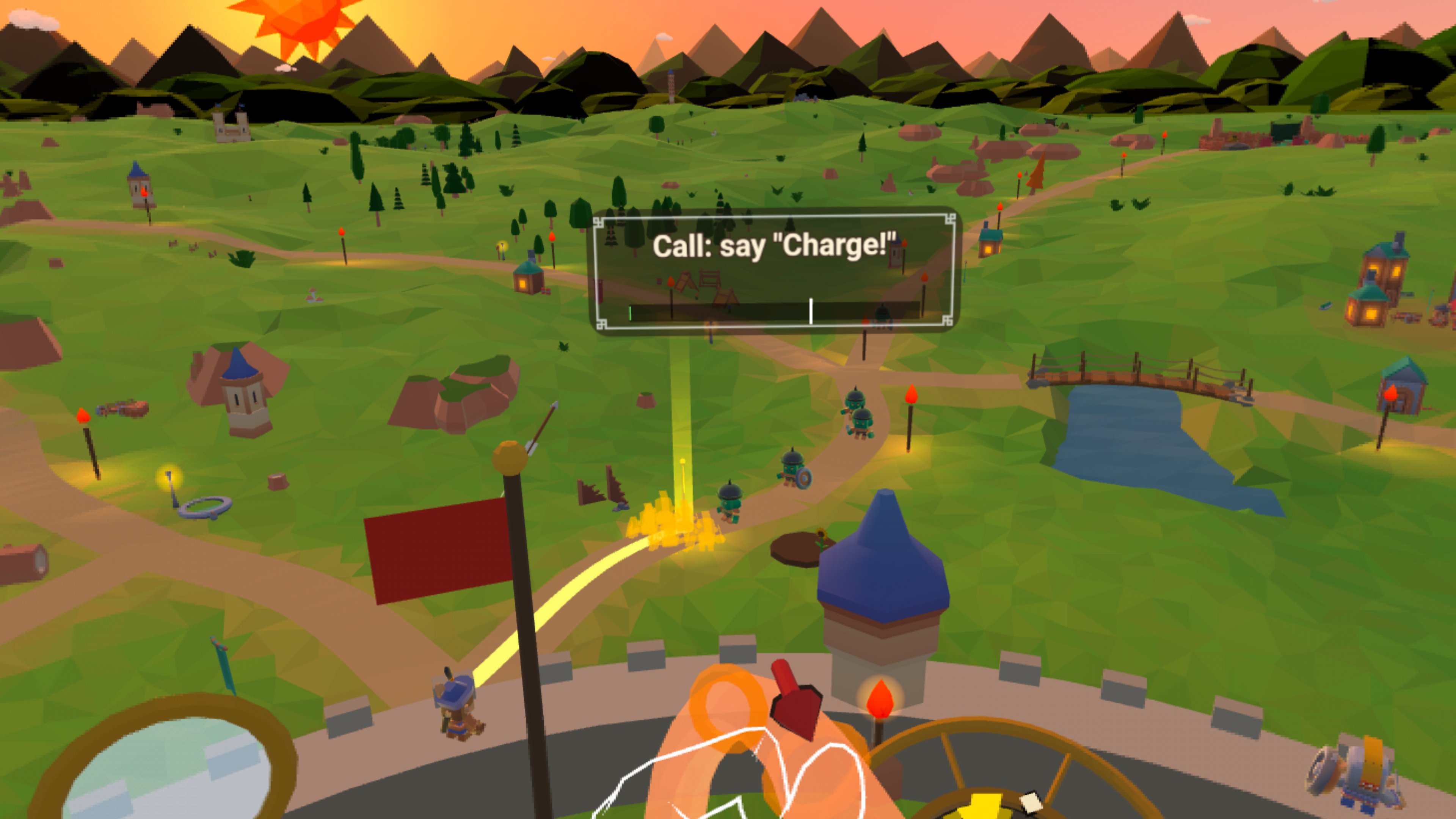
- Gaze. You aim the war horn and the magnifying glass just by looking. A pillar of light marks where your head points.
- Voice. Raise the war horn and shout "Charge!" to call your knights.
- Gestures. Raise the magnifying glass to your eye to shine it. Hold a goblin near your mouth to eat it. Every move copies the real thing, so there's nothing to memorize.
Why You'll Come Back
A battle takes a few minutes, but there's always a reason to play one more.
- Endless runs. Pick a boost card between waves and earn a new tool every ten waves, so no two runs build the same way. I added it because I love roguelites like Dead Cells.
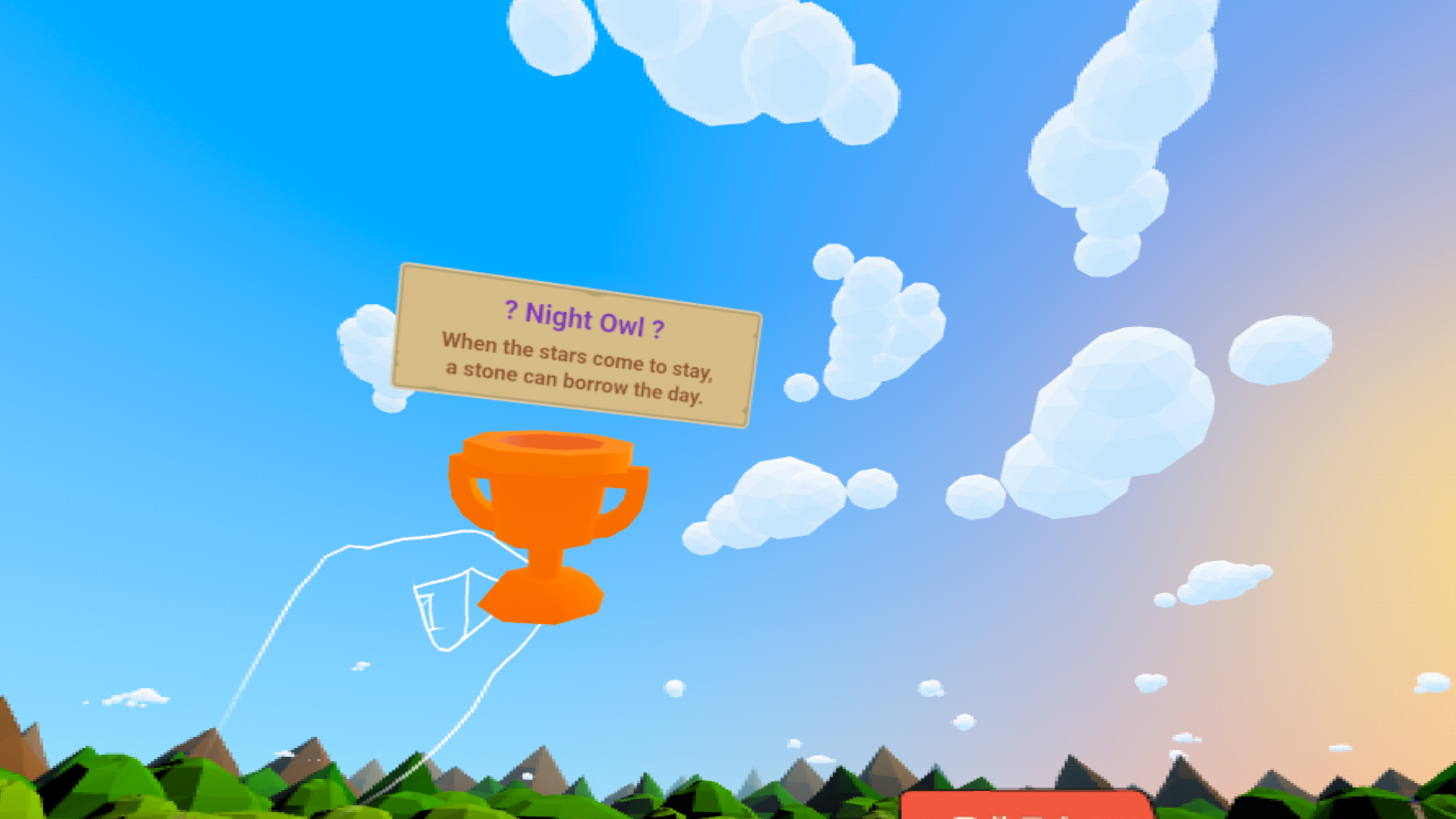
- Secrets to find. Eight secret abilities hide behind rhyming riddles. Solve one and you unlock a real edge in battle.
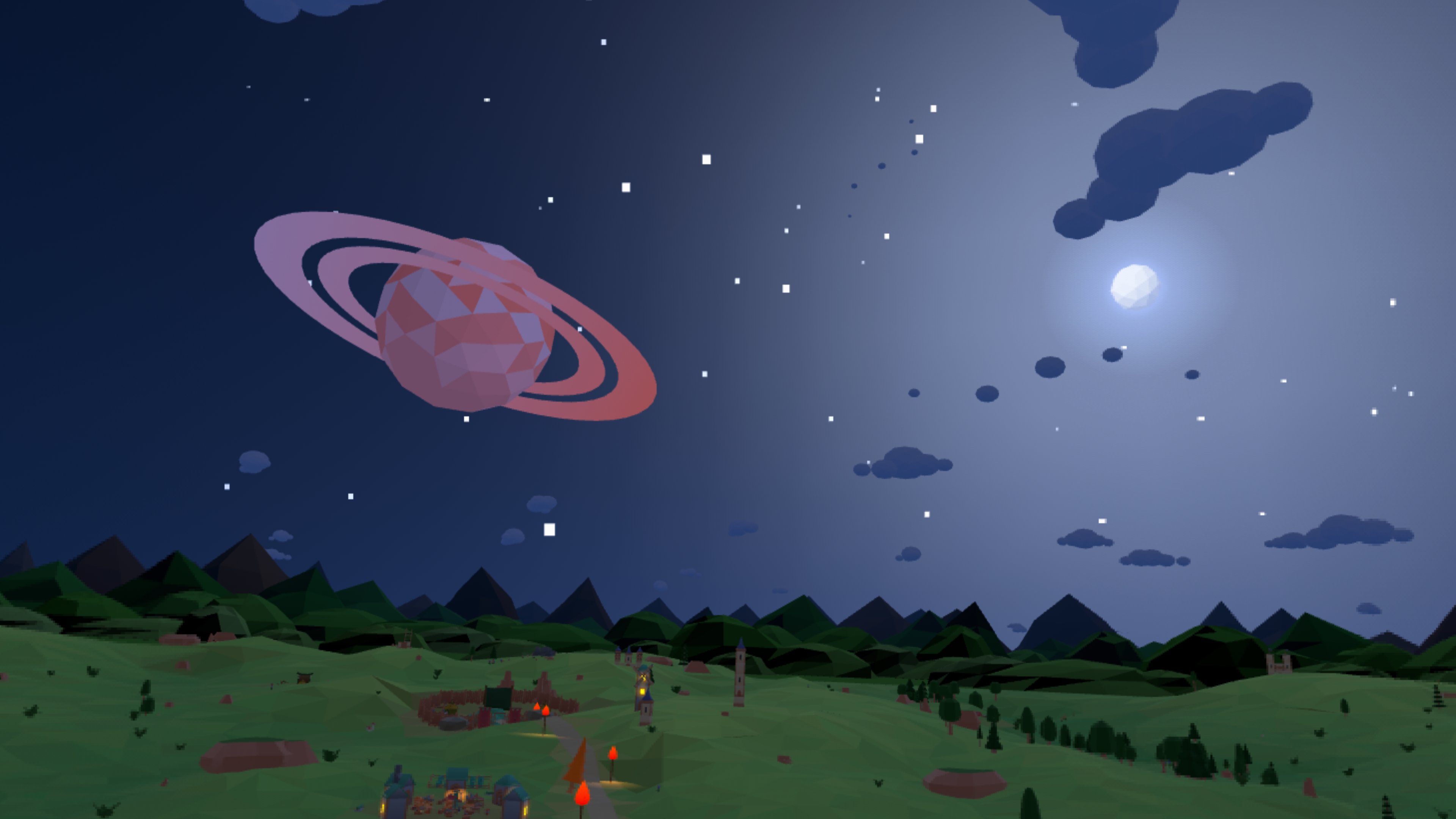
- No two battles alike. Used traps come back in new random spots, 70 loadouts change how you play, and waves move through four times of day.
- Your own levels. Custom Game has over 30 settings, so you can build the battle you want and keep tuning it.
- Stars to chase. Every battle is scored on goblins beaten, long range knockouts, combos and how much castle is left. Winning gets you one star, and playing well gets you three.
Controls and Comfort
Everything here starts from one constraint. You're sitting in a chair, and all you have is your hands.
- Hands only. You pinch, make a fist or poke. Those are the three things Quest hand tracking reads most reliably, so I didn't add any custom gestures on top.
- Sized to you. A quick reach check at the start scales the whole castle to your arms, so the wall always lands within comfortable reach.
- No stretching. Everything you touch sits 40 to 50 cm from your eyes, which is where Meta's hand guidelines say direct touch works best.
- Natural grip. A tool you grab in a fist snaps into the way you'd really hold it. You also grab each tool with the opposite hand, because twisting a hand back toward its own side is surprisingly hard.
- Short sessions. A battle takes three to four minutes, pause is right beside the compass, and the game pauses itself if you take the headset off.
Accessibility
A full circle battle is hard to follow from a fixed seat, so most of the work went into making sure you never miss what's happening.
- No turning. You never have to turn around. A crank on the compass spins the board, one circle of your hand is one full turn, and only the board moves while the sky stays still.
- Front and center. The compass, the health flag and your tools never spin. They stay in a narrow area ahead of you, so the game holds up on headsets with a smaller field of view.
- Compass radar. The compass shows where goblins are coming from, how many there are, and whether they're still walking or already attacking.
- Sound off. Every attack flashes the wall where it happens, and an arrow points at anything on your wall. You can play the whole game muted.
- Not just color. Danger pulses and grows as well as turning red, so color blind players read the compass the same way.
- Volume mixer. Music, goblins, battle, tools and voice each have their own volume. Players with partial hearing loss can turn down the music and background noise so the sounds that matter stand out.
- Voice optional. The Quiet horn setting removes the need for a microphone entirely.
- Snap turning. For players who feel queasy with smooth motion, the board can turn in 30 degree steps instead.
- Night outlines. At night every goblin gets a soft glowing outline, so it never disappears into the dark.
Design Decisions
This is the part I care about most as a UX designer. Some of these came from Meta's guidelines, and the rest came from watching people struggle in playtests.
- Big targets. Buttons are at least 22 mm across with at least 12 mm between them, and every tool's grab zone is much bigger than the tool itself.
- Forgiving pinch. Goblins are only about 4 cm tall, so the pinch zone is bigger than the goblin and snaps to the closest one.
- High contrast. Text, icons and compass marks all clear a 4.5 to 1 contrast ratio, by day and at night.
- One glow language. Everything you can touch has the same four states, idle, ready, held and locked, shown only with glow color. Learn it on the slingshot and you already understand the magnet.
- Menus follow you. Panels open at eye level and drift gently with your head, so you never go looking for one.
- Familiar layout. Following Jakob's Law, menus work like the apps you already use, with the title and Back on top, tabs underneath and the main action in the same spot on every page.
- Steady controls. Lists scroll with a slider, because swipes kept getting read as taps. Tapping anywhere on a slider jumps the handle there, and switches show on and off with position, color and text together.
- Cost preview. While you aim the war horn, it shows what the call will do and how much charge it will use before you commit.
Teaching, not telling. The tutorial got more of my attention than any single feature. Before building it I read up on what makes a good one, and three ideas stuck with me. Keep the text to a few words at a time. Break every skill into the smallest step possible, so you only ever learn one thing at once. Most of all, show the player instead of telling them. That's where the ghost hands come in. A see-through pair of hands does each move right in front of you, with the right hand, the right grip and the right motion, and you simply copy it. My first tutorial had no text at all and left everyone lost, and this is what replaced it.
How I Built It
I'm a UX designer, an engineer and a lifelong gamer, and each of them shaped this game. The gamer wanted depth worth discovering, the designer wanted anyone in a chair to pick it up in minutes, and the engineer had to make it all run in a browser on a Quest.
Why the web
I'm a solo developer, so I knew I couldn't write every line myself. What I could do was design the systems and steer AI coding agents well. My home turf is TypeScript, and I had never opened Unity. AI models have seen far more TypeScript and JavaScript than C#, so they're simply better at it. That made Meta's Immersive Web SDK on top of Three.js the obvious pick, and it also means judges play by opening a single link.
Fast testing
The web also gave me a ridiculously fast loop. A dev server runs on my Mac, the Quest opens it over Wi-Fi, and every change is one page reload away.
Debug panel
Because I already know browser APIs well, I wired a WebSocket between the game and a debug page on my laptop. From there I can jump to any wave, win or lose a battle, blow the horn without a mic, and test edge cases in seconds instead of playing ten minutes to reach them. It also runs a stress test that keeps adding goblins and records the frame rate at every step. That's how I found the sweet spot of about 50 goblins at a steady 72 fps with no dropped frames, and every wave is tuned around it.
Help from Meta
I leaned on Meta's tooling a lot. The Horizon OS Design Guidelines answered questions before I ran into them, like how far away things should sit, how big a button needs to be, and the palm facing pinch that opens the system menu. The IWSDK MCP servers let my agents look up the real API instead of guessing, and run the game in an emulated headset on my own laptop. There’s no way I would have been able to build something of this scale without these amazing tools.
Playtesting
My testing rule was simple. After every change I ran a quick check of all the systems, then spent most of my time trying to break whatever I had just built. But the biggest lessons came from watching other people play.
- Eating by tilting your head back opened the Quest menu, so now you just hold the goblin near your face.
- A tutorial with no text left everyone lost, so I added short lines and ghost hands.
- Turning the board with a ring handle took too many grabs, so it became the compass crank.
My 10 year old nephew and my 38 year old sister tested it a bunch of times, and they're the reason it's as simple as it is. My thinking was that if it works for someone who has never worn a headset or doesn't play games, it'll work for everyone else.
Found a bug?
It's still one person's project, so a few bugs have probably slipped past me. If you find one or just have thoughts, this short form takes under a minute, and every report goes into the Store version.
Future Plans
Tall Tale is headed for a free release on the Meta Horizon Store in Q1 2027. Here's what comes next.
- Polish first. Every bug report from the feedback form gets fixed, and I want more frame rate headroom so even bigger battles stay smooth.
- The full campaign. Levels 6 to 15, each one built around a new enemy, tool or trap, ending in a boss fight against a goblin warlord.
- More to play with. A lot of ideas made it onto paper and only missed this build because I ran out of time. Each one adds a new question for the player, not just more of the same.
- Goblins. A brute too heavy to pinch, so you have to soften it up first. A catapult crew that lobs rocks at the wall from out of reach. A goblin cook who stands back and patches up the ones you knocked out.
- Tools. A bellows that blows balloon riders back where they came from. A watering can that turns a road into mud and makes the sun garden grow faster. A giant candle that lights up the board on dark nights.
- Traps. A beehive that sends a whole group running. A windmill whose sails sweep the road clear. A frozen pond that cracks under a heavy goblin.
- Weather that changes the fight. Night fog is already in. Next come rain that slows the magnifying glass, wind that pushes your pebbles, and snow that hides the roads.
- New worlds. The meadow kingdom is just the first map. I'd love to see the same giant defend a snowy mountain fort, a desert oasis or a swamp village, each with its own goblins and traps.
- Playing together. Endless leaderboards, a daily battle everyone plays with the same seed, and Custom Game levels you can share with friends.
- Mixed reality. The whole castle on your real table, so you can play it at a desk or on the couch.
Licenses and Credits
Every asset in Tall Tale comes from a source that allows its use, and each one is credited here.
- Models and UI. Free CC0 packs by Kenney, including the Castle Kit, Fantasy Town Kit, Nature Kit, Survival Kit, Mini Arena, Mini Dungeon, Mini Forest, Board Game Icons, Fantasy UI Borders, Emotes and several UI packs.
- Sound and music. Mostly Kenney's CC0 audio packs, plus a few sounds and music tracks from Freesound contributors under Creative Commons licenses, each credited in the project repository.
- Ghost hands. The generic WebXR hand model from WebXR Input Profiles, MIT License, copyright Amazon.
- Made with Claude. A few assets were created with the help of Claude by Anthropic.
- The code. Released under the MIT License. Tall Tale is meant to be a free game, so anyone is welcome to clone it, change it and build on it without asking.
Everything was chosen in good faith, and to the best of my knowledge I have the right to use all of it. If you believe something in the game is yours and is used without permission, please email me at [email protected] and I'll remove or replace it right away.
A special thanks to Kenney, whose free assets give this game most of its look. If you make games, visit kenney.nl and consider supporting their work.
I learned almost everything I know from people who shared their work for free. Keeping Tall Tale open is my small way of giving some of that back.
Built With
- claude-code
- github
- iwsdk
- notion
- three.js
- typescript
- vite
- webgl
- websockets
- webxr
