Inspiration
I wanted my portfolio to feel like talking to me, not scrolling a static site. Recruiters and founders keep asking the same questions about my projects and story, so I built a voice clone that can answer in real time, in my style, from my own data using Gemini Live instead of yet another React landing page.
What it does
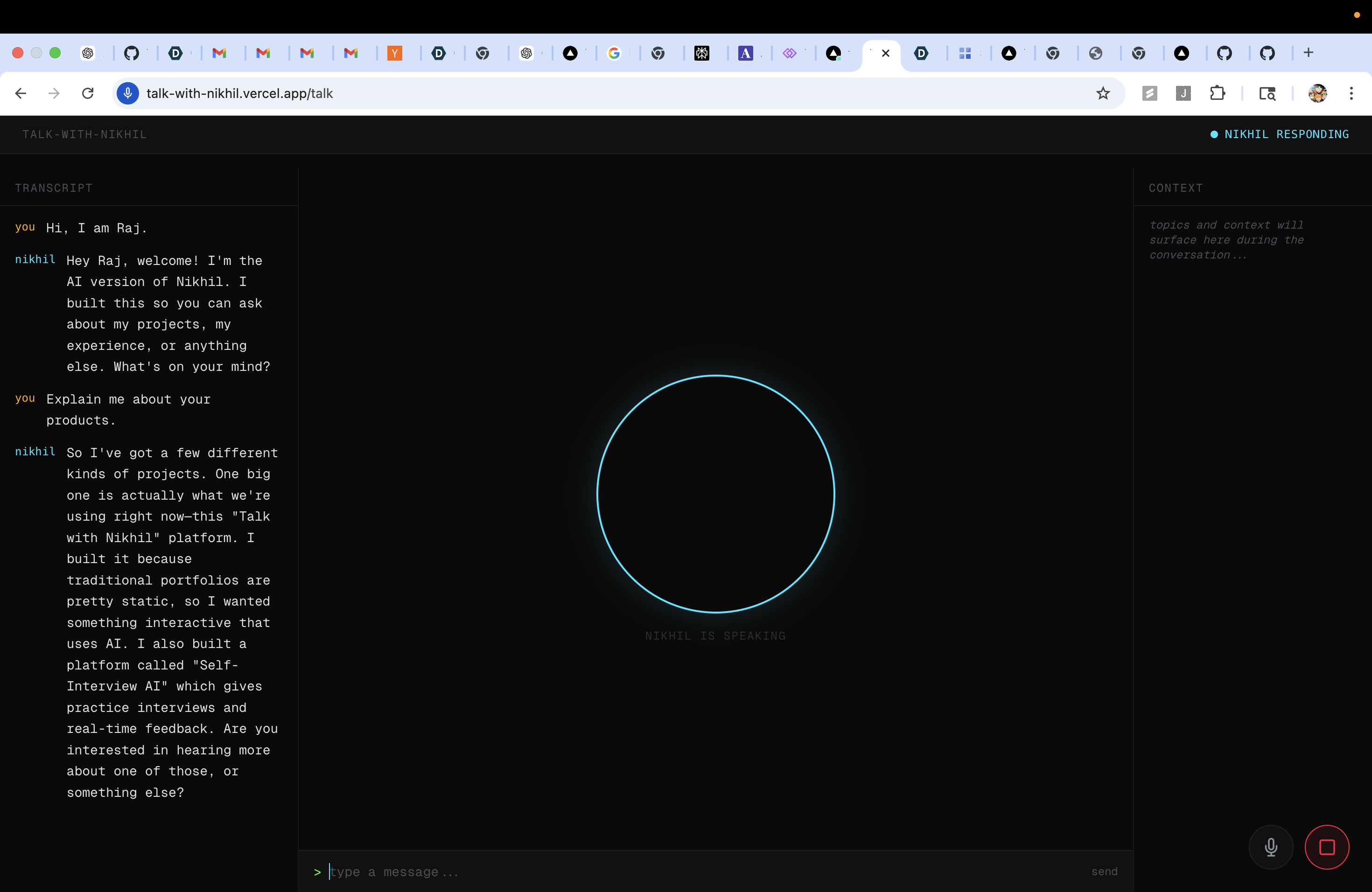
- Lets you talk to an AI version of me in real time (24 languages).
- Streams mic audio → Gemini Live → audio replies with full barge‑in (you can interrupt mid‑sentence).
- Uses tools over Supabase to answer questions about my projects, experience, and preferences from a curated knowledge base.
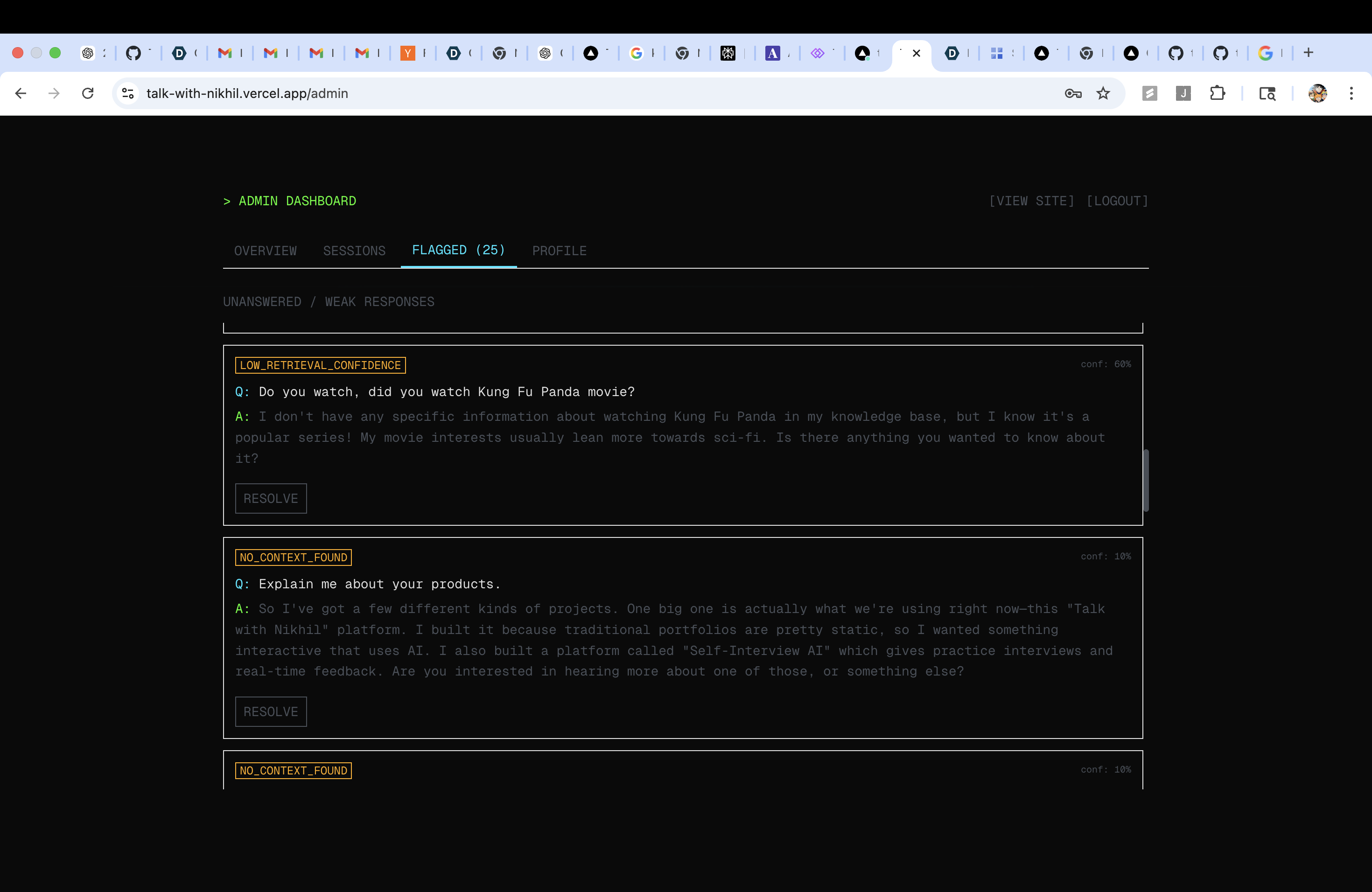
- Logs sessions, transcripts and question events so I can see where the agent was weak and improve it.
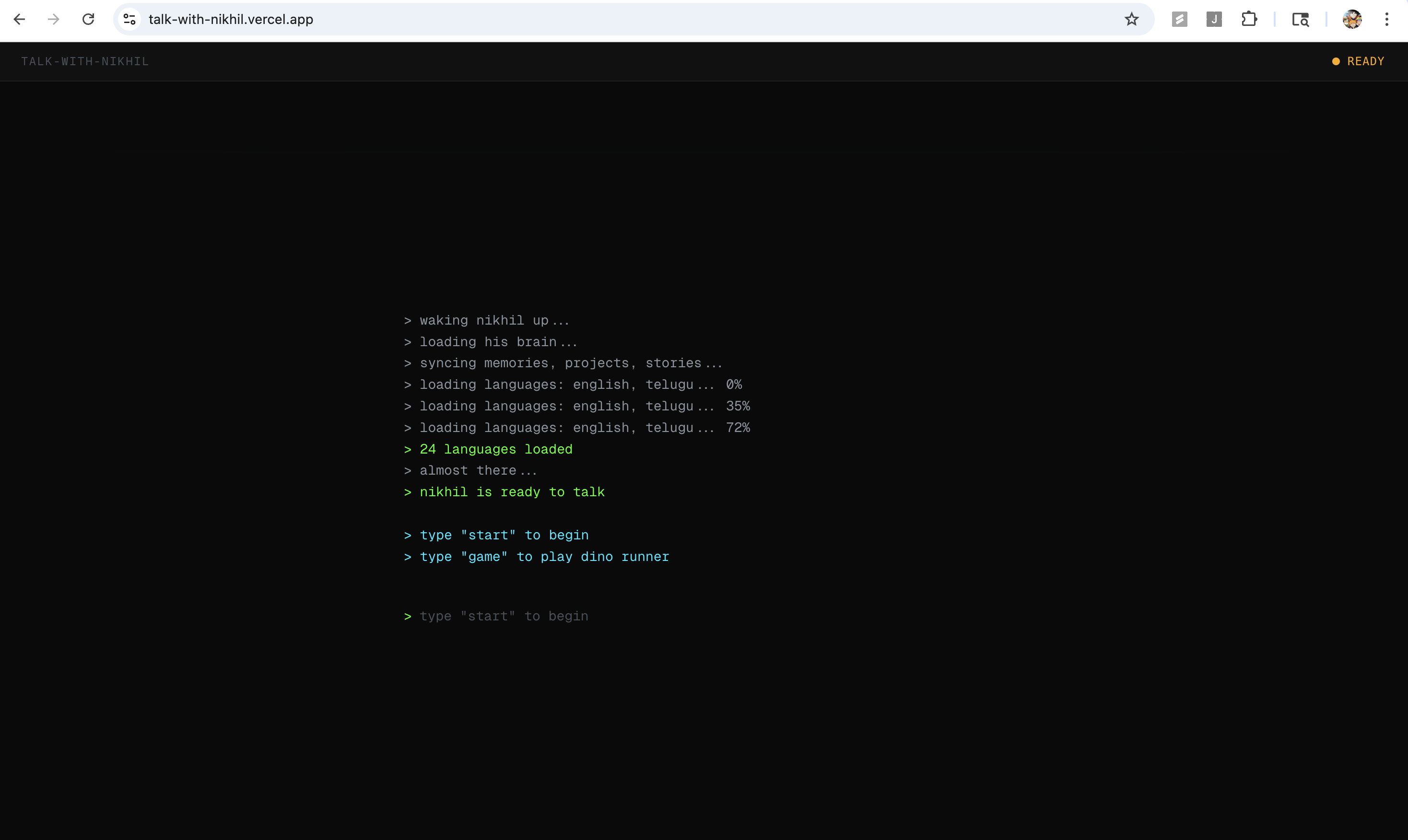
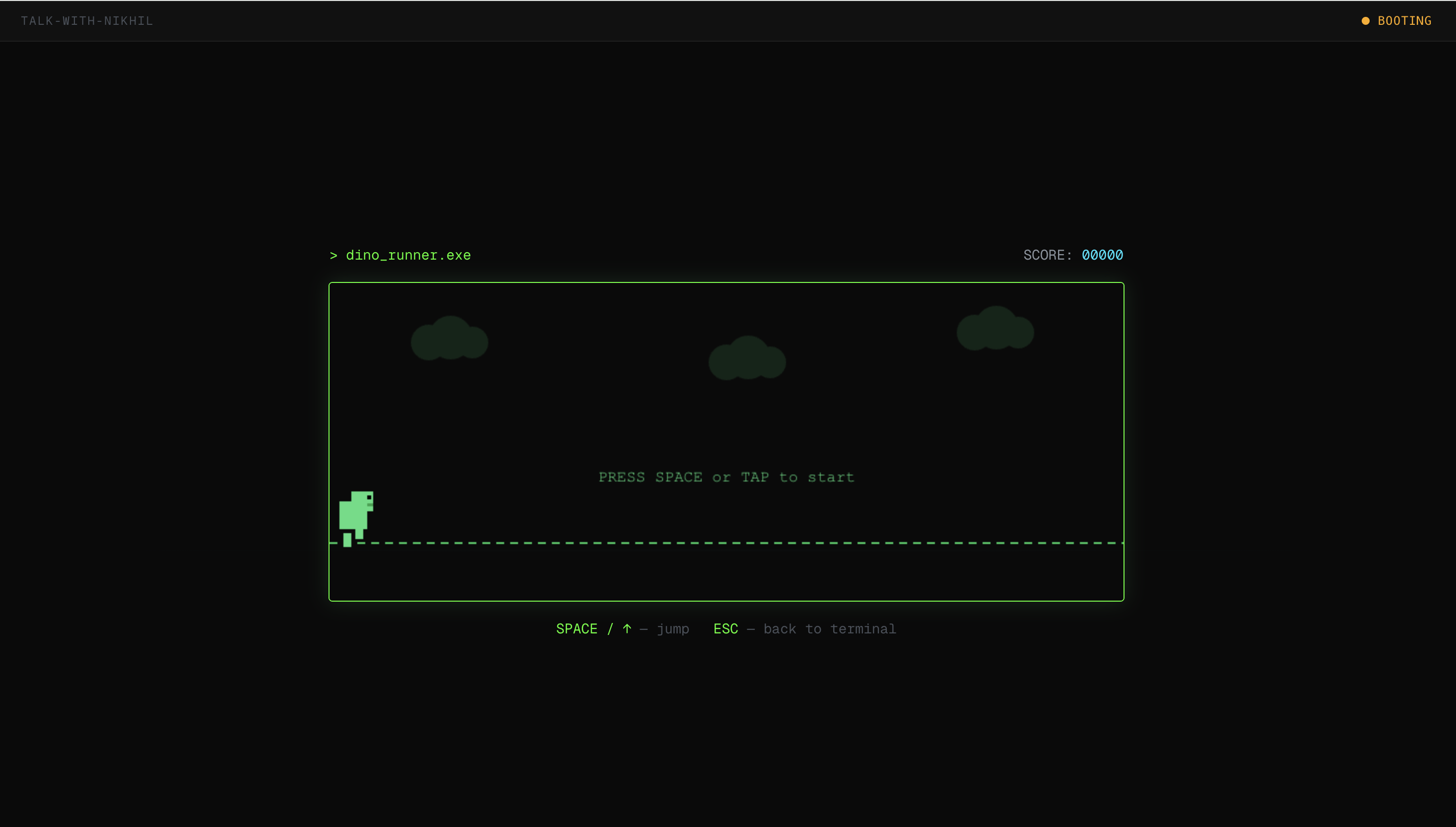
- If Gemini / backend are down, it gracefully falls back to a terminal mini‑game instead of just failing.
How we built it
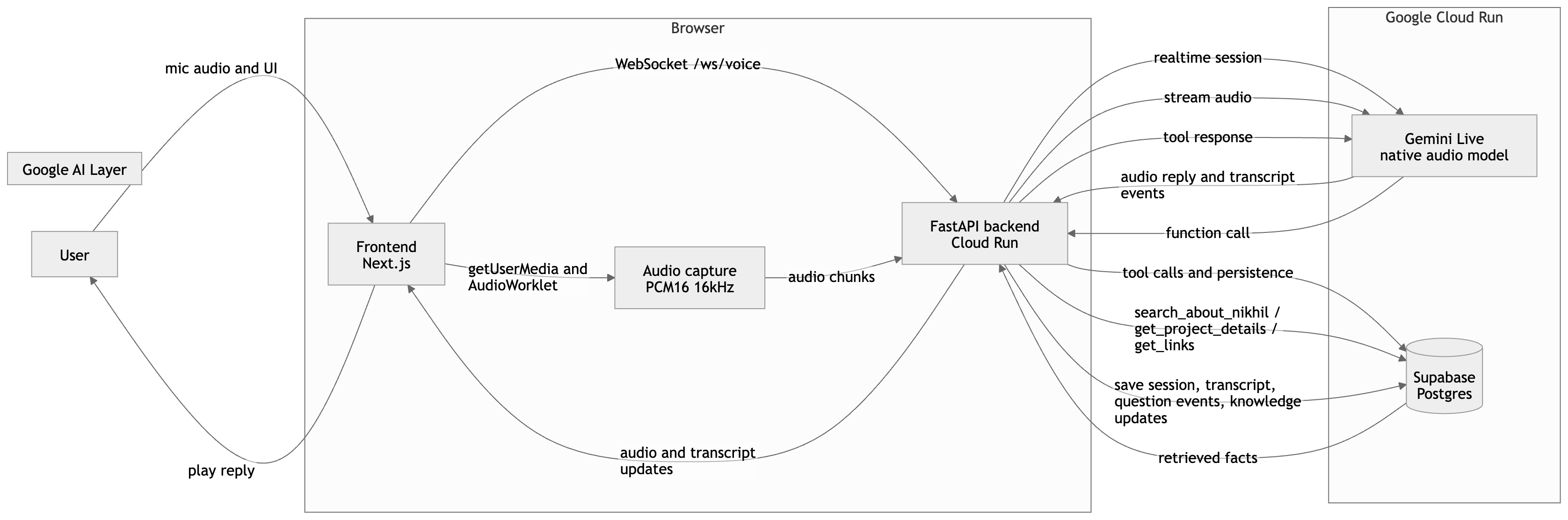
- Frontend: Next.js + React + Tailwind on Vercel, with an AudioWorklet capturing mic audio, resampling to 16 kHz PCM and streaming over WebSockets to the backend.
- Backend: FastAPI on Google Cloud Run, with a
/ws/voiceWebSocket that uses the Google GenAI SDK (Vertex AI) to talk togemini-live-2.5-flash-native-audioandgemini-2.5-flash. - RAG layer: Supabase Postgres stores
knowledge_chunks(projects, stories, FAQs, preferences). Gemini tools call into Python functions that query Supabase and return grounded answers. - Voice UX: Custom
useVoiceSessionanduseAudioPlayerhooks manage streaming, interruptions, and UI state; persona + safety rules live inpersona.md. - Deployment: Cloud Run for backend (Docker + envs for Gemini and Supabase), Vercel for frontend, wired together via
NEXT_PUBLIC_*URLs and a/readinesshealth check.
Challenges we ran into
- Choosing the right Gemini model + API (Live vs text, Vertex vs API key).
- Getting real‑time audio stable in the browser: resampling, echo prevention, buffering, and Strict Mode remount issues.
- Implementing true barge‑in: stopping tail audio both in the backend stream and in the browser instantly, without UI glitches.
- Debugging Cloud Run health checks and missing env vars (Supabase URL) while the container kept failing startup.
- Vercel deployment in a monorepo (root directory, Next.js preset) and fighting a mysterious production 404.
Accomplishments that we're proud of
- A fully working, natural voice conversation with interruption, not just a text chat demo.
- A clean architecture that clearly uses Gemini Live + Google GenAI SDK on Vertex AI + Cloud Run, with Supabase as the “brain.”
- A persona that actually feels like me fast, builder‑first, but with safety and refusal rules.
- Solid documentation: architecture diagrams, deployment steps, and a clear story for judges to follow.
What we learned
- How to treat Gemini Live more like a real‑time protocol than a normal API call, and why UX details (latency, pacing, barge‑in) matter more than just “does it answer.”
- How to design a self‑improving agent: log questions, detect gaps, and feed new knowledge back instead of hard‑coding prompts.
- How Cloud Run, Vertex AI, Supabase, and Vercel fit together into a production‑ish stack for agents, not just local experiments.
- That voice agents need strong persona and safety guardrails, otherwise they drift or overshare quickly.
What's next for talkwithnikhil
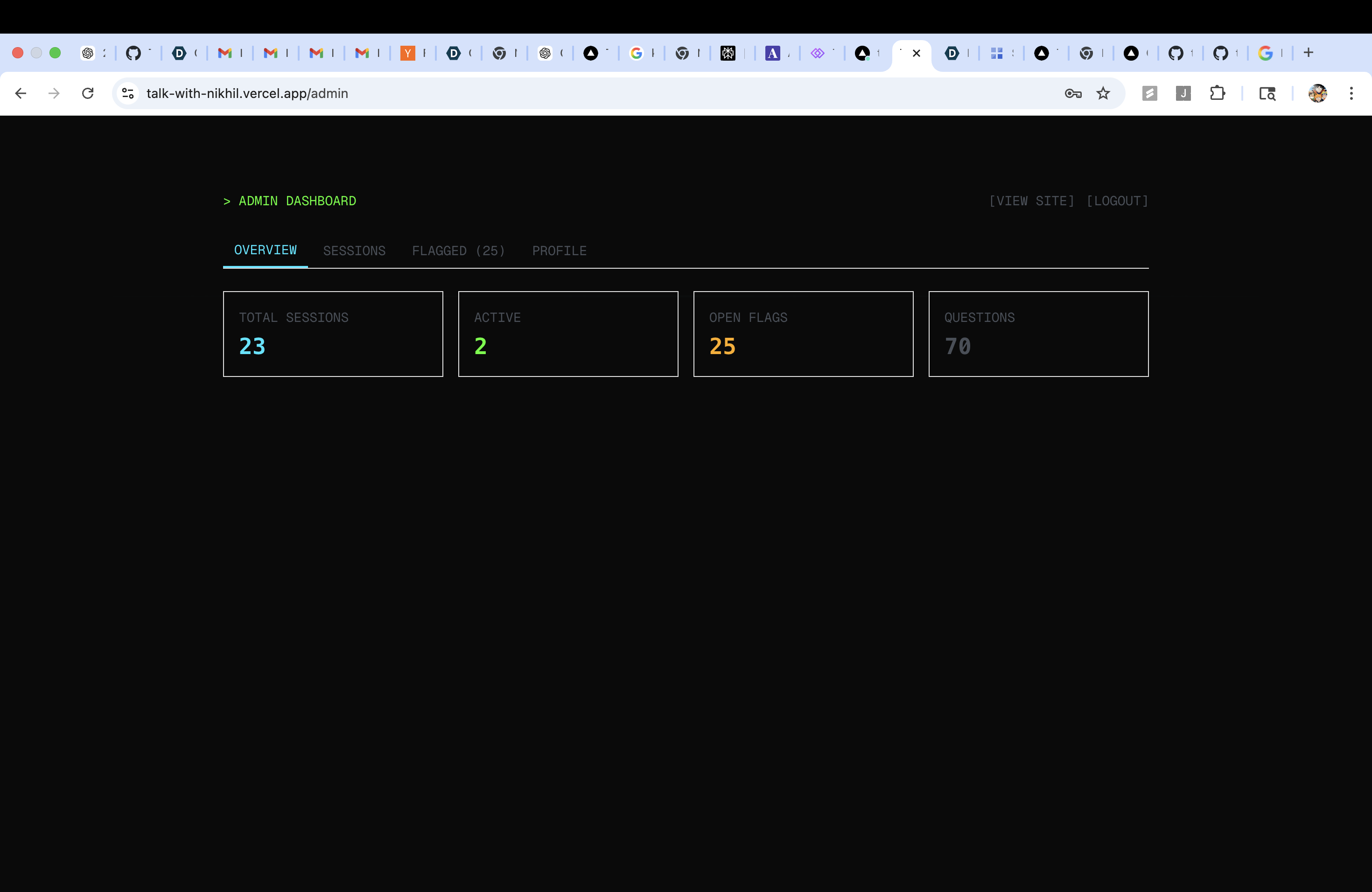
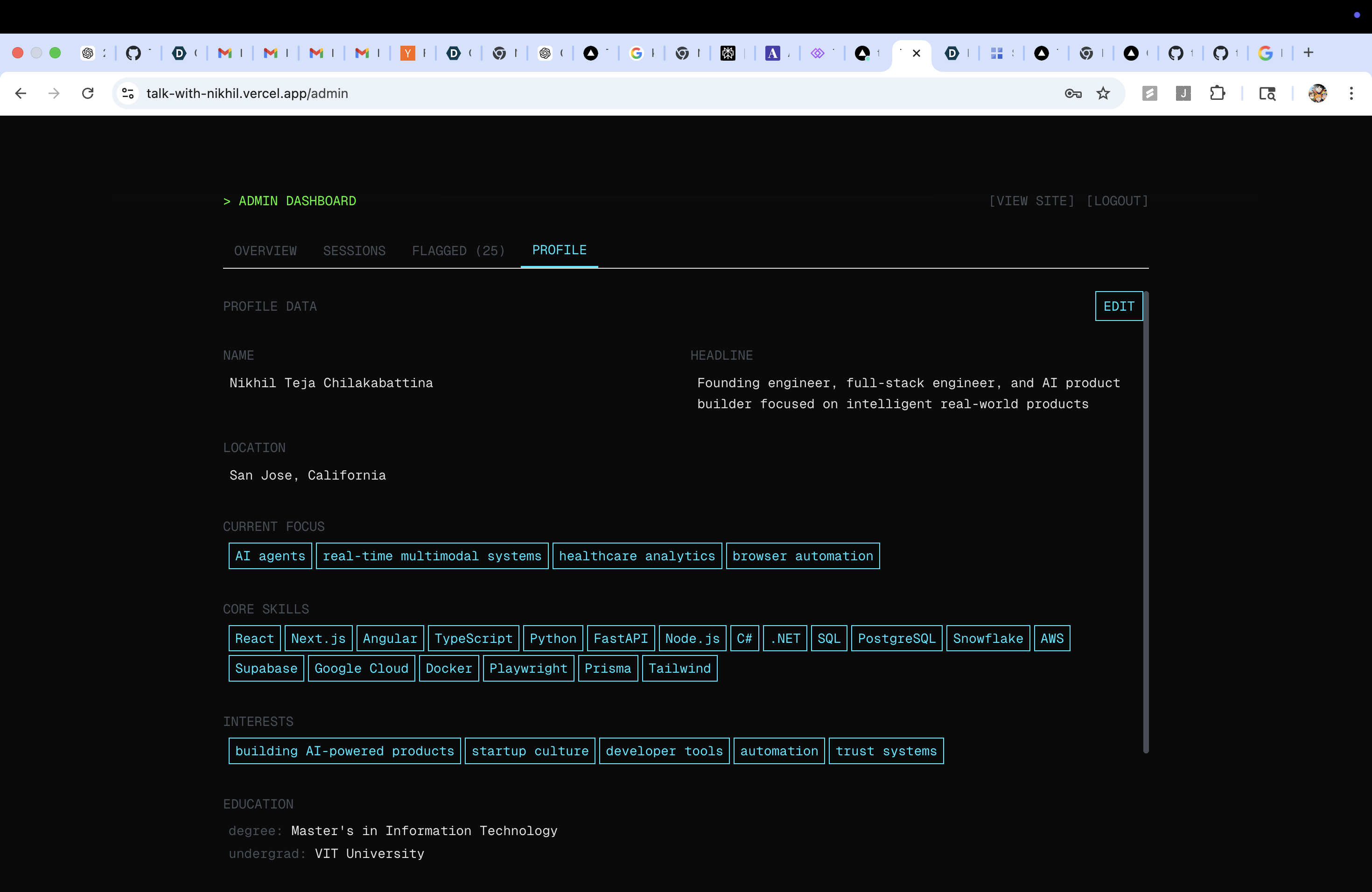
- Conversation Learning Loop UI: an admin dashboard that surfaces bad/uncertain answers, lets me add missing context, and rebuilds knowledge chunks with one click.
- Owner escalation: optional Telegram/WhatsApp alerts when the agent is unsure, so I can reply and turn that into new knowledge.
- A second “sales agent” mode (CHVR) that sells bikes with images/3D views and negotiation logic, sharing the same Gemini + Supabase backbone.
- More polished public persona modes (casual, founder, recruiter‑friendly) so people can choose how “Nikhil” they want the conversation to feel.
Built With
- 2.5flash
- fastapi
- gcp
- navtiveaudio
- nextjs
- react
- sdk
- tailwind

Log in or sign up for Devpost to join the conversation.