-
-
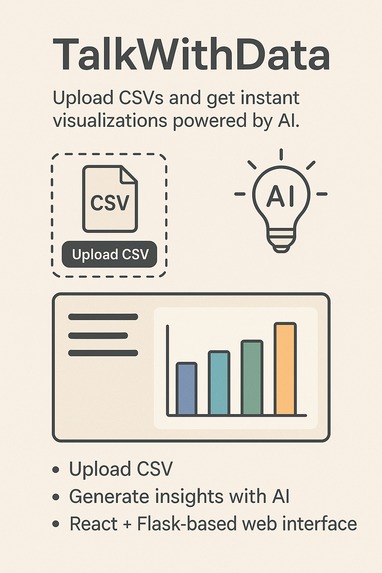
Intelligent data storytelling assistant
Inspiration
We noticed that many people — from students to professionals — struggle to make sense of raw CSV files. Creating visualizations often requires coding knowledge, and understanding data patterns can be overwhelming. We wanted to make data analysis as simple as uploading a file and instantly seeing insights powered by AI.
What it does
TalkWithData allows users to upload a CSV file and instantly receive intelligent, context-aware visualizations. The app uses AI to analyze the dataset and generate meaningful plots — such as correlation heatmaps, scatter plots, and bar charts — along with the code used to produce them.
How we built it
We used:
- React.js for the frontend interface, allowing users to upload files and view the visualizations.
- Flask (Python) as the backend to process CSV files, generate visualizations using Matplotlib and Seaborn, and return base64-encoded images.
- Google Gemini AI to help generate and suggest diverse visualizations based on data context.
- CORS setup to handle cross-origin communication between frontend and backend.
Challenges we ran into
- CORS issues between the React frontend and Flask backend.
- Parsing and visualizing data with unexpected formats or missing values.
- Ensuring AI-generated code was valid and safe to execute.
- Maintaining responsiveness and user experience when uploading large files.
Accomplishments that we're proud of
- Seamlessly integrated AI to produce relevant, high-quality visualizations with no manual coding.
- Built a smooth, intuitive user interface that hides the complexity of data analysis.
- Created a working pipeline from file upload to visualization in a short timeframe.
What we learned
- How to manage CORS and file handling between frontend and backend efficiently.
- Working with AI to dynamically generate useful content and code.
- Handling real-world data edge cases in a flexible and user-friendly way.
What's next for TalkWithData
- Adding natural language querying so users can ask questions like “Which region has the highest sales?”
- Supporting Excel and JSON file formats.
- Allowing users to customize charts or download the generated code/images.
- Deploying to the cloud and enabling team collaboration features.


Log in or sign up for Devpost to join the conversation.