Inspiration
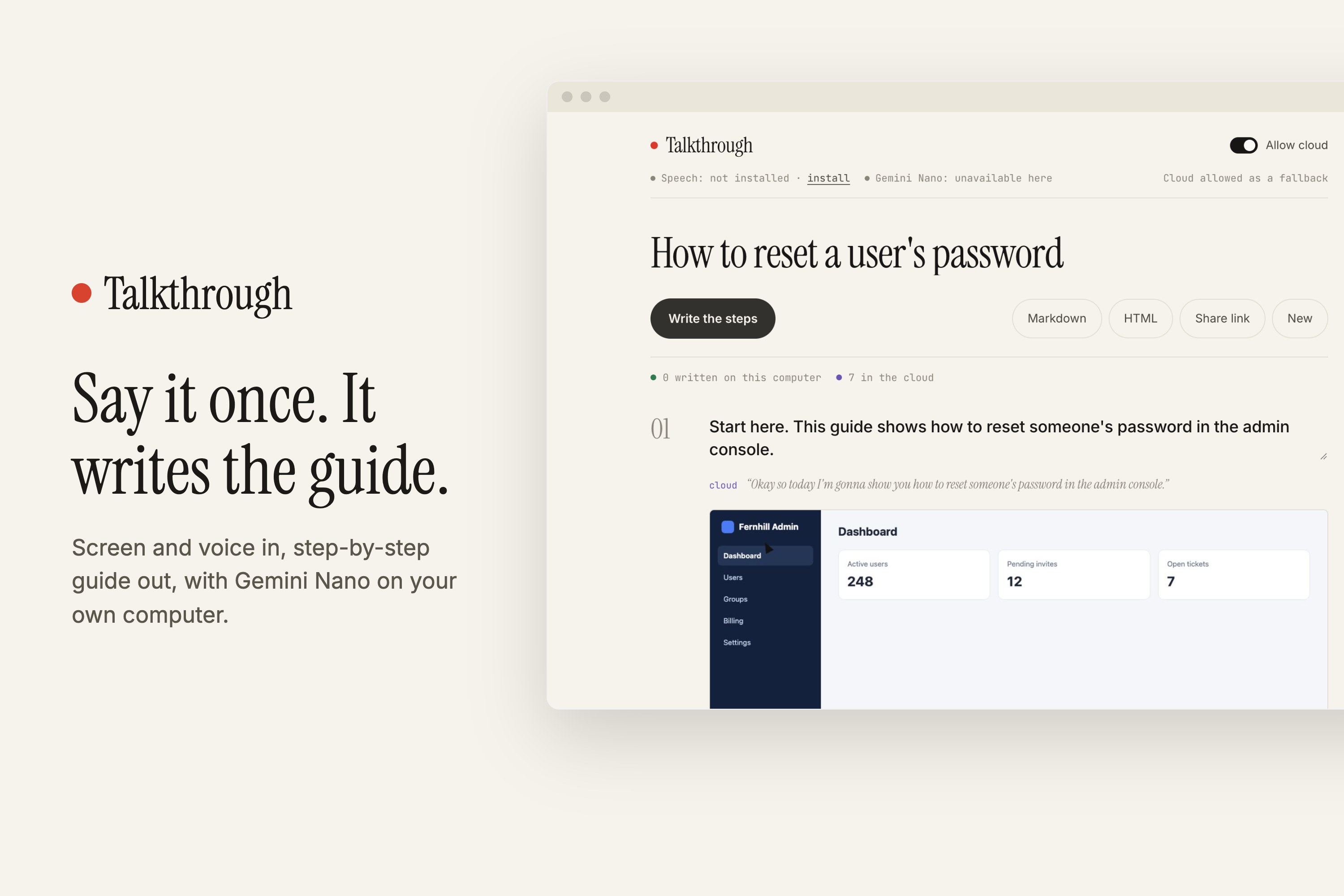
Support, IT and operations people write the same how-to guides again and again: "how to reset a user's password in the admin console", "how to export last month's invoices". Recording a video takes two minutes, but nobody wants to scrub through one. Writing the guide takes an hour of screenshots, cropping and retyping button names.
Those guides are about internal tools, so every screenshot is full of customer names, invoices and admin screens. Sending all of that to a cloud model by default felt like the wrong call. I wanted the work done on the computer, with the cloud as a fallback you choose.
What it does
- Records. You share a screen and talk through the task. Chrome's on-device speech recogniser
(
SpeechRecognition.processLocally) transcribes you, and each finished sentence grabs a screenshot. - Builds steps. Fragments are joined into steps, and filler ("um", "okay", "so yeah") is dropped.
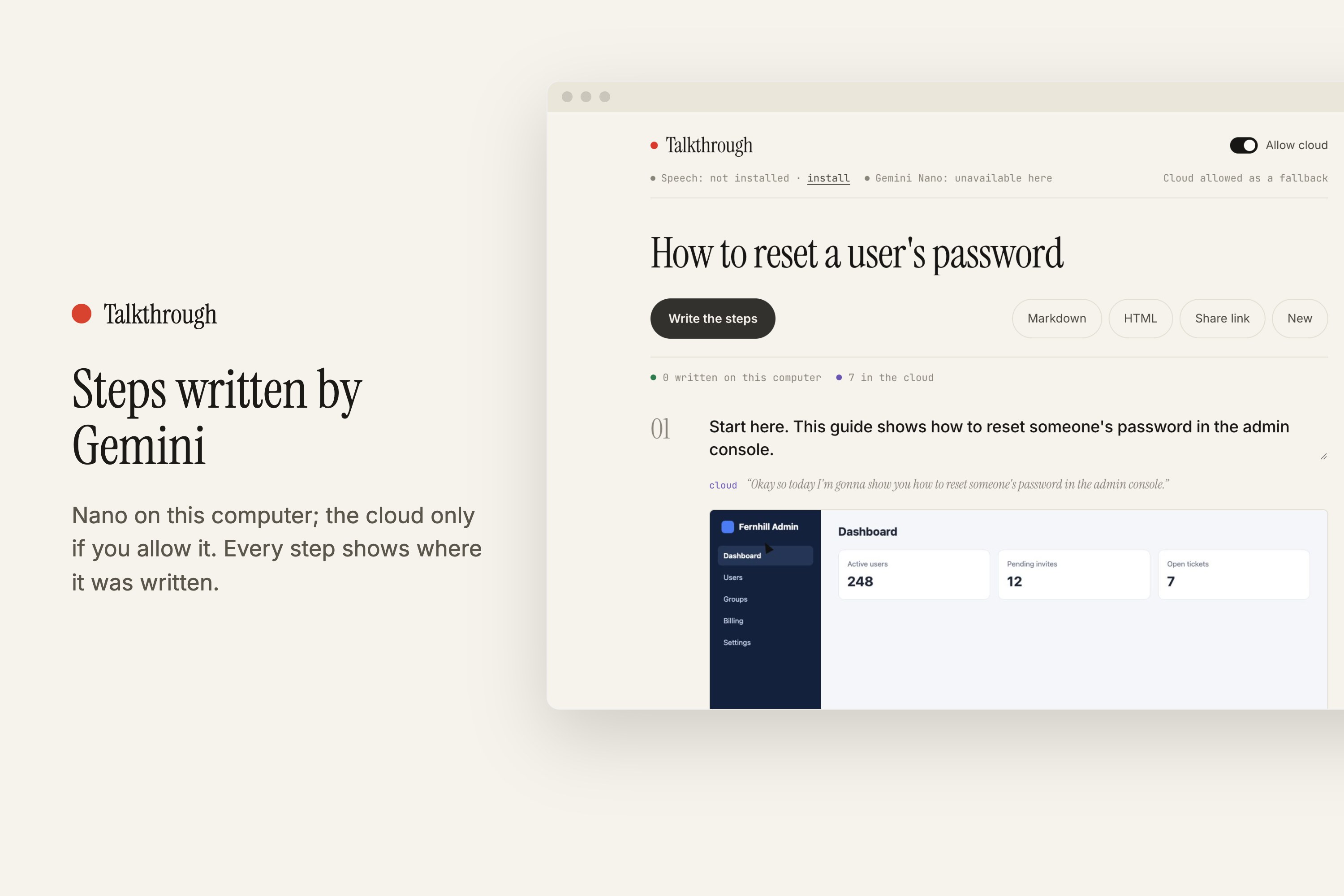
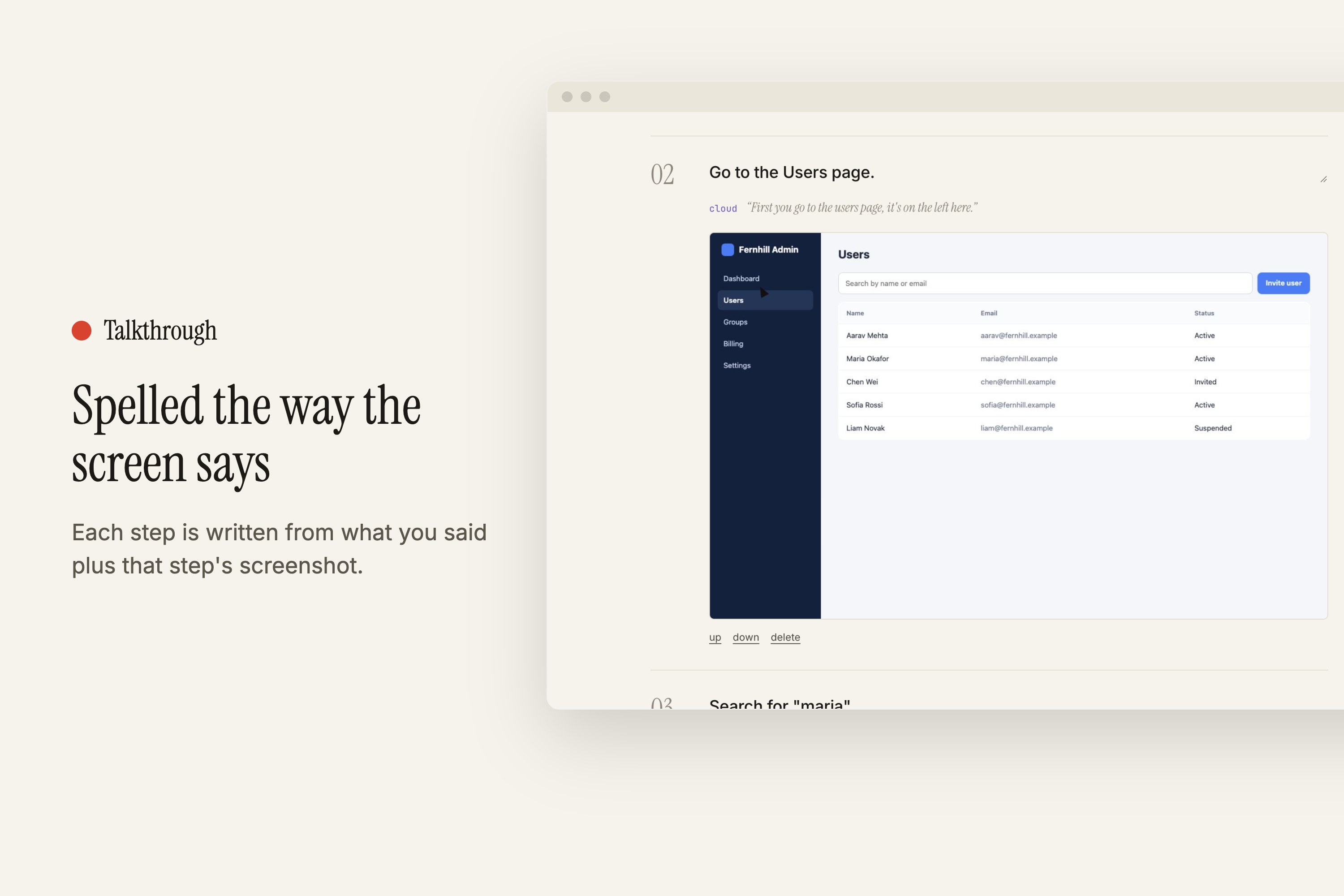
- Writes each step with Gemini. It sends what you said plus that step's screenshot, so buttons and menus are spelled the way they appear on screen.
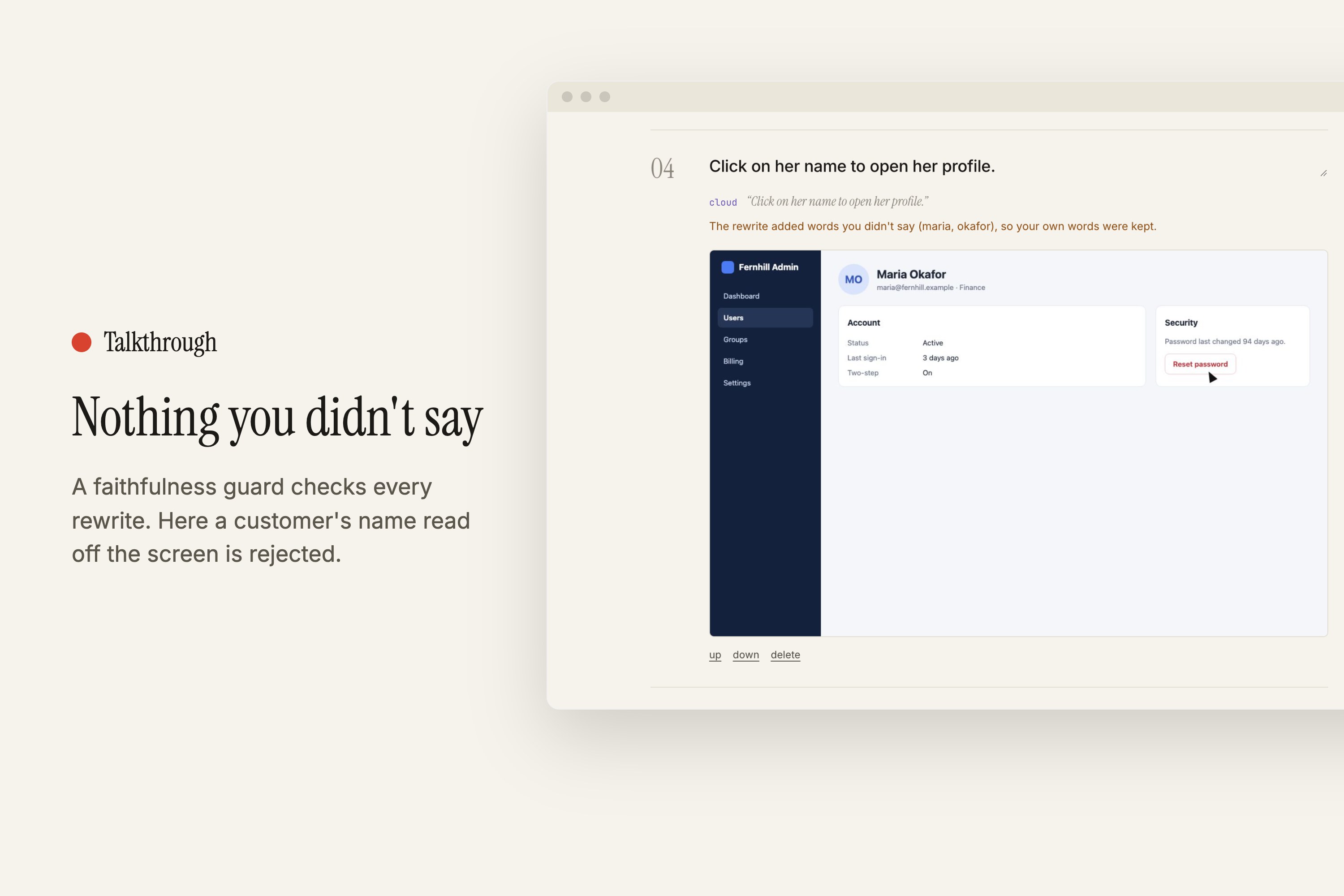
- Checks every answer with a faithfulness guard. If a rewrite adds things you didn't say, it's rejected, and the step keeps your own words with a note explaining why.
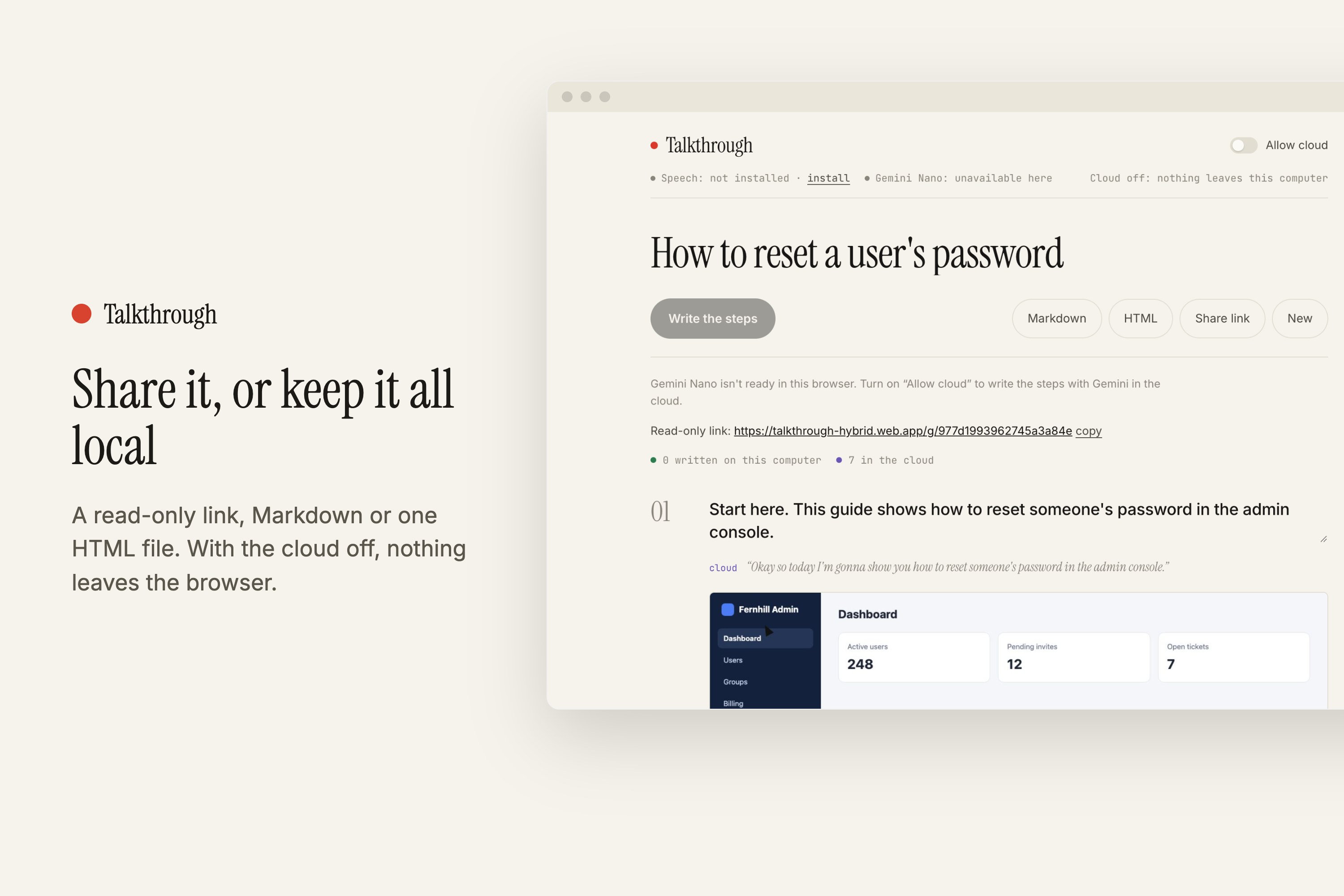
- Shows where each step was written: "on this computer" or "cloud".
- Exports and shares. You get Markdown or a single self-contained HTML file, or a read-only share link.
How I used Firebase AI Logic
- One model object, both paths.
getGenerativeModel(ai, { mode, inCloudParams, onDeviceParams })carries the same system instruction and JSON schema for Gemini Nano and the cloud model, so a step reads the same wherever it was written. - The user decides where it runs.
- "Allow cloud" on:
InferenceMode.PREFER_ON_DEVICE, so Nano when Chrome has it and the cloud otherwise. - "Allow cloud" off:
ONLY_ON_DEVICE, so no request leaves the browser, and a step Nano can't write keeps the speaker's words.
- "Allow cloud" on:
- Multimodal on both paths: the step text plus a JPEG screenshot. Output is JSON, through
responseConstrainton the device andresponseJsonSchemain the cloud. - Provenance from the SDK:
response.inferenceSource(on_device/in_cloud) is stored per step and shown in the guide. - Nano is prepared from a click, as Chrome requires, with download progress shown.
- Other Firebase products:
- App Check: reCAPTCHA Enterprise.
- Remote Config: the cloud model, the guard's strictness and the screenshot size.
- Authentication: anonymous, only when you share.
- Firestore: write-once shared guides, under strict rules.
- Hosting: the web app.
The faithfulness guard
Small on-device models are fluent and sometimes inventive. The guard accepts a rewrite only if:
- its content words mostly come from what was said;
- quoted text, such as an error message, survives word for word;
- it isn't empty or runaway-long.
It runs on every answer, on-device or cloud, so quality doesn't depend on where inference happened.
In the sample, Gemini reads the customer's name off the screenshot. The speaker only said "her", so that rewrite is rejected and the speaker's words are kept.
How I built it
- The app: React and TypeScript with Vite; the Web Speech API for on-device transcription; screen capture
through
getDisplayMedia. - The sample: a narrated walkthrough of a made-up admin console, so judges can try it without a microphone.
- Tests: they cover the guard and step building.
Challenges I ran into
- Prompts need to look at the image, but not trust it too much. The screenshot makes button names right, but it also tempts the model to add names and numbers nobody said. The guard is what lets me use both.
- Hardware. My laptop can't run Gemini Nano, so the cloud path had to be first-class too, and the app had to be honest about which one ran.
What I learned
The most useful thing hybrid inference gives you is a clear, user-visible line: what stays on the computer and what
may leave. Making that line a single switch, and enforcing it with ONLY_ON_DEVICE, made the product simpler, not
harder.
What's next for Talkthrough
- A Chrome extension that records any tab.
- Editing steps by voice.
- Team libraries of guides.
