-
-
TalkTalkType — private voice typing for Mac. A menu-bar utility: hold Option-Space, speak, let go, cleaned text lands in any app.
-
 GIF
GIF
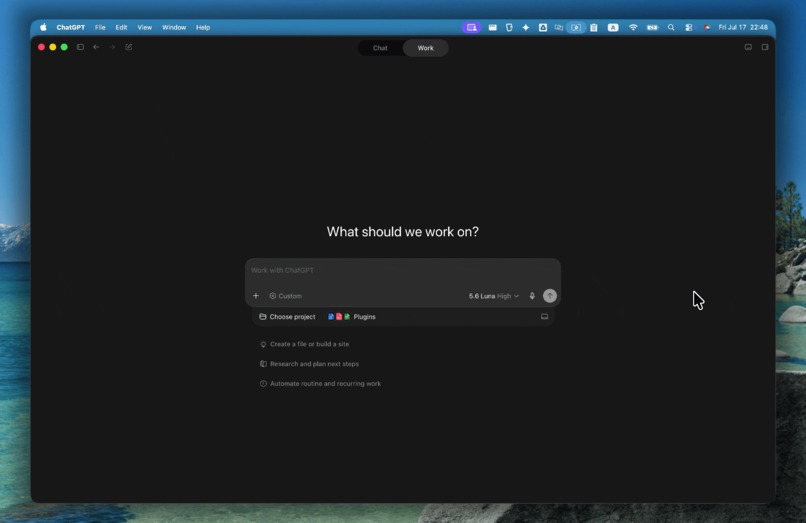
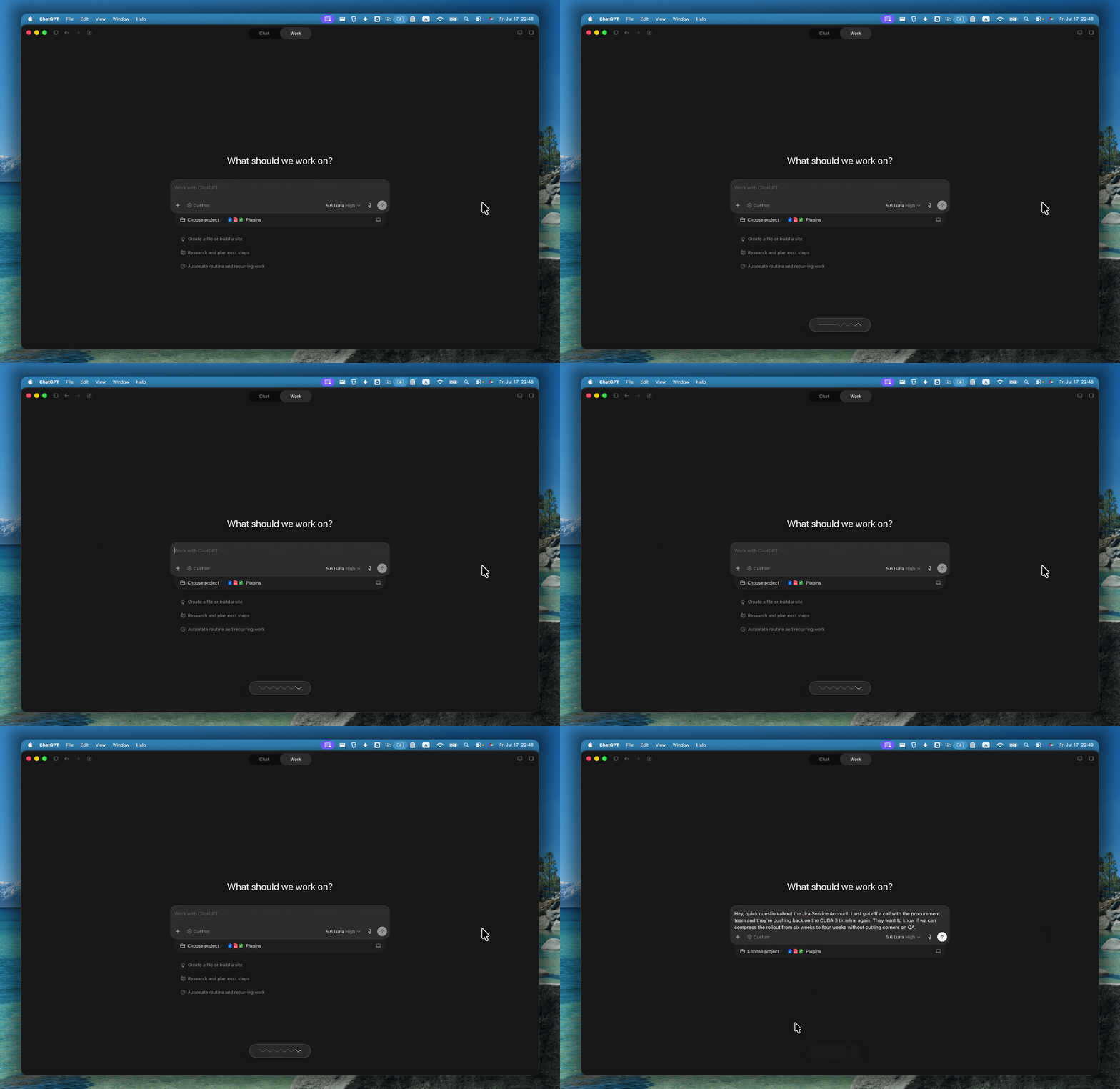
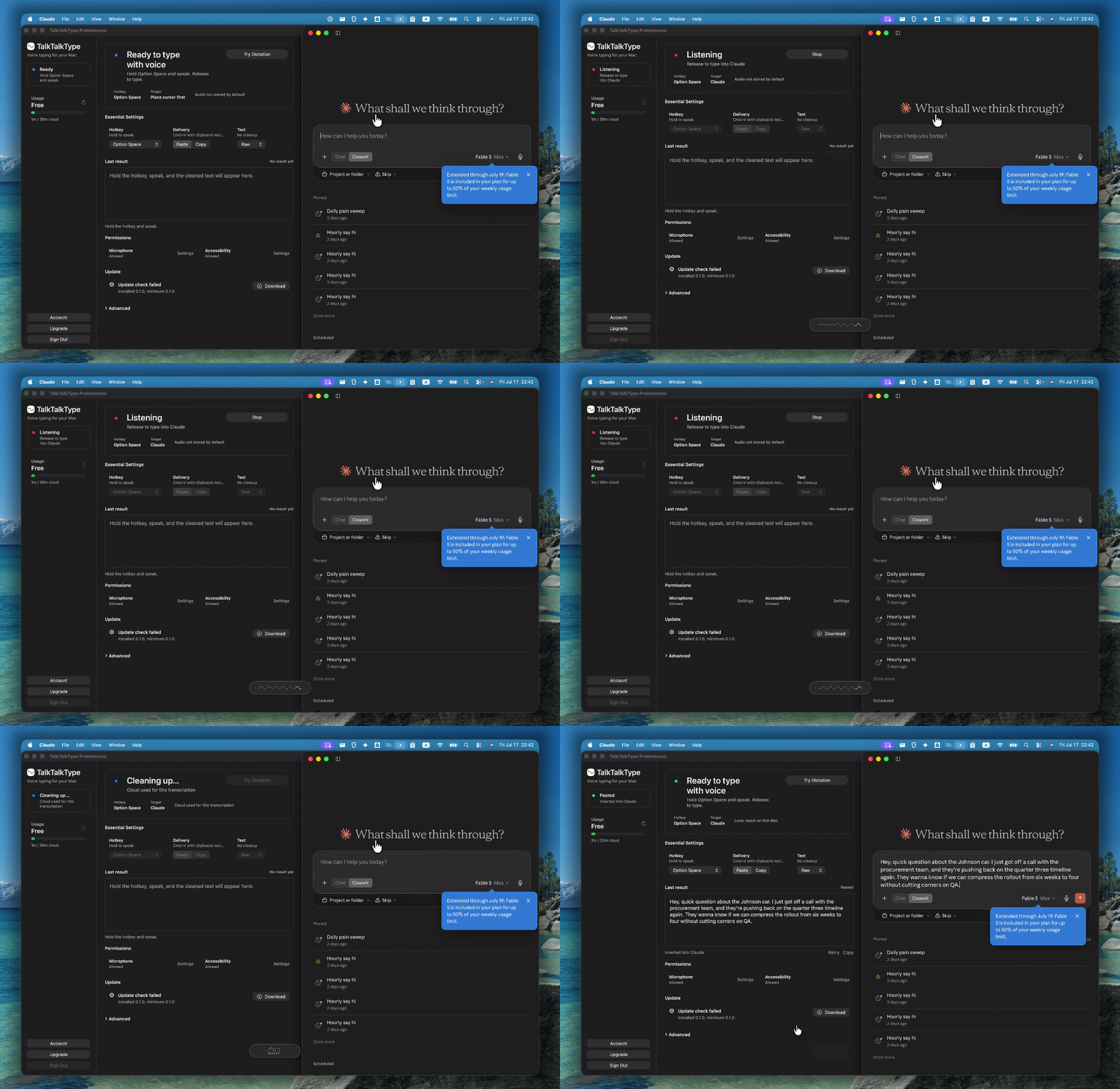
Hold Option-Space and speak in your own words. No new window, no app switching — it listens right where you're working.
-
 GIF
GIF
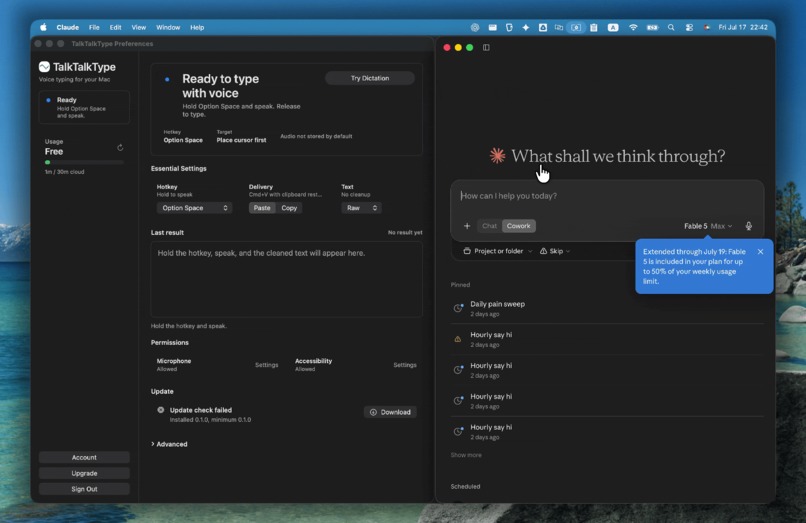
Let go: transcribed, punctuated text is pasted into whatever field you're in — ChatGPT, Claude, Slack, Mail, or your editor.
-
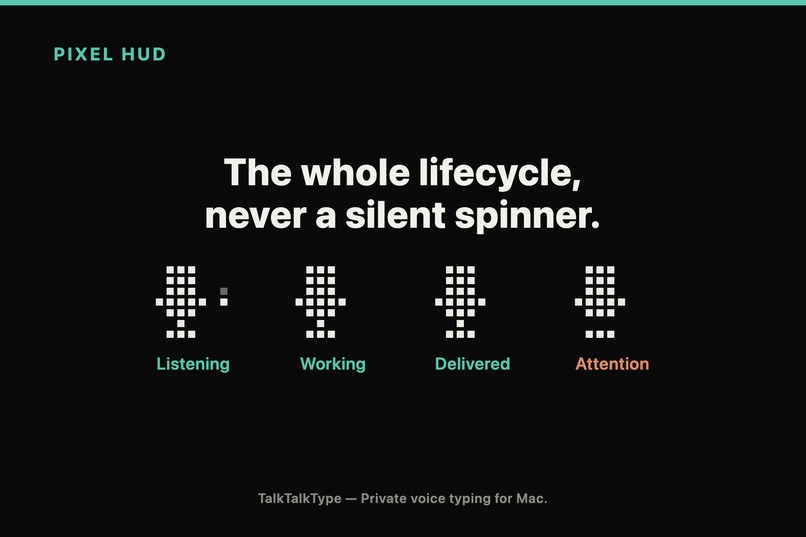
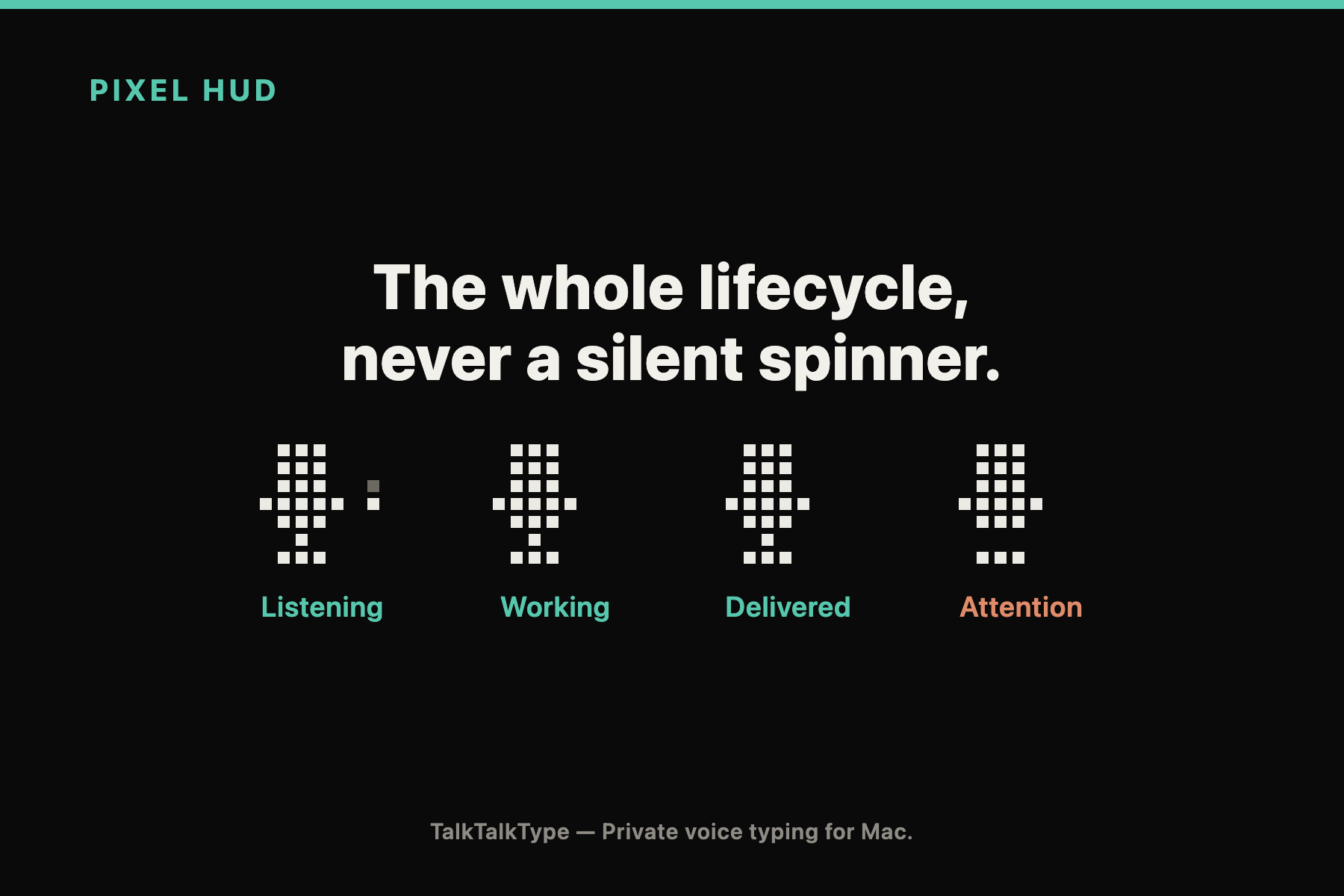
A quiet pixel HUD shows the whole lifecycle — listening, working, delivered, attention — so there is never a silent spinner.
-
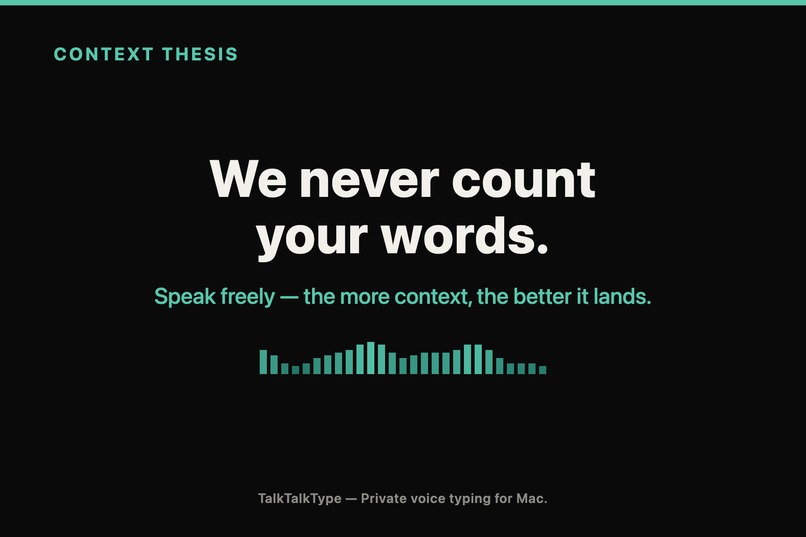
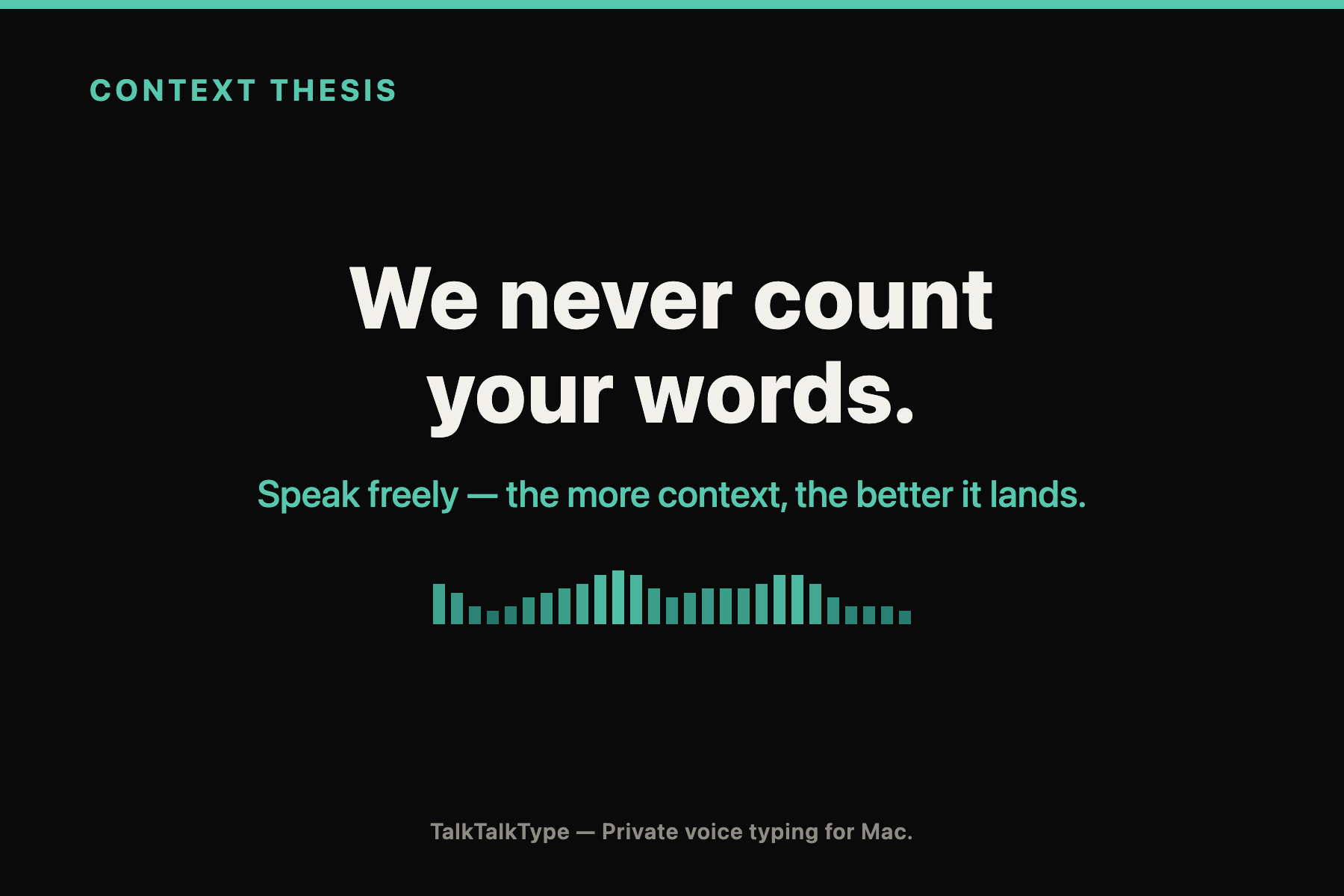
We never count your words. Limits are per dictation, not per word, so you speak full context — the more, the better it lands.
-
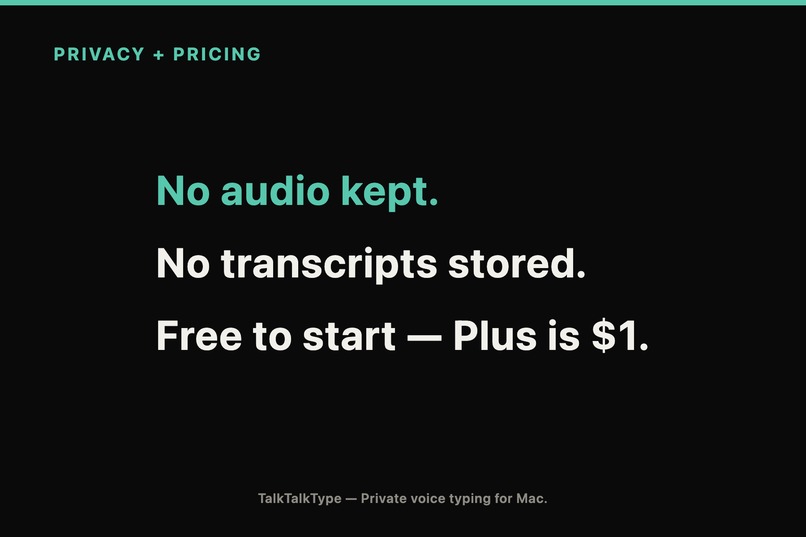
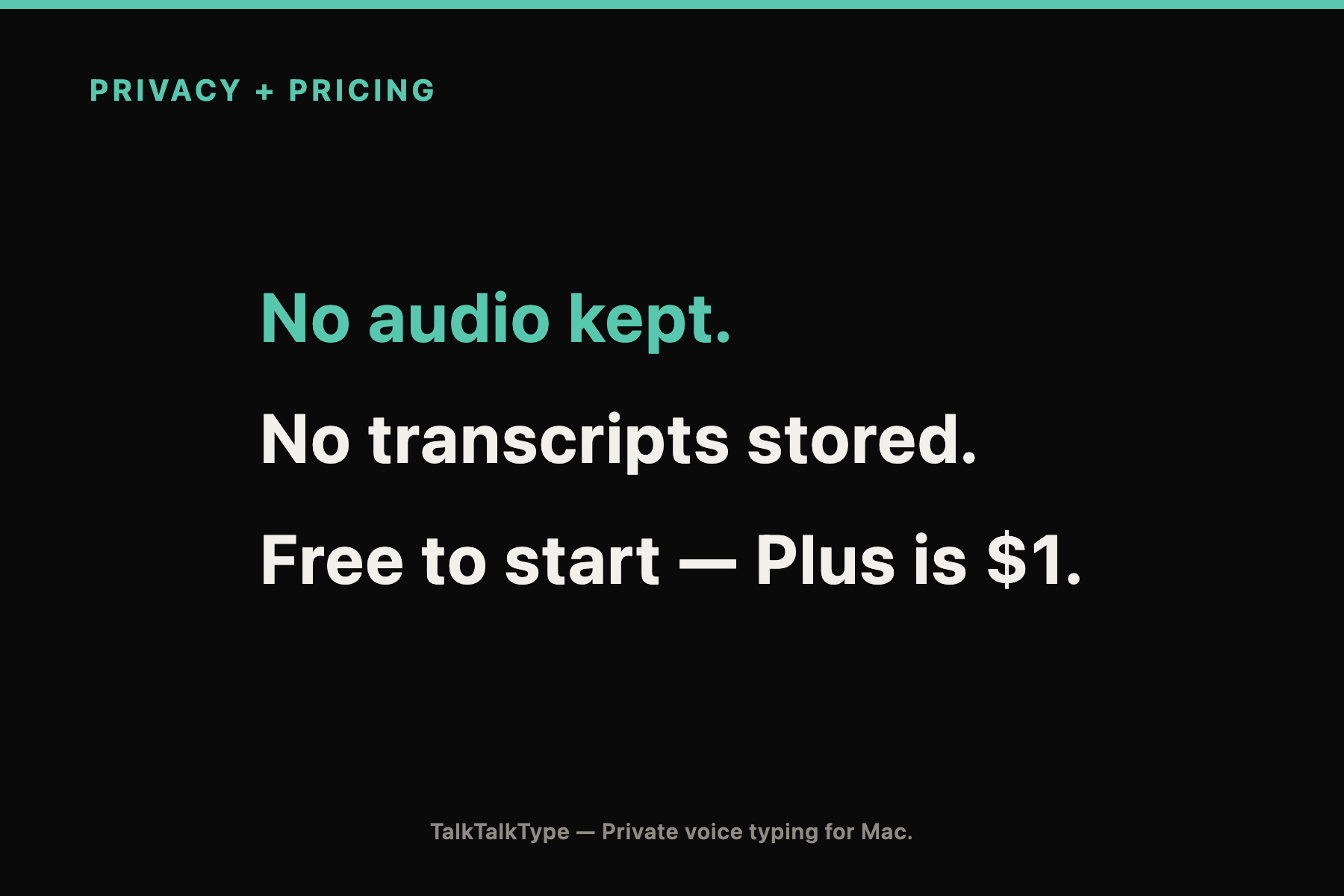
Privacy by default: audio is sent only for transcription and never stored; transcripts aren't kept. Free to start, Plus is $1.
-
TalkTalkType for Mac. macOS 13+, Developer ID signed and notarized. Download free — talking beats typing.
TalkTalkType - Say the whole task, not just the keywords.
Inspiration
AI has changed what typing is for.
We are no longer typing only to write documents or messages. Throughout the day, we explain tasks to ChatGPT, Claude, Codex, and other AI tools.
The bottleneck is increasingly not the AI model itself. It is our ability to clearly communicate the goal, background, constraints, exceptions, examples, corrections, and the things that must not change.
Typing all of that takes time.
As a result, people often shorten their instructions before the AI ever sees them. They leave out context, remove important constraints, or reduce a detailed thought to a few keywords. The AI then has to guess, ask follow-up questions, or produce something that misses the original intent.
Speaking is often a better way to express a complete thought. It is faster, more natural, and makes it easier to include relevant context.
But speech-to-text alone does not solve the problem.
A technically accurate transcript may still contain repetition, filler words, unfinished sentences, self-corrections, awkward punctuation, or wording that does not fit where it will be used.
We built TalkTalkType to close the gap between speaking and useful text.
Speak naturally. Give AI the whole task. Continue working without leaving the current application.
What TalkTalkType Does
TalkTalkType is a system-wide voice input application for macOS.
The basic workflow is deliberately simple:
$$ \text{Shortcut} \rightarrow \text{Record} \rightarrow \text{Transcribe} \rightarrow \text{Format} \rightarrow \text{Paste or Copy} $$
The user presses a global shortcut, speaks naturally, and stops the recording.
TalkTalkType transcribes the audio, applies the selected writing style, and inserts the result into the currently focused Mac application. When direct insertion is unavailable, it copies the result to the clipboard instead, so the text is not lost.
Available output styles include:
- Raw transcription
- Light cleanup
- AI prompt
- Slack message
TalkTalkType does not require users to register each application, configure a workspace, select an AI agent, or prepare a custom dictionary before they can start.
It is designed to work as a lightweight input layer across the Mac apps people already use.
The Context Thesis
Many dictation services measure usage by word count.
We deliberately chose a different direction.
For AI work, a good instruction is rarely just a short command. It may include:
- The objective
- Relevant background
- Files or systems involved
- Constraints
- Exceptions
- Examples
- Corrections
- Completion criteria
- Things that must not change
A word counter encourages users to remove exactly the information that may help an AI understand the task.
TalkTalkType therefore measures successful voice inputs and recorded time rather than output words.
This is especially important for a Japanese-first, multilingual product, because a “word” is not an equally clear or comparable unit across languages.
Our position is not that more words always produce better results.
It is that complete, relevant context helps AI follow the user’s intent and constraints.
Don’t shorten the thought before AI sees it.
The Problem We Solved
Most voice tools begin with speech and end with a transcript:
$$ \text{Speech} \rightarrow \text{Transcript} $$
TalkTalkType treats the transcript as an intermediate representation:
$$ \text{Intent} \rightarrow \text{Speech} \rightarrow \text{Purpose-aware text} \rightarrow \text{User-controlled insertion} $$
Users rarely want a transcript for its own sake.
They want to:
- Give Codex a detailed implementation task
- Search for something in a browser
- Send a concise update in Slack
- Write a clear email
- Capture an idea
- Refine an existing instruction
The real problem is everything between speaking and using the result:
- Removing spoken repetition
- Preserving important constraints
- Formatting the result for its destination
- Handling technical vocabulary
- Delivering the text into another application
- Recovering safely when insertion fails
TalkTalkType reduces those extra editing and application-switching steps.
Zero Configuration by Design
An earlier version of our design tried to understand too much.
We considered detecting specific AI tools, discovering workspaces, resolving files, inspecting repositories, and adapting output to individual coding agents.
It sounded powerful, but it also introduced setup, false confidence, privacy concerns, and many ways for the system to be wrong.
We changed direction.
TalkTalkType now follows a zero-configuration principle:
- No workspace registration
- No repository scanning
- No automatic file discovery
- No agent-specific setup
- No requirement to create a custom dictionary
- No automatic command execution
The application can use lightweight information about the currently focused Mac application, but it does not pretend to know that a file exists or that a command is safe to run.
A token such as README.md, src/auth, TypeScript, or /diff remains text.
TalkTalkType may help render it correctly, but it does not resolve, open, submit, or execute it.
User Control and Safety
TalkTalkType prepares text. It does not act on behalf of the user.
It never:
- Sends a message
- Submits a form
- Executes a terminal command
- Presses Enter in another application
- Claims that a spoken filename exists
- Invents a technical reference
The user always decides what happens after the text is inserted.
The design also prioritizes protected information over stylistic improvement. Names, dates, times, numbers, URLs, filenames, paths, commands, programming languages, and identifiers should not be casually changed just to make a sentence sound smoother.
When a safe transformation cannot be produced, the system should preserve the original transcription rather than confidently inventing a better-looking answer.
How We Built It
TalkTalkType consists of a native macOS application and a serverless backend.
Native macOS application
The Mac application is built with Swift.
It handles:
- Global keyboard shortcuts
- Microphone recording
- Recording and processing HUD states
- Google authentication handoff
- Target application capture
- Paste and clipboard delivery
- Accessibility permission handling
- Local session state
- Safe recovery when insertion is unavailable
The HUD appears without taking focus away from the application the user is working in.
Serverless backend
The backend is built with:
- Cloudflare Workers
- Cloudflare D1
- Google OAuth
- OpenAI transcription and language models
- Versioned TypeScript and Swift transport contracts
The Worker authenticates the request, verifies the user’s plan and usage allowance, transcribes the recording, applies the selected formatting behavior, and returns the result to the Mac application.
Audio and transcript content are not persisted in our D1 database or ordinary operational logs. Provider requests are also configured not to store model responses through the API’s store option.
We still avoid describing this as absolute Zero Data Retention, because provider-side retention depends on the provider account and data controls.
How We Used Codex
Codex was not only used to generate isolated code snippets.
We used it as an implementation partner across the repository.
The work was divided into bounded implementation packages with explicit responsibilities, acceptance criteria, test commands, and completion evidence.
Codex helped us:
- Build the native Swift application
- Implement Cloudflare Worker routes
- Create database schemas and migrations
- Define shared JSON transport schemas
- Generate matching TypeScript and Swift types
- Add authentication and device checks
- Implement usage enforcement
- Build deterministic tests
- Create visual and interaction QA tooling
- Add release, signing, notarization, and readiness checks
- Review changes against the product and privacy contracts
Instead of asking Codex to “build the whole application,” we gave it clearly bounded packages and required it to prove completion with tests and recorded evidence.
We also created a frozen 120-case evaluation manifest covering Japanese, English, mixed-language input, protected facts, technical terminology, self-correction, and failure behavior.
This made Codex most useful not as a code autocomplete tool, but as a software engineering collaborator operating inside explicit boundaries.
How We Used GPT-5.6
GPT-5.6 played a different role.
We used it to reason about the product, challenge the architecture, review difficult edge cases, and simplify the system.
One of the most important outcomes was realizing that our first design was becoming too complicated.
The original direction included workspace registration, agent-specific adapters, repository discovery, file candidate resolution, screenshots, persistent memory, and several advanced modes.
GPT-5.6 helped us examine that design critically and ask a more important question:
Does the user actually need to configure any of this before speaking?
That led us to the current zero-configuration direction.
We also used GPT-5.6 to help reason through:
- The boundary between text generation and execution
- Preservation of names, numbers, commands, and technical tokens
- Self-correction and ambiguous spoken edits
- Safe fallback behavior
- Privacy and regional data handling
- Model-routing and evaluation strategy
- The difference between useful context and unnecessary context
- Pricing based on complete voice inputs rather than word counts
- Adversarial reviews of product and technical decisions
Codex helped implement the system.
GPT-5.6 helped us decide what the system should—and should not—be.
Challenges We Faced
Turning Speech Into Useful Writing
Spoken language and written language are different.
Speech naturally contains hesitation, repetition, fragments, filler words, and corrections. Removing too little produces an awkward transcript. Changing too much risks altering what the user meant.
We had to keep the formatting useful without making the model overly creative.
Preserving Constraints
An AI prompt may contain a small phrase that changes the entire task:
- “Do not modify the existing worker.”
- “Report the risks before changing the code.”
- “Keep every number unchanged.”
- “Only apply this during deployment.”
Losing one of these constraints can make a polished result less useful than the raw transcript.
This taught us to treat preservation as a first-class part of the product rather than relying only on model confidence.
Japanese and Technical Vocabulary
Japanese input frequently includes English product names, programming languages, abbreviations, filenames, and commands.
A sentence may move between Japanese and terms such as:
- OpenAI Responses API
- Cloudflare Workers
- TypeScript
- JavaScript
README.mdsrc/auth/diff
The surrounding sentence may be recognized correctly while the most important technical token is corrupted.
We therefore designed technical terms and protected facts to take priority over stylistic rewriting.
Different Destinations Need Different Text
There is no single correct output for one recording.
A browser search should be compact.
A Slack message should be short and conversational.
An email may require clearer prose.
An AI prompt should retain the objective, context, constraints, and completion criteria.
This is why transcription and purpose-specific formatting are separate stages.
Inserting Text Across Mac Applications
Different macOS applications handle focus, text fields, permissions, and paste behavior differently.
Automatic insertion can fail even when transcription succeeds.
We added a clipboard fallback and designed the product so a failed paste does not destroy the generated result or insert it into the wrong application.
Privacy Without Making the Product Unusable
Voice input may include source code, customer information, private messages, business plans, or credentials.
At the same time, a voice input tool must feel fast and lightweight.
We had to minimize retained information, avoid content-bearing logs, isolate operational metadata from user content, and make permission failures degrade safely rather than blocking the entire application.
Cost and Generous Usage
Longer voice inputs are valuable because they let users provide complete instructions, but cloud transcription is priced by duration.
We therefore separated the number users see from the cost-control mechanism behind it.
The product leads with successful voice inputs rather than word counts, while recorded time and per-recording duration remain explicit safeguards.
This lets users speak naturally without presenting an economically misleading “unlimited” promise.
What We Learned
The biggest lesson was that a voice input product is not simply a speech-to-text API with a user interface.
The real product exists between recognition and use.
Transcription accuracy matters, but so do:
- Relevant context
- Constraint preservation
- Destination formatting
- Privacy
- Latency
- Permission handling
- Failure recovery
- User control
We also learned that “more context” must be described carefully.
More text is not automatically better.
But when a user can naturally include the necessary background, constraints, exceptions, corrections, and desired outcome, the instruction is usually more complete than a few hurried keywords.
Finally, we learned that removing configuration can be more valuable than adding another intelligent feature.
Zero configuration is not the absence of functionality. It is a product decision that requires the system to remain useful even when optional context, permissions, or semantic processing are unavailable.
Current Limitations
The current version has deliberate limitations:
- macOS only
- Cloud-based transcription
- Google sign-in
- Accessibility permission required for direct paste
- Clipboard copy used as the fallback
- No on-device transcription yet
- No automatic command execution
- No repository or workspace discovery
We prefer to state these boundaries clearly rather than imply capabilities the product does not have.
What’s Next
The next stage is to move from purpose-aware new dictation toward voice-based editing.
Planned improvements include:
- Self-correction-aware dictation
- Voice Patch for revising existing text
- Reviewable text differences before replacement
- Deterministic Undo and Redo
- Better Japanese-English technical recognition
- Faster and streaming transcription
- On-device transcription options
- User-approved writing preferences
- Lightweight application and field context
- Explicit, consented screenshot context
- Deeper integration with AI coding workflows without executing commands
Our goal is not simply to replace the keyboard.
We want TalkTalkType to help people express complete ideas at the speed of speech, turn those ideas into useful text, and remain in control of what happens next.
Built With
- ai
- apple
- astro
- better-auth
- cloudflare
- codex
- d1
- google-auth
- hono
- kv
- mac
- macos
- nextjs
- openai
- swift
- typescript


Log in or sign up for Devpost to join the conversation.