-
Landing
-
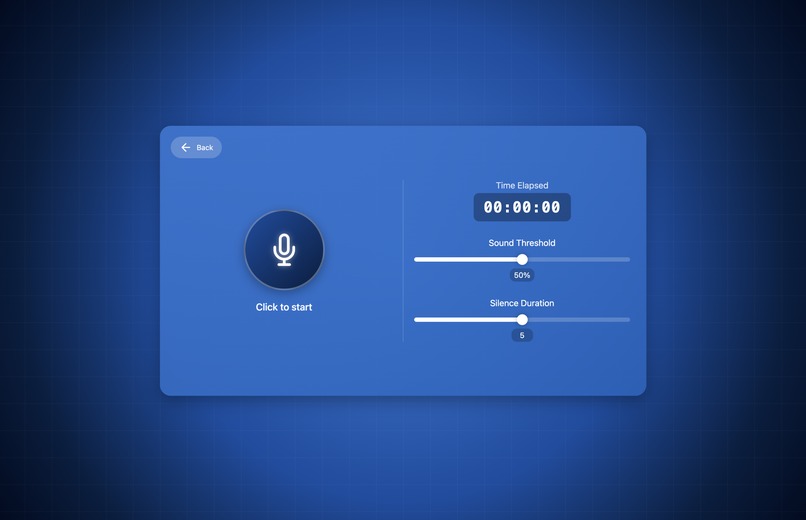
Application
-
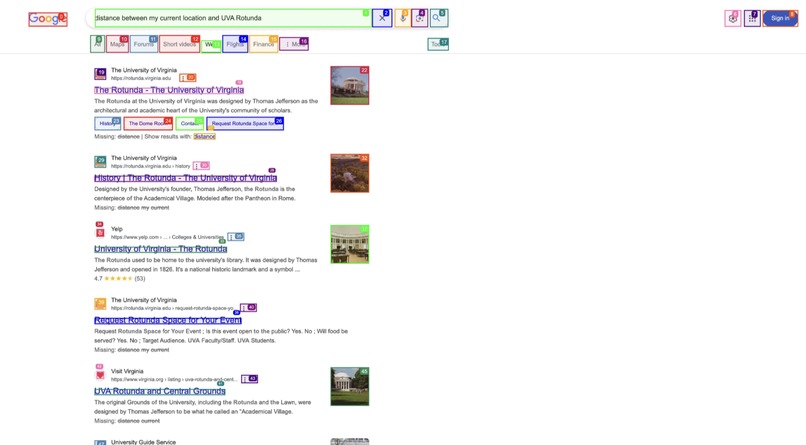
Demo
Inspiration
The internet is meant to be a tool for everyone—but for people with physical impairments or disabilities, it often presents unnecessary barriers. We were inspired to build TalkPilot after recognizing how difficult it can be for some individuals to navigate the web using traditional input methods like a mouse or keyboard. Our goal was to create an intuitive, voice-powered interface that empowers users to take full control of their browsing experience—no clicks or scrolling required.
What it does
TalkPilot is a voice-activated browser assistant that enables users to browse the internet hands-free. By speaking simple commands like "scroll down," "click next," or "open YouTube," users can seamlessly interact with websites using only their voice. TalkPilot listens, interprets, and executes commands in real time, making the web more accessible and user-friendly for everyone—especially those who find traditional browsing challenging.
How we built it
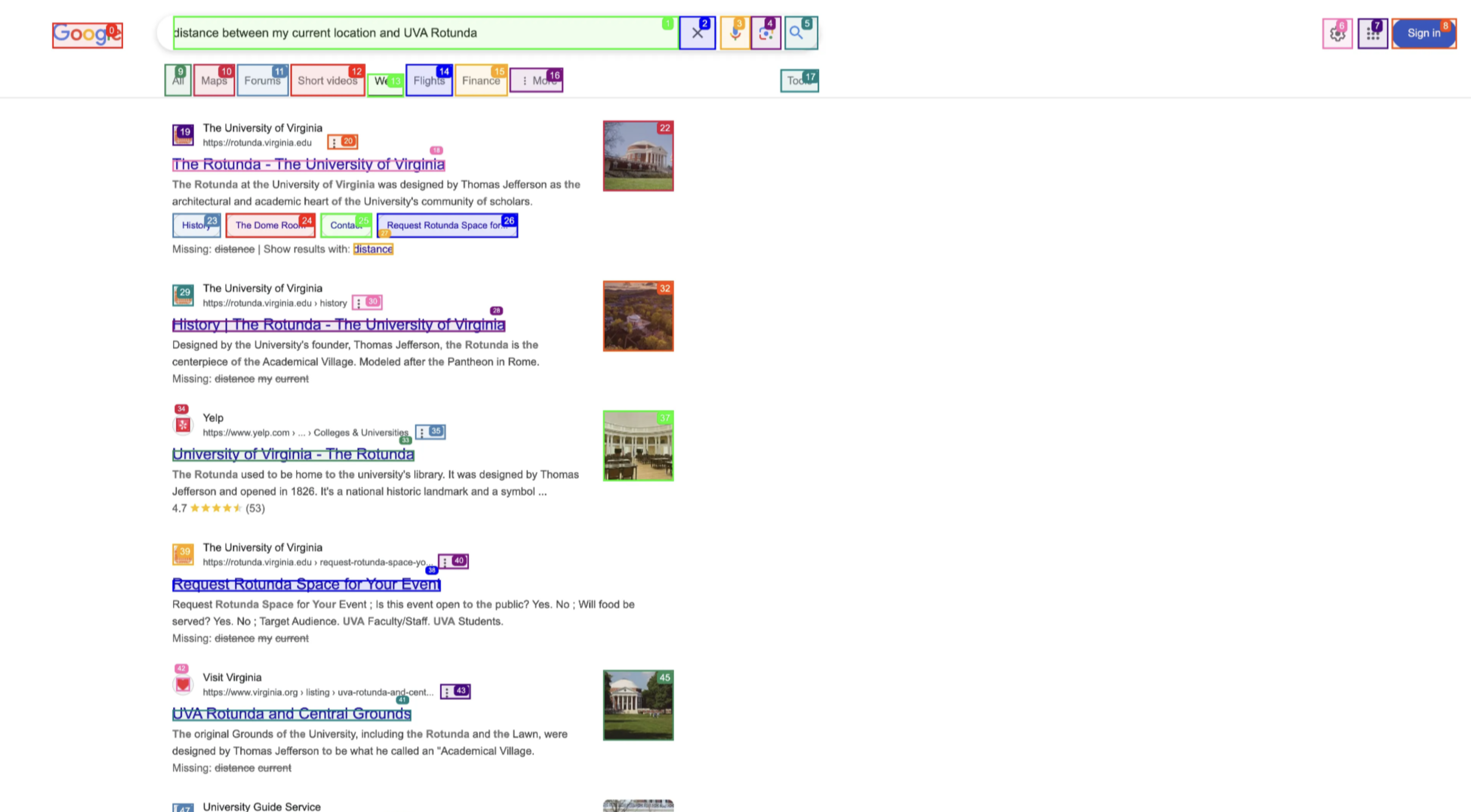
The application was developed with React and TypeScript, which we compiled into a production build. This build was then loaded into Electron, allowing us to combine web technologies with native desktop functionality. We also used Porcupine to enable wake word activation followed by Whisper to transcribe user voice requests. We then send these requests to a routing agent which determines whether the transcribed voice request is a browser request or conversational request. Conversational requests receive an OpenAI model response while browser requests perform the actions on the users browser. The app then goes through an AI agentic loop where it keeps evaluating the elements on the current browser page and decides what action to take. On every step of the loop it gets closer and closer to completing the current task, and once the agent evaluates the task has been completed it returns a success message.
Challenges we ran into
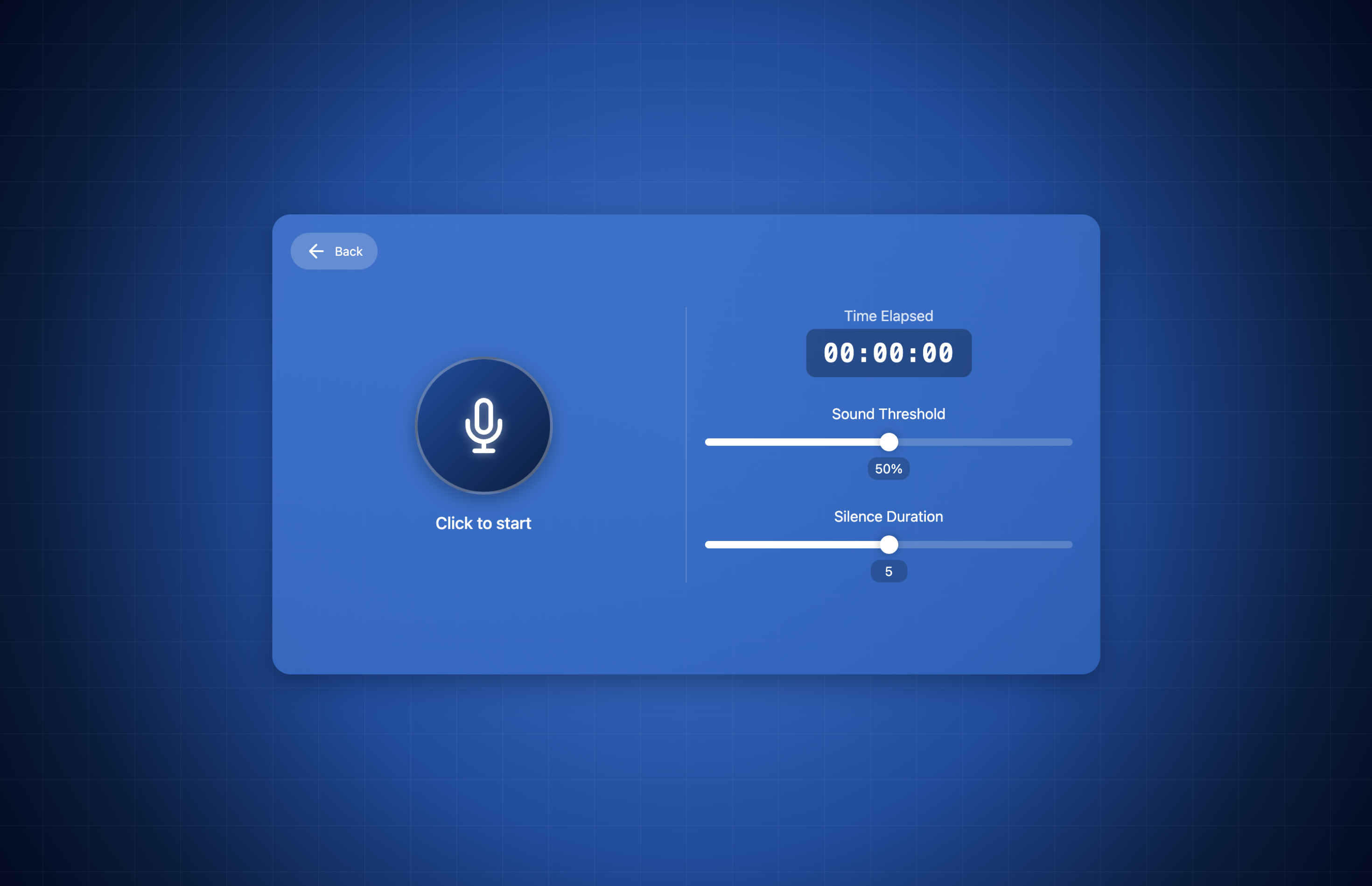
We ran into challenges when trying to capture user voice commands. We had to first create a sensitivity threshold to ensure that the user could adjust how loud they would have to speak in order for their commands to get picked up. We then had to set a silence threshold to determine when the command would end properly. A big issue during testing was that we did not realize that longer commands were getting cut off due to the silence threshold being triggered on the first frame of sound dropping below the sensitivity threshold. To fix this, we added a grace timer where 25 frames would have to drop below the sensitivity threshold before the silence timer triggered.
Accomplishments that we're proud of
We’re proud that TalkPilot can truly make the internet more accessible. Empowering users who normally struggle with navigation take full control of their browser with just their voice was incredibly rewarding. We also managed to keep the program fast and lightweight, ensuring it doesn’t slow down the browsing experience.
What we learned
- How to set up an Electron application
- How to set up wake word activation
- How to start and end voice capture based on sound levels
- How to create and play TTS messages
What's next for TalkPilot
One place for future exploration is to improve the natural language processing so that users can speak with TalkPilot more conversationally rather than having to use a keyword every time he/she would like to communicate with it. We also plan on supporting additional features such as being able to understand complex queries, such as opening up an application and performing task X, Y number of times.
Built With
- browser-use
- electron
- fastapi
- javascript
- openai
- porcupine
- python
- react
- typescript
- vite
- whisper

Log in or sign up for Devpost to join the conversation.