Inspiration
We were inspired by people who love gaming and technology but don’t have access to expensive hardware like VR headsets, AR devices, or gaming consoles. Growing up, we loved games like Wii Sports Resort, they brought joy, motion, and connection through play. But not everyone gets to experience that kind of fun.
So, we want to bring that happiness and immersion to anyone, using only a laptop and a webcam. No controllers, no headsets, just your hand, your imagination, and a bit of code. That’s how Talk to the Hand was born.
What it does
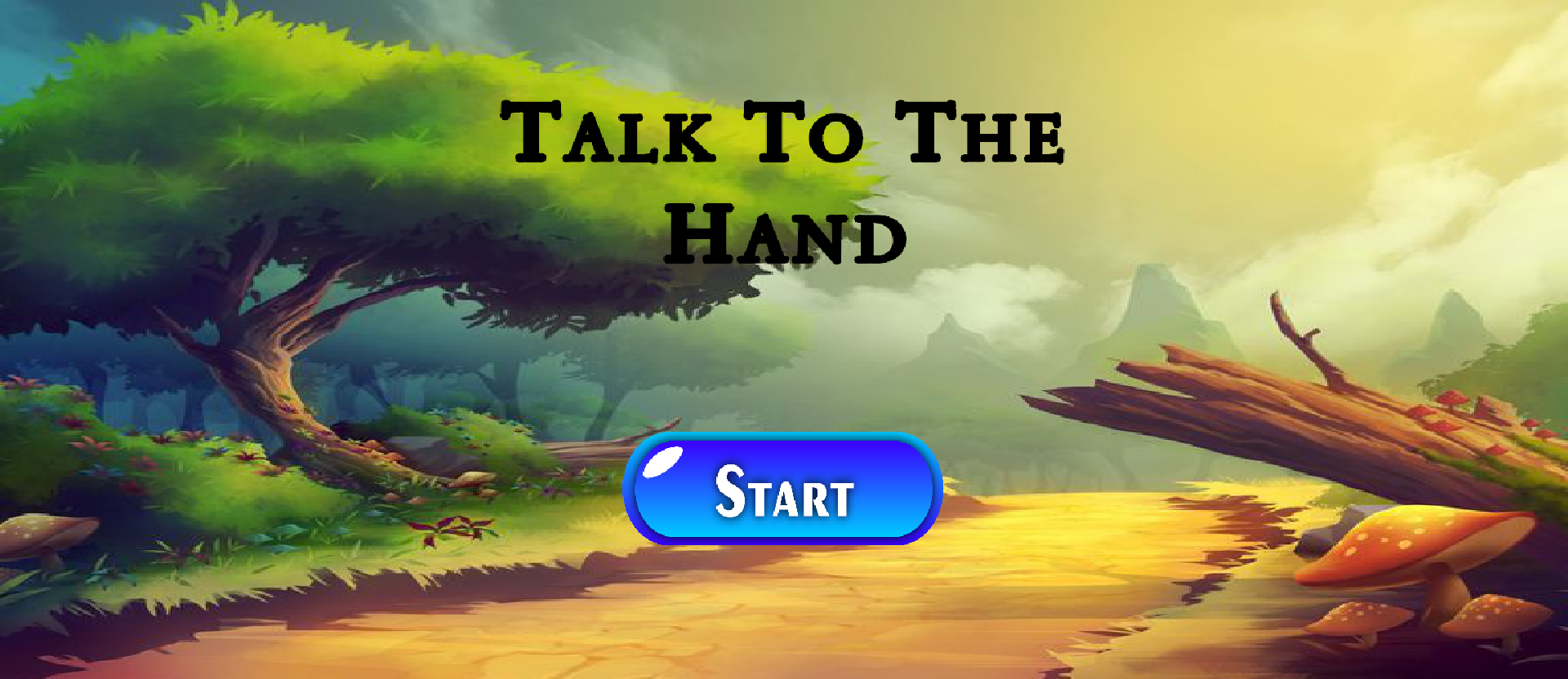
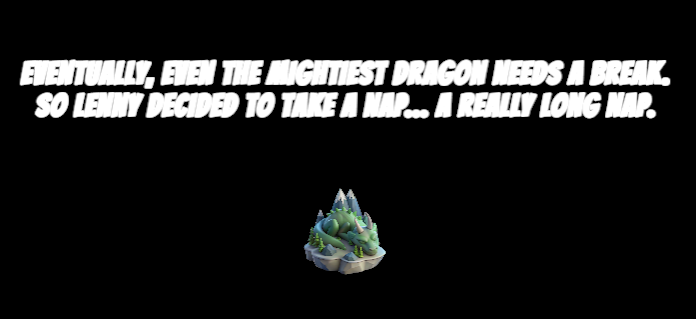
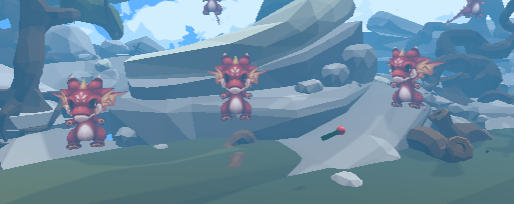
Talk to the Hand is a gesture-based computer vision game where you protect Lenny, one of Knight Hacks' mascots, from jealous baby dragons trying to steal his glory while he’s asleep.
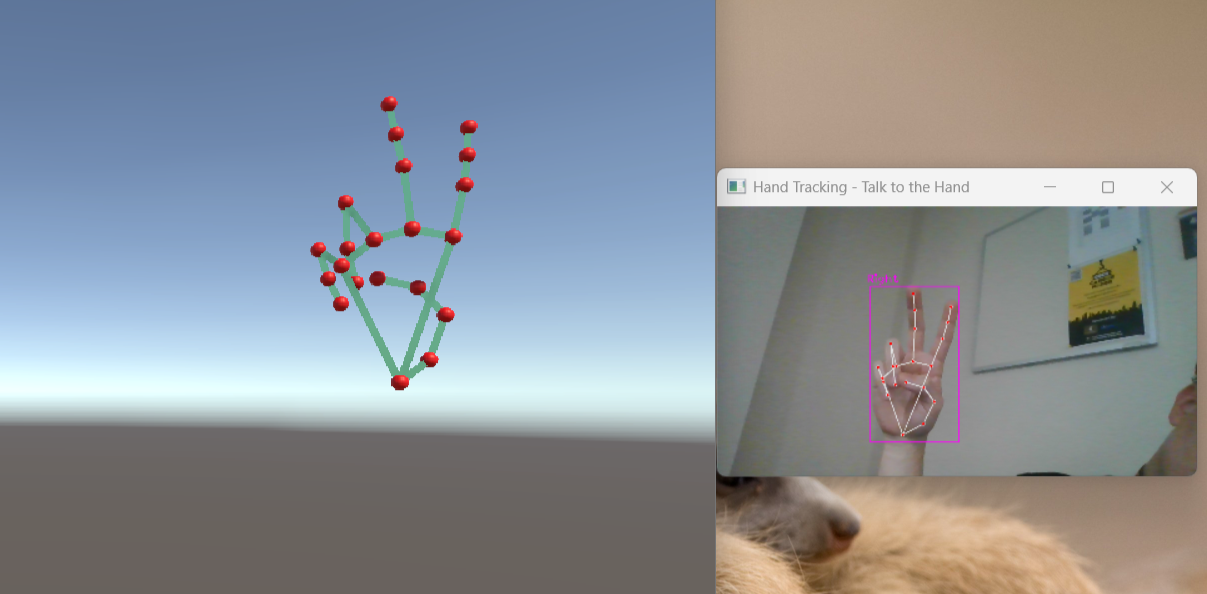
- Open your hand to shoot fireballs at enemies.
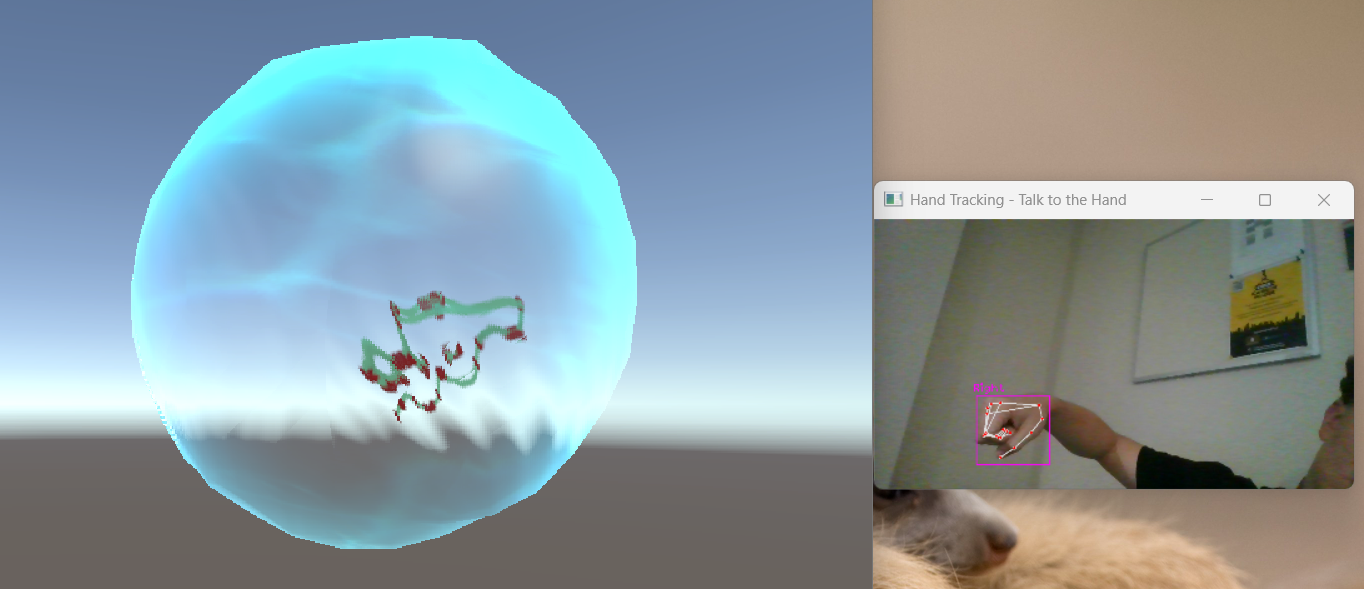
- Make a fist to summon a shield and block their attacks.
It’s an accessible, motion-controlled experience, powered only by your webcam, no extra equipment needed.
How we built it
We built Talk to the Hand using:
Python for the backend
OpenCV, MediaPipe, and CVZone for hand tracking and gesture recognition
Unity for gameplay, visuals, and physics
C# for Unity scripting
Visual Studio Code as our main development environment
Our pipeline captures the webcam input, processes it through MediaPipe’s 21 hand landmarks, and interprets gestures like “open palm” or “fist.” That data is then sent to Unity, where it triggers the appropriate in-game action (fireball or shield) and visually displays your hand’s movement in real time.
The best part: it runs on any computer with a webcam, making advanced motion gaming accessible to everyone.
Challenges we ran into
Like any true hackathon project, we had a few problems along the way:
Setting up Unity’s Version Control (Plastic SCM) was tougher than expected, so we opted to use Git and Github instead.
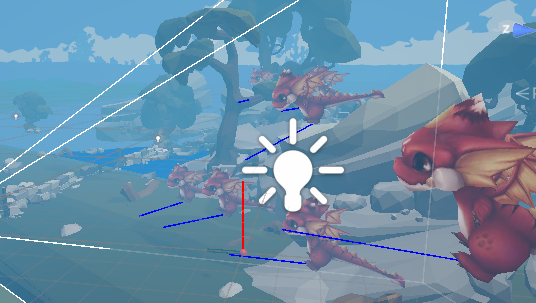
Getting Unity to properly visualize the hand model, initially, it was flipped, mirrored, or moving unnaturally.
Calibrating fireball aiming and getting the shield physics to feel right.
Managing time, two of our three team members had major event responsibilities during the hackathon, so the bulk of the work happened under real pressure.
Accomplishments that we're proud of
We achieved smooth and accurate hand tracking that reliably distinguishes open palms and fists.
Built a fully functional, 3D Unity game with computer vision input, this is our biggest 3D project yet!
-Managed to created a fun, inclusive experience that doesn’t require expensive gear.
-Most importantly, we pulled it off with limited team availability and time.
What we learned
How to integrate OpenCV, CVZone, and MediaPipe with Unity.
How MediaPipe’s 21 hand landmarks work to track each joint and finger.
How to synchronize real-time Python data with Unity’s game environment.
How to manage 3D object positioning, camera perspective, and first-person gameplay in Unity.
And most importantly, how to make technology more accessible, creative, and human.
What's next for Talk to the Hand
We want to keep expanding Talk to the Hand so anyone, regardless of resources, can play this kind of immersive games, therefore we want to:
Add more gestures, spells, and levels.
Develop a multiplayer or co-op mode for chaotic fun.
Improve the hand tracking for different lighting and camera setups.
Eventually make it available as a web-based or downloadable game, playable on any standard laptop.
For us, this project isn’t just about gaming, it’s about accessibility, creativity, and joy. We’re proving that you don’t need a $500 headset to experience something magical.


Log in or sign up for Devpost to join the conversation.