-
-
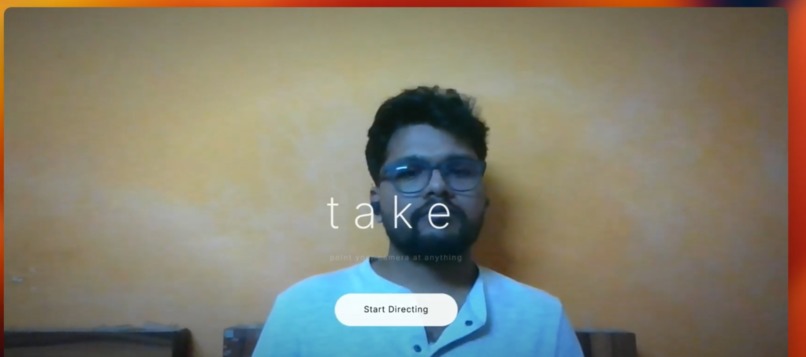
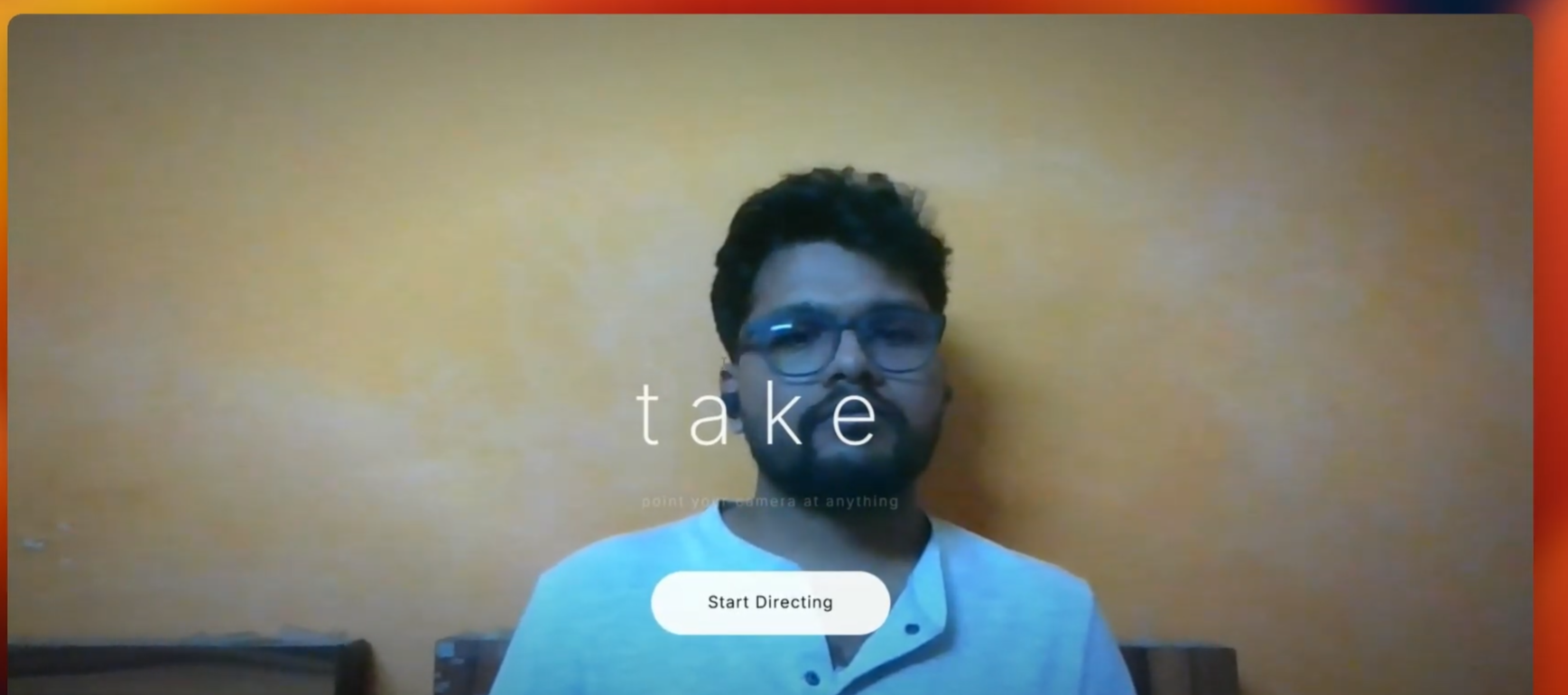
Landing Page
-
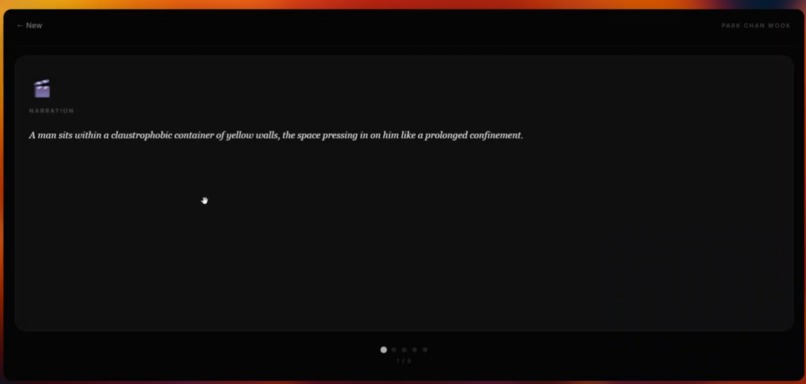
lighting, sound and camera page
-
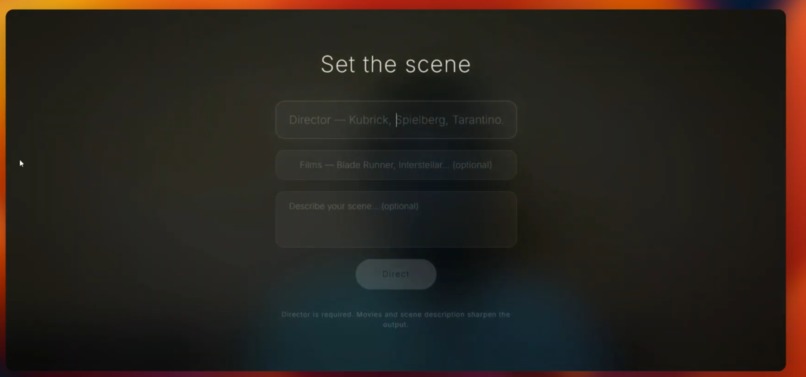
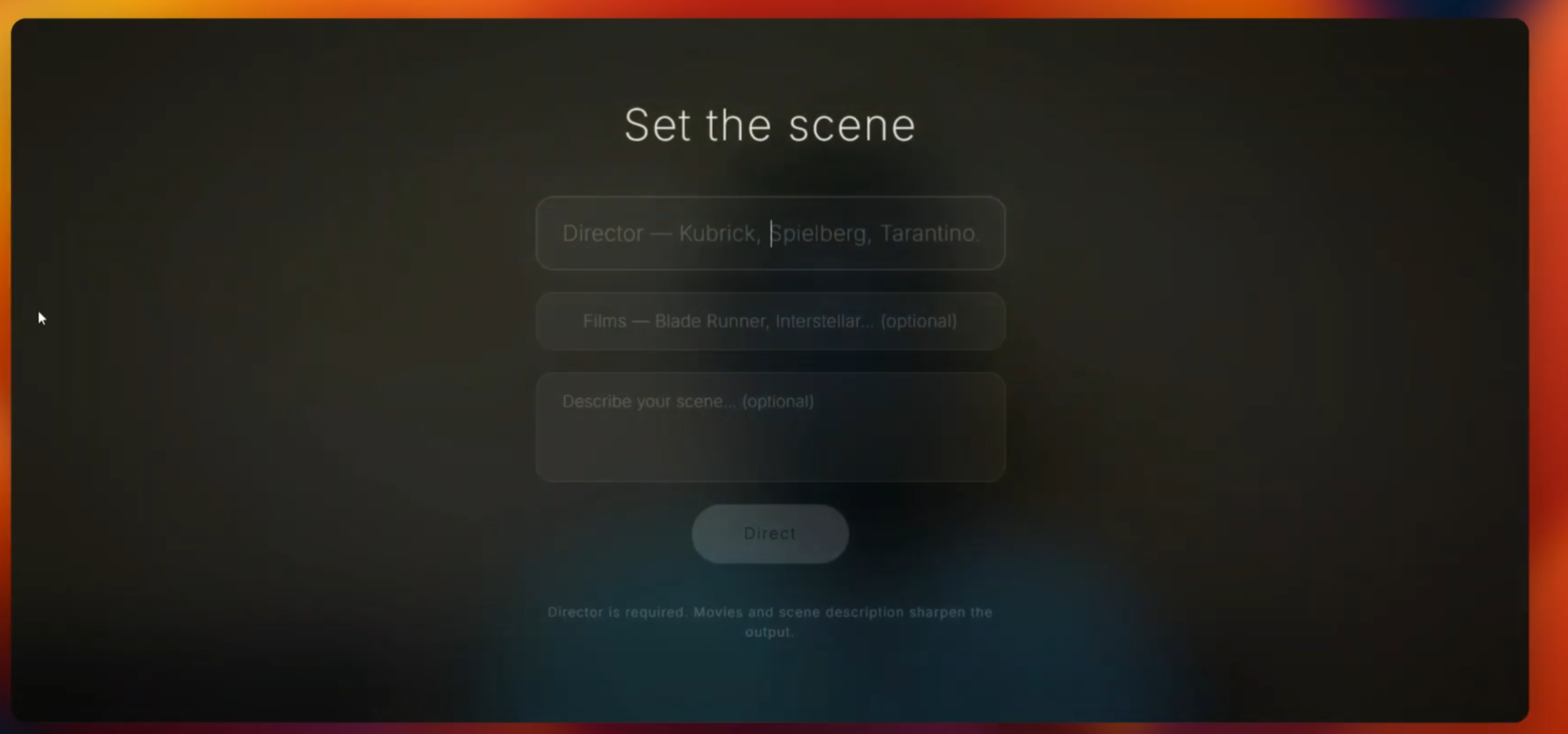
user input details page
-
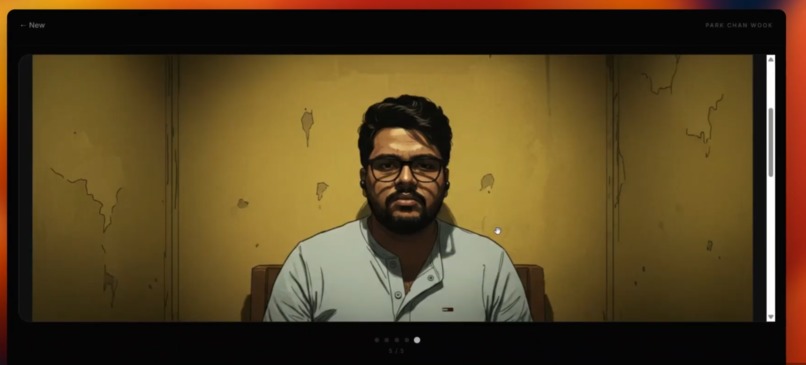
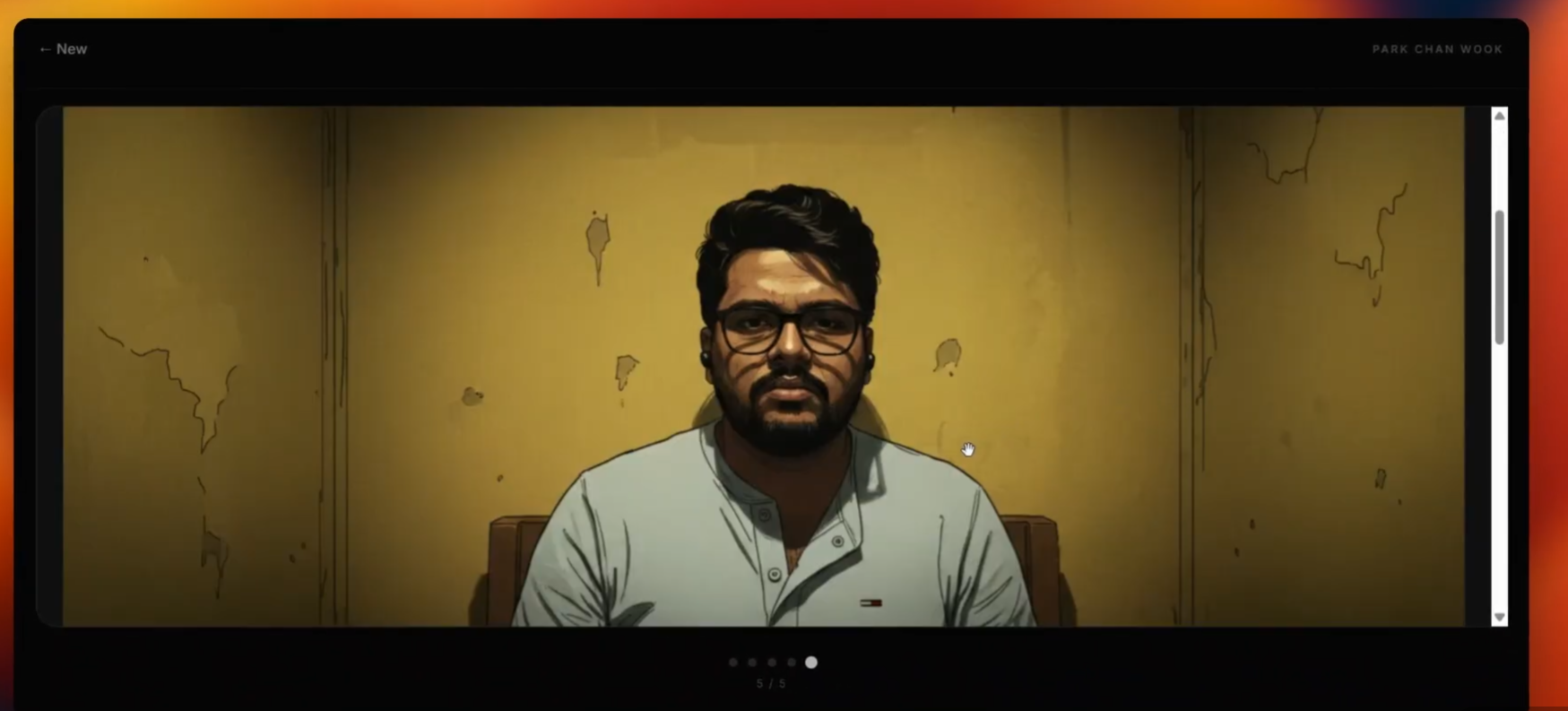
frames generated page
-
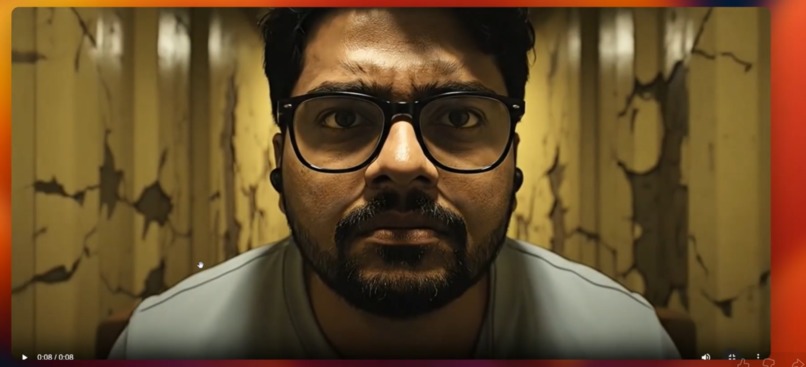
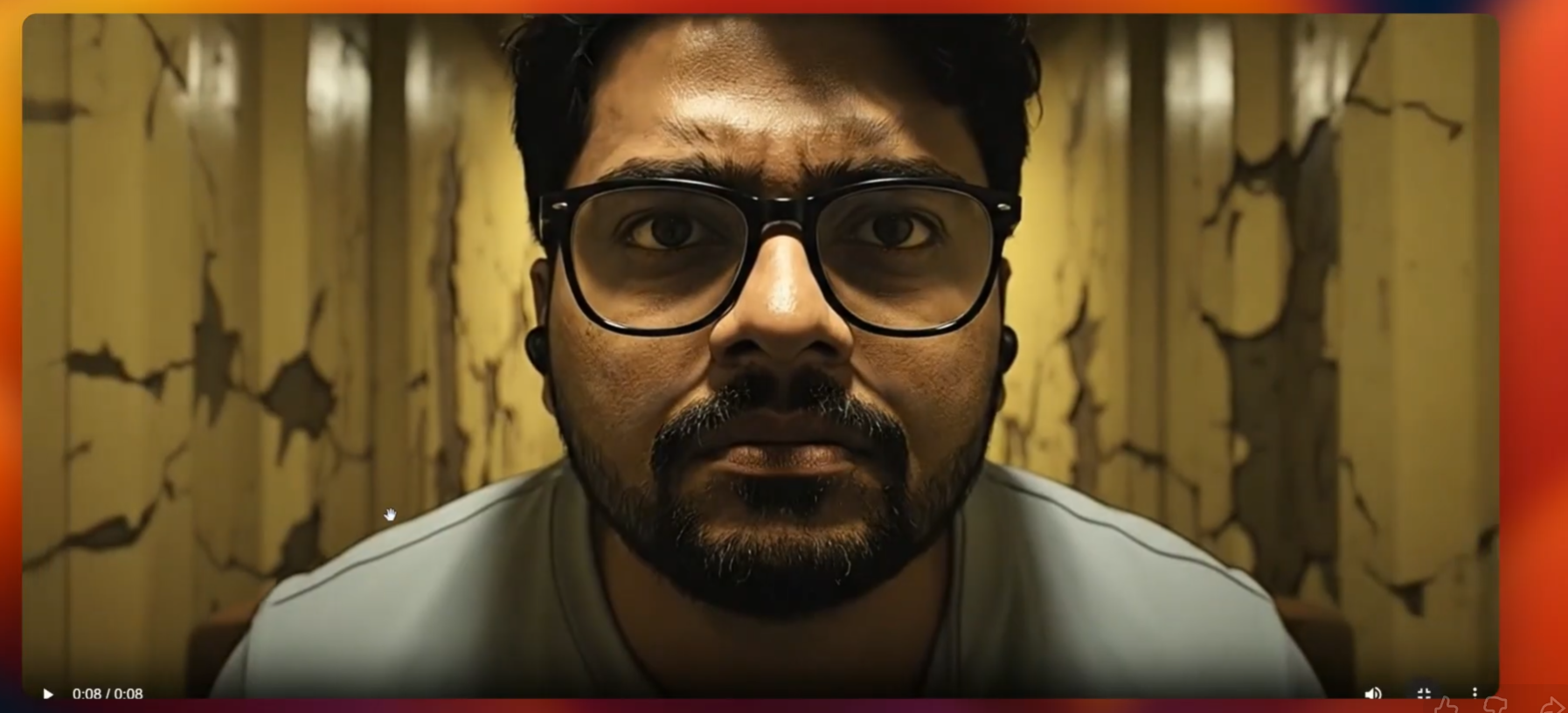
video generated page
Inspiration
50M+ creators on TikTok and Reels want their content to look more cinematic. "How to make my videos look professional" is searched millions of times every month — but most people don’t know where to start with framing, lighting, or style. We wanted to put a film director in your pocket: point your phone at anything, name a director, and get live, style-specific creative direction and a real short film, not just tips.
What it does
Take turns your phone’s camera into a live film director. You point at anything — your coffee cup, a street, your dog — type a director’s name (Kubrick, Wes Anderson, Miyazaki, anyone), optionally add reference films and a creative brief, and the AI:
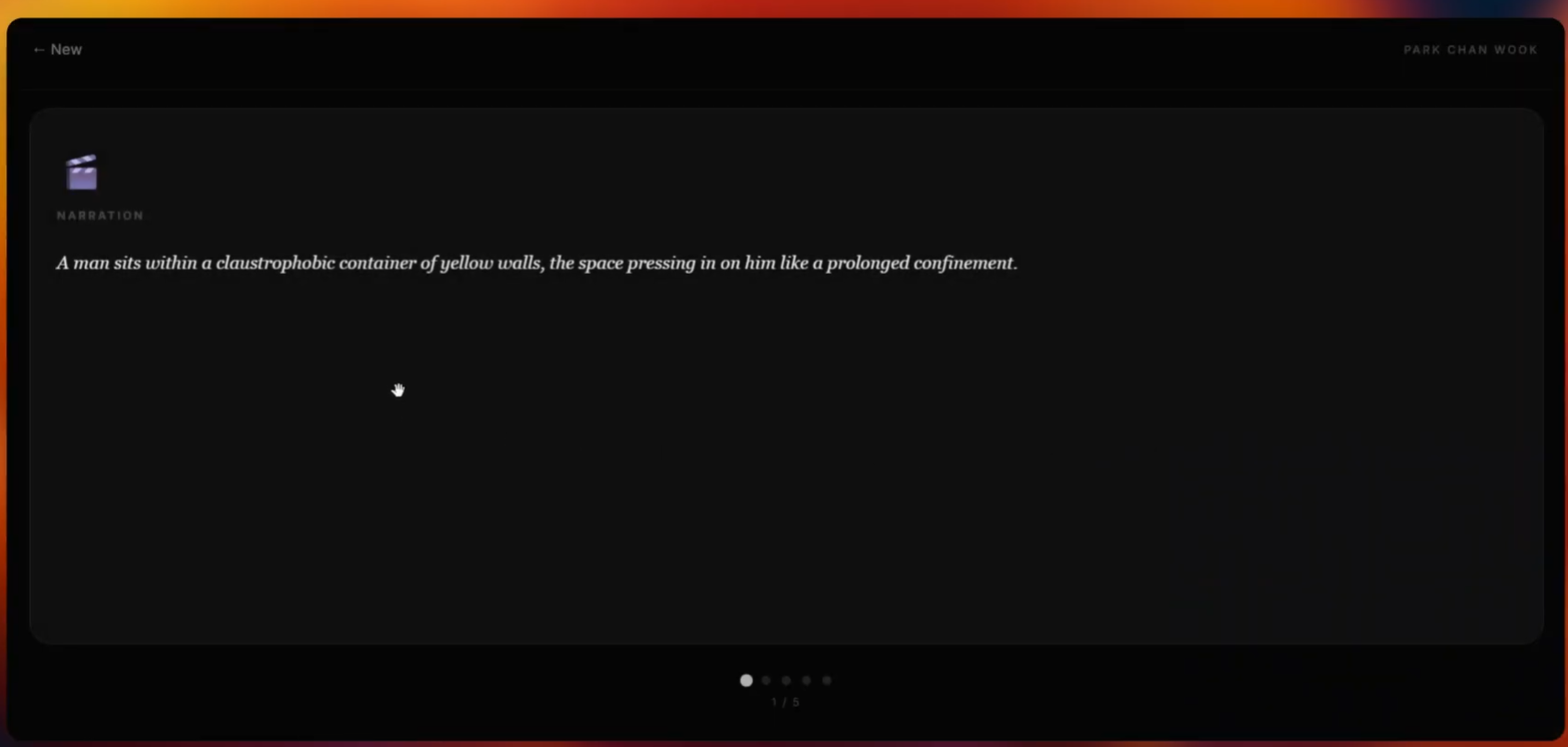
- Narrates your scene in that cinematic style (you hear it live).
- Directs the shot — camera angles, movements, framing — in plain English.
- Suggests lighting and color — mood, grading, atmosphere.
- Designs the soundtrack — music cues, ambient sound, score.
- Draws a storyboard — 3 AI-generated frames of what the final film could look like.
- Generates a video — an 8-second cinematic clip using Google’s Veo 3.1.
You get swipeable cards (Narration, Camera, Lighting & Color, Music & Sound, Storyboard, Video) and can go from “point and name a director” to a finished Veo clip in one flow.
How we built it
- Frontend: React + Vite, Tailwind CSS. Camera capture and 1 fps frame capture, WebSocket for live streaming to the backend, custom PCM audio playback for the director’s voice, transcript parsing (spoken markers + keyword fallback) into structured cards, swipeable card stack and video player.
- Backend: FastAPI on Python 3.12. WebSocket endpoint for bidirectional streaming; Google ADK with Gemini Live (gemini-live-2.5-flash-native-audio) for the director agent; REST endpoints for storyboard (Gemini 2.5 Flash Image on Vertex / image preview locally) and video (Veo 3.1 via Vertex long-running prediction or Developer API). Storyboard frames can be sent as image conditioning for Veo.
- Agent: Single ADK agent with strict instructions: no meta-talk, four parts (narration → “Now for the camera.” → “Now for the lighting.” → “Now for the music.”) so the frontend parser can split narration, camera, lighting, and music reliably.
- Deployment: Cloud Run (backend), Firebase Hosting (frontend), GitHub Actions for CI (pytest + Vitest) and deploy. Vertex AI with the Cloud Run service account for production.
Challenges we ran into
- Structured voice output: Getting the agent to always use the exact spoken transitions (“Now for the camera.”, etc.) and avoid intros or markdown so the parser could reliably build the four cards.
- Veo 3.1 integration: Long-running jobs, polling, timeouts, and handling filtered content; we added fallbacks (e.g. retry without storyboard image, then with a simpler prompt).
- Live pipeline: Keeping camera frames and audio streaming over WebSockets to Gemini Live with the right modalities, and reconnecting gracefully when the Cloud Run WebSocket timed out during long sessions.
Accomplishments that we're proud of
- End-to-end flow from “point and name a director” to a real Veo 3.1 clip, with one agent that both watches the scene and speaks in the chosen director’s voice.
- A parser that turns that voice into clean, swipeable cards (narration, camera, lighting, music, storyboard, video) without brittle regex.
- Optional storyboard-to-video with image conditioning so the generated clip can match the AI-drawn storyboard.
- Shipping a working stack on Cloud Run + Firebase with CI/CD and Vertex AI in production.
What we learned
- How to drive Gemini Live and Veo 3.1 from a single FastAPI app (WebSocket + REST) and how to structure agent instructions so that spoken output is both natural and machine-parseable.
- Tradeoffs of Vertex long-running prediction vs. Developer API for video (auth, polling, error handling).
- Designing for “director in your pocket” UX: camera-first, minimal inputs (director + optional films/brief), and clear progression from live direction → cards → storyboard → video.
What's next for Take
- Support for more director styles and reference films, and optional voice selection for the director.
- Saving and sharing projects (director + storyboard + video) and optional export to social formats.
- Improving robustness of Veo prompts and fallbacks so more styles and scenes pass content policy without losing creativity.
- Exploring shorter or longer clip lengths and multi-shot sequences.
Built With
- adk
- gcs
- javascript
- pillow
- python
- veo
- vertex

Log in or sign up for Devpost to join the conversation.