Inspiration
As someone who struggled to keep food spending in check—watching takeout runs and impulse grocery buys eat into my monthly budget—I wanted a tool that didn’t just track expenses, but taught me how to optimize. I noticed friends and family faced the same issue: food costs felt invisible until the credit card bill arrived. That’s when I set out to build something that made food budgeting intuitive, not tedious.
What it does
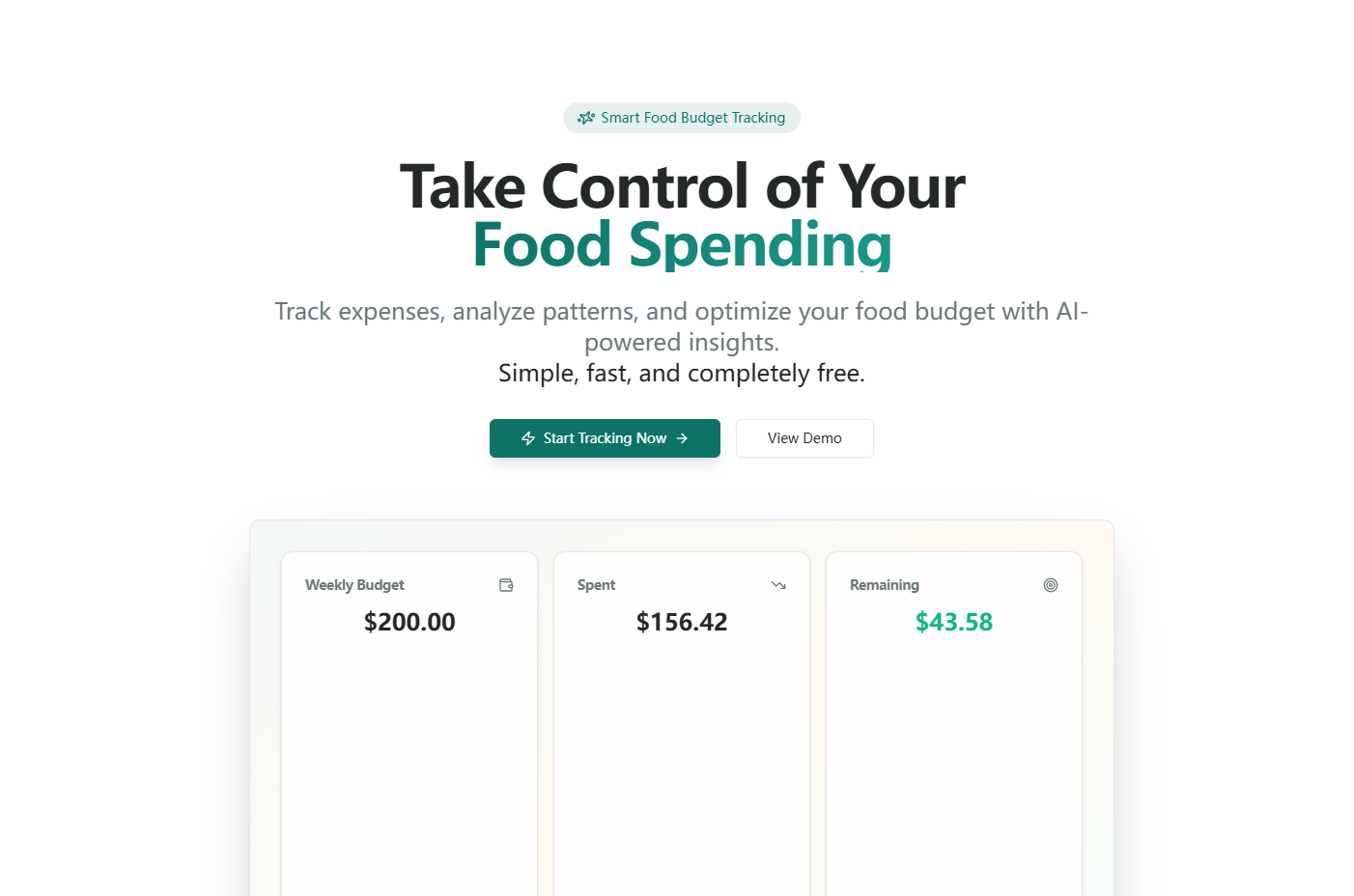
FoodBudget AI lets users set weekly/monthly food budgets, log expenses across categories (grocery, takeout, coffee), visualize spending via charts, and get AI-powered savings tips (e.g., cutting frequent takeout, bulk-buying proteins). It keeps users informed of budget progress in real time and alerts them when they’re nearing limits.
How we built it
I started by mapping core user needs (fast expense logging, clear visualizations, personalized tips) to the tech stack. I used React for the frontend to keep the UI responsive, Chart.js for dynamic spending charts, and LocalStorage to store data without requiring logins. The AI recommendation logic was built with JavaScript, using spending pattern analysis to trigger tailored suggestions. I prioritized mobile-first design to ensure usability on the go—critical for quick grocery store entries.
Challenges we ran into
The biggest hurdle was perfecting the budget calculation logic: ensuring monthly budgets split evenly into weekly targets, and real-time remaining budget calculations stayed accurate even with over-budget entries. I also struggled with making the auto-categorization of expenses intuitive—balancing automation with user control took multiple iterations of testing with real-world spending data.
Accomplishments that we're proud of
We built a tool that lets users log an expense in under 10 seconds (thanks to quick-add buttons) and delivers hyper-personalized savings tips based on their unique habits. The charts render flawlessly on both mobile and desktop, and the demo mode (with realistic spending data) lets users test the tool without inputting real info—making it accessible to everyone.
What we learned
I learned how to translate complex budget logic into simple, user-friendly UI/UX—what’s technically accurate doesn’t always matter if it’s not easy to understand. I also gained insight into behavioral economics: users respond better to gentle alerts (80% budget threshold) than harsh over-budget warnings, which shaped how we designed the notification system.
What's next for this project
Next, I want to add optional receipt scanning (via OCR APIs) to automate expense logging further. I also plan to introduce seasonal savings tips (e.g., summer produce bulk-buying) and a simple sharing feature for households to track shared food expenses. Finally, I’ll refine the AI recommendation engine to incorporate local grocery prices, making tips even more actionable for users across different regions.

Log in or sign up for Devpost to join the conversation.