-
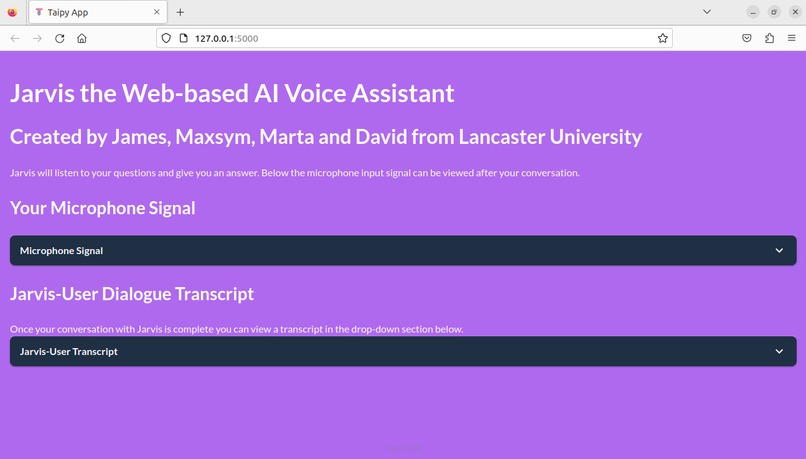
The GUI makes use of expandable visual elements to show graphs and text.
-
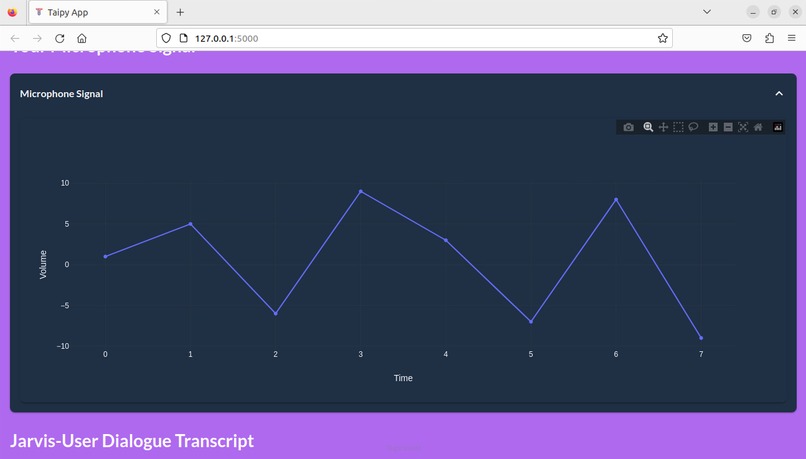
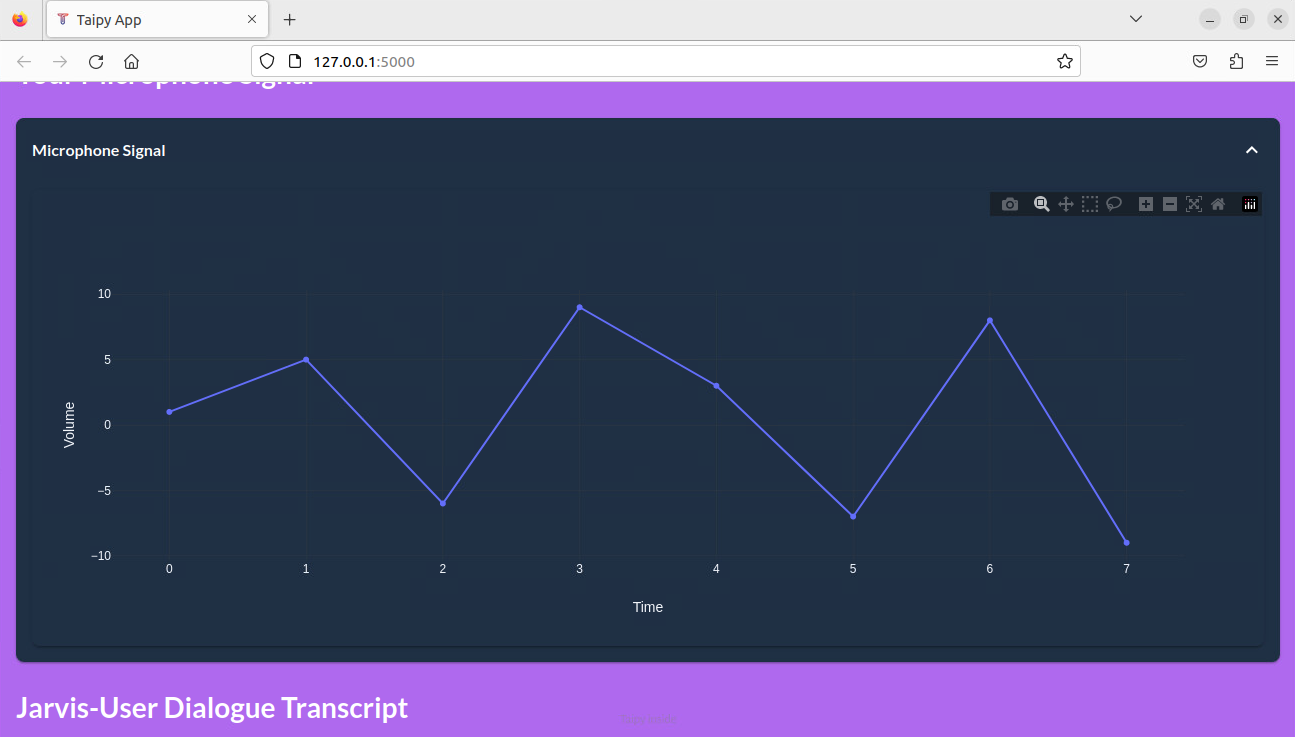
The GUI displays a model of how a microphone input signal might look.
-
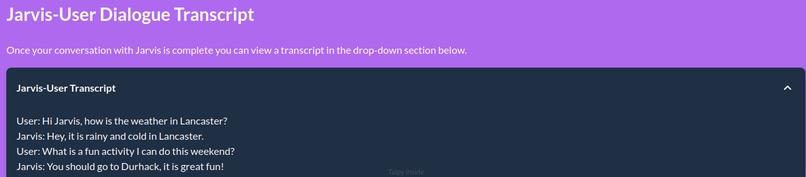
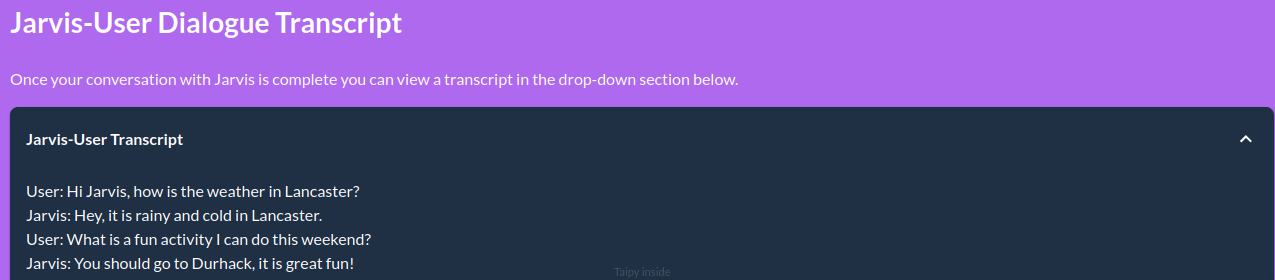
A model of how Jarvis might respond to user questions.
-
Generated images by Jarvis.
-

chat gpt answered both verbaly and written on the question



Inspiration - Our team needed a UI and we were inspired to produce a GUI for our AI assistant similar to the interface for ChatGPT.
The assistant is called Jarvis and it is able to perform some simple tasks such as opening google, youtube, vs code, generating images depending on the topic, and asking chatGPT opinion on some questions.
What UI does - Models/Demos how the outputs from our AI assistant such as voice signal from the microphone and a transcript of the user's conversation with Jarvis would look on a Taipy page.
How we built it - Using a combination of Python and Taipy we were able to construct the UI.
Challenges we ran into - Writing the valid Taipy syntax for styling and to produce the visual elements involved quite a steep learning curve and much effort and time.
Accomplishments that we're proud of - We are proud of how professional the GUI looked, Taipy appears to be a very powerful tool to use for GUI design especially when presenting graphical data. We also liked the expandable elements that we incorporated into our GUI.
What we learned - Much time and patience was needed to get coding with this unfamiliar library, especially to understand and write the correct syntax. But ultimately our patience and effort was rewarded with a sleek and polished GUI thanks to Taipy.
What's next for Taipy GUI for Jarvis AI Assistant - Next we will need to link the GUI to the AI assistant and microphone to bring the actual data to the GUI for presentation.
Built With
- python
- taipy

Log in or sign up for Devpost to join the conversation.